
 View on Asset Store (opens in new tab)
Package details
- Latest version
- 1.0
- Last updated
- First released
- Unity version
- 2022.3.56 or later
- Package size
- 1.6 MB
- Files
- 7
- Favorites
- 8
- Views in the past week
- 15
Price tracking
- Last checked
- Tracked since
- Lowest recorded
- Free on
Keywords

Instant AudioTools
- Price drop
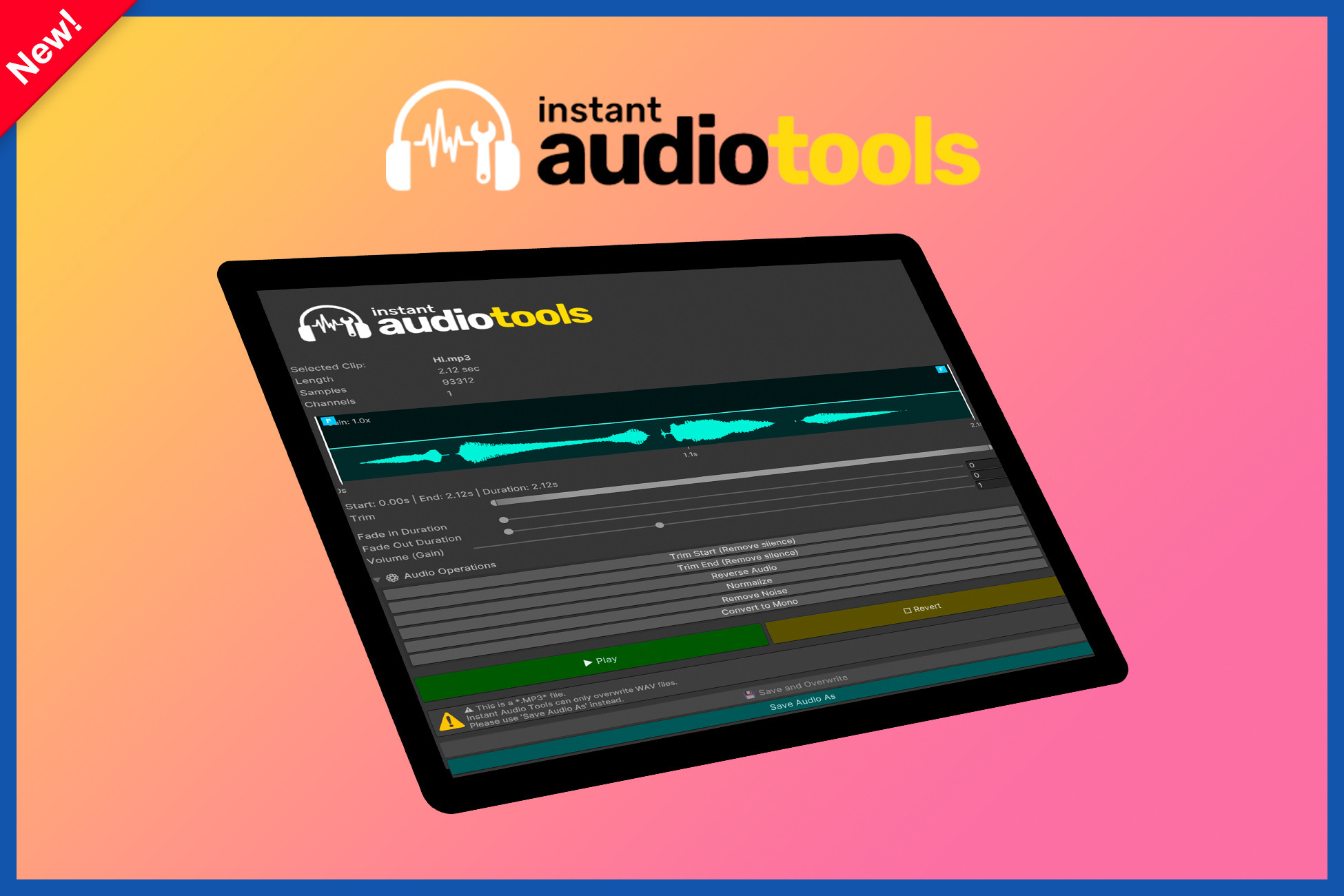
Instant Audio Tools is a visual audio editing tool for Unity that lets you trim, fade, adjust gain, and preview AudioClips directly inside the Editor. Edit and export audio quickly from inside Unity.
Affiliate link · Purchases support this site
Price history
Last 6 months
USDAsset preview
1 / 2

Instant AudioTools screenshot 1

About this asset
Instant Audio Tools is a powerful editor-only utility that brings practical audio editing directly into the Unity Editor. It allows developers and sound designers to visually trim, fade, and adjust AudioClips using an intuitive waveform-based interface, enabling fast iteration without leaving Unity.
The tool supports real-time previewing and non-destructive editing, so changes can be tested safely before saving or exporting. Additional built-in audio operations - such as silence trimming, normalization, noise reduction, reversing, and mono conversion - make common audio tasks quick and efficient.
Instant Audio Tools is ideal for game developers who want tighter control over their audio workflow while keeping everything inside the Unity ecosystem.
Key Features
- Waveform-based audio editing inside Unity
- Visual trim, fade-in/out, and gain controls
- Real-time audio preview
- Non-destructive editing until export
- Built-in audio operations (normalize, silence removal, reverse, mono conversion, noise reduction)
- “Save As” and WAV overwrite options
- Lightweight, editor-only tool
A practical solution for polishing audio assets quickly and efficiently without external tools.
From the publisher's Asset Store listing.
Technical details
Key Features (Technical)
- Editor-only AudioClip editing tool (no runtime impact)
- Waveform visualization generated directly from AudioClip sample data
- Visual trim handles for precise start/end selection
- Fade-in and fade-out controls with draggable visual handles
- Gain (volume) adjustment with interactive horizontal drag line
- Real-time audio preview inside the Unity Editor
- Non-destructive editing workflow until save/export
- WAV overwrite support for existing AudioClips
- Save-As export for creating new edited audio files
- Built-in audio operations
- Sample-accurate processing based on clip frequency and channels
- Supports multi-channel AudioClips
- Automatic clamping of fades within trimmed range
- Visual feedback for excluded (trimmed-out) regions
- Unity Editor GUI-based implementation (no external dependencies)
- Designed for fast iteration and asset polishing workflows
Compatibility
| Unity version | Built-in | URP | HDRP | Custom |
|---|---|---|---|---|
| 2022.3.56f1 | Compatible | Compatible | Compatible | Compatible |
As listed on the Asset Store.