
 View on Asset Store (opens in new tab)
Package details
- Latest version
- 2.0
- Last updated
- First released
- Unity version
- 6000.3.6 or later
- Package size
- 317 KB
- Files
- 17
- Favorites
- 2
- Views in the past week
- 1
Price tracking
- Last checked
- Tracked since
- Lowest recorded
- Free on
Keywords

Beginner Editor Tools Pack for Unity
Lightweight Unity Editor toolkit for beginners. Includes Batch Rename Tool, Material Applier, and Quick GameObject Creator to improve workflow speed and simplify common editor tasks.
Affiliate link · Purchases support this site
Price history
Last 6 months
USDAsset preview
1 / 24

Beginner Editor Tools Pack for Unity screenshot 1


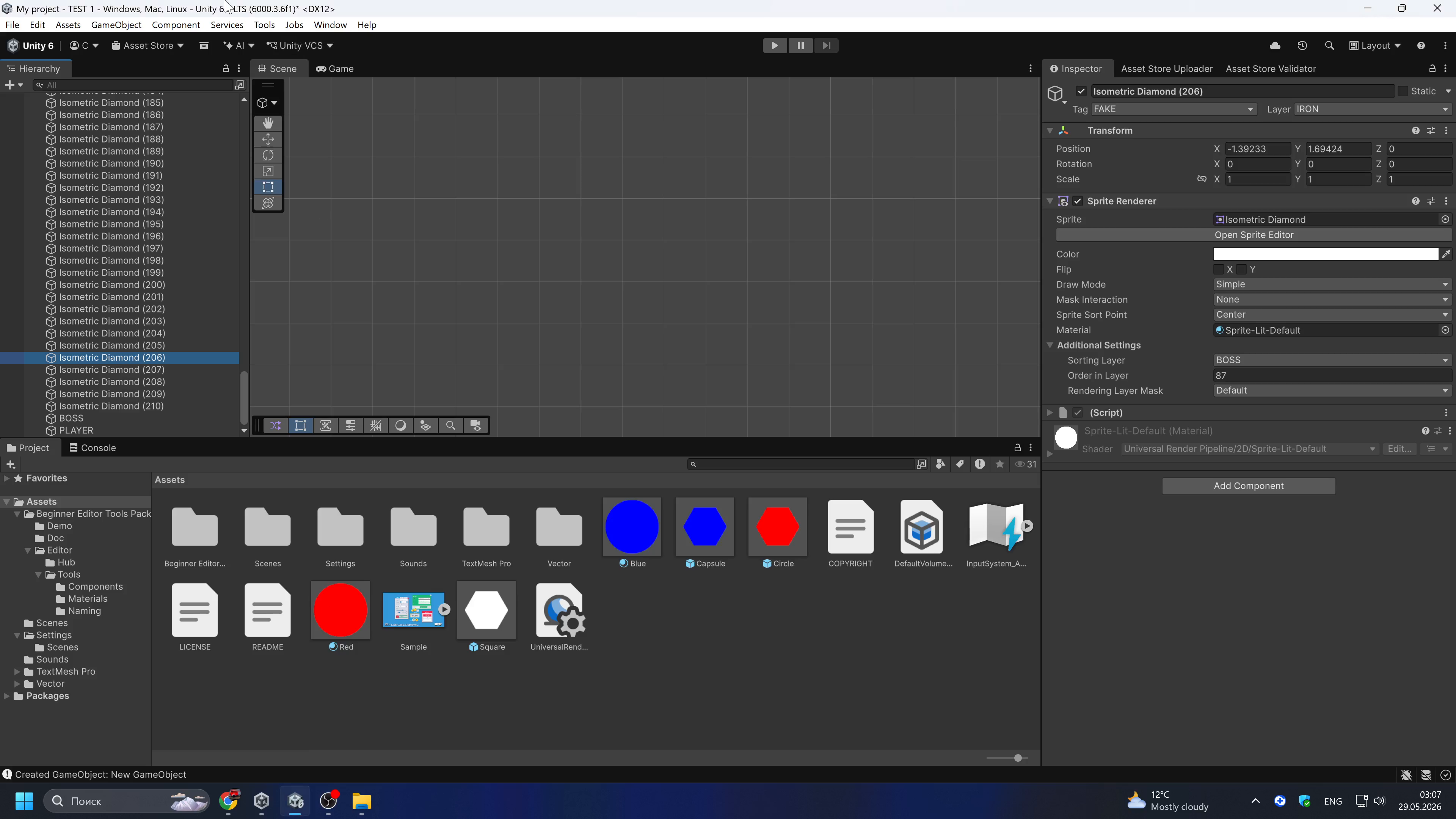
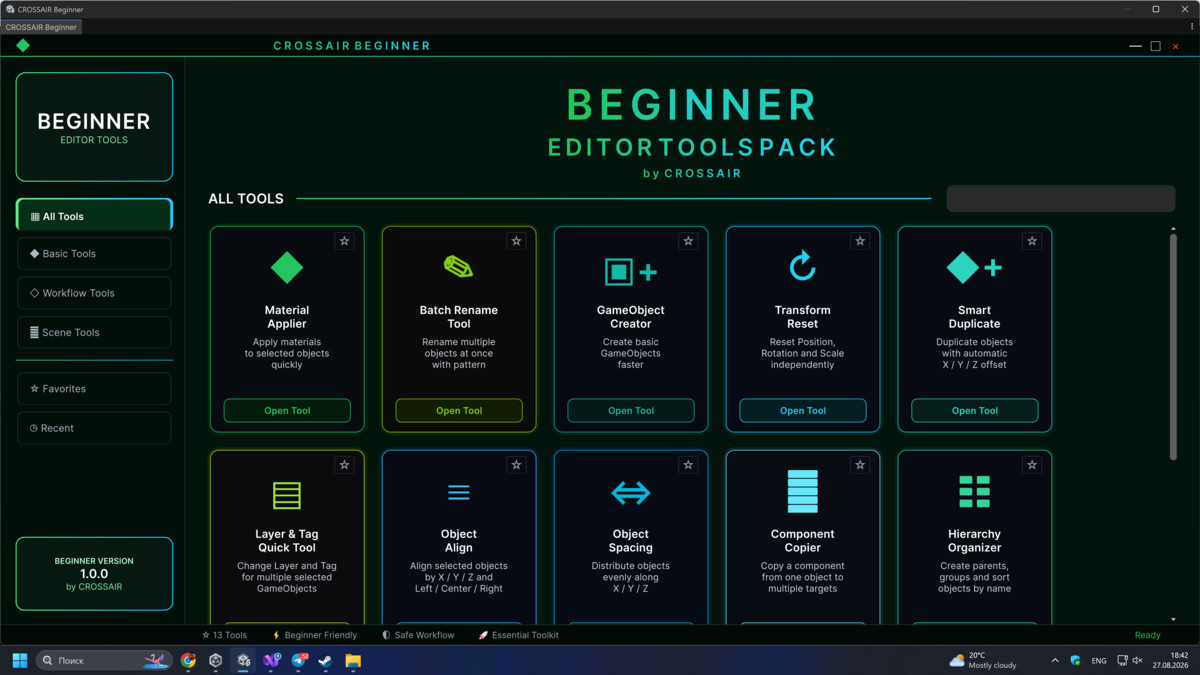
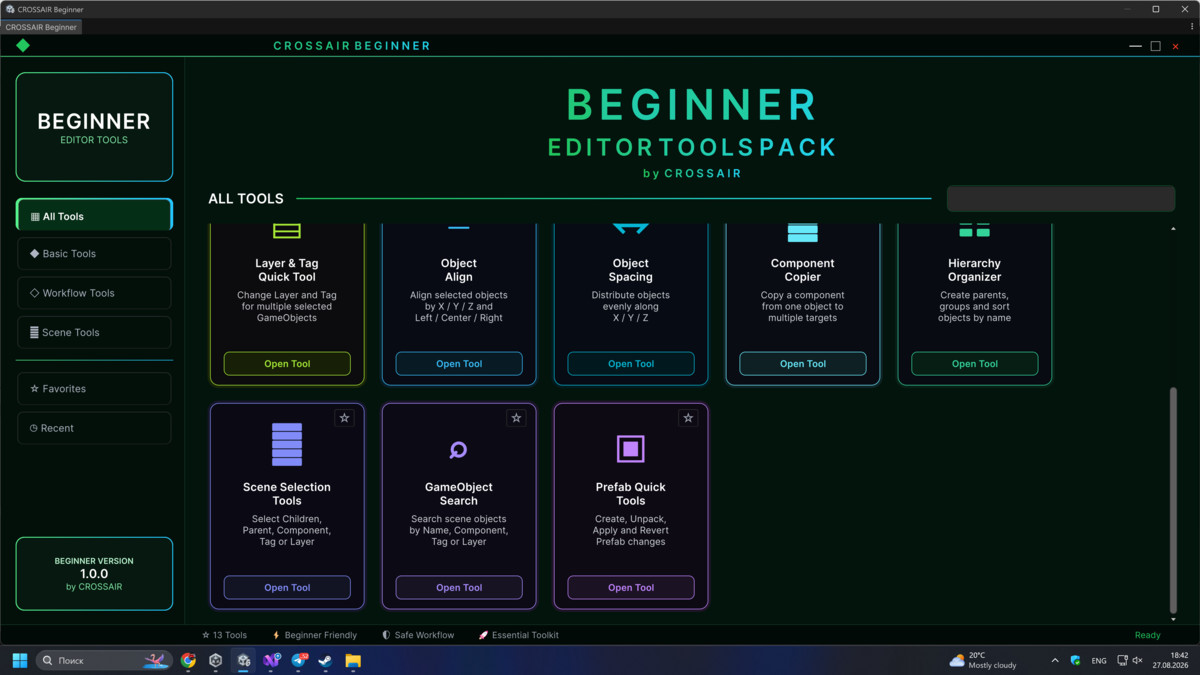

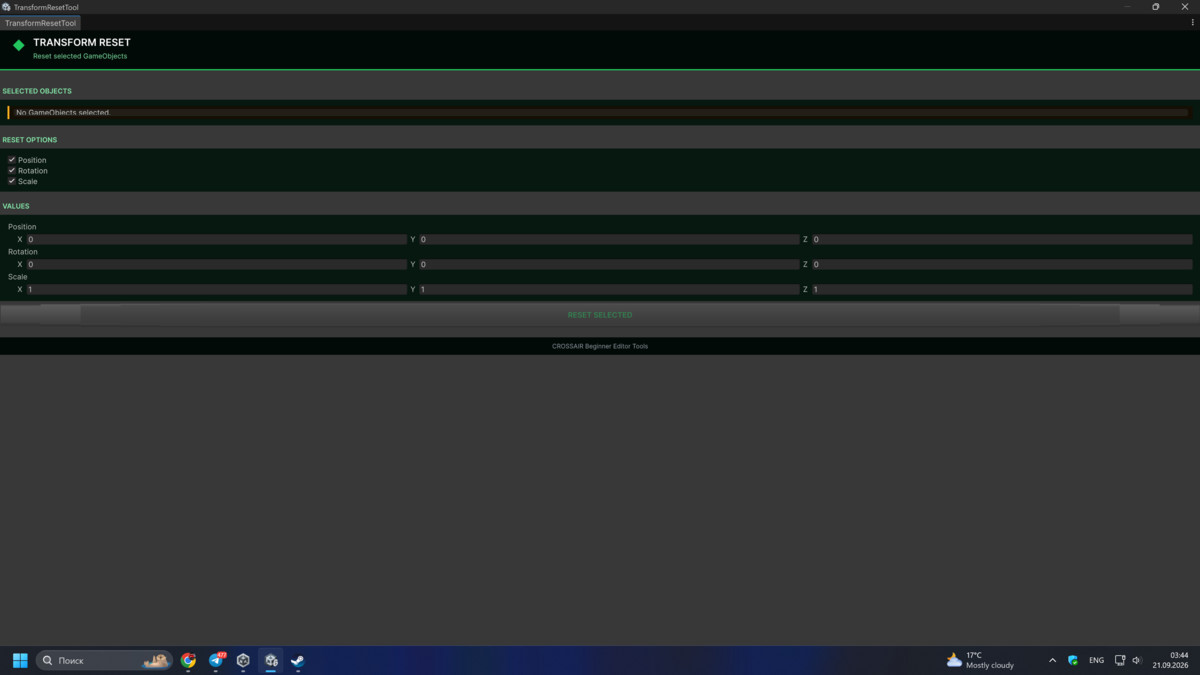
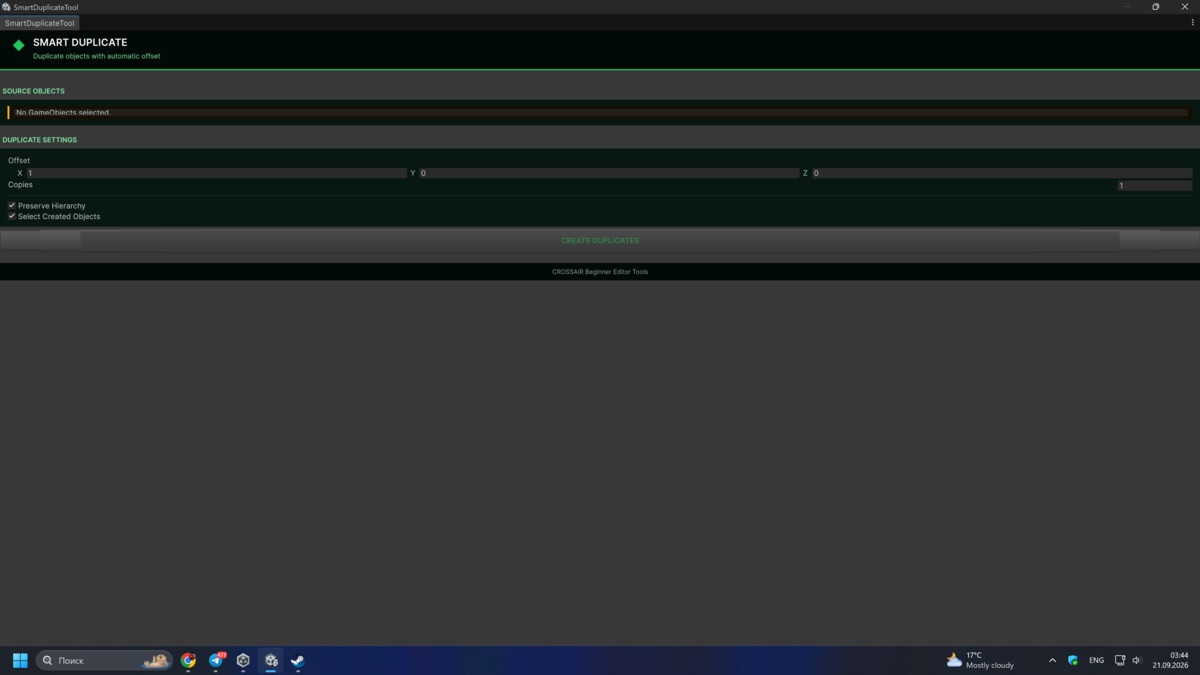
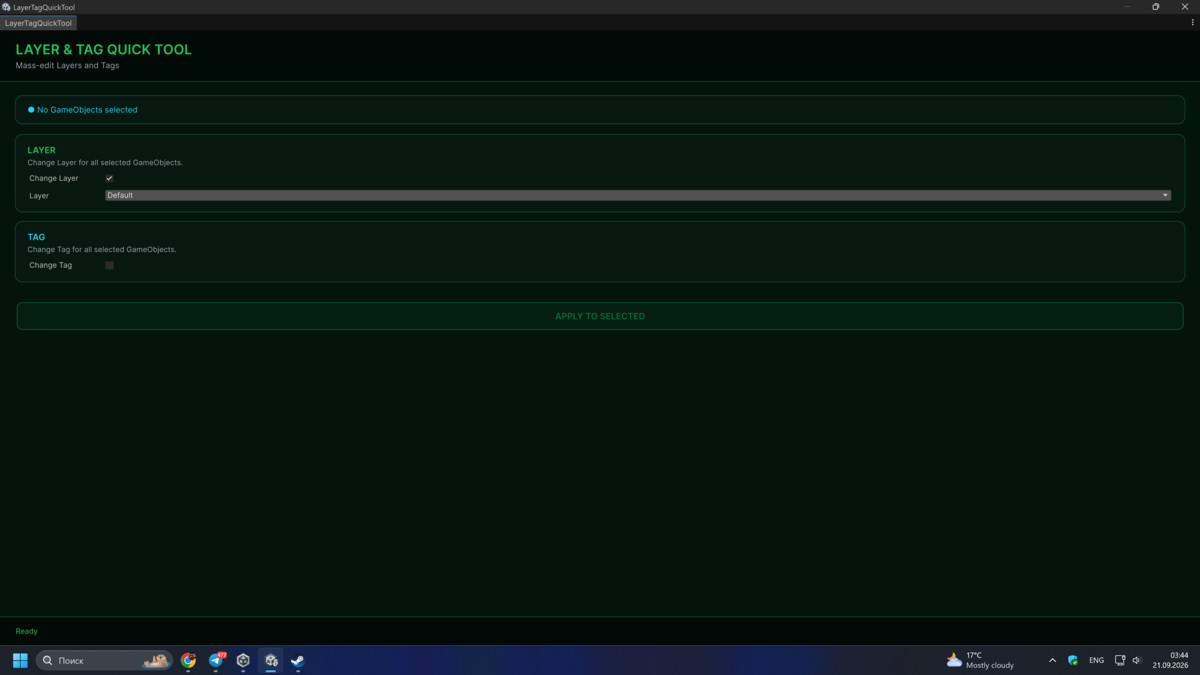
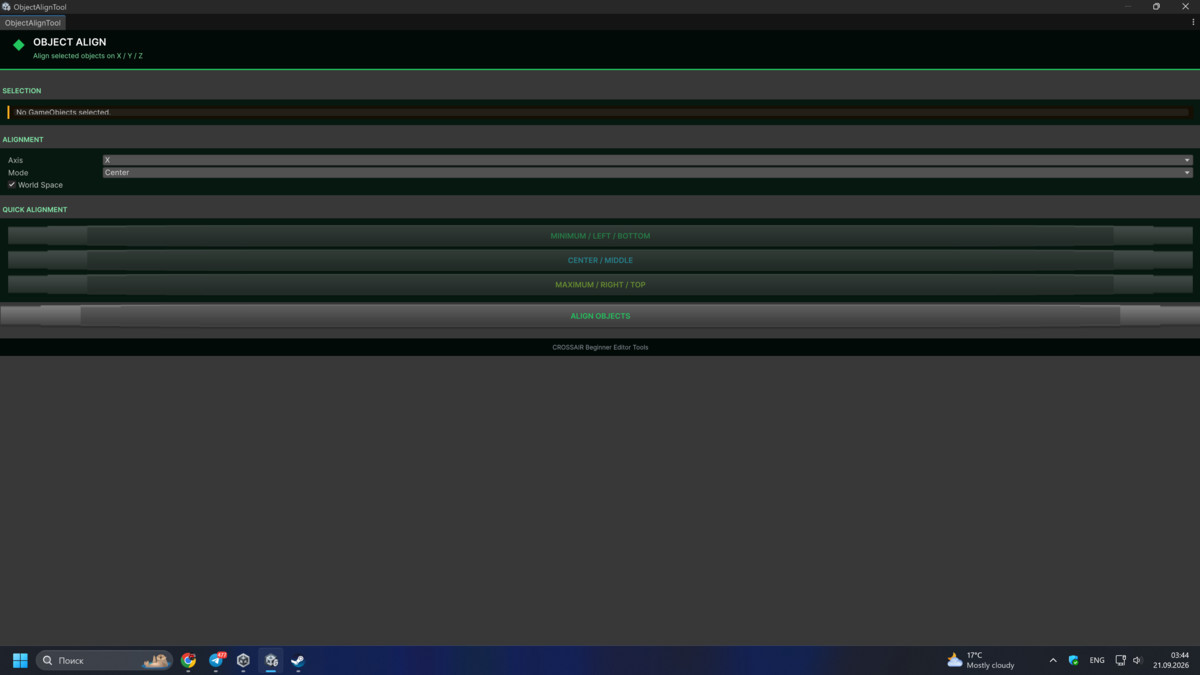
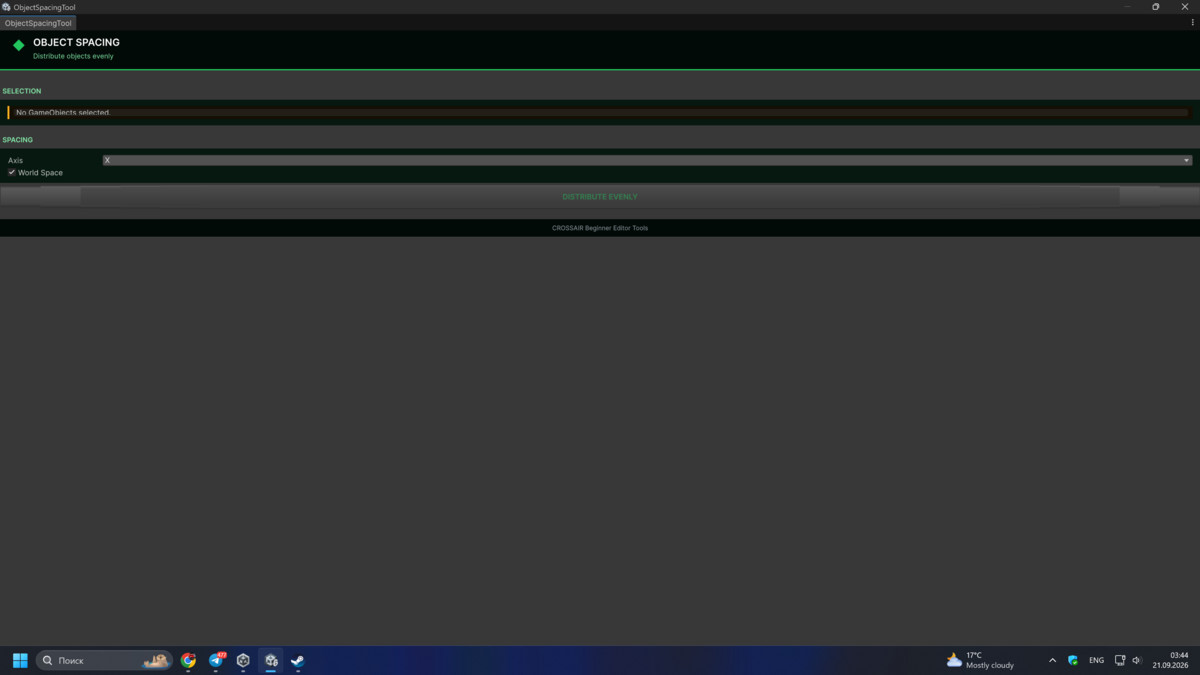
About this asset
Developer Starter Kit: Essential Editor Tools
Stop fighting the Hierarchy and start building your game!
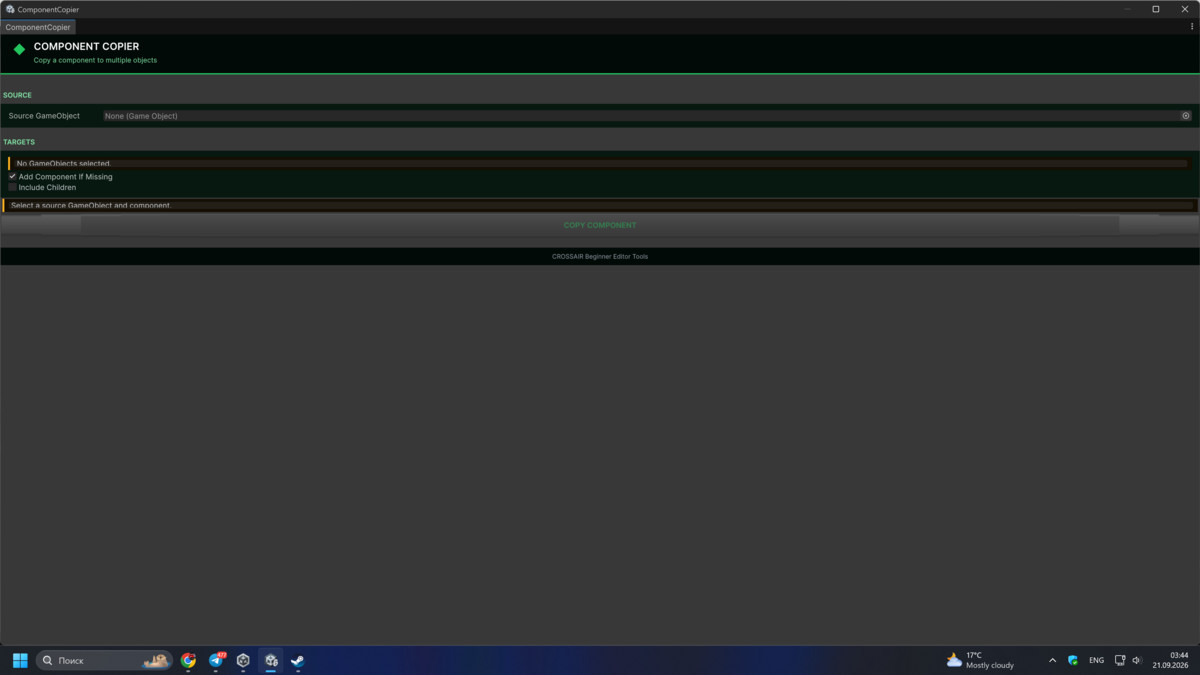
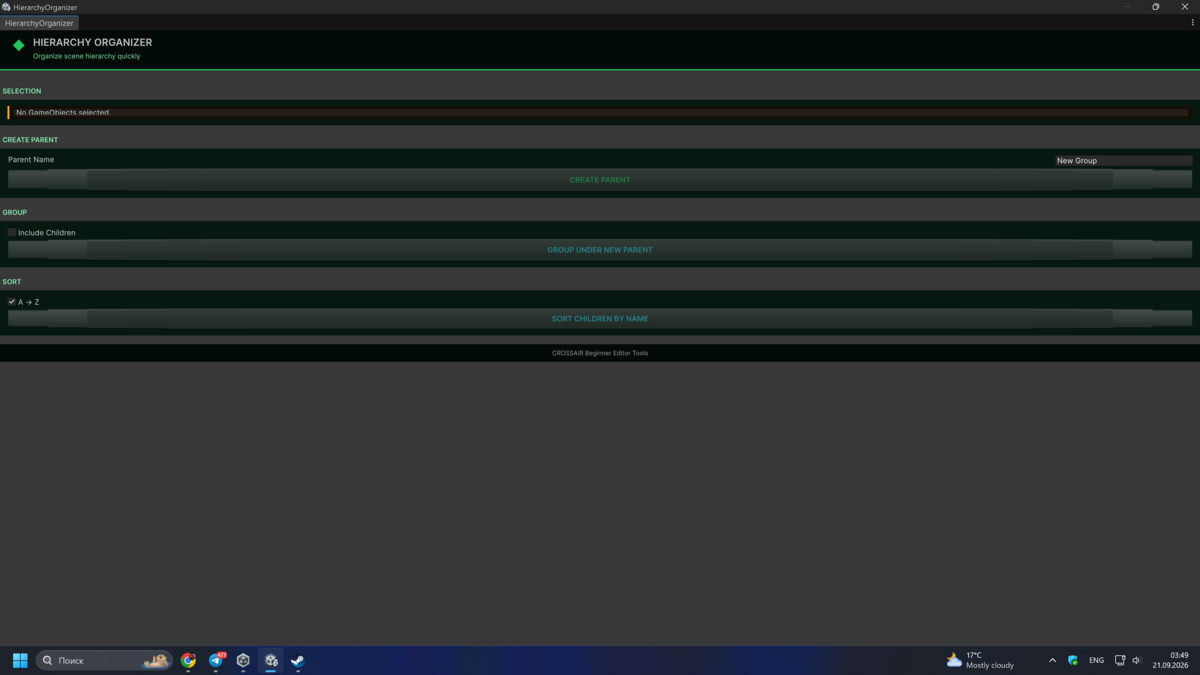
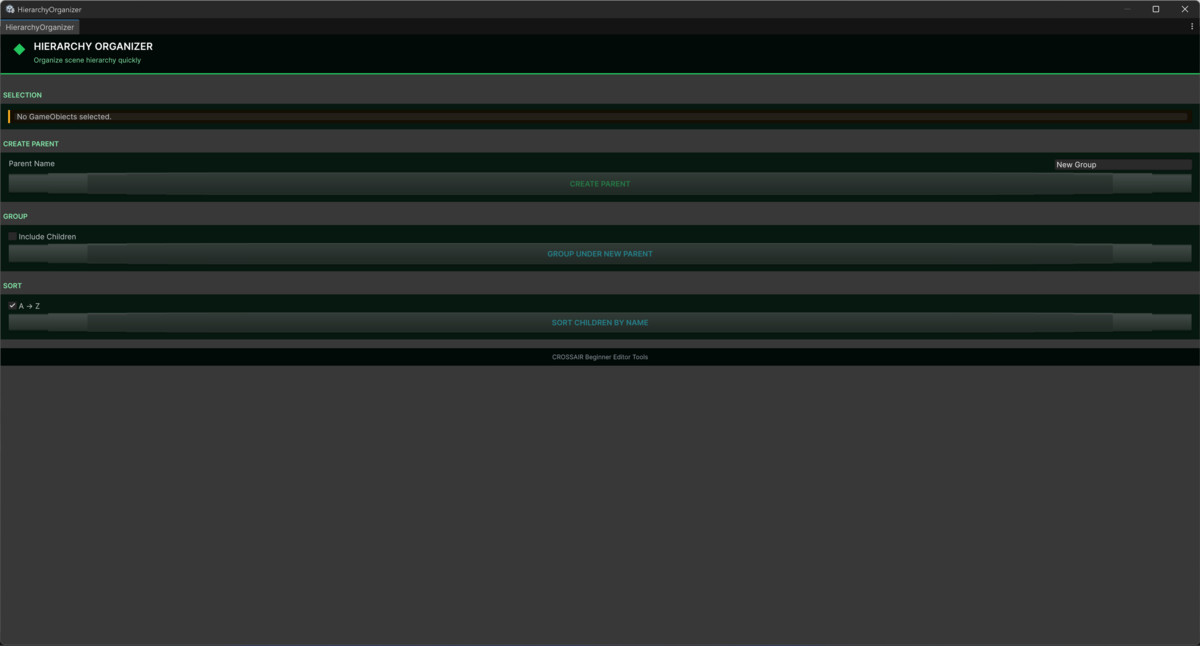
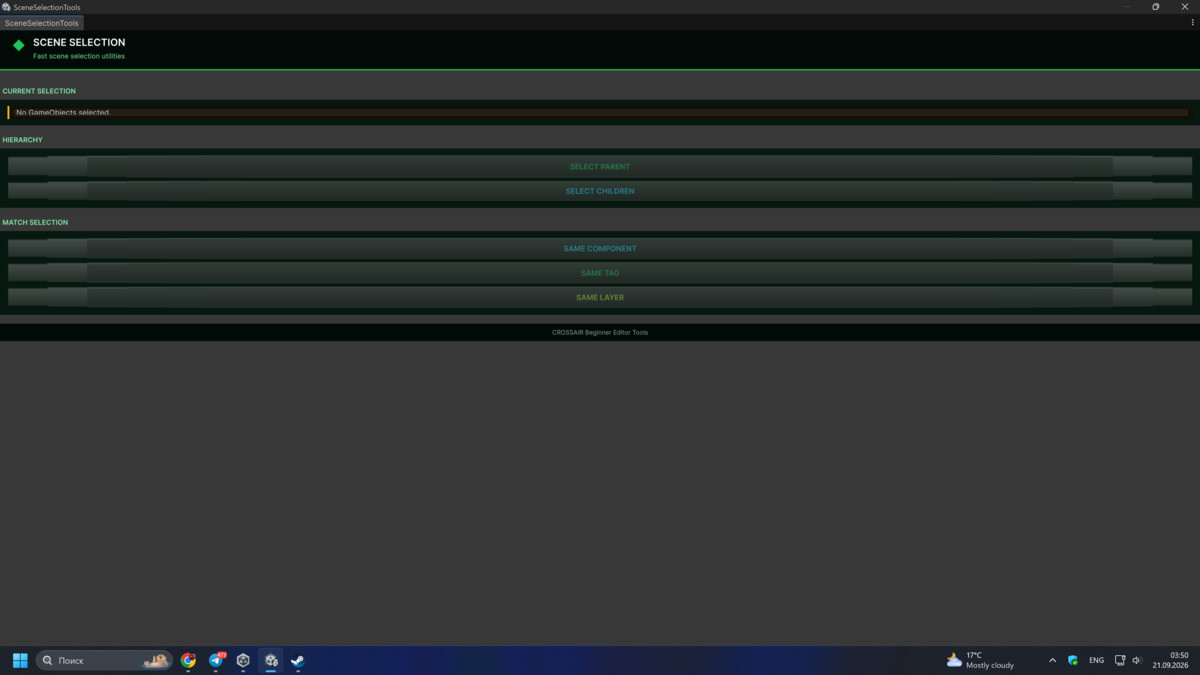
Developer Starter Kit is a lightweight collection of essential Unity Editor utilities designed to automate repetitive tasks, speed up workflow, and keep your project organized from day one.
Whether you are a beginner looking for a smoother workflow or an experienced developer who needs a fast “Swiss Army Knife” for prototyping, this pack is a perfect addition to your Unity toolbox.
Included Tools
Batch Rename Tool
Rename multiple objects instantly with support for:
- Prefixes
- Suffixes
- Auto numbering
Material Applier
Quickly apply materials to selected objects in bulk.
Quick GameObject Creator
Create GameObjects with commonly used 2D and 3D components instantly.
Supports:
- Rigidbody
- Colliders
- SpriteRenderer
- Physics presets
- Parenting options
Why This Pack Is Useful
Beginner-Friendly
Simple and clean UI integrated directly into:
Tools → CROSSAIR
Safe & Reliable
Full Undo support (Ctrl+Z) for supported operations.
Lightweight & Fast
Editor-only tools with zero runtime impact and no effect on build size.
Great for Any Workflow
Perfect for:
- 2D games
- 3D projects
- Mobile games
- Prototyping
- Indie development
Technical Details
Native Unity Integration
Custom editor windows designed to feel like part of the Unity Editor.
Clean Setup
No external dependencies or complicated installation.
Compatibility
Supports:
- Unity 2021.3 LTS
- Unity 2022.3 LTS
- Unity 6
Designed for Faster Workflow
Developer Starter Kit helps reduce repetitive editor work so you can focus on building your game instead of fighting the editor.
From the publisher's Asset Store listing.
Technical details
Included Tools & Features
Quick GameObject Creator
Create 2D and 3D GameObjects with commonly used components already attached.
Supported components include:
- SpriteRenderer
- Rigidbody2D
- BoxCollider2D
- CircleCollider2D
- CapsuleCollider2D
- PolygonCollider2D
- Rigidbody
- BoxCollider
- SphereCollider
Includes:
- Physics presets
- Parenting options
- Create at selection position
Batch Rename Tool
Rename multiple objects instantly using:
- Prefixes
- Suffixes
- Auto numbering
Perfect for organizing scenes and prototypes.
Material Applier
Quickly apply a material to multiple selected objects at once.
Features:
- Bulk material assignment
- Faster workflow
- Scene editing support
Compatibility
| Unity version | Built-in | URP | HDRP | Custom |
|---|---|---|---|---|
| 6000.3.6f1 | Compatible | Compatible | Compatible | Compatible |
As listed on the Asset Store.