
 View on Asset Store (opens in new tab)
Package details
- Latest version
- 1.0
- Last updated
- First released
- Unity version
- 2022.3.47 or later
- Package size
- 110 KB
- Files
- 4
- Favorites
- 2
- Views in the past week
- 10
Price tracking
- Last checked
- Tracked since
- Lowest recorded
- $8.00 on
Keywords

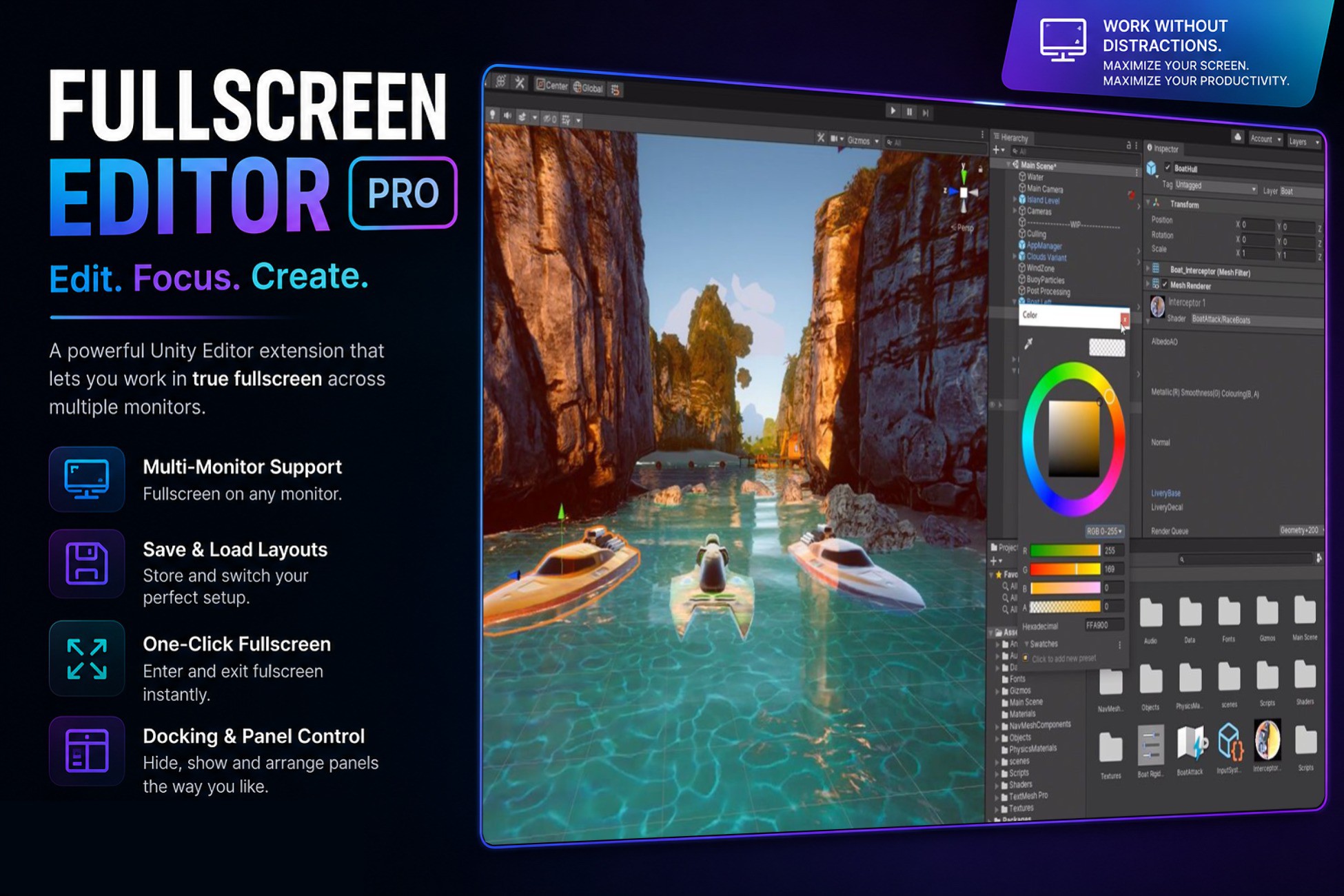
FullScreen Editor Pro – Edit. Focus. Create.
Boost your workflow instantly! Toggle distraction-free Fullscreen modes for Game, Scene, and Editor windows with a single click. Features Multi-Monitor support and customizable hotkeys.
Affiliate link · Purchases support this site
Price history
Last 6 months
USDAsset preview
1 / 5
FullScreen Editor Pro – Edit. Focus. Create. screenshot 1
About this asset
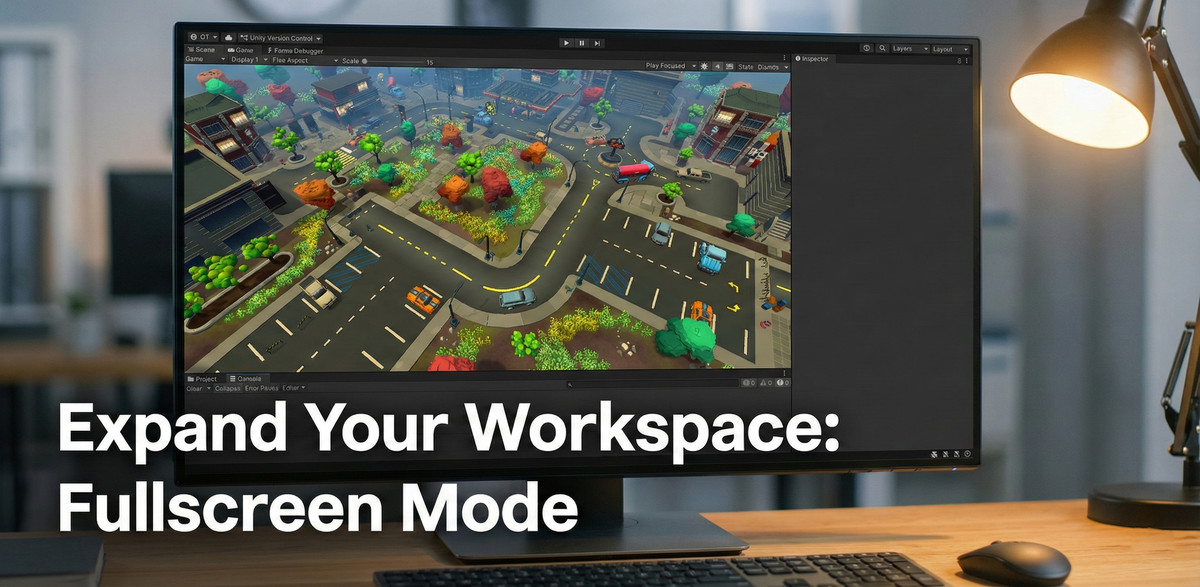
Tired of working in cramped editor windows? Unleash the full potential of your screen real estate with FullScreen Editor Pro.
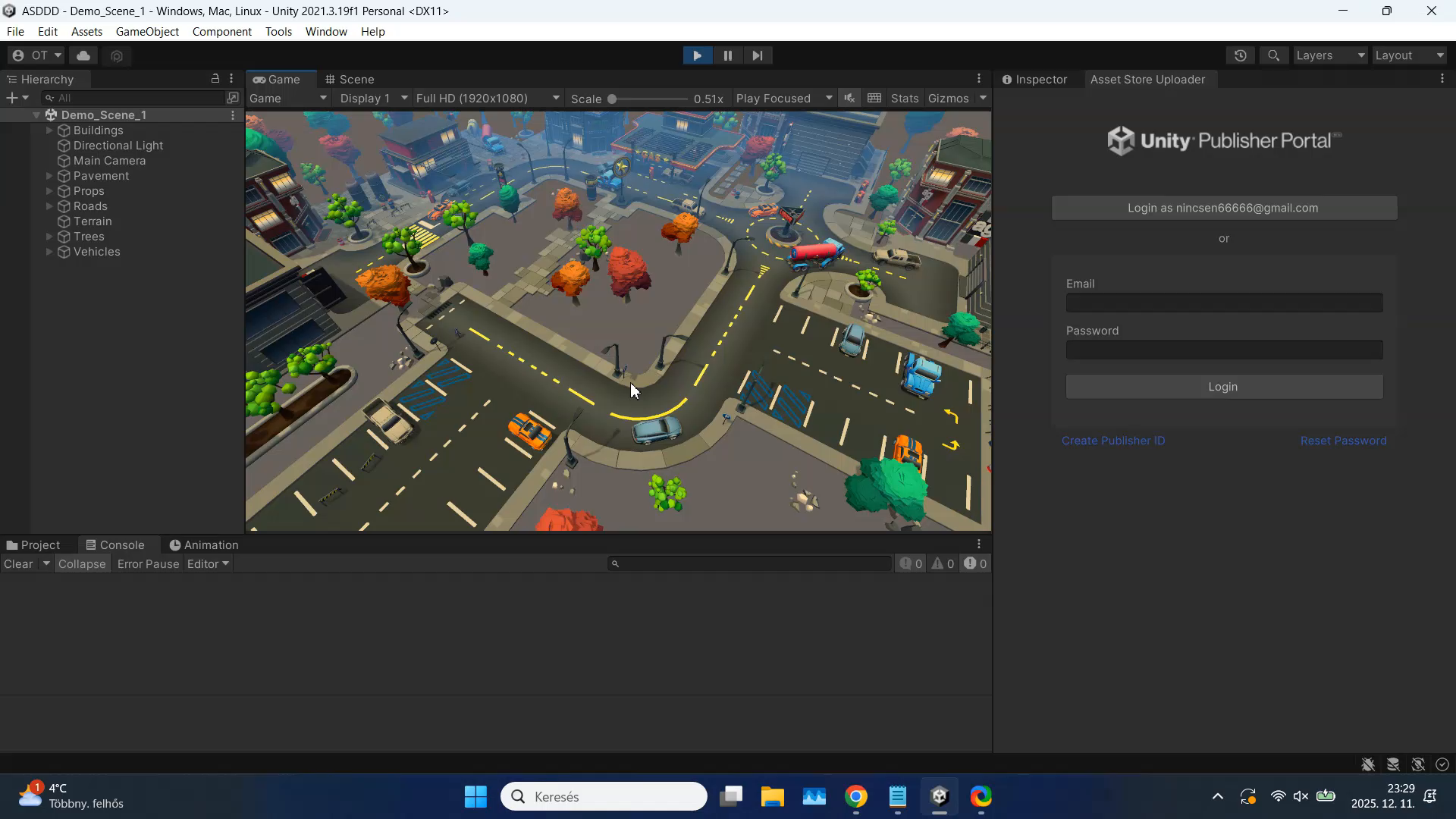
This essential tool allows you to maximize any Unity Editor window—Scene View, Game View, or the entire Editor interface—into a borderless fullscreen mode instantly. Perfect for level design, immersive playtesting, and clutter-free presentations without needing to build the project.
🚀 KEY FEATURES:
- Instant Fullscreen: Maximize your Game View, Scene View, or the Main Editor with simple hotkeys.
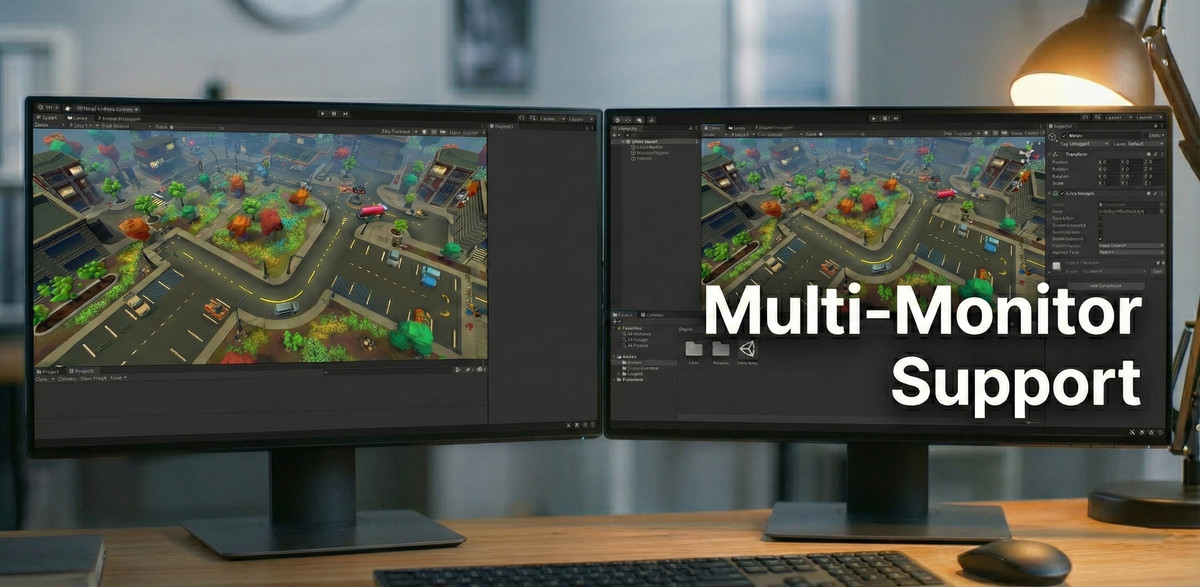
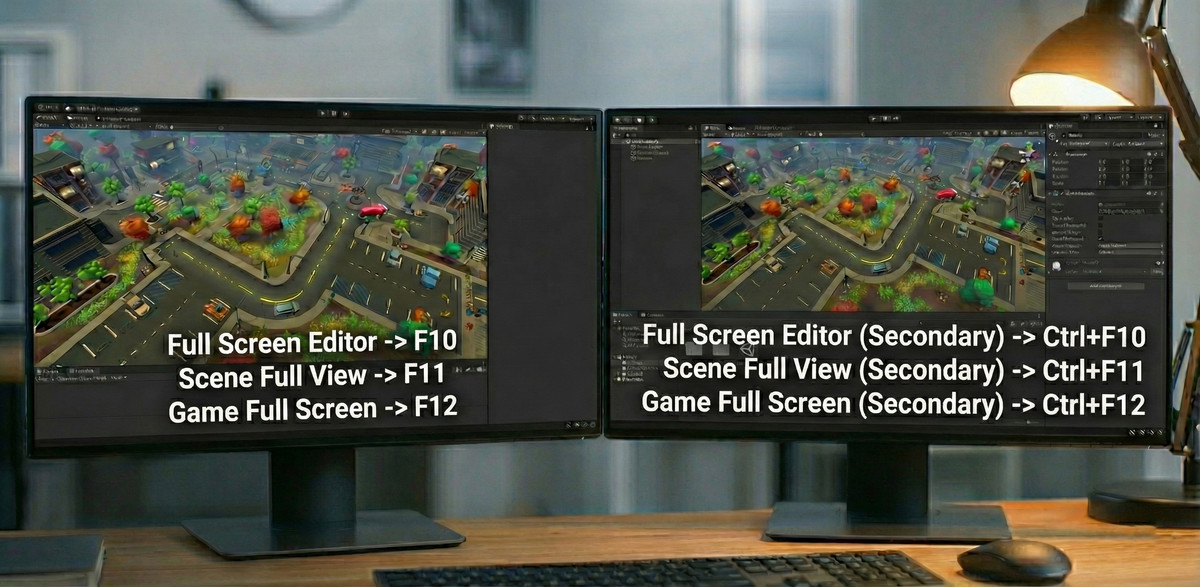
- Multi-Monitor Support: Move your fullscreen views to a secondary monitor effortlessly using the Ctrl modifier. Keep your inspector open on one screen while playing on the other!
- Boost Productivity: eliminate distractions and focus entirely on your level design or coding.
- Immersive Playtesting: Test your game in full resolution right inside the editor. No need to wait for a build.
- Zero Setup: Works out of the box. Just import and press the keys.
⌨️ DEFAULT SHORTCUTS:
- F10: Toggle Main Editor Fullscreen
- F11: Toggle Scene View Fullscreen (Ctrl + F11 for Secondary Monitor)
- F12: Toggle Game View Fullscreen (Ctrl + F12 for Secondary Monitor)
- (All shortcuts are customizable)
✅ COMPATIBILITY:
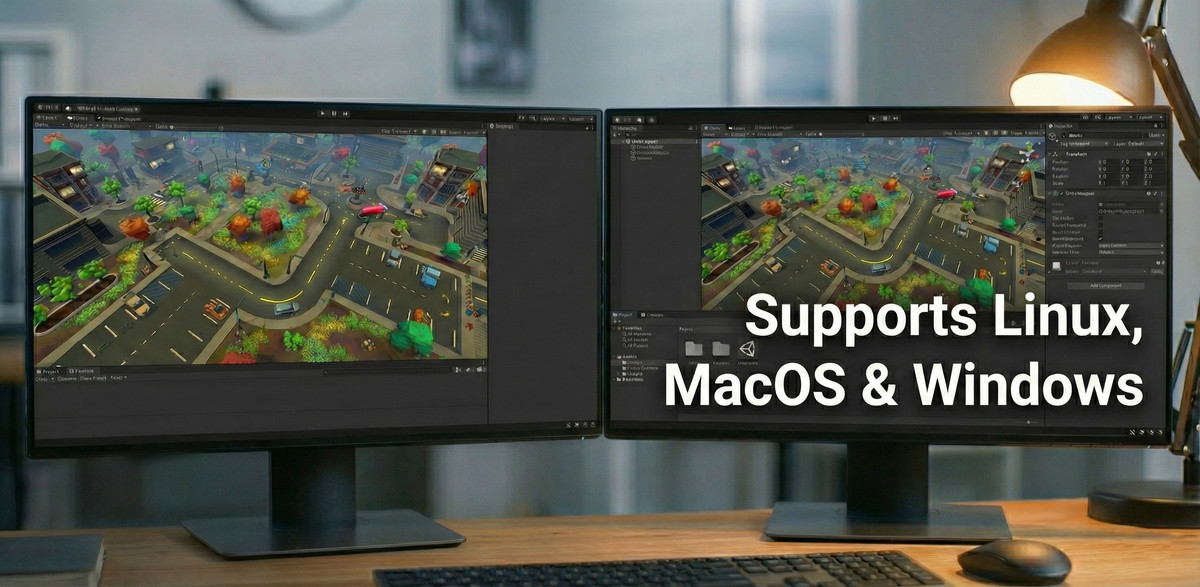
- Supports Windows, macOS, and Linux.
- Works with Unity 2020.3 and newer
- Optimized for performance (zero overhead).
Stop squinting at tiny windows. Expand your workspace today!
From the publisher's Asset Store listing.
Technical details
Plug and play single script solution. No external dependencies.
Compatibility
| Unity version | Built-in | URP | HDRP | Custom |
|---|---|---|---|---|
| 2022.3.47f1 | Compatible | Compatible | Compatible | Compatible |
As listed on the Asset Store.