
 View on Asset Store (opens in new tab)
Package details
- Latest version
- 1.0.1
- Last updated
- First released
- Unity version
- 6000.0.62 or later
- Package size
- 162 KB
- Files
- 22
- Favorites
- 4
- Views in the past week
- 27
Price tracking
- Last checked
- Tracked since
- Lowest recorded
- $9.99 on
Keywords
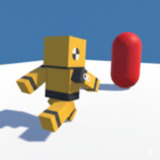
Third-Person Locomotion & Camera System
A lightweight and modular third-person locomotion + lock-on camera system for Unity, designed for fast prototyping and action / Soulslike / TPS projects.
Affiliate link · Purchases support this site
Price history
Last 6 months
USDAsset preview
1 / 6
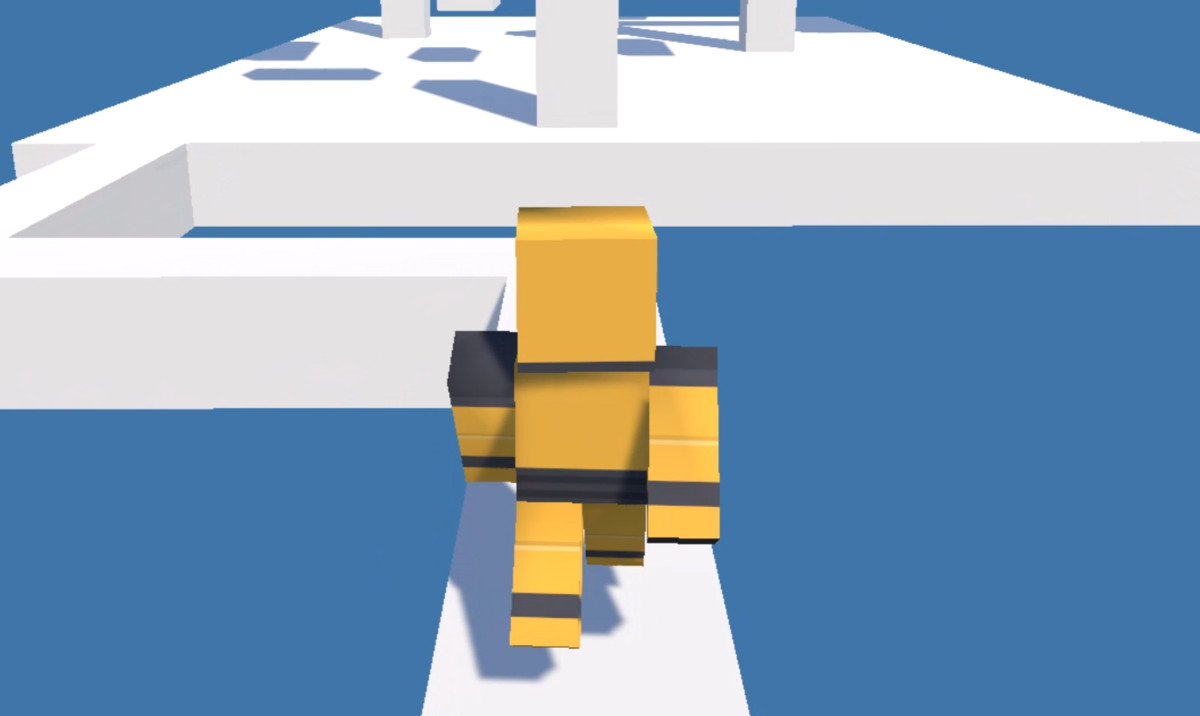
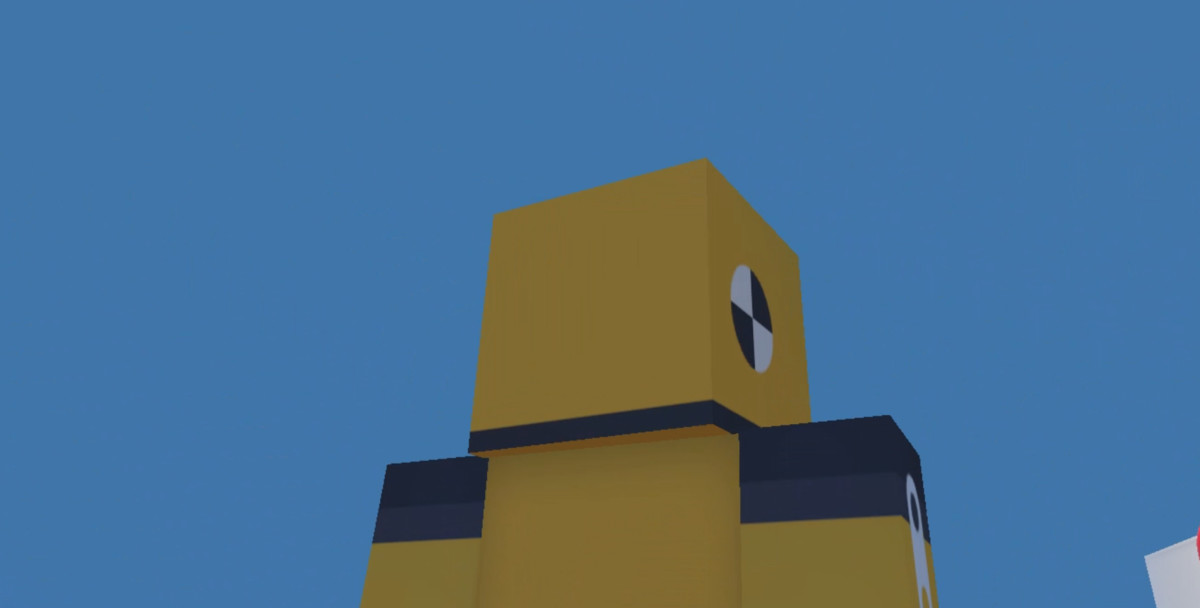
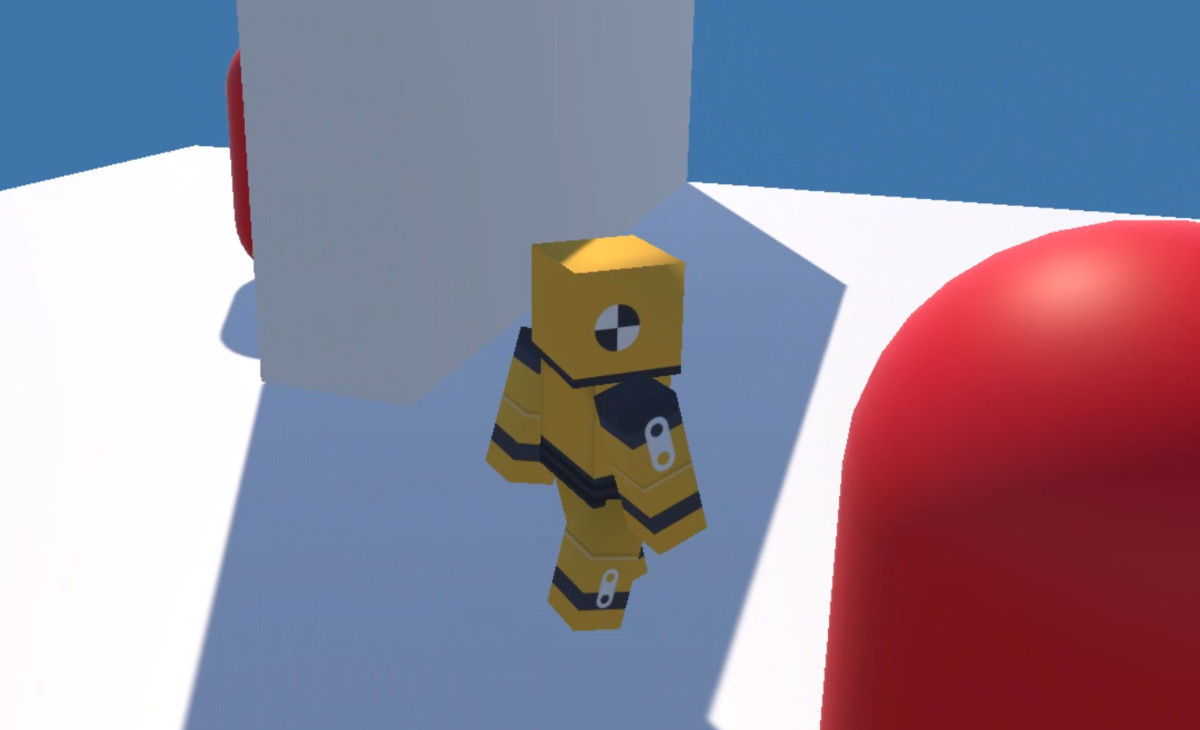
Third-Person Locomotion & Camera System screenshot 1

About this asset
🎮 **Playable Web Demo**
Experience the full system before purchasing:
👉 **[Play the Demo in Your Browser] (https://kennychoi1997.itch.io/third-person-locomotion-camera-core-playable-webgl-demo)**
No installation required. Test locomotion, camera, and lock-on directly.
⚡ Ready to integrate in 5 minutes.
---
This package provides a clean, modular, and production-ready third-person locomotion + camera + lock-on framework for Unity.
It is designed for developers who want a fast, reliable starting point for action/Soulslike/TPS projects—without heavy over-engineering.
✅ Core System (Runtime)
- Fully original C# scripts (namespaced, modular)
- CharacterController-based movement
- No third-party assets required
- No Asset Store package dependencies required
✨ Key Features
Locomotion
- Smooth movement (walk / run / sprint)
- Camera-relative navigation
- Acceleration / deceleration
- Jump system driven by vertical velocity
- Lock-on strafe movement
Camera
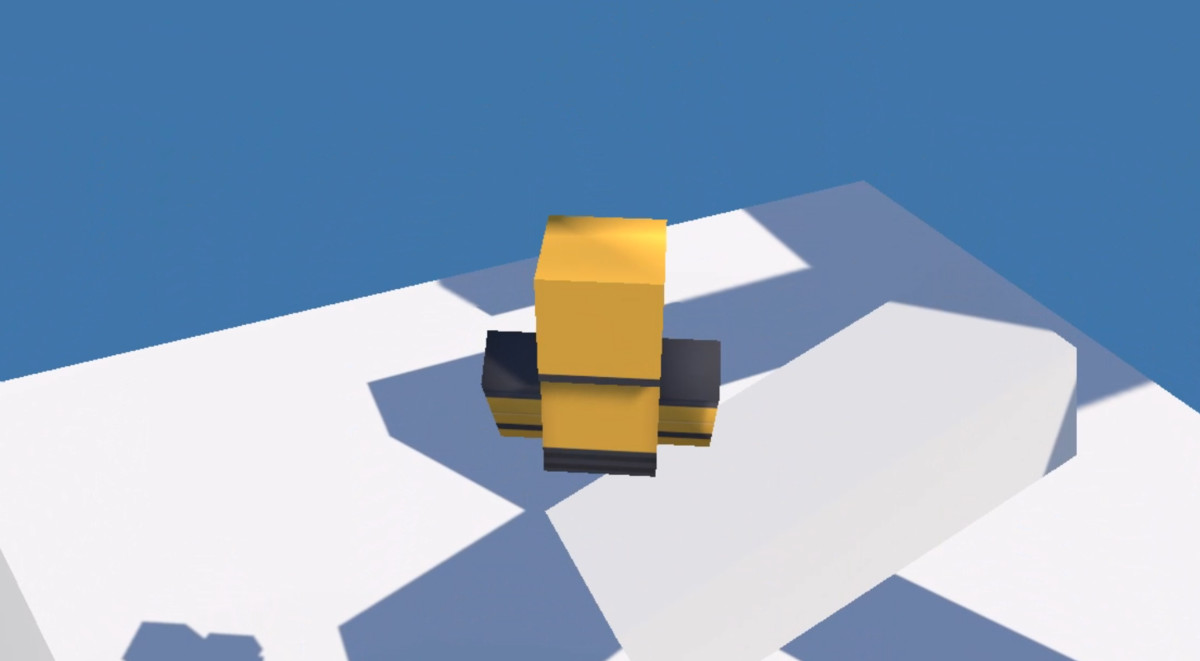
- Free-look third-person camera (yaw/pitch)
- Pitch clamping + adjustable sensitivity
- Camera collision handling (SphereCast)
- Optional lock-on zoom/alignment behavior
Lock-On
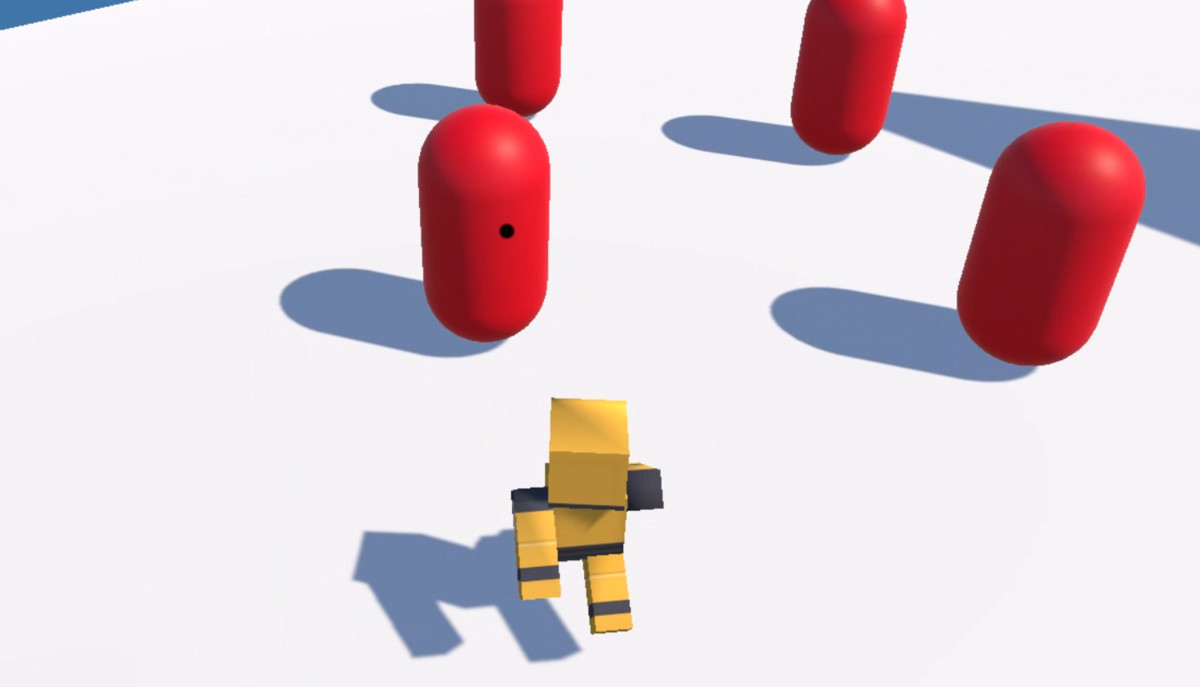
- Smart target selection (angle + distance weighting)
- Target switching (stick X-axis / mouse wheel)
- Auto-break when obstructed or out of view
- Screen-space lock-on indicator
🧪 Demo Content (Optional)
This package includes an optional demo scene to showcase setup and expected behavior.
- Demo assets are located under LocomotionSystem/Demo/
- The entire Demo folder can be deleted safely
- The core system does not depend on any demo assets
📄 Documentation Included
- Documentation/README.md
- Documentation/Manual.md
- Documentation/DEMO_GUIDE.md
- CHANGELOG.md
- Third-Party Notices.txt
Third-Party Content
This package includes third-party content for demo purposes only:
- Kenney (CC0/Public Domain)
See Third-Party Notices.txt for full licensing details.
🎮 **Already tried the demo?**
Get the full package on Unity Asset Store and integrate it in minutes.
👉 Plug-and-play. No third-party dependencies.
From the publisher's Asset Store listing.
Technical details
Features
- Third-person locomotion (walk / run / sprint)
- Camera-relative movement
- Jump system (vertical velocity)
- Lock-on targeting system
- Target switching (left/right)
- Screen-space lock-on indicator UI
- Free-look camera with yaw/pitch control
- Camera collision handling (SphereCast)
- Modular architecture with clear script separation
Supported Unity Versions
- Unity 6000.0.x (LTS) and above
- Developed and tested on Unity 6000.0.62f1
Render Pipeline Compatibility
- Built-in Render Pipeline: Supported
- URP/HDRP: Not officially supported/tested
(Core scripts are pipeline-agnostic, but demo materials may require replacement in other pipelines.)
Supported Platforms
- Tested on Windows 10
- Expected to work on other Unity desktop platforms, but not individually verified
External Dependencies
- None (Core System)
- None required for importing the package
Third-Party Content (Demo Only)
The demo folder includes third-party assets for demonstration:
- Kenney — CC0 (Public Domain)
Kenney is not affiliated with or endorsing this product.
See Third-Party Notices.txt for details.
Compatibility
| Unity version | Built-in | URP | HDRP |
|---|---|---|---|
| 6000.0.62f1 | Compatible | Not listed | Not listed |
This package is built and validated in the Built-in Render Pipeline.
The core locomotion and camera scripts are render-pipeline agnostic (CharacterController + Input System only) and do not rely on URP/HDRP/Shader Graph.
Demo materials use the Built-in Standard shader. If you use a different render pipeline, you may need to upgrade/replace demo materials.
HDRP is not supported/tested.
As listed on the Asset Store.