
 View on Asset Store (opens in new tab)
Package details
- Latest version
- 2.4.1
- Last updated
- First released
- Unity version
- 6000.3.12 or later
- Package size
- 1.5 MB
- Files
- 4
- Favorites
- 4
- Views in the past week
- 17
Price tracking
- Last checked
- Tracked since
- Lowest recorded
- $29.99 on
Keywords

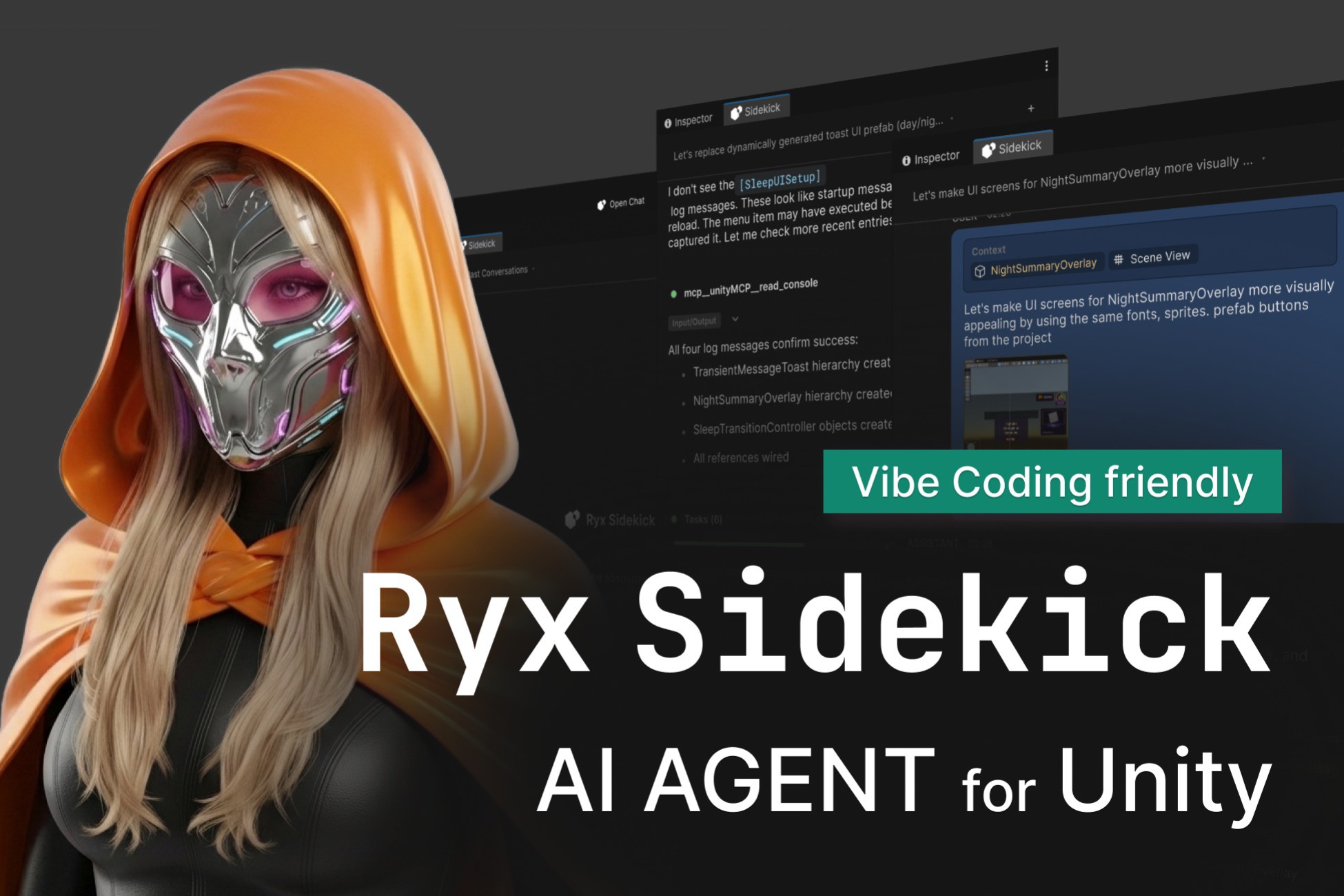
Ryx Sidekick Pro - your AI agent for Unity
- Price drop
The complete Ryx Sidekick: Claude, Cursor & Codex in Unity — safe edits, deep context, Skills & live MCP, all in one package. One-time purchase. New here? Try the free Lite edition first.
Lowest in 6 months
Get 17% off on Asset Store (opens in new tab)Affiliate link · Purchases support this site
Price history
Last 6 months
USDAsset preview
1 / 6
Ryx Sidekick Pro - your AI agent for Unity screenshot 1
About this asset
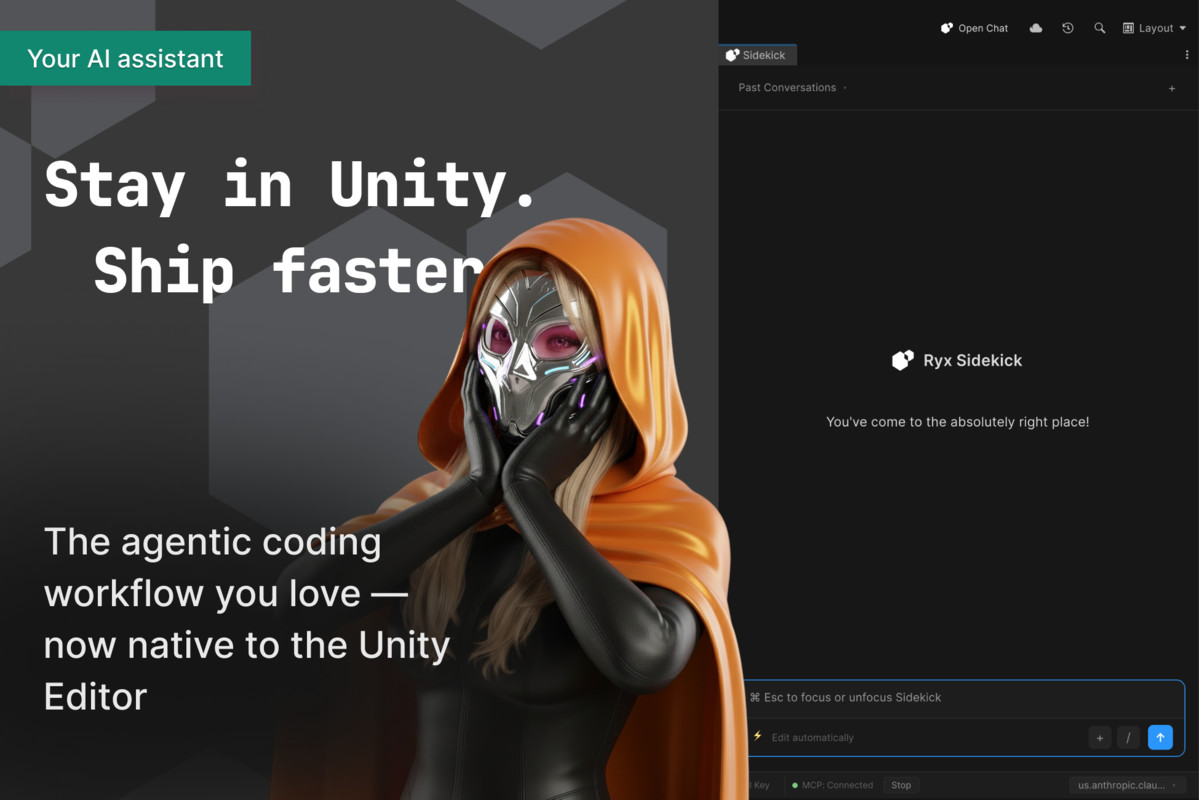
The complete Ryx Sidekick. Claude, Cursor, and Codex in the Unity Editor — with everything that makes Sidekick a real workflow tool: streaming chat, deep project context, safe reviewable edits, Skills, and live MCP management. One package, one-time purchase.
Bring your own agents. Keep your existing subscriptions or keys — Pro never resells inference, you pay your provider directly.
One download, nothing else to buy. Pro ships as a complete bundle that includes the base package — install it and you have the full product.
Everything in one package
All three providers
- Claude, Cursor, and OpenAI Codex — run any of them inside Unity.
- Switch provider per session without losing your draft or session state.
- Use your own subscription or keys for each; pay your provider, not us.
Core workflow
- Chat inside Unity — streaming responses, Markdown, syntax-highlighted code blocks, one-click copy.
- Command palette — VS Code-style slash commands, built-in actions, discovered CLI commands, and @-mention asset attachments.
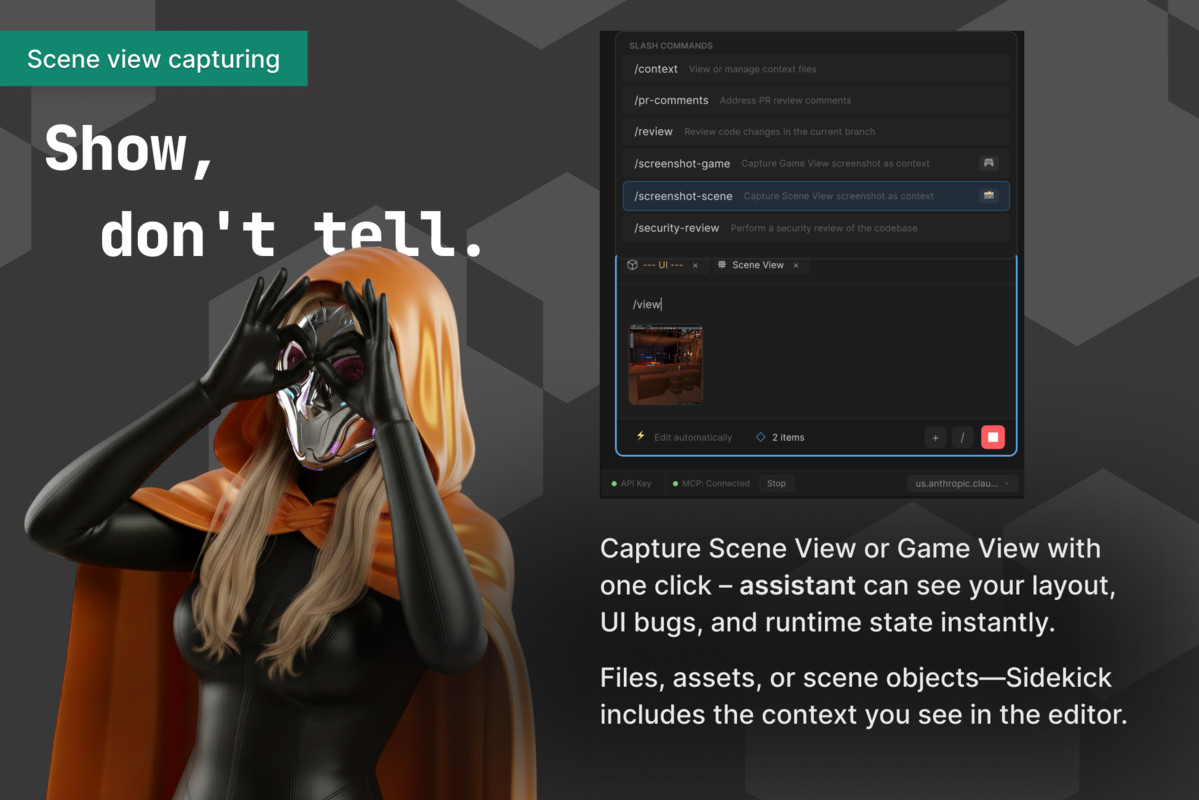
- Rich context — attach project files (text/binary detection, truncation), GameObjects (hierarchy + components), and one-click Scene/Game View screenshots; paste or drag & drop images.
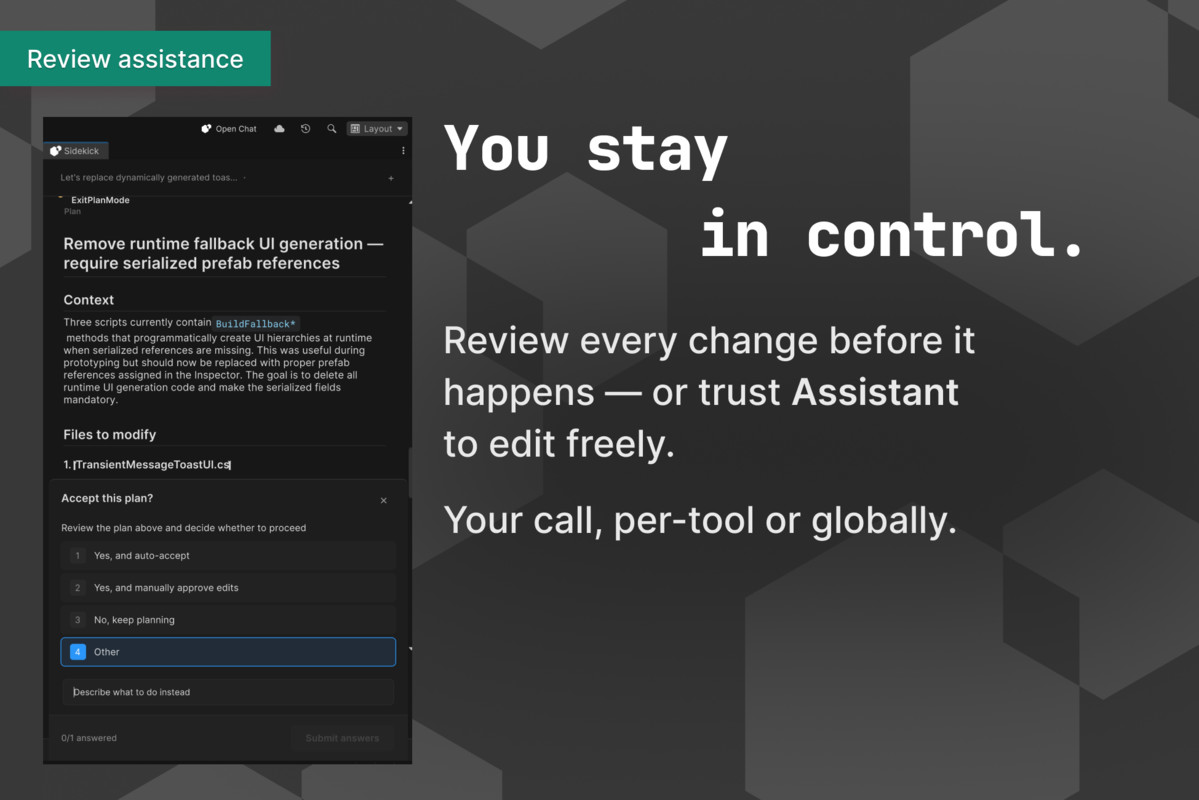
- Safe editing — permission modal with diff previews, permission modes (ask / plan / auto), and a Changes view with one-click revert.
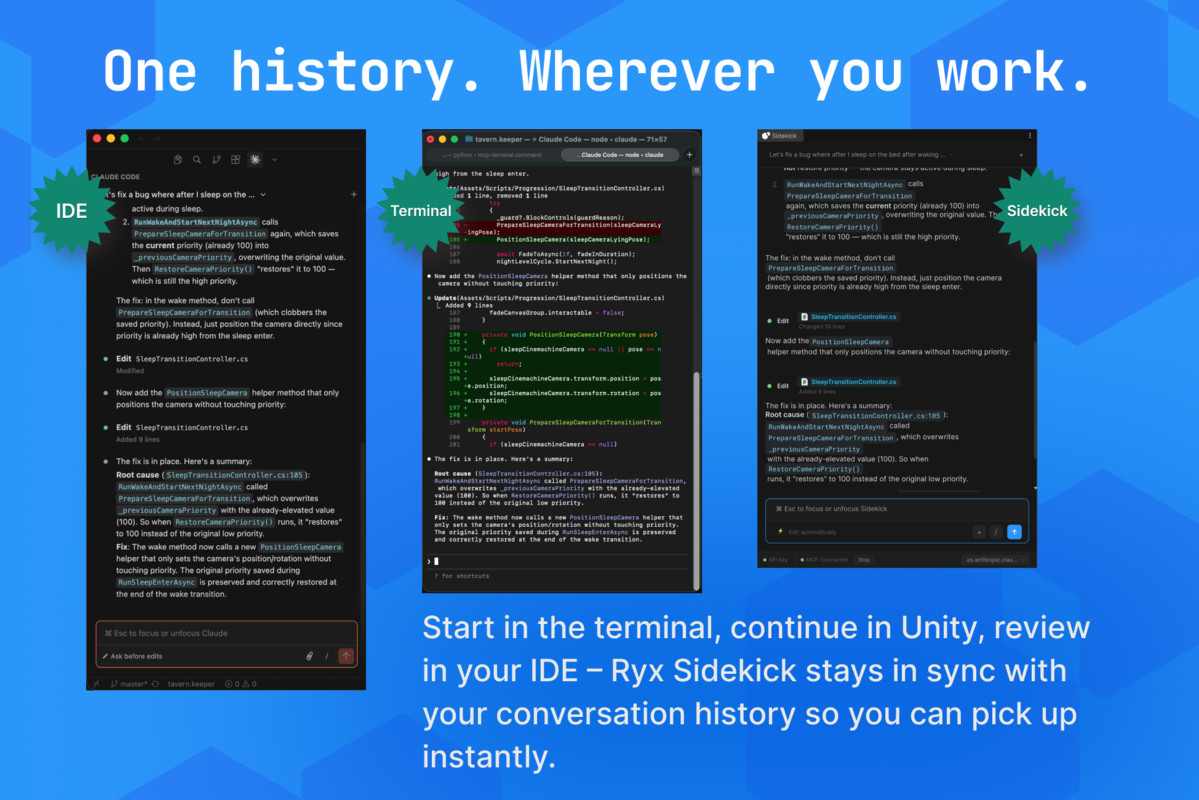
- Conversation history — reads your CLI's native local history; the last chat is restored per project; in-flight responses survive domain reload.
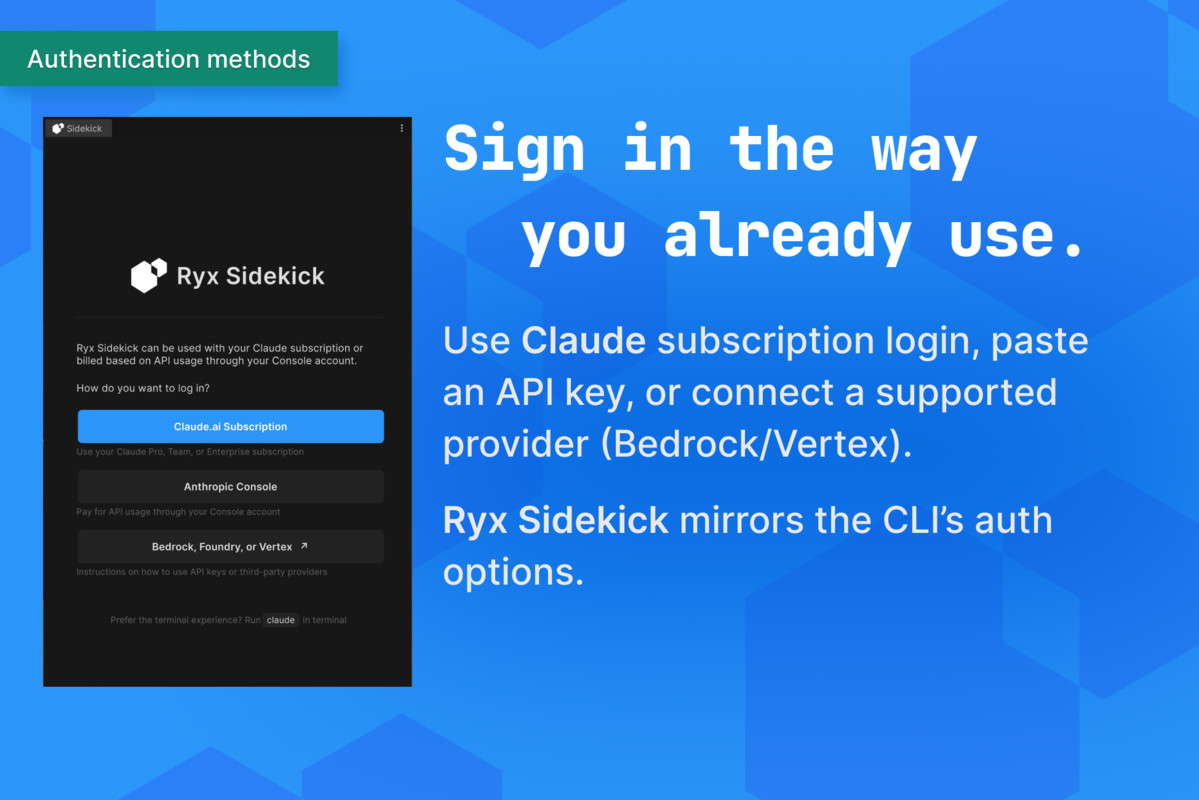
- Auth your way — Claude.ai subscription login, Console API key, or provider routing (Bedrock / Vertex).
Pro power tools
- Skills — your user, project, and plugin skills as slash commands, in a dedicated palette section.
- Live MCP management — real-time MCP server status, tools, and resources for every provider, as a read-only inventory with secret masking.
Pricing
- $49.99 — one-time purchase, no subscription.
- Own your edition forever; 1 year of updates and support included.
Not sure yet? Start free with Lite
Want to try before you buy? The free, open-source Sidekick Lite edition gives you the Claude provider and the full core workflow — chat, context, screenshots, safe edits, and history. Validate the workflow with your own setup, then come back for Pro to add Cursor, Codex, Skills, and live MCP management.
Quick start
- Install Sidekick Pro.
- Open Window → Ryx Sidekick.
- In Project Settings → Ryx Sidekick, validate the CLIs you want to use.
- Authenticate Claude, Cursor, and/or Codex the way you already do.
- Switch providers per session, run Skills from the palette, and inspect MCP live.
Requirements
- Unity 6.0+ (6000.x)
- The provider CLIs you want to use (Claude, Cursor, and/or Codex) installed separately and authenticated
- Internet access for the selected provider workflow
Third-party notices
Asset uses Markdig under BSD-2-Clause and Roboto Mono under SIL OFL 1.1; see the Third-Party Notices file in the package for details.
From the publisher's Asset Store listing.
Technical details
Sidekick Pro is the complete edition: all three providers plus the full core workflow, shipped as a single bundle that includes the base package. One download — nothing else to install.
- Package id: com.ryxinteractive.sidekick.pro (ships bundled with the base com.ryxinteractive.sidekick)
- Price: $49.99, one-time (no subscription); 1 year of updates & support included
- Try-first option: the free, open-source Sidekick Lite edition (Claude + core workflow)
Providers
- Claude — Claude Code CLI
- Cursor — Cursor CLI (persistent session that keeps context across turns)
- Codex — OpenAI Codex CLI
- Per-session provider switching (preserves draft and session state)
Core features
- Unity Editor window: Window → Ryx Sidekick; settings: Project Settings → Ryx Sidekick (CLI validation & configuration)
- Streaming chat, Markdown, command palette, and @-mention asset search
- Context attachments: project files, GameObjects (hierarchy + components), Scene/Game View screenshots, clipboard, drag and drop
- Safe editing: permission overlay with diff previews, multiple permission modes, and a Changes view with revert
- Conversation history, resume, and per-project session restore; domain-reload auto-resume
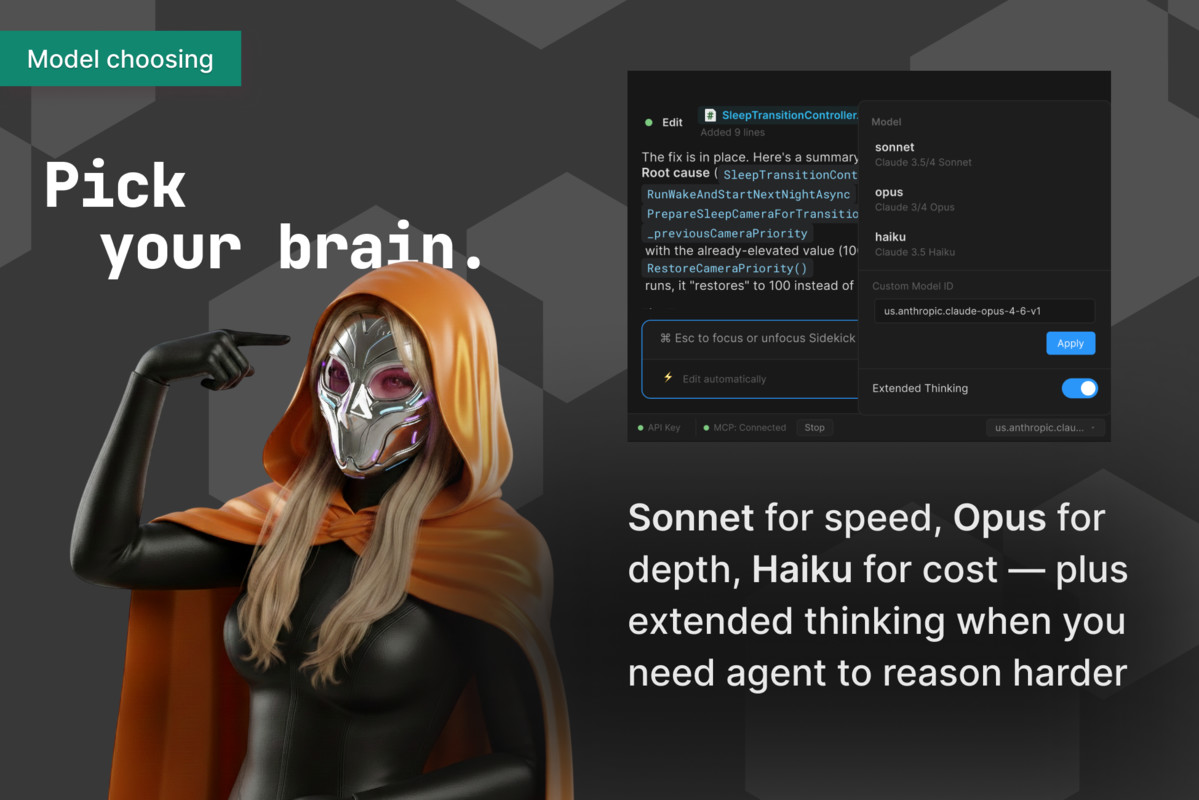
- Model selection and extended-thinking configuration
- Authentication: Claude.ai OAuth, Console API key, and Bedrock / Vertex routing
Pro power tools
- Skills — user / project / plugin skills as slash commands (Codex skills via skills/list)
- Live MCP management — real-time server status, tools, and resources per provider, as a read-only inventory with secret masking
Supported platforms
- Unity Editor on macOS, Windows, and Linux
External dependencies
- The provider CLIs you intend to use (Claude / Cursor / Codex) installed separately and authenticated
- Optional MCP for Unity package for deeper editor integration
Dependencies in package
- com.unity.nuget.newtonsoft-json (JSON parsing)
- Markdig (Markdown parsing/rendering, included under ThirdParty/)
- Roboto Mono (font assets, included under Assets/)
Compatibility
| Unity version | Built-in | URP | HDRP | Custom |
|---|---|---|---|---|
| 6000.3.12f1 | Compatible | Compatible | Compatible | Compatible |
As listed on the Asset Store.