
 View on Asset Store (opens in new tab)
Package details
- Latest version
- 1.0
- Last updated
- First released
- Unity version
- 6000.2.13 or later
- Package size
- 2.5 MB
- Files
- 71
- Favorites
- 1
- Views in the past week
- 5
Price tracking
- Last checked
- Tracked since
- Lowest recorded
- $14.99 on
Keywords

Joystick Elite - Casual
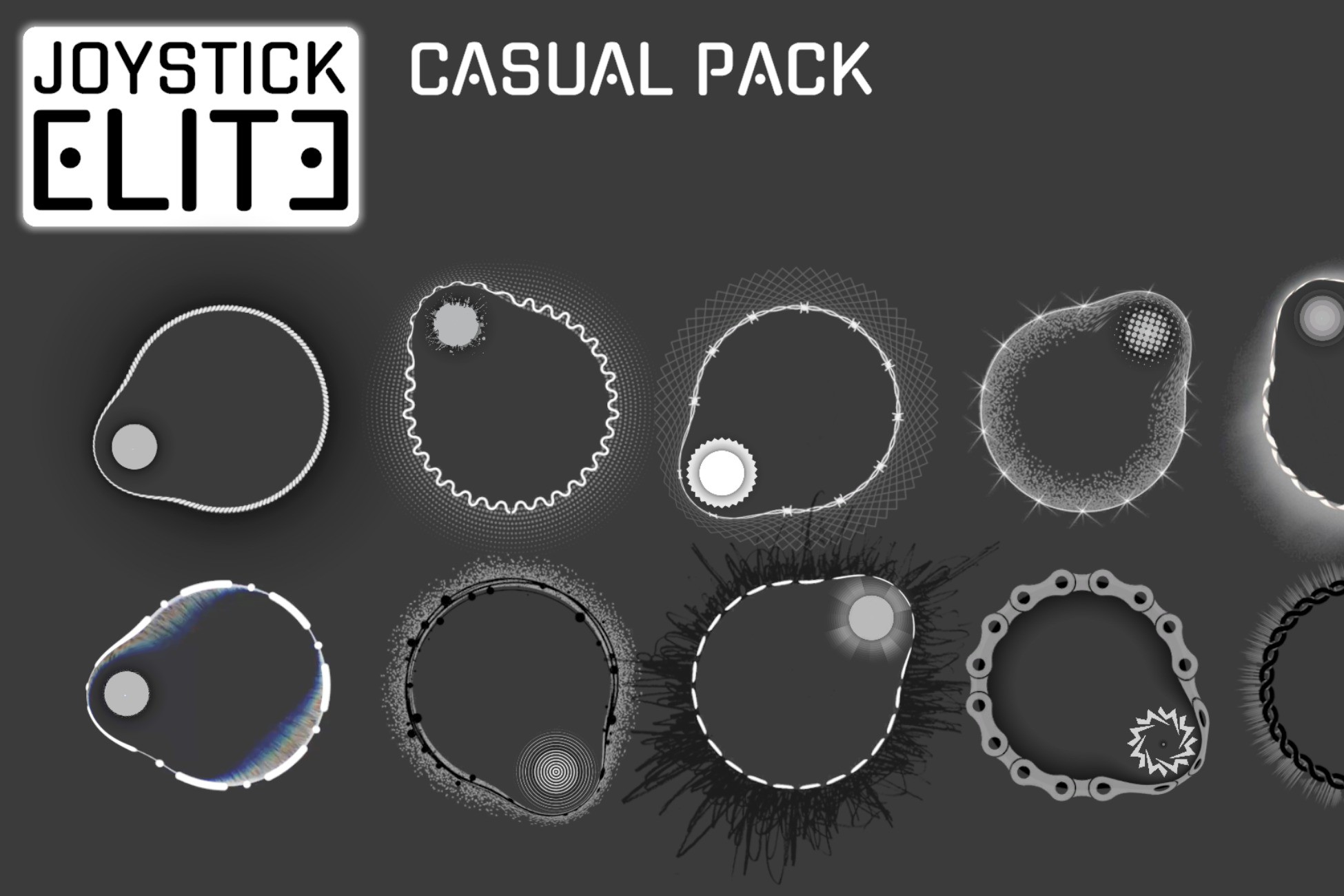
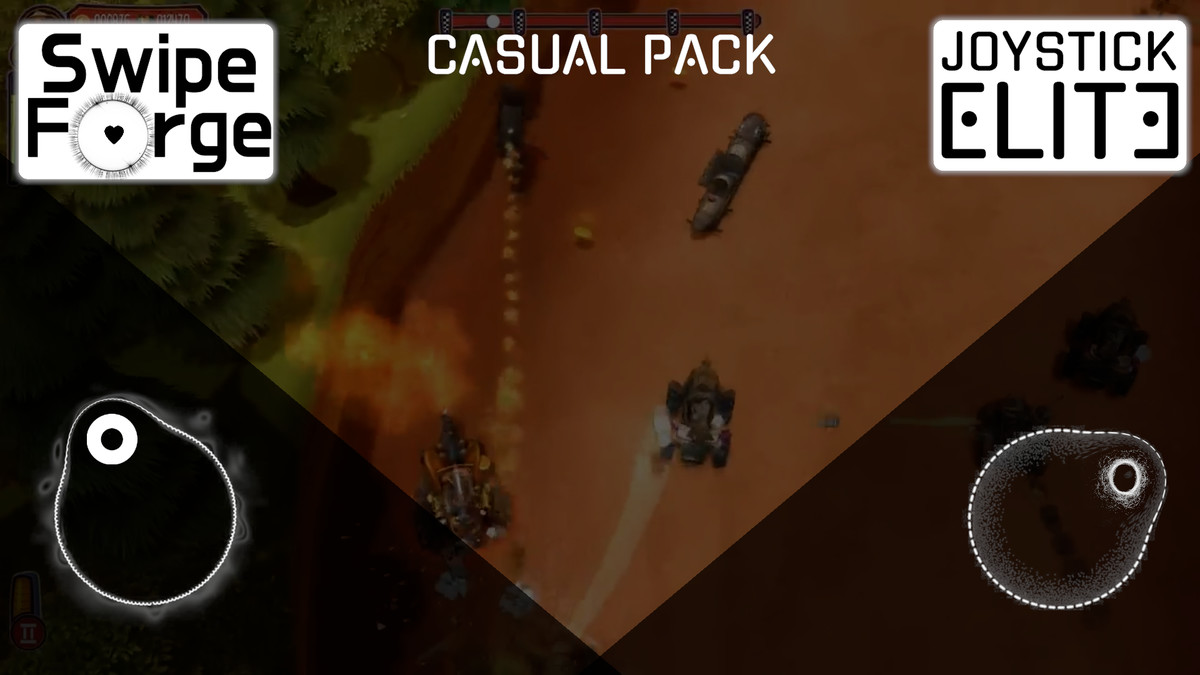
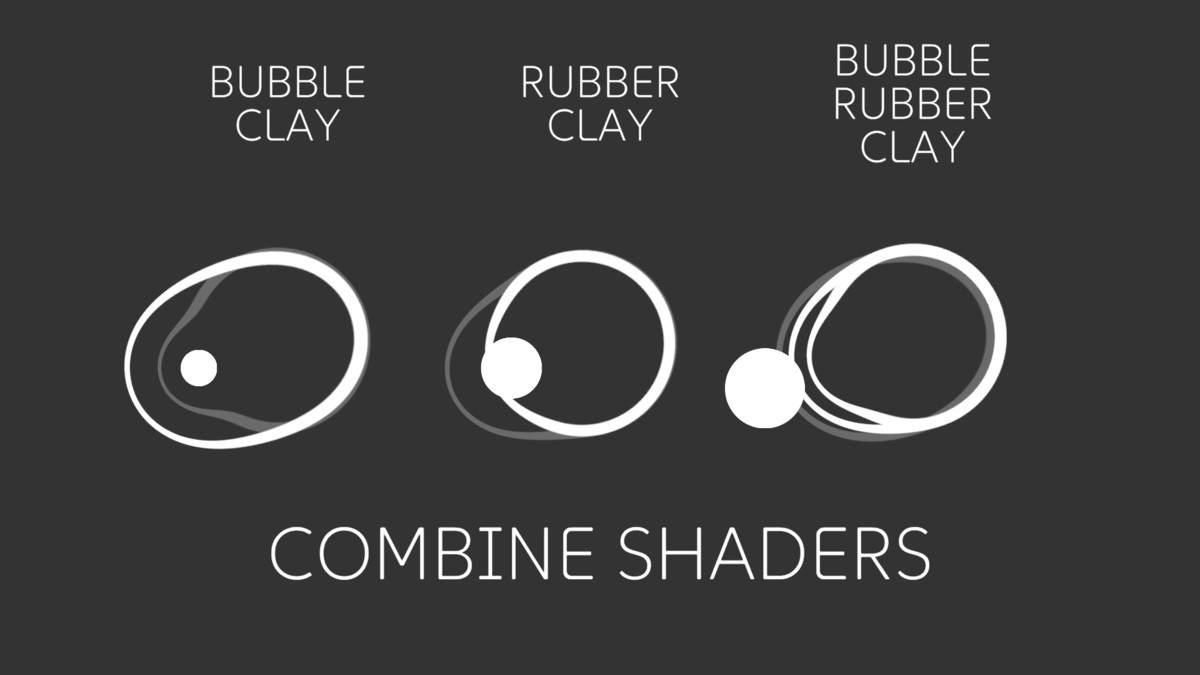
Joystick Elite is a casual joystick pack with unique Bubble, Rubber and Clay effects for fast, polished mobile controls.
Affiliate link · Purchases support this site
Price history
Last 6 months
USDAsset preview
1 / 5
Joystick Elite - Casual screenshot 1
About this asset
Drag a joystick prefab onto your Canvas, hit Play – the controls are ready to use. The pack includes fixed and floating joystick modes, stylized shaders, and a demo scene so you can copy a working setup in minutes.
Drop‑in prefabs: ready‑made joystick prefabs, just drag to the scene and use.
Fixed & Floating modes: fixed position joystick and floating joystick that appears where the player taps.
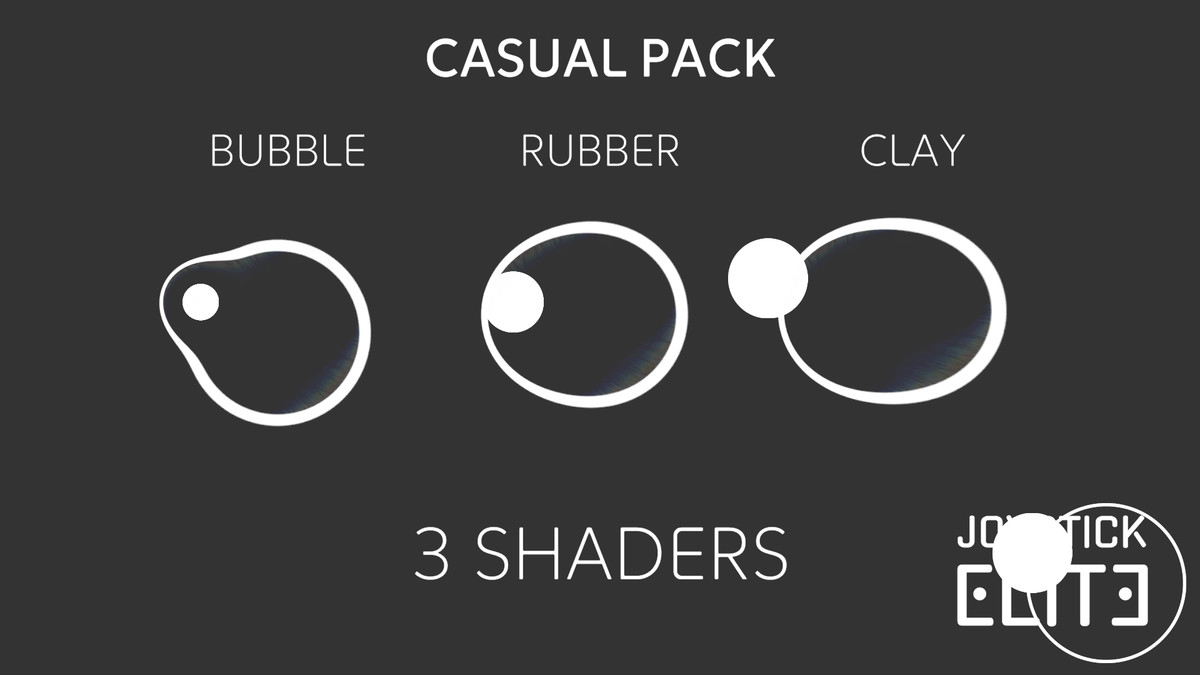
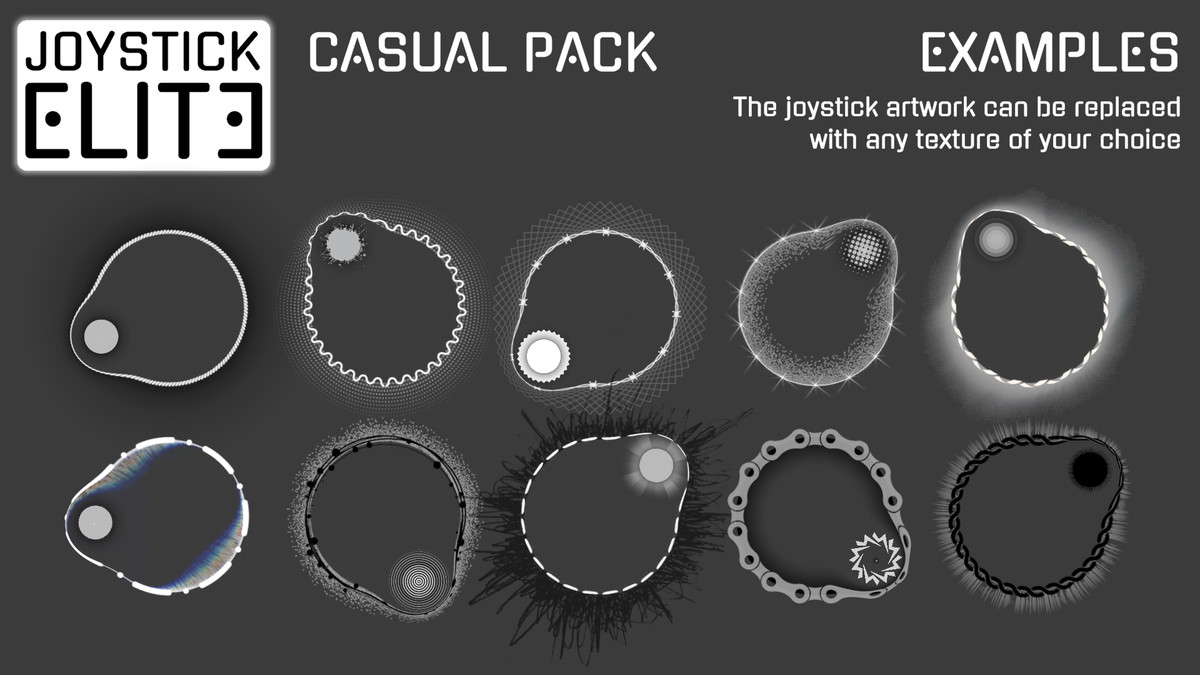
Stylized shaders: three SwipeForge shaders (Bubble / Clay / Rubber) that work with any sprites or textures you assign.
Easy visual tuning: control effect strength and offset through the JoystickShaderController inspector.
Demo & documentation: demo scene and in‑project docs showing recommended setup and parameters.
Pipeline & packages handled: supports Built‑in / URP / HDRP and automatically sets up required packages (Shader Graph, TextMesh Pro) on import.
From the publisher's Asset Store listing.
Technical details
- Demo scene: Assets/Joystick Elite/Casual/Demo.unity.
- Joystick prefabs: Assets/Joystick Elite/Casual/Prefabs/Fixed Joystick.prefab and Floating Joystick.prefab.
- Scripts: Assets/Joystick Elite/Scripts/Joystick.cs, FloatingJoystick.cs, JoystickShaderController.cs.
- Textures: located in Assets/Joystick Elite/Casual/Textures and grouped into three types — handle, circle (base), and glow.
- Circle and glow textures are provided as 512x512 PNG with alpha, handle textures can use any size that fits your UI layout.
- You can replace any SwipeForge material texture with your own sprites (for handle, circle and glow) to match your game’s style.
Compatibility
| Unity version | Built-in | URP | HDRP |
|---|---|---|---|
| 6000.2.13f1 | Compatible | Compatible | Compatible |
As listed on the Asset Store.