
 View on Asset Store (opens in new tab)
Package details
- Latest version
- v2.6.2
- Last updated
- First released
- Unity version
- 6000.3.8 or later
- Package size
- 5.0 MB
- Files
- 559
- Favorites
- 20
- Views in the past week
- 29
Price tracking
- Last checked
- Tracked since
- Lowest recorded
- $12.99 on
Keywords

Animation Workbench Pro - Animation Editor & Clip Browser
- Price drop
Fix a mocap clip, mirror it and drop the footstep sound on the right frame, all inside Unity. IK posing and layers for humanoid and generic rigs, full C# source.
Affiliate link · Purchases support this site
Price history
Last 6 months
USDAsset preview
1 / 14
Animation Workbench Pro - Animation Editor & Clip Browser screenshot 1

About this asset
MotionLabs Animation Workbench Pro
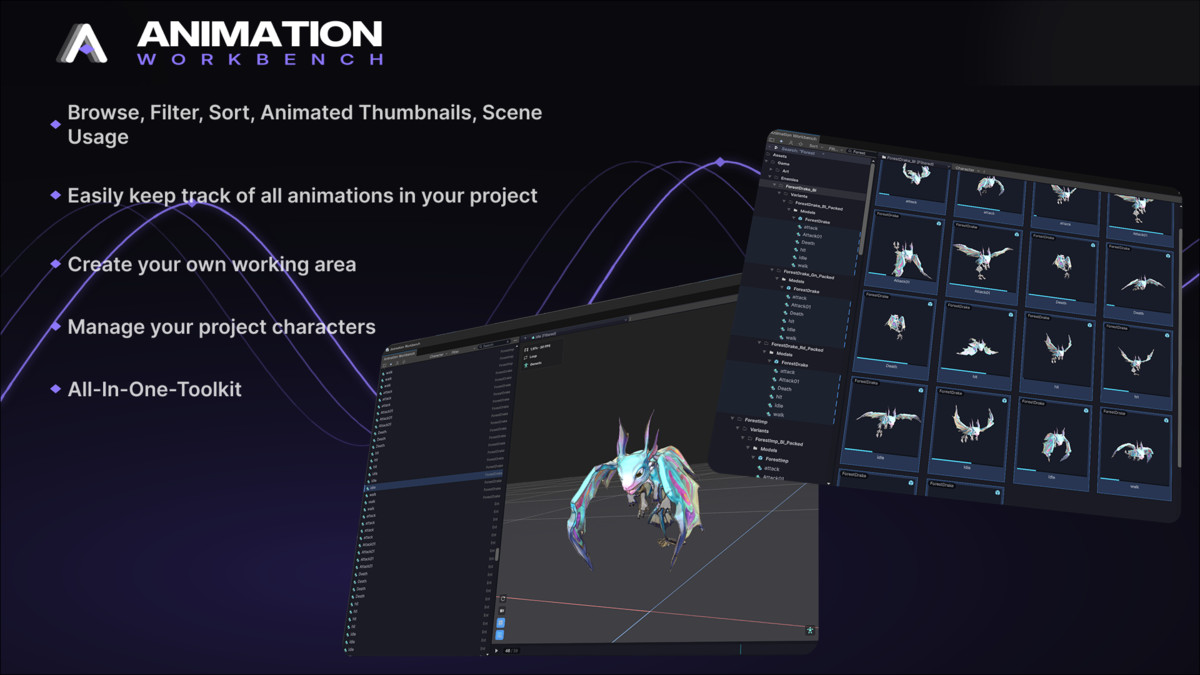
Your project has 400 animation clips, and Unity shows you 400 file names. Animation Workbench plays every one of them as a moving thumbnail, opens any of them in a keyframe editor, and lets you pose it in the Scene view with IK. All inside the Unity editor, for humanoid and generic rigs.
"Why isn't this just part of Unity?" (Asset Store review)
Find the right clip
Is attack_02 actually different from attack_03, or did someone duplicate it? Put both on one stage as ghosts and see exactly where the takes split.
- Animated thumbnails for every clip, cached on disk and built for libraries of thousands
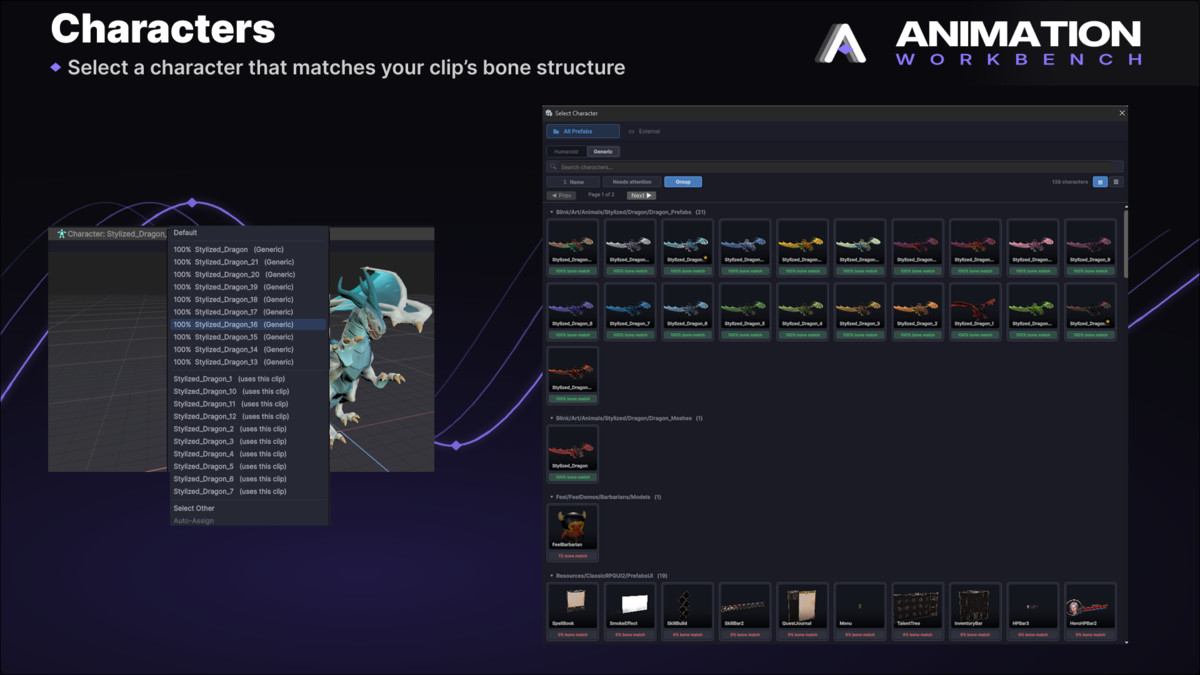
- Search and filters by character, root motion and custom rules, in grid or list
- Multi-clip compare, side by side or as ghosts on one stage
- Colour and group the library by rules instead of by hand
Fix it in the keyframe editor
The mocap run is good, but you need it for the other side too, and it carries a key on every frame. Mirror it, clean it up, retime the contact.
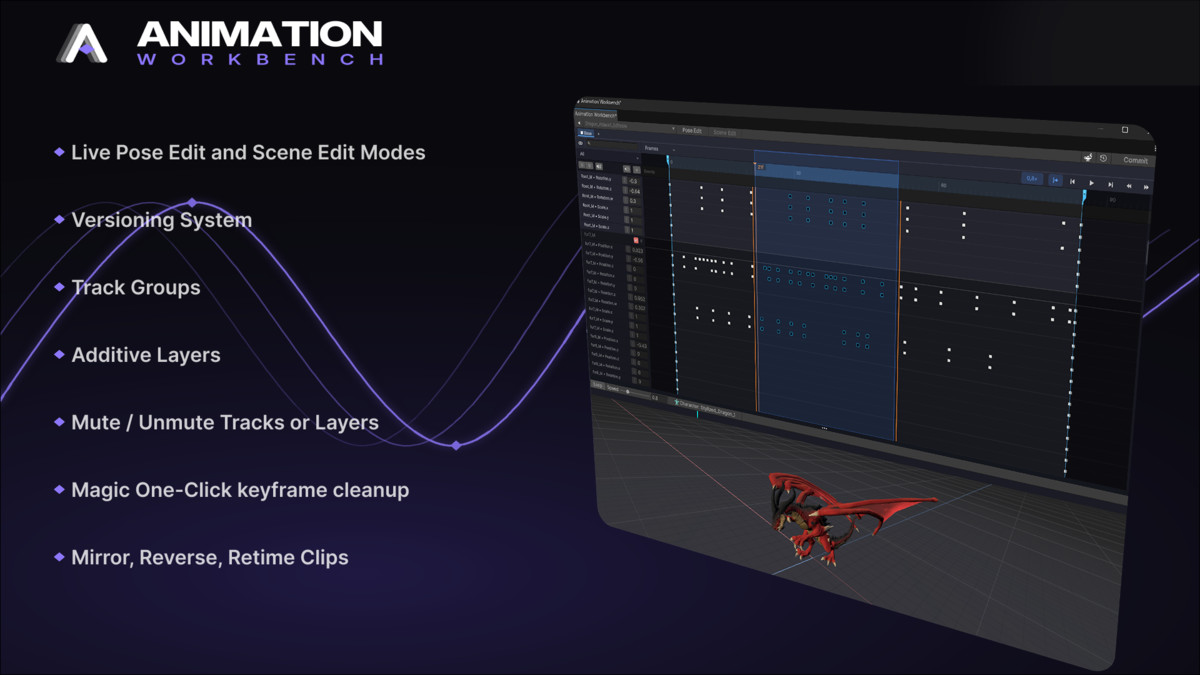
- Dope sheet and curve view, retiming, onion skinning, copy and paste
- Mirror Clip and Reverse Clip: a sheathe from a draw, a landing from a jump
- Cleanup Redundant Keys, with a tolerance measured in millimetres on the figure
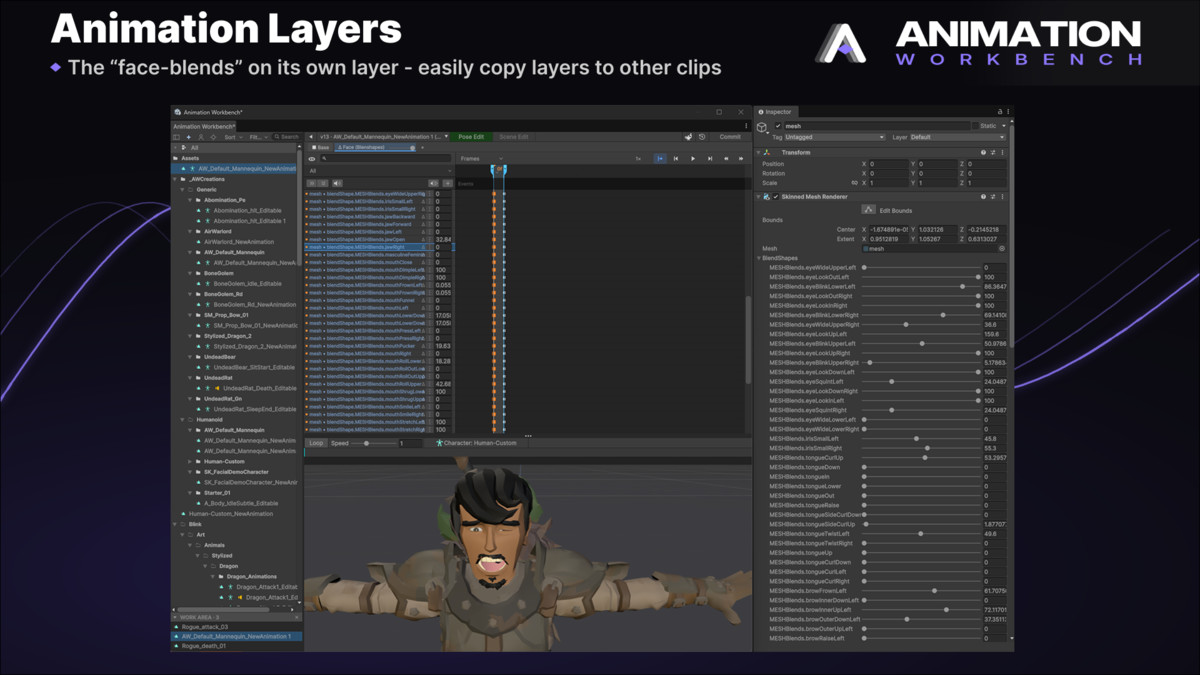
- Animation layers: breathing on one, blinks on the next, a weapon offset on the third. Saved back as a normal .anim
- Version history for every clip, events included
Pose it in the scene
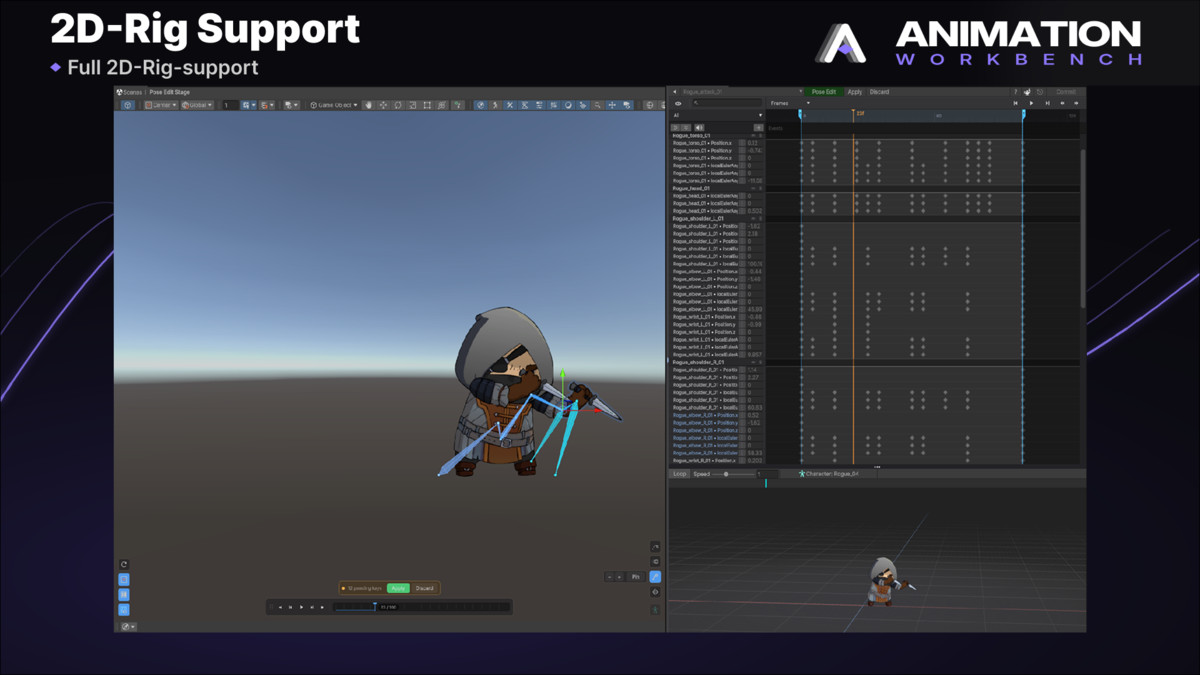
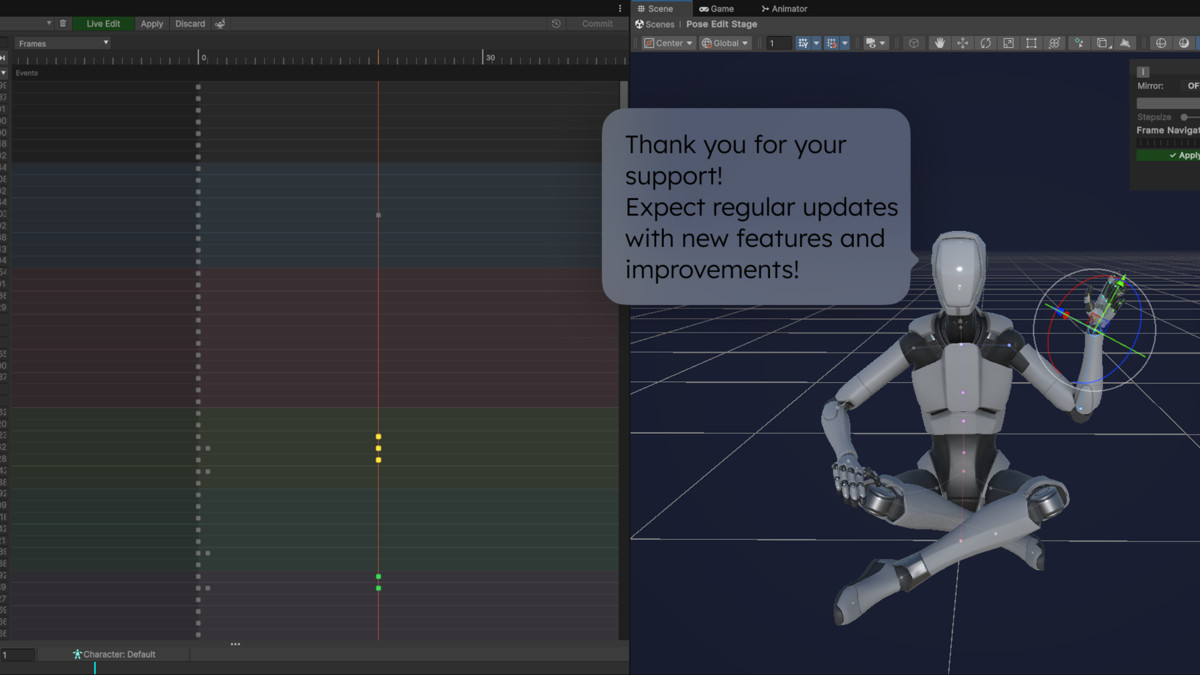
Grab the hand and pull. IK brings the arm along, and the foot you locked stays planted while the walk runs on.
- FK, IK and Grab directly on the character in the Scene view
- Pins for a single drag, Bone Lock for a whole stretch of the clip
- Mirror a pose in one click
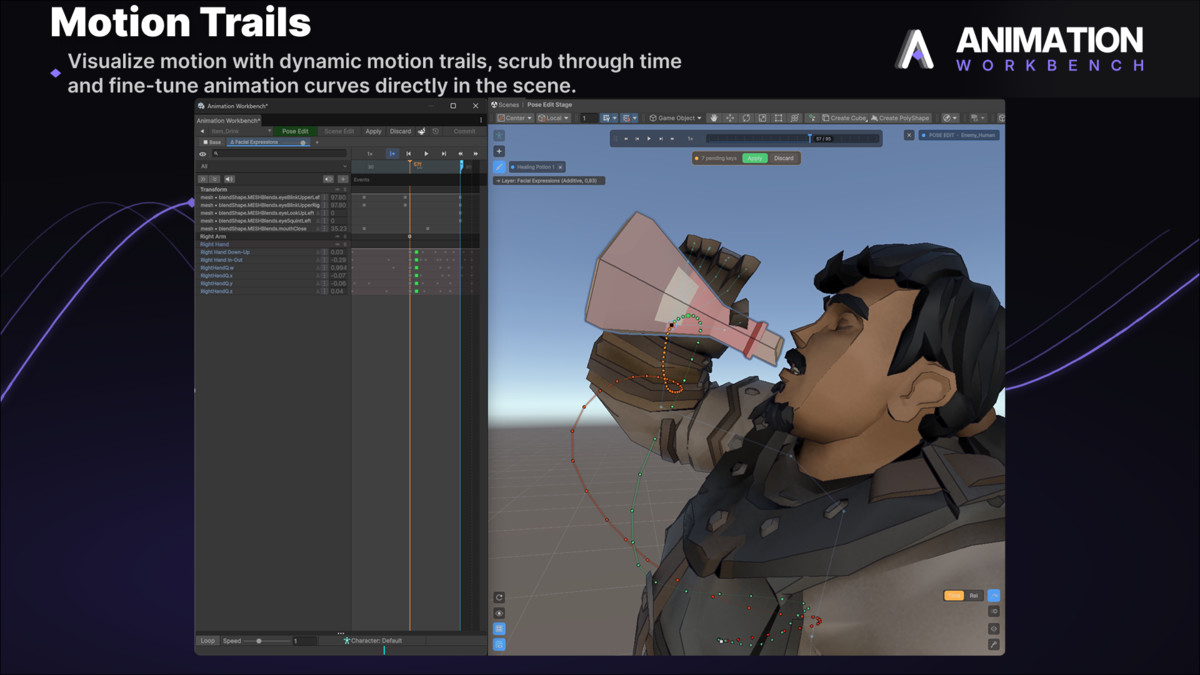
- Motion trails with one dot per frame, so you see the timing as well as the arc
- Props to pose against: a sword to grip, a chair to sit on
- Scene Edit: pose a clip on a character that already stands in your level
Sound and VFX on the timeline
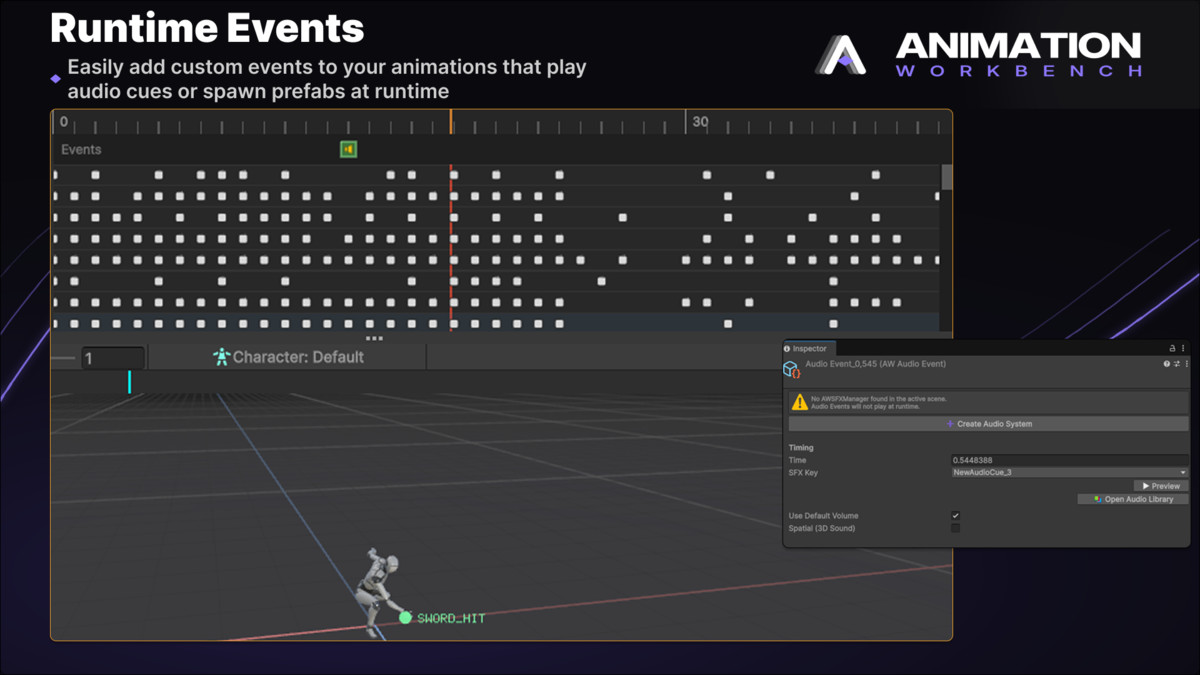
The footstep fires on the frame the heel lands, and you hear it while you scrub.
- Audio events backed by a full SFX pipeline: library with variations, channels, mixer routing, voice limiting, cooldowns, playback probability
- Spawn events: particles, props or world-space UI at the root, on any bone or at a world offset
- Feel support: trigger MMF_Player feedbacks, auto-detected, no hard dependency
- Live preview while scrubbing, in the orbit preview and in Pose Edit
- One runtime component, and only if you use audio
Rig Edit
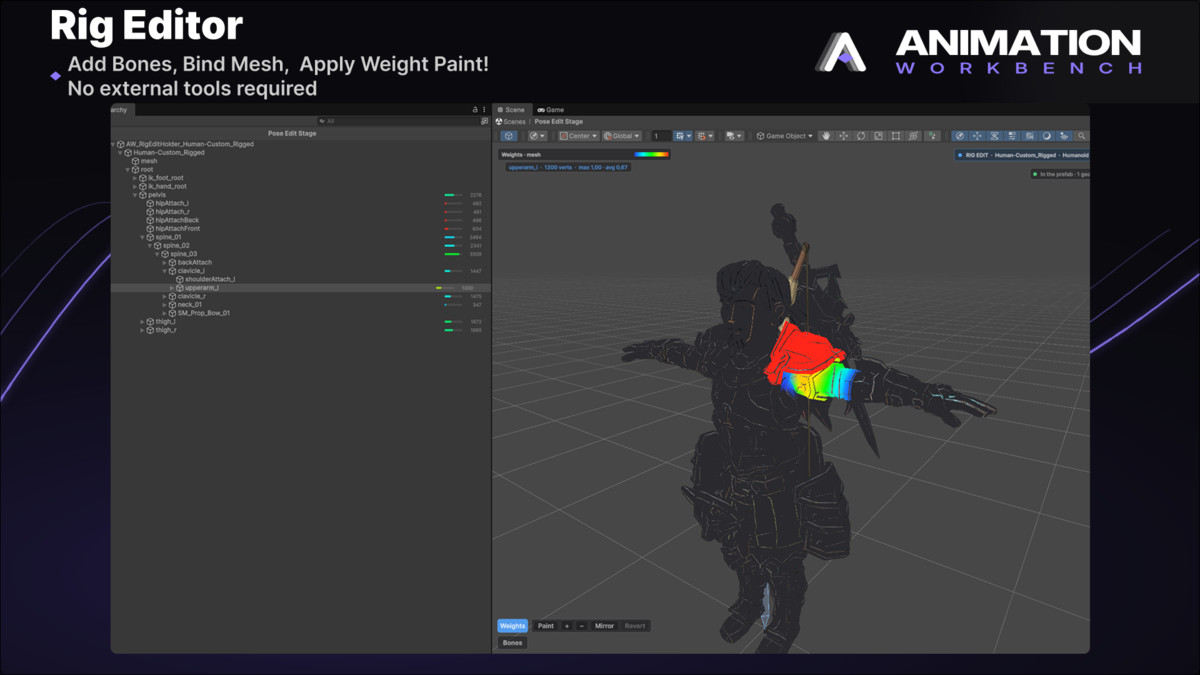
The bowstring should follow the draw. Add a bone, bind the string to it, commit it into the prefab.
- Add sockets and bones to props, bind mesh regions, hang geometry on bones
- See and paint the weights a model already has
- Every commit can be taken back
Community clips
Need a wave, a shrug or an idle to block out a scene? Browse what other users shared on playmations.com, import it straight into your project, and share your own.
Export and integration
- FBX export for skeletons and clips, plus humanoid bone mapping
- Asset Inventory bridge: import animations and prefabs straight from your library
- External folders: scan animations that live outside Assets
Nothing to undo later
- Clips stay ordinary .anim files. Your Animator, Timeline and build never depend on the tool
- Previews and posing run on a stage character. Only Rig Edit writes into a prefab, and only when you commit
- It reads your project and never restructures it
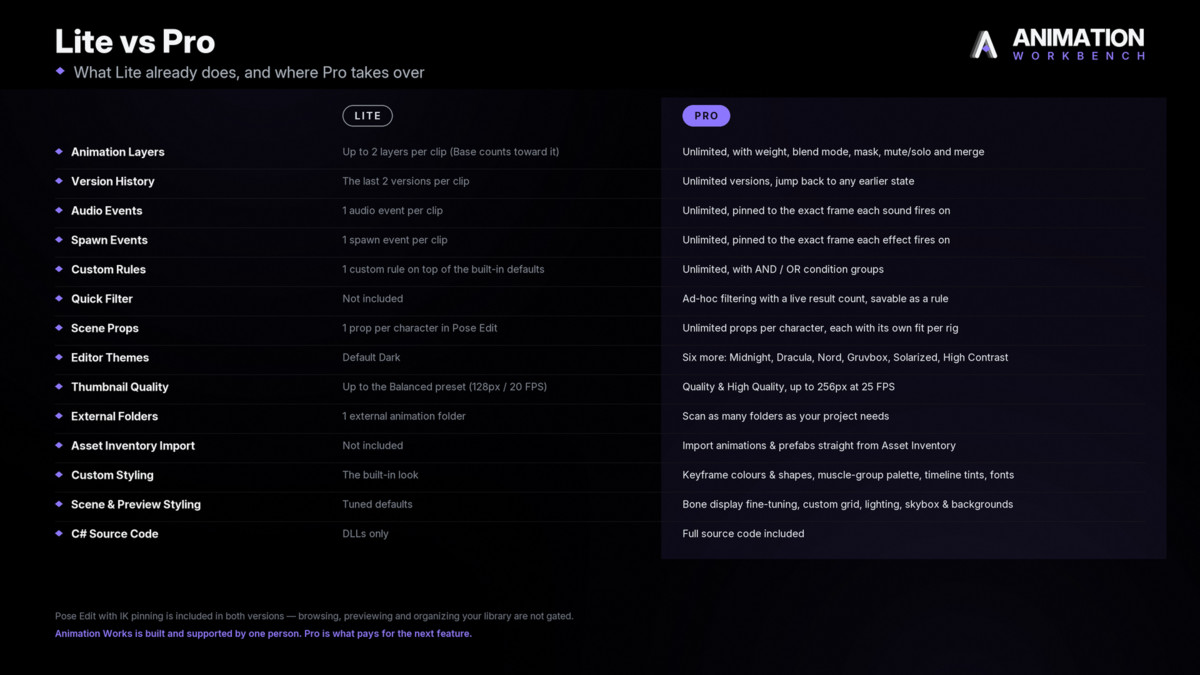
What Pro adds over Lite
- No budgets: unlimited layers, versions, audio and spawn events, props, rules and external folders
- Quick Filter and Asset Inventory import
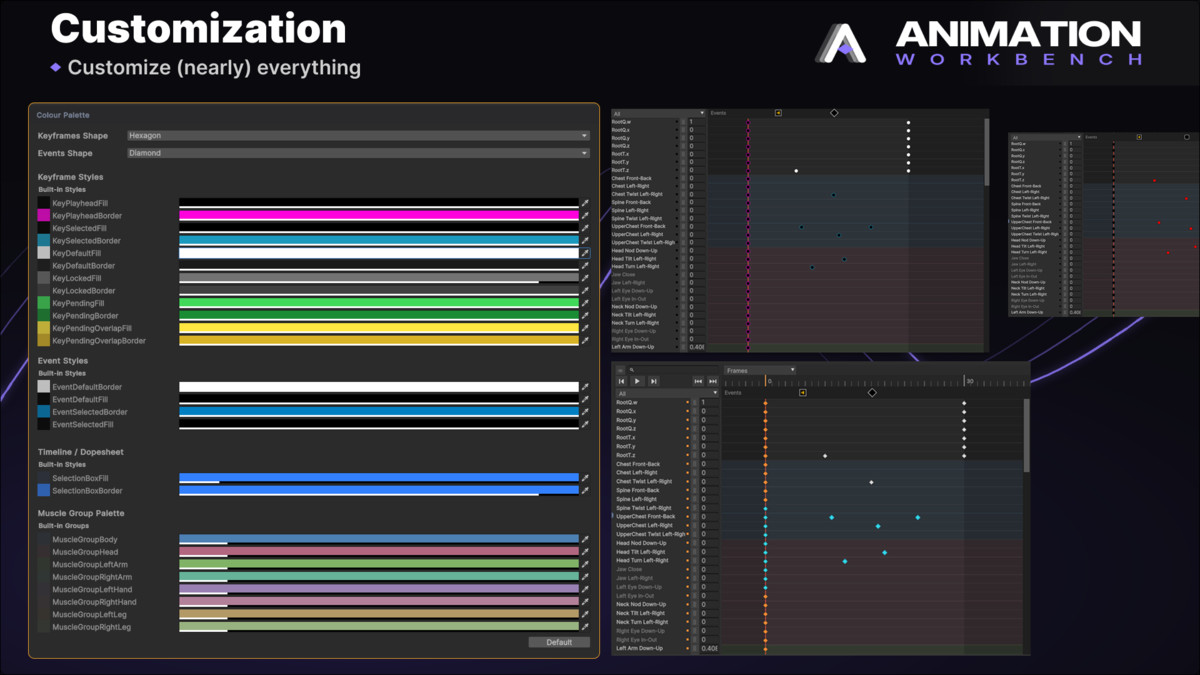
- Six more editor themes and full colour styling
- Full C# source code
MotionLabs Animation Workbench is built and supported by one person. Pro is what pays for the next feature.
Requirements
- Built-in, URP and HDRP. Your own characters work in every pipeline; the shipped mannequin needs URP or HDRP
- Animation Rigging, FBX Exporter and Editor Coroutines, offered automatically on first launch
Links
- Try it first, free: https://assetstore.unity.com/packages/tools/animation/animation-workbench-free-edit-pose-preview-animations-383990
- Documentation: https://docs.playmations.com
- Lite vs Pro, line by line: https://docs.playmations.com/docs/editions/
- Community clips: https://www.playmations.com
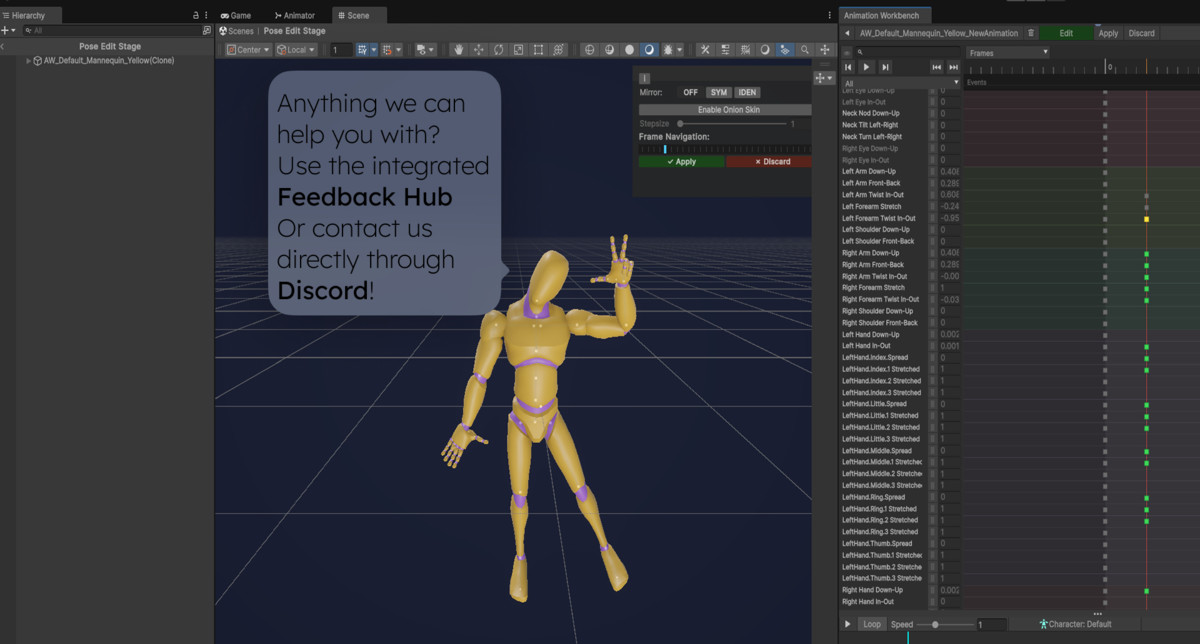
- Discord, for support and feature requests: https://discord.gg/KzUqppKfTH
From the publisher's Asset Store listing.
Technical details
Supported animation types: Humanoid & Generic
Preview system: Isolated editor-only preview scene
Thumbnail generation: Static & animated thumbnails, cached in memory and on disk
Performance: Asynchronous scanning, incremental frame generation, parallel renderers
Editor workflow: Search, filters, multi-select, context actions
Compatibility: Works with any project structure, supports large animation libraries
Customization: Adjustable preview character, editor, orbit preview and much more
Integration: No runtime components — editor-only tool
Compatibility
| Unity version | Built-in | URP | HDRP | Custom |
|---|---|---|---|---|
| 6000.3.8f1 | Compatible | Compatible | Compatible | Compatible |
As listed on the Asset Store.