
 View on Asset Store (opens in new tab)
Package details
- Latest version
- 1.0
- Last updated
- First released
- Unity version
- 6000.0.32 or later
- Package size
- 1.5 MB
- Files
- 158
- Favorites
- 7
- Views in the past week
- 3
Price tracking
- Last checked
- Tracked since
- Lowest recorded
- $25.00 on
Keywords

Resource And Production
- Price drop
Cross compatible and detailed Mining and Item collection, Storage and Crafting systems along with Inventory and Crafting UI.
Lowest recorded price
Get 50% off on Asset Store (opens in new tab)Affiliate link · Purchases support this site
Price history
Last 6 months
USDAsset preview
1 / 6
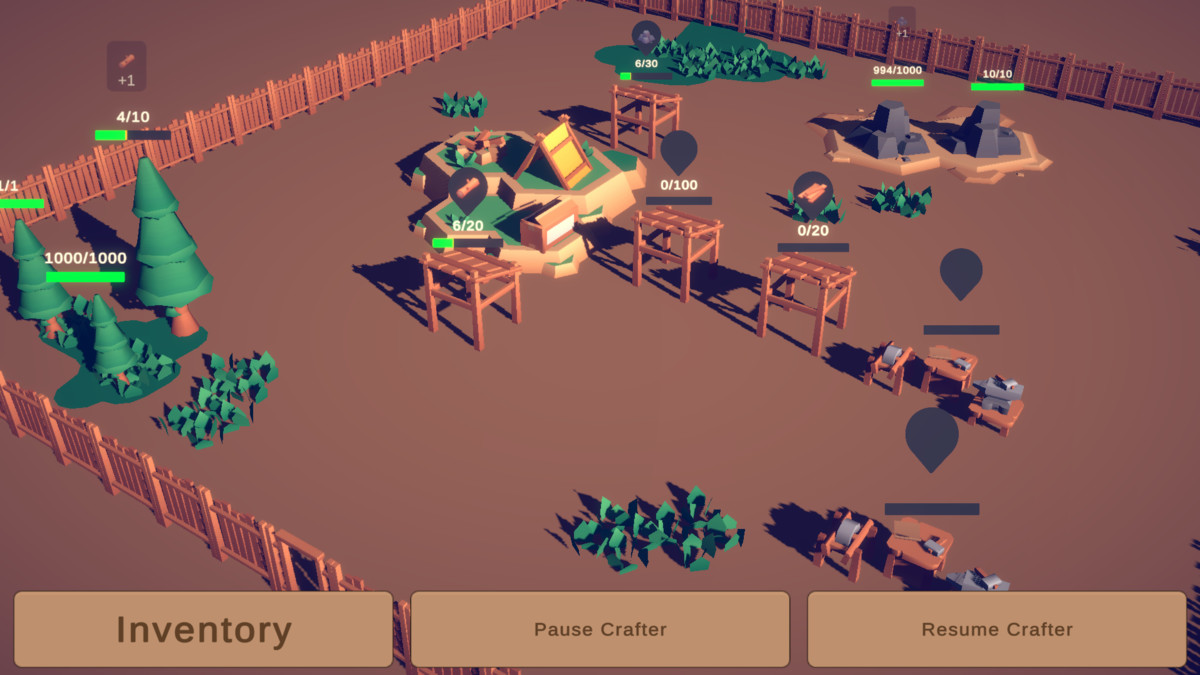
Resource And Production screenshot 1
About this asset
Resource And Production Overview
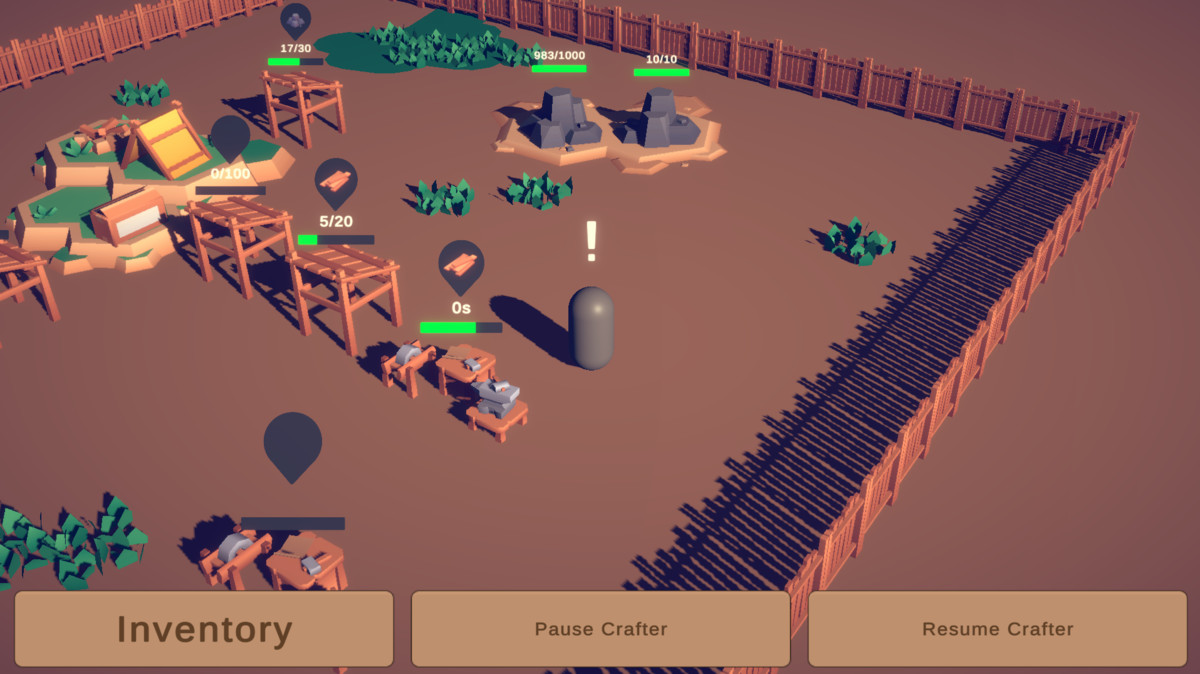
Cross compatible and detailed Item collection, Storage and Crafting systems along with Inventory and Crafting UI.
Many extra components are included to round the package as an import drag and drop system.
Resource And Production has been built to fit many different project types and ideas -
Are you creating a mobile mining game?
Are you automatically storing electricity?
Are you crafting specific Items using smelters or constructors?
Are you creating an auto clicker game with resource storage?
If you are gathering, storing or crafting anything, this system will take care of all the core logic.
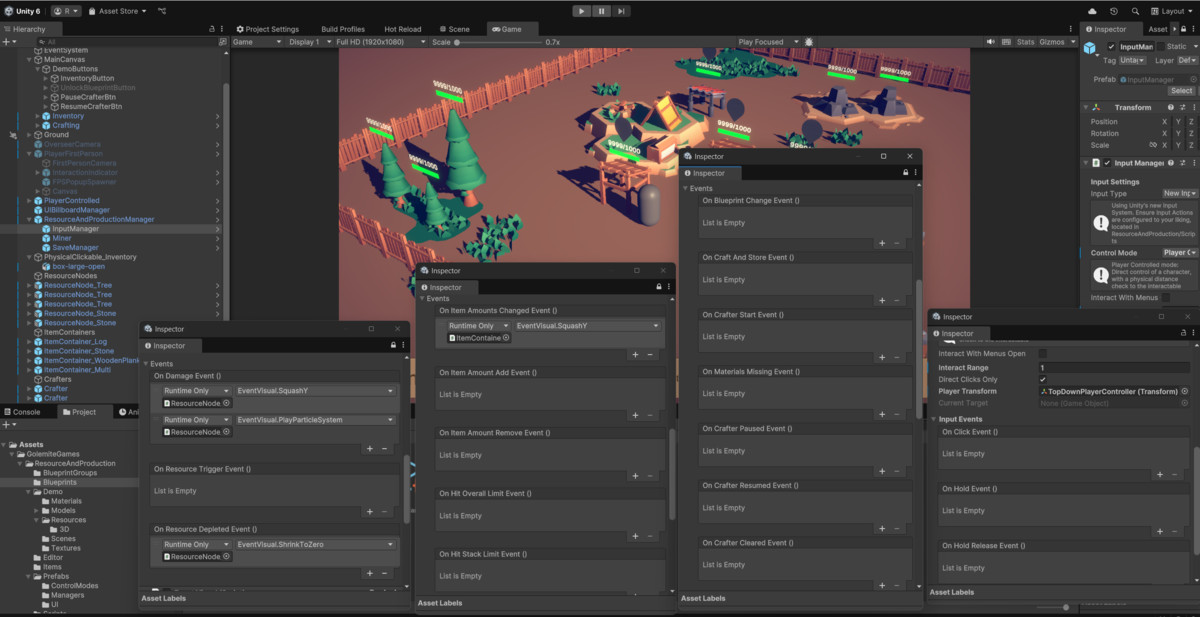
18 Unity Events and Actions to assign your own logic within the Resource And Production system.
Lots of customisation with Documentation to every single usable component in the system.
Happy to answer any questions about the asset in the Discord, feel free to join!
This asset uses Kenney - Survival Kit under the Creative Commons Zero, CC0 - See ThirdPartyNotices.txt file in package for details. This package is used to demonstrate what the system can do, and can be freely interchanged with any other visual assets.
From the publisher's Asset Store listing.
Technical details
Mining
- Create Items using Scriptable Objects
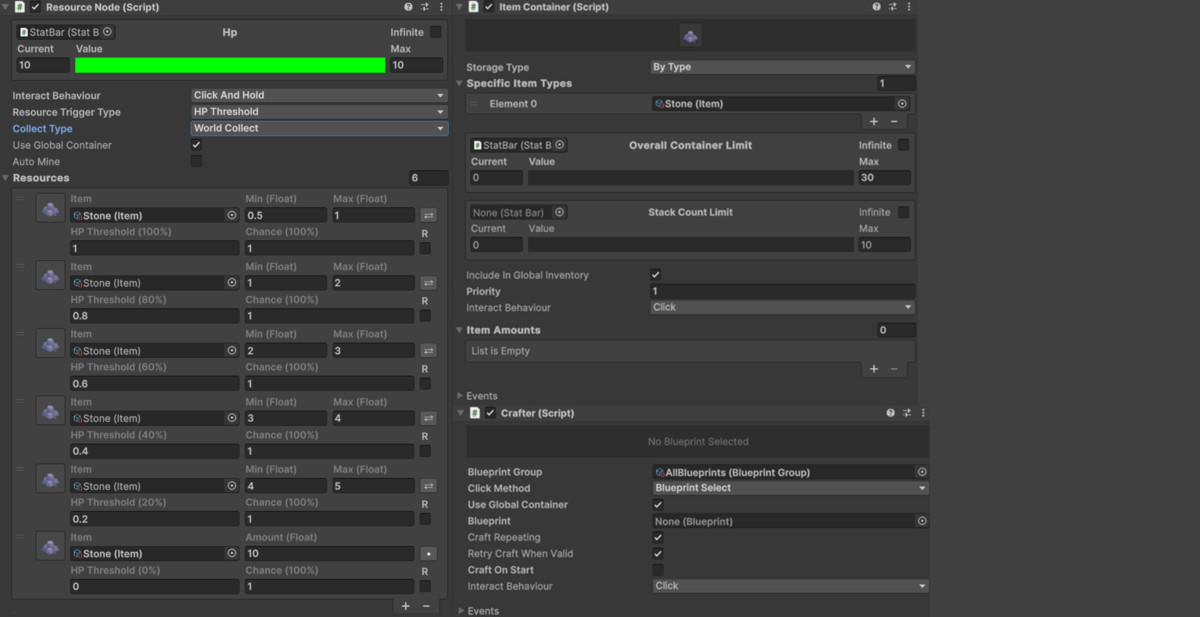
- Add Items to Resource Nodes to create Resources
- Resource trigger types, trigger chance, amount/Min Max and recurring
- Mine Resources using Click or Click and Hold
- Auto Mining
Item Containers
- Store Items in Item Containers
- Set specific Item types, or allow all Items to be stored
- Overall and Stack capacity
- Centralised or Decentralised storage system based on Priority, Distance or Manual
- Inventory UI for displaying Item Containers contents, either global, or individual Item Containers
- Item Information Panel for displaying Items
- Sell Items in the Item Information Panel
Crafting
- Create Blueprints using Scriptable Objects
- Craft new Items from Blueprints using Crafters
- Store Blueprints in BlueprintGroups to only craft specific Blueprints like a Smelter, Crafter or Refinery
- Direct Blueprint Select or a Blueprint Queue
- Auto repeat crafting for Blueprint Select
- Max Blueprint Queue space for Blueprint Queue
- Material detection when missing from Blueprint
- Blueprint Slots for displaying Blueprint Information
System
- Saving and Loading
- Easy drag and drop components such as Progress bars, Dynamic Icons and Popups
- UI Billboards to have World UI components always face the Camera like those above
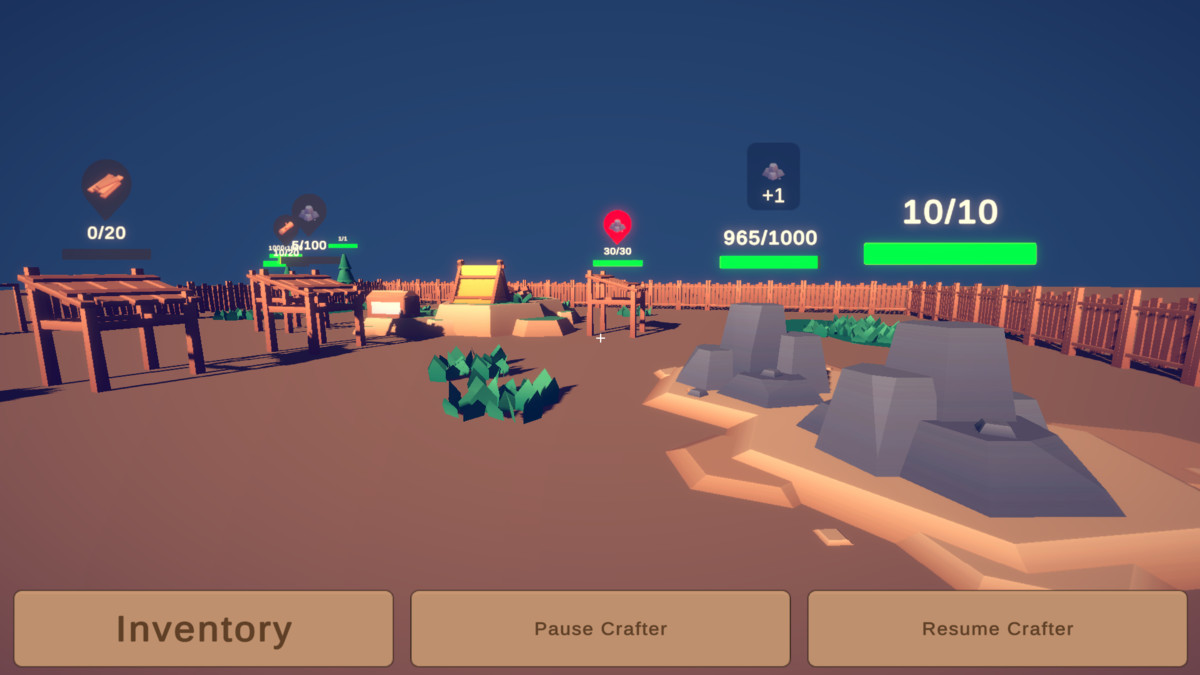
- 3 Core Control Modes - Overseer - Player Controlled - First Person - Most game types can pick the best fit even if the mode is not exactly their game type. It simply reflects how the Input is handled
- Other small extra helpful components such as EventVisuals and PlayerInteractionIndicators
- 30 preset prefabs, 13 custom editors for ease of use
- 18 Unity Events and Actions for your own logic
- 40 Scripts
- Unbloated small package - mostly code and setup with a few demo meshes and textures
Compatibility
- New and Old Input System
- Touchscreen
- 3D
- 2D
Documentation
- 40 pages of information on each component, with details on setup and usage
- All component docs are linked to the help icon box in unity for easy access (Open Reference for 'Something')
- Docs contain cross links to relevent components to quickly pick up the system
Thank you for taking in interest in Resource and Production, if you have any questions, feel free to join the Discord
Compatibility
| Unity version | Built-in | URP | HDRP | Custom |
|---|---|---|---|---|
| 6000.0.32f1 | Compatible | Compatible | Compatible | Compatible |
This project is set up in URP. If you are using a different pipeline, the only change is to swap the materials - Edit > Rendering > Materials > Convert Materials
As listed on the Asset Store.