
 View on Asset Store (opens in new tab)
Package details
- Latest version
- 1.0.0
- Last updated
- First released
- Unity version
- 6000.2.8 or later
- Package size
- 5.0 MB
- Files
- 121
- Favorites
- 5
- Views in the past week
- 4
Price tracking
- Last checked
- Tracked since
- Lowest recorded
- Free on
Keywords

50+ Medieval Props and Assets
Affiliate link · Purchases support this site
Price history
Last 6 months
USDAsset preview
1 / 4

50+ Medieval Props and Assets screenshot 1


About this asset
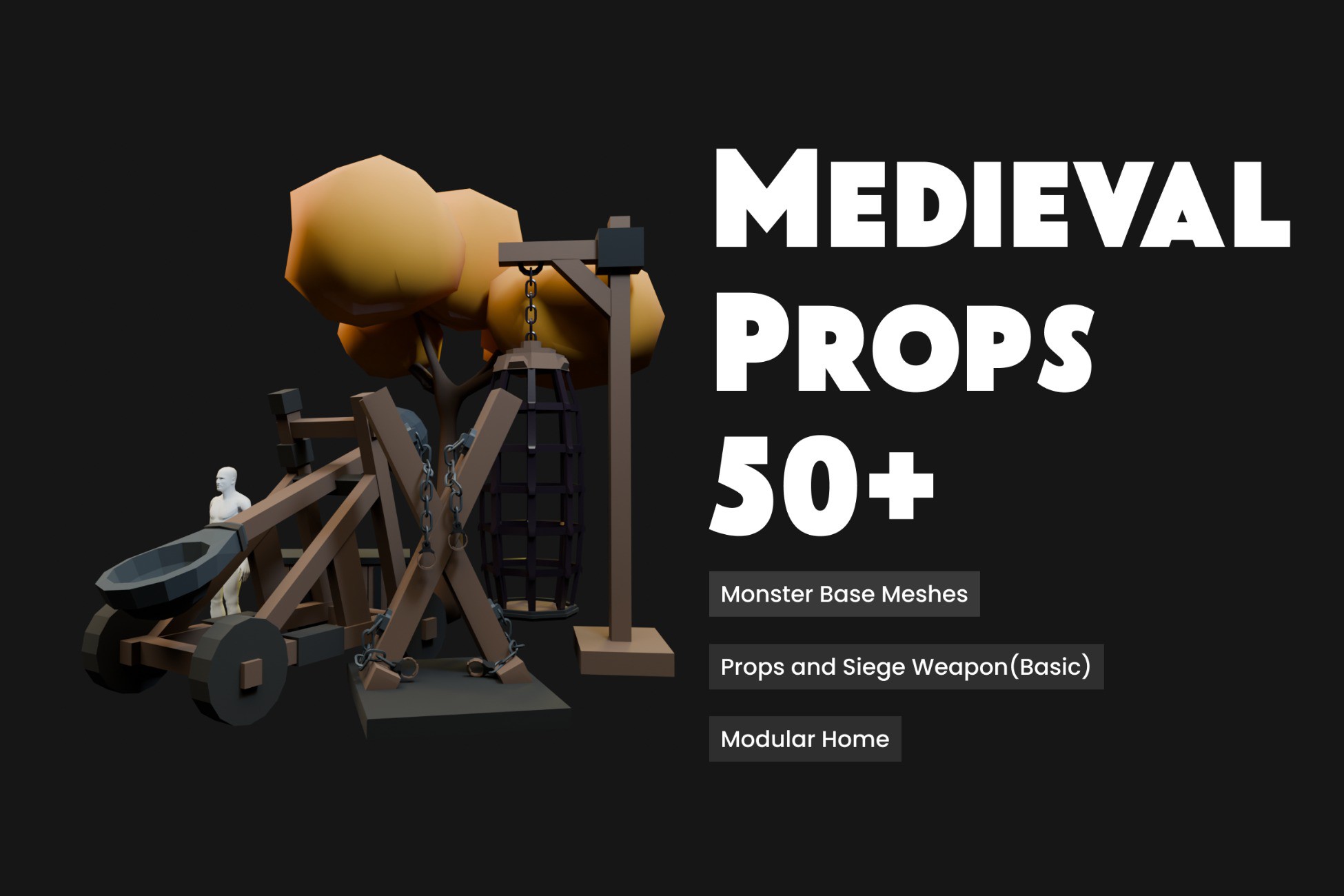
Bring your medieval worlds to life with this 50+ Low–Mid Poly Medieval Props Pack — perfect for strategy, RPG, survival, and fantasy projects. Designed with clean stylized geometry, each Asset is fully optimized for performance while maintaining a strong visual identity suitable for both PC and mobile platforms.
This pack includes essential medieval environment elements such as siege equipment, market setups, furniture, storage items, and natural props ,Also this Package Includes a Modular Medieval House Building Kit for your Very Own Imaginations to Bring to Life— allowing you to quickly build immersive towns, battlefields, and interactive environments. Plus You Get 3 Base Monster Meshes which you can use for your own Goals.
Features:
- 50+ handcrafted medieval props , Modular Home Kits and 3 Base Meshes
- Low–mid poly models ideal for real-time gameplay
- Non-PBR materials (easy to customize and retexture)
- Optimized meshes and clean topology
- Ready for Unity, and other 3D pipelines
Perfect for rapid level design, prototyping, or production-ready medieval scenes!
From the publisher's Asset Store listing.
Technical details
Low–mid poly assets suitable for medieval-themed games.
No PBR textures — can be textured to your requirements in Blender.
Specifications
- Polycount: Minimum 100,000 — Maximum 130,000. Complex geometry require a slightly higher polycount.
- Number of meshes/prefabs : 51
Animating / preparing geometry for rigging in Blender
- In Object Mode, select the object(s) (left-click).
- Press Tab to enter Edit Mode.
- Select the geometry you want to separate (press A to select all, or select by vertex/edge/face as required).
- Press P → By Loose Parts to separate mesh into individual objects.
- Press Tab to return to Object Mode. If needed, apply transforms (Ctrl+A → All Transforms) before rigging.
- Add and bind an armature or apply the desired rig to the separated objects.
Compatibility
| Unity version | Built-in | URP | HDRP | Custom |
|---|---|---|---|---|
| 6000.2.8f1 | Compatible | Compatible | Compatible | Compatible |
As listed on the Asset Store.