
 View on Asset Store (opens in new tab)
Package details
- Latest version
- 1.0
- Last updated
- First released
- Unity version
- 6000.2.6 or later
- Package size
- 11 KB
- Files
- 11
- Favorites
- 6
- Views in the past week
- 7
Price tracking
- Last checked
- Tracked since
- Lowest recorded
- Free on
Keywords

ArchitectureGuard
Automatically maintain a clean project structure and enforce coding standards with Architecture Guard.
Price Free
Get it free on Asset Store (opens in new tab)
Affiliate link · Purchases support this site
Price history
Last 6 months
USDAsset preview
1 / 2
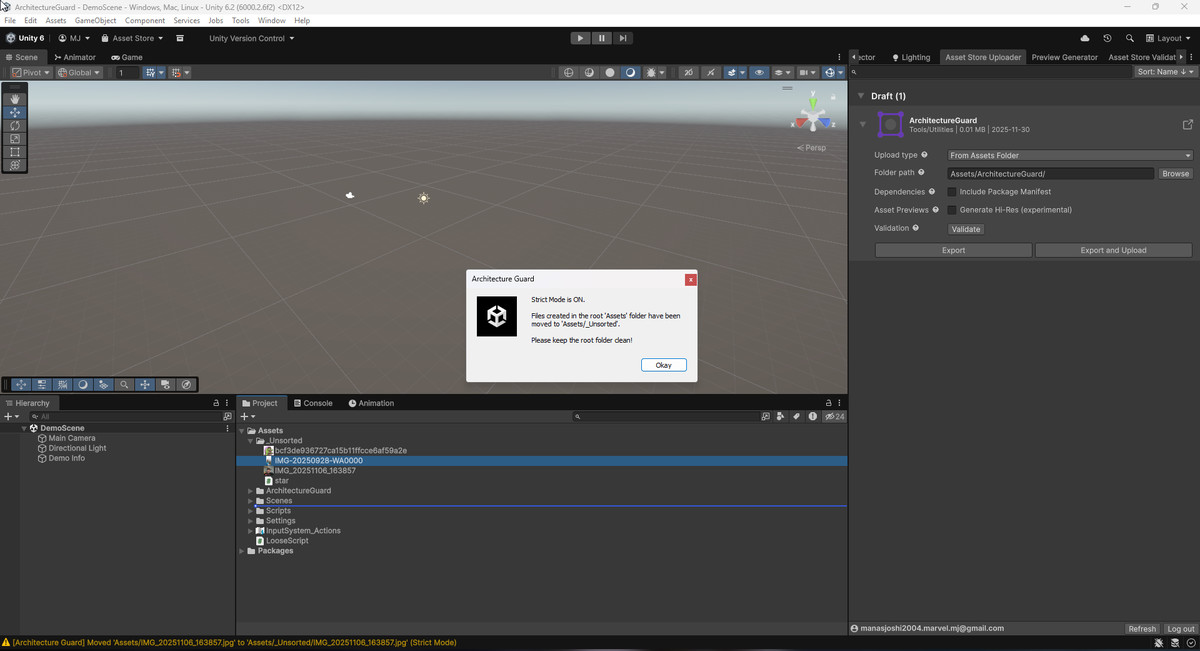
ArchitectureGuard screenshot 1
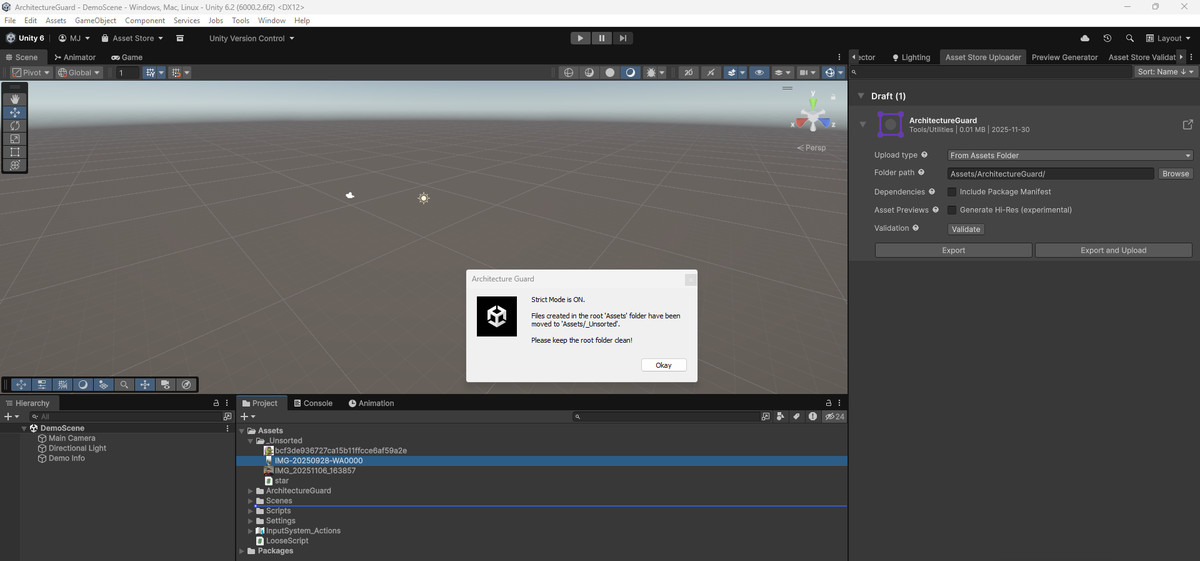
About this asset
Architecture Guard is a professional Unity Editor tool designed to enforce project structure and coding standards. It helps teams maintain a clean
Assets folder and ensures that code follows best practices.
Features:
- Strict Mode: Automatically monitors your project's rootAssets/ folder. Any file (texture, script, material) dropped directly intoAssets/ will be automatically moved toAssets/_Unsorted. This keeps your project root clean
- .Architecture Guard will warn you if any of these are missing.Required Folders: Define a list of folders that must exist in your project structure (e.g.,Assets/Scripts,Assets/Art.
- Naming Conventions: Scans your codebase to enforce standard C# naming conventions. For example, it checks that Interfaces start with I.(e.g.,IPlayerController
- Auto-Fix: Provides a "Fix" button to automatically rename files and class declarations to match the convention.
- Ignore List: Add specific files or paths to an Ignore List to exclude them from checks.
From the publisher's Asset Store listing.
Technical details
- Strict Mode: Automatically detects and moves loose files from the root Assets/ folder to_Unsorted.
- Folder Enforcement: Define and enforce a list of required folders (e.g.,Scripts,Prefabs
- Naming Conventions: Automatically checks for C# naming violations (e.g., ensuring Interfaces start with I.
- Auto-Fix System: One-click fix for common naming violations (renames both the file and the class declaration).
- Ignore List: easily exclude specific files or paths from architecture checks.
- Editor-Only: Zero runtime overhead. The tool runs entirely within the Unity Editor.
- Customizable: Configure rules and settings directly from the Architecture Guard window.
Compatibility
| Unity version | Built-in | URP | HDRP | Custom |
|---|---|---|---|---|
| 6000.2.6f2 | Compatible | Compatible | Compatible | Compatible |
As listed on the Asset Store.