
 View on Asset Store (opens in new tab)
Package details
- Latest version
- 1.2.0
- Last updated
- First released
- Unity version
- 2021.3.45 or later
- Package size
- 110 KB
- Files
- 20
- Favorites
- 2
- Views in the past week
- 1
Price tracking
- Last checked
- Tracked since
- Lowest recorded
- $15.00 on
Keywords

qs.Asset Sync
- Price drop
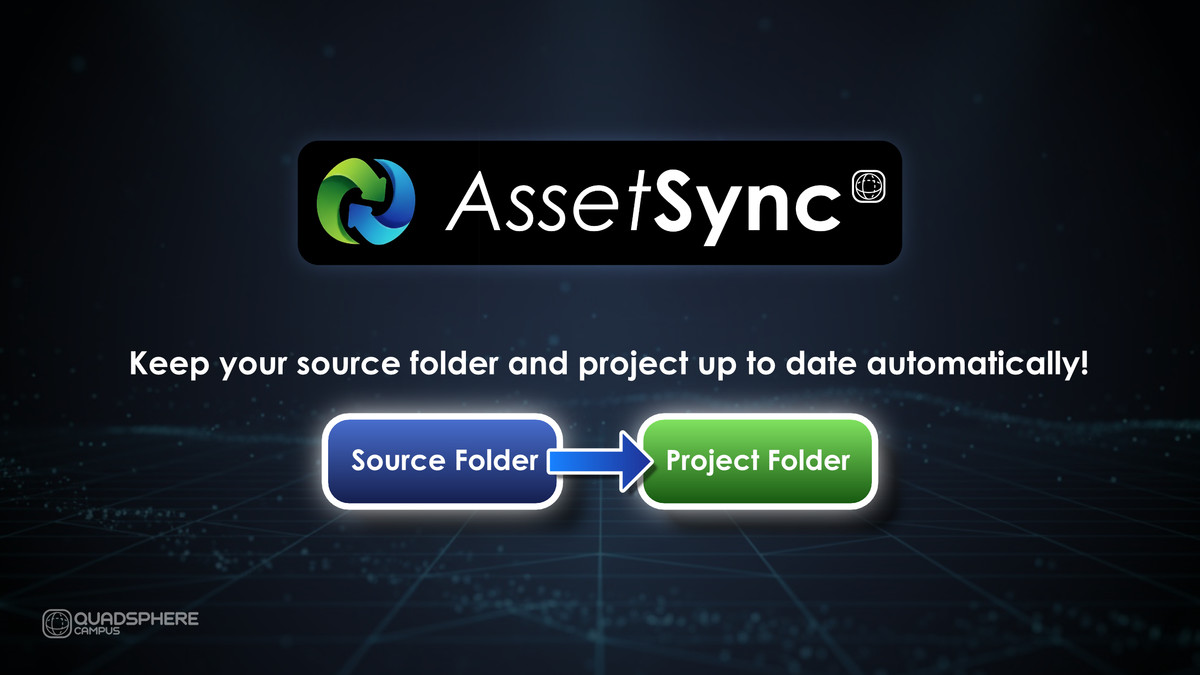
Tired of manual copy? Asset Sync auto-links your source art folder to Unity! Features real-time or manual sync, material preservation, visual diff, and comprehensive file/folder exclusions.
Lowest recorded price
Get 50% off on Asset Store (opens in new tab)Affiliate link · Purchases support this site
Price history
Last 6 months
USDAsset preview
1 / 4
qs.Asset Sync screenshot 1

About this asset
Asset Sync: The Essential Workflow Bridge for Professional Unity Teams
Asset Sync is the robust, feature-rich tool that automatically handles the tedious, error-prone task of keeping your source art (from programs like Blender, Maya, Photoshop, etc.) perfectly synchronized with your Unity project.
Key Benefits: Automate Your Workflow, Preserve Your Work
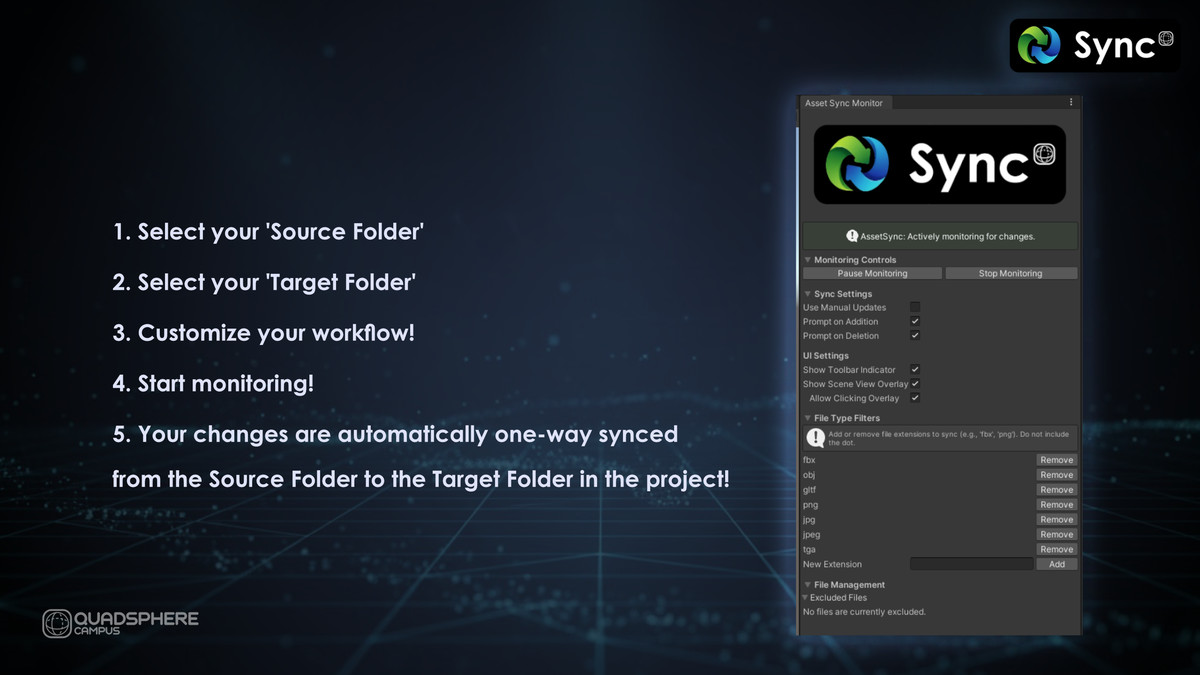
- Seamless Integration: Establish a one-way sync link between any external source folder and a target folder in your Unity project.
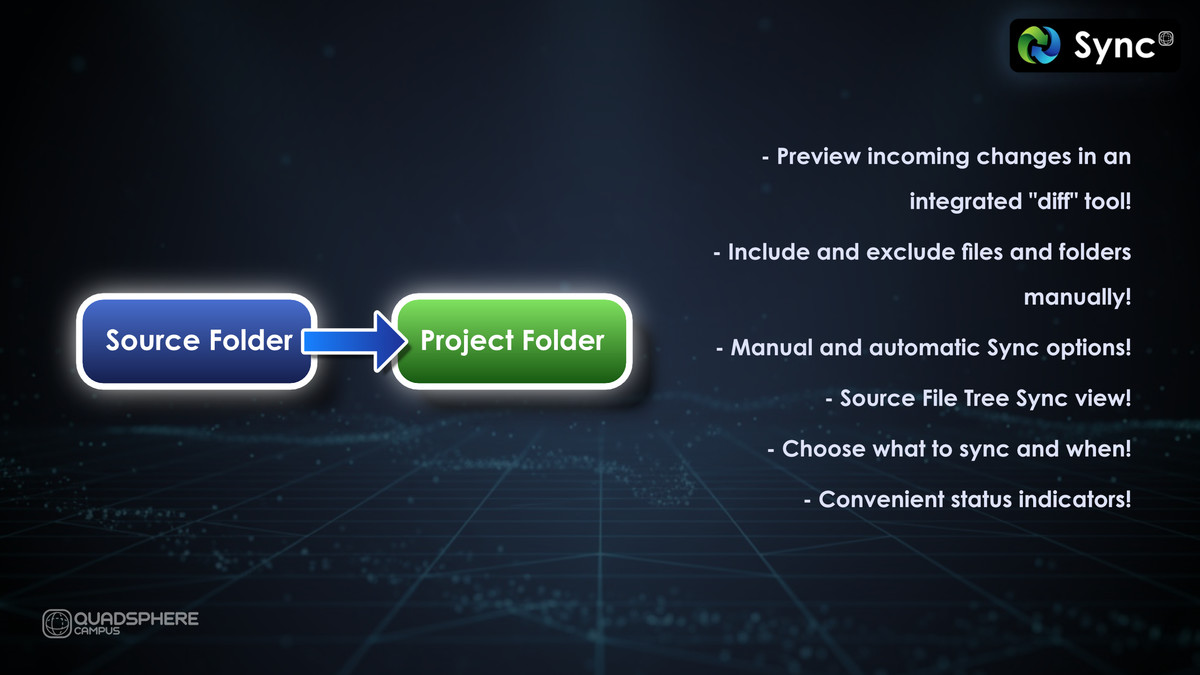
- Time-Saving Sync Modes: Choose between fully automatic, real-time syncing for instant updates, or Manual Mode to queue changes for user review and approval.
- Intelligent Material Preservation: Save hours of re-work! When a 3D model is updated, Asset Sync intelligently attempts to preserve any existing material assignments you've made within Unity.
Professional-Grade Control and Review
Asset Sync gives you the precise control and review capabilities demanded by professional studios:
- Visual Diff Tool (Manual Mode): Eliminate guesswork. Before syncing, open a dedicated diff window to visually compare the pending source asset against the current version in your project. Supports textures and 3D models.
- Comprehensive Exclusion System: Keep your project clean and clutter-free.
Easily manage file and folder exclusions with the intuitive SyncTree Manager, a user-friendly tree view with checkboxes.
Filter exactly which file extensions (e.g., .fbx, .png, .psd) should be monitored and synced.
Exclusion rules are persistent across sessions. - Initial Bulk Sync: Use a dedicated function to perform a fast, one-time, full sync of a large source directory, perfect for initial project setup.
Stay Informed at a Glance
Never wonder about your sync status. Asset Sync provides clear, at-a-glance status indicators via:
- A detailed status box in the main Monitor Window.
- An optional icon in the main Unity toolbar.
- An optional, clickable overlay in the Scene View.
Ready for Any Project
The "Stop Monitoring" cleanup feature provides a clean way to completely decouple the folders and reset your configuration. Built on a foundation of automated tests, Asset Sync is a reliable and stable addition to your development toolkit.
Asset Sync is the 'set it and forget it' solution for integrating external art assets, ensuring your team always works with the latest files without ever breaking existing scene work.
From the publisher's Asset Store listing.
Compatibility
| Unity version | Built-in | URP | HDRP | Custom |
|---|---|---|---|---|
| 6000.3.13f1 | Compatible | Compatible | Compatible | Not listed |
| 6000.3.0f1 | Compatible | Compatible | Compatible | Not listed |
| 2021.3.45f2 | Compatible | Compatible | Compatible | Compatible |
As listed on the Asset Store.