
 View on Asset Store (opens in new tab)
Package details
- Latest version
- 1.0.0
- Last updated
- First released
- Unity version
- 2022.3.62 or later
- Package size
- 6.4 MB
- Files
- 11
- Favorites
- 1
- Views in the past week
- 3
Price tracking
- Last checked
- Tracked since
- Lowest recorded
- $10.00 on
Keywords
- Search for Texture
- Search for instant screenshot
- Search for Camera Snapshot Tool
- Search for Unity Screenshot Maker
- Search for Camera Capture
- Search for Unity Capture Plugin
- Search for transparent
- Search for Easy Screenshot Capture
- Search for Screenshot
- Search for Capture Scenes Instantly
- Search for High-Quality Screenshots
- Search for Unity Snapshot Tool
Camera Screenshot Toolkit
The Camera Screenshot Toolkit provides a fast and easy way to capture high-quality screenshots directly in your projects. Works across All platforms (Desktop, Mobile, Console, and WebGL)
Affiliate link · Purchases support this site
Price history
Last 6 months
USDAsset preview
1 / 5
Camera Screenshot Toolkit screenshot 1
About this asset
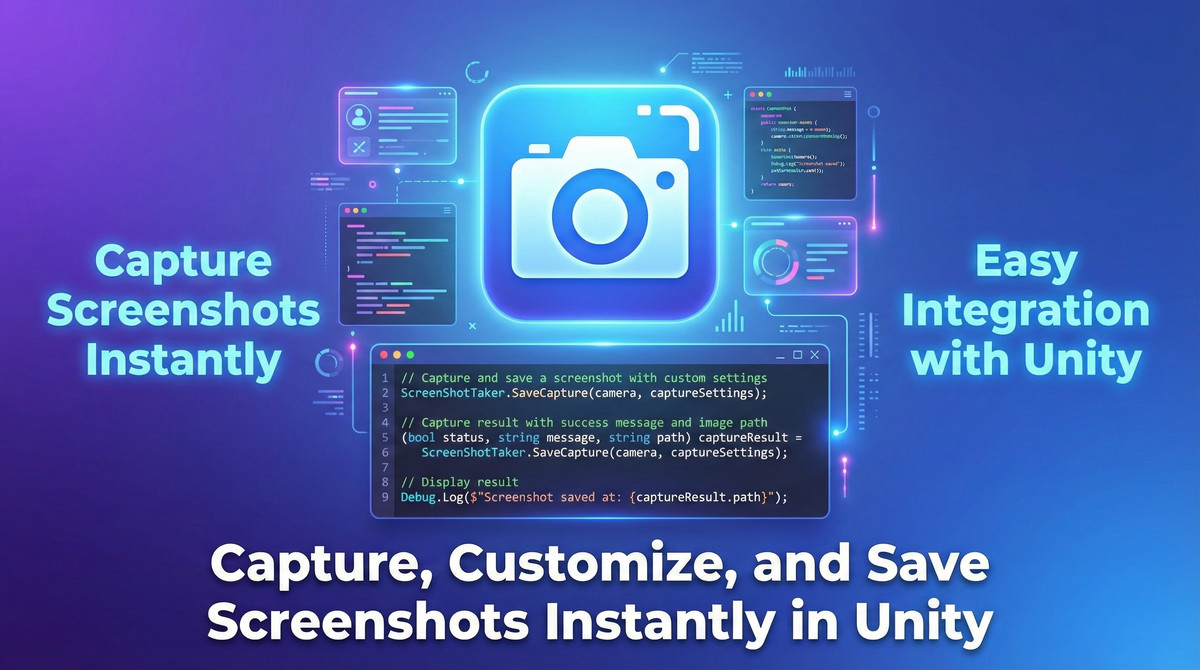
Capture, Customize, and Save Screenshots Instantly
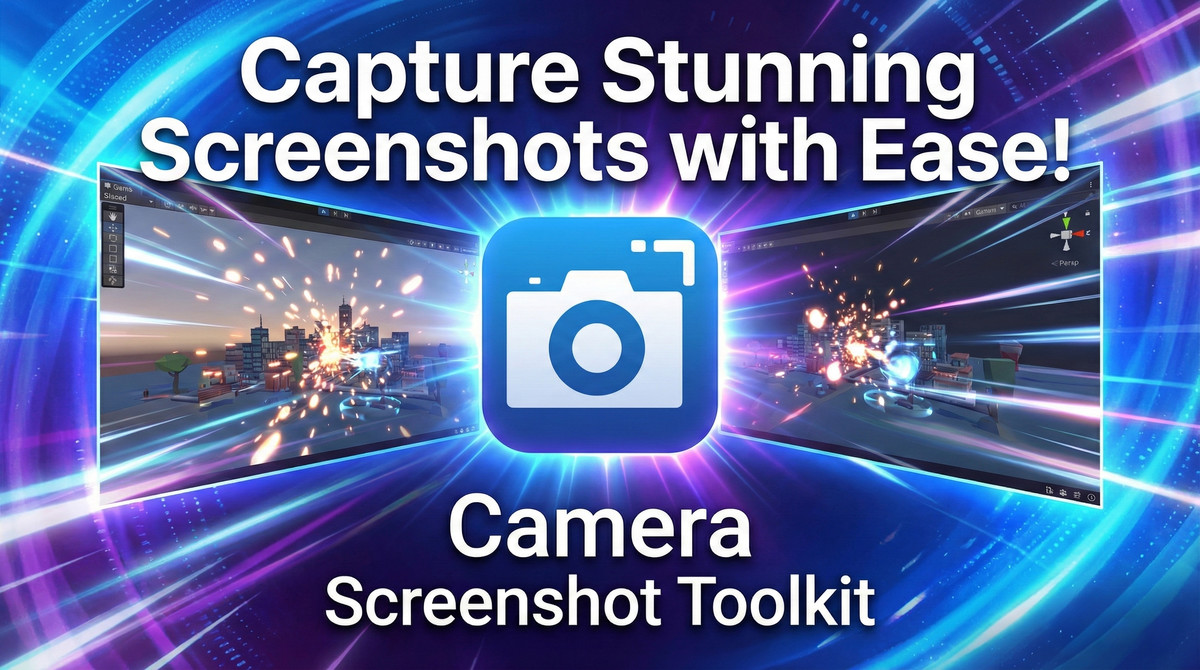
The Camera Screenshot Toolkit is an essential tool for Unity developers who need a fast, efficient way to capture high-quality screenshots directly from their Unity projects. Whether you’re showcasing your scenes, creating promotional material, or capturing in-game content, this toolkit offers a seamless and customizable solution.
Key Features:
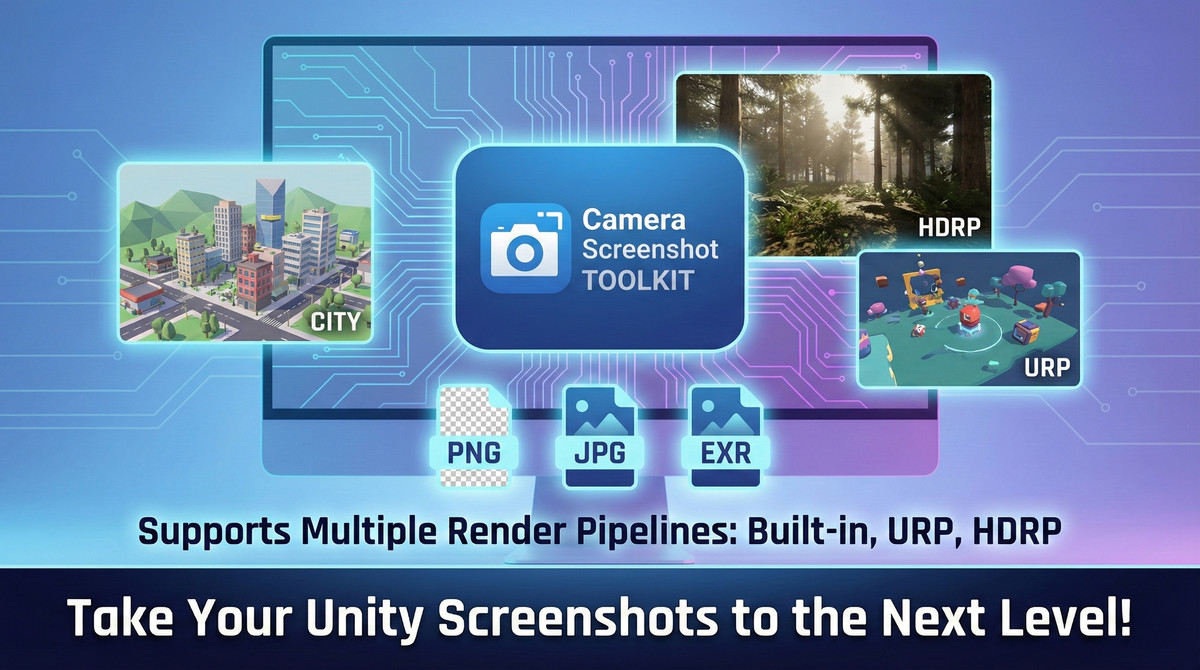
- Supports Multiple Render Pipelines: Fully compatible with Unity’s Built-in, Universal Render Pipeline (URP), and High Definition Render Pipeline (HDRP).
- Customizable Screenshot Resolution: Set your desired resolution for screenshots, ensuring they fit your exact needs.
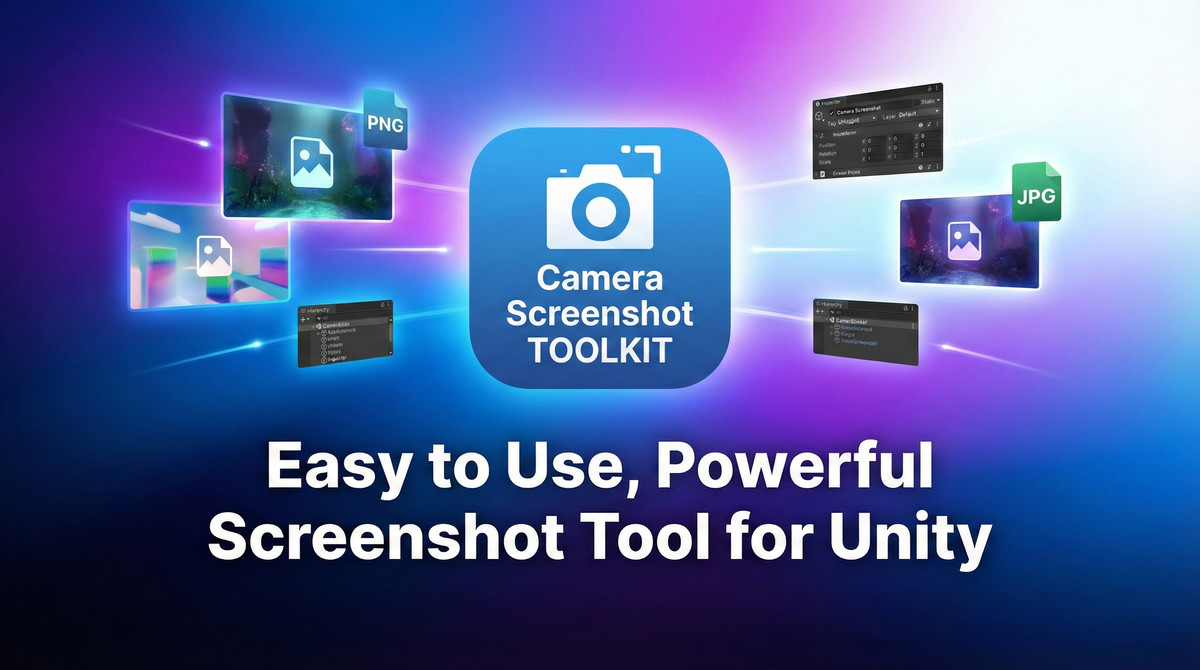
- Multiple Output Formats: Choose from PNG, JPG, and EXR formats to save your screenshots.
- Easy Integration: Quickly integrate with your Unity project and start capturing images with just a few lines of code.
- High-Performance Captures: Capture screenshots with minimal impact on game performance.
- Flexible Save Options: Save your screenshots to persistent data or any custom folder path in your project.
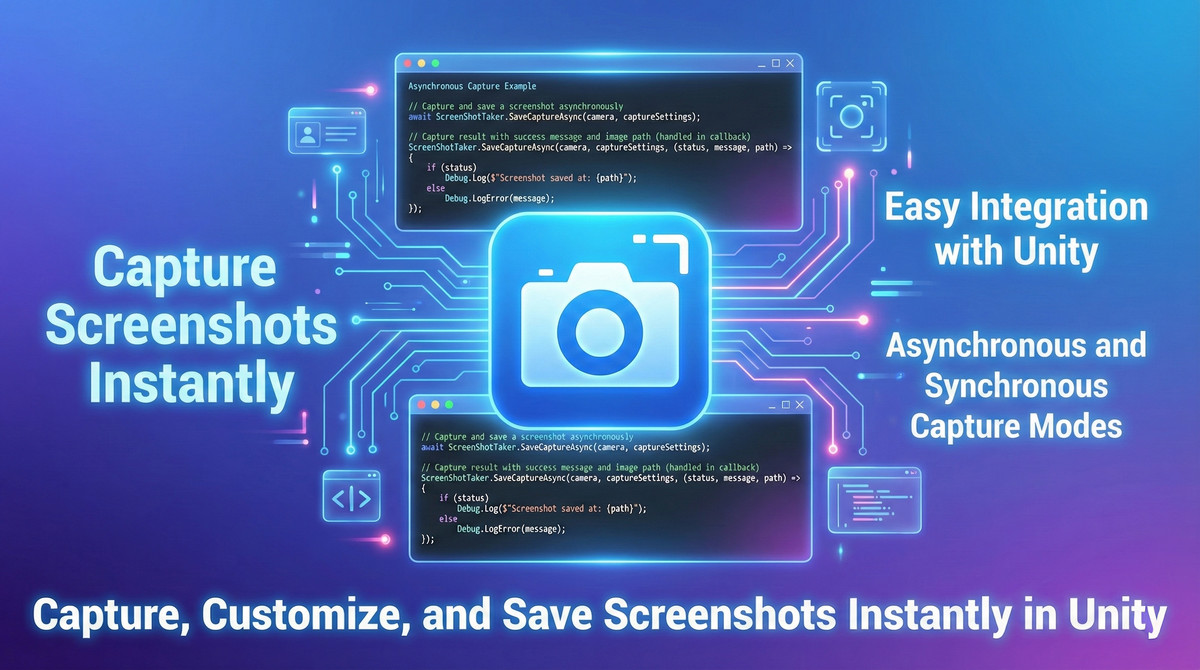
- Asynchronous and Synchronous Capture: Supports both async and sync methods for maximum flexibility in your project.
Perfect For:
- Game Developers: Easily take and save screenshots of your game scenes for promotional or debugging purposes.
- VR/AR Projects: Capture in-game images and views in VR or AR environments.
- Studio Demos & Marketing: Quickly create high-quality promotional images for your game or project.
Getting Started:
- Import and Integrate: Simply import the toolkit into your Unity project, attach the ScreenShotTaker script to your camera, and customize your capture settings.
- Capture & Save: Trigger screenshot captures with one line of code, specifying output formats, resolution, and save path.
With the Camera Screenshot Toolkit, capturing stunning screenshots has never been easier. Whether you're working with the built-in pipeline or advanced render pipelines like URP or HDRP, this toolkit ensures smooth and flexible screenshot functionality for all Unity developers.
From the publisher's Asset Store listing.
Technical details
Technical Details
- Supports both LTS (Long Term Support) and Tech Stream versionsUnity Version Compatibility:Unity 2020.3 and higher
- High Definition Render Pipeline (HDRP)Render Pipeline Support:Built-in Render Pipeline (default Unity pipeline)
Universal Render Pipeline (URP) - EXR (high dynamic range)Capture Formats:PNG (lossless compression)
JPG (lossy compression) - Resolution settings are configurable in the CaptureSettings classResolution Options:Customizable screenshot resolution
Supports capturing at any screen resolution, from low to high (up to screen's max resolution) - ScreenShotTaker.Capture(Camera camera, CaptureSettings settings) - Captures the screenshot as a Texture2D object (for further manipulation)API Methods:ScreenShotTaker.SaveCapture(Camera camera, CaptureSettings settings) - Captures and saves a screenshot synchronously
ScreenShotTaker.SaveCaptureAsync(Camera camera, CaptureSettings settings, Action<bool, string, string> onComplete) - Captures and saves a screenshot asynchronously - Customizable file naming (e.g., timestamps to prevent overwriting)File Save Locations:Supports saving to Unity's persistent data path (Application.persistentDataPath) or custom directories within the Unity project
- Works with both 2D and 3D cameras, including orthographic and perspective viewsCamera Setup:Easy integration by attaching ScreenShotTaker script to any camera
- Works out-of-the-box with Unity's built-in systemsDependencies:No external dependencies
- Supports high-resolution captures with minimal frame dropsPerformance:Optimized for minimal impact on performance during screenshot capture
- Supports both Editor and Build modesCompatibility:Works across various Unity platforms (Desktop, Mobile, Console, and WebGL)
- This package contains third-party assets licensed under Creative Commons.
See Third-Party Notices.txt included in the package for full attribution and license details.
Compatibility
| Unity version | Built-in | URP | HDRP | Custom |
|---|---|---|---|---|
| 2022.3.62f2 | Compatible | Compatible | Compatible | Compatible |
As listed on the Asset Store.