
 View on Asset Store (opens in new tab)
Package details
- Latest version
- 1.0.8
- Last updated
- First released
- Unity version
- 6000.3.0 or later
- Package size
- 947 KB
- Files
- 138
- Favorites
- 6
- Views in the past week
- 9
Price tracking
- Last checked
- Tracked since
- Lowest recorded
- $27.50 on
Keywords

Evymind AI
- Price drop
Ship features faster with a structured AI-assisted workflow
Affiliate link · Purchases support this site
Price history
Last 6 months
USDAsset preview
1 / 9

Evymind AI screenshot 1



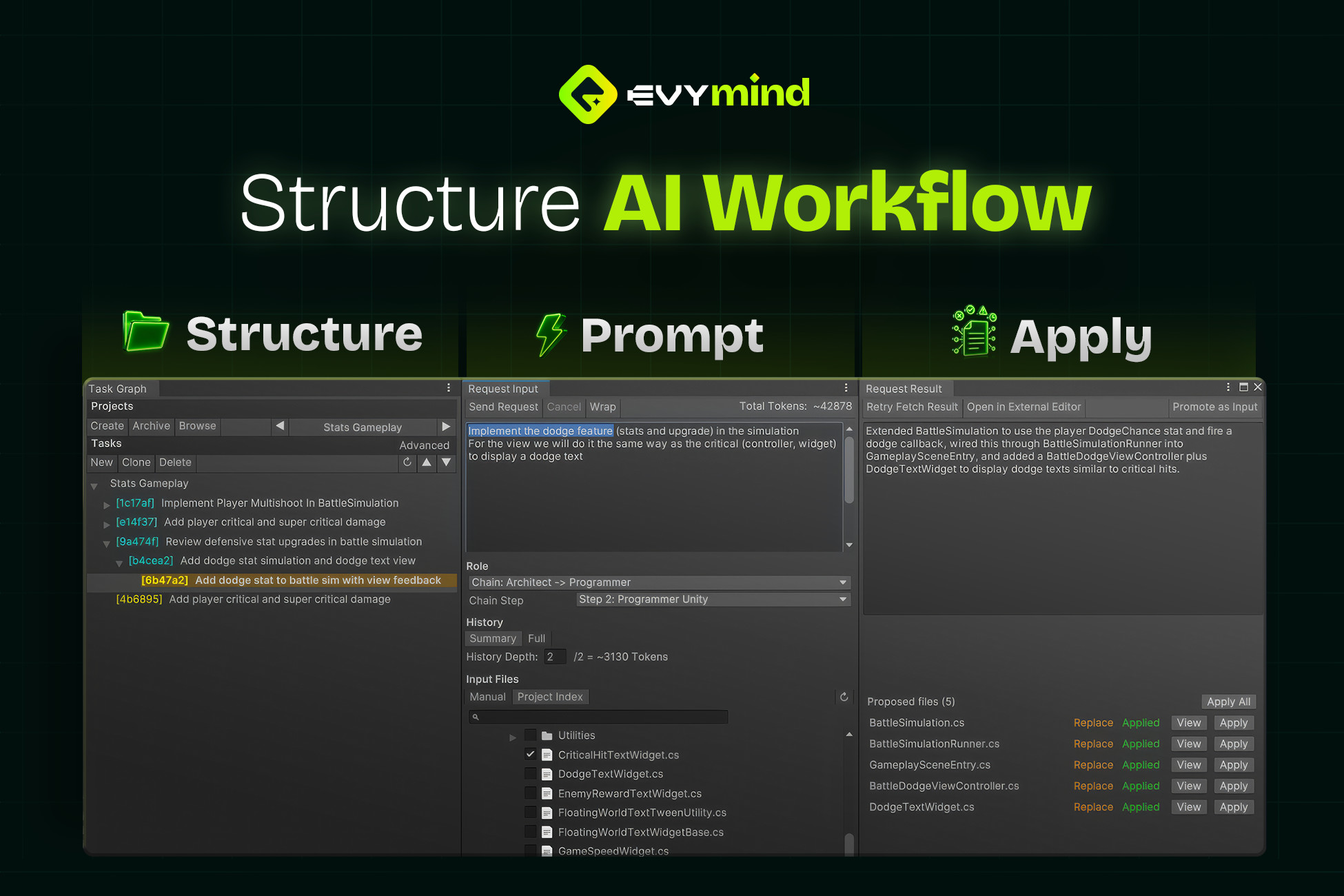
About this asset
Evymind is a structured AI workflow that lets you grow from simple prompts to refined roles and apply them as reviewable code changes.
Compatible with OpenAI, Claude, and Gemini models.
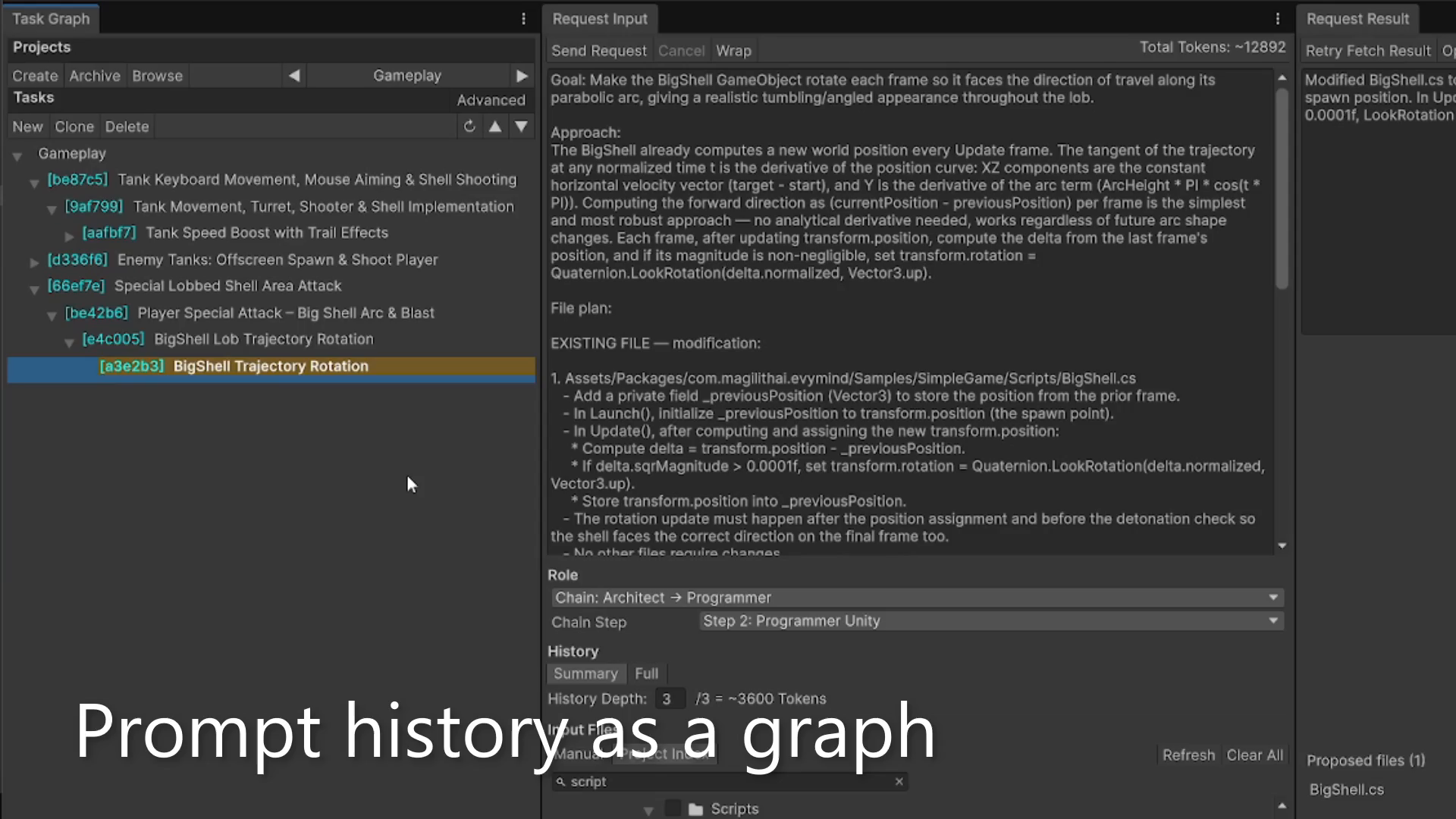
- Organize work as projects and task trees
- Attach exactly the files you want the AI to see
- Review patch proposals before applying them to your codebase
All prompts, roles, history and results are saved as json files, so your setup survives editor restarts and can be reused across features.
There is no extra subscription: the editor talks directly to the selected provider using your key, so you stay in control of models, policies and costs.
With Evymind, you can:
- Ship features faster with prompt and patches from inside the editor
- Reuse your best prompts and roles instead of rewriting them every time
- Improve your context and role description to avoid recurrent LLM mistakes
- Improve LLM accuracy by sending precise file context easily
- Design multi-step chains for complex tasks
- Keep every AI change saved, visible, reviewable and under source control
This package focuses on code and workflow, not magic editing.
It is designed to help you think, design, implement and iterate code faster, while keeping you in charge of every change.
This package IS:
- Editor-only tools for Unity developers
- A workflow layer around your own AI provider account
- Built to save prompts, roles, chains and tasks per project
This package IS NOT:
- A one-click GameObject or scene auto-editor
- A visual content generator (no textures, models, audio)
- A replacement for source control or code review
If you want a new way of developing — simple prompts when you need speed or customizable automatic chains when you need depth.
Evymind turns your editor into an AI-powered workflow so you can shape how you work with LLMs.
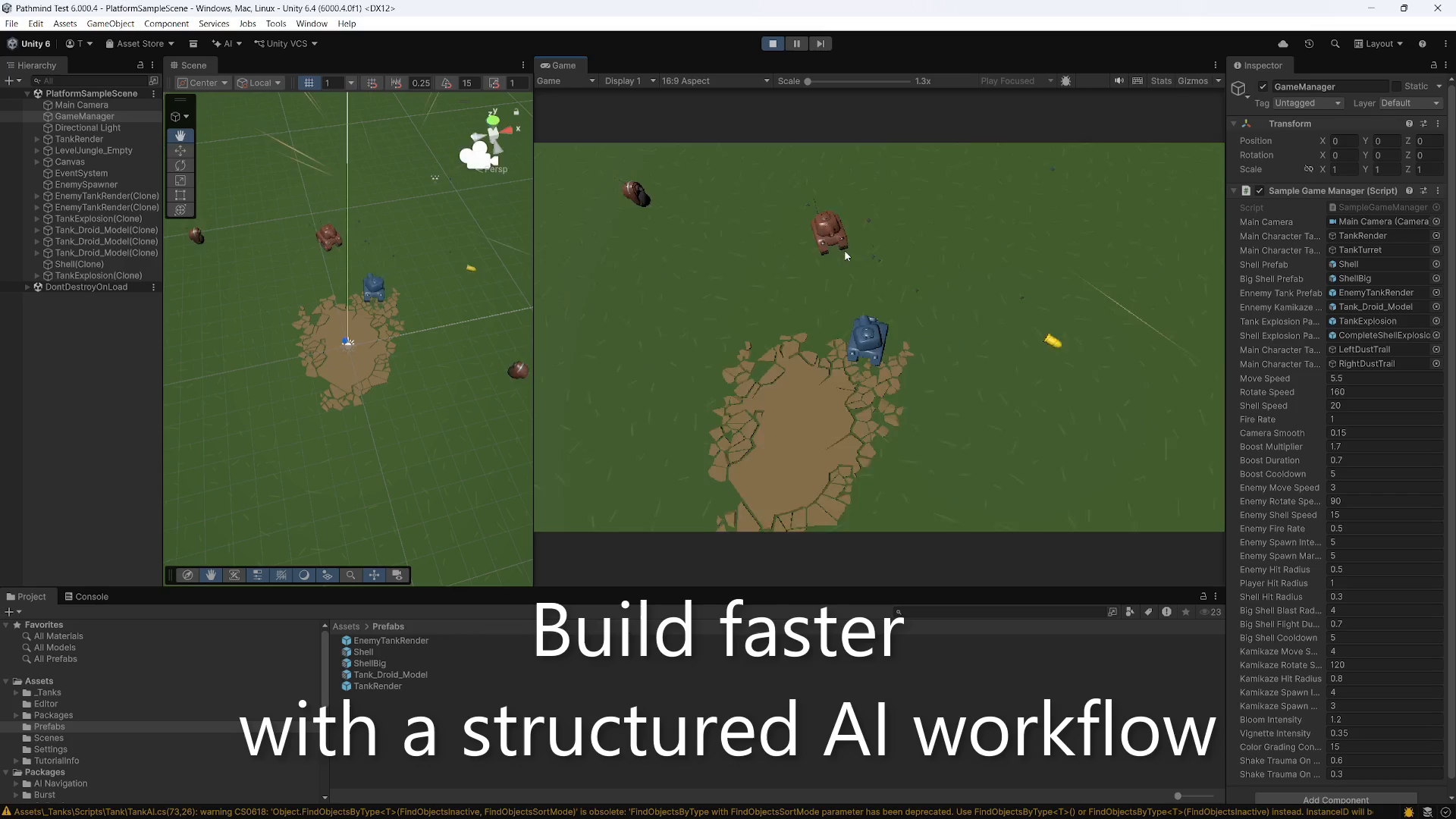
Media note: The promotional video uses motion graphics and is not captured from the Unity Editor.
From the publisher's Asset Store listing.
Technical details
Key features
- Structured AI workflow integrated in the editor
- Three editor windows: Task Graph, Request Input, Request Result
- Roles & chain roles as ScriptableObjects for reusable AI behaviors
- Prompt results as reviewable code patches with colored diffs before apply
- Per-project state files for tasks, prompts, roles, history and results
- Token usage estimate preview per request and per input file
- Console Autofix: generate “fix this error” prompts from compile/build logs
- Parallel execution of multiple AI requests
- Uses your own LLM provider API key – no extra subscription, no external server
- Optionally implement your custom API key retrieval method for CI/CD or security improvements.
Workflow
- Plan work as projects and nested tasks in the Task Graph window
- For each task, write a prompt, pick a role or chain step, select files and history depth
- Send the request and monitor its status directly in the editor
- Review replies and proposed patches in the Request Result window, then apply or discard
Roles & prompts
- Create roles like Gameplay Developer, Online Specialist, Debugger, Code Reviewer, Tech Lead, etc.
- Store roles as assets you can version and share with your team
- Optionally define chain roles with ordered steps for more structured workflows
- Iterate on prompts and roles to reduce LLM mistakes and standardize your coding style
Files & patches
- Select files and folders easily through a dedicated file selection window
- See per-file token estimates before sending context to the LLM
- Parse AI output into explicit file operations (create / modify / delete / patch)
- Validate and preview patches before applying; failed patches are clearly reported
- Works alongside your usual Git / version control with no hidden modifications
Compatibility & requirements
- Unity: 2022.3 LTS or newer
- Scope: editor-only; no runtime components added to your builds
- Platforms: tested in the Unity editor on Windows and macOS
- Requires an OpenAI, Claude or Gemini account (billed directly by your provider)
- Newtonsoft.Json package as a dependency (com.unity.nuget.newtonsoft-json) installed via Package Manager
Compatibility
| Unity version | Built-in | URP | HDRP | Custom |
|---|---|---|---|---|
| 6000.3.0f1 | Compatible | Compatible | Compatible | Compatible |
As listed on the Asset Store.