
 View on Asset Store (opens in new tab)
Package details
- Latest version
- 1.3
- Last updated
- First released
- Unity version
- 6000.3.1 or later
- Package size
- 377 KB
- Files
- 13
- Views in the past week
- 7
- Requires
Price tracking
- Last checked
- Tracked since
- Lowest recorded
- $7.99 on
Keywords

Tween Easy
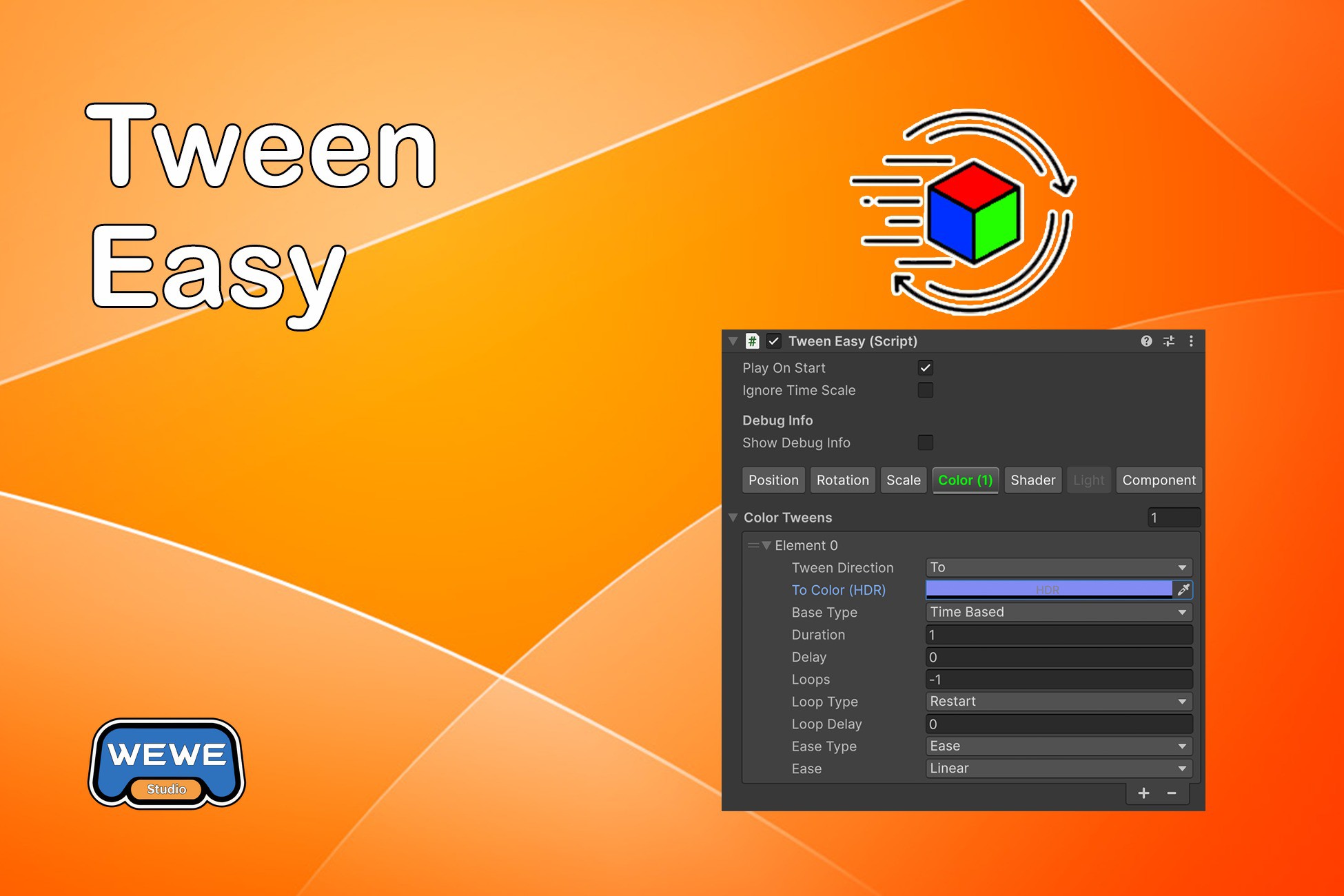
Tween Easy is a simple animation tool for Unity. It's based on DOTween and gives you seven common animation types that you can set up right in the Inspector - no code needed.
Affiliate link · Purchases support this site
Price history
Last 6 months
USDAsset preview
1 / 2
Tween Easy screenshot 1

About this asset
Tween Easy is a simple animation tool for Unity. It's based on DOTween and gives you seven common animation types that you can set up right in the Inspector - no code needed. Perfect for when you want to create animations without writing code, and designers can use it without needing a programmer.
Documentation | Animation System | Animation Timeline
What is TweenEasy?
Basically, TweenEasy wraps DOTween into something you can actually use without writing code. Here's what it does:
- No-Code Setup: Everything happens in the Inspector - just click and configure
- Preview in Editor: Test your animations without hitting Play Mode (saves a lot of time)
- Seven Animation Types: Position, Rotation, Scale, Color, Shader, Light, and Component Property tweens - covers most of what you'll need
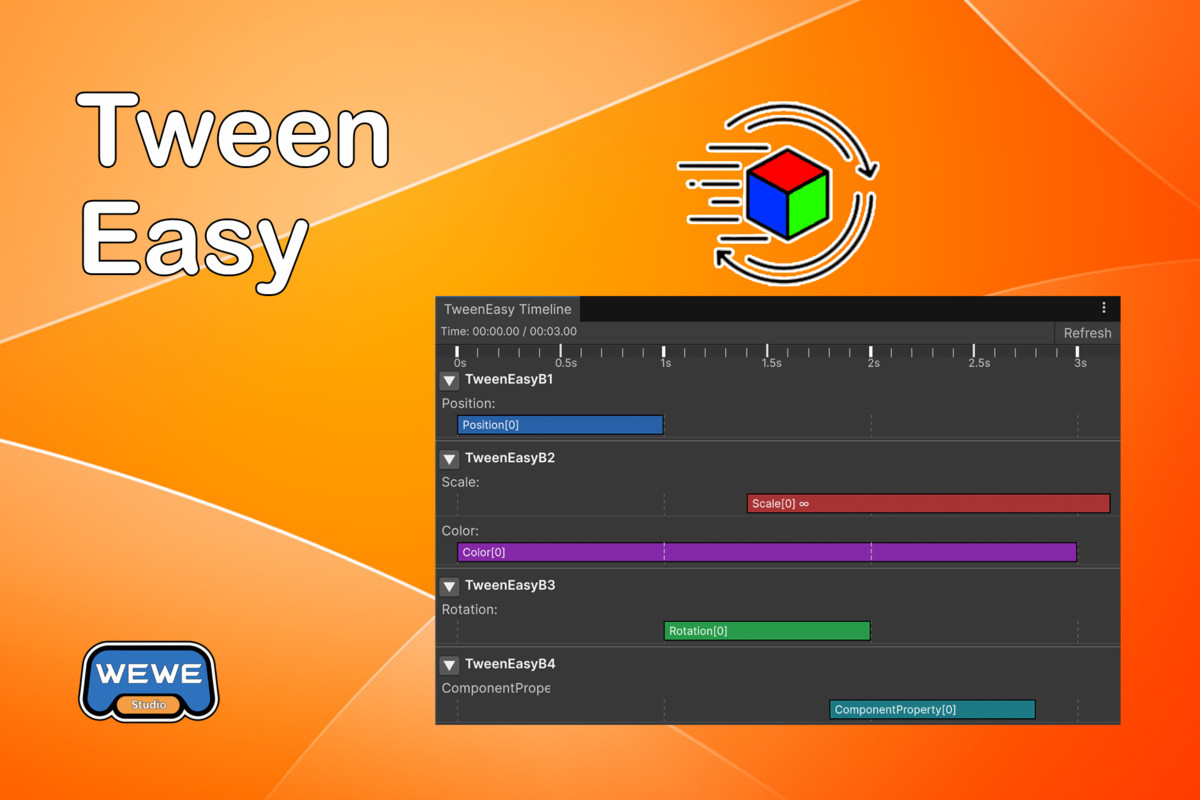
- Timeline Editor: There's a visual timeline if you want to see how everything lines up
- Full Control: All the usual stuff - timing, easing, loops, delays, you name it
Component Property Tween is one of the most powerful features in TweenEasy! It can tween almost any property value on any component in Unity. This means you can animate:
- Custom component properties
- UI element values (sliders, scrollbars, etc.)
- Audio source properties (volume, pitch, etc.)
- Camera properties (field of view, etc.)
- Material properties (even on non-shared materials)
- Any numeric property on any MonoBehaviour or Component
- Even your own script component values - if you wrote a custom script with public properties, you can animate them!
This flexibility makes Component Property Tween incredibly versatile - if you can access a property in code, you can probably animate it with Component Property Tween!
Why Use It?
- Designers Can Use It: Seriously, no coding needed. Just drag, drop, and configure
- Fast Iteration: Preview in the Editor means you don't waste time entering Play Mode constantly
- Multiple Tweens: You can stack as many animations as you want on one object
- It's Fast: Uses DOTween directly, so there's no performance overhead
- Plays Nice with PathEasy: If you're using PathEasy, they work together without issues
System Requirements
- Unity 2020.3 or newer
- DOTween (the free version works fine, Pro too if you have it)
- TextMeshPro (only needed if you're animating UI text)
From the publisher's Asset Store listing.
Compatibility
| Unity version | Built-in | URP | HDRP | Custom |
|---|---|---|---|---|
| 6000.3.10f1 | Compatible | Compatible | Compatible | Compatible |
| 6000.3.5f1 | Compatible | Compatible | Compatible | Not listed |
| 6000.3.1f1 | Compatible | Compatible | Compatible | Not listed |
As listed on the Asset Store.