
 View on Asset Store (opens in new tab)
Package details
- Latest version
- 1.0.1
- Last updated
- First released
- Unity version
- 6000.0.25 or later
- Package size
- 22.6 MB
- Files
- 278
- Favorites
- 1
- Views in the past week
- 5
Price tracking
- Last checked
- Tracked since
- Lowest recorded
- $9.99 on
Keywords

SFXCreator
The ultimate 8-bit sound tool. Create 8-bit and 16-bit retro SFX with 15+ effects, non-destructive editing, mixing, and randomization. Export directly to WAV in seconds.
Affiliate link · Purchases support this site
Price history
Last 6 months
USDAsset preview
1 / 8
SFXCreator screenshot 1
About this asset
Homepage | Documentation | Discord
Whether you are crafting a nostalgic retro adventure, a crunchy 8-bit shooter, or rushing to finish a Game Jam prototype, this package is for you.
Inspired by the classic SFXR, SFXCreator brings that beloved workflow directly inside Unity. Stop context-switching to external tools - generate authentic chiptune sound effects without ever leaving the Editor.
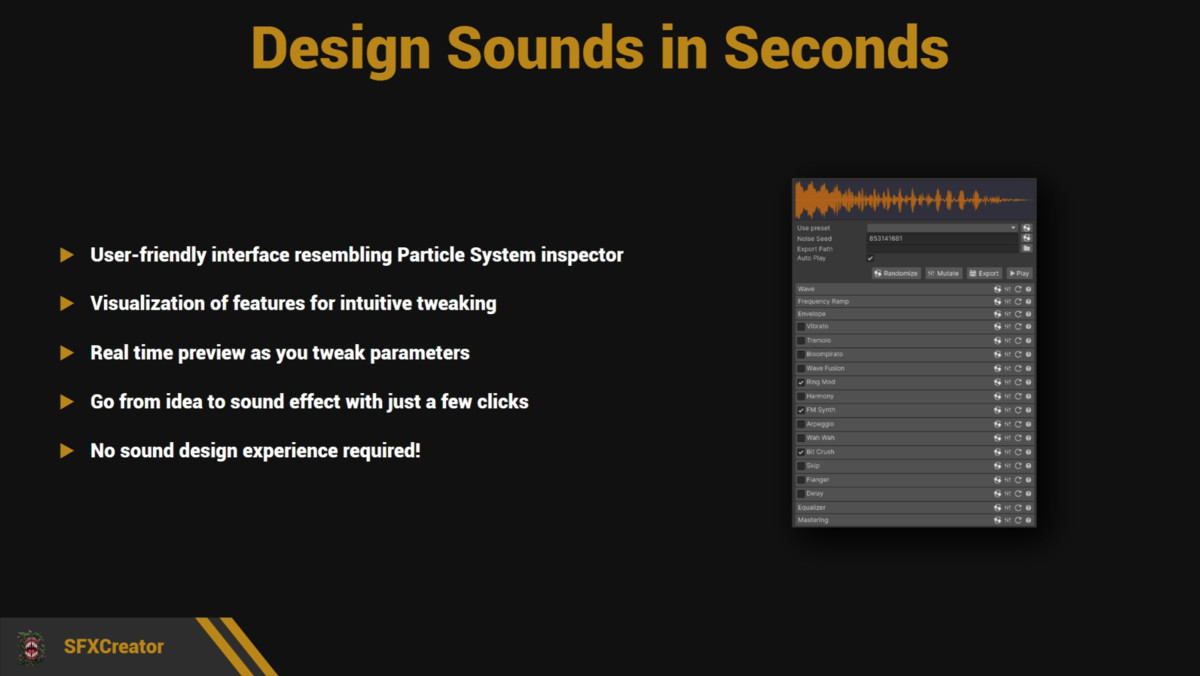
Designed for speed and creativity, SFXCreator makes sound design fun. You simply pull levers, twist knobs, and tweak curves in a user-friendly UI, immediately hearing the results. It allows you to rapidly iterate and discover the perfect sound for your game without needing technical audio knowledge.
Key features:
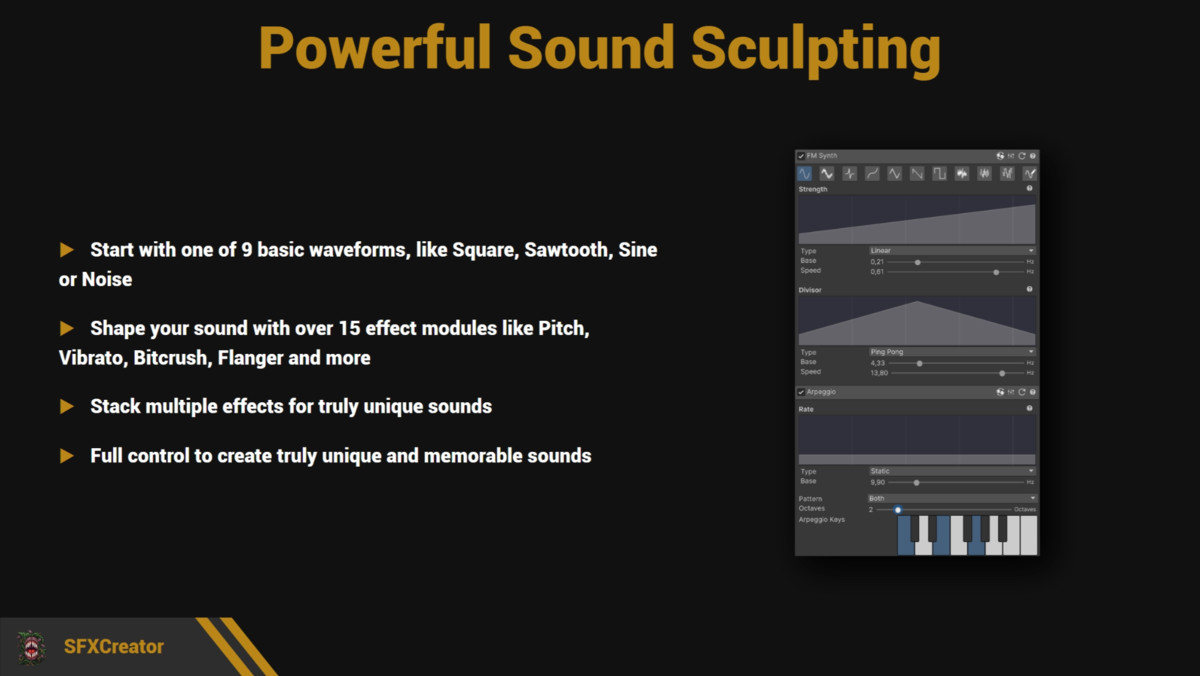
🎹 Authentic Retro Synthesis: Specify your base sound using 10 different waveforms including classic Square, Sawtooth, Triangle, Sine, and various Noise types.
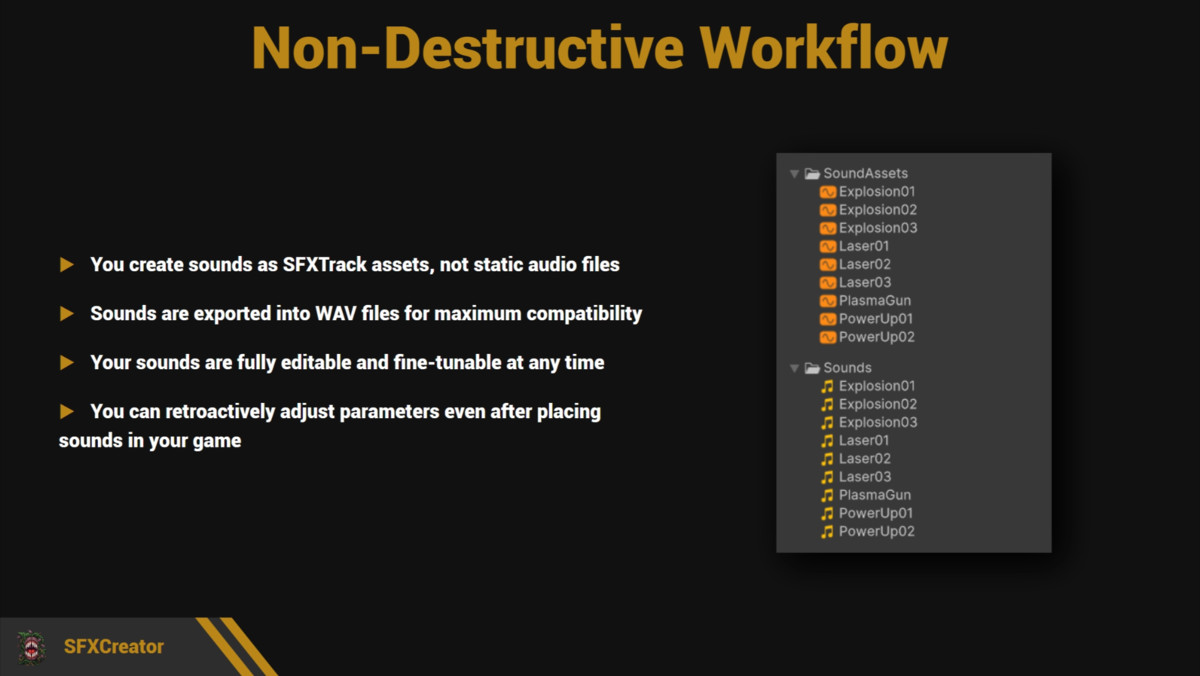
✏️ Non-Destructive Workflow: Your sounds are saved as editable Assets. Need to tweak that jump sound 3 months later? Just adjust the slider. You retain full control over your source data at all times.
🎛️ 15+ Effect Modules: Shape your retro masterpieces with modules like Bitcrush, Frequency Modulation (FM), Vibrato, Flanger, and Arpeggio.
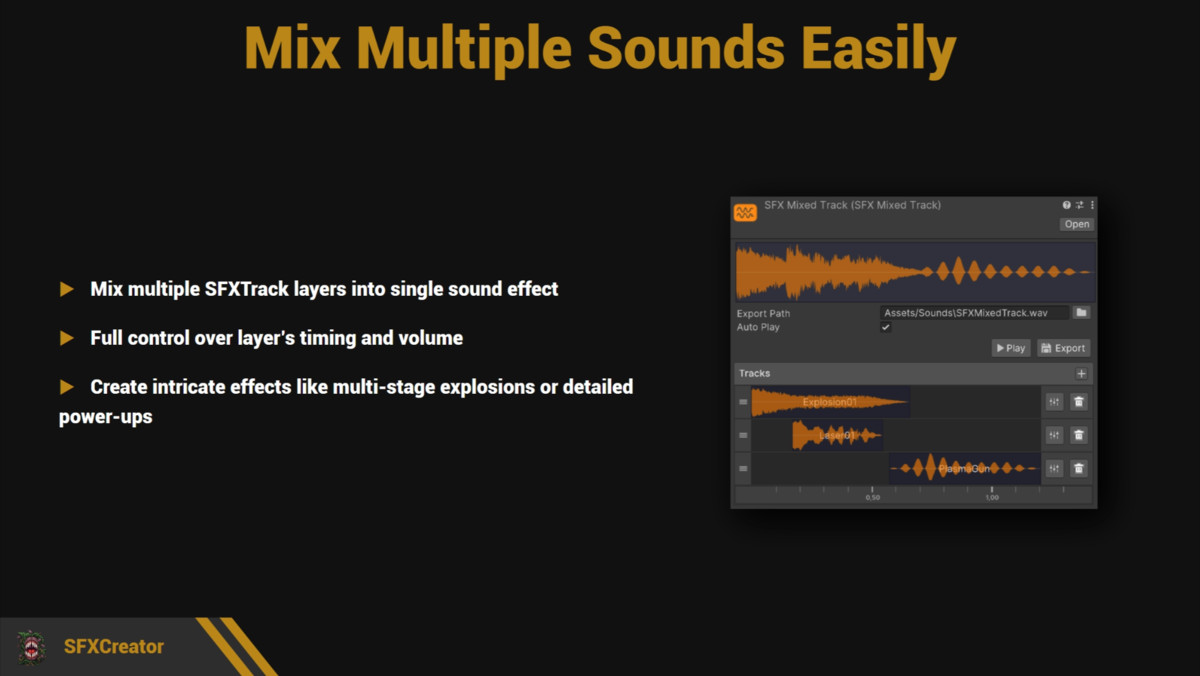
🎼 Advanced Layering: Mix several SFXTrack assets into a single sound effect. You can arrange them on a timeline, adjust their timing, and blend their volumes to create complex, multi-layered audio.
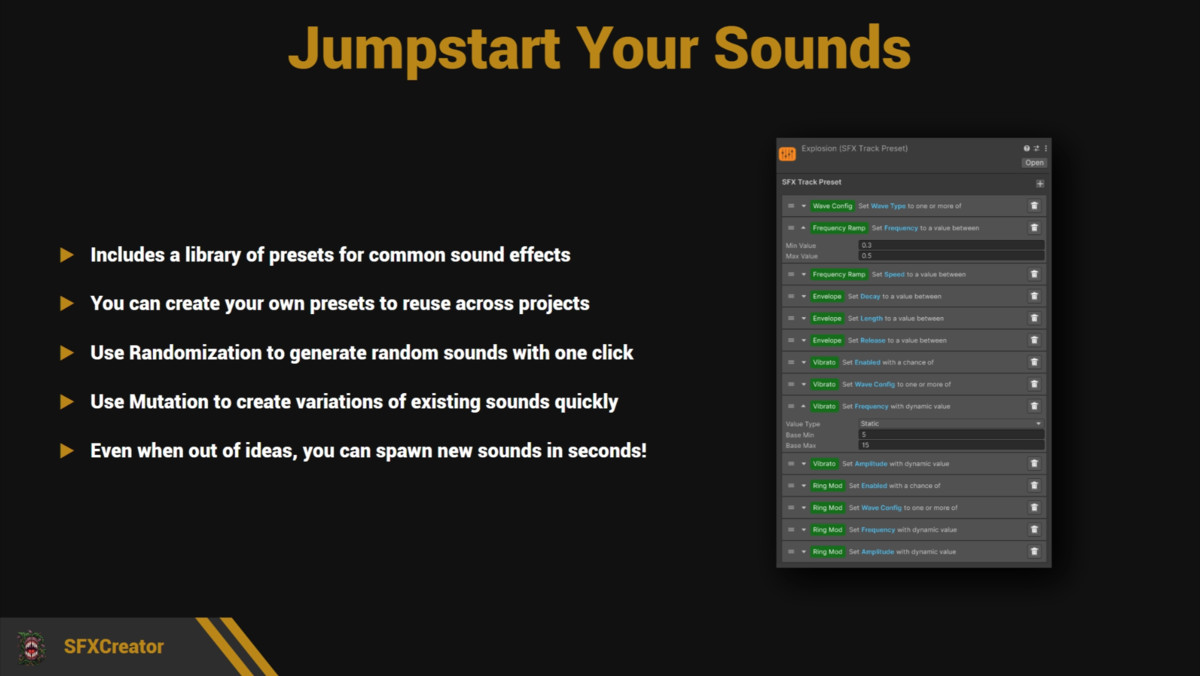
🎲 Instant Inspiration: Use the Mutation and Randomize buttons to endlessly spawn variations. Perfect for populating your world with unique audio in seconds.
💾 WAV Export: Export your final assets to standard .WAV files to use them in your game or share them with others.
🔊 Real-time Preview: Hear every change instantly as you adjust the parameters.
📦 Preset Library: Includes a library of retro staples (Coin Pickup, Laser Shoot, Explosion, Hurt) to get you started.
Extensive documentation:
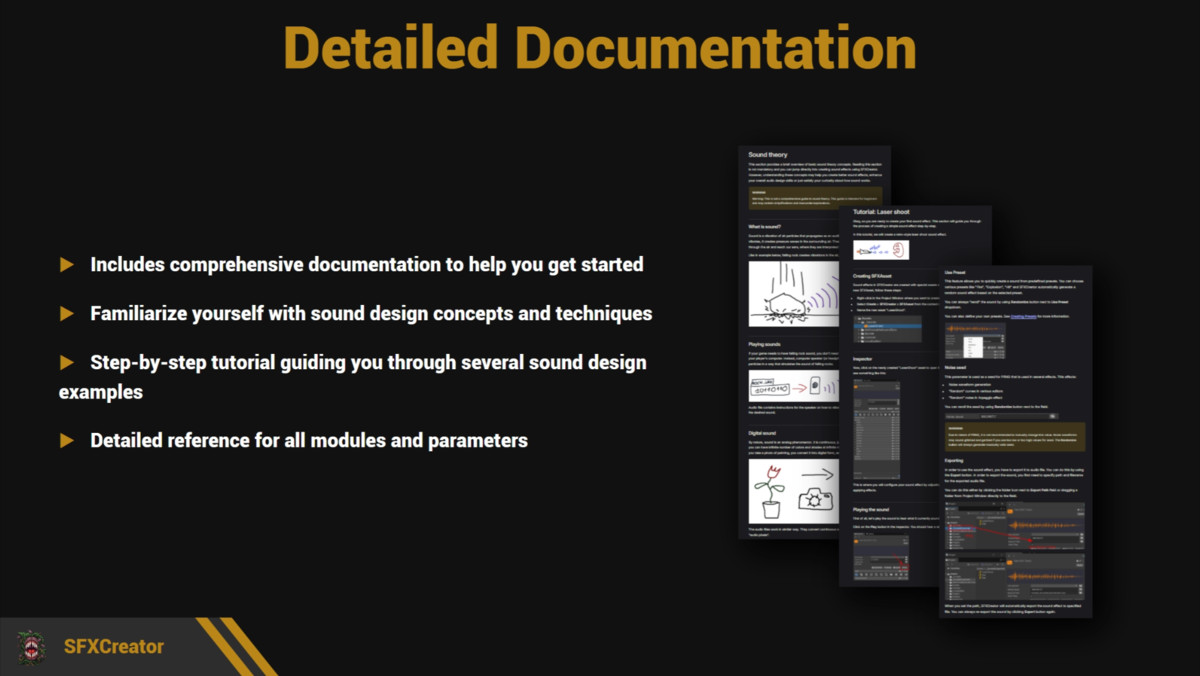
📖 Comprehensive Online Documentation covering every module, parameter, and concept.
🧠 "Sound Theory" Primer to help beginners understand waves, frequencies, and envelopes.
🎓 In-Depth Tutorial Series: A step-by-step guide that walks you through creating 5 distinct sound effects with increasing difficulty—from a basic laser zap to a complex, multi-layered thunder spell.
💻 Full Source Code included.
Turn your game's audio from "silent" to "iconic" in seconds. Get SFXCreator today!
From the publisher's Asset Store listing.
Technical details
Compatibility
- Unity Versions: Supported on Unity 2022 LTS, Unity 2023, and Unity 6+.
- Render Pipelines: Completely Render Pipeline Agnostic. Works perfectly with Built-in, URP, and HDRP (as this is an audio/editor tool).
Workflow & Output
- Editor-Based Workflow: SFXTrack assets store your synthesis parameters (wave data, envelopes, effects) within the Editor. To use them in your project, simply export them to WAV using the built-in export feature.
- Universal Compatibility: Since SFXCreator outputs standard WAV files rather than relying on proprietary runtime scripts, it is 100% compatible with all Unity audio features and third-party systems.
- Zero Vendor Lock-In: You can remove SFXCreator from your project at any time without breaking your game. Your exported .wav files will continue to work perfectly; you simply lose the ability to tweak the source parameters in the Inspector.
- No Runtime Overhead: Because the output is a simple audio file, there is zero CPU cost for synthesis during gameplay.
Code & UI
- Modern UI: The inspector interface is built using UI Toolkit for a future-proof, responsive, clean, and native-feeling user experience.
- Source Code: Includes full, documented C# source code. The codebase is cleanly modularized, making it easy to extend or modify.