
 View on Asset Store (opens in new tab)
Package details
- Latest version
- 1.0.1
- Last updated
- First released
- Unity version
- 6000.0.28 or later
- Package size
- 1.2 MB
- Files
- 11
- Favorites
- 4
- Views in the past week
- 5
Price tracking
- Last checked
- Tracked since
- Lowest recorded
- $29.00 on
Keywords

Design To UI Converter
Convert any Design into fully responsive UI instantly. Supports UGUI, TextMeshPro, auto layouts, images, gradients, shadows, and optimized asset organization.
Affiliate link · Purchases support this site
Price history
Last 6 months
USDAsset preview
1 / 9
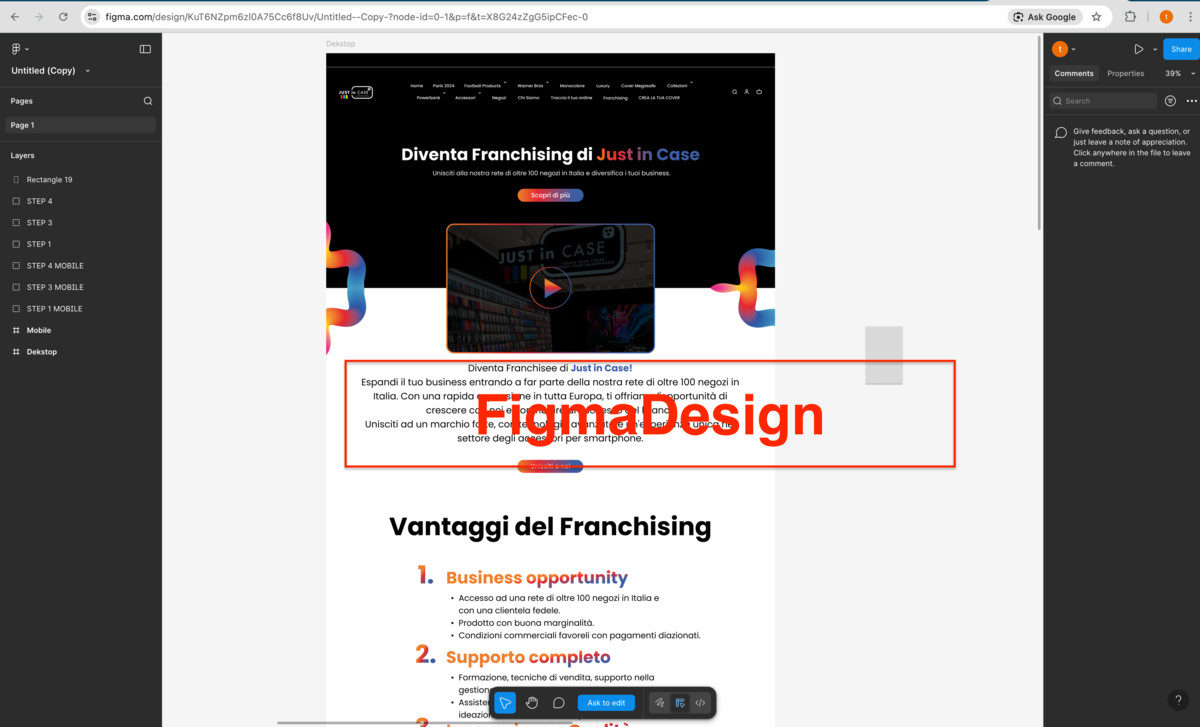
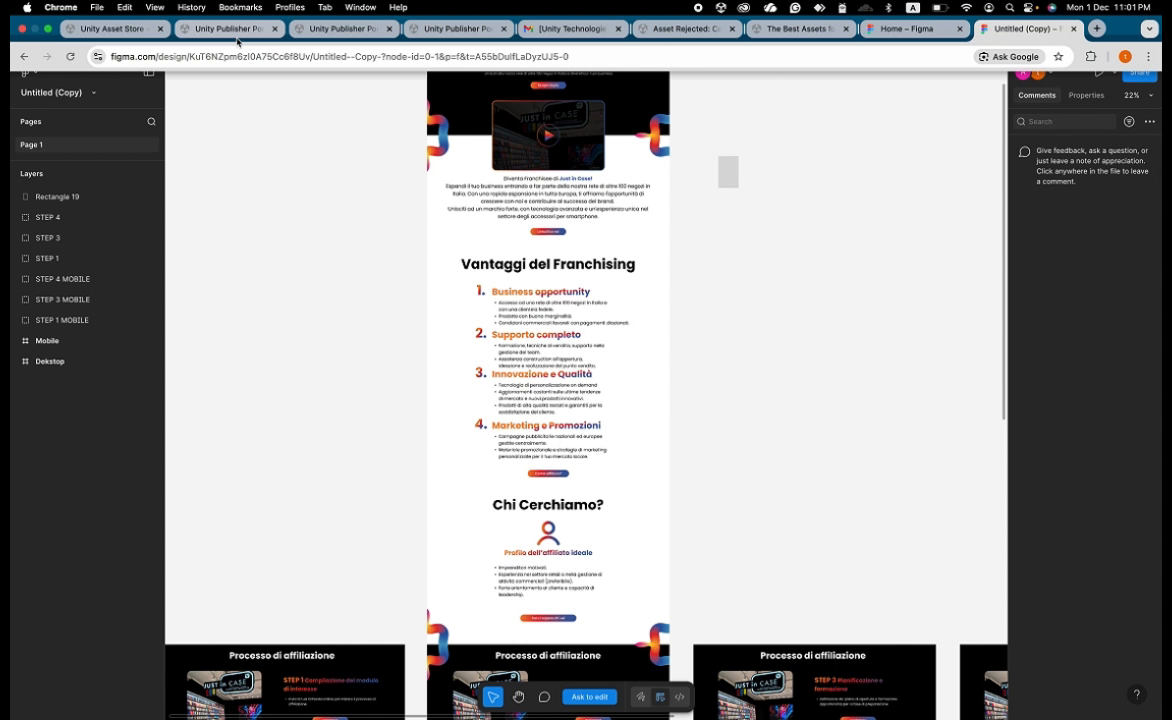
Design To UI Converter screenshot 1
About this asset
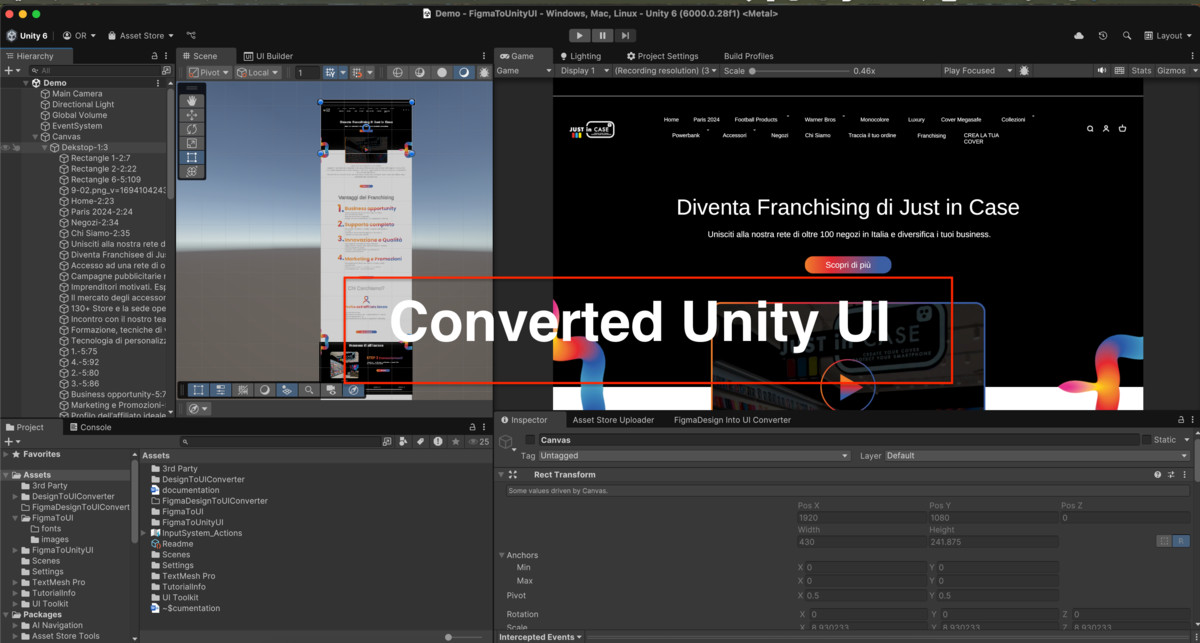
The Design-to-UI Converter plugin is a powerful, lightweight editor extension that converts frames, layers, components, and complete pages directly into clean, structured UI elements with a single click.
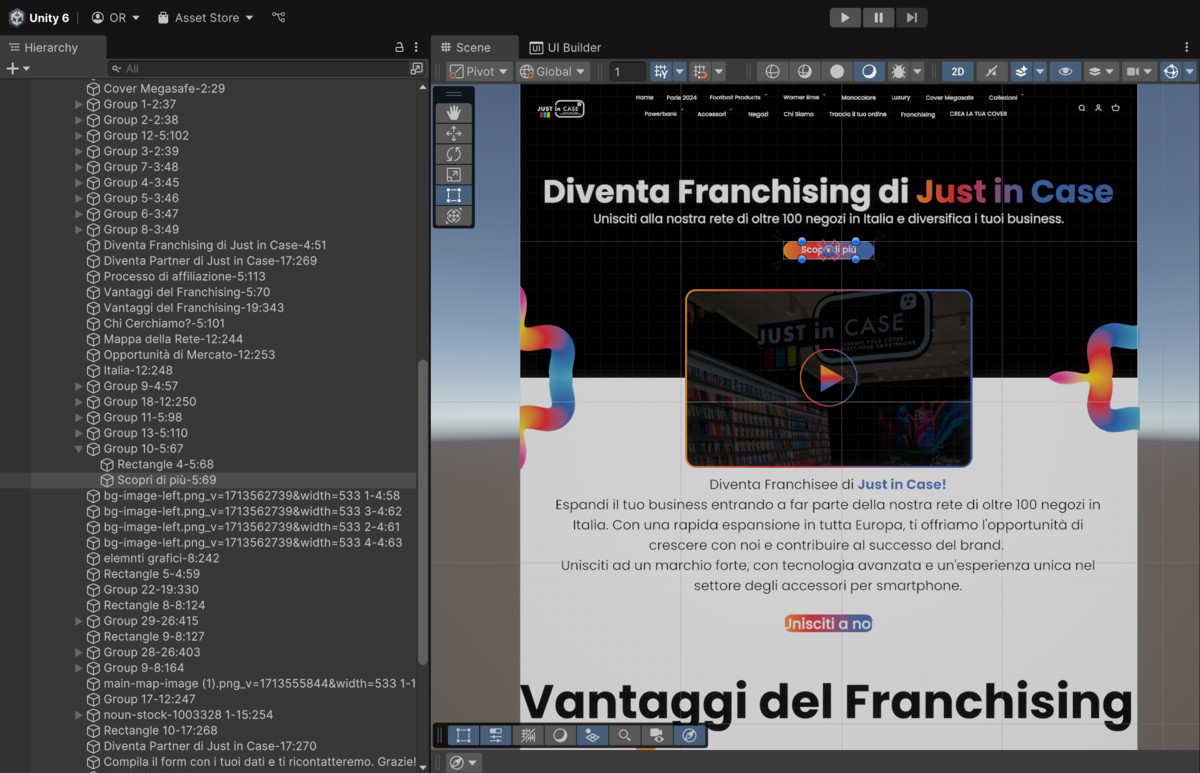
Whether you are building mobile applications, desktop interfaces, or multi-screen UI systems, this tool removes the need for manual reconstruction. Your design is transformed into a production-ready hierarchy in seconds — scalable, optimized, and ready to integrate into your project.
Important Note: Due to recent API rate-limit changes introduced on November 17, 2025, free/entry-level design-platform accounts now receive a very limited number of API requests. For reliable usage, a paid plan on the design platform with the appropriate access level (such as a Dev or Editor seat) is required.
Key Features
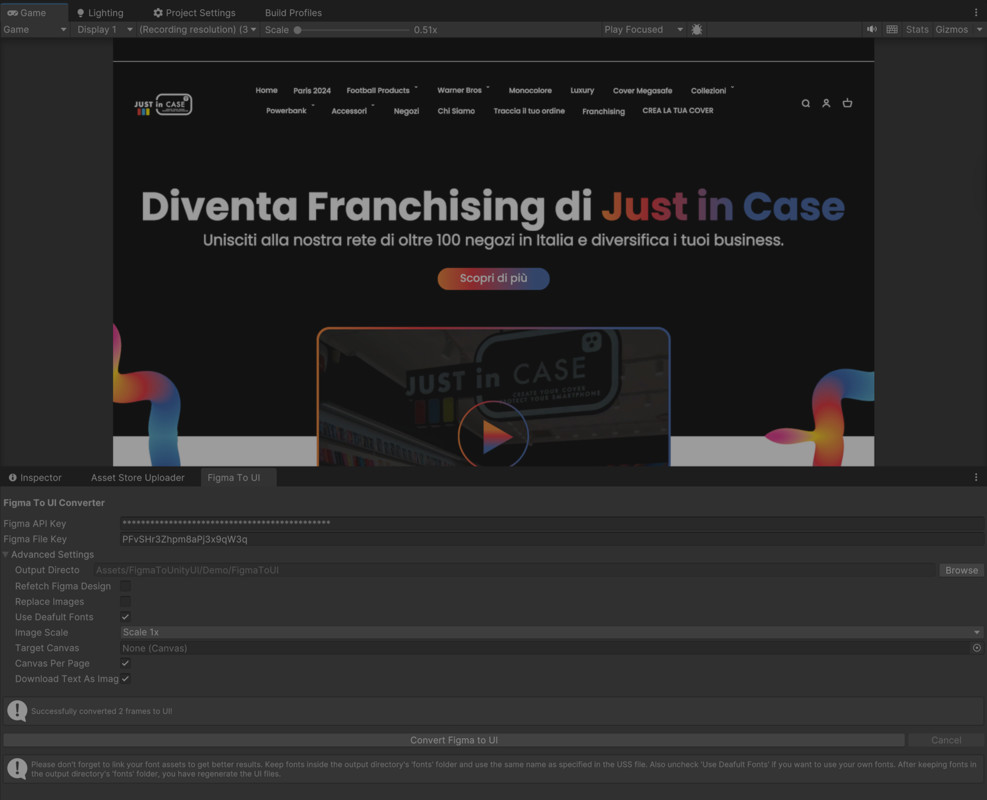
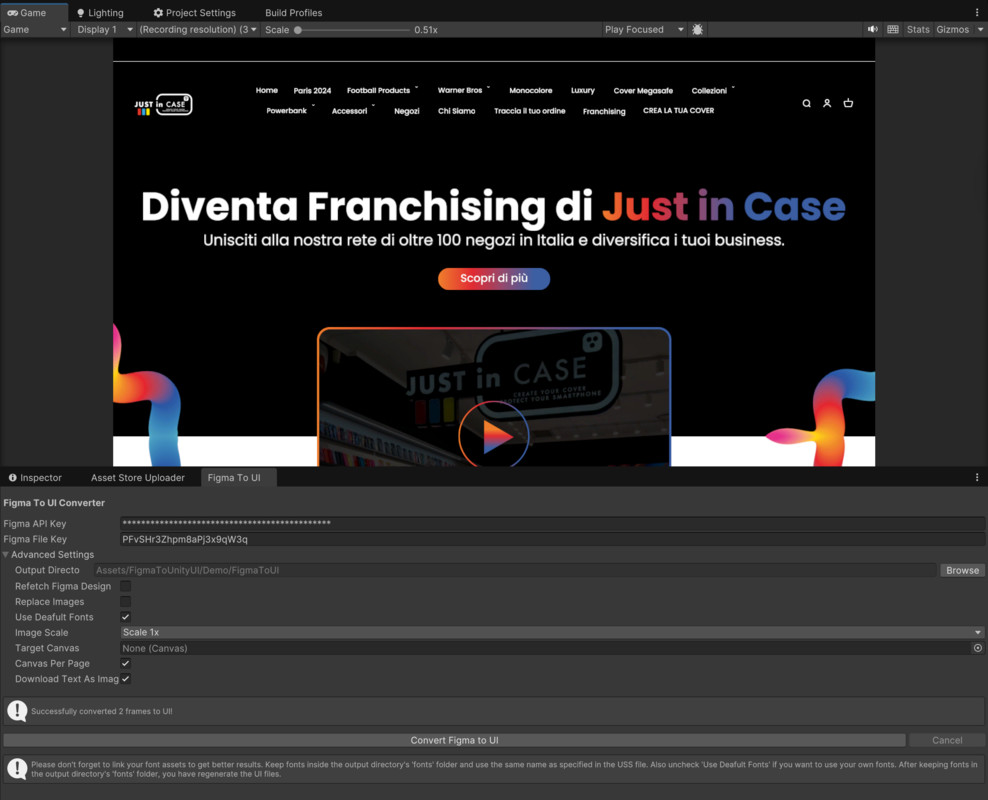
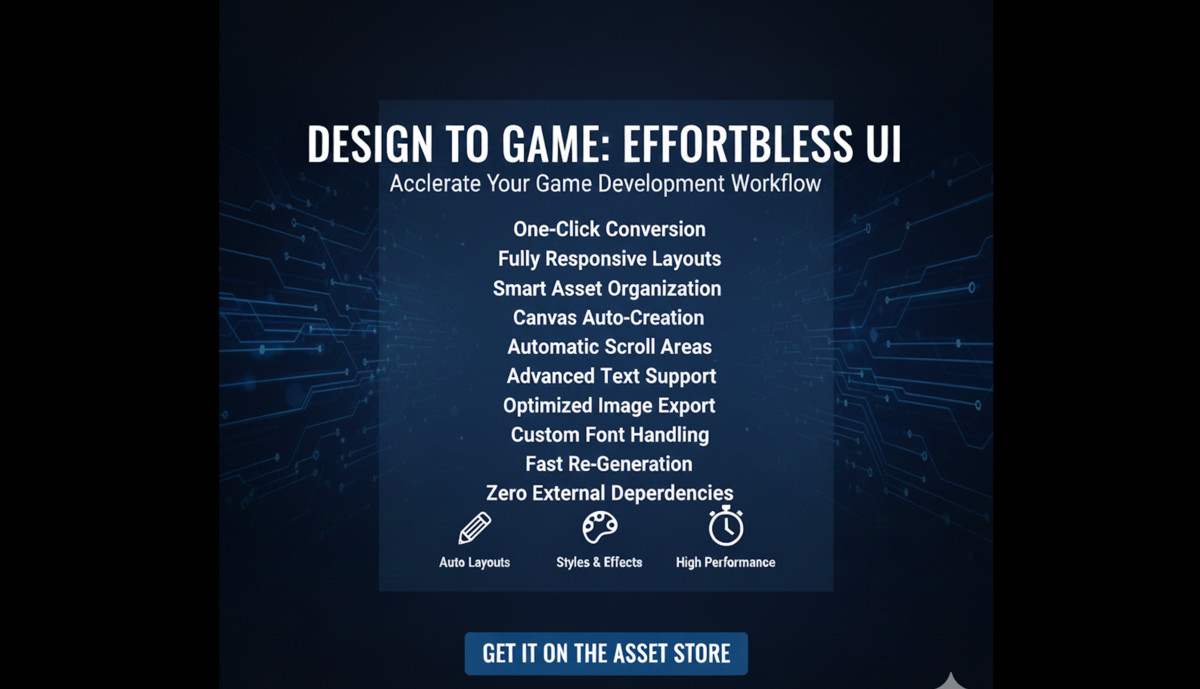
One-Click Conversion – Converts design nodes into structured UI components
Fully Responsive Layouts – Automatically adapts to any screen resolution (mobile & desktop)
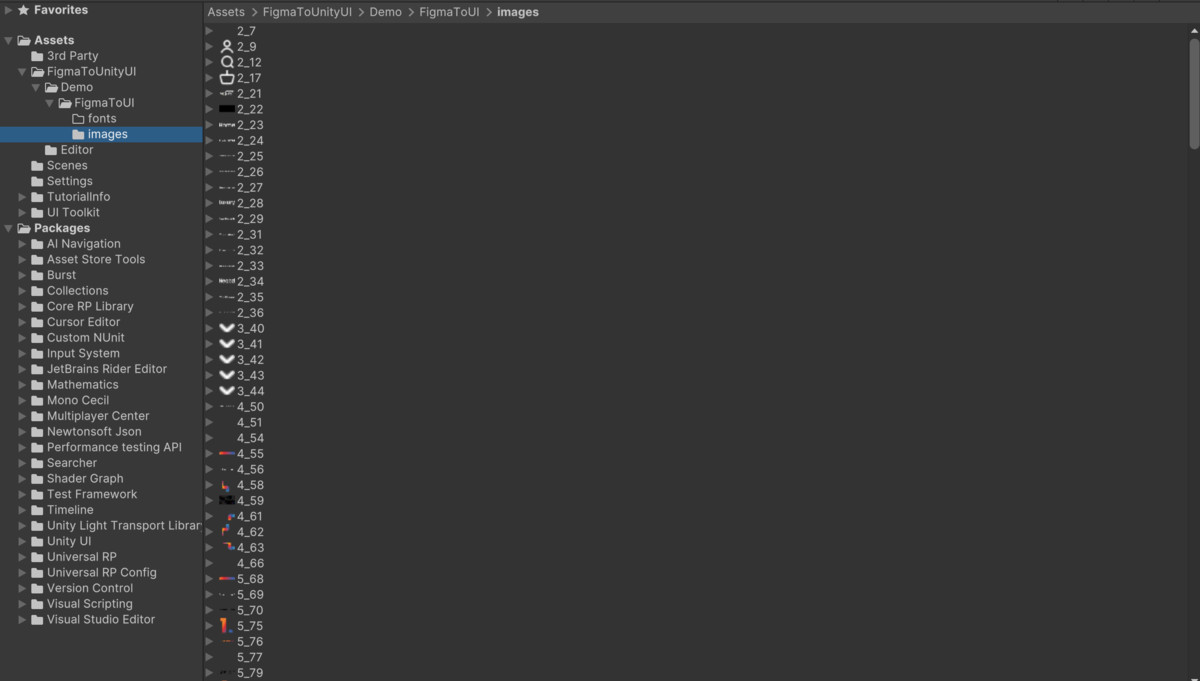
Smart Asset Organization – Automatically groups fonts, images, gradients, and effects into clean folders
Canvas Auto-Creation – Generates a UI canvas from design frames or places the result into your existing canvas
Automatic Scroll Areas – Adds scroll functionality for large layouts
Advanced Text Support – Converts text elements using high-quality text rendering (e.g., TMP-compatible systems)
Optimized Image Export – Retrieves shadows, blends, gradients, and complex effects
Direct Scene Integration – Immediately places generated UI into the active scene
Custom Font Handling – Assign fonts from your project through a settings panel
Fast Re-Generation – Avoids unnecessary downloading or re-importing
No Extra Bloat – Imports only the assets referenced in the design
Zero External Dependencies – Fully self-contained and works in-editor out of the box
From the publisher's Asset Store listing.
Technical details
Converts Figma frames, layers, and components into clean UGUI with TextMeshPro, responsive anchors, auto layouts, optimized image export, and structured asset generation directly inside Unity.
Supported Unity Versions:
• Unity 2021.3+
UI System:
• UGUI + TextMeshPro
Supported Design Nodes:
• Frames, Groups, Auto Layouts
• Text, Images, Vectors
• Components & Variants
• Gradients, Shadows, Masks
Export Options:
• PNG / JPG / WEBP
• Image Scale: 0.5x–4x
API:
- FigmaDesign File ID
- Optional Personal Access Token (free)
- Figma API KEY if api call limit exceeded
Performance:
• Fast generation
• Asset caching
• Imports only used assets
Compatibility
| Unity version | Built-in | URP | HDRP | Custom |
|---|---|---|---|---|
| 6000.0.28f1 | Compatible | Compatible | Compatible | Compatible |
As listed on the Asset Store.