
 View on Asset Store (opens in new tab)
Package details
- Latest version
- 1.0.1
- Last updated
- First released
- Unity version
- 6000.2.2 or later
- Package size
- 870 KB
- Files
- 64
- Favorites
- 2
- Views in the past week
- 1
Price tracking
- Last checked
- Tracked since
- Lowest recorded
- $4.99 on
Keywords
- Search for collision detection
- Search for fluid simulation
- Search for Interactive objects
- Search for 2d physics
- Search for particle systems
- Search for GPU Animation
- Search for BVH
- Search for Physics/Script
- Search for Shader
- Search for urp shader
- Search for Water Simulation
- Search for particle effects

AlephPhysics
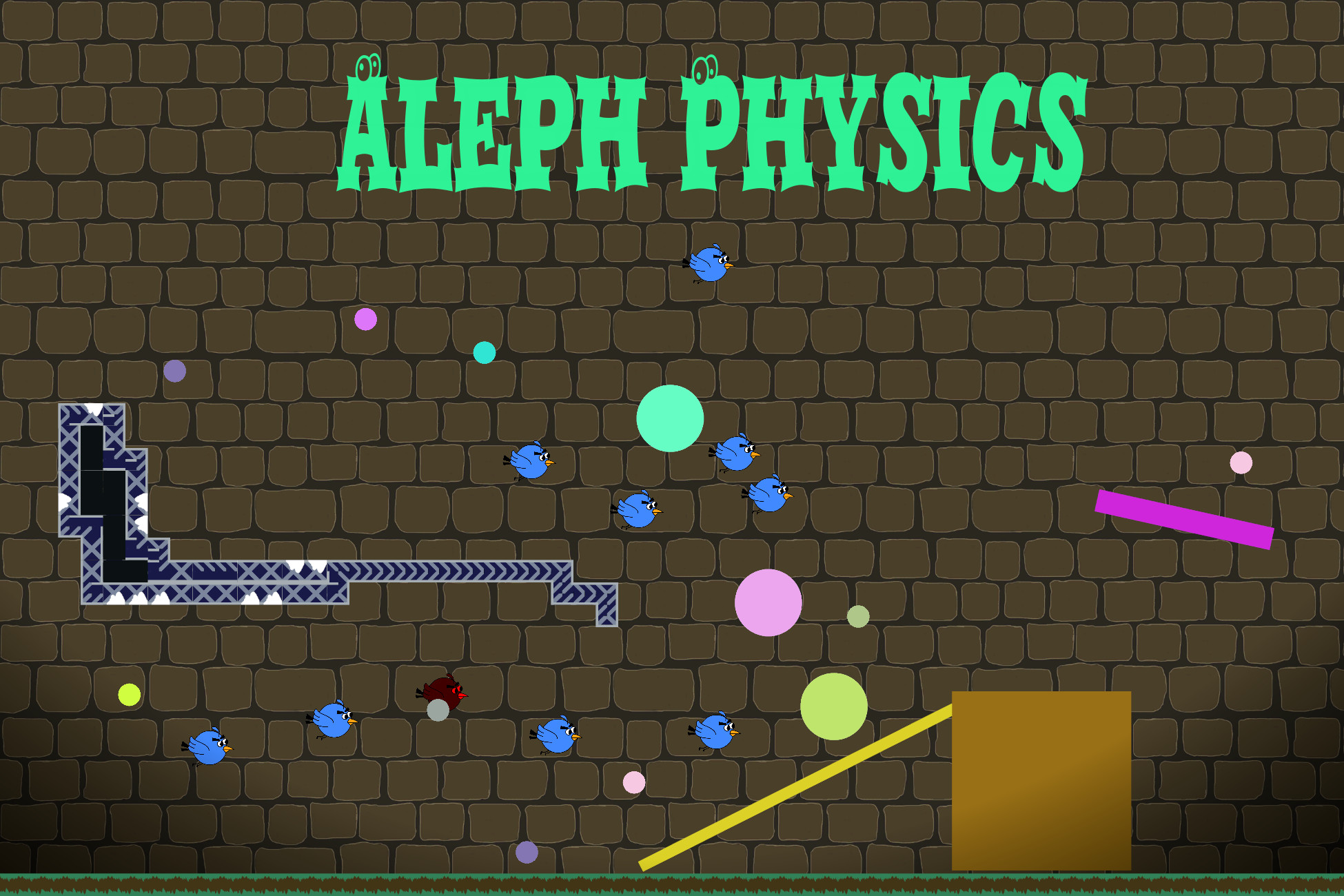
Aleph.Physics is a GPU-accelerated 2D/3D physics framework for Unity URP, enabling real-time particles, collision simulation, CPU response and interactive GUI.
Affiliate link · Purchases support this site
Price history
Last 6 months
USDAsset preview
1 / 3
AlephPhysics video 1 (plays on the Asset Store)
About this asset
# Aleph.Physics – GPU-Accelerated Physics Simulation for Unity (URP)
Aleph.Physics is a high-performance, GPU-driven, lightweight physics simulation framework designed for Unity projects using the Universal Render Pipeline (URP). It provides a modular and flexible system for simulating medium-scale interactive objects entirely on the GPU, minimizing CPU overhead and enabling real-time performance.
The key design principle of Aleph.Physics is **not to achieve full physical accuracy**, but rather to provide **acceptable collisions** while focusing on easy integration into your game. Compared to existing particle or physics simulation systems, Aleph.Physics fills the gap between purely visual particle effects and interactive game physics.
### Collision and Interaction
Aleph.Physics offers robust collision detection and response, along with **GPU-to-CPU asynchronous feedback**, making it ideal for integrating GPU-based physics with CPU-driven game logic. Typically, game logic runs on the CPU, and particle effects are visual-only, but Aleph.Physics allows meaningful interactions between particles and game objects. It supports four types of collision and response:
1. **Particle-to-Particle**: Using GPU Bouding Volume Hierarchy, GPU ray tests, Minkowski Difference, and dynamic collision detection.
2. **Particle-to-Environment**: Using Signed Distance Fields (SDF) or bounding volume checks.
3. **Particle-to-GameObject**: Using GPU ray tests for static collision detection.
4. **Async Feedback**: GPU-to-CPU collision notifications for game logic execution.
All collision computations are performed asynchronously on the GPU for high performance.
### Visualization and Interaction
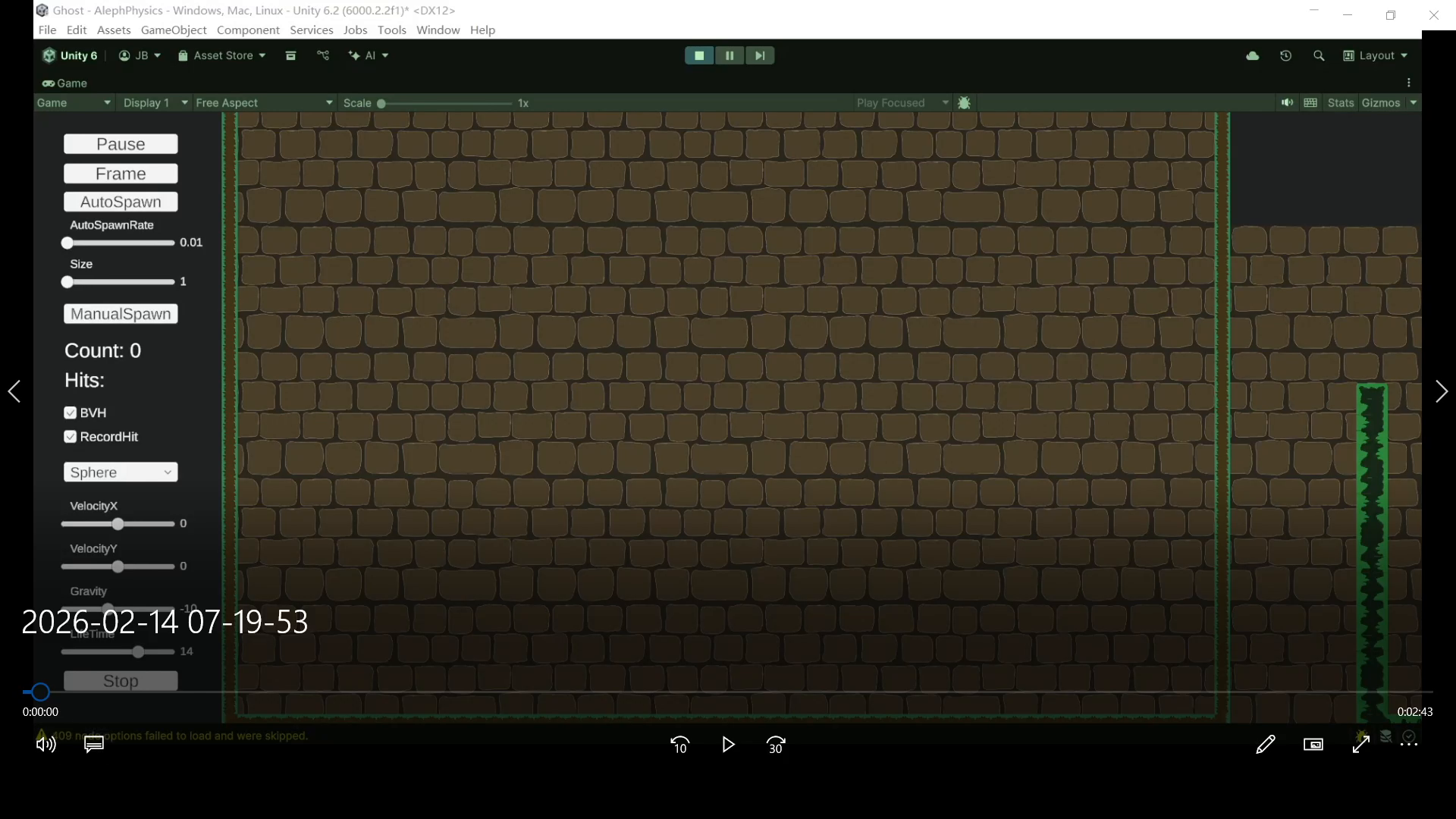
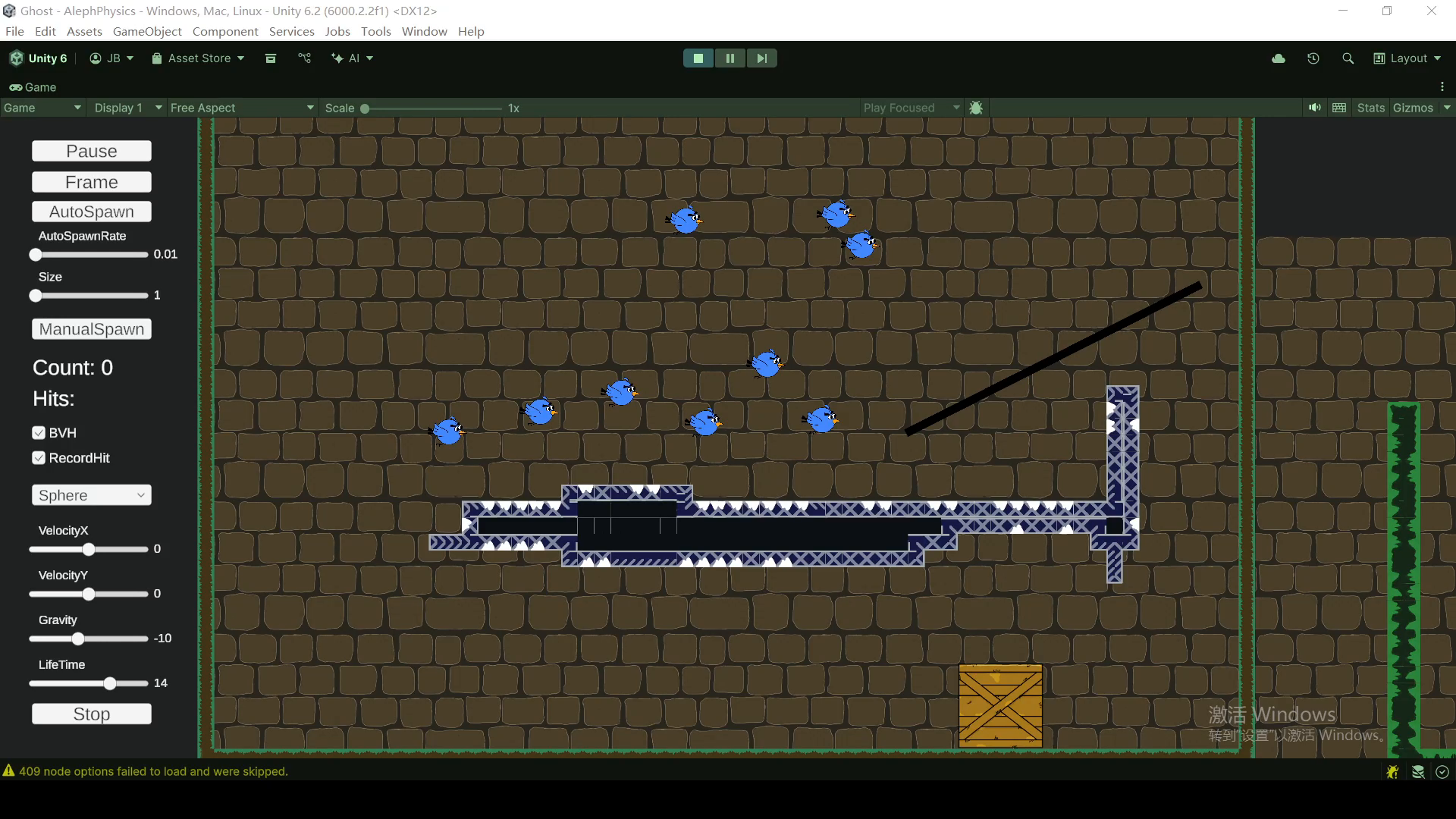
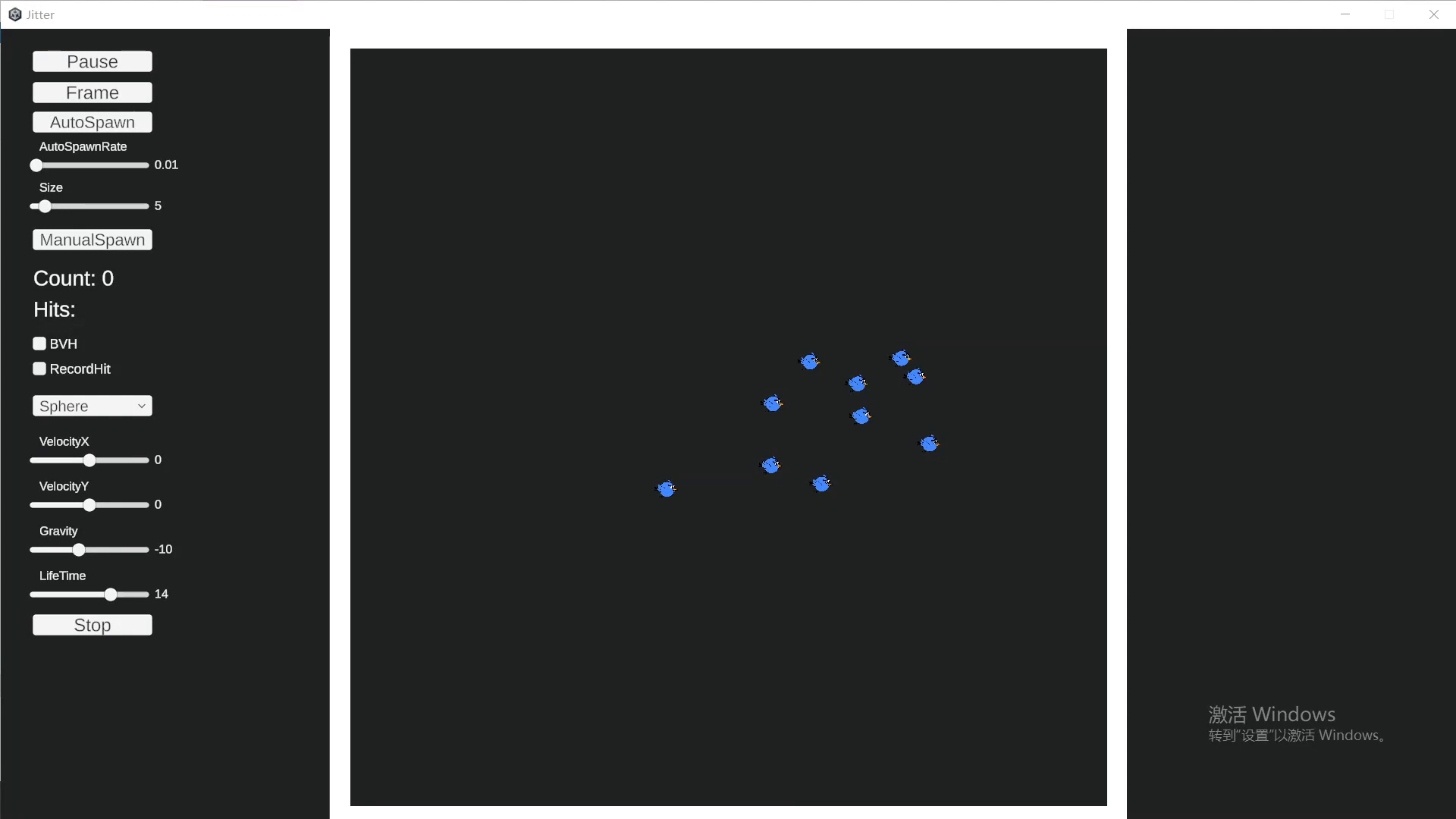
Aleph.Physics includes an **interactive UI** that visualizes the Bounding Volume Hierarchy (BVH) and supports step-by-step simulation for debugging and experimentation.
### Extensibility
The framework is fully **configurable and extendable**, allowing developers to integrate advanced physics systems into their projects with minimal setup while maintaining high GPU performance. You can customize solvers, forces, and collision behavior, making it suitable for games, simulations, or interactive visual effects.
From the publisher's Asset Store listing.
Technical details
Key Features :
- Customizable Simulation: Easily adjust solvers, forces, and collision parameters through inspector or in-game GUI.
- 2D & 3D Support: Compatible with both 2D and 3D physics, including URP 2D/3D renderers.
- Broad & Narrow Phase Collision: Efficient GPU-BVH-based broad-phase collision and compute-shader-driven narrow-phase detection.
- AABB & Sphere Support: Currently mainly support two kinds of colliders, aabb and sphere.
- Signed Distance Field (SDF): Fast SDF generation for tilemaps. Sphere Tracing algorithm to detect collision with SDF.
- Async GPU Feedback: Retrieve collision information from the GPU to trigger game logic or events.
- Interactive GUI: Built-in interface for testing and tuning simulations in real time.
- Highly Extensible: Add new solvers, materials, and features easily; fully scriptable with clean C# API.
Compatibility
| Unity version | Built-in | URP | HDRP |
|---|---|---|---|
| 6000.2.2f1 | Not listed | Compatible | Not listed |
The simulation is compatible with HDRP in principle, but I haven’t yet found a way to implement the rendering shader for HDRP. Currently, the core simulation runs entirely on the GPU via compute shaders in URP, while rendering is handled by a graphics shader using a Custom Render Feature. If you are using a Custom RP, it should be possible to adapt it with some modifications.
As listed on the Asset Store.