
 View on Asset Store (opens in new tab)
Package details
- Latest version
- 3.0.0
- Last updated
- First released
- Unity version
- 2022.3.12 or later
- Package size
- 26.5 MB
- Files
- 281
- Favorites
- 12
- Views in the past week
- 47
Price tracking
- Last checked
- Tracked since
- Lowest recorded
- $4.99 on
Keywords
Advanced Diving & Swimming System – TPP & FPP
- Price drop
A plug-and-play swimming and diving system for Unity with First-Person & Third-Person support, smooth underwater movement, responsive controls, and powerful editor tools.
Affiliate link · Purchases support this site
Price history
Last 6 months
USDAsset preview
1 / 12
Advanced Diving & Swimming System – TPP & FPP screenshot 1
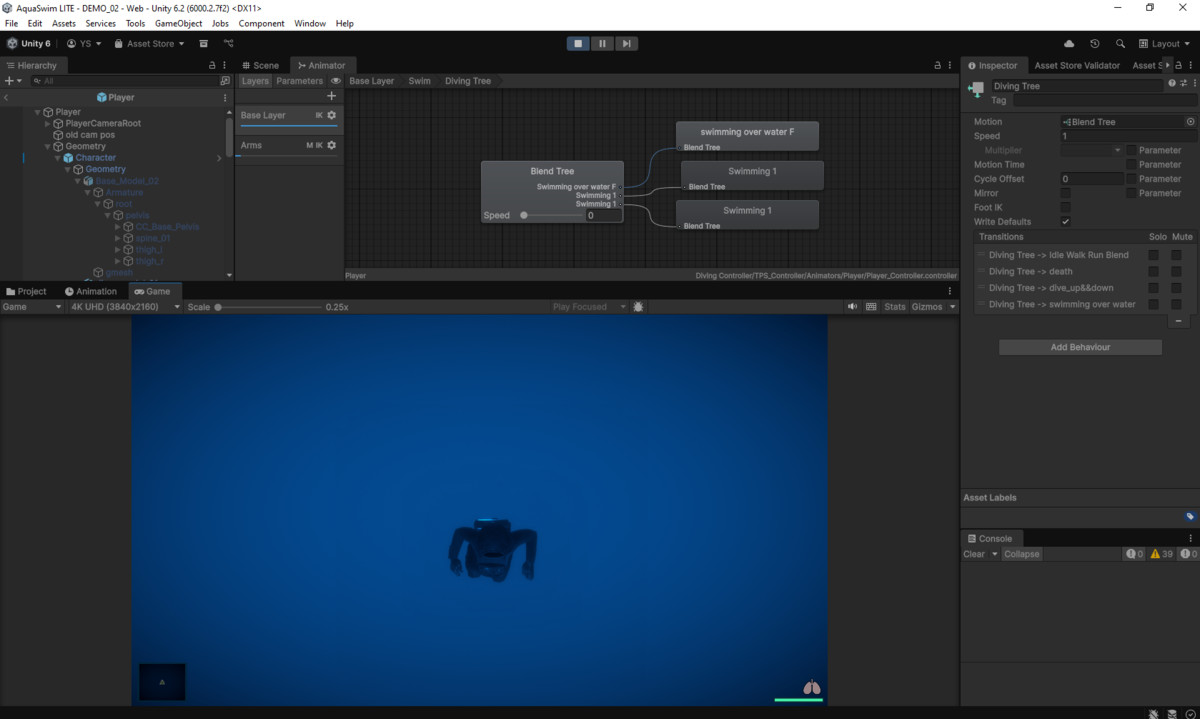

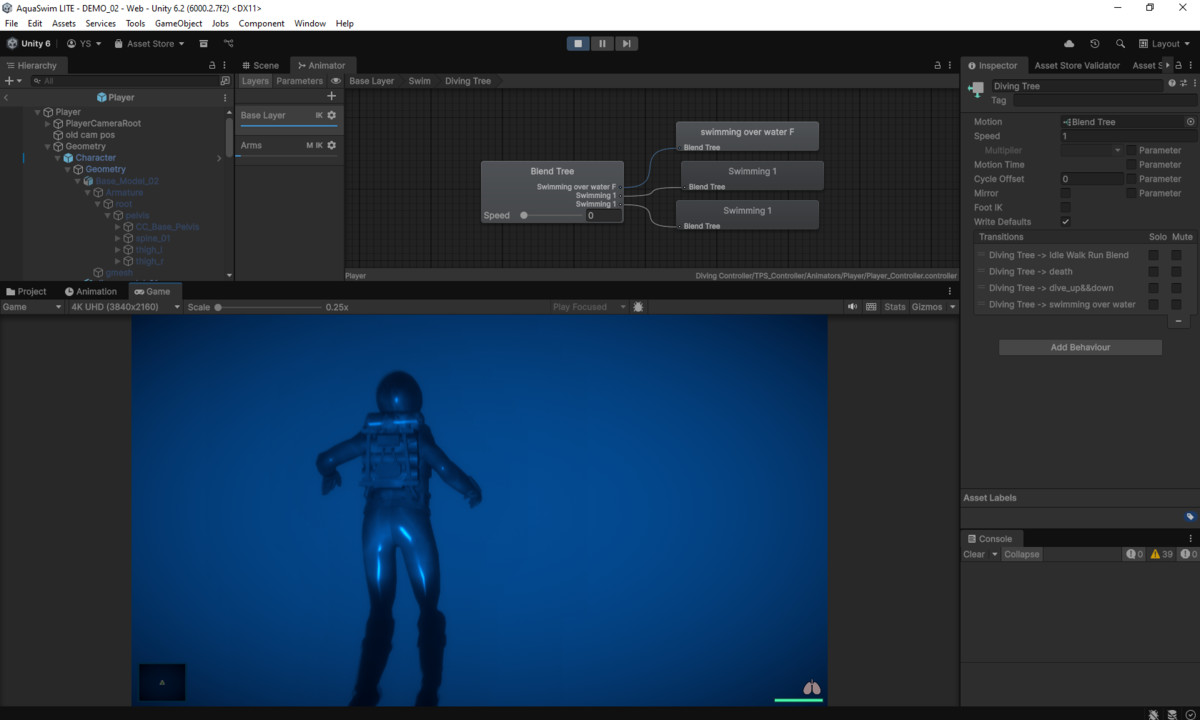
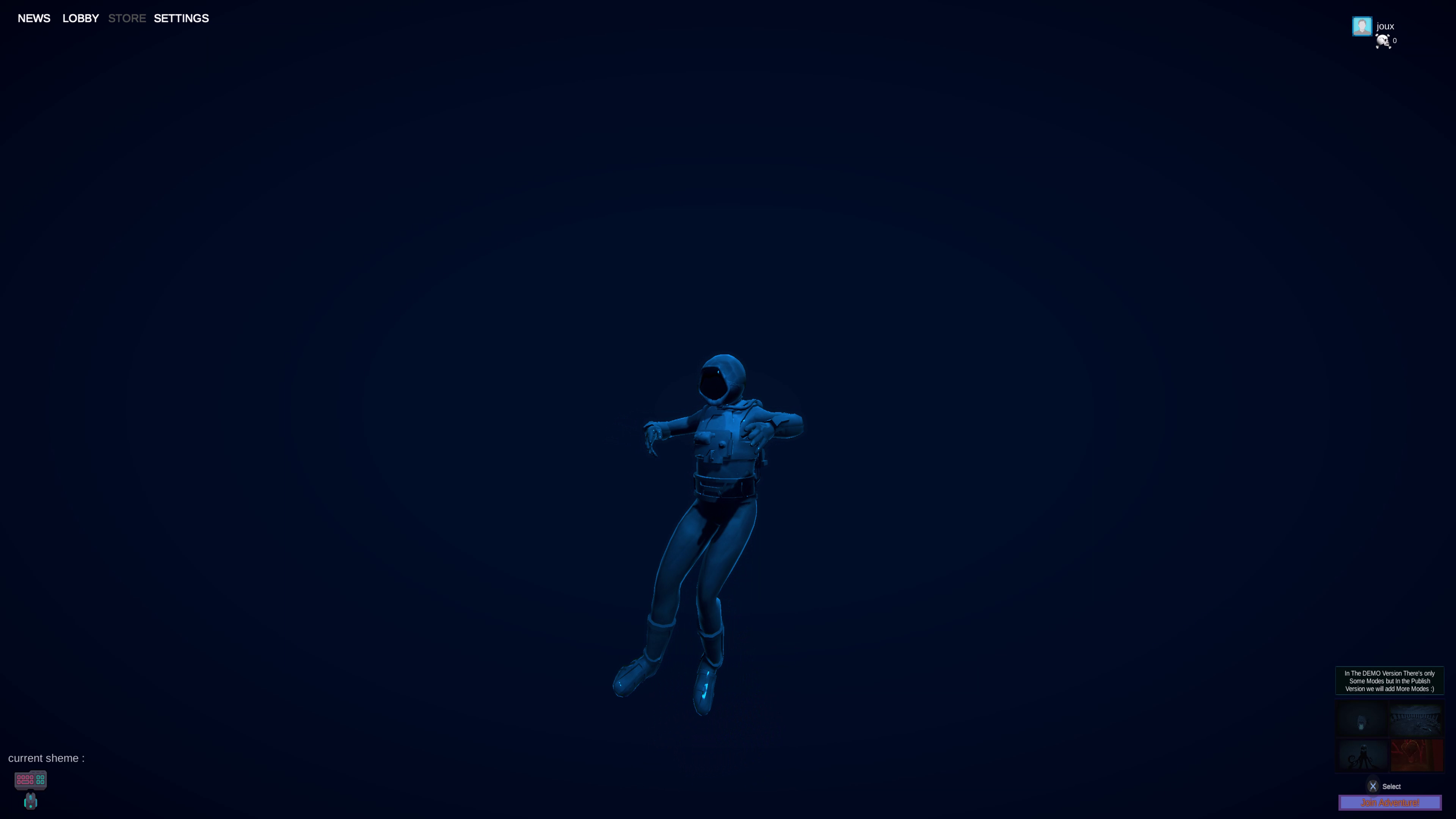
About this asset
⭐Unity 6.6 Ready!⭐
🎮 TRY THE FREE LITE VERSION BEFORE BUYING
[PLAY & TEST THE LITE VERSION HERE]
━━━━━━━━━━━━━━━━━━━━━━━━━━━━━━━━
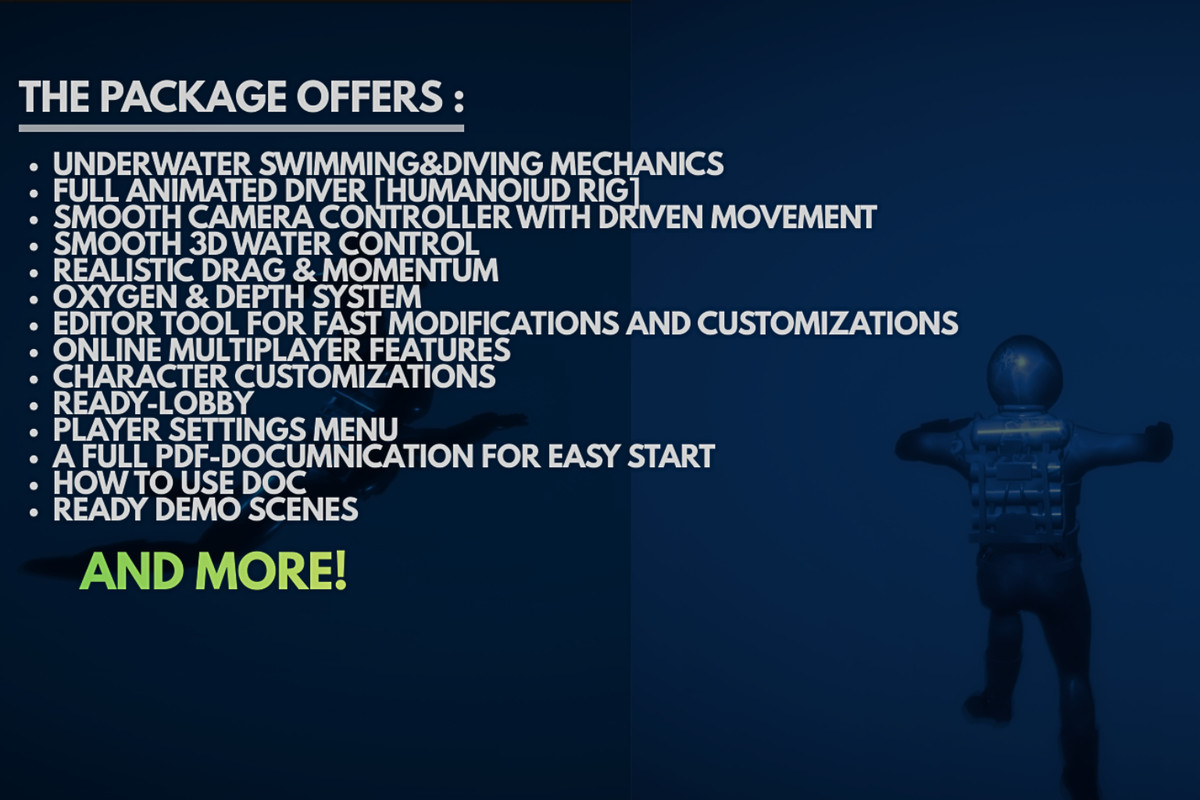
🏊 Bring immersive underwater gameplay to your Unity projects with a complete Swimming & Diving Controller!
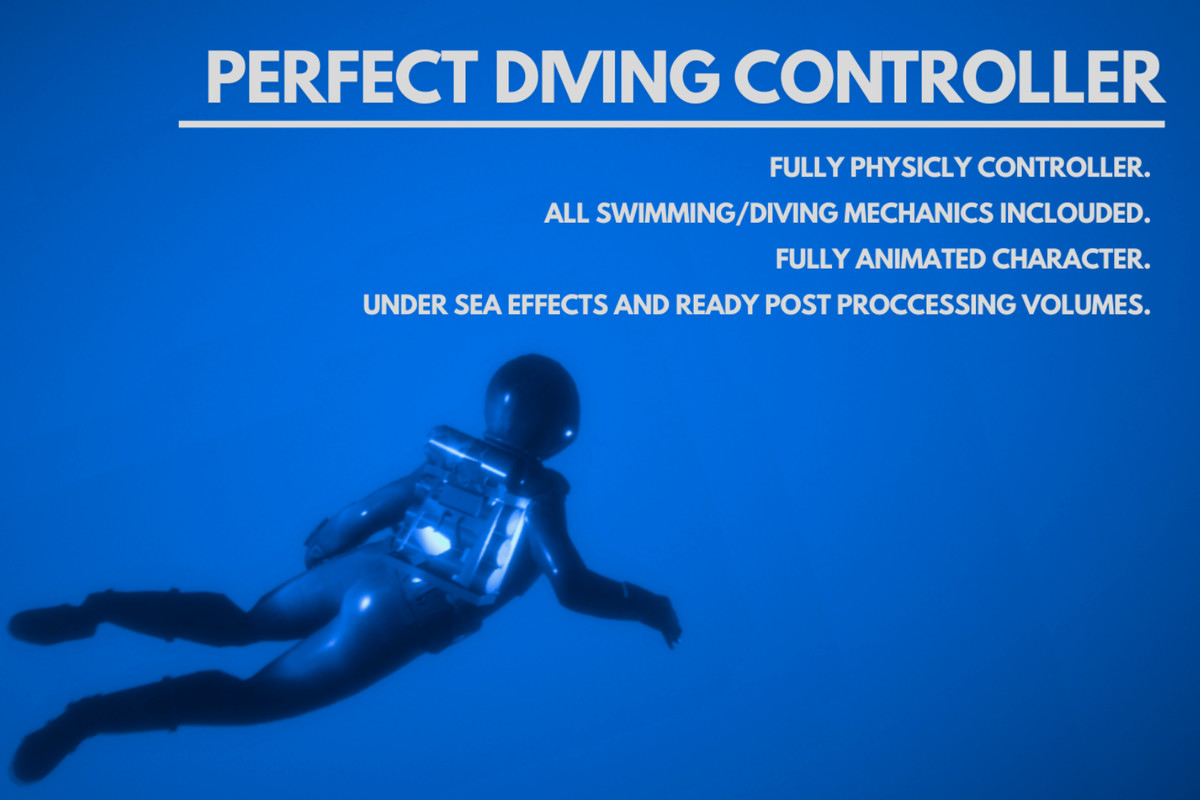
Advanced Swimming & Diving System – TPP/FPP is a production-ready swimming and diving framework designed for both Third-Person and First-Person games.
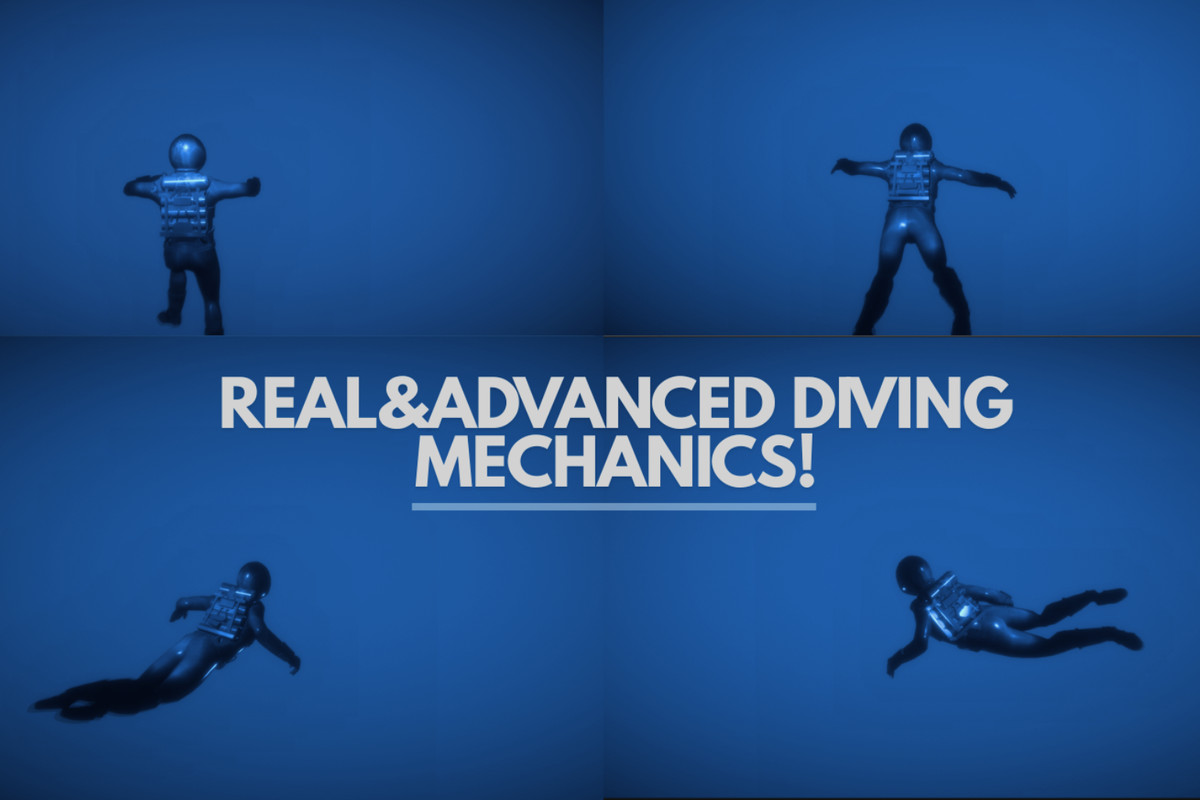
Featuring smooth underwater movement, responsive swimming controls, realistic diving mechanics, customizable oxygen management, character animation support, and powerful editor tools, this system provides everything you need to create engaging water-based gameplay.
Whether you're developing an underwater exploration game, survival adventure, ocean simulator, or an open-world experience, this controller gives you a flexible foundation to build upon.
━━━━━━━━━━━━━━━━━━━━━━━━━━━━━━━━━━
⭐ KEY FEATURES
- 🏊 Advanced Swimming & Diving System – Smooth, responsive, physics-based swimming and diving mechanics.
- 🎮 TPP & FPP Support – Complete First-Person and Third-Person gameplay support.
- 🌊 Underwater Movement – Natural underwater navigation with adjustable movement controls.
- 🫁 Oxygen Management System – Configurable oxygen depletion and recovery mechanics.
- 💨 Diving & Surfacing – Smooth transitions between swimming, diving, and reaching the water surface.
- 🎥 Camera Integration – Smooth camera movement with Cinemachine support.
- 🧍 Character Customization – Replace the included character with your own humanoid character.
- 🎬 Animation Support – Swimming animation transitions and Animator Cloner Tool.
- 🛠️ Yousset Editor Tools – Centralized configuration for important controller settings.
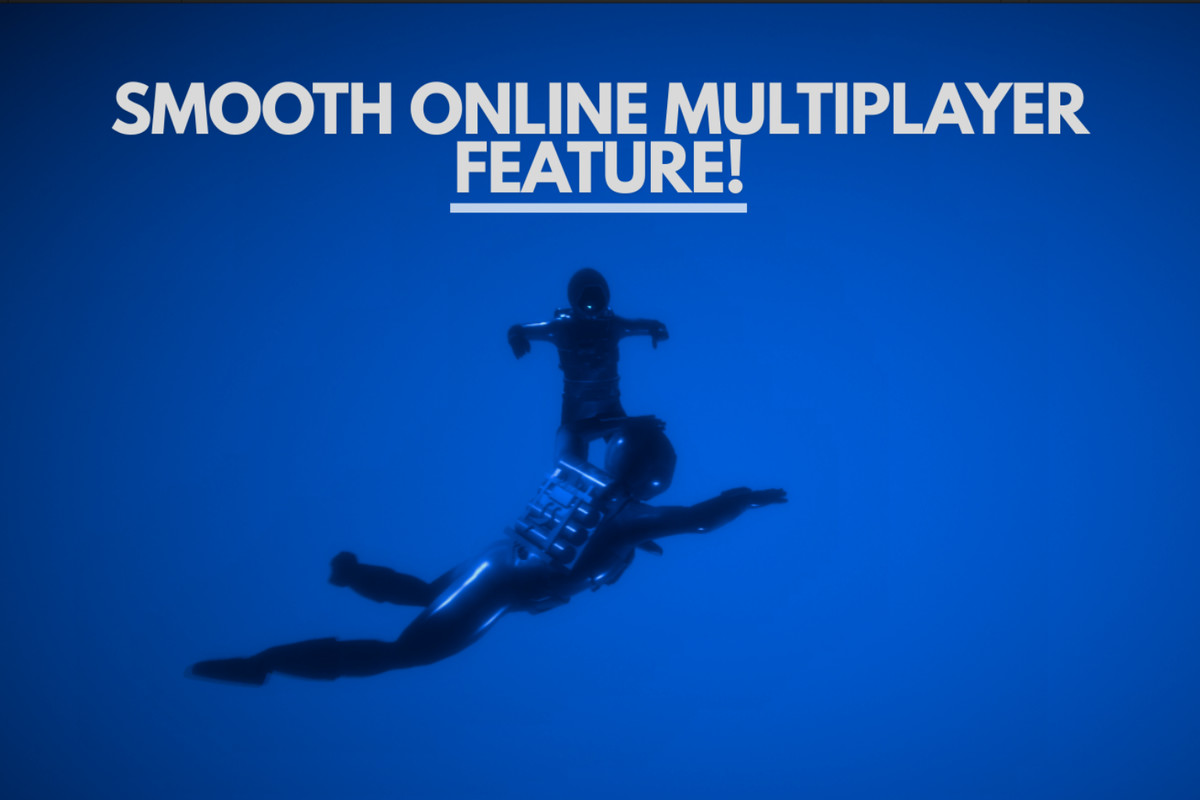
- 🌐 Optional Multiplayer Support – Photon PUN 2 integration for multiplayer projects.
- 📦 Demo Scenes Included – Ready-to-play examples showcasing the core systems.
- 🧩 Modular Architecture – Easy to customize, extend, and integrate into existing projects.
━━━━━━━━━━━━━━━━━━━━━━━━━━━━━━━━━━
🏊 1. ADVANCED SWIMMING & DIVING SYSTEM
Experience fluid and responsive water-based movement with a complete swimming and diving system.
Movement Features:
- Smooth physics-based swimming and diving
- Responsive underwater movement
- Directional swimming and navigation
- Diving and surfacing mechanics
- Adjustable swimming speed
- Customizable acceleration and turning
- Configurable movement settings
- Smooth transitions between swimming, diving, and surfacing
Oxygen System:
- Configurable oxygen capacity
- Adjustable oxygen depletion rate
- Customizable oxygen recovery
- Flexible oxygen management settings
━━━━━━━━━━━━━━━━━━━━━━━━━━━━━━━━━━
🎮 2. FIRST-PERSON & THIRD-PERSON SUPPORT
Build both First-Person and Third-Person underwater experiences using the same framework.
- First-Person swimming gameplay
- Third-Person swimming gameplay
- Smooth camera movement
- Cinemachine camera support
- Responsive player controls
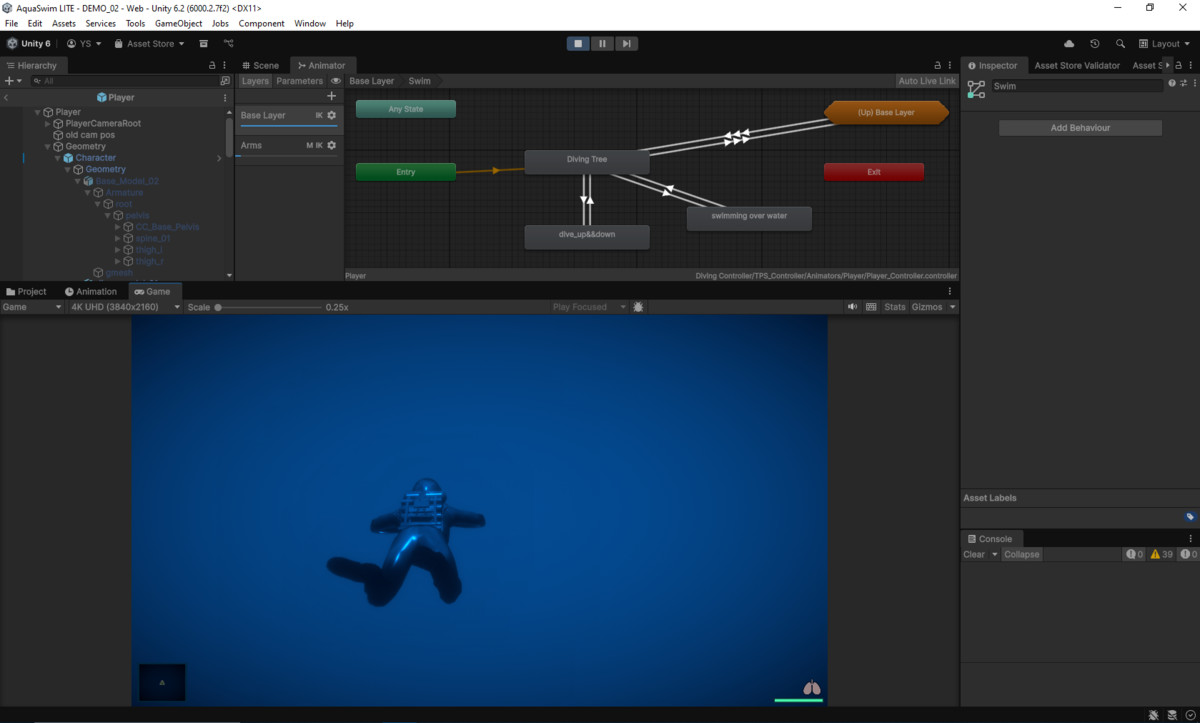
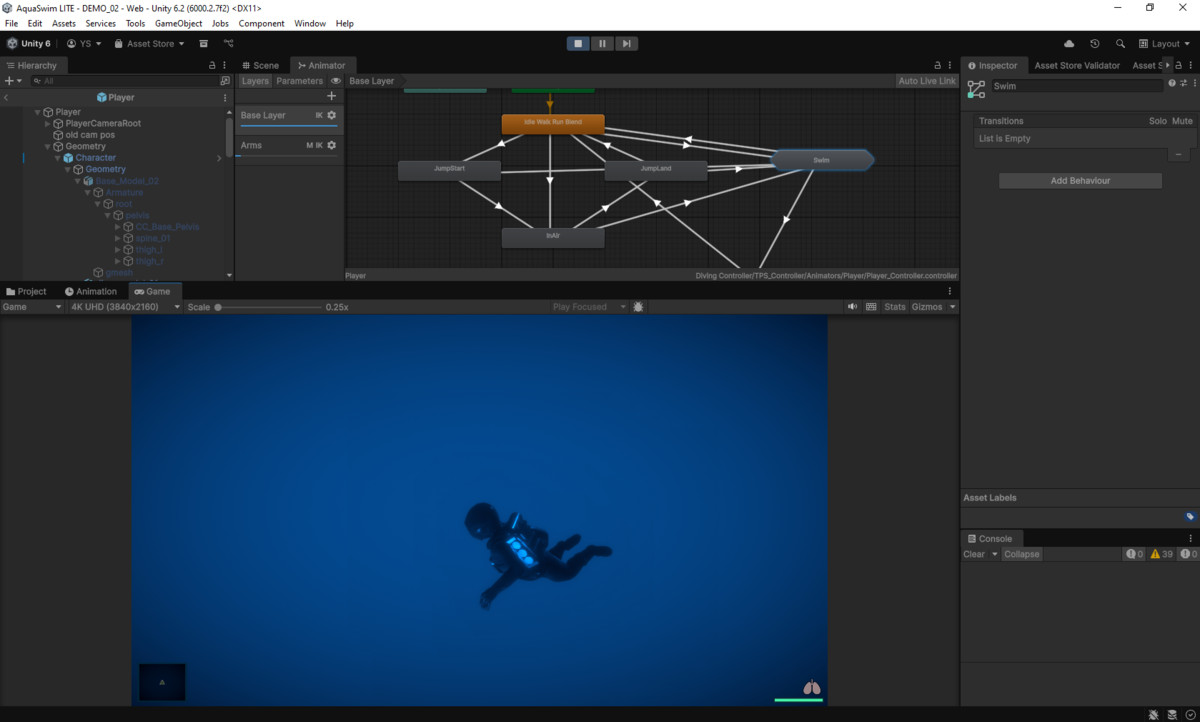
- Swimming animation transitions
- Easy integration with custom characters
━━━━━━━━━━━━━━━━━━━━━━━━━━━━━━━━━━
🧍 3. CHARACTER CUSTOMIZATION & ANIMATIONS
Use the included character or integrate your own humanoid character.
- Ready-to-use swimming character
- Fully rigged character included
- Custom character replacement
- Humanoid character support
- Custom swimming animation support
- Animator Cloner Tool for easier animator setup
━━━━━━━━━━━━━━━━━━━━━━━━━━━━━━━━━━
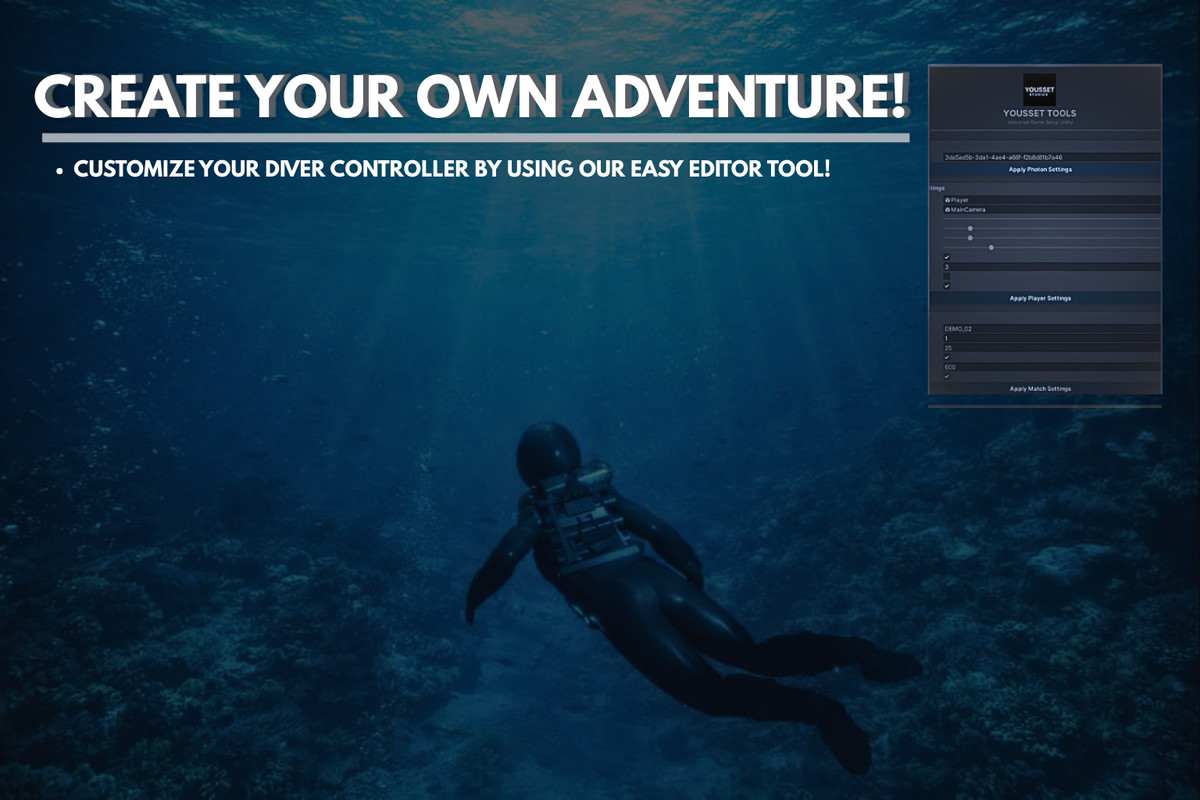
🛠️ 4. POWERFUL YOUSSET EDITOR TOOLS
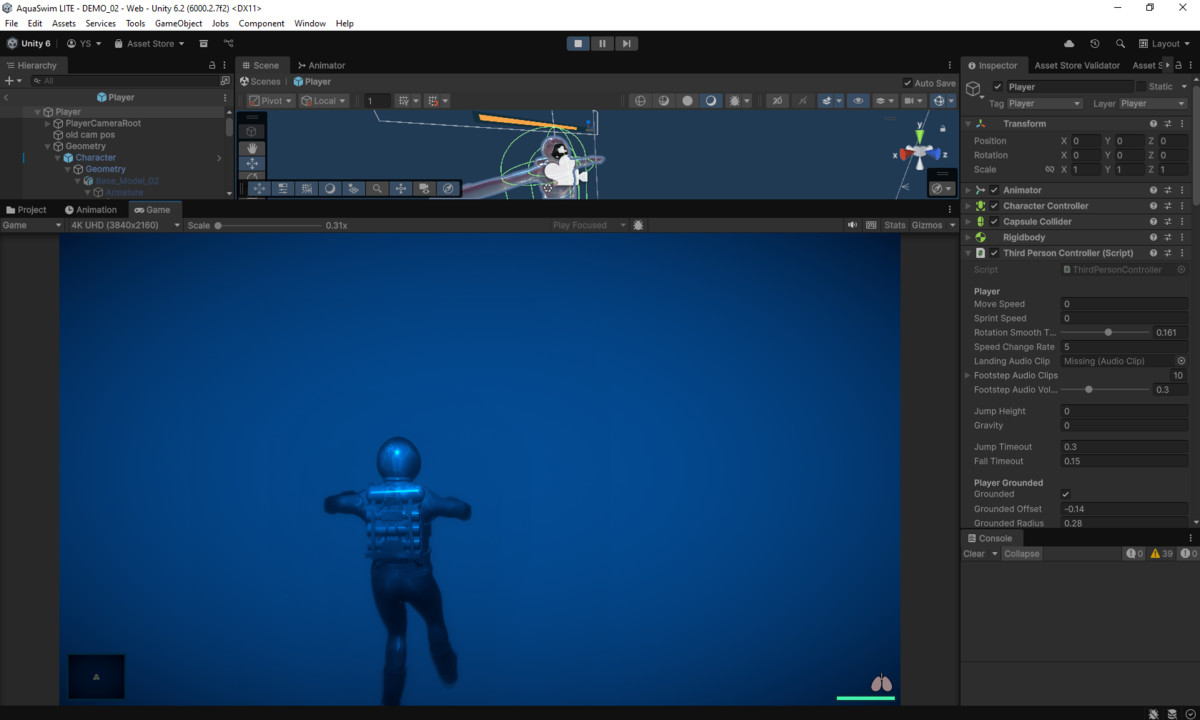
Configure your swimming and diving systems directly inside the Unity Editor.
Access the Setup Menu:
Tools → Yousset Tools → Open Setup Menu
Customize important settings without manually searching through multiple scripts.
Available Configuration:
- Player Controller Settings
- Swimming Settings
- Oxygen Settings
- Camera Settings
- Environment Settings
- Game Mode Settings
━━━━━━━━━━━━━━━━━━━━━━━━━━━━━━━━━━
🌊 5. DEMO SCENES INCLUDED
Explore the included demo scenes to understand how each system works and quickly get started.
Demonstrated Features:
- Swimming mechanics
- Diving and surfacing
- Underwater movement
- First-Person and Third-Person camera behavior
- Oxygen management
- Character swimming animations
- Ready-to-play gameplay examples
━━━━━━━━━━━━━━━━━━━━━━━━━━━━━━━━━━
🎮 DEFAULT CONTROLS
Move W / A / S / D
Look-Around Mouse
Swim-Up E
Swim-Down Q
Sprint-Swim Left Shift
Settings-Menu Escape
━━━━━━━━━━━━━━━━━━━━━━━━━━━━━━━━━━
🚀 GETTING STARTED
Get your underwater gameplay up and running in just a few steps:
- Install the required Unity packages.
- Import Advanced Swimming & Diving System into your project.
- Open one of the included demo scenes.
- Press Play and start swimming!
No external networking solution is required for the standalone swimming and diving functionality.
━━━━━━━━━━━━━━━━━━━━━━━━━━━━━━━━━━
📦 REQUIRED PACKAGES & COMPATIBILITY
Required / Optional Packages:
- Unity Input System – Required.
- Cinemachine – Optional, depending on your camera configuration.
- Universal Render Pipeline (URP) – Required only if using the URP-specific package setup.
- Photon PUN 2 – Optional, for multiplayer integration.
Project Setup:
If your project uses the New Input System, configure:
Edit → Project Settings → Player → Other Settings
Set:
Active Input Handling → Both (Old + New)
Check the included documentation for the exact package dependencies and setup instructions.
━━━━━━━━━━━━━━━━━━━━━━━━━━━━━━━━━━
💎 WHY CHOOSE ADVANCED SWIMMING & DIVING SYSTEM?
- 🏊 Complete swimming and diving framework
- 🎮 First-Person & Third-Person support
- 🌊 Smooth underwater movement and navigation
- 💨 Diving, surfacing, and swimming mechanics
- 🫁 Customizable oxygen management
- 🎥 Smooth camera controls
- 🎬 Swimming animation support
- 🧍 Ready-to-use and replaceable character
- 🛠️ Powerful editor setup tools
- 🌐 Optional Photon PUN 2 multiplayer integration
- 📦 Ready-to-use demo scenes
- 🧩 Modular and customizable architecture
- ⚡ Easy integration into existing projects
Spend less time building swimming mechanics from scratch and more time creating immersive underwater gameplay!
━━━━━━━━━━━━━━━━━━━━━━━━━━━━━━━━━━
📩 SUPPORT
Need help with installation, configuration, or troubleshooting?
Email: [email protected]
📚 Documentation and setup instructions are included with the asset.
━━━━━━━━━━━━━━━━━━━
Yousset Studios – Build. Customize. Explore.
From the publisher's Asset Store listing.
Technical details
⚙️ TECHNICAL DETAILS & COMPATIBILITY
🎨 Render Pipeline
- Universal Render Pipeline (URP) support.
- Tested and optimized for URP projects.
- Underwater environment and visual effects.
- Configurable environmental settings.
🎮 Input & Controls
- Supports Unity Legacy Input Manager.
- Supports Unity New Input System.
- Configurable player movement controls.
- Customizable swimming and diving inputs.
- Adjustable movement sensitivity and responsiveness.
🏊 Gameplay Systems
- Physics-based swimming and diving mechanics.
- First-Person and Third-Person controller support.
- Configurable swimming speed and movement parameters.
- Adjustable acceleration and turning.
- Oxygen depletion and recovery system.
- Diving, surfacing, and underwater navigation.
- Customizable character animation integration.
🎥 Camera System
- First-Person and Third-Person camera support.
- Smooth camera movement.
- Cinemachine integration.
- Configurable camera settings.
- Adjustable camera behavior.
🧍 Character & Animation
- Included fully rigged character.
- Humanoid character compatibility.
- Custom character replacement support.
- Animator Controller integration.
- Animator Cloner Tool for easier setup.
- Support for custom swimming animations.
🛠️ Editor Tools & Configuration
- Integrated Yousset Setup Menu.
- Centralized player controller configuration.
- Swimming and diving settings.
- Oxygen system configuration.
- Camera settings.
- Environment settings.
- Game Mode configuration.
Editor Access:
Tools → Yousset Tools → Open Setup Menu
⚡ Performance & Optimization
- Lightweight controller architecture.
- Optimized real-time swimming gameplay.
- Modular and customizable systems.
- Designed for integration into existing Unity projects.
- Adjustable gameplay parameters for different project requirements.
🌐 Multiplayer Support
- Optional Photon PUN 2 integration.
- Multiplayer-ready swimming and diving functionality.
- Standalone functionality without requiring an external networking solution.
📦 Included Content
- Swimming & Diving Controller scripts.
- First-Person and Third-Person gameplay setups.
- Fully rigged demo character.
- Swimming animation setup.
- Demo scenes.
- Yousset Editor Setup Tools.
- Documentation and setup instructions.
📋 REQUIREMENTS
- Engine: Unity (check the supported versions specified in the package).
- Render Pipeline: Universal Render Pipeline (URP).
- Input: Legacy Input Manager / New Input System.
- Camera: Unity Camera / Cinemachine (depending on configuration).
- Networking: Photon PUN 2 (optional, if using multiplayer functionality).
Compatibility
| Unity version | Built-in | URP | HDRP |
|---|---|---|---|
| 6000.2.7f2 | Compatible | Compatible | Compatible |
| 2022.3.12f1 | Compatible | Compatible | Not listed |
As listed on the Asset Store.