
 View on Asset Store (opens in new tab)
Package details
- Latest version
- 1.0
- Last updated
- First released
- Unity version
- 6000.0.59 or later
- Package size
- 58.9 MB
- Files
- 82
- Favorites
- 4
- Views in the past week
- 7
Price tracking
- Last checked
- Tracked since
- Lowest recorded
- $5.99 on
Keywords
Quick See Through Shader
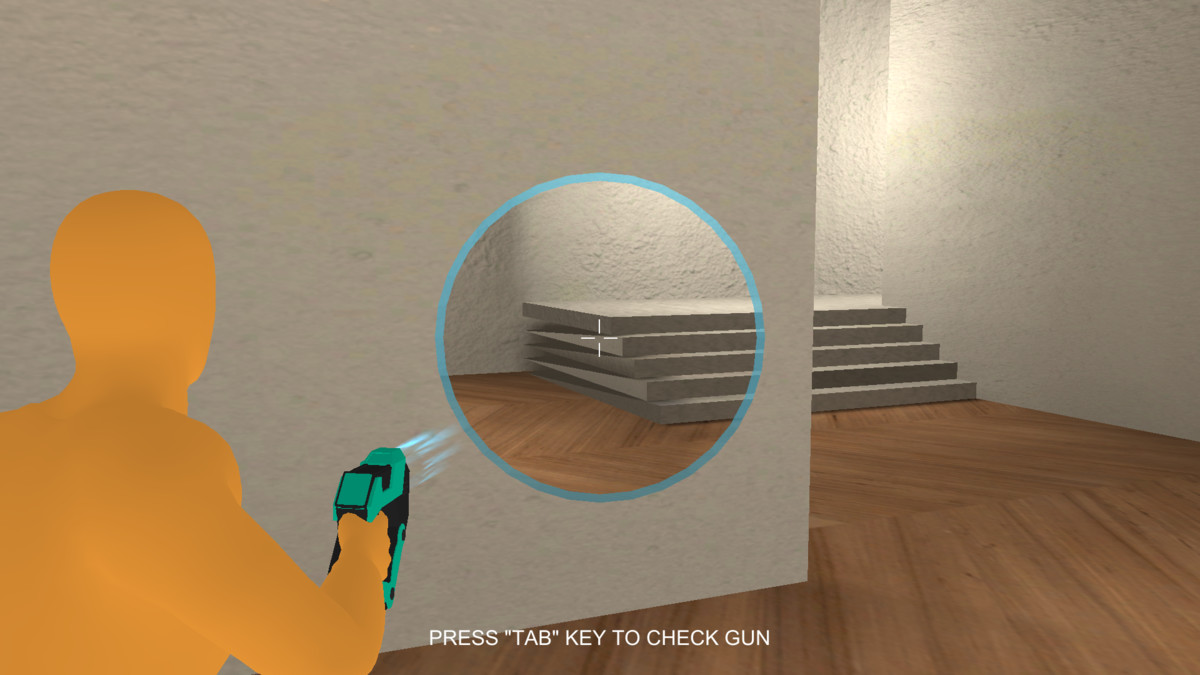
ShaderObject allows you to create a “see-through” effect by revealing areas on surfaces where the ray hits. This can be used for effects such as looking through walls or even revealing 3D characters.
Affiliate link · Purchases support this site
Price history
Last 6 months
USDAsset preview
1 / 3
Quick See Through Shader screenshot 1

About this asset
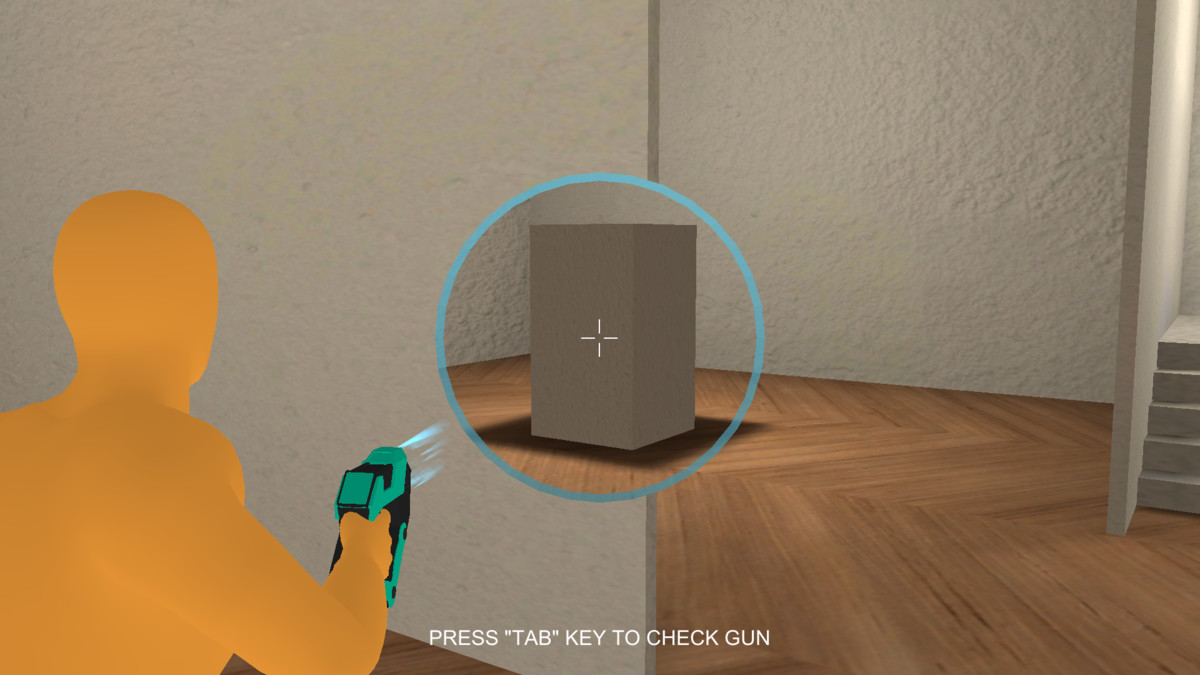
SeeThroughShader creates a see-through effect by revealing surface areas hit by a ray, useful for visual effects like looking through walls or revealing hidden 3D objects or characters. It also includes several customizable features listed below.
- Free Active Feature
What it does:
When true, the player can emit the raycast and trigger the shader effect without first switching/activating the weapon.
When false:
The weapon must be activated (or the gun enabled) before the raycast will produce the see-through effect.
Usage tip:
Set Free Active Bool = true for debugging or tools where you want instant testing. Set it to false for game modes where the effect should only work while the weapon is active.
- Shader Size Feature
What it does:
Controls the final radius/size of the hole created by the shader — i.e., how large the see-through area becomes.
Effect:
Larger values = larger visible hole.
Usage tip:
Use this with Shader Fade Speed to create smooth growth from impact point to full size.
- Shader Border Size Feature
What it does:
Controls the thickness of the outline (a circular border) drawn around the see-through hole.
Usage tip:
Increase border size to emphasize the effect, or keep it small for a subtle cutout.
- Shader Fade Speed Feature
What it does:
Determines the lerp speed of the shader effect from its initial state to the Shader Size.
Example behavior:
With a small initial hole, the shader will interpolate (grow) to Shader Size at the rate controlled by this parameter.
- Ray Distance Feature
What it does:
The maximum raycast length used to detect targets. The shader effect only triggers when the raycast hits an object within this distance.
Effect:
Shorter distances limit the effect to close targets; longer distances allow far targets to be affected.
- Shader Mask Feature
What it does:
A layer mask that restricts which objects the shader system will detect and affect. Only objects on layers included in this mask will respond to the raycast and show the see-through effect.
Usage tip:
Use the mask to avoid unintended objects being affected and to optimize performance by raycasting only against relevant objects.
⚠️ This package is only supported with Unity URP (Universal Render Pipeline).
From the publisher's Asset Store listing.
Compatibility
| Unity version | Built-in | URP | HDRP |
|---|---|---|---|
| 6000.0.59f2 | Not listed | Compatible | Not listed |
As listed on the Asset Store.