
 View on Asset Store (opens in new tab)
Package details
- Latest version
- 1.1.0
- Last updated
- First released
- Unity version
- 6000.0.79 or later
- Package size
- 89.3 MB
- Files
- 54
- Favorites
- 10
- Views in the past week
- 14
Price tracking
- Last checked
- Tracked since
- Lowest recorded
- $12.59 on
Keywords
Sci-Fi Floor Pack: Conveyor
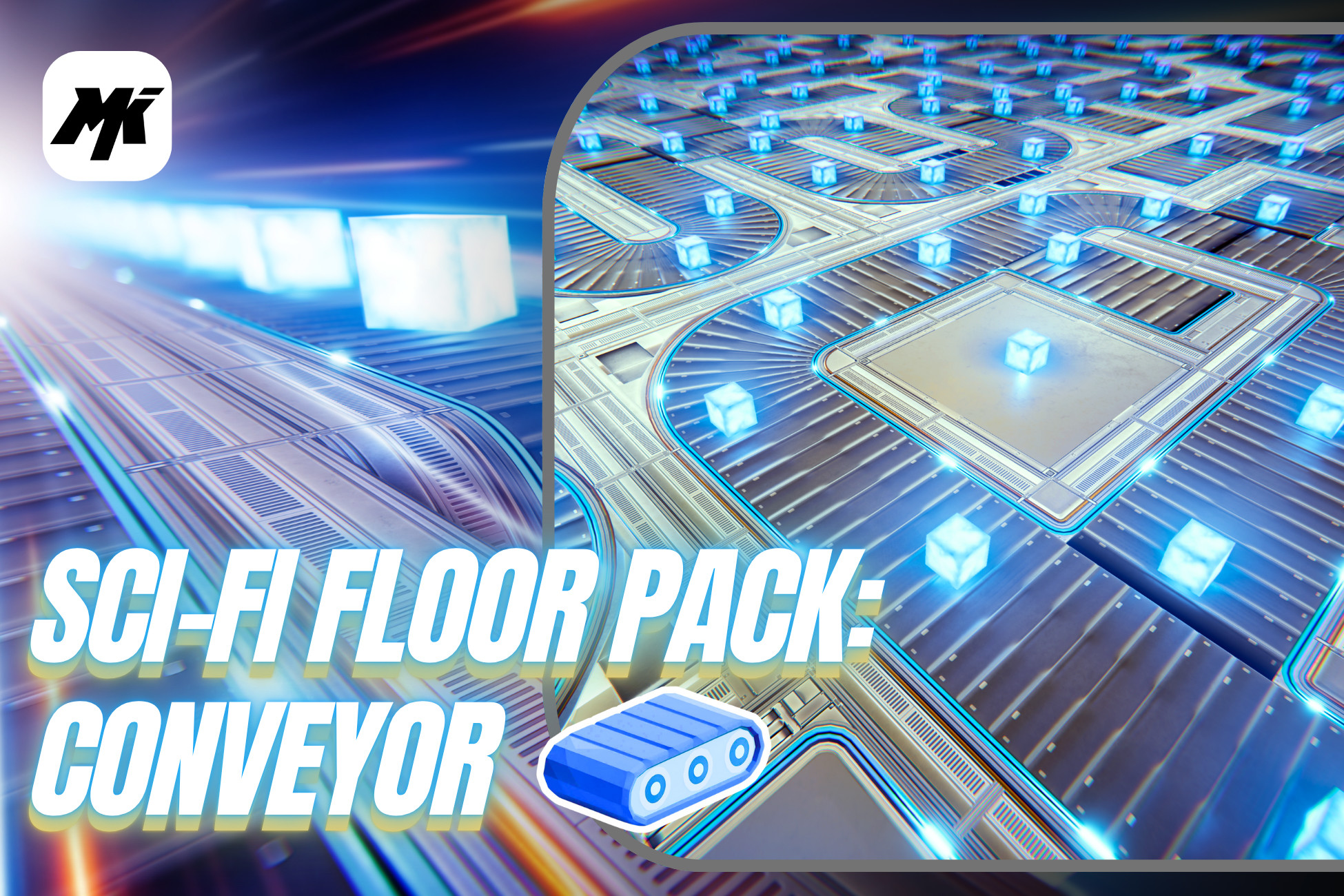
Modular sci-fi floor conveyor kit with Straight and Rotational modes. Trigger + Rigidbody ready. Built for URP, ideal for fast factory and logistics scenes.
Affiliate link · Purchases support this site
Price history
Last 6 months
USDAsset preview
1 / 10

Sci-Fi Floor Pack: Conveyor screenshot 1
About this asset
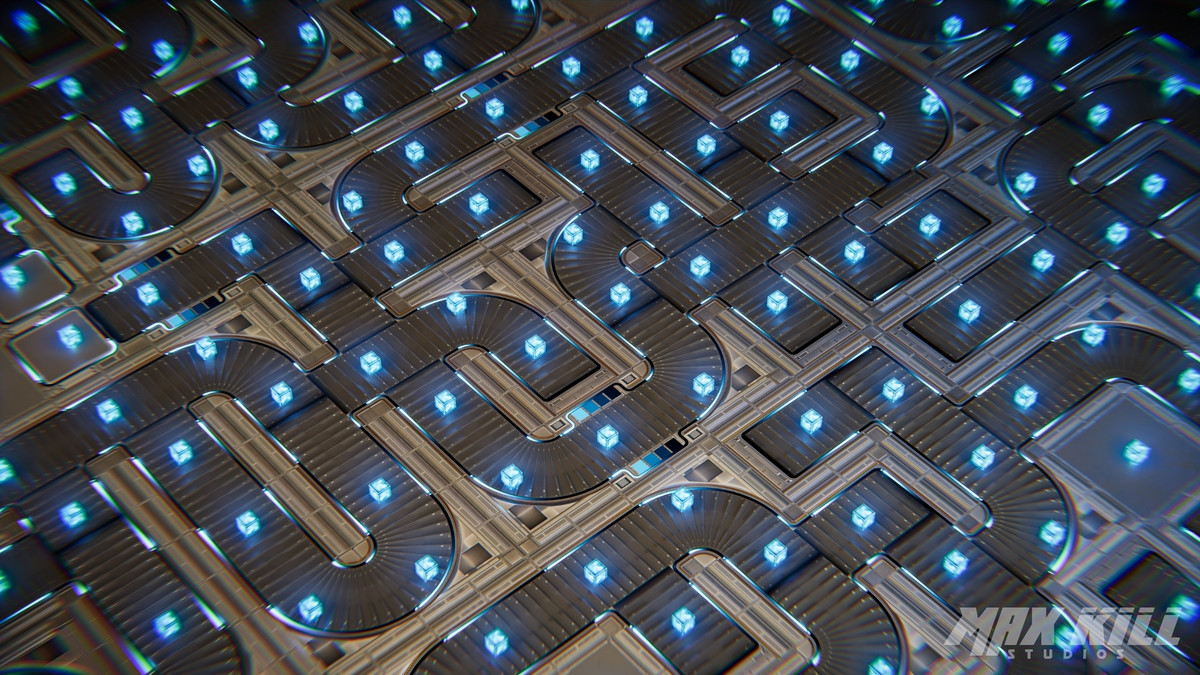
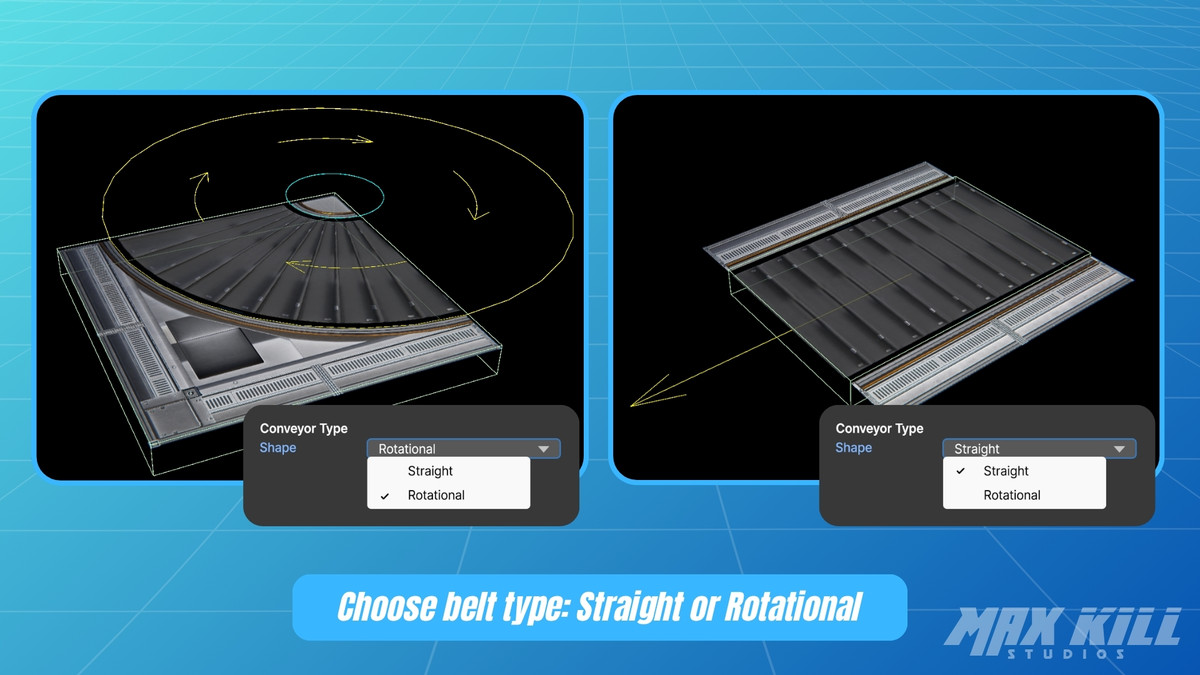
Sci-Fi Floor Pack: Conveyor is an asset for quickly building floor-type conveyors in a modular way. It supports Straight / Rotational modes and moves objects by detecting Rigidbody components inside a Trigger Collider according to the script settings.
The dedicated Conveyor Belt shader provides belt scroll and side-flow (Emission) effects, and its speed can be adjusted independently from the physical movement.
Documentation
English | 日本語 | 简体中文 | 繁體中文 | 한국어 | Español | Français | Deutsch | Português
Contents
- Prefabs: Straight / Rotational conveyor module prefabs
- Scenes: demo and overview scenes
- Scripts: SFP_ConveyorBelt.cs (Runtime, trigger detection and physics movement control)
- Shaders: conveyor-dedicated shader (Belt Scroll, Side Flow)
Key Features
- Built for URP (Universal Render Pipeline)
- Modular prefabs for fast placement with Straight / Rotational configurations
- Physics movement script that applies a velocity vector to Rigidbodies inside the trigger (FixedUpdate-based)
- Dedicated shader with Belt Scroll, Side Flow Emission, Rubber / Steel surface types
- Independent control between script Speed (physics) and shader scroll speed (visuals)
- Simple setup: drag and drop the prefab, set Speed, and run
- Pattern customization for Side Flow: Index / Tiling / Speed (small textures recommended: 256×32)
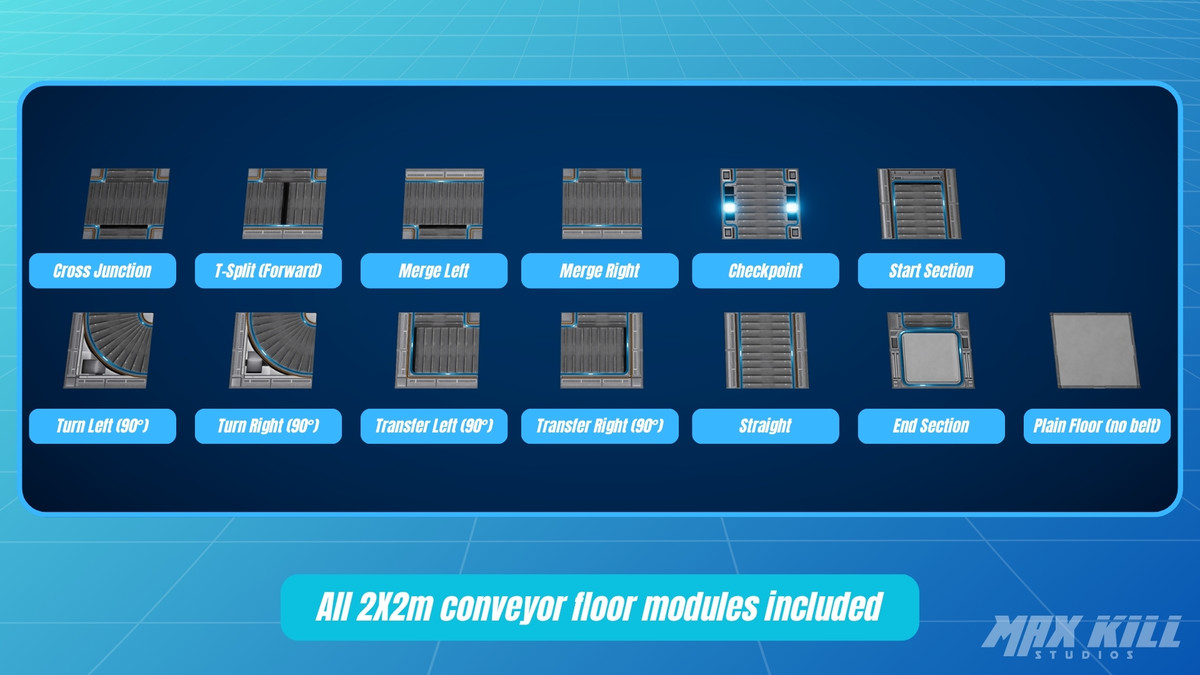
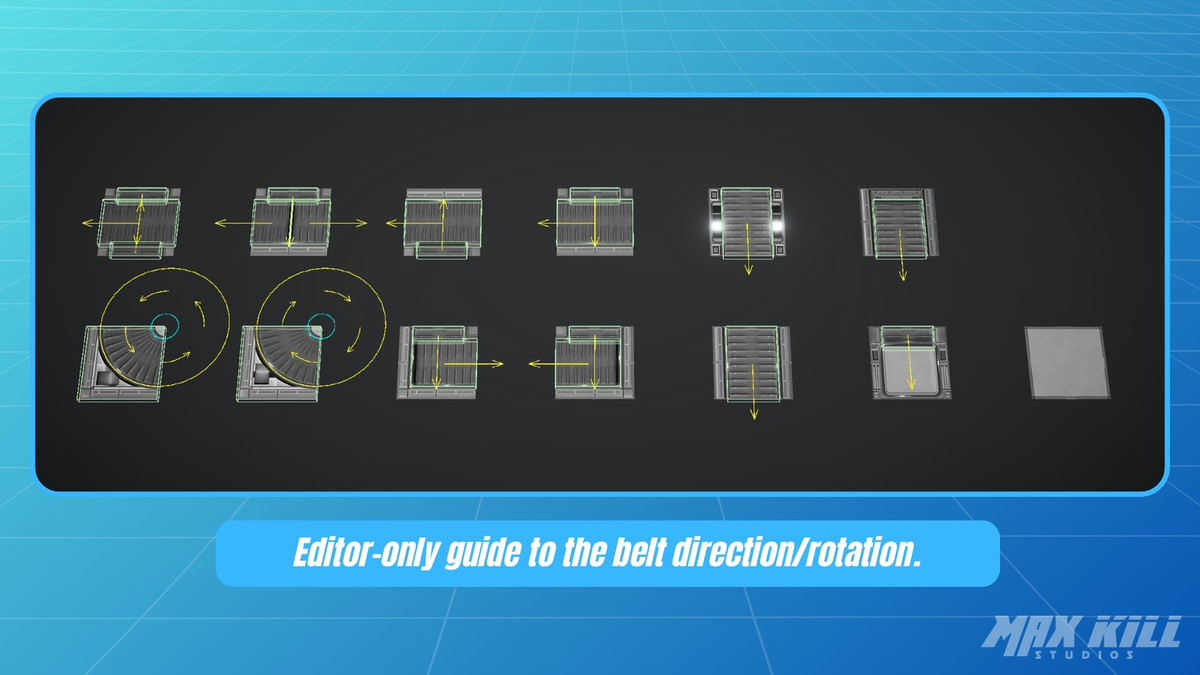
Included Floor Modules (13 pieces)
- Cross Junction
- T-Split (Forward)
- Merge Left
- Merge Right
- Checkpoint
- Start Section
- Turn Left (90°)
- Turn Right (90°)
- Transfer Left (90°)
- Transfer Right (90°)
- Straight
- End Section
- Plain Floor (no belt)
From the publisher's Asset Store listing.
Technical details
Technical Overview
- Texture Sizes: Mostly 4096×4096, one 256x32
- Triangle Count: 34 ~ 699
- Texture Count: 10
- Texture Format: PNG
- Material Count: 4
- Model Format: FBX
- LOD: None
- Animation: None
- Blend Shapes: None
- Supported Platforms: All platforms
Render Pipeline Compatibility
- URP only (Universal Render Pipeline)
- Built and validated on Unity 6.3 LTS (6000.3.19f1) and Unity 6.5 (6000.5.3f1)
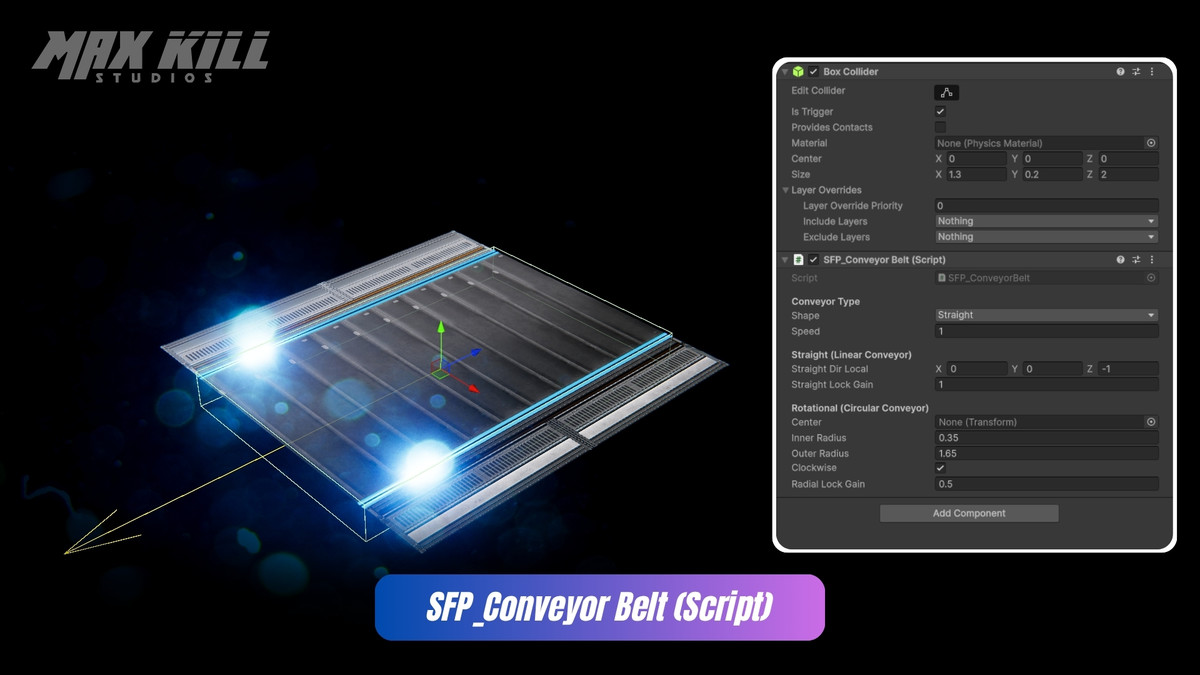
Scripts: SFP_ConveyorBelt.cs
- Conveyor Type: Straight / Rotational
Straight Mode
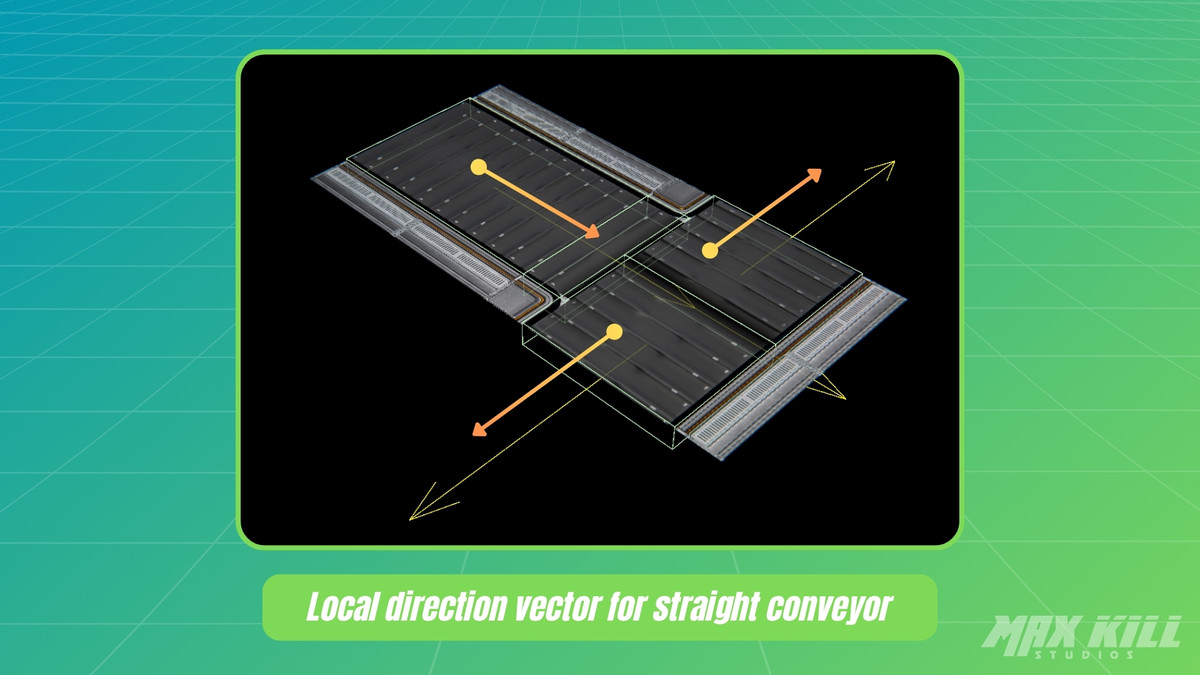
- Straight Dir Local: Local direction vector
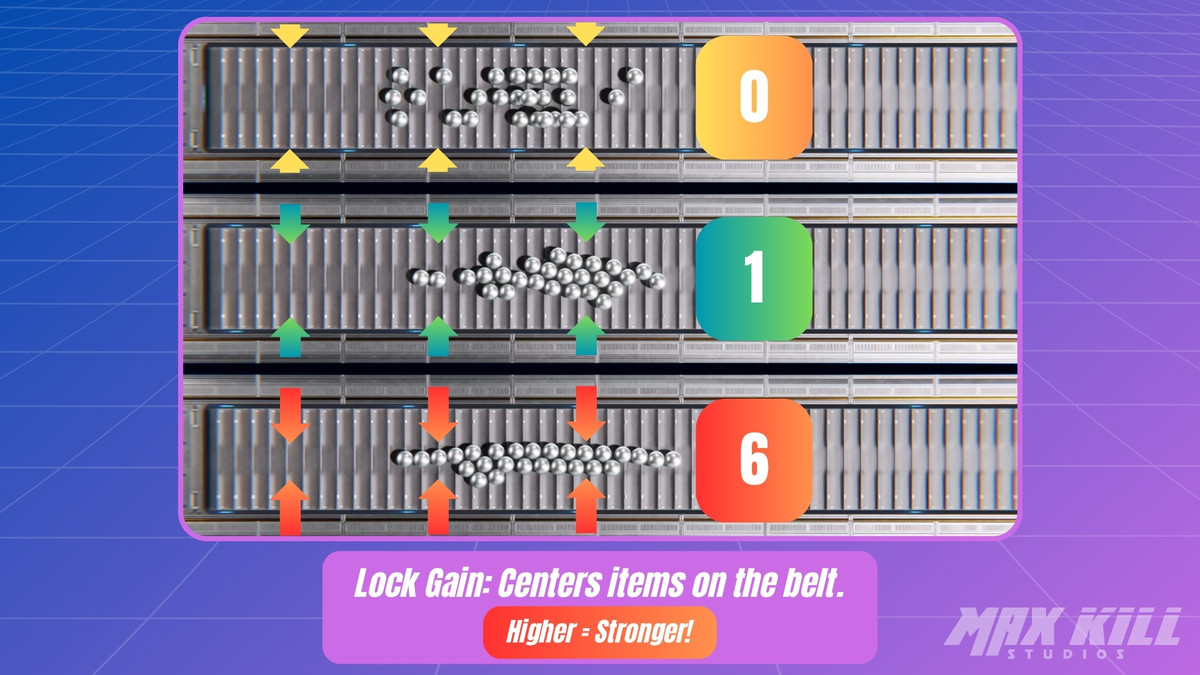
- Straight Lock Gain: Centering strength
Rotational Mode
- Center: Rotation center
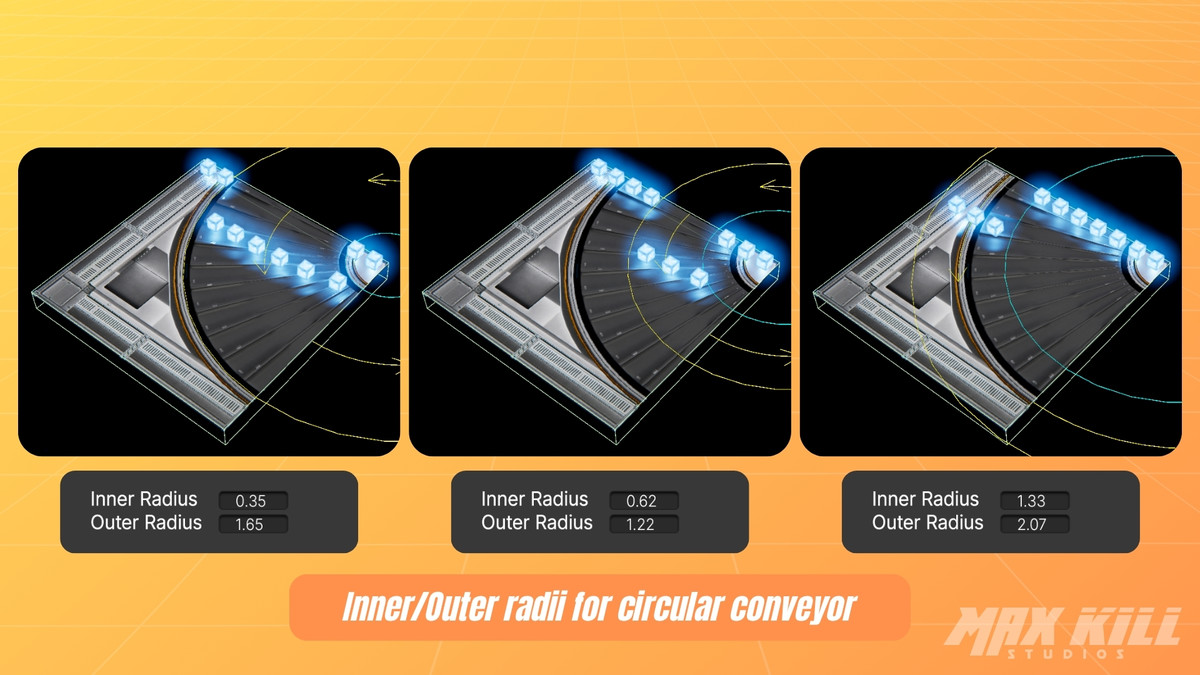
- Inner / Outer Radius: Applied radius
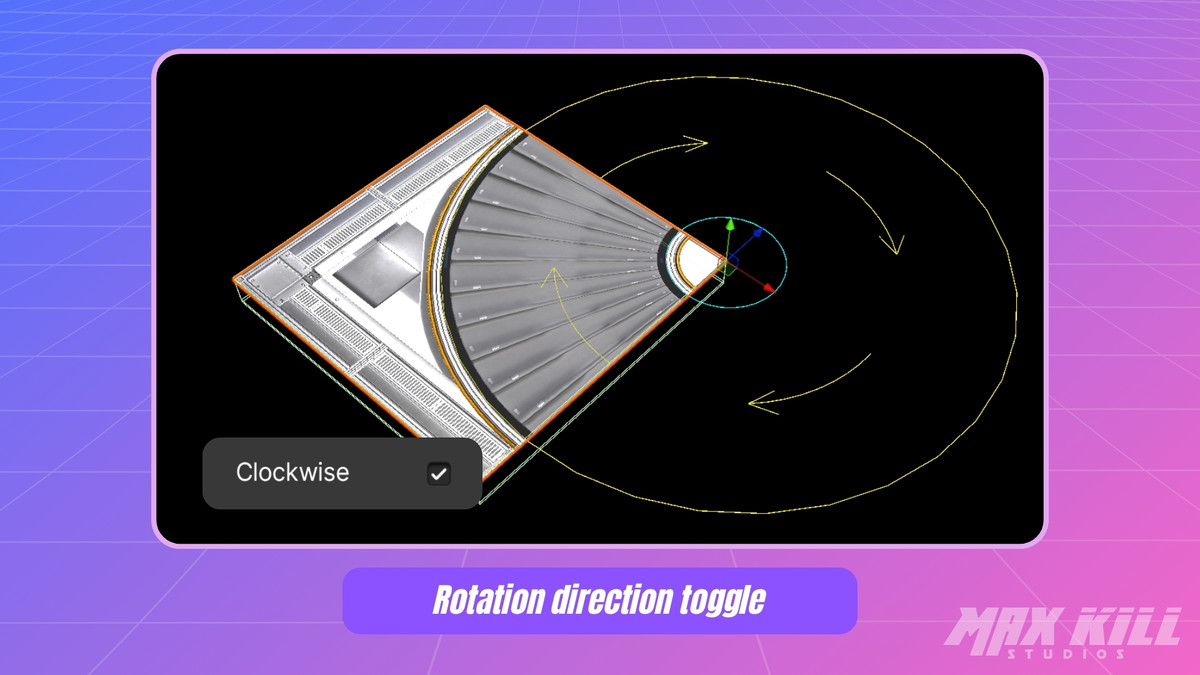
- Clockwise: Rotation direction
- Radial Lock Gain: Path-centering strength
Shared
- Speed: Positive or negative values reverse direction
Shaders: Conveyor Belt Shader
- Belt Surface Type: Rubber / Steel
- Belt Scroll Speed: Belt surface scroll speed (default 0.5)
- Side Flow
- Emission Color (HDR)
- Pattern Texture / Index / Tiling / Speed
- Mask Map Channels
- R = Metallic
- G = Occlusion
- A = Smoothness
Requirements
- Moving Object: Rigidbody + Collider
- Conveyor_MoveZone Collider: Is Trigger enabled
Compatibility
| Unity version | Built-in | URP | HDRP |
|---|---|---|---|
| 6000.5.3f1 | Not listed | Compatible | Not listed |
| 6000.3.19f1 | Not listed | Compatible | Not listed |
| 6000.0.79f1 | Not listed | Compatible | Not listed |
As listed on the Asset Store.