
 View on Asset Store (opens in new tab)
Package details
- Latest version
- 1.1.0
- Last updated
- First released
- Unity version
- 6000.3.18 or later
- Package size
- 1.9 MB
- Files
- 73
- Favorites
- 75
- Views in the past week
- 14
Price tracking
- Last checked
- Tracked since
- Lowest recorded
- $24.50 on
Keywords
Bindables: Reactive Programming
Bindables is a reactive framework for managing your game state and syncing it to UI and gameplay. Easily bind to lists, dictionaries, derived state, animations, intervals, events, and even URIs.
Affiliate link · Purchases support this site
Price history
Last 6 months
USDAsset preview
1 / 11
Bindables: Reactive Programming screenshot 1


About this asset
bindables.dev | Documentation | Discord
You can now get Bindables as part of the Flexalon + Proxima + Bindables bundle.
Bindables brings the power of reactive programming to Unity—giving you a clean, declarative way to track game state and automatically reflect changes wherever they’re needed.
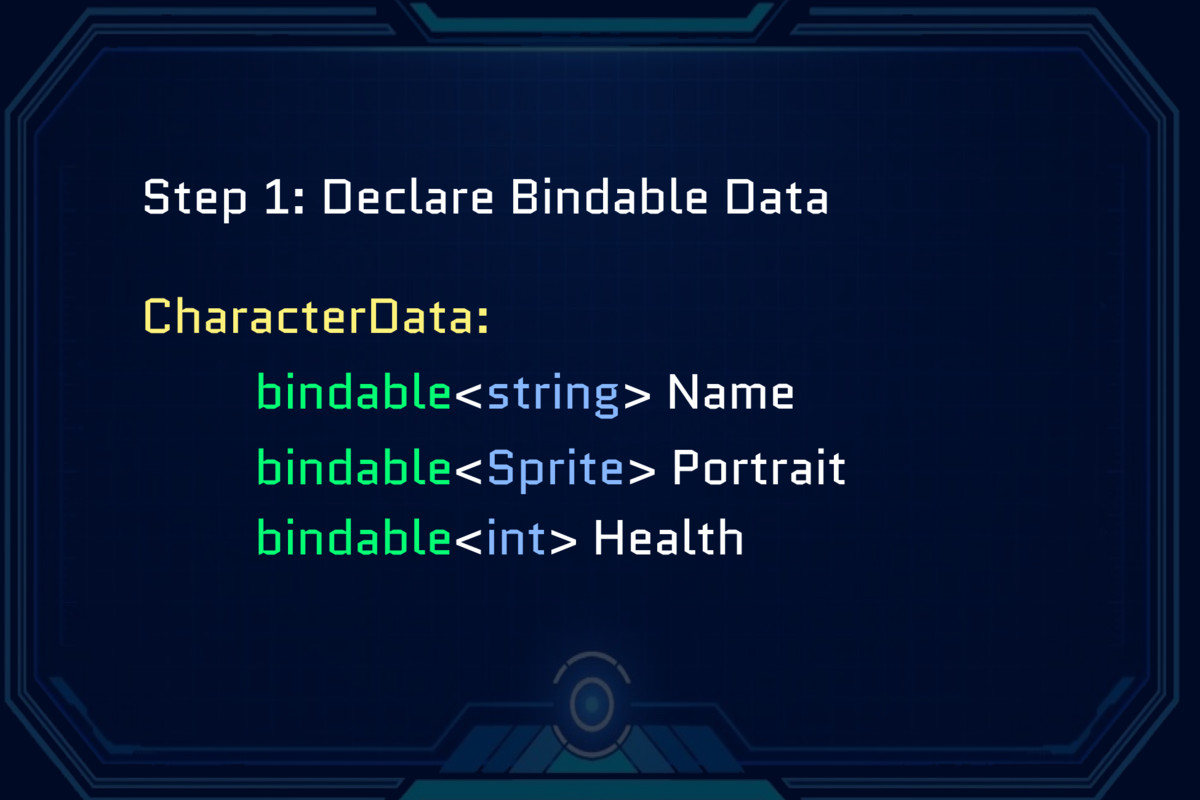
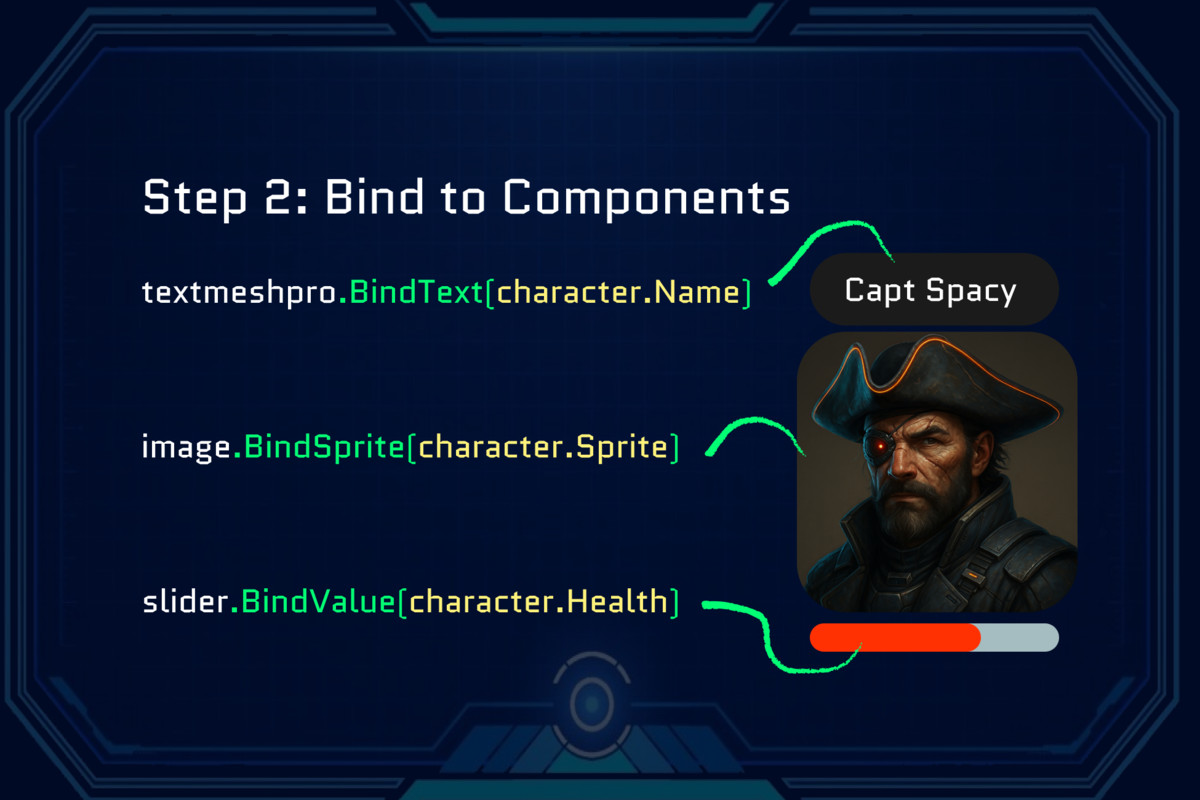
With Bindables, you declare your state using Bindable<T>, then declaratively bind that state to any Unity component—like UI text, images, animations, or prefabs. It works seamlessly across UGUI, UI Toolkit, and any other Unity objects.
Reactive by Design: State changes drive everything. You declare your bindings once and they update automatically.
Extension Methods: Bindables generates Bind extension methods to every Unity object (that you want). This makes easy and type-safe to bind to all built-in Unity types, 3rd party packages, and your own components. Materials, images, text, sprites, transforms, you name it.
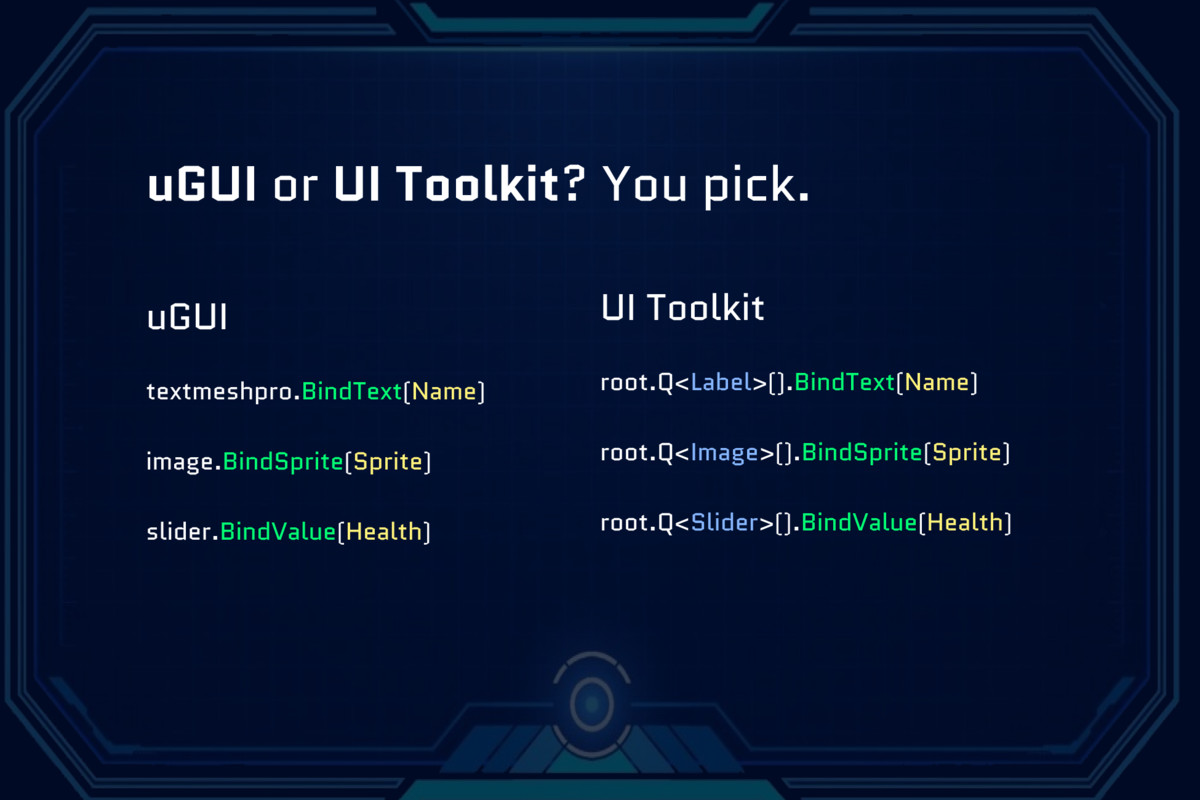
UI Toolkit and uGUI Support: Works with both UI frameworks in the same way. Declare bindable state and bind it to UI components.
Two-Way Bindings: For input fields, sliders, dropdowns, and toggles, you can bind your state to update automatically on user input.
Advanced Bindings: Derived state, animations, time intervals, file URIs, and more.
FEATURES:
- Bindable: declare reactive state.
- Exension Methods: All Unity components get convenient new .Bind*() methods.
- For example: textmeshpro.BindText(playerName)
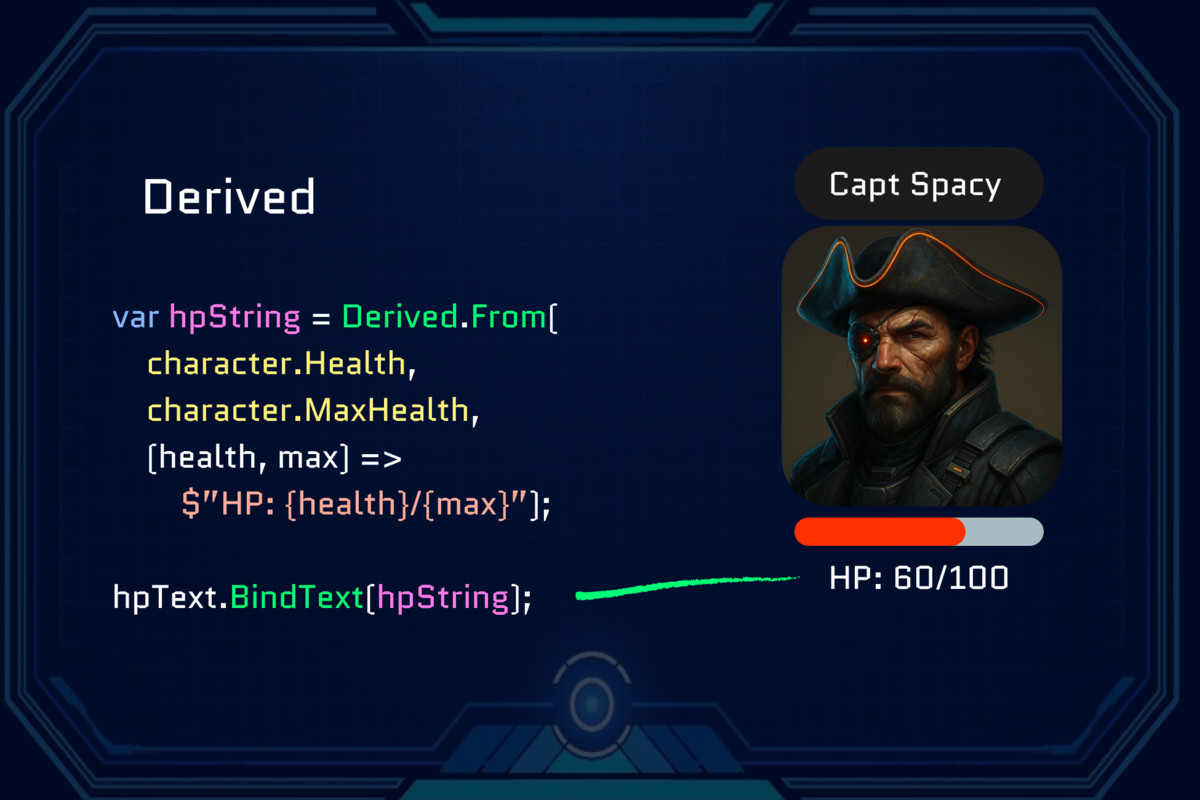
- Derived: transform or combine Bindables into new state.
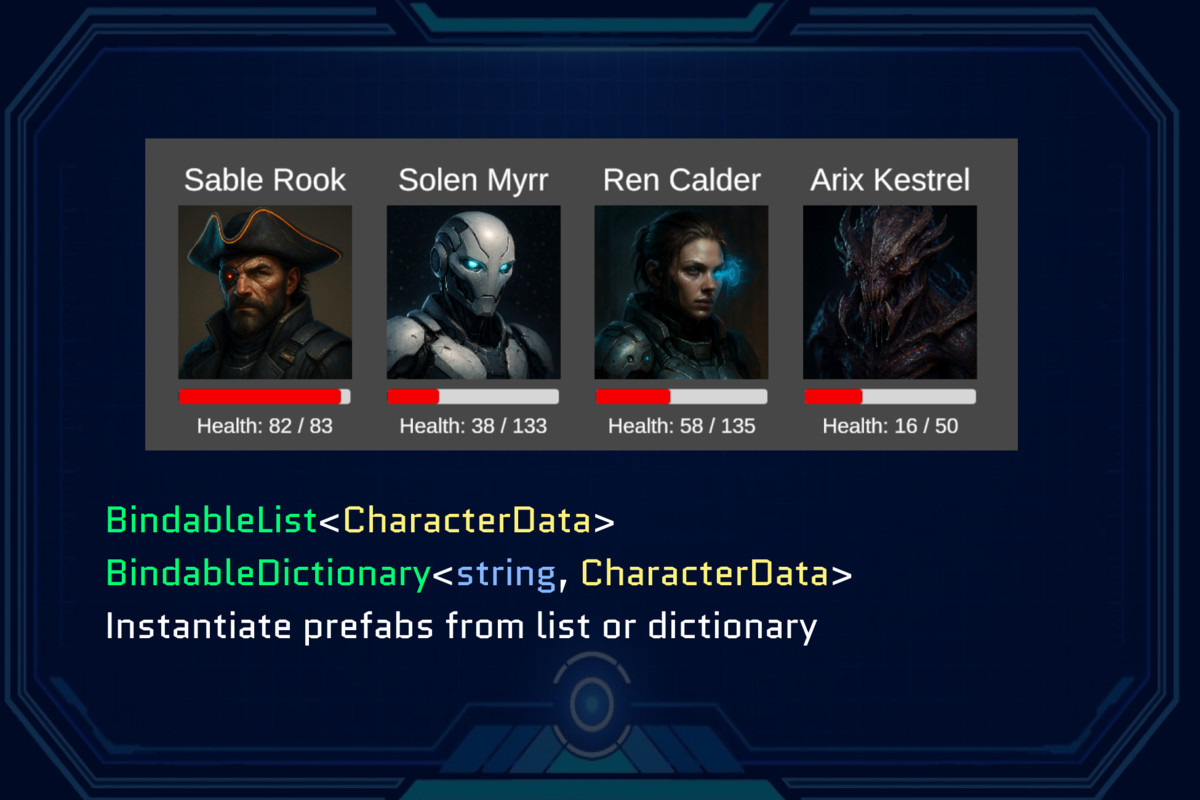
- BindableList: Bind to lists to instantiate prefabs or visual elements.
- BindableDictionary: Bind to dictionaries to instantiate prefabs or visual elements.
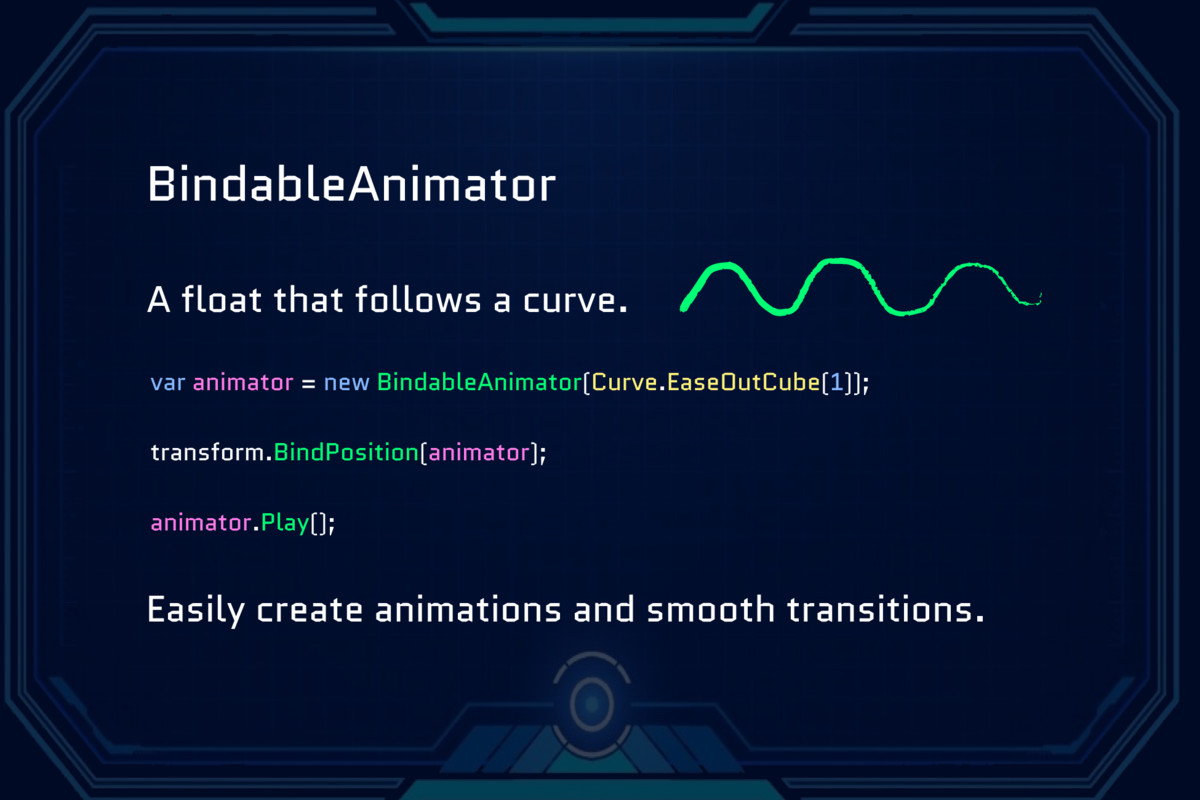
- BindableAnimator: Drive animations using easing curves, math, or Unity animation curves.
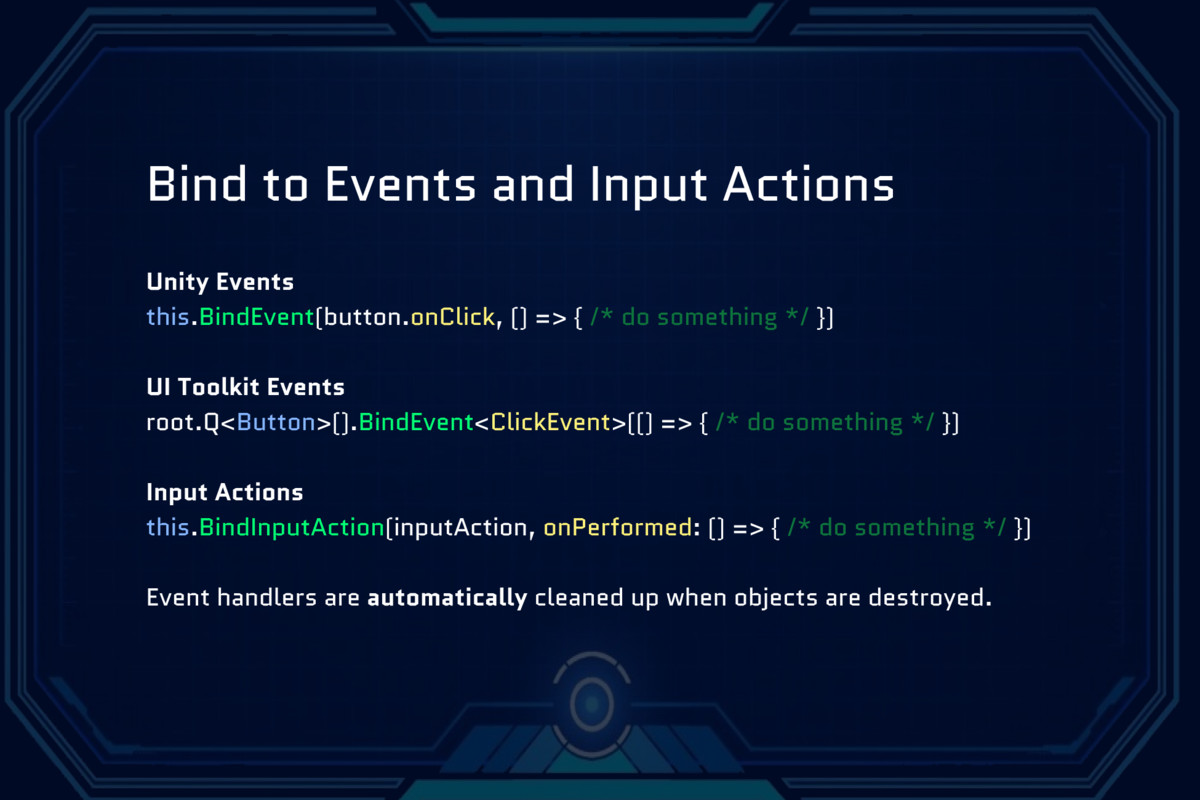
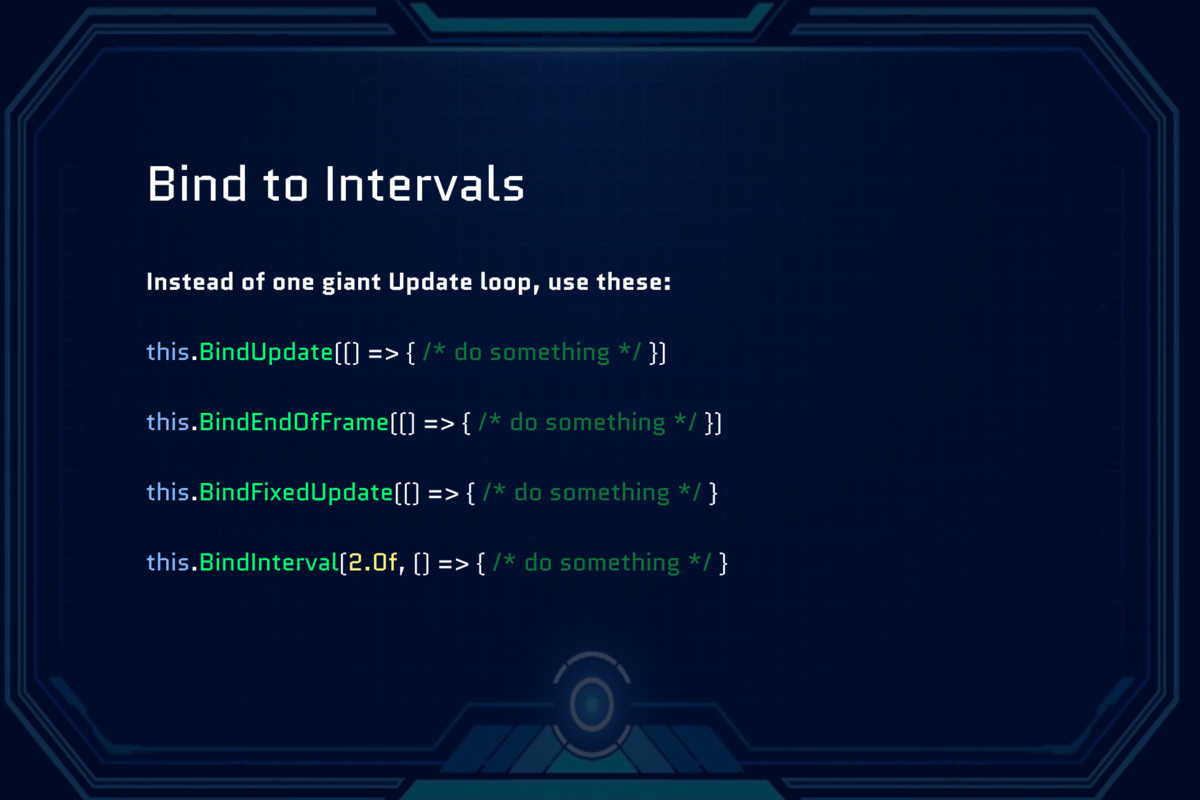
- Bind to input actions, events, time intervals.
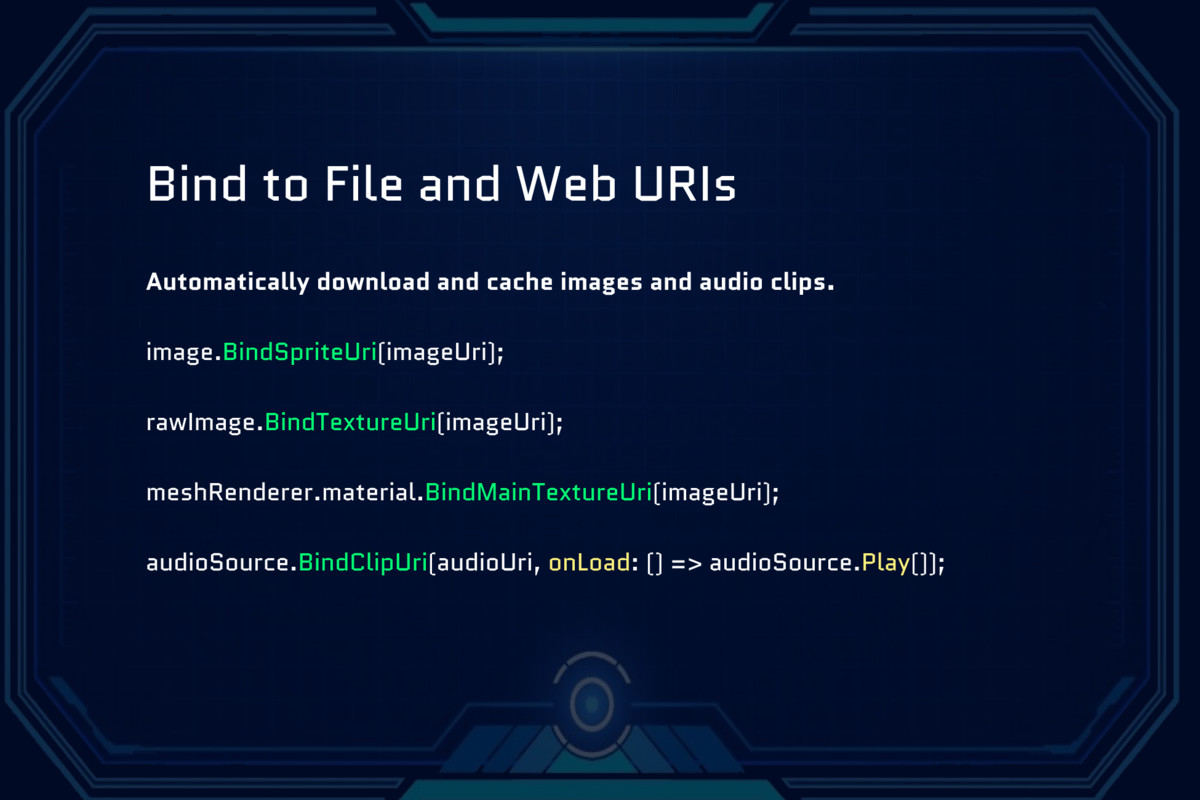
- Bind to file and web URIs to download images and audio clips.
- Automated event handler management with BindContext.
See examples at bindables.dev.
From the publisher's Asset Store listing.
Technical details
C# scripts are included.
Supported Unity Versions: 2021.3 or newer.
Supported Platforms: All
Compatibility
| Unity version | Built-in | URP | HDRP |
|---|---|---|---|
| 6000.3.18f1 | Compatible | Compatible | Compatible |
As listed on the Asset Store.