
 View on Asset Store (opens in new tab)
Package details
- Latest version
- 1.2.0
- Last updated
- First released
- Unity version
- 6000.0.49 or later
- Package size
- 112.1 MB
- Files
- 74
- Favorites
- 14
- Views in the past week
- 31
Price tracking
- Last checked
- Tracked since
- Lowest recorded
- $14.99 on
Keywords

Ragdoll Creator Pro
- Price drop
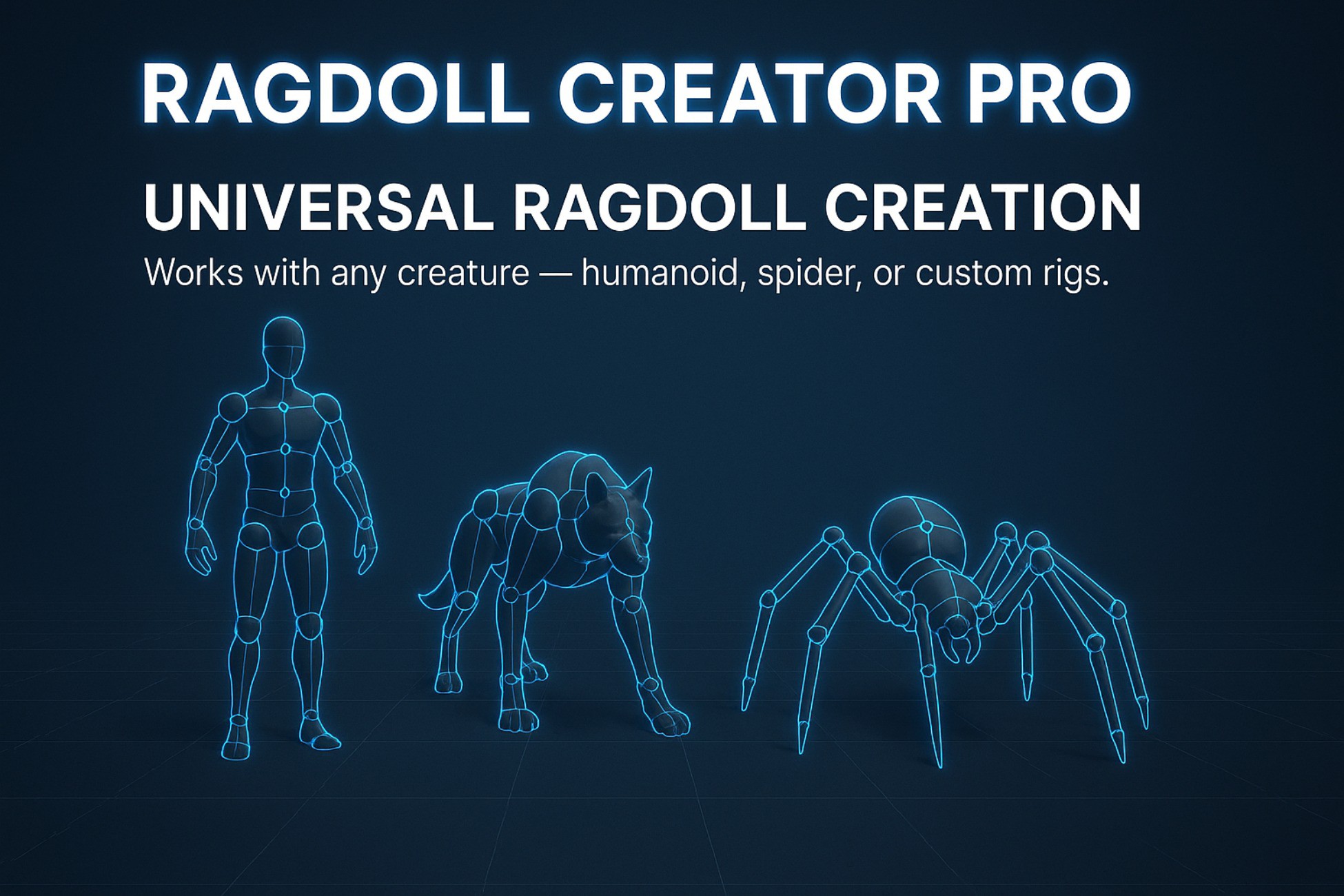
Create fully functional ragdolls for any creature — spiders, dragons, or custom rigs — with built-in pooling, LOD, and hitbox tools for optimized performance.
Lowest recorded price
Get 63% off on Asset Store (opens in new tab)Affiliate link · Purchases support this site
Price history
Last 6 months
USDAsset preview
1 / 5

Ragdoll Creator Pro screenshot 1



About this asset
🔹 Overview
Ragdoll Creator Pro by Phoenix Realm Publisher is a complete editor tool that brings advanced ragdoll creation to any character — humanoid or not.
Unlike Unity’s built-in wizard, which supports only humanoids, this tool allows you to quickly build realistic physics rigs for creatures such as spiders, dragons, or any custom skeletal setup.
Whether you’re a solo developer, indie studio, or anyone working on physics-driven gameplay, Ragdoll Creator Pro provides an intuitive workflow, automatic setup, and strong performance optimization.
⚙️ Key Features
- 🧩 Universal Ragdoll Builder – Works with any bone structure, not limited to humanoids.
- 🎮 Intuitive Setup Workflow – Easily configure bones, collider shapes, and joint limits in a visual editor window.
- ⚡ Optimized Ragdoll System – Automatically separates ragdolls from active characters for minimal performance cost.
- 🌀 Pooling Integration – Reuses ragdoll instances efficiently by spawning and syncing poses on demand.
- 🎚️ Ragdoll LOD System – Freeze or deactivate distant ragdolls automatically to save CPU time.
- 🩻 Hitbox Generator – One-click tool to copy collider shapes from your ragdoll to the character for precise hit detection.
- YouTube Tutorial Series🎥 Tutorial Playlist Included – Full setup and usage videos available:
- View Demo Files🕷️ Demo Scene – Includes a full spider example showcasing complete ragdoll creation, hitbox setup, and pooling in action.
- Join Discord for geting support !
🧩 Package Contents
- 1 Demo Scene (Spider Example)
- Full Editor Tool Source Code
- Ragdoll Optimization and Pooling Systems
- Hitbox Generator Tool
- Video Tutorials
🚀 Use Cases
- Creature and monster ragdolls (spiders, dragons, quadrupeds, fantasy enemies)
- Dynamic death effects and hit reactions
- AI or player character physics collapse
- Runtime performance-optimized physics systems
- Precise hitbox or damage zone setups using ragdoll bones
🧭 Technical Info
- Unity Version: Unity 6+
- Render Pipelines: All (HDRP / URP / Built-in)
- Platforms: All supported Unity platforms
- Documentation: YouTube Tutorials
- Support: Contact via publisher email or Discord
- License: All included assets may be used commercially in your projects
💡 Why Choose Ragdoll Creator Pro?
- The only Unity tool designed specifically for non-humanoid ragdolls.
- Provides on-demand ragdoll spawning with performance-driven pooling and LOD.
- Great for indie teams and developers working on creature-based or physics-heavy projects.
- Saves hours of manual collider placement and configuration.
From the publisher's Asset Store listing.
Technical details
Supported Unity Versions:
Unity 6 and above
Render Pipelines:
Built-in, URP, HDRP
Platforms:
All platforms supported by Unity
Dependencies:
None — works out of the box
Source Code:
Fully included (C#)
Demo Content:
1 demo scene featuring a spider character and setup examples
Setup Instructions:
- Import the package into your Unity project
- Open Ragdoll Creator Pro from the top menu Under Tools=>PhoenixRealm
- Assign your character’s root bone
- Configure collider shapes, limits, and optimize using the embedded tools
- Use the Pooling and LOD System for runtime performance
Documentation:
YouTube tutorial playlist
https://www.youtube.com/playlist?list=PLHfG1cH2hhYqFSoAfmSEzR-IsarnNtXTZ
Support Contact:
Discord server!
Compatibility
| Unity version | Built-in | URP | HDRP | Custom |
|---|---|---|---|---|
| 6000.0.49f1 | Compatible | Compatible | Compatible | Compatible |
As listed on the Asset Store.