
 View on Asset Store (opens in new tab)
Package details
- Latest version
- 1.0
- Last updated
- First released
- Unity version
- 6000.0.61 or later
- Package size
- 2.0 MB
- Files
- 111
- Favorites
- 57
- Views in the past week
- 176
Price tracking
- Last checked
- Tracked since
- Lowest recorded
- Free on
Keywords
Achievements | Unity Building Block
Unity Building Blocks help you get started faster with usable elements. Achievements Building Block helps developers quickly implement Unity's best practices for tracking user progression.
Affiliate link · Purchases support this site
Price history
Last 6 months
USDAsset preview
1 / 5
Achievements | Unity Building Block screenshot 1
About this asset
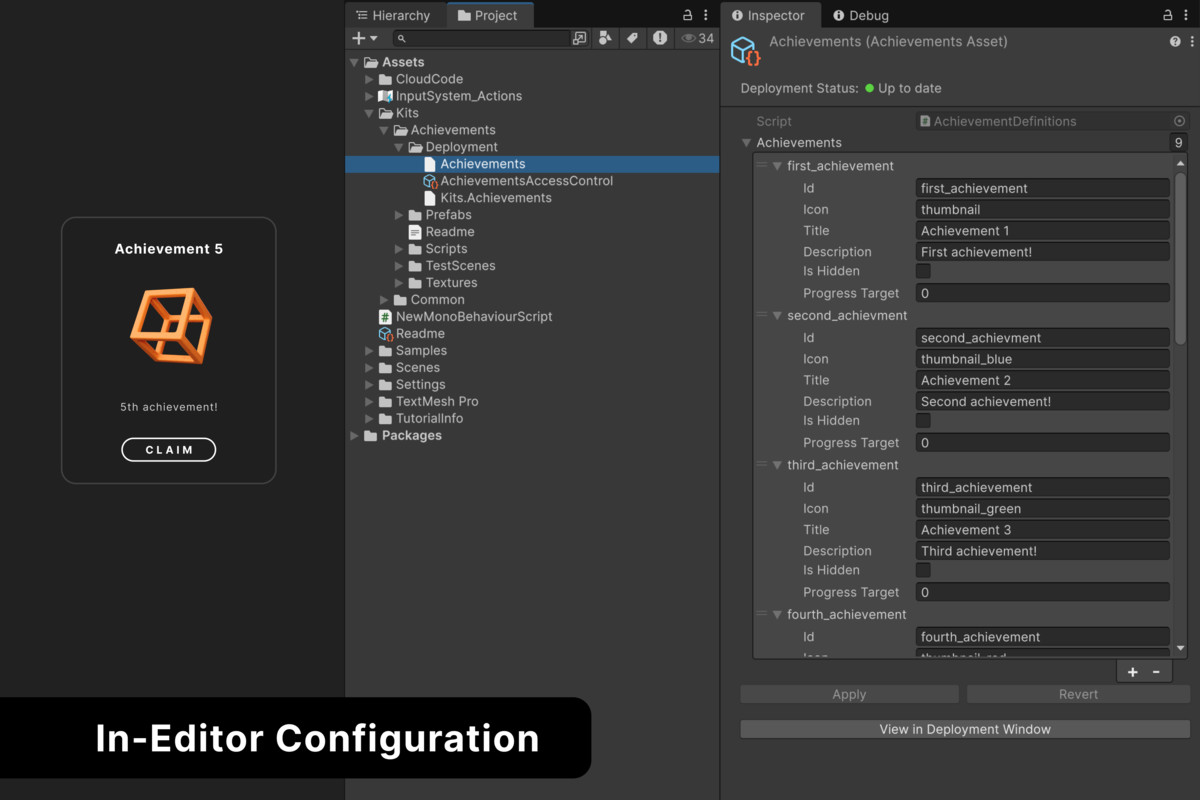
The Achievements Building Block provides a ready-made starting point for adding cross-platform achievements and progress tracking to your Unity project.
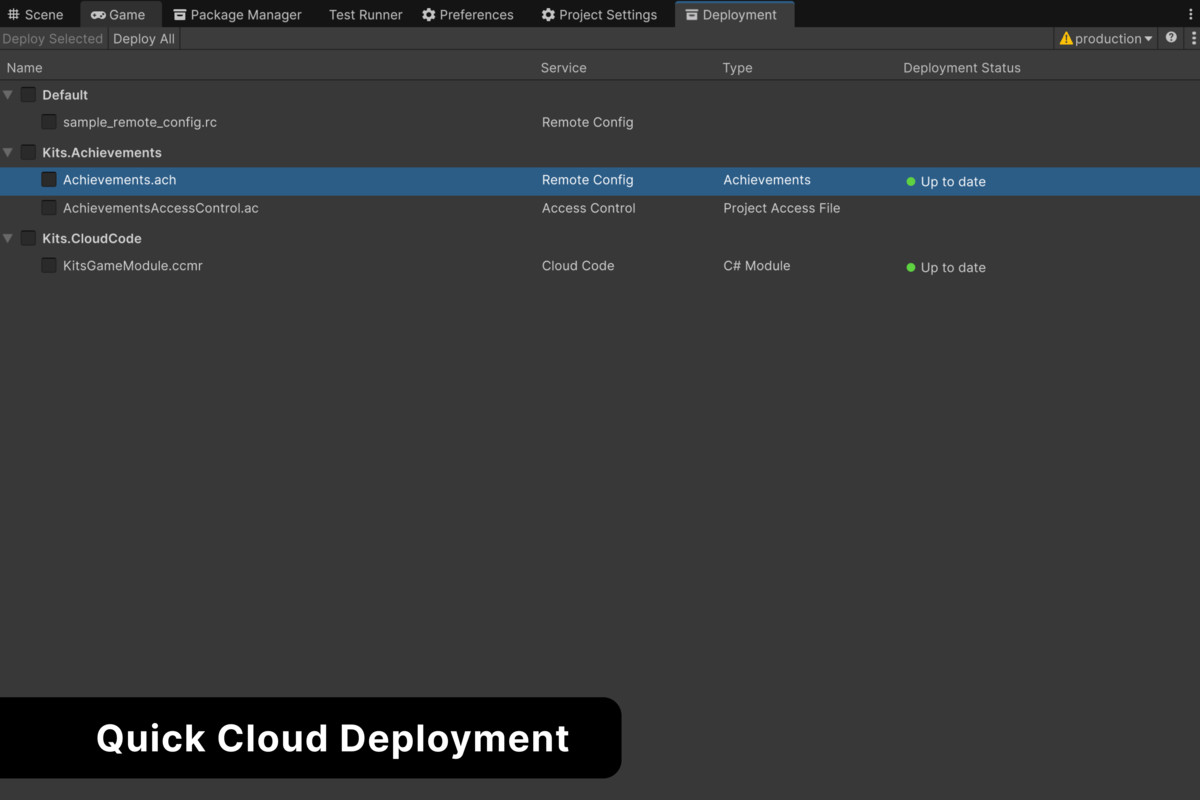
Built using Authentication, Remote Config, Cloud Save, and Cloud Code, the package includes customizable UI, achievement configuration, and example workflows that can be extended for production projects.
Core Features:
- Cross-platform achievement tracking
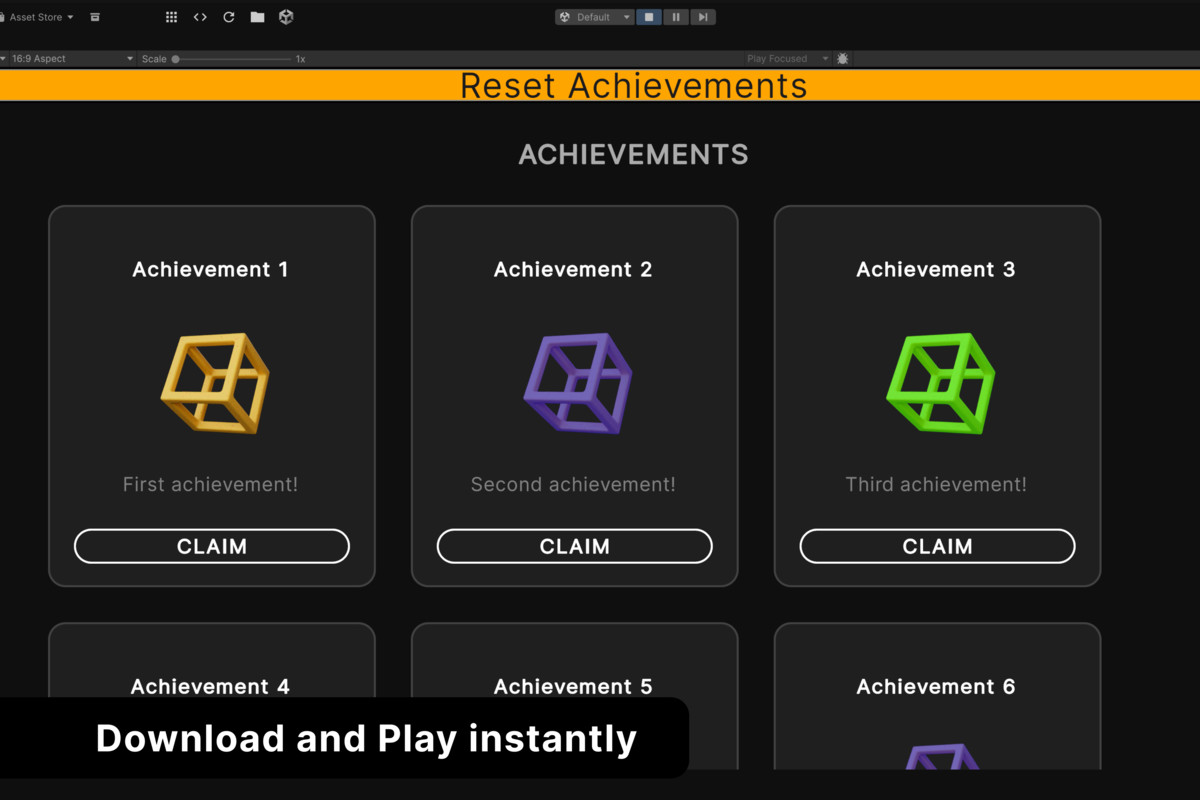
- Locked, unlocked, hidden, and in-progress achievement states
- Incremental achievement progress
- Cloud-based player progress with Cloud Save
- Achievement definitions using Remote Config
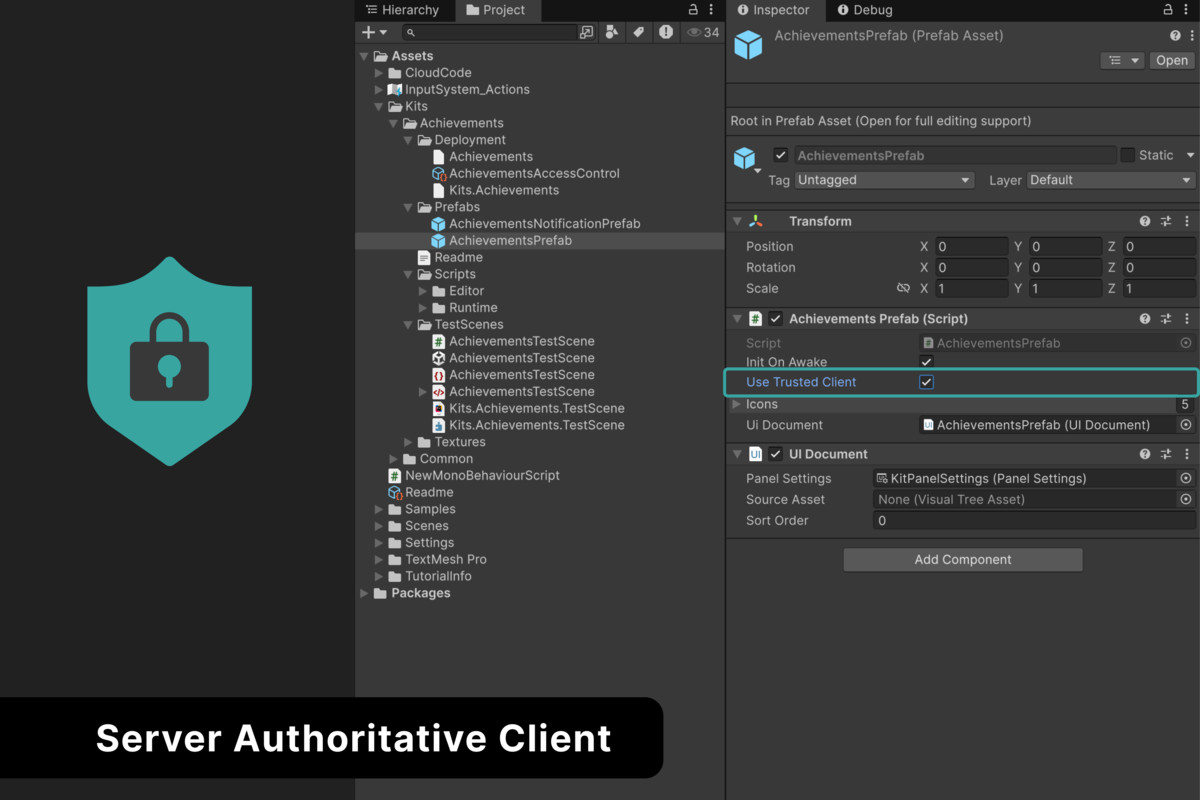
- Trusted client support using Cloud Code
- Access Control for protected achievement data
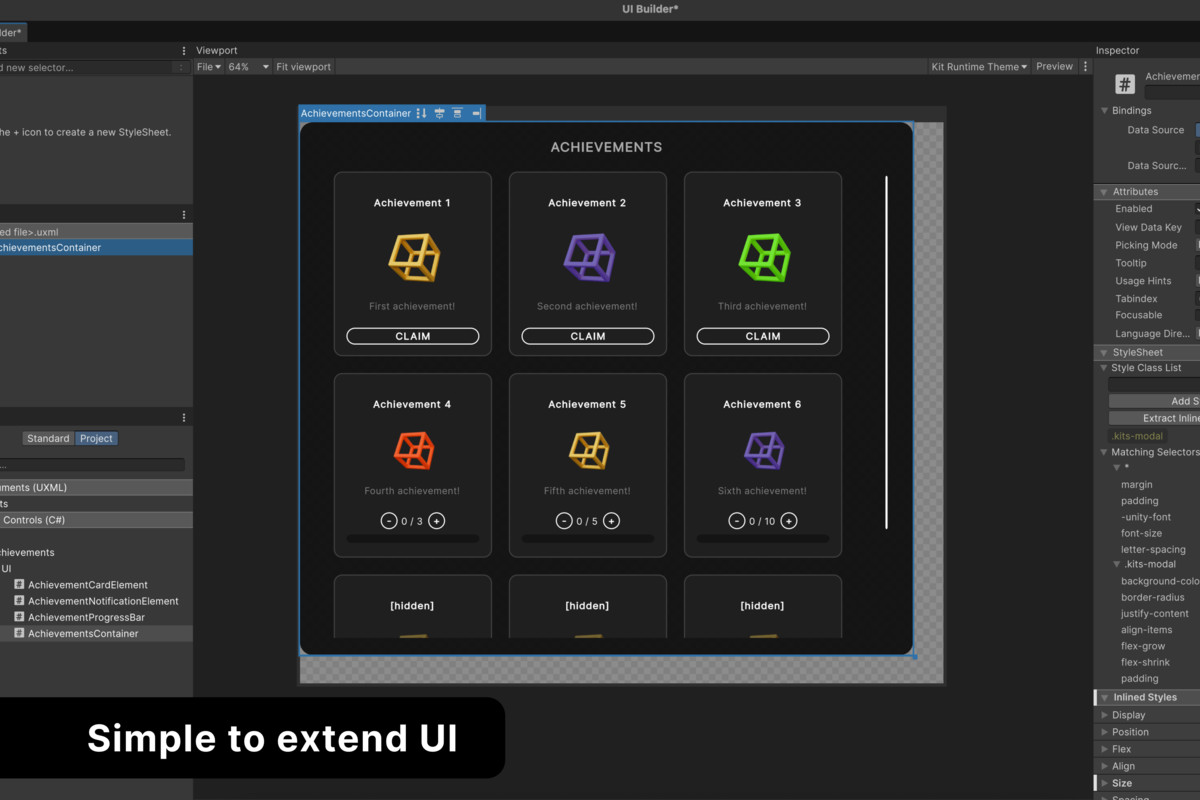
- Customizable UI built with UI Toolkit
- Test scene with developer controls for unlocking, progressing, and resetting achievements
- Deployable achievement and Cloud Code configuration
Note:
This Building Block provides a UGS-powered, cross-platform achievement system. It does not integrate with first-party platform achievement systems such as PlayStation, Xbox, Steam, or console achievements.
Learn More: Achievements Building Block Documentation
Compatibility:
Supported across Unity-supported platforms
From the publisher's Asset Store listing.
Compatibility
| Unity version | Built-in | URP | HDRP |
|---|---|---|---|
| 6000.0.61f1 | Compatible | Compatible | Compatible |
As listed on the Asset Store.