
 View on Asset Store (opens in new tab)
Package details
- Latest version
- 1.2.1
- Last updated
- First released
- Unity version
- 2022.3.62 or later
- Package size
- 257 KB
- Files
- 12
- Favorites
- 2
- Views in the past week
- 24
Price tracking
- Last checked
- Tracked since
- Lowest recorded
- $13.99 on
Keywords

Fullscreen Anything | Fullscreen Any Editor Window, Panel, Anything
Fullscreen any Unity Editor window instantly with one key. Toggle the entire Unity Editor between normal, fullscreen with top menu, or true fullscreen for a clean, distraction free workspace.
Affiliate link · Purchases support this site
Price history
Last 6 months
USDAsset preview
1 / 8

Fullscreen Anything | Fullscreen Any Editor Window, Panel, Anything screenshot 1



About this asset
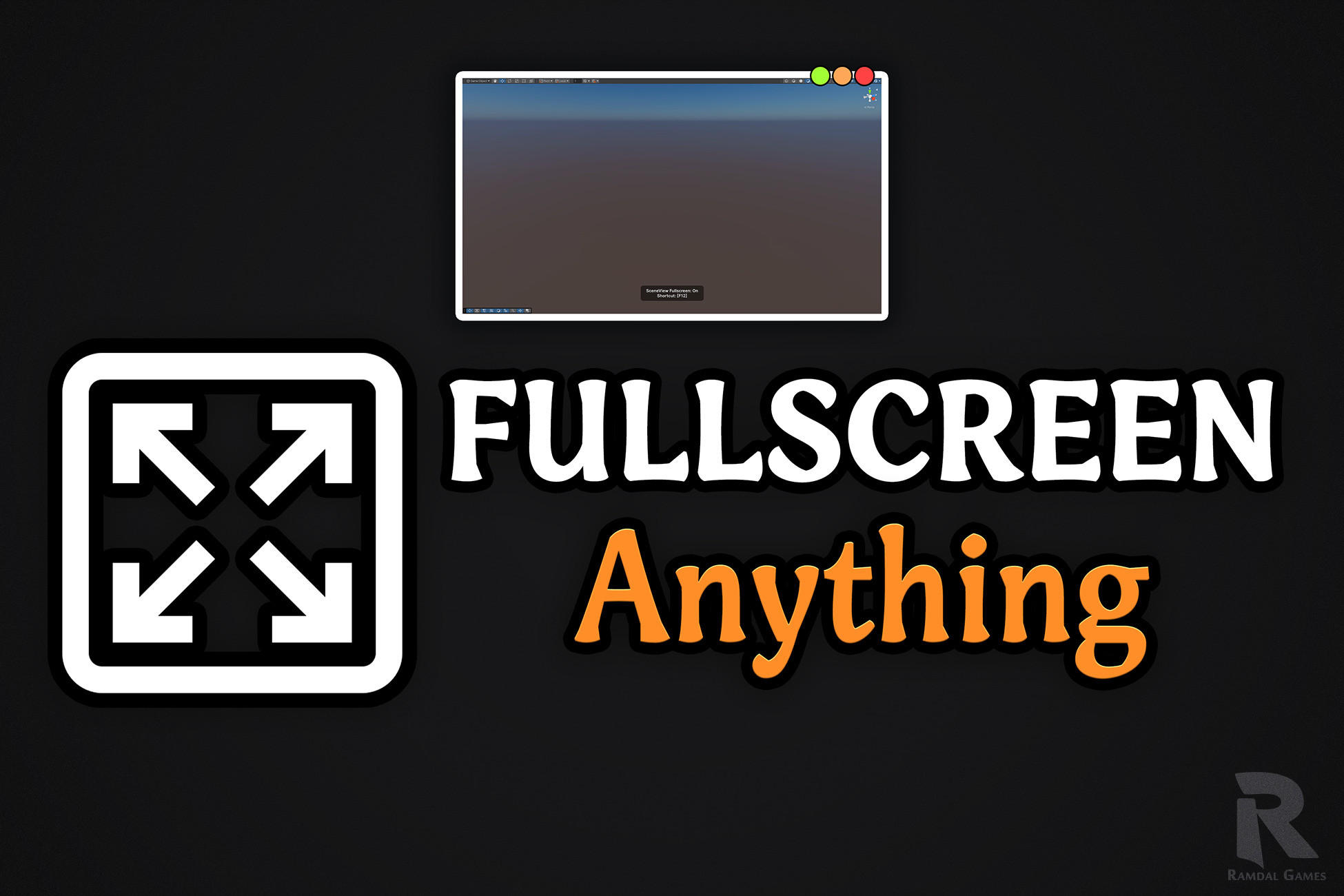
Fullscreen Anything lets you hover any Unity window and instantly switch it to true fullscreen with a single key press.
You can also toggle the entire Unity Editor into fullscreen, either with the top menu visible or completely hidden, giving you a clean immersive workspace whenever needed.
No dragging. No layout editing. No docking changes.
It works directly on the window under your cursor and does not break your saved layouts.
Features
- Fullscreen any Unity window under your cursor instantly
- Fullscreen the entire Unity Editor (with menu or true fullscreen)
- Maximized mode using Unity’s native maximized state while preserving standard editor behavior
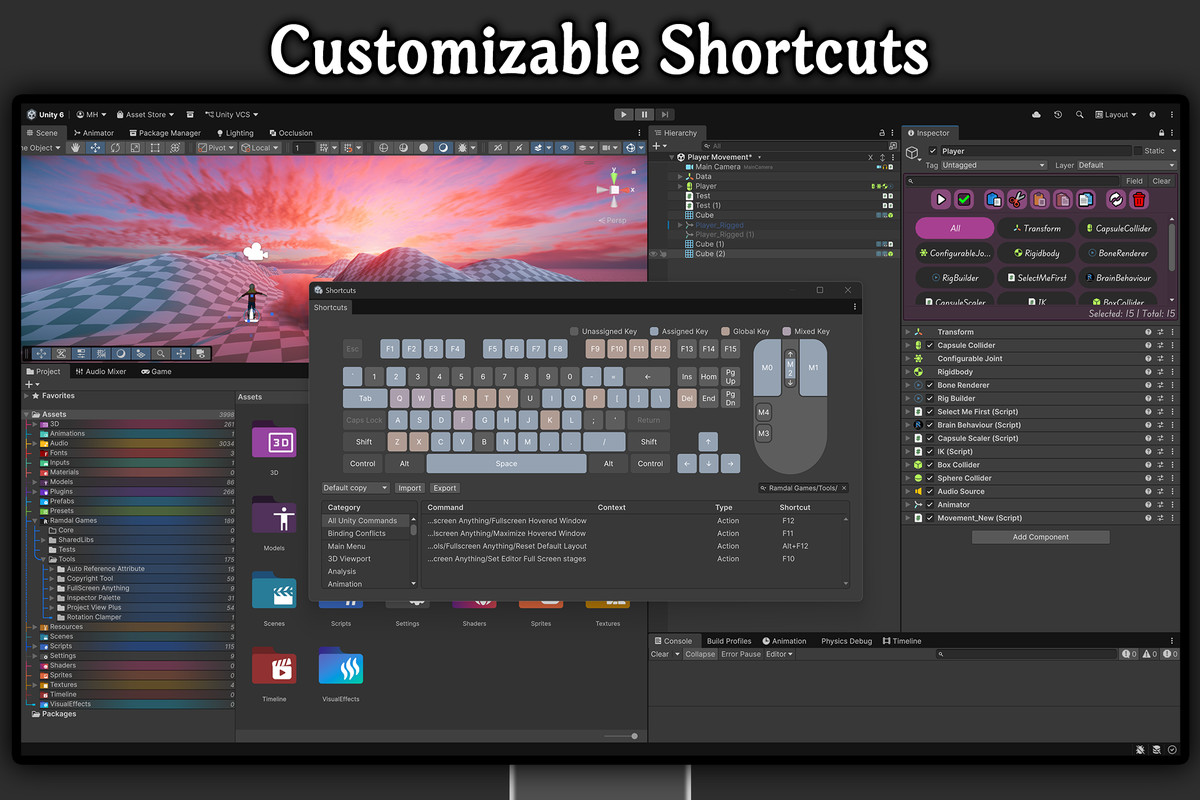
- Fully customizable shortcuts to fit your workflow
Note: True fullscreen window and editor modes are currently fully supported on Windows, with full support for other platforms coming in future updates.
From the publisher's Asset Store listing.
Technical details
Note: True fullscreen window and editor modes are currently fully supported on Windows, with full support for other platforms coming in future updates.
- True Fullscreen Window Mode Hover any Unity window and press the shortcut to instantly switch it to true fullscreen.
- True Fullscreen Editor Mode Cycle the entire editor between normal mode, fullscreen with the context menu, and true fullscreen.
- Maximized Mode Hover any Unity window and press the shortcut to instantly switch it to Unity’s native maximized state.
- Editor Fullscreen Toggle Switch the entire Unity Editor to fullscreen with or without the top menu.
- Works on All Editor Windows Supports Scene, Game, Inspector, Timeline, and custom Unity editor windows.
- No Layout Changes Fast real-time transitions with no layout rebuilding or docking changes while preserving saved layouts.
- Customizable Shortcuts Fully rebindable shortcuts to fit your workflow and avoid conflicts with other tools.
- Lightweight and Stable Optimized for large projects and multi-monitor setups.
Compatibility
| Unity version | Built-in | URP | HDRP | Custom |
|---|---|---|---|---|
| 6000.5.0f1 | Compatible | Compatible | Compatible | Compatible |
| 6000.4.1f1 | Compatible | Compatible | Compatible | Compatible |
| 6000.3.8f1 | Compatible | Compatible | Compatible | Compatible |
| 6000.0.69f1 | Compatible | Compatible | Compatible | Compatible |
| 2022.3.62f3 | Compatible | Compatible | Compatible | Compatible |
- Fully supported on Windows. Full support for other platforms coming in future updates.
- Tested and guaranteed to work from Unity 2021.3 LTS up to the Latest Unity Supported Version.
- Compatible with all three render pipelines.
- Zero build performance impact.
As listed on the Asset Store.