
 View on Asset Store (opens in new tab)
Package details
- Latest version
- 1.0.0
- Last updated
- First released
- Unity version
- 6000.0.58 or later
- Package size
- 93 KB
- Files
- 6
- Favorites
- 33
- Views in the past week
- 33
Price tracking
- Last checked
- Tracked since
- Lowest recorded
- Free on
Keywords
Drunk Color Pulse (Post-Processing Effect)
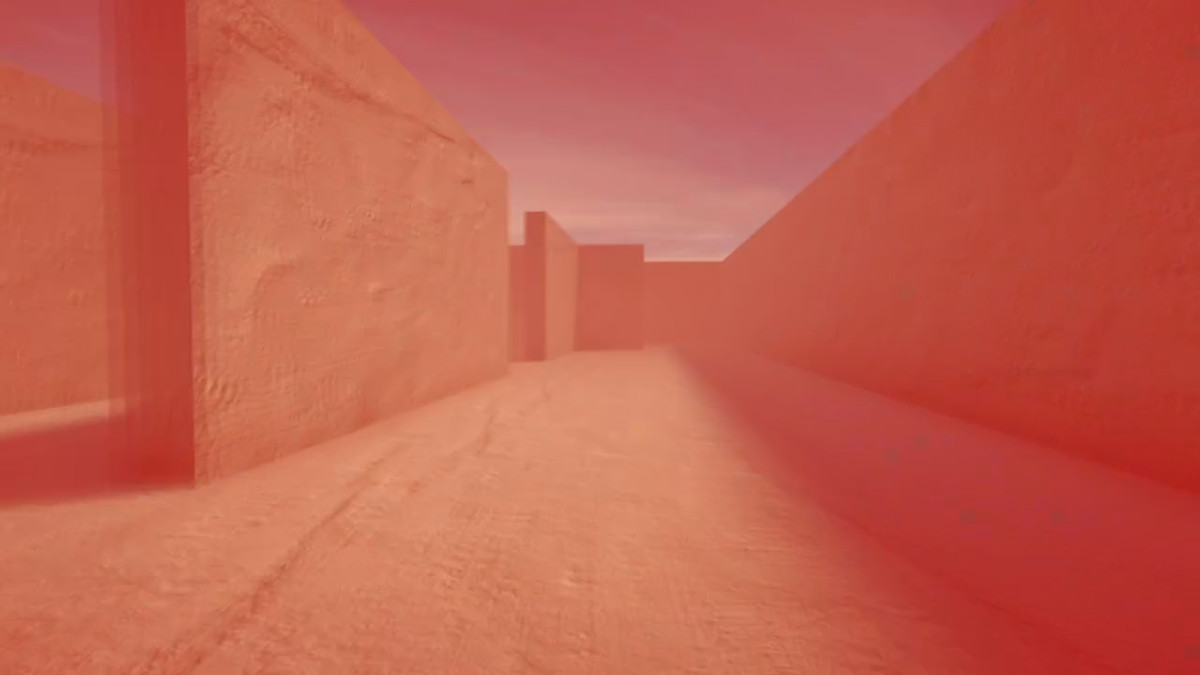
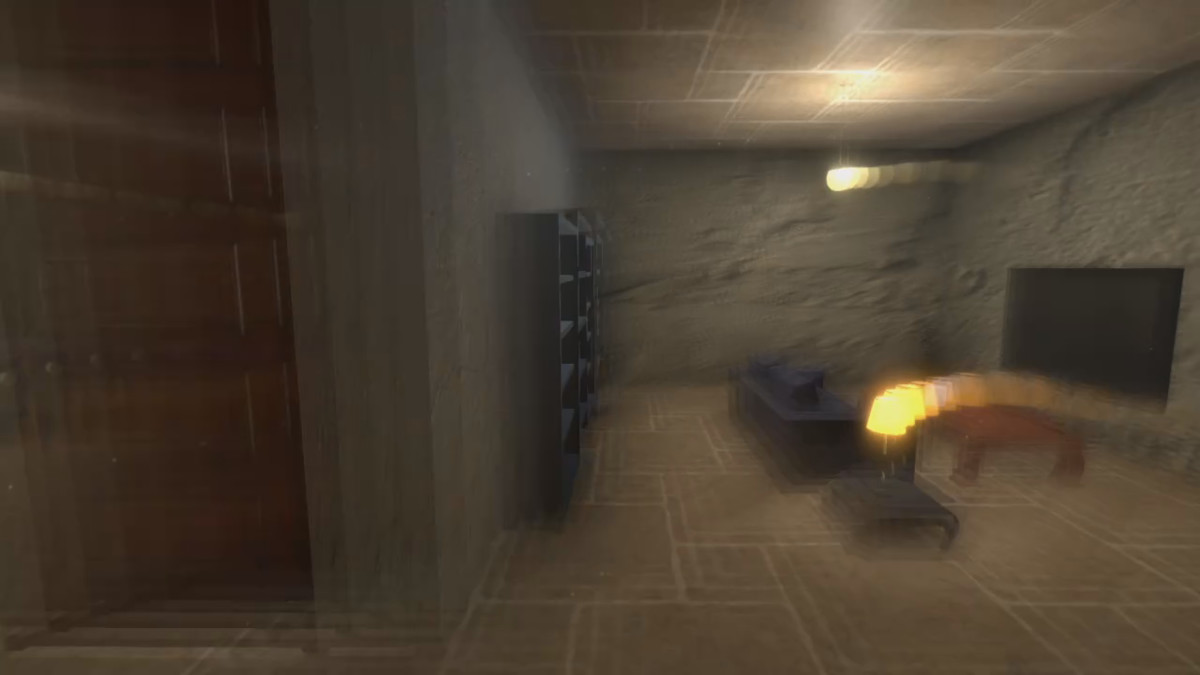
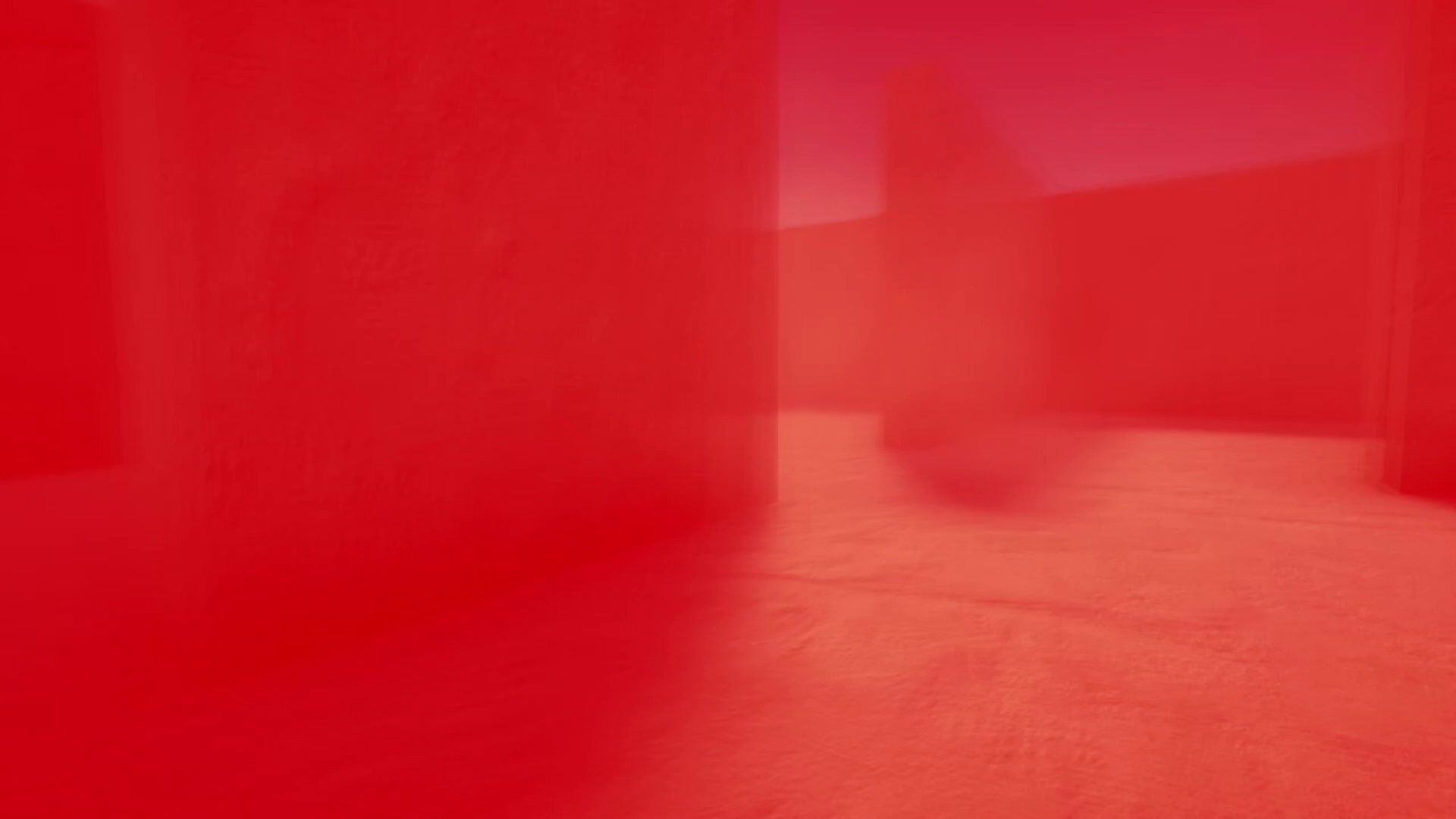
Drunken (dizzy) full-screen camera effect with a pulsating color overlay for the Unity post-processing stack.
Affiliate link · Purchases support this site
Price history
Last 6 months
USDAsset preview
1 / 3
Drunk Color Pulse (Post-Processing Effect) screenshot 1
About this asset
The trails, color overlay, and pulsation effects can be enabled and configured for use in any combination.
Usage Instructions:
Simply press "Add effect..." on your post-process volume and select SynapticResponse -> DrunkColorPulse.
Configurable Parameters:
- Overlay Color
- Overlay Maximum Intensity
- Pulse Enabled
- Pulse Speed
- Trail Blur Strength
From the publisher's Asset Store listing.
Technical details
Post-processing effect for the Unity built-in render pipeline. Requires the Post Processing Stack v2 (installable from the "Post Processing" package in the Unity Package Manager). Built using a custom fragment shader.
Compatibility
| Unity version | Built-in | URP | HDRP |
|---|---|---|---|
| 6000.0.58f2 | Compatible | Not listed | Not listed |
Requires Post Processing Stack v2
As listed on the Asset Store.