
 View on Asset Store (opens in new tab)
Package details
- Latest version
- 1.0.1
- Last updated
- First released
- Unity version
- 6000.0.28 or later
- Package size
- 457.0 MB
- Files
- 58
- Favorites
- 2
- Views in the past week
- 15
Price tracking
- Last checked
- Tracked since
- Lowest recorded
- $15.00 on
Keywords

BodyTracking
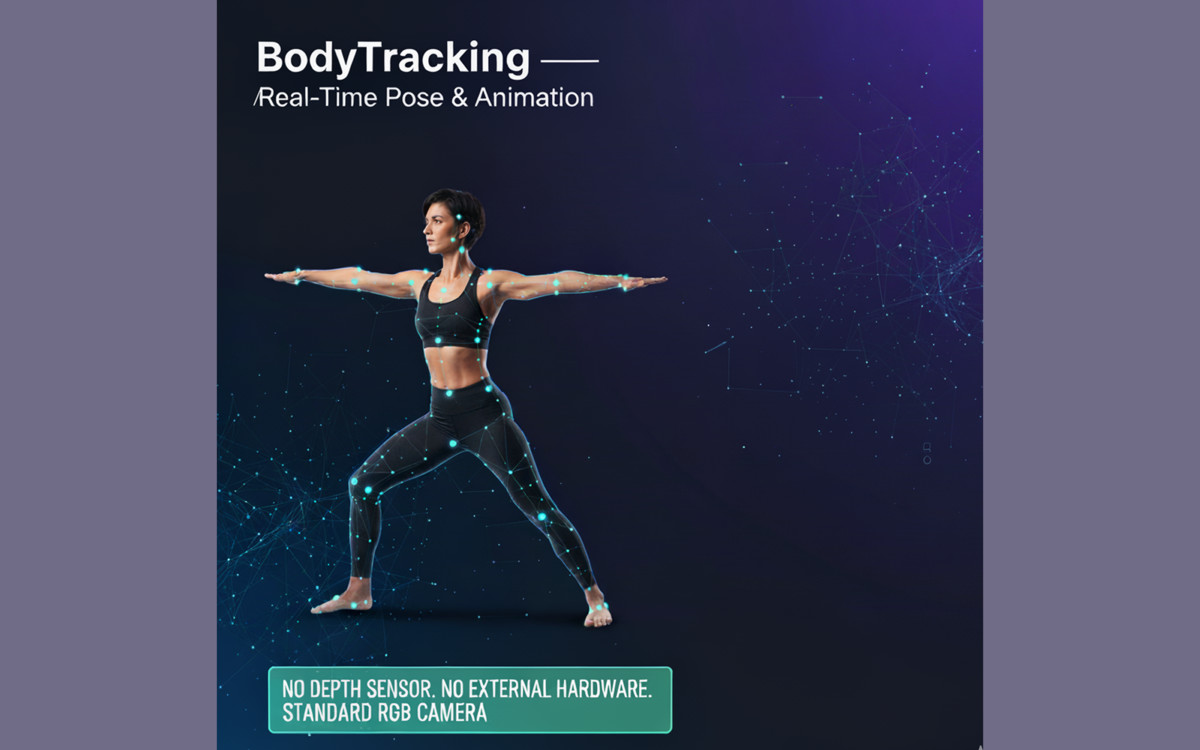
**BodyTracking** enables real-time full-body pose tracking from webcam or video to animate humanoid avatars. No extra hardware needed — fast, accurate, cross-platform, and easy to use in Unity.
Affiliate link · Purchases support this site
Price history
Last 6 months
USDAsset preview
1 / 7
BodyTracking screenshot 1
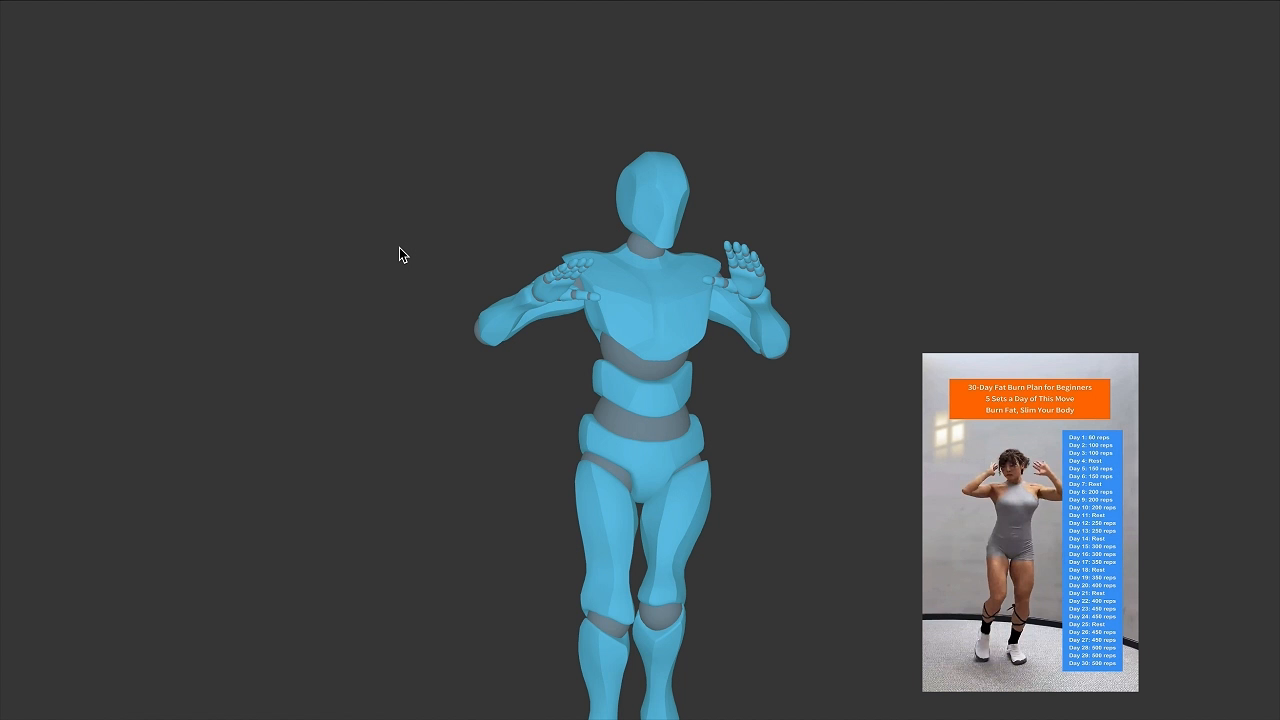
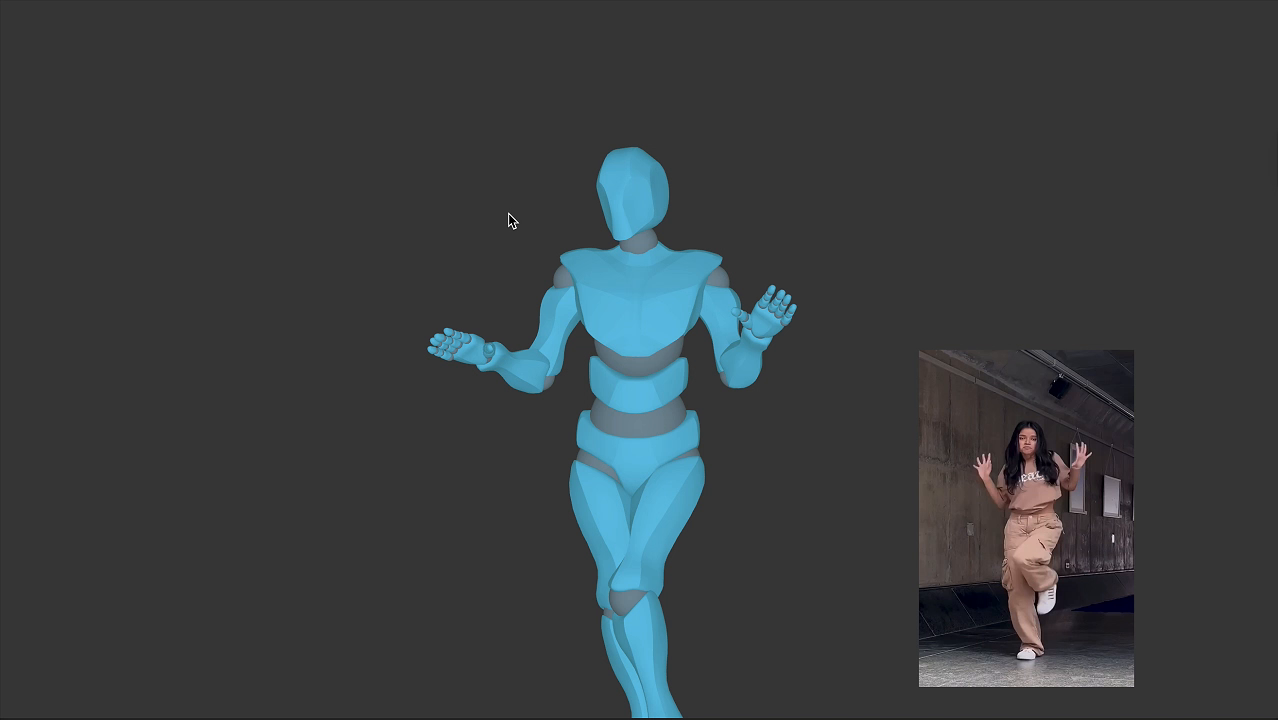
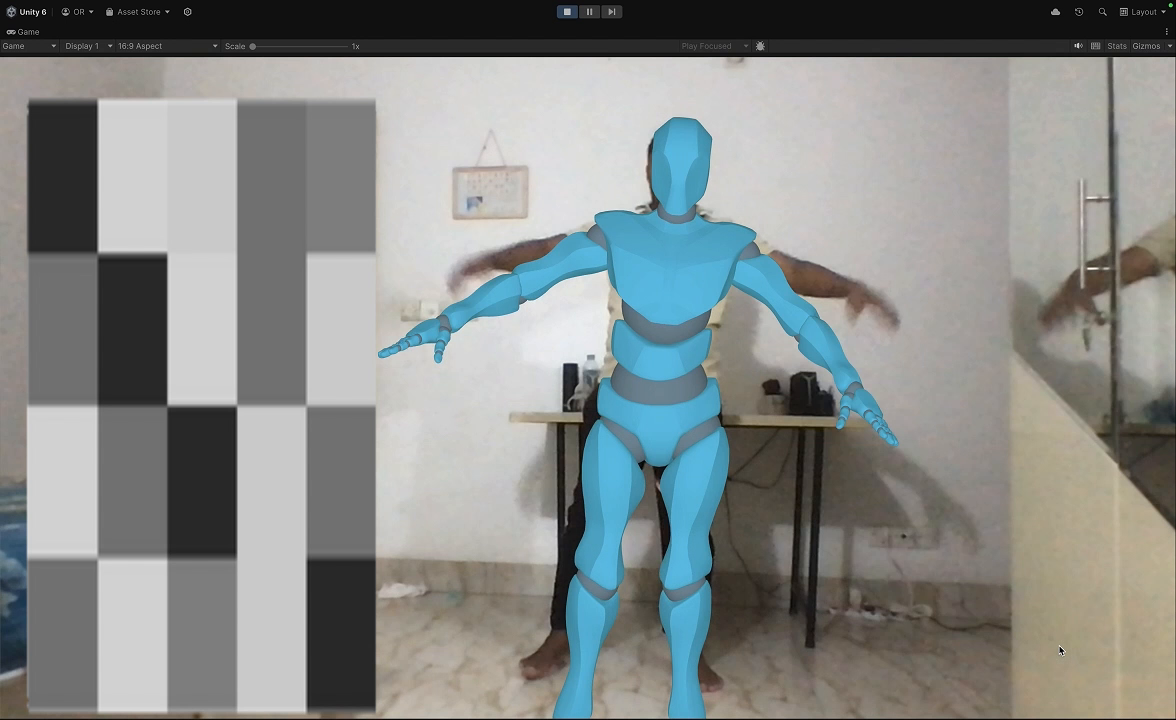
About this asset
BodyTracking – Real-Time Body Pose Tracking & Avatar Animation for Unity
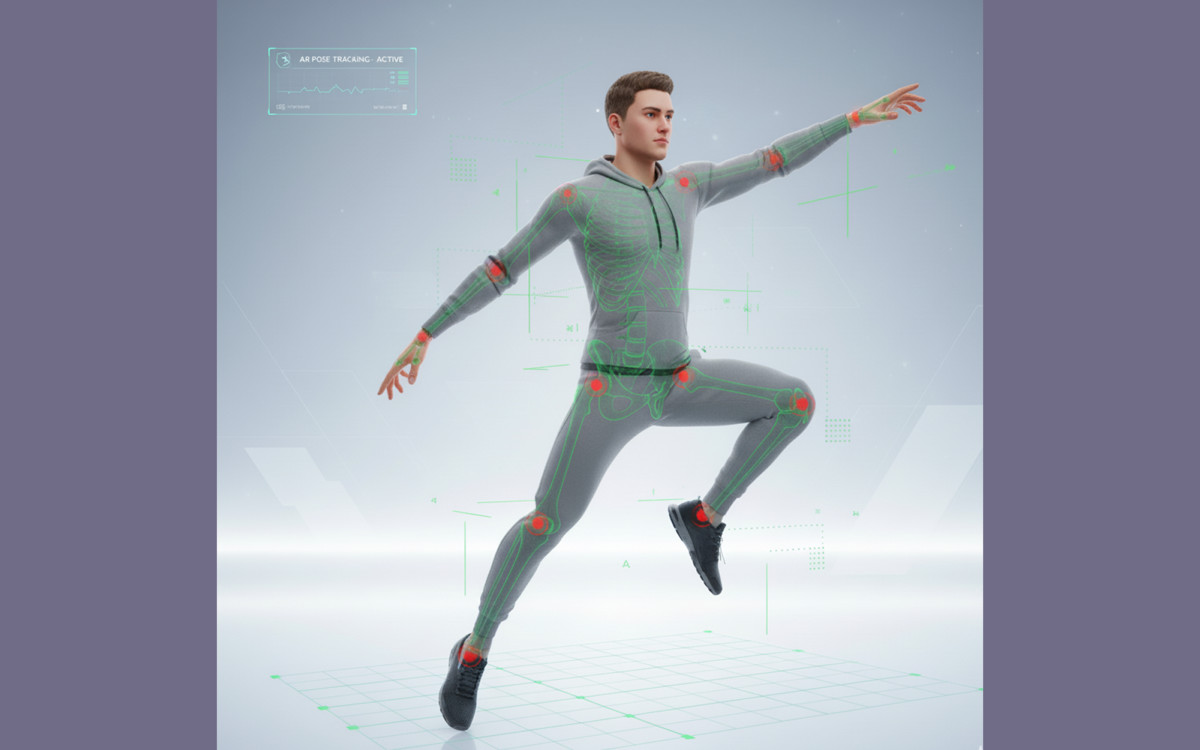
Bring your avatars to life with real-time full-body tracking using a standard RGB camera. BodyTracking is a powerful Unity tool that detects human pose landmarks and animates humanoid avatars directly from webcam or video — no depth sensors or external hardware required.
🚀 Key Features:
- Real-time 3D human pose tracking
- Works with standard webcams or video files
- Full-body IK/FK humanoid animation
- Auto-scaling avatar based on camera distance
- Avatar rotation support (−90° to +90°)
- Smooth, customizable motion interpolation
- Compatible with any humanoid rig
- Runs up to 60 FPS on desktop
- Cross-platform: Windows, macOS, Linux, Android, iOS
- Drag-and-drop prefab setup
- Demo scenes included for instant testing
🎯 Ideal For:
- Virtual Try-On applications
- Fitness tracking and motion-based games
- Motion capture and animation workflows
- AR/VR avatars and live streaming puppeteering
- Gesture-based learning and interactive apps
🔧 Easy Setup:
- Add the BodyTracking prefab to your scene
- Select webcam or video input source
- Attach your humanoid avatar
- Configure motion parameters
- Press Play — your avatar moves in real time!
🧠 Technology:
BodyTracking uses advanced machine learning to detect and track 3D body landmarks locally in real time. The system supports both IK and FK animation for natural movement and adjusts dynamically to the user’s position.
No external hardware. No complex setup. Just plug, play, and track — all inside Unity.
Start building interactive, motion-driven experiences today with BodyTracking!
From the publisher's Asset Store listing.
Technical details
Package Contents
✅ BodyTracking Prefab with built-in runtime controller
✅ Machine Learning Models – Lite and Full versions for performance flexibility
✅ AvatarMocap Script with automatic IK/FK animation support
✅ Webcam & Video Input Manager for easy source switching
✅ Ready-to-Use Demo Scenes for both webcam and video tracking
✅ Full Configuration Support directly from the Unity Inspector
✅ Sample Humanoid Avatar for quick testing
✅ Comprehensive Documentation and step-by-step setup guide
✅ ThirdPartyNotice.txt for included dependencies
Avatar Requirements
- Must use a Humanoid rig (Unity Mecanim-compatible)
- No manual bone setup required
- IK and FK constraints are applied automatically
Model Inference
- Powered by a pre-trained machine learning model for 3D body pose estimation
- Optimized for real-time performance
- Runs on CPU by default, with optional GPU acceleration where supported
- Adjustable parameters: Smoothness, Visibility Threshold, and Avatar Scale
- Supports multiple input sources: Webcam, MP4 Video, or Raw Video Feed
Performance
- Achieves up to 60 FPS on standard desktop hardware
- Mobile support (Android/iOS) using Lite Model and camera configuration
- Works with both Orthographic and Perspective camera modes
Supported Platforms
- Windows
- macOS
- Linux
- Android (requires camera setup)
- iOS (requires camera setup)
Unity Compatibility
- Unity 2020.3 LTS or later
- Designed for Built-in Render Pipeline
- Fully compatible with URP and HDRP (minor adjustments may be needed)
BodyTracking gives you everything you need to bring real-time human motion into Unity — fast, accurate, and easy to integrate.
Compatibility
| Unity version | Built-in | URP | HDRP | Custom |
|---|---|---|---|---|
| 6000.0.28f1 | Compatible | Compatible | Compatible | Compatible |
As listed on the Asset Store.