
 View on Asset Store (opens in new tab)
Package details
- Latest version
- 1.0.0
- Last updated
- First released
- Unity version
- 2022.3.62 or later
- Package size
- 50 KB
- Files
- 18
- Favorites
- 25
- Views in the past week
- 25
Price tracking
- Last checked
- Tracked since
- Lowest recorded
- $15.00 on
Keywords

Cavity Shader: Edges and Contours
Screen-space cavity shader to highlight edges, cavities and corners. Perfect to liven up low poly models and make them pop.
Affiliate link · Purchases support this site
Price history
Last 6 months
USDAsset preview
1 / 3
Cavity Shader: Edges and Contours screenshot 1
About this asset
With Cavity you can easily render a screen-space cavity effect to highlight edges, cavities and corners. This is perfect to liven up low poly models and make them pop.
✅ Easy to use.
Just add a single renderer feature and you're done!
✅ Masking and fading.
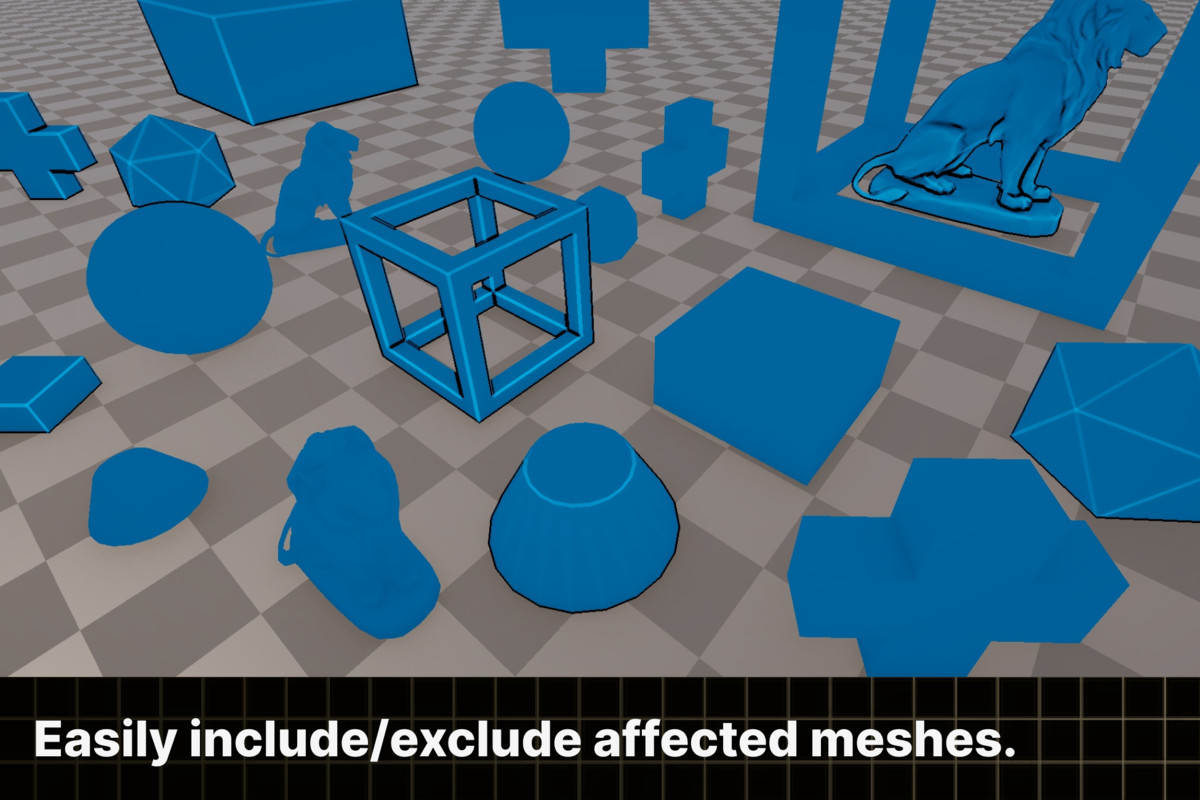
The effect works as a screen-space effect by default, but you can exclude/include objects as you wish so not everything needs to be affected.
✅ Fading.
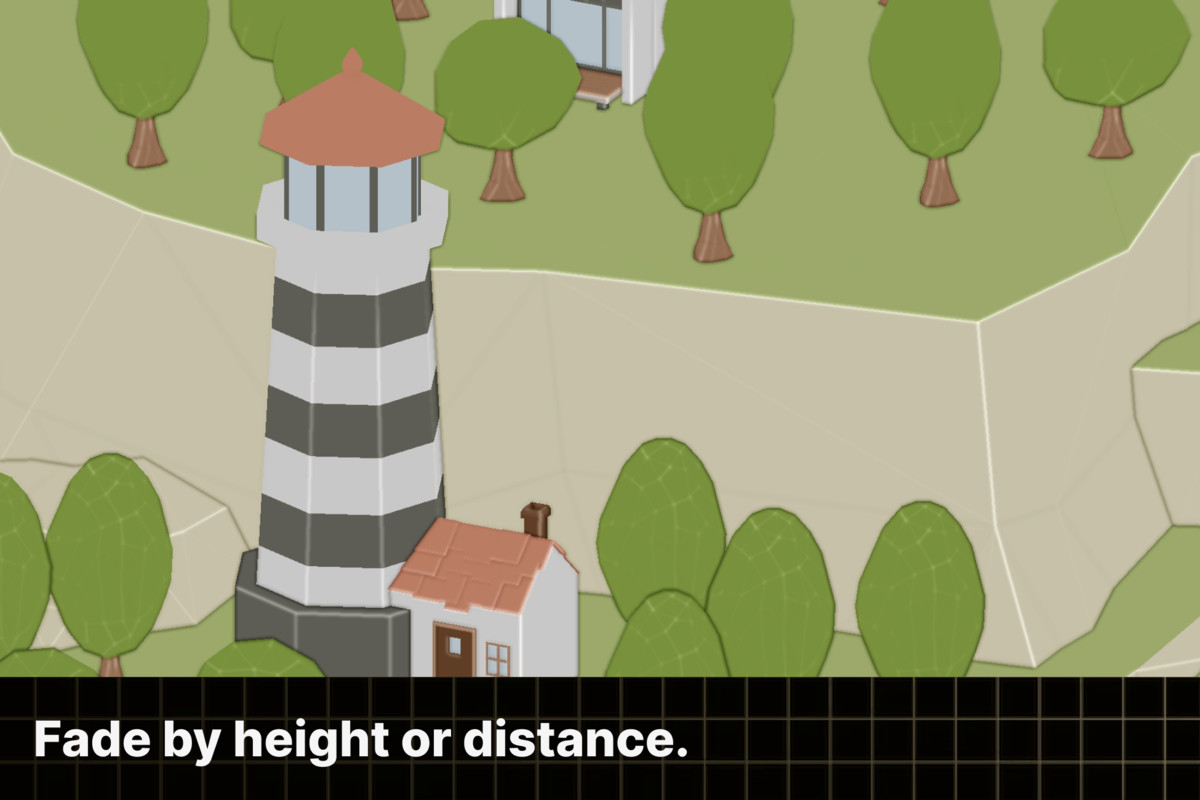
You can fade the effect by height/distance as to not clutter the scene visually.
✅ Optimized.
The shaders were handwritten from scratch for maximum performance. In addition, Render Graph and the SRP batcher are leveraged.
✅ Configurable.
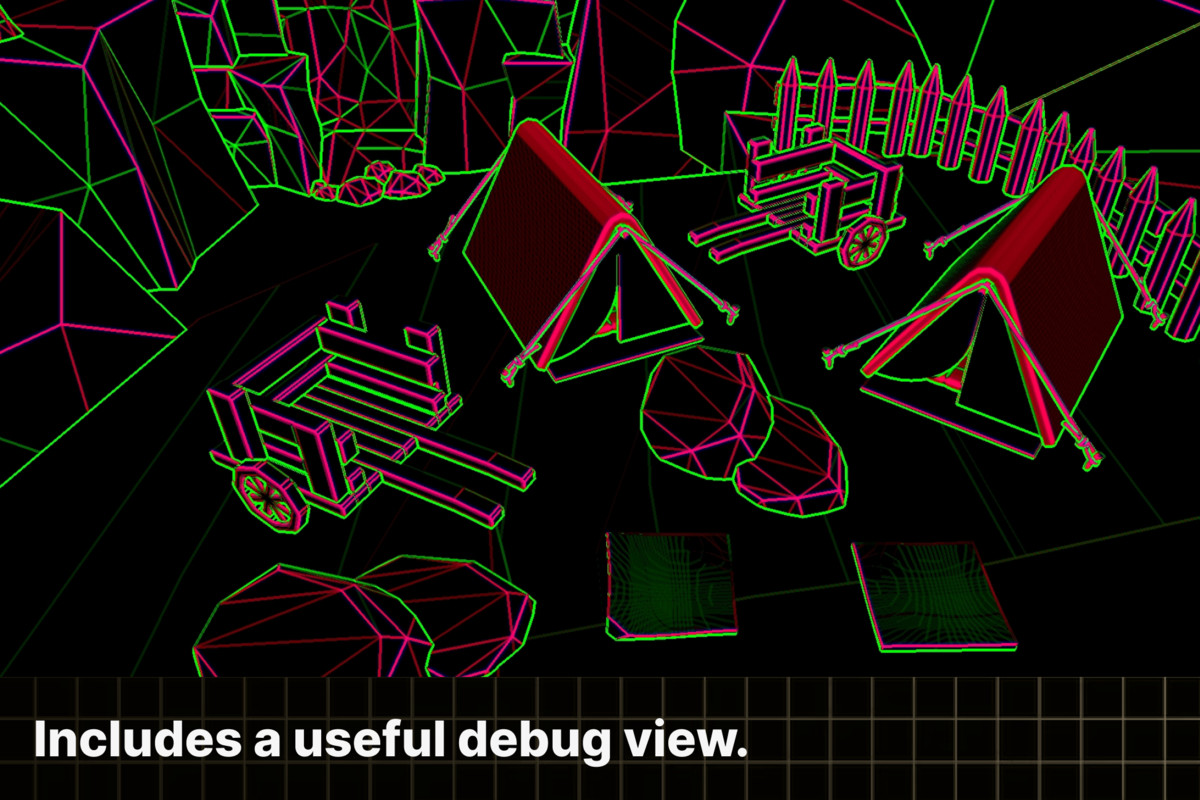
A lot of work has gone into making the asset as customizable as possible to suit your needs while not being overwhelming. Every option is clearly explained with a tooltip and with a custom editor UI everything is neatly organized.
Features
- Support for Unity 6+, Unity 2022.3 and URP and compatibility mode
- Screen space cavity effect for rendering curvature/cavity
- Controls for highlighting ridges/valleys in your models
- Option to render curvature/cavity separately and control their strength
- Option to fade the effect by distance and/or height as to not clutter the scene visually
- You can easily limit the effect to render for only certain objects
- Custom editor UI and settings for easy configuration of the effect
- Full source code included
- Extensive documentation
- Great support
Compatibility
Cavity is compatible with Unity 6+ or Unity 2022.3 using rendergraph or compatibility mode and the Universal Render Pipeline. Other combinations are not supported.
Platforms
Cavity should work on all platforms but is untested on mobile and VR. Contact me if you bump into any issues and I'll gladly resolve them.
More information at https://ameye.dev/screen-space-cavity.
The environments used in the promotional artwork are `Low Poly Environment` from `Sky Den Games`. They are not included in this asset but you can download them for free from the asset store.
From the publisher's Asset Store listing.
Technical details
Cavity contains a screen-space cavity/curvature effect. This effect can be added as renderer features to your URP renderer.
- Screen space cavity effect for rendering curvature/cavity
- Controls for highlighting ridges/valleys in your models
- Option to render curvature/cavity separately and control their strength
- Option to fade the effect by distance and/or height as to not clutter the scene visually
- You can easily limit the effect to render for only certain objects
- Custom editor UI and settings for easy configuration of the effect
- Full source code included
Compatibility
| Unity version | Built-in | URP | HDRP |
|---|---|---|---|
| 6000.0.0f1 | Not listed | Compatible | Not listed |
| 2022.3.62f2 | Not listed | Compatible | Not listed |
Only works with the Universal Render Pipeline.
As listed on the Asset Store.