
 View on Asset Store (opens in new tab)
Package details
- Latest version
- 1.0
- Last updated
- First released
- Unity version
- 6000.0.60 or later
- Package size
- 4.9 MB
- Files
- 23
- Favorites
- 9
- Views in the past week
- 8
Price tracking
- Last checked
- Tracked since
- Lowest recorded
- $20.99 on
Keywords
Spatial Pathfinding - 3D A* Algorithm
Use Unity’s burst system to guide your flying NPCs, Birds or Objects in 3D space with our A* powered pathfinding tool.
Affiliate link · Purchases support this site
Price history
Last 6 months
USDAsset preview
1 / 4
Spatial Pathfinding - 3D A* Algorithm screenshot 1

About this asset
The Spatial Pathfinding Tool gives you the ability to have flying NPCs, Animals, Objects or anything else to find it’s way in a 3D environment. With a simple script you can make a spaceship follow your player, or code your own behaviour and call a simple function to show your AI the way.
Features:
- 3D Pathfinding
- A* Algorithm
- Burst with Unity Job System
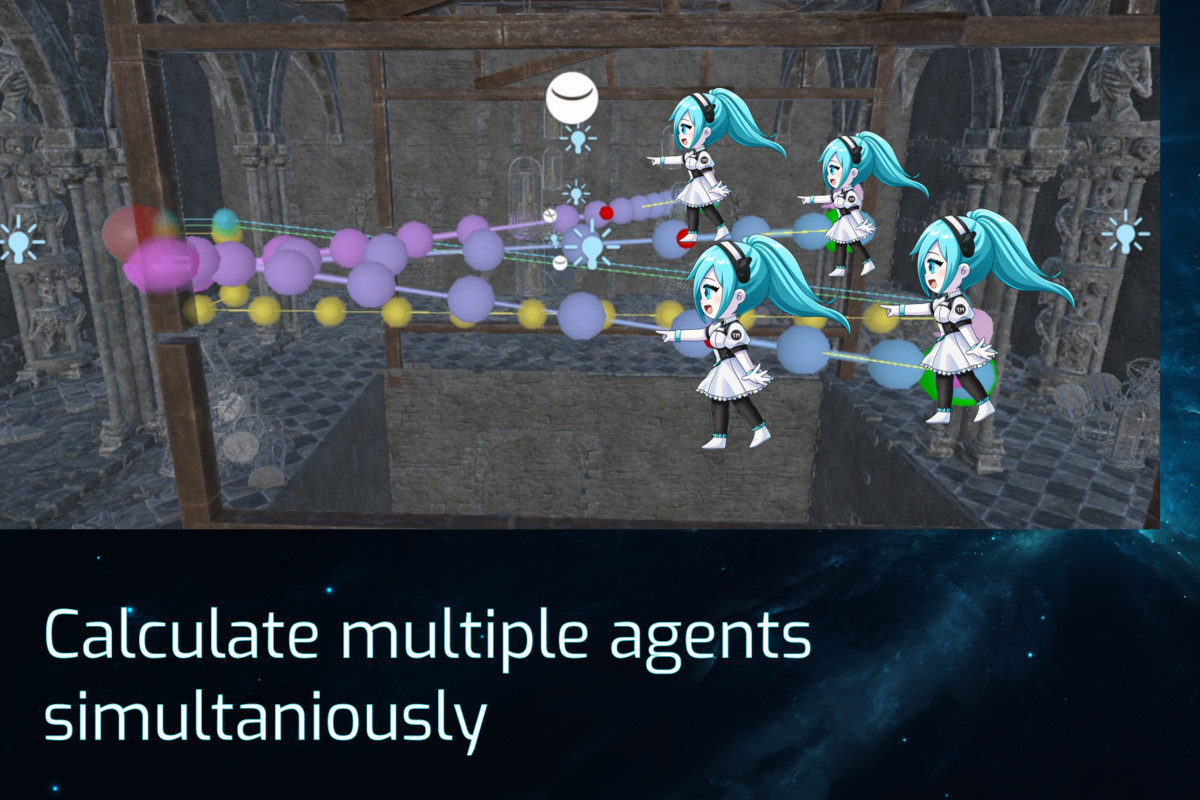
- Unlimited Flying Objects/Agents
- Easy to set-up in Unity
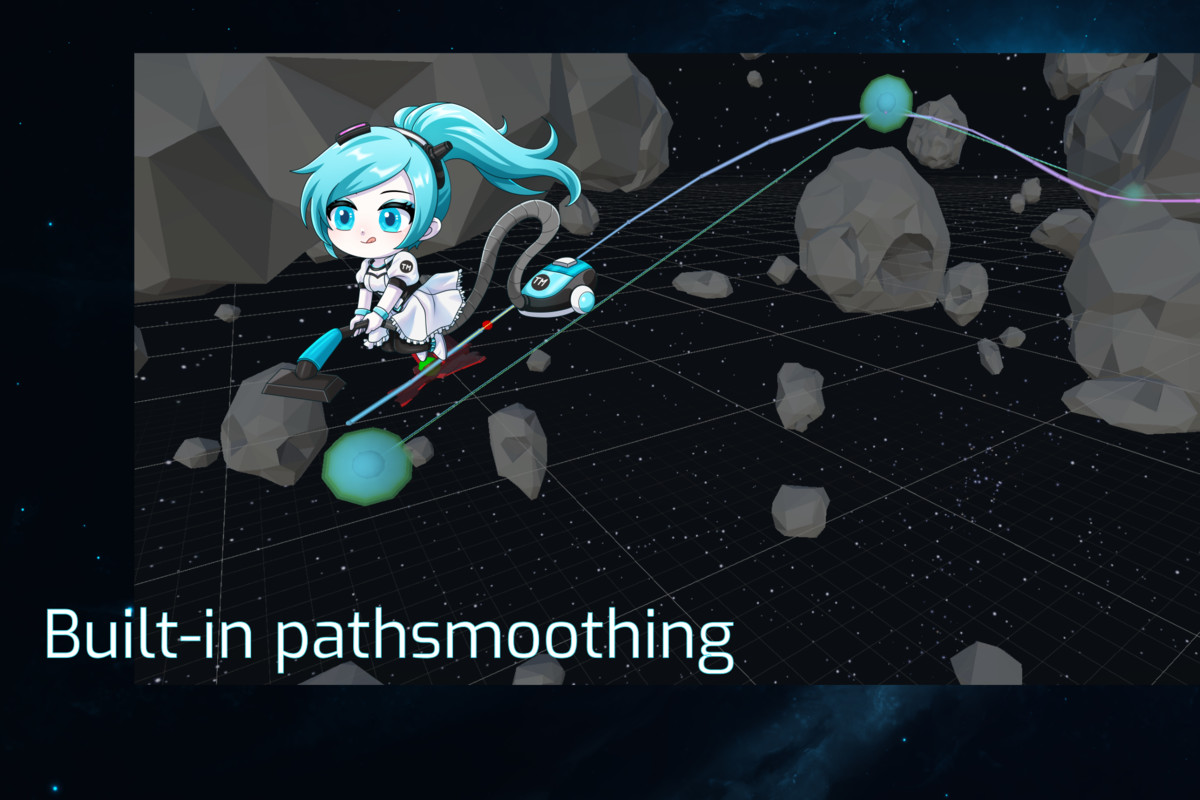
- Multiple Path-smoothing options
- Volume based
- Static AND Dynamic (runtime) pathfinding and obstacle avoidance
- Local avoidance
Algorithm
The Spatial Pathfinding Tool is a modern, high-performance navigation system that evolves the classic A* algorithm with smarter routing, Theta*-inspired smoothing, and seamless path transitioning for dynamic worlds.
Agents move naturally with cleaner, straighter paths and smooth reroutes — no jitter, no grid-like motion. Powered by Unity Burst and built for scalability, it handles large numbers of units with ease while staying fast and reliable.
Drop it into your project and get professional, fluid pathfinding that just works.
Usability in Unity
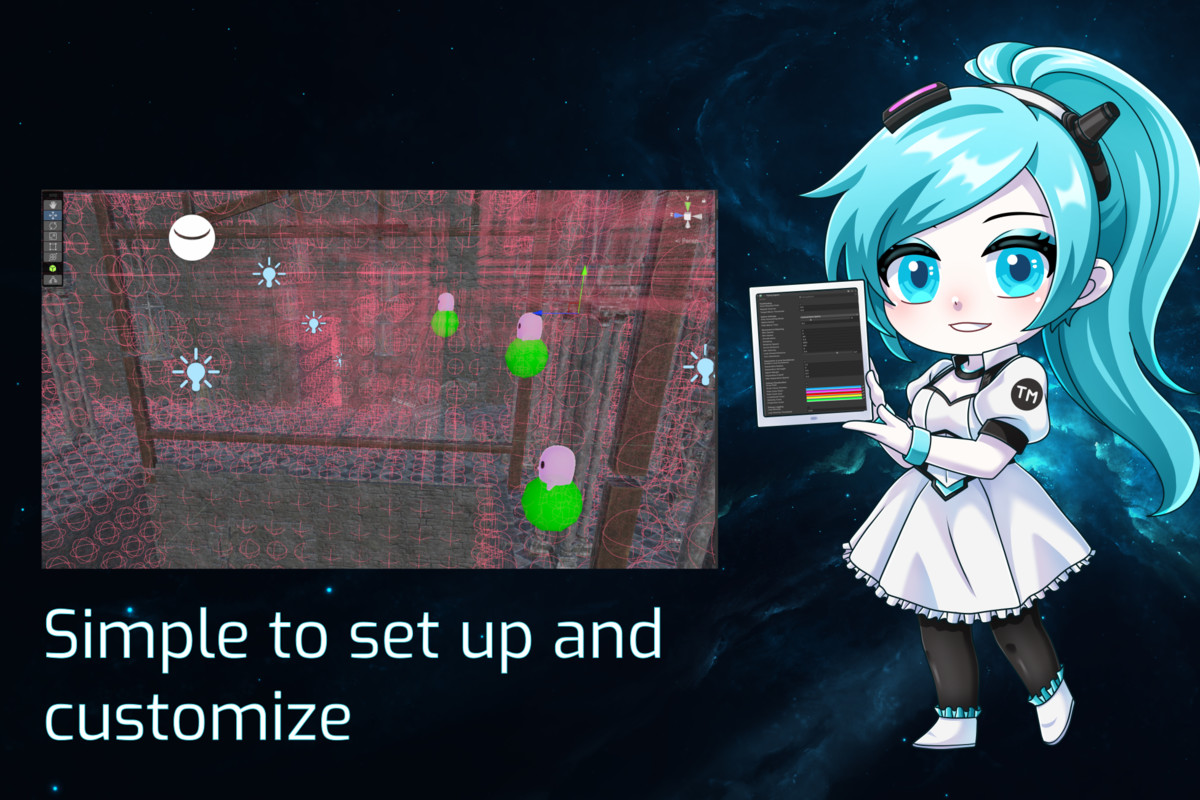
The interface was made to resemble Unity’s own controls of GameObjects and tools, taking away a large part of the learning curve when familiarizing yourself with the controls and options the Tool offers.
Documentation
For detailed instructions, we've got you covered with a comprehensive manual. It includes step-by-step guides and examples on how to use the Spatial Pathfinding Tool.
Contact Us
If you have any questions, encounter problems, or need assistance with integration, please don't hesitate to reach out to us at [email protected].
From the publisher's Asset Store listing.
Technical details
The Spatial pathfinding tools supports the following major Unity versions and up:
- 2021.3+
Requirements
- Burst 1.8.21 (Unity Package, available through the Unity Package Manager)
- Collections 2.5.1 (Unity Package, available through the Unity Package Manager)
- Mathematics (Unity Package, available through the Unity Package Manager)
Note: Unity versions lower then 2022.3 are not supported due to Unity’s Collections package missing functions in lower versions of the Unity Engine
Compatibility
| Unity version | Built-in | URP | HDRP | Custom |
|---|---|---|---|---|
| 6000.0.60f1 | Compatible | Compatible | Compatible | Compatible |
As listed on the Asset Store.