
 View on Asset Store (opens in new tab)
Package details
- Latest version
- 1.0
- Last updated
- First released
- Unity version
- 2022.3.62 or later
- Package size
- 198 KB
- Files
- 4
- Favorites
- 4
- Views in the past week
- 2
Price tracking
- Last checked
- Tracked since
- Lowest recorded
- $10.00 on
Keywords
- Search for editor tool
- Search for SmartSwap
- Search for workflow improvement
- Search for prefab management
- Search for level design tool
- Search for Scene Management
- Search for utilities
- Search for replace prefab
- Search for Replace Components
- Search for Utilites
- Search for Editor Extension
- Search for level editor

SmartSwap – Component Replacer Tool
Quickly replace any component type across your scene or selection with full preview, tag & layer filters, and Undo support. Save hours of manual work!
Price $20.00
Buy on Asset Store (opens in new tab)
Affiliate link · Purchases support this site
Price history
Last 6 months
USDAsset preview
1 / 4
SmartSwap – Component Replacer Tool screenshot 1
About this asset
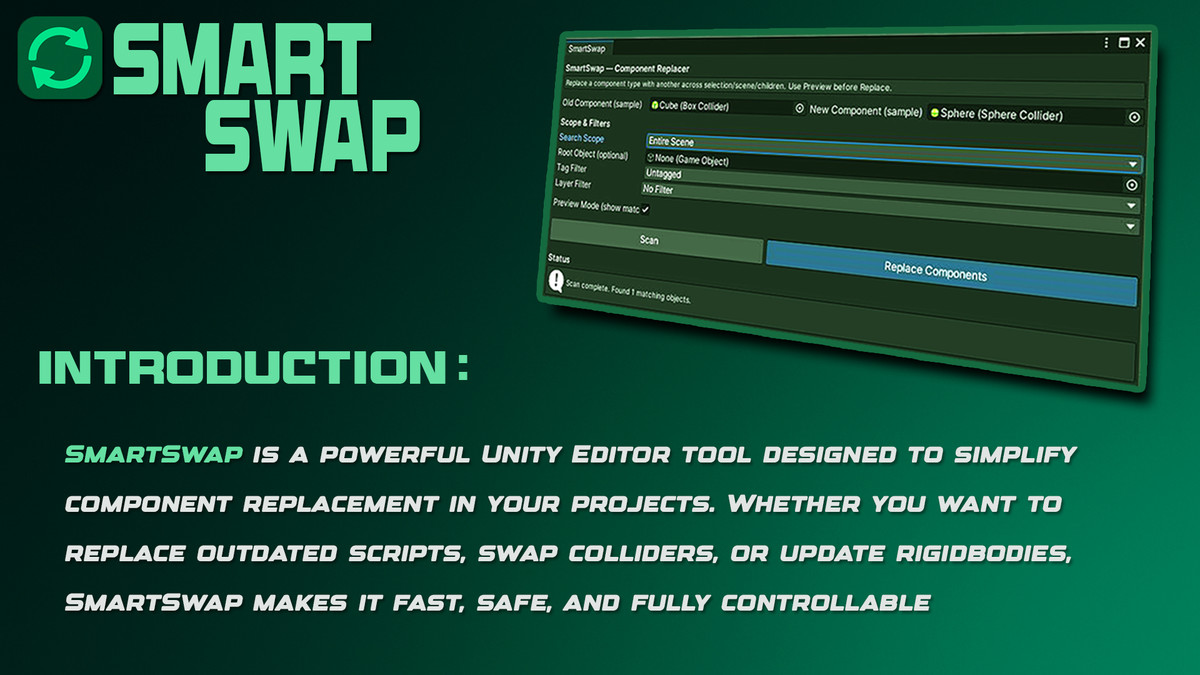
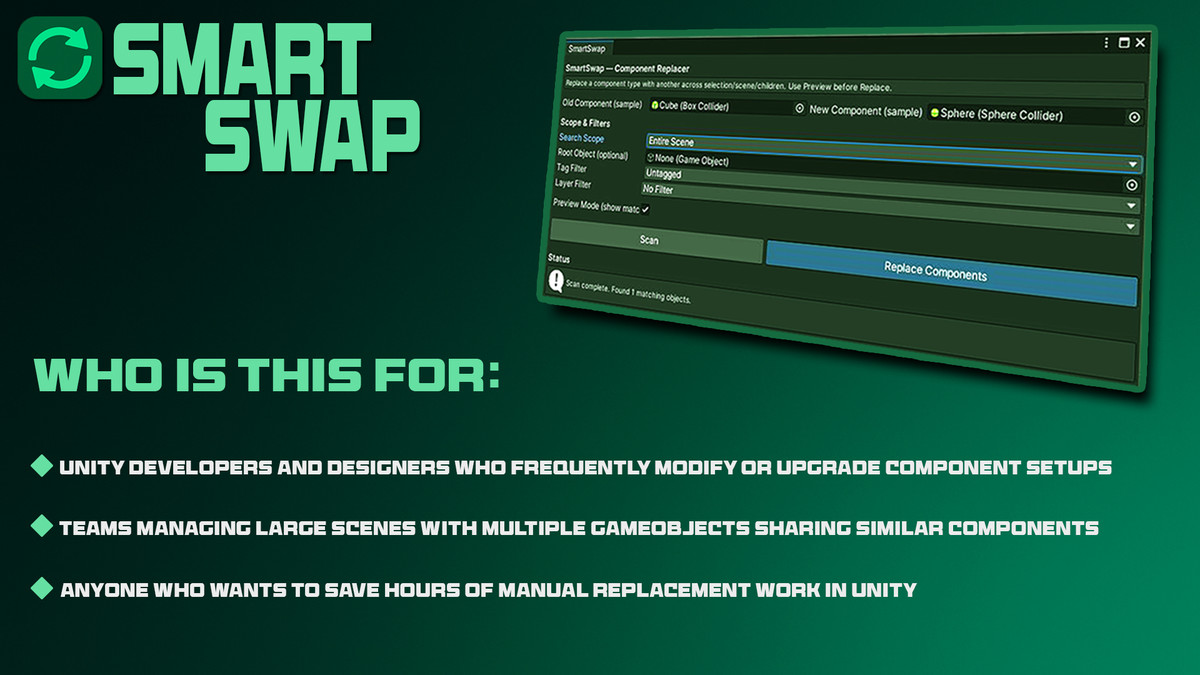
SmartSwap is a powerful tool designed to simplify component replacement in your projects. Whether you want to replace outdated scripts, swap colliders, or update rigidbodies, SmartSwap makes it fast, safe, and fully controllable.
Who Is This For:
- Unity developers and designers who frequently modify or upgrade component setups.
- Teams managing large scenes with multiple GameObjects sharing similar components.
- Anyone who wants to save hours of manual replacement work in Unity.
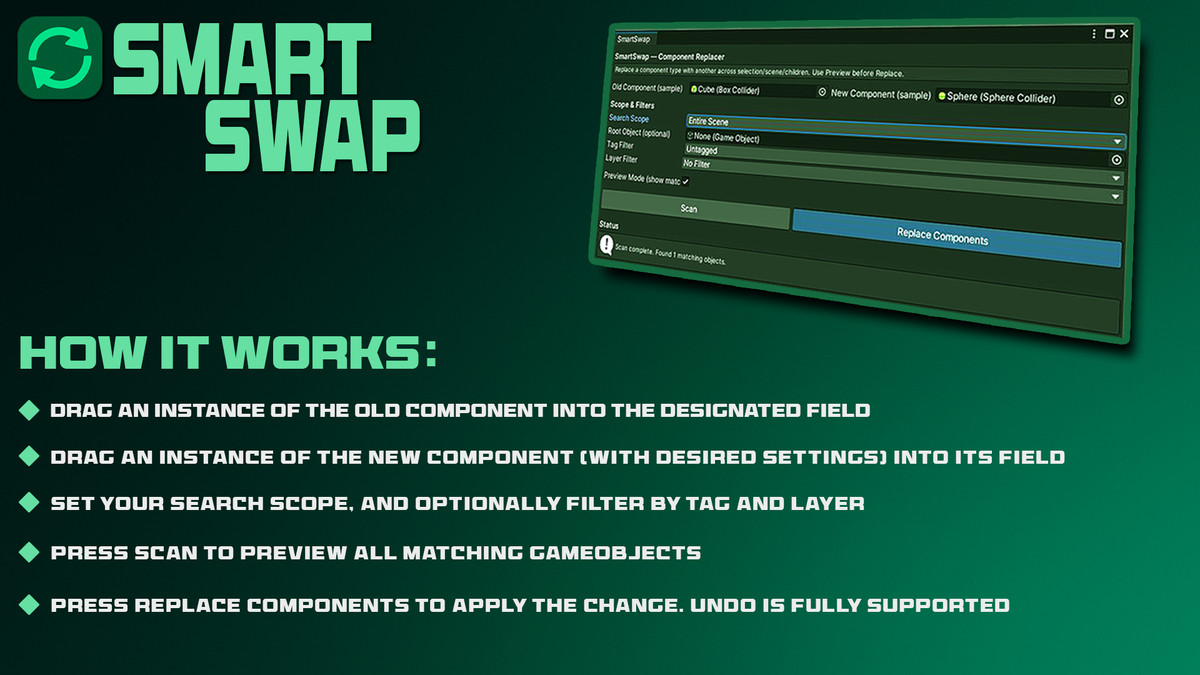
How It Works:
- Drag an instance of the Old Component into the designated field.
- Drag an instance of the New Component (with desired settings) into its field.
- Set your Search Scope, and optionally filter by Tag and Layer.
- Press Scan to preview all matching GameObjects.
- Press Replace Components to apply the change. Undo is fully supported
From the publisher's Asset Store listing.
Technical details
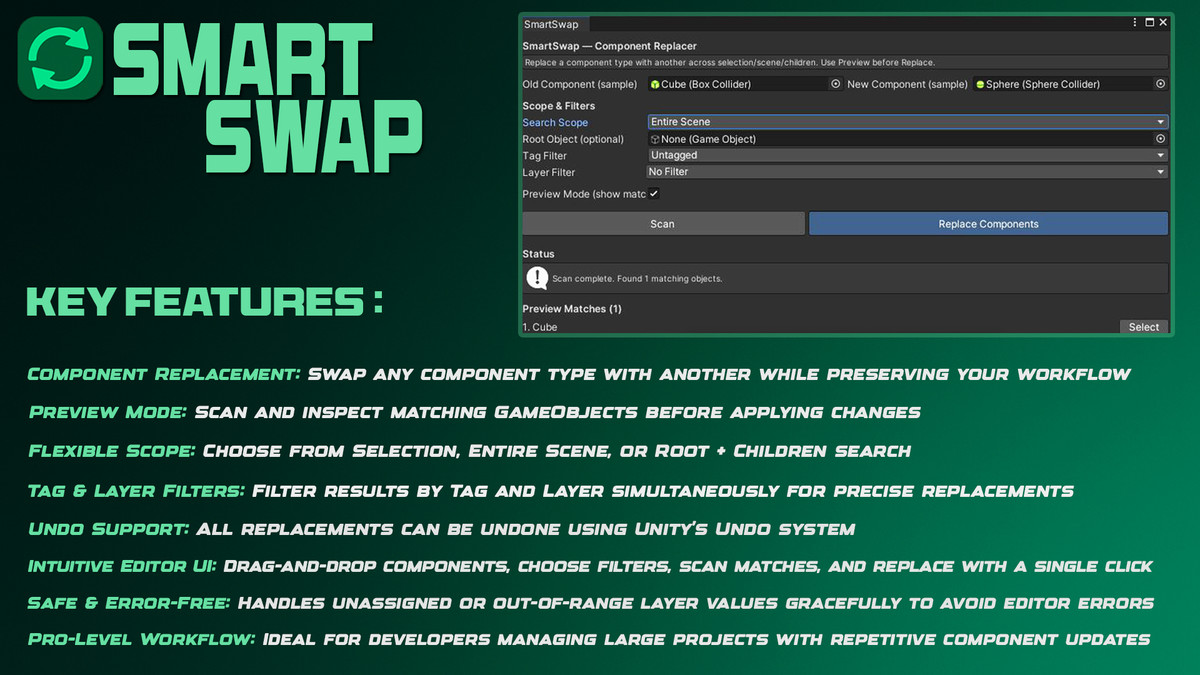
Key Features:
- Old → New Component Replacement: Swap any component type with another while preserving your workflow.
- Preview Mode: Scan and inspect matching GameObjects before applying changes.
- Flexible Scope: Choose from Selection, Entire Scene, or Root + Children search.
- Tag & Layer Filters: Filter results by Tag and Layer simultaneously for precise replacements.
- Undo Support: All replacements can be undone using Unity’s Undo system.
- Intuitive Editor UI: Drag-and-drop components, choose filters, scan matches, and replace with a single click.
- Safe & Error-Free: Handles unassigned or out-of-range layer values gracefully to avoid editor errors.
- Pro-Level Workflow: Ideal for developers managing large projects with repetitive component updates.
Compatibility
| Unity version | Built-in | URP | HDRP | Custom |
|---|---|---|---|---|
| 2022.3.62f2 | Compatible | Compatible | Compatible | Compatible |
As listed on the Asset Store.