
 View on Asset Store (opens in new tab)
Package details
- Latest version
- 1.0
- Last updated
- First released
- Unity version
- 6000.0.25 or later
- Package size
- 734 KB
- Files
- 18
- Favorites
- 2
- Views in the past week
- 8
Price tracking
- Last checked
- Tracked since
- Lowest recorded
- $7.50 on
Keywords
- Search for keyboard shortcuts
- Search for hotkey shortcuts
- Search for hotkey manager
- Search for quick actions
- Search for shortcut manager
- Search for Workflow Optimization
- Search for custom hotkeys
- Search for Workflow Booster
- Search for Time Saver
- Search for custom shortcuts
- Search for productivity toolkit
- Search for Scene Switcher
HotKey Deck – Custom Hotkeys & Quick Actions
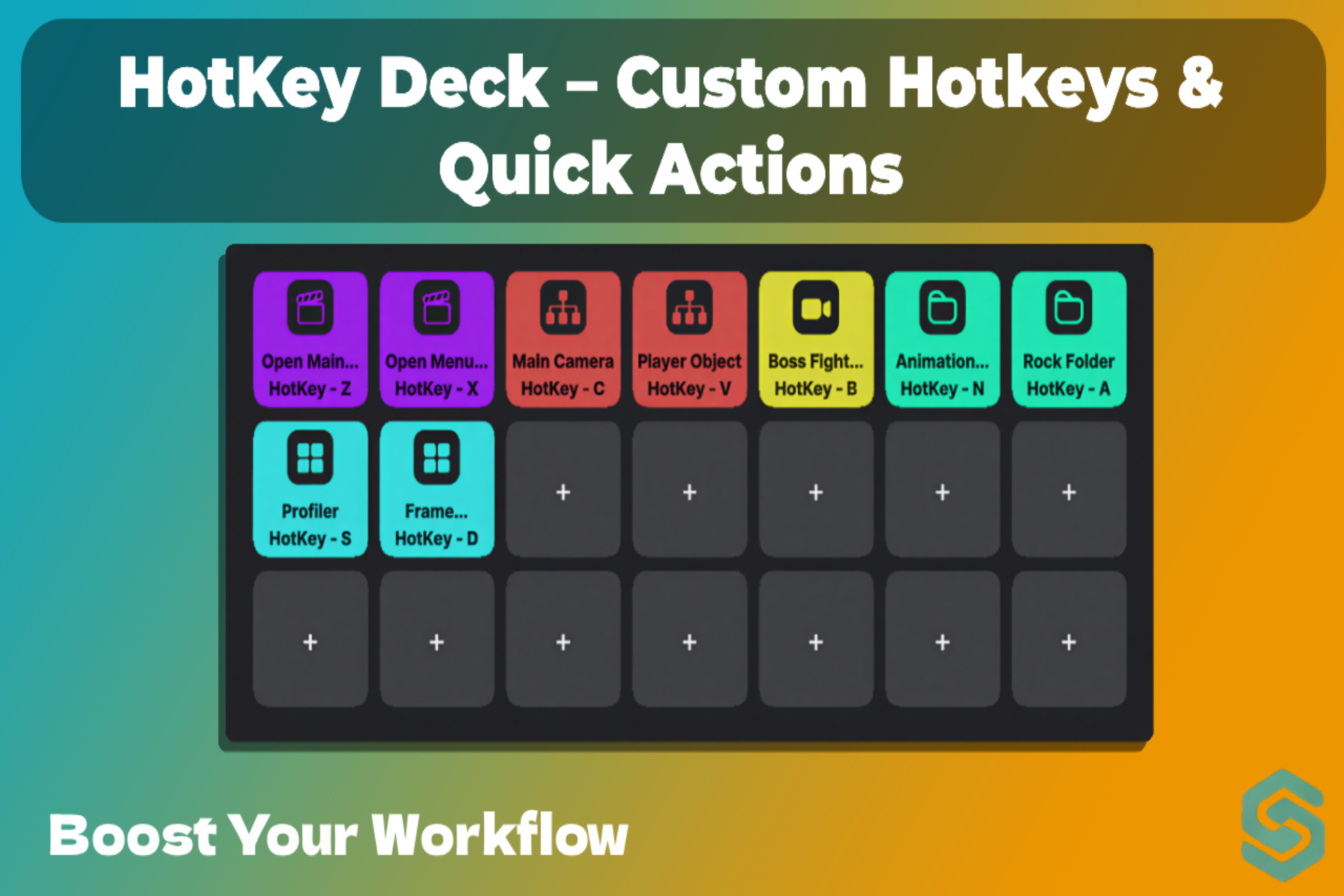
Unity Editor Speed up your Unity workflow with HotkeyDeck – the essential tool for managing scenes, assets, and editor commands from a customizable floating toolbar with keyboard shortcuts.
Affiliate link · Purchases support this site
Price history
Last 6 months
USDAsset preview
1 / 4
HotKey Deck – Custom Hotkeys & Quick Actions screenshot 1
About this asset
HotkeyDeck – Ultimate Quick Actions Toolbar for Unity Editor
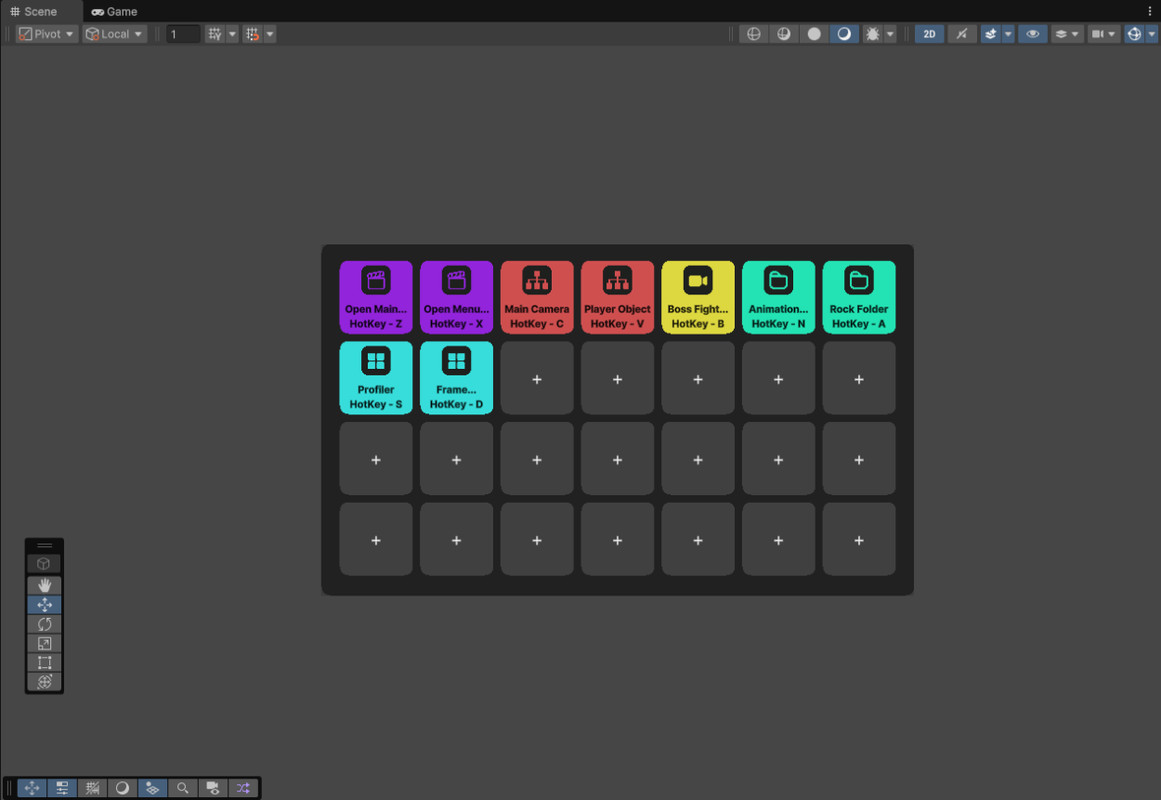
Speed up your Unity workflow with HotkeyDeck – the essential tool for managing scenes, assets, and editor commands from a customizable floating toolbar with keyboard shortcuts.
KEY FEATURES:
Scene Switching – Open any scene instantly
Quick Asset Selection – Highlight project assets without digging through folders
Hierarchy Focus – Select and frame objects in your scene with one click
Scene View Bookmarks – Save camera positions and instantly jump between them
Execute Menu Items – Run any Unity menu command directly from HotkeyDeck
Custom Keyboard Shortcuts – Assign hotkeys to any button for mouse-free access
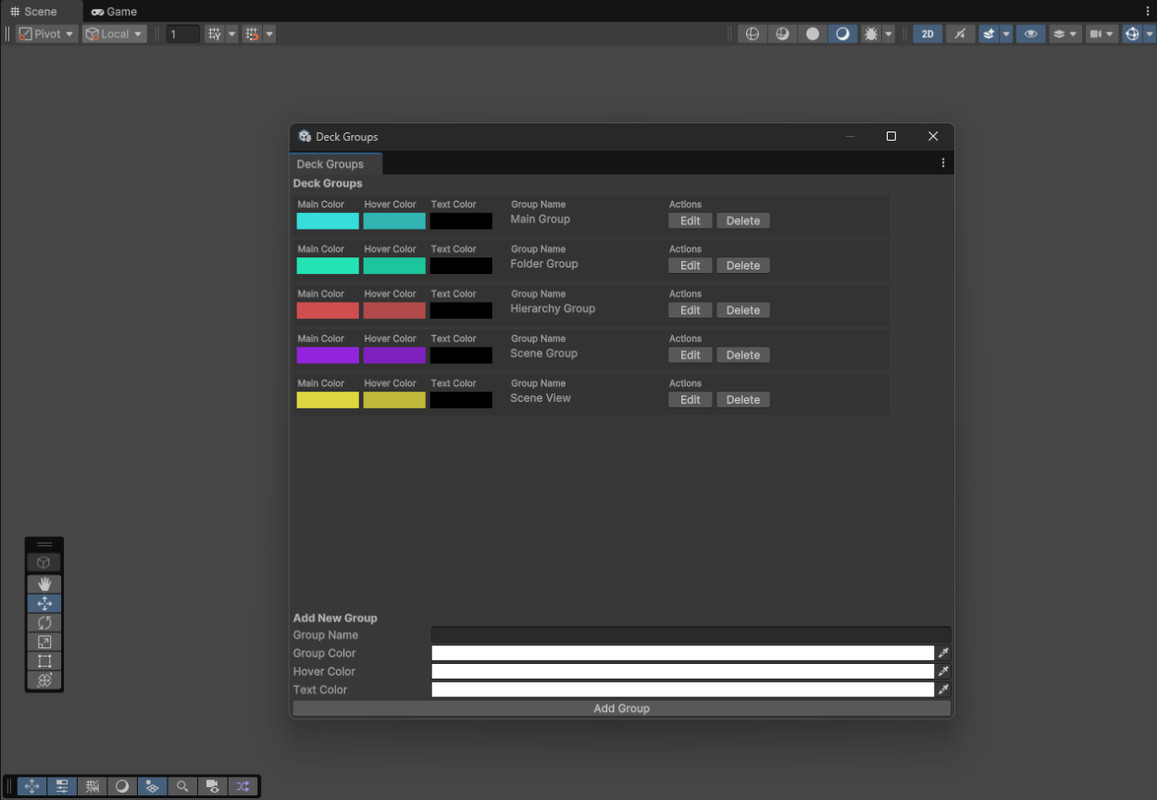
Color-Coded Organization – Group buttons with custom colors for better visual management
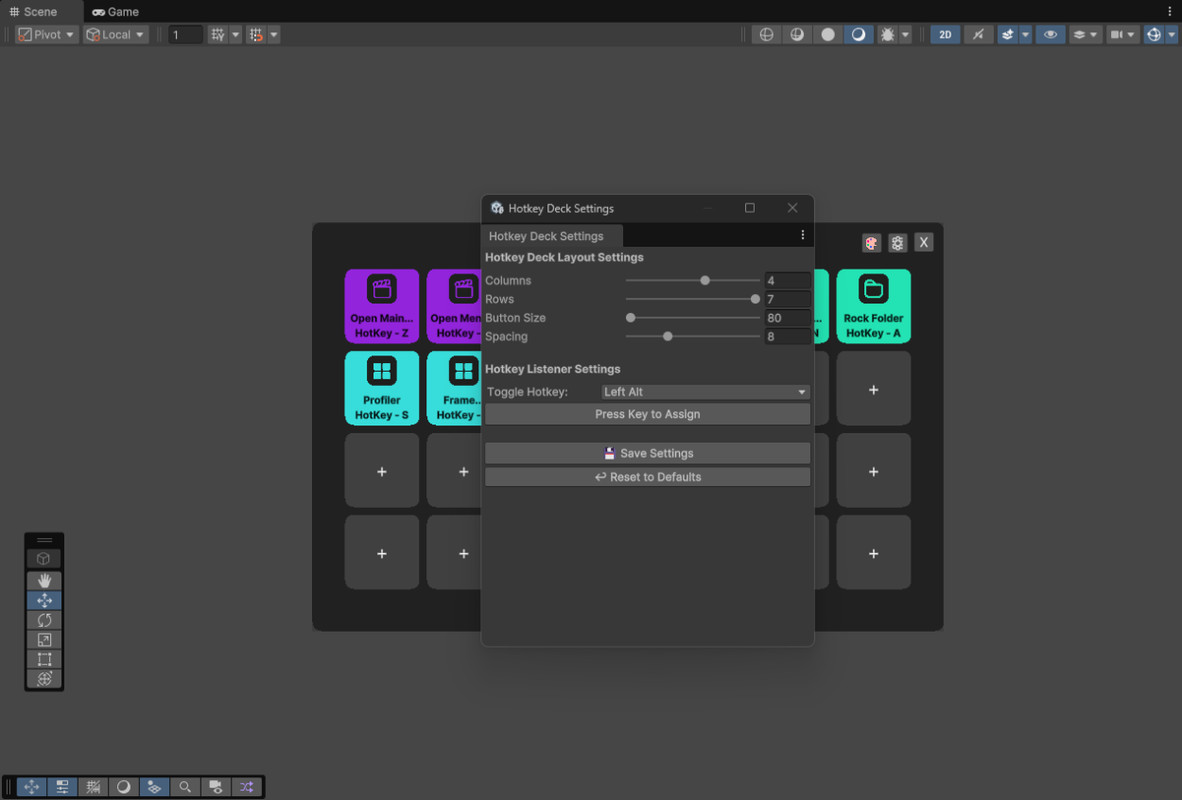
Customizable Grid Layout – Adjust columns, rows, button size, and spacing to fit your workflow
Smart Toggle Shortcut – Press any configurable key (default: Alt) to show/hide HotkeyDeck
WHY USE HOTKEYDESK?
Eliminate menu hunting – Everything you need in one place
Keyboard shortcuts for power users – Never touch your mouse again
Visual workspace – Color groups keep your most-used actions organized
Lightweight & non-intrusive – Opens only when you activate it
Zero learning curve – Intuitive interface for instant productivity
IDEAL FOR:
Game developers managing multiple scenes
Level designers switching between locations
Programmers executing frequent editor commands
Teams standardizing their workflow
Anyone tired of repetitive menu clicking
Transform your Unity editing experience. HotkeyDeck puts your most critical actions within reach – whether you prefer clicking or keyboard shortcuts.
Get HotkeyDeck today and reclaim hours of productivity!
Note: SceneDeck is fully compatible with Unity 6 and optimized for it. Compatibility with older Unity versions, like 2021, may be limited.
From the publisher's Asset Store listing.
Compatibility
| Unity version | Built-in | URP | HDRP | Custom |
|---|---|---|---|---|
| 6000.0.25f1 | Compatible | Compatible | Compatible | Compatible |
As listed on the Asset Store.