
 View on Asset Store (opens in new tab)
Package details
- Latest version
- 1.0.3
- Last updated
- First released
- Unity version
- 2022.3.62 or later
- Package size
- 69.7 MB
- Files
- 96
- Favorites
- 2
- Views in the past week
- 3
Price tracking
- Last checked
- Tracked since
- Lowest recorded
- $4.99 on
Keywords

Krayzborn Assets - Game Managers
Game Managers — the backbone of any game: control audio, pause, transitions, switch UI, etc. Saves development time, letting you focus on gameplay, mechanics, and creative ideas.
Affiliate link · Purchases support this site
Price history
Last 6 months
USDAsset preview
1 / 6
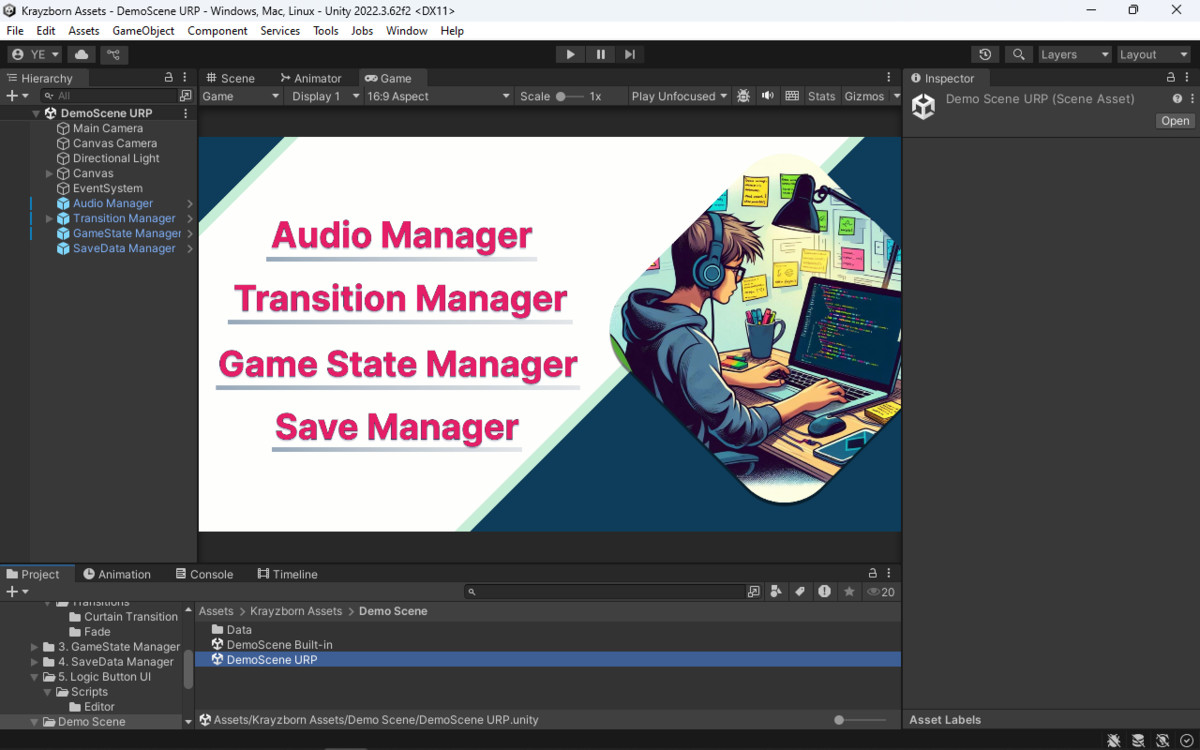
Krayzborn Assets - Game Managers screenshot 1
About this asset
Game Managers is a set of utility managers for Unity designed to save your time and speed up game development.
The package provides ready-to-use systems commonly needed in almost every project: audio control, scene and UI transitions, custom game pause, and universal UI tools.
It’s suitable for any game genre or scale — from small mobile projects to large games — allowing developers to focus on gameplay and content rather than repeatedly implementing basic systems.
All features are easily configurable through the Unity Editor and integrate seamlessly into existing projects.
From the publisher's Asset Store listing.
Technical details
▶️ Audio Manager
- Centralized audio management across the entire Unity project.
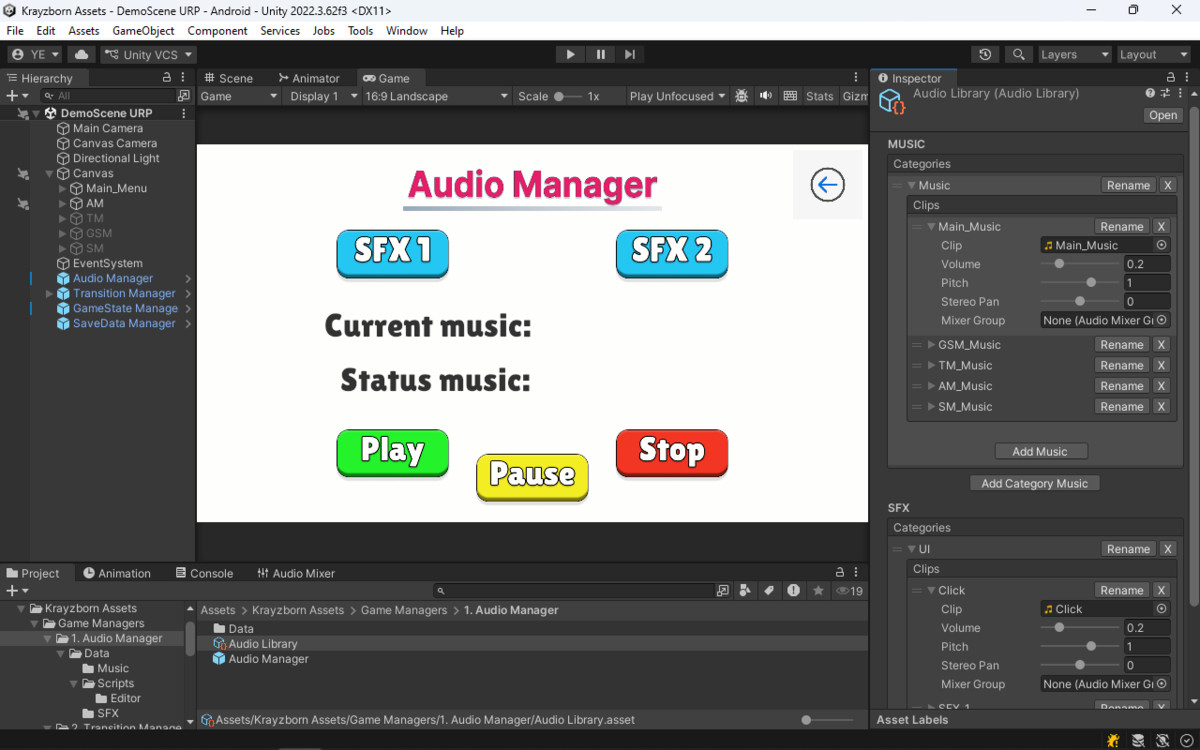
- Fully editable, category-based audio library for music and SFX, with easy creation of categories, renaming, and organization of clips.
- Play, pause, resume, and stop audio directly from any script using the library name.
- AudioSource pooling system for optimized SFX playback performance.
- Automatic creation of temporary AudioSources when the pool is exhausted.
- LogicButtonUI integration allows triggering audio without writing code, using dropdowns from the library.
▶️ Transition Manager
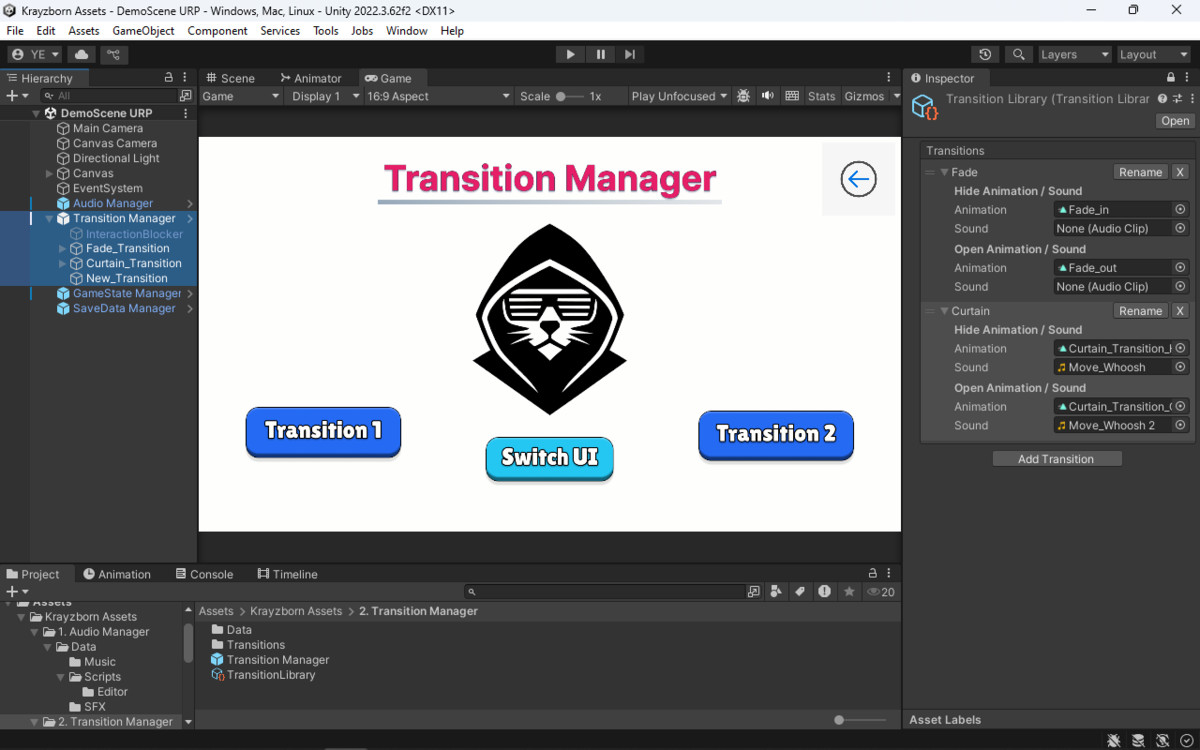
- Handles scene, UI panel, and GameObject transitions.
- Extendable library of custom transitions (ScriptableObject) with user-defined animations.
- PreAction, MidAction, and PostAction callbacks for custom logic integration.
- Can trigger transitions from code or UI buttons without manually assigning targets.
- Supports optional animation for each transition, selectable from the library.
▶️ GameState Manager
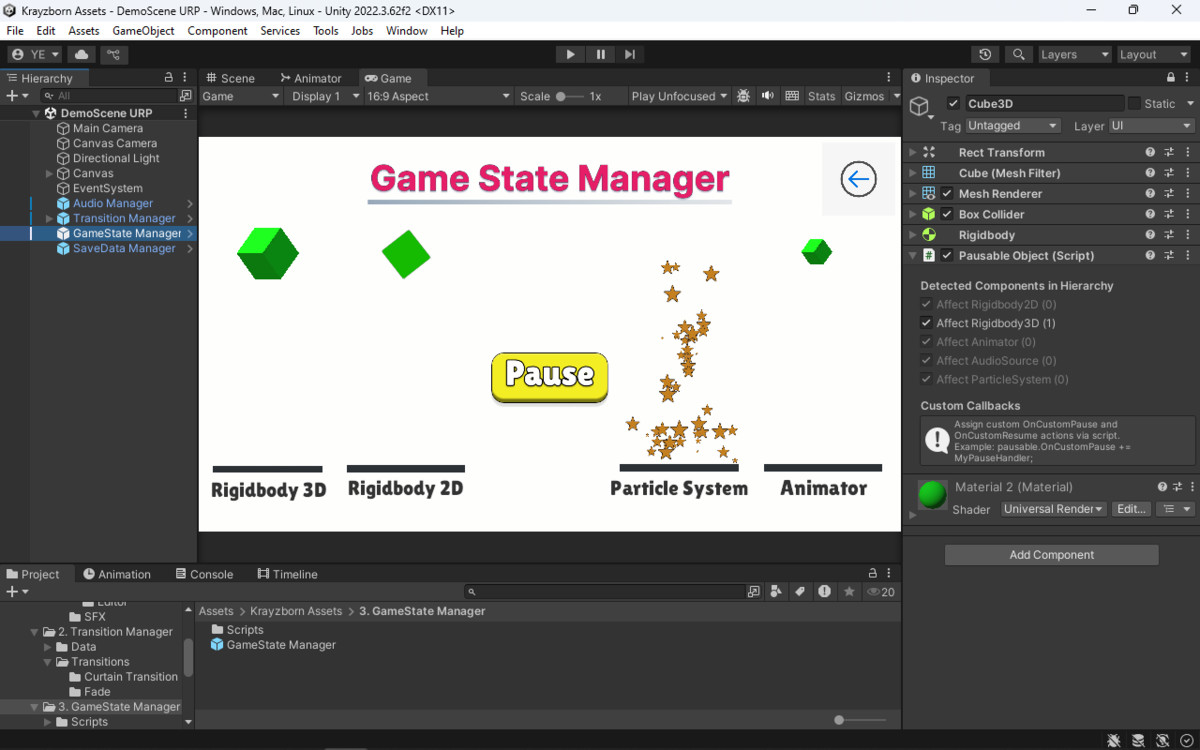
- Custom pause system independent of Time.timeScale; does not break physics or ongoing processes.
- Automatically detects and pauses components on objects and nested children: Rigidbody (2D/3D), Animator, Particle System, AudioSource.
- Allows selective pausing of components, combining what to stop and what to continue.
- Saves current object states: Rigidbody rotation and velocity, animation frame, particle system state, and audio; resumes from the exact same moment without breaking physics.
- Subscribe to pause/resume events to trigger your own logic in scripts.
- Saves time implementing safe, reliable pause across complex object hierarchies.
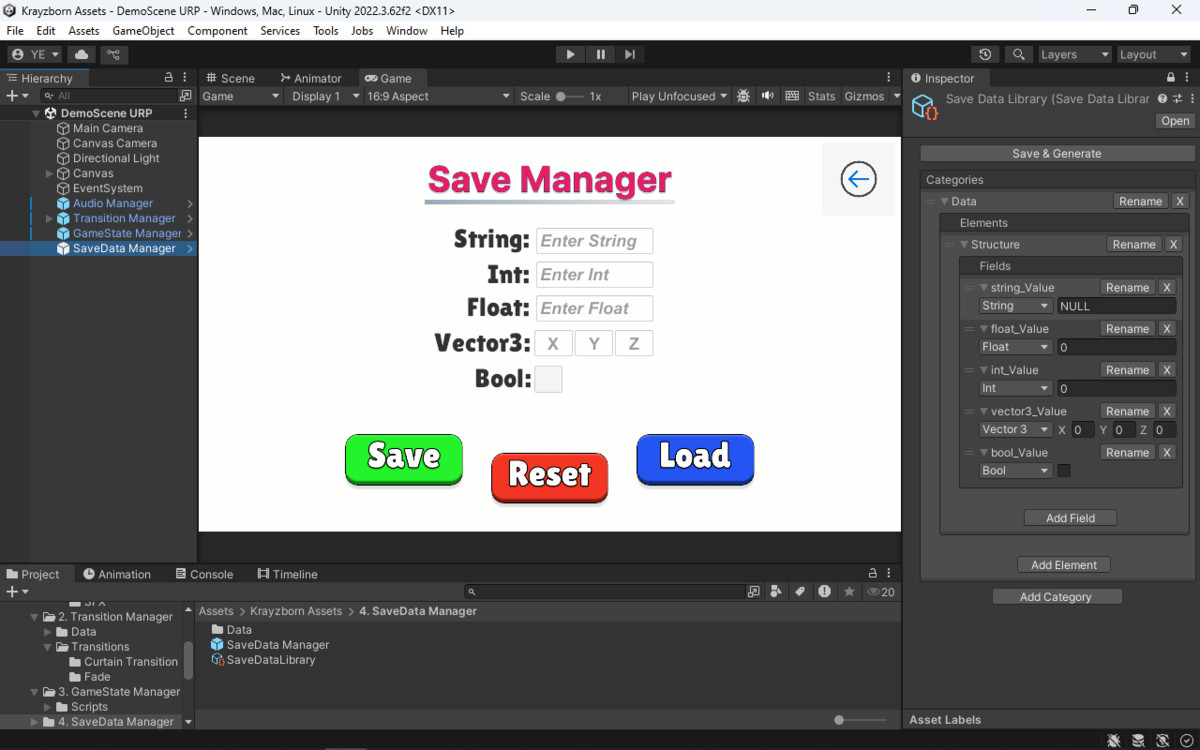
▶️ Save Manager
• Centralized save management system available across the entire Unity project.
• Encrypted JSON save file using AES for data protection.
• Flexible data structure based on ScriptableObject (Save Data Library).
• Automatic merging of existing save files with new fields and default values without data loss.
• Strongly typed data access (int, float, bool, string, Vector3) for safe and reliable usage.
• Automatic generation of static classes for convenient data access without string identifiers.
• Complete save management lifecycle: initialization, saving, loading, and full reset.
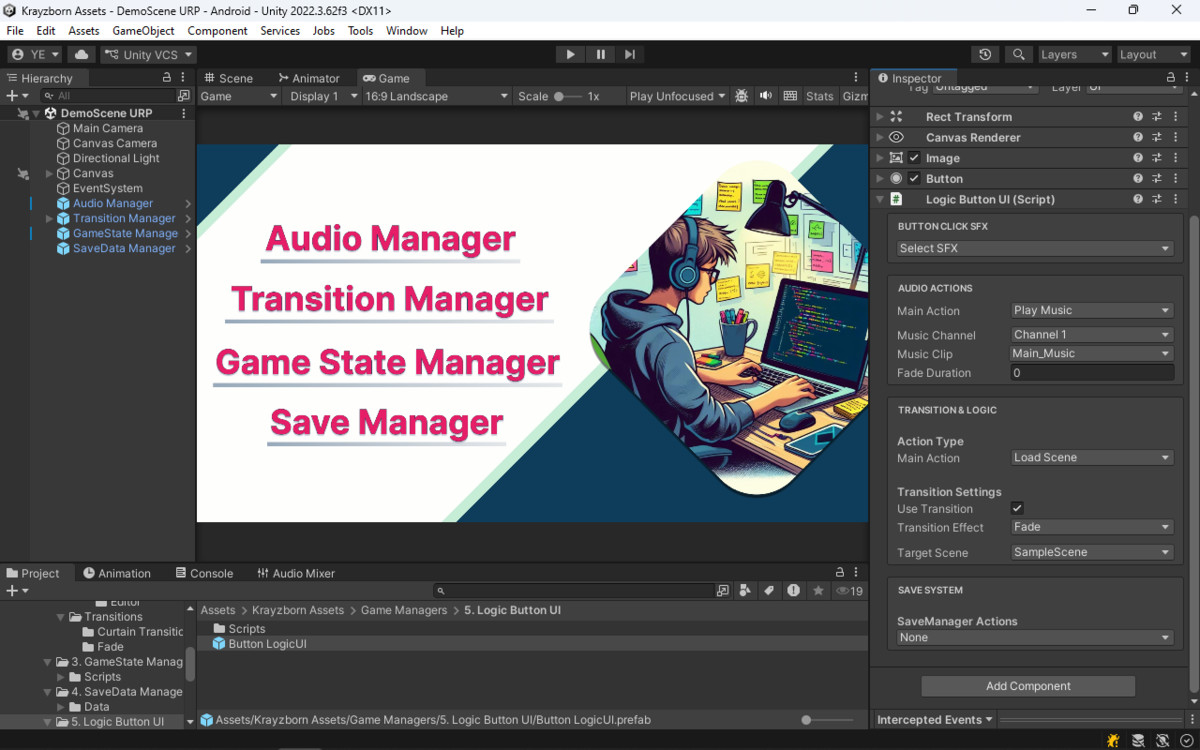
▶️ Logic UI Button
- Universal UI button to trigger functionality of all managers.
- Dynamically shows or hides fields in the Inspector depending on the selected mode.
- Can trigger pause/unpause, scene transitions, UI or GameObject switching, and audio playback.
- Uses dropdowns populated from libraries — no need to manually enter names of sounds, transitions, or scenes.
- Demonstrates manager features without extra scripting; can serve as a template for game UI.
▶️ General / System
- All managers implemented as singletons, checking for duplicates and persisting across scenes.
- Namespace: Krayzborn.GameManagers, preventing conflicts with other assets.
- Dependencies: none, no external packages required.
- Scripting Backend: Mono and IL2CPP.
- API Level: .NET Standard 2.1 or higher.
- Render Pipelines: Built-in, URP, HDRP.
- Performance: component caching for minimal CPU load and reduced Garbage Collection.
- Fully mobile-ready and easily extensible for custom project needs.
Compatibility
| Unity version | Built-in | URP | HDRP | Custom |
|---|---|---|---|---|
| 2022.3.62f3 | Compatible | Compatible | Compatible | Compatible |
Compatible with all Unity render pipelines (Built-in, URP, HDRP). Tested on Unity 2022.3.
All dependencies are limited to built-in Unity packages and standard assets included by default in Unity projects, such as Unity UI. No external or third-party dependencies are required.
As listed on the Asset Store.