
 View on Asset Store (opens in new tab)
Package details
- Latest version
- 1.2.0
- Last updated
- First released
- Unity version
- 2022.3.0 or later
- Package size
- 8.3 MB
- Files
- 107
- Favorites
- 7
- Views in the past week
- 7
Price tracking
- Last checked
- Tracked since
- Lowest recorded
- $4.99 on
Keywords

Smart UI Scaler
Design your UI once at a reference resolution and fit it to every screen, aspect ratio and safe area. Per-element Canvas Scaler replacement with layout switching, 3D in UI and split screen.
Affiliate link · Purchases support this site
Price history
Last 6 months
USDAsset preview
1 / 4
Smart UI Scaler screenshot 1

About this asset
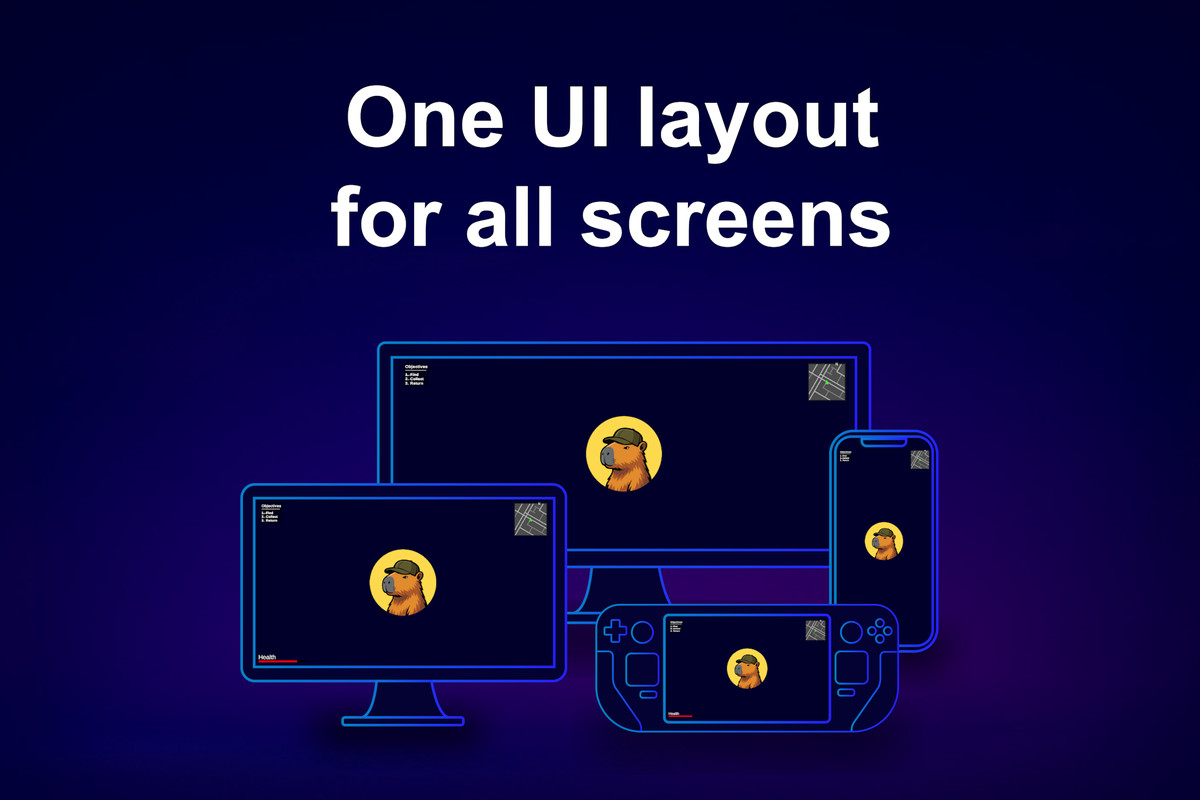
Smart UI Scaler is a responsive, resolution independent layout system for Unity UI (uGUI). Design your HUD, menus and popups once at a reference resolution, and Smart UI Scaler fits them into any screen size, aspect ratio, safe area or camera viewport, from a phone in portrait to a 21:9 or 32:9 ultrawide monitor, growing the layout toward the edges exactly as far as you allow. No letterboxing, no cropped edges, no UI floating in the middle of a wide screen.
NEW IN 1.2: a layout per screen shape with the Smart UI Aspect Switch, images that never stretch with the Smart UI Aspect Fitter, and 3D objects that live inside the UI with the Smart UI World Follower, Mesh Fitter and Framing Bounds. Seventeen demo scenes and a Unity 6 package.
WHY NOT THE CANVAS SCALER?
Unity's Canvas Scaler scales the whole canvas by one rule. Everything stretches or shrinks together, wide screens get empty margins or cropped edges, the safe area is your problem, and a single canvas cannot serve a split screen. Smart UI Scaler works per Rect Transform instead: each scaler is a rectangle with its own reference resolution and its own rules, and you can have as many of them as your screen needs.
WHAT YOU GET
• Design once, ship everywhere. Build the UI at your reference resolution and keep it readable on mobile, tablet, desktop, TV and handheld PC, from a phone in portrait to a Steam Deck in 16:10 and a 32:9 monitor.
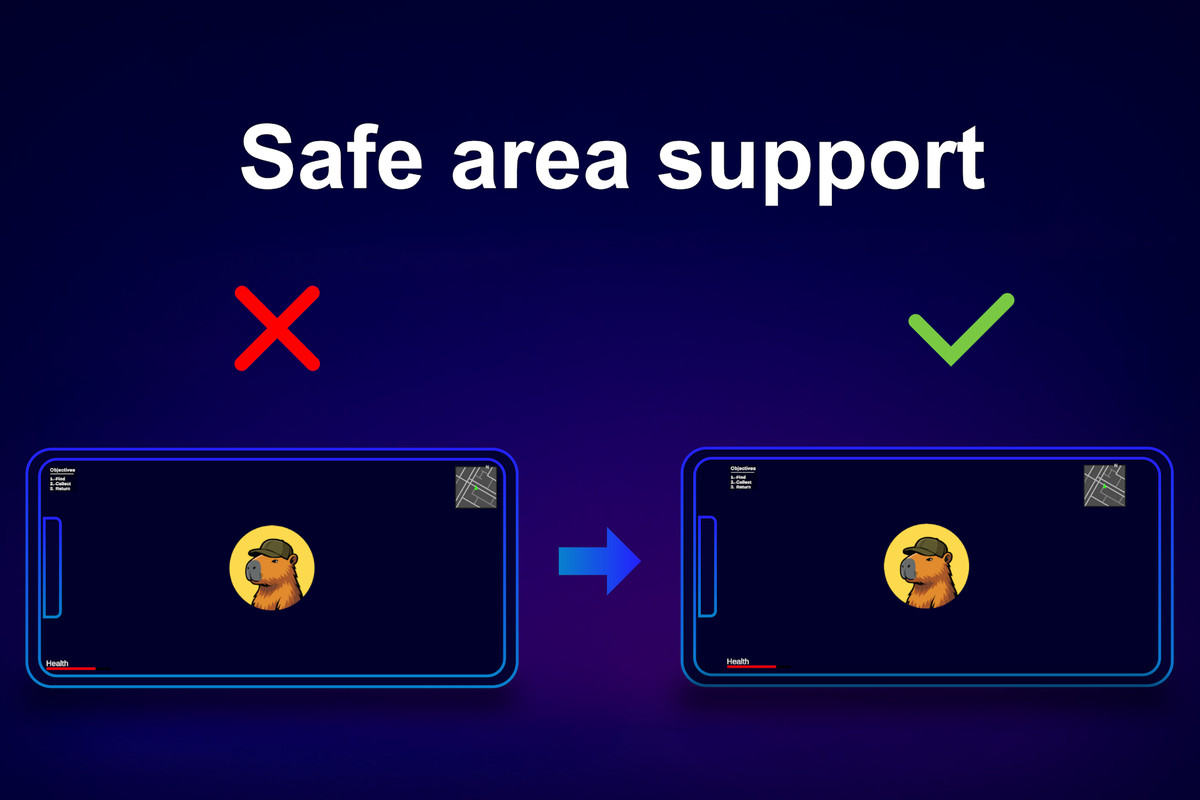
• Safe area done for you. The UI stays inside the notch and home indicator insets on iPhone and Android, follows rotation and can stay centered when the inset is only on one side. The Smart UI Expander lets bars and backgrounds still reach the real screen edges.
• You decide how the UI expands. Expand Progress sets how far the layout grows from the reference resolution to the full screen, Alignment sets where it sits, and the Smart UI Size Limiter keeps a layout between two aspect ratios.
• A layout per screen shape. When one layout cannot serve every screen, give phones in portrait, tablets and wide monitors each a layout of their own. The Smart UI Aspect Switch picks the right one by the shape of the screen, and you edit each layout in its real shape.
• Images that never stretch. The Smart UI Aspect Fitter keeps images and backgrounds at their aspect ratio on every screen, anywhere between fitting inside the parent and covering it, with alignment and a focal point.
• 3D objects in the UI. Lit 3D backgrounds, titles, spinning items and character previews keep their place and size on every screen, like any other UI element. Show a character or an inventory item through a camera of its own and it stays framed while it animates or changes equipment, with no render texture setup to manage by hand.
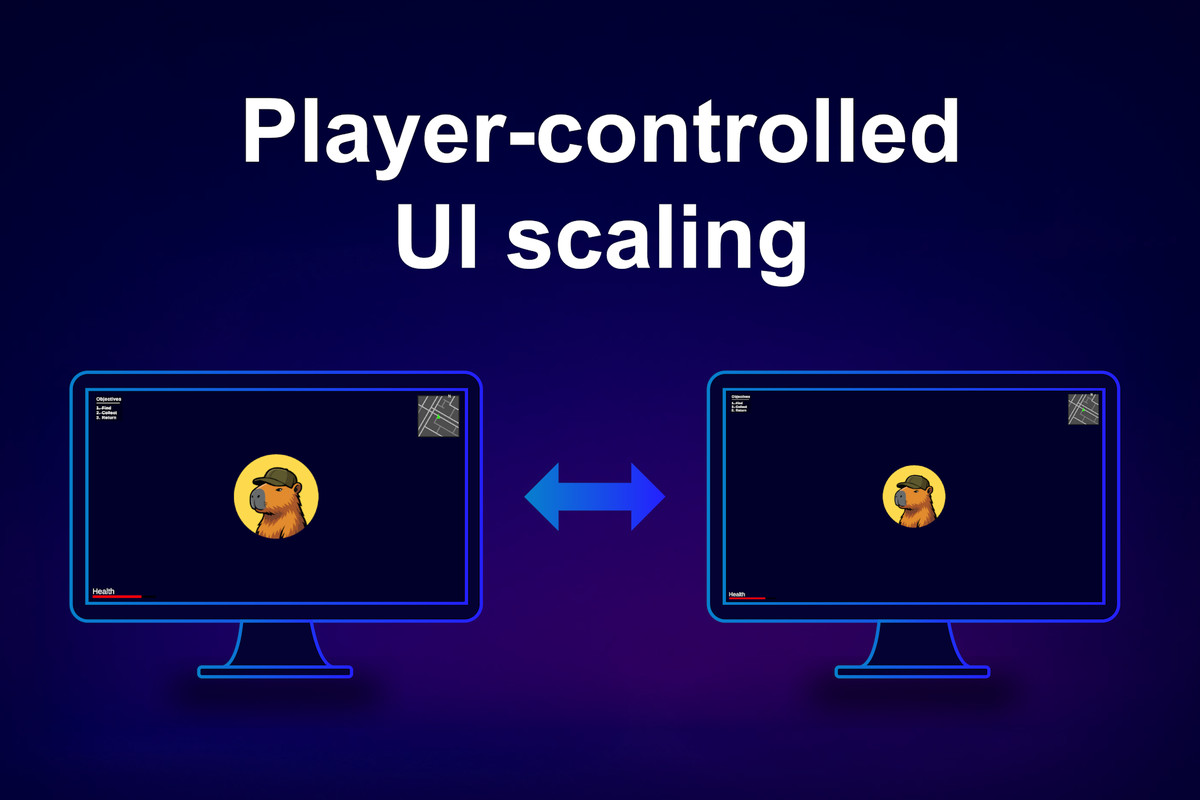
• A UI scale slider for your players. Content Scale shrinks the UI while it keeps covering the same area. Bind it to a settings slider and the whole HUD follows.
• Split screen and local multiplayer. Each player's HUD scales inside its own camera viewport rect, so a 2 or 4 player local co-op screen gets correctly sized UI per player. HUD, menus and popups each scale on their own terms, and scalers can be nested and mixed with regular UI in the same canvas.
• Shared settings that persist. Group scalers through assets, change their options at runtime and keep them between sessions with the built-in PlayerPrefs persistence or your own save system.
• See it before you press Play. The layout looks the same in Edit Mode and in Play Mode. Preview any aspect ratio, simulate safe areas, show the safe area border in the Game view and switch between device presets from one editor window.
• Nothing to pay per frame. Scalers resize only when the screen, the safe area or their options change. In a steady frame the plugin only checks that nothing changed, with no allocations.
• Extensible. Write custom scalers for render textures, read scaler sizes in the same frame through an update event, and learn from seventeen demo scenes that cover every feature.
WHAT IS INCLUDED
• Smart UI Canvas Scaler, Smart UI Expander, Smart UI Size Limiter, Smart UI Aspect Fitter and Smart UI Aspect Switch components
• Smart UI Mesh Fitter, Smart UI World Follower and Smart UI Framing Bounds components for 3D objects in the UI
• UI Scaler Groups with runtime API and PlayerPrefs persistence
• Smart UI Scaler editor window with safe area simulation, safe area border and device presets
• Seventeen demo scenes, from a single scaler to split screen, 3D objects in the UI and custom scalers
• Full source code, online manual and scripting API, offline PDFs
COMPATIBILITY
• Unity 2022.3.0 or newer, tested up to Unity 6000.6. Separate packages for Unity 2022.3 and Unity 6.
• Built-in and Universal render pipelines.
• Unity UI (uGUI) canvases, Screen Space Overlay and Screen Space Camera. UI Toolkit is not supported.
• Demo scenes use TextMeshPro.
• Tested on desktop, mobile and handheld PC aspect ratios, including Steam Deck (16:10) and ultrawide.
Documentation
Support: [email protected]
From the publisher's Asset Store listing.
Technical details
Requires Unity 2022.3.0f1 or newer. Two packages: Unity 2022.3 and Unity 6 (6000.3).
Tested with Unity 6000.6.
Built-in and Universal render pipelines. Screen Space Overlay and Screen Space Camera canvases.
Unity UI (uGUI) only. UI Toolkit is not supported.
No dependencies. Demo scenes use TextMeshPro.
Full C# source. No allocations in a steady frame.
Compatibility
| Unity version | Built-in | URP | HDRP | Custom |
|---|---|---|---|---|
| 6000.3.10f1 | Compatible | Compatible | Compatible | Compatible |
| 2022.3.0f1 | Compatible | Compatible | Compatible | Compatible |
As listed on the Asset Store.