
 View on Asset Store (opens in new tab)
Package details
- Latest version
- 2.0.1
- Last updated
- First released
- Unity version
- 6000.5.4 or later
- Package size
- 31.9 MB
- Files
- 1,705
- Favorites
- 69
- Views in the past week
- 39
Price tracking
- Last checked
- Tracked since
- Lowest recorded
- $2.20 on
Keywords

Swipe Gunner | Template
Mobile shooter template with swipe weapon control, upgrade system, and easy-to-expand architecture.
Affiliate link · Purchases support this site
Price history
Last 6 months
USDAsset preview
1 / 10
Swipe Gunner | Template screenshot 1


About this asset
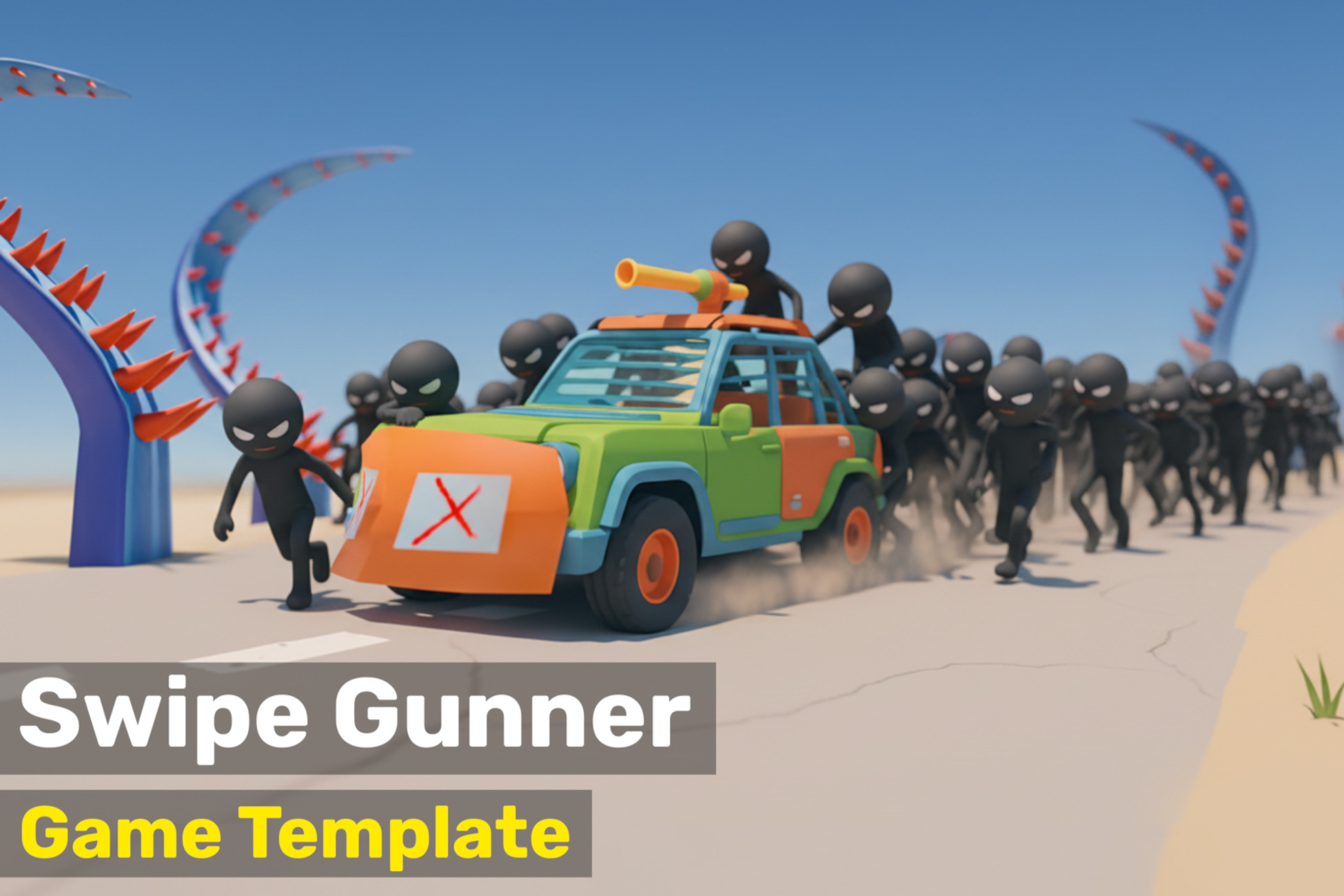
Swipe Gunner is a dynamic mobile game template where the player controls a weapon mounted on a vehicle, blasting through hordes of monsters on the way to the final destination. It comes with ready-to-play demo levels and is easy to expand, customize, and integrate into any project.
This template is an excellent starting point for building a complete mobile action game with intuitive swipe controls, or for use as a standalone gameplay module within a larger project.
Try a demo: Browser Demo
Core Architecture
- Dependency injection via Zenject — zero singletons, fully decoupled modules
- Async game loop powered by UniTask
- Signal-based communication between modules
- Object pooling for enemies, projectiles, audio and UI popups
- Addressables-based asset loading with auto-generated address constants
- Four-scene architecture (Bootstrap, Global, UI, Gameplay)
Player Systems
- Spline-based vehicle movement
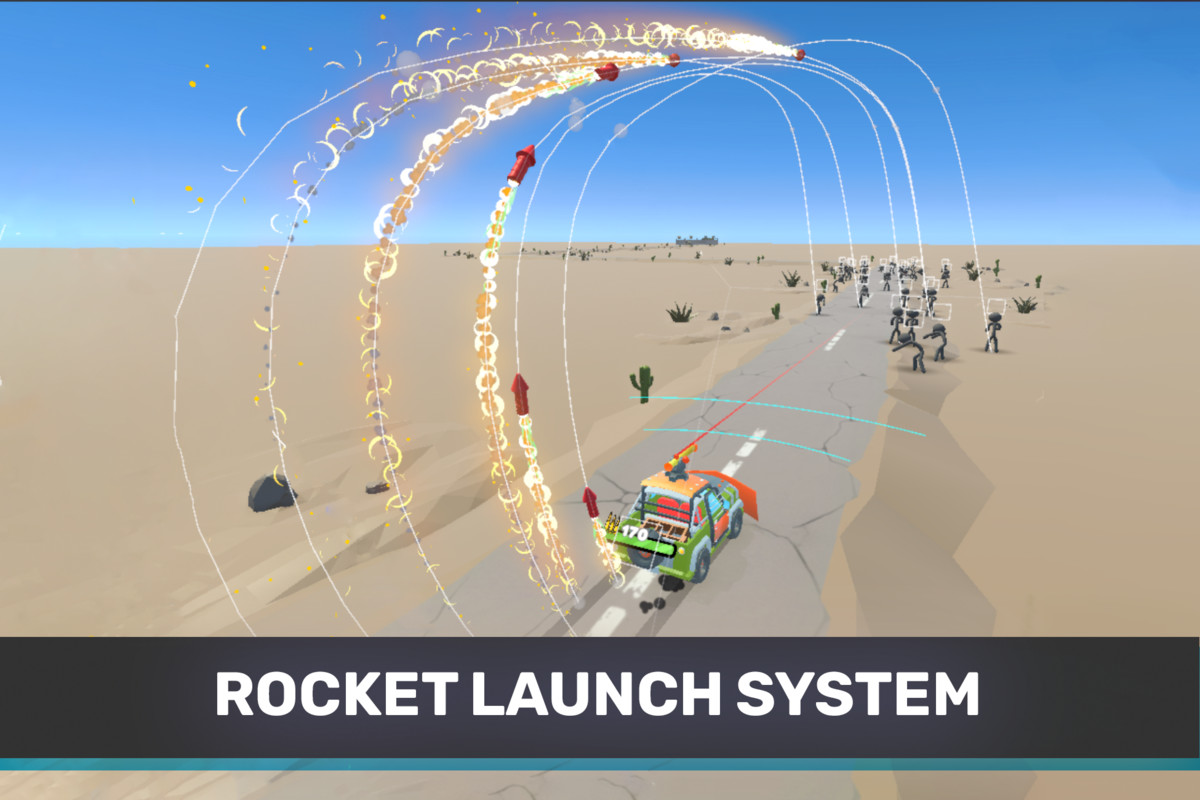
- Swipe-controlled turret with laser trajectory preview
- Shooting system with ammo tracking
- Rocket launcher with target detection and arc flight
- Player health, damage, low-health effects and explosion fragments
- Wheel rotation, smoke and fire visual feedback
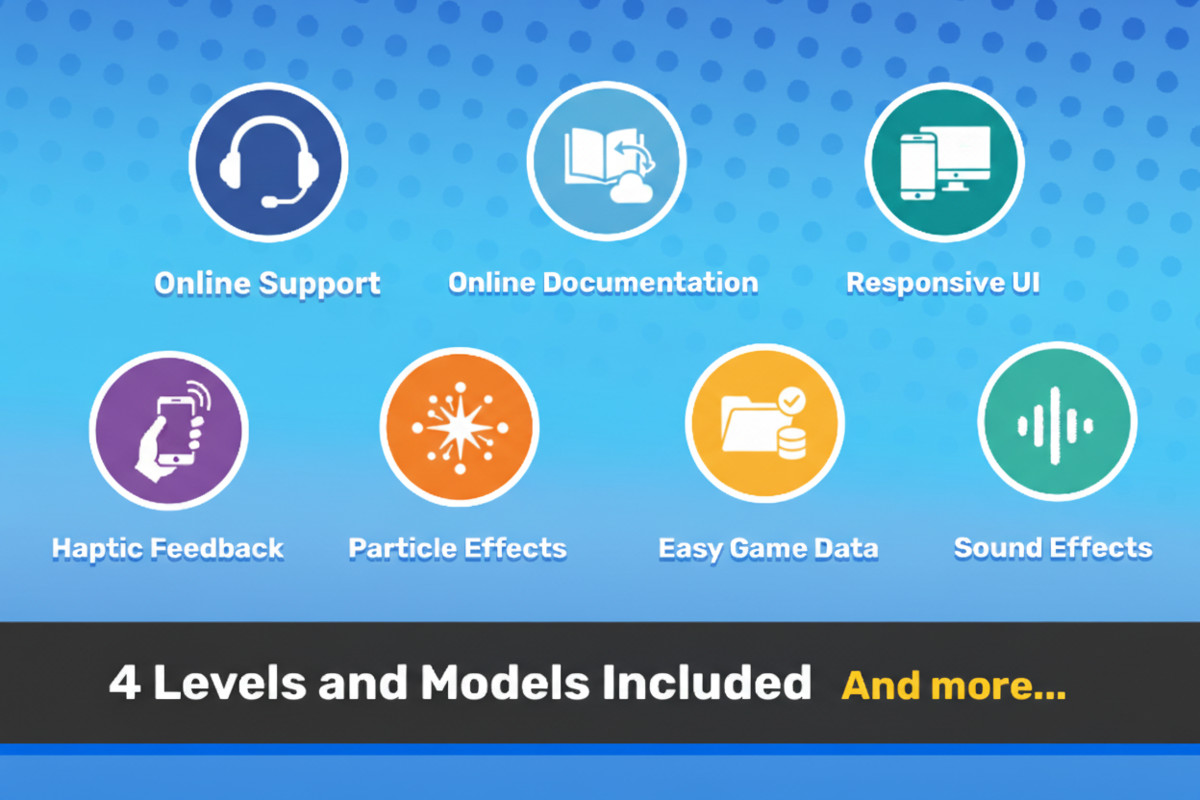
- Haptic feedback (iOS & Android)
Upgrade & Progression
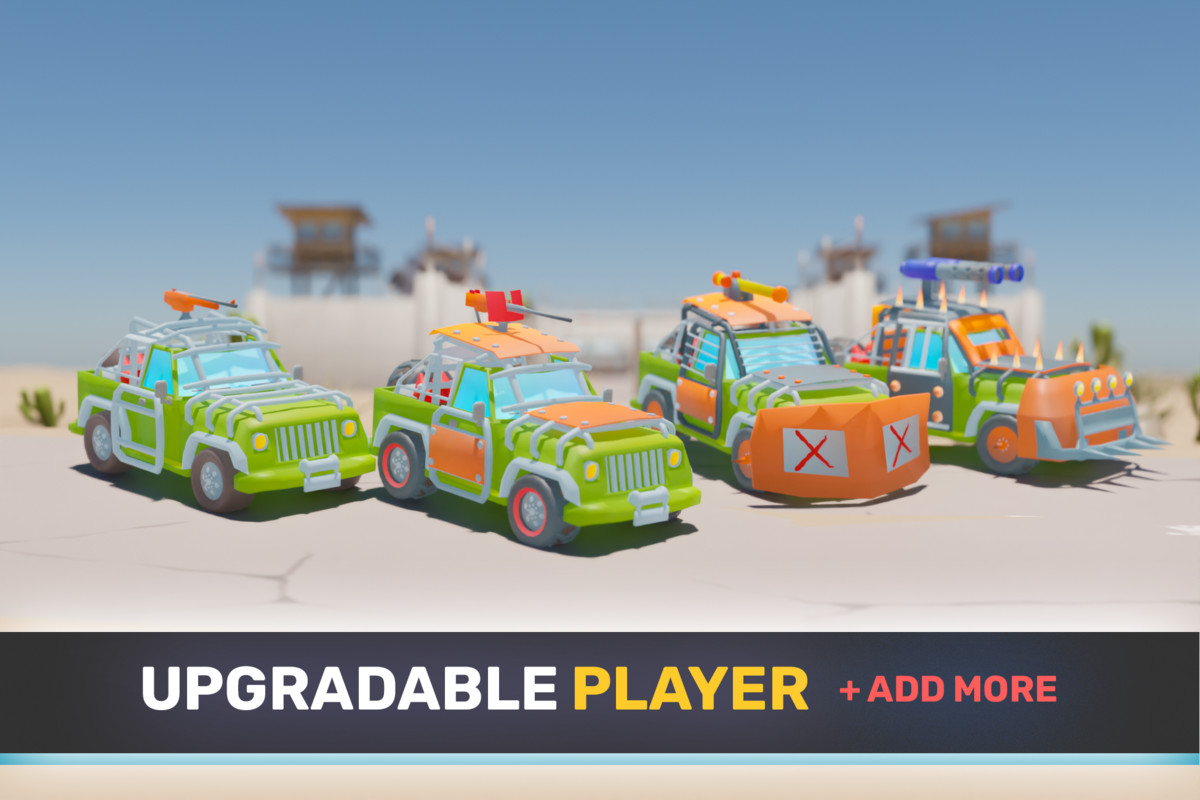
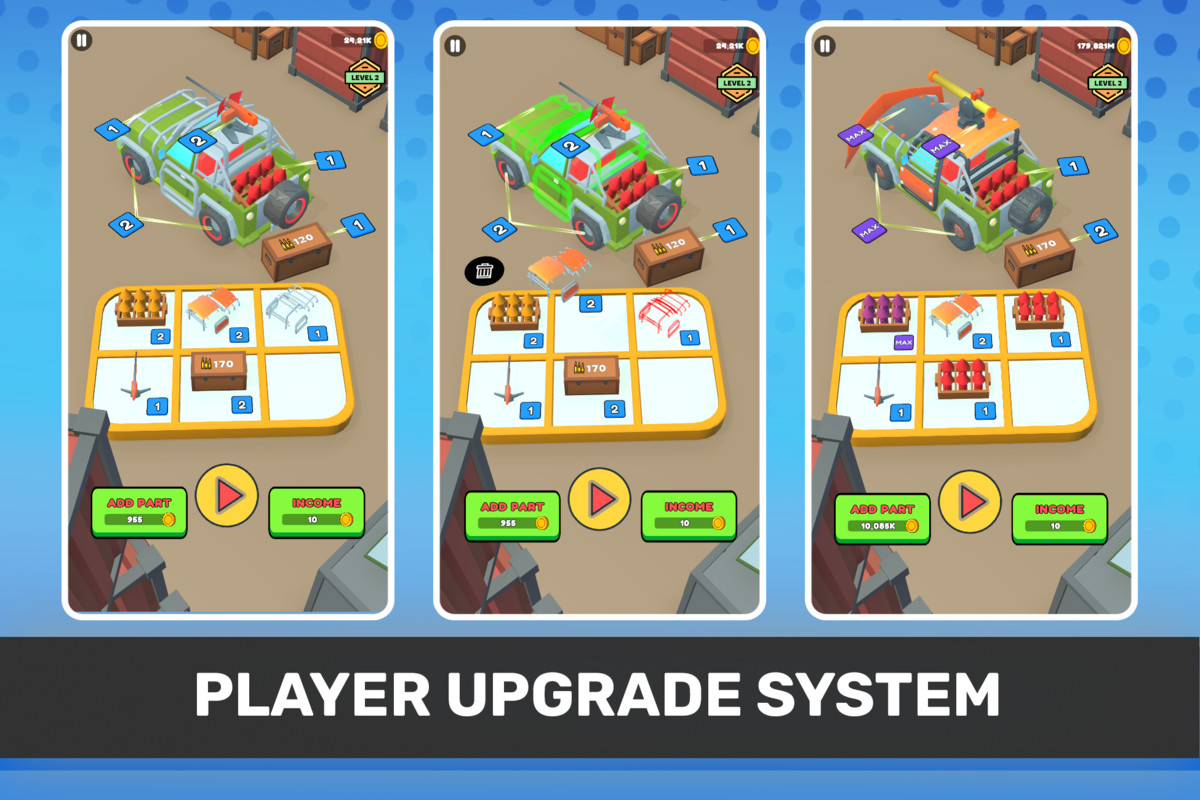
- Drag-and-drop merge board with animated part combining
- 5 upgradeable part types: Armor (health), Wheels (speed), Turret (damage), Ammo Box (capacity), Rocket (explosive damage)
- Permanent progression saved between sessions
- Weighted random part spawning based on current upgrade levels
- Coin economy with wallet service
Enemy Systems
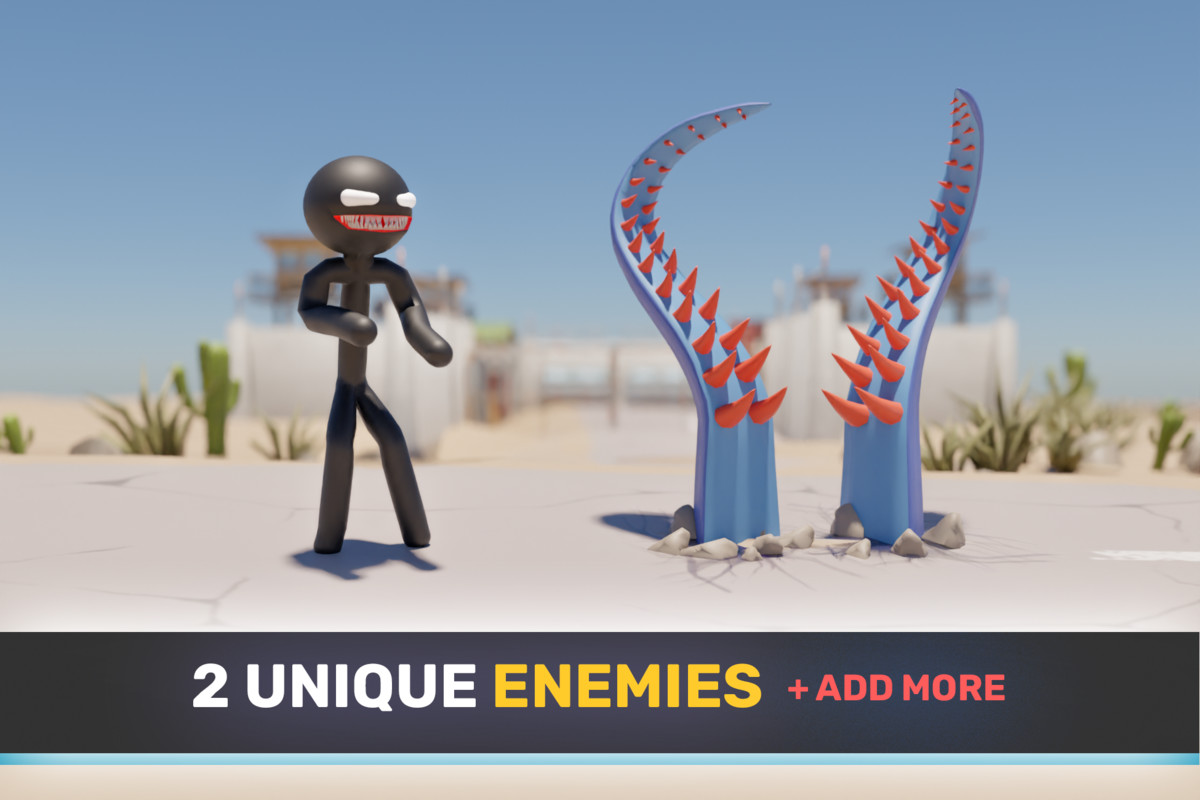
- 2 fully animated enemy types: Stickman and Tentacle
- Stickman: 7-state AI (Idle, Wander, Chase, Attack, Hit, Dead, Inactive), ragdoll on death
- Tentacle: sphere-cast attack with rotation toward player
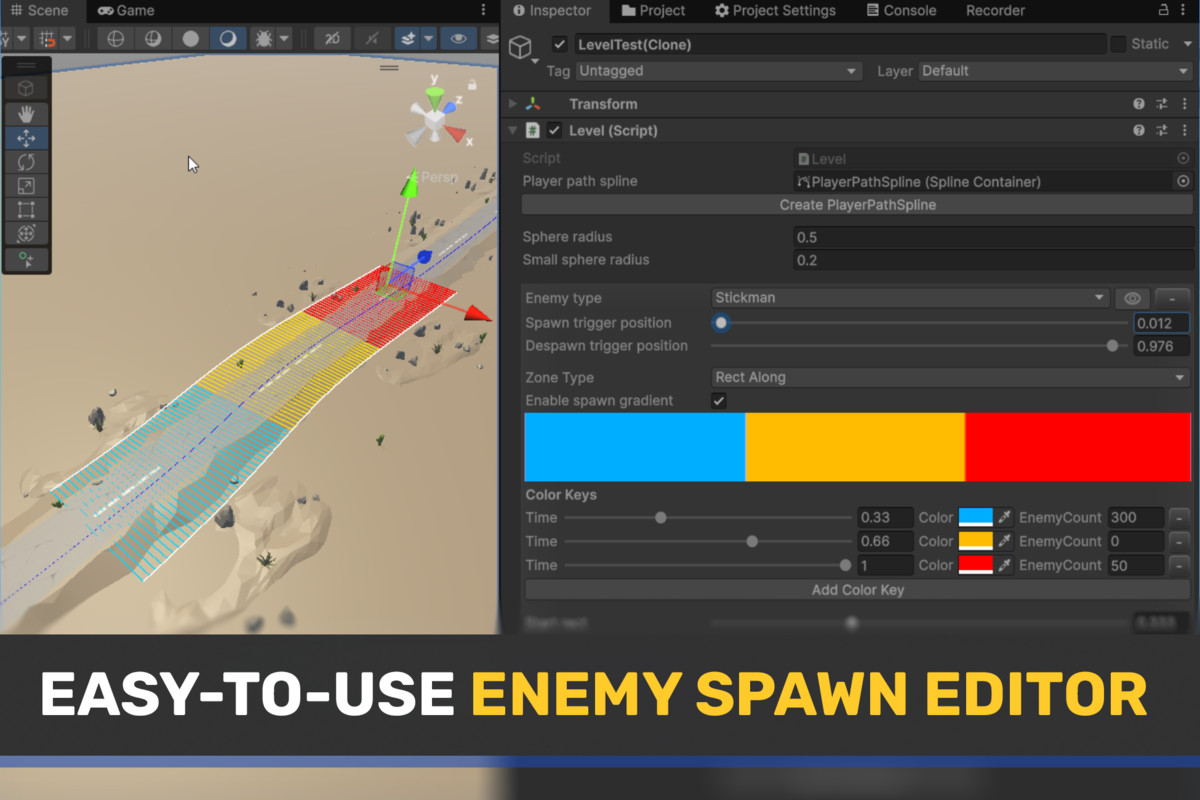
- Spline-based spawn system with visual editor (RectAlong, Circle, Rect zones)
- Configurable stats: health, damage, speed, reward — scale with level index
- Culling system: AI and rendering disabled for off-screen enemies
Monetization
- 3 ad mediation providers, swap via compile define:AppLovin MAX (APPLOVIN)
LevelPlay / IronSource (LEVELPLAY)
Google AdMob (ADMOB) - Banner, interstitial (with cooldown and level gate) and rewarded ads
- Google UMP consent + iOS ATT tracking authorization
- No Ads purchase support
Camera
- Cinemachine-based system with 3 cameras: Start, Follow, Finish
- Smooth blended transitions between states
- Aspect ratio FOV correction — consistent horizontal FOV on any screen
User Interface
- Stack-based navigation with separate popup stack
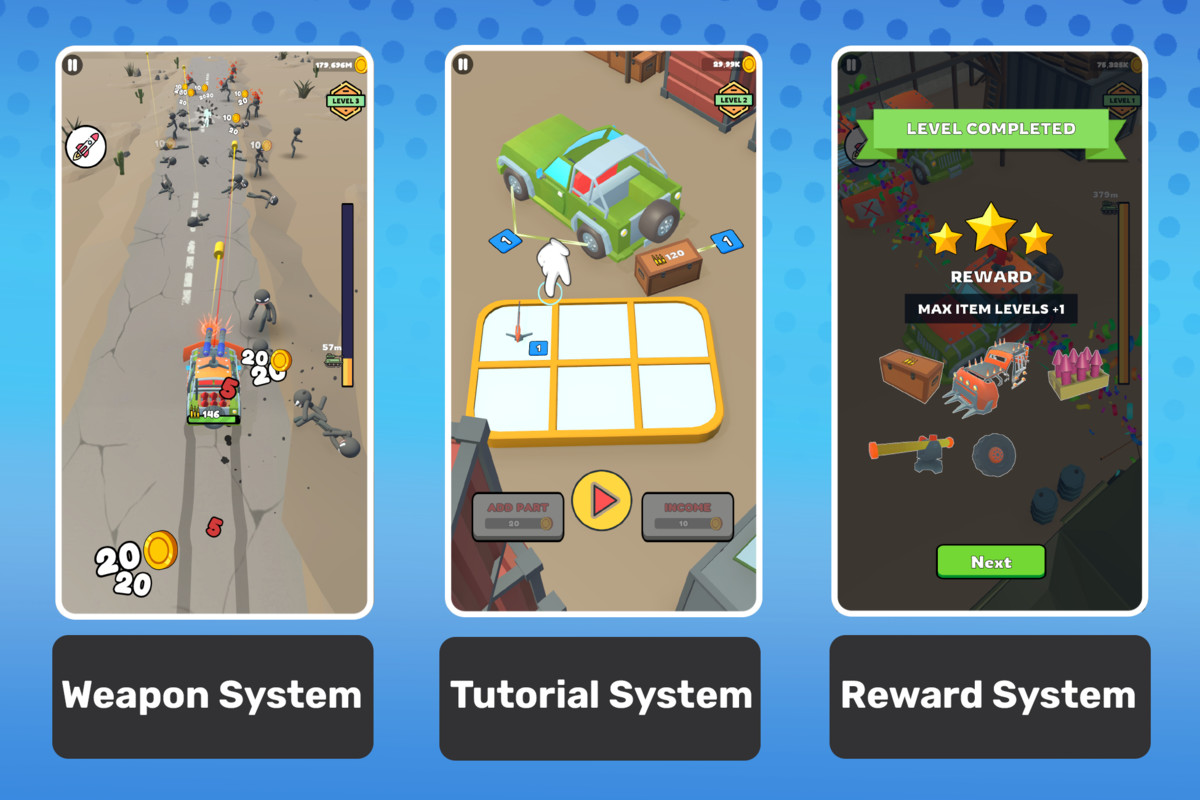
- HUD: ammo counter, coin balance, level indicator, meter progress bar, rocket launcher button
- Upgrade screen with merge board
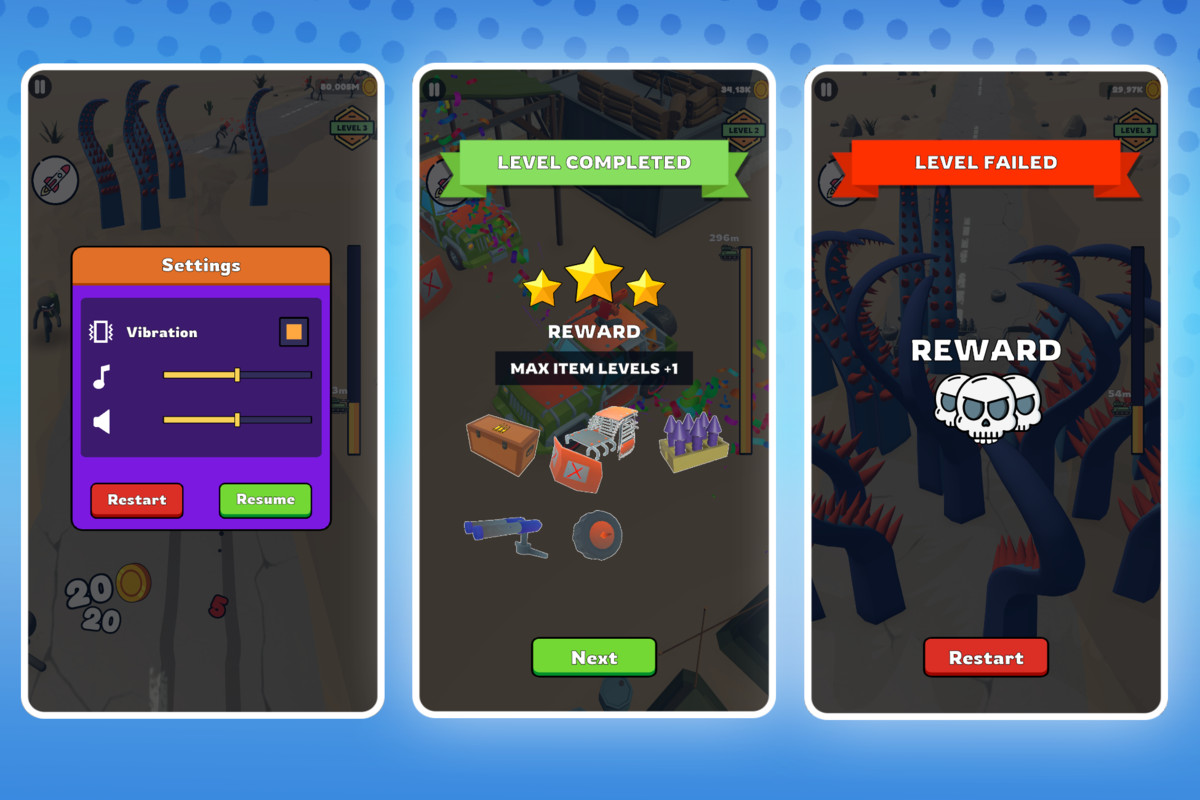
- Tap to Start, Level Complete, Level Failed, Settings screens
- Loading curtain with animated shader
- Safe Area support for notched devices
Tutorial System
- Step-based tutorial driven by signal completion
- Configurable steps via ScriptableObject — no code changes needed
- Blocks UI interaction per step, restores on completion
Level System
- ScriptableObject level database
- Spline-based enemy spawn zones with Scene View Gizmos editor
- Automatic level looping when all levels completed
- Door triggers, speed change zones, camera switch zones
Audio
- Pooled SoundEmitter — 2D, 3D fixed position, 3D follow transform
- AudioMixer with separate Music and SFX groups
- All sounds configurable via ScriptableObject (volume, pitch, loop, spatial blend)
Save System
- Signal-driven persistence — no direct coupling between services and storage
- 5 independent data stores: Progress, Player parts, Board layout, Settings, Wallet
- JSON serialization via PlayerPrefs
- One-click reset via Editor tool
Editor Tools
- Auto code generation for Addressables address constants (Ctrl+G)
- Scene quick-open shortcuts
- One-click PlayerPrefs clear
- Enemy spawn zone visual editor with Gizmos
- Script and folder structure exporters
From the publisher's Asset Store listing.
Technical details
• Platforms Support: Android, iOS
• Full Unity C# source code, clean and well-documented
• Built with a clean, modular, and extensible State Machine architecture
This package uses:
- UniTask under MIT License;
- Extenject under MIT License;
- DOTween under Artistic License;
see LICENSE.txt file in package for details.
Compatibility
| Unity version | Built-in | URP | HDRP |
|---|---|---|---|
| 6000.5.4f1 | Not listed | Compatible | Not listed |
A production-ready mobile game template built on clean modular architecture. Fully playable out of the box — import, press Play, and ship.
As listed on the Asset Store.