
 View on Asset Store (opens in new tab)
Package details
- Latest version
- 1.2.1
- Last updated
- First released
- Unity version
- 6000.3.12 or later
- Package size
- 194 KB
- Files
- 104
- Favorites
- 1
- Views in the past week
- 17
Price tracking
- Last checked
- Tracked since
- Lowest recorded
- $21.00 on
Keywords
- Search for Abilities
- Search for upgrade system
- Search for weapon upgrades
- Search for passive items
- Search for Roguelike
- Search for scriptable objects
- Search for projectile
- Search for action rpg
- Search for survivors-like
- Search for Weapon System
- Search for top-down shooter
- Search for vampire survivors

Weapon & Passive System - Complete Roguelike Framework
vampire survivors, weapon system, auto attack, passive items, roguelite, top-down, 2D, projectile, melee, area of effect, object pool, upgrade system
Affiliate link · Purchases support this site
Price history
Last 6 months
USDAsset preview
1 / 5
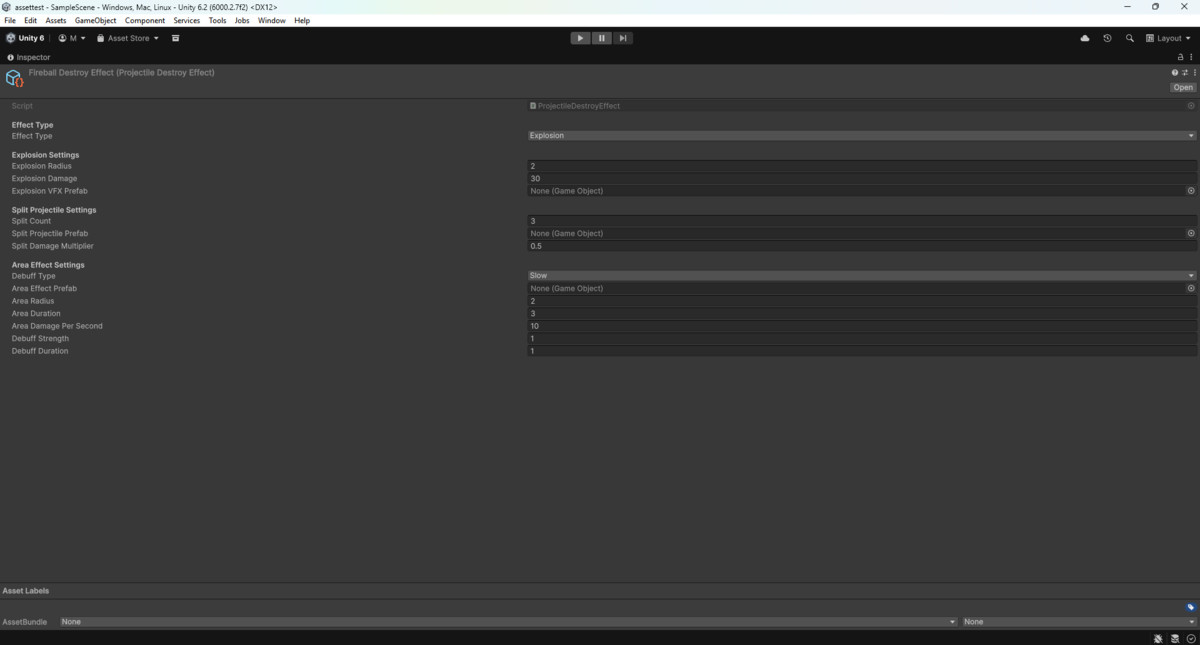
Weapon & Passive System - Complete Roguelike Framework screenshot 1

About this asset
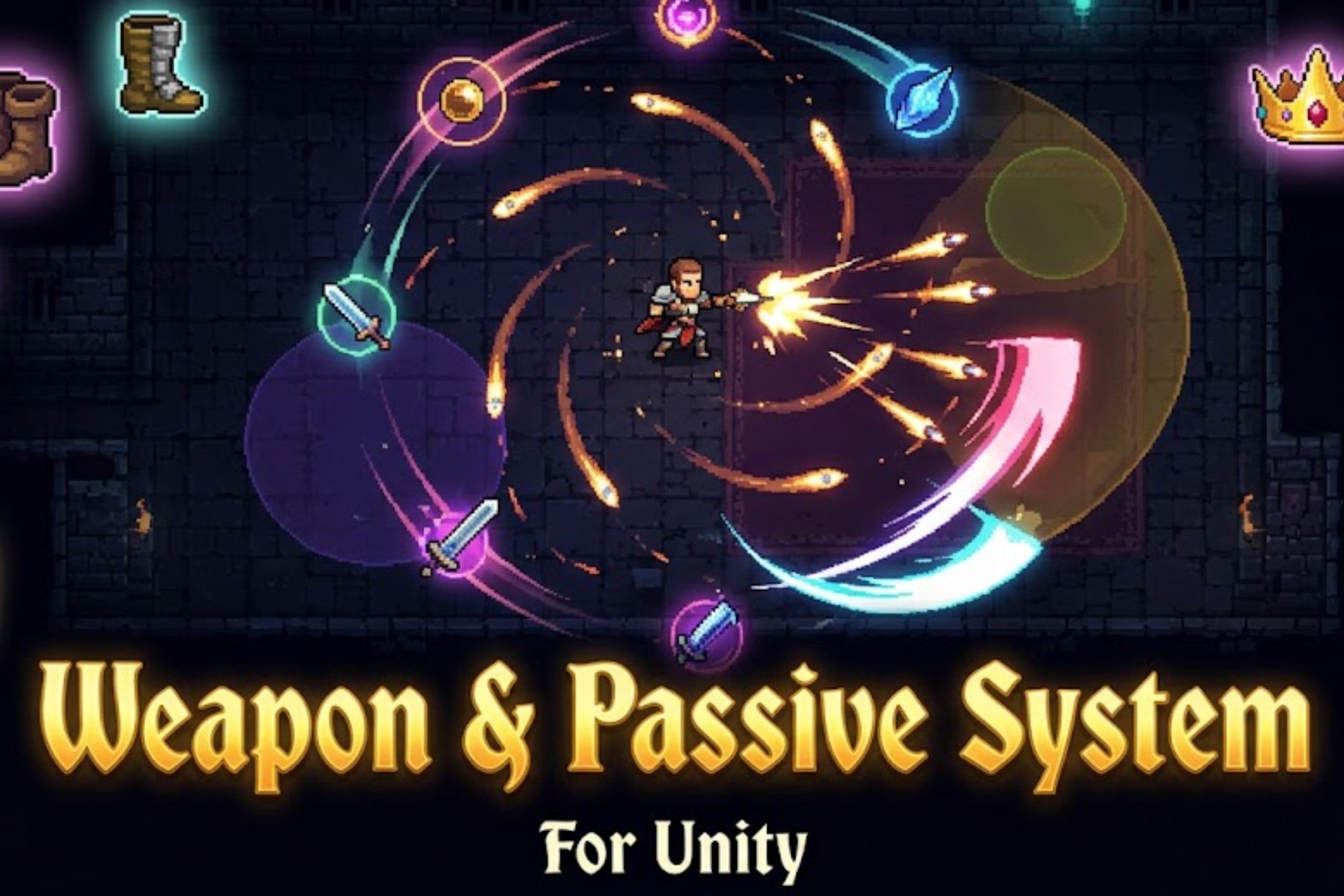
Build a complete auto-attack combat system in minutes — no coding required to get started.
WHAT'S INCLUDED
► 4 WEAPON TYPES
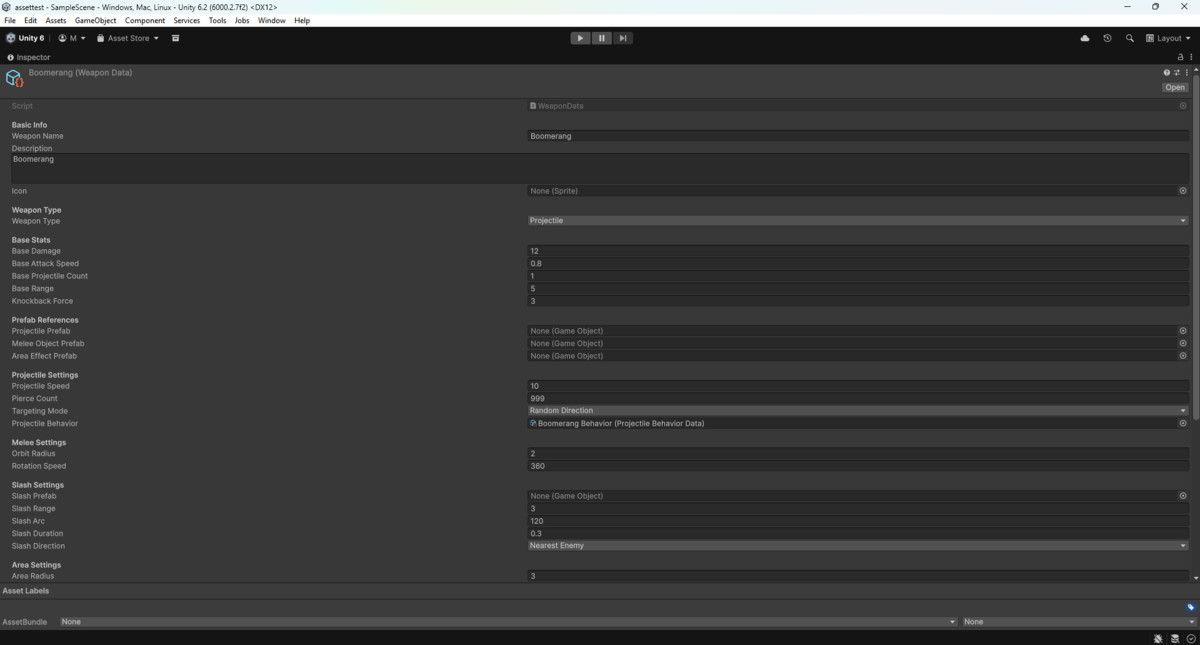
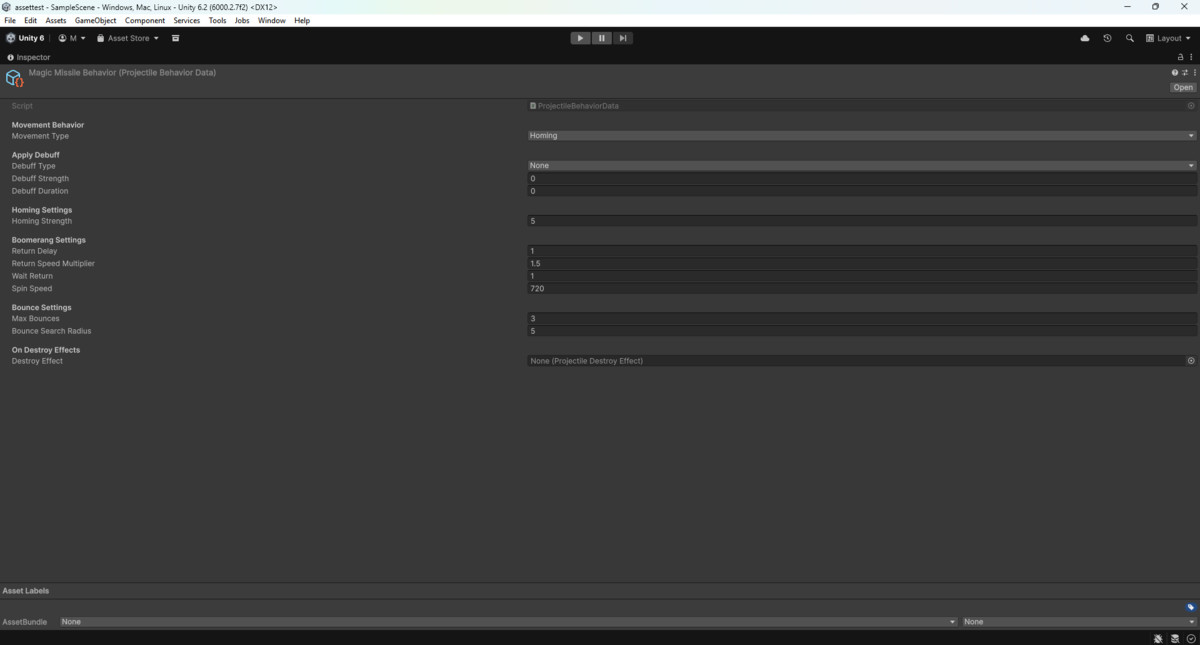
• Projectile — homing, boomerang, bouncing, pierce, gravity arc, spiral
• Melee — orbiting objects with configurable arc, radius, and rotation speed
• Area — damage zones with grow-over-time, follow-player, heal, chain reactions
• Slash — directional arc sweeps aimed at the nearest enemy
► PROJECTILE BEHAVIORS
Homing, Boomerang (spins + returns), Bouncing (ricochets between enemies),
Gravity Arc (ThrowUp targeting), Split-on-impact, Explosion-on-impact
► PASSIVE ITEM SYSTEM
17 stat multipliers: damage, attack speed, range, projectile speed, area size,
duration, move speed, health, regen, damage reduction, crit, XP, revival, and more.
Stacking multiplicative model — multiple passives combine correctly.
► UPGRADE SYSTEM
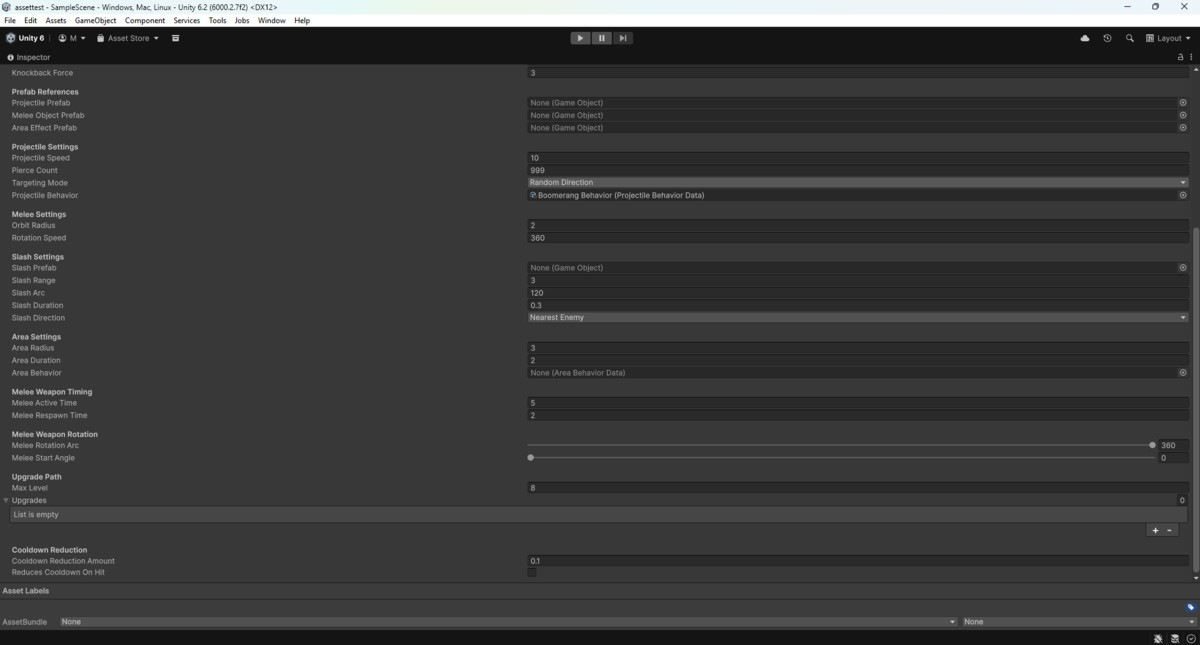
Per-level stat deltas + behavior overrides + weapon evolution chains.
Three rarity tiers: Common, Rare, Unique (color-coded in inspector).
maxLevel = 0 for unlimited upgrades.
► OBJECT POOL SYSTEM
Zero Instantiate/Destroy calls in hot paths. WeaponPoolManager pools all
projectiles, area effects, and slash attacks. Prewarm() support.
Falls back to Instantiate/Destroy automatically if no pool is in the scene.
► PERFORMANCE
EnemyRegistry singleton replaces FindGameObjectsWithTag — O(1) enemy lookup,
no per-frame scene scans.
► EDITOR TOOLS
• One-click Demo Scene Builder — playable scene with all 4 weapon types in seconds
• Setup Wizard — visual form for creating weapons and passives without touching code
• Custom WeaponData inspector with live DPS calculator and type-specific warnings
• Custom PassiveItemData inspector with live percentage display and Quick Presets
• Duplicate and Create Upgrade buttons for fast iteration
► INTEGRATION
Clean namespace (WeaponPassiveSystem), assembly definitions, and example
implementations for all dependency scripts (PlayerHealth, EnemyAI, EnemyHealth,
EnemyDebuff, PlayerMovement). Drop into any 2D top-down project.
REQUIREMENTS
• Unity 2022.3 LTS or Unity 6+
• Unity Input System package
• 2D physics (included with Unity)
DOCUMENTATION
Full setup guide, API reference, editor tools guide, and quick-start examples included.
From the publisher's Asset Store listing.
Technical details
- C# Scripts: 36 files
- Documentation: 7 files
- Total Files: 43 files
Compatibility
| Unity version | Built-in | URP | HDRP | Custom |
|---|---|---|---|---|
| 6000.3.12f1 | Compatible | Compatible | Compatible | Compatible |
As listed on the Asset Store.