
 View on Asset Store (opens in new tab)
Package details
- Latest version
- 1.1
- Last updated
- First released
- Unity version
- 2022.3.42 or later
- Package size
- 235 KB
- Files
- 10
- Favorites
- 1
- Views in the past week
- 5
Price tracking
- Last checked
- Tracked since
- Lowest recorded
- Free on
Keywords

JQ Smart Scene Toolbar
- Price drop
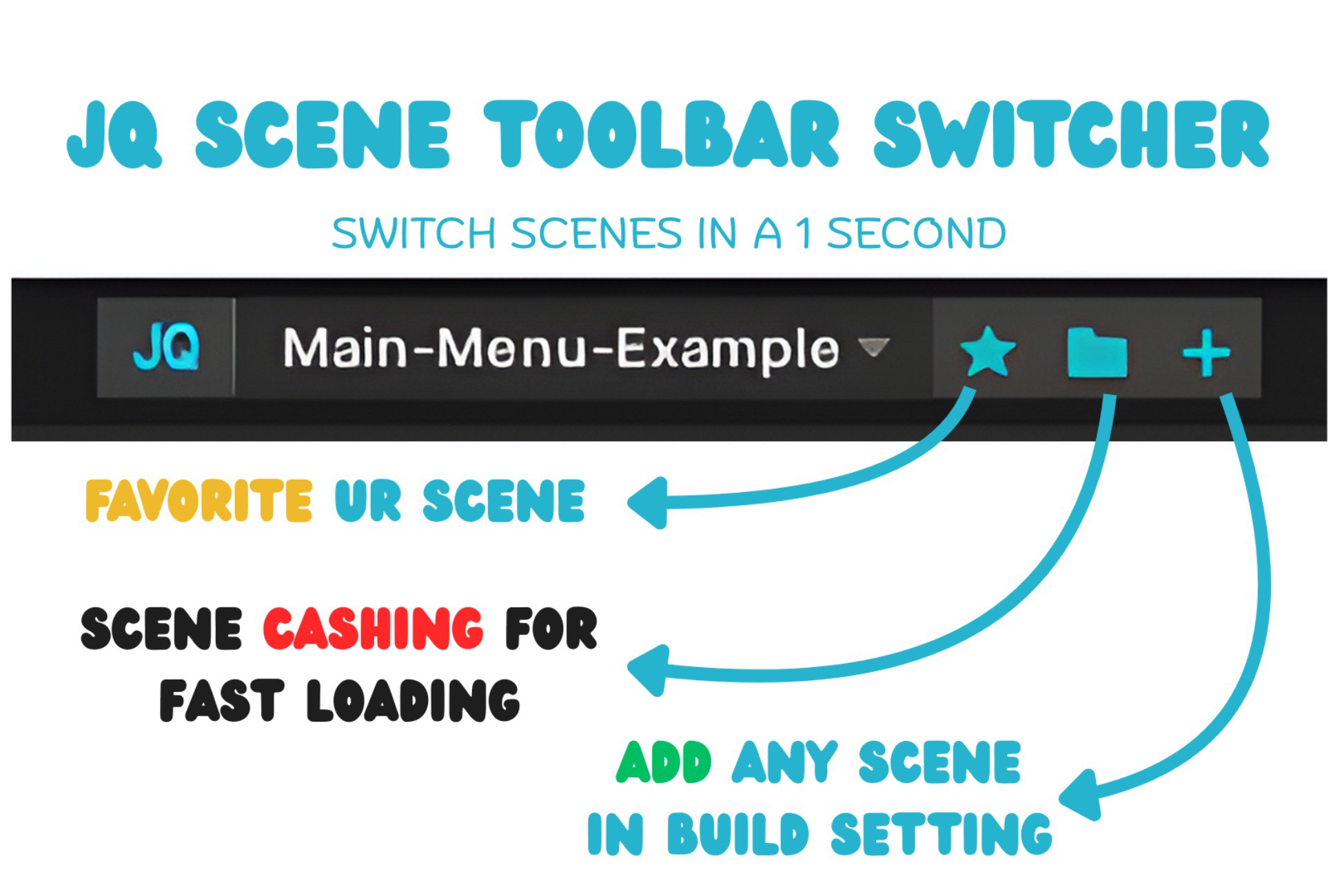
A modern, ultra-lightweight scene switcher that upgrades the Unity toolbar with favorites, caching, and build-settings control—all in one clean, intuitive interface.
Affiliate link · Purchases support this site
Price history
Last 6 months
USDAsset preview
1 / 5
JQ Smart Scene Toolbar screenshot 1
About this asset
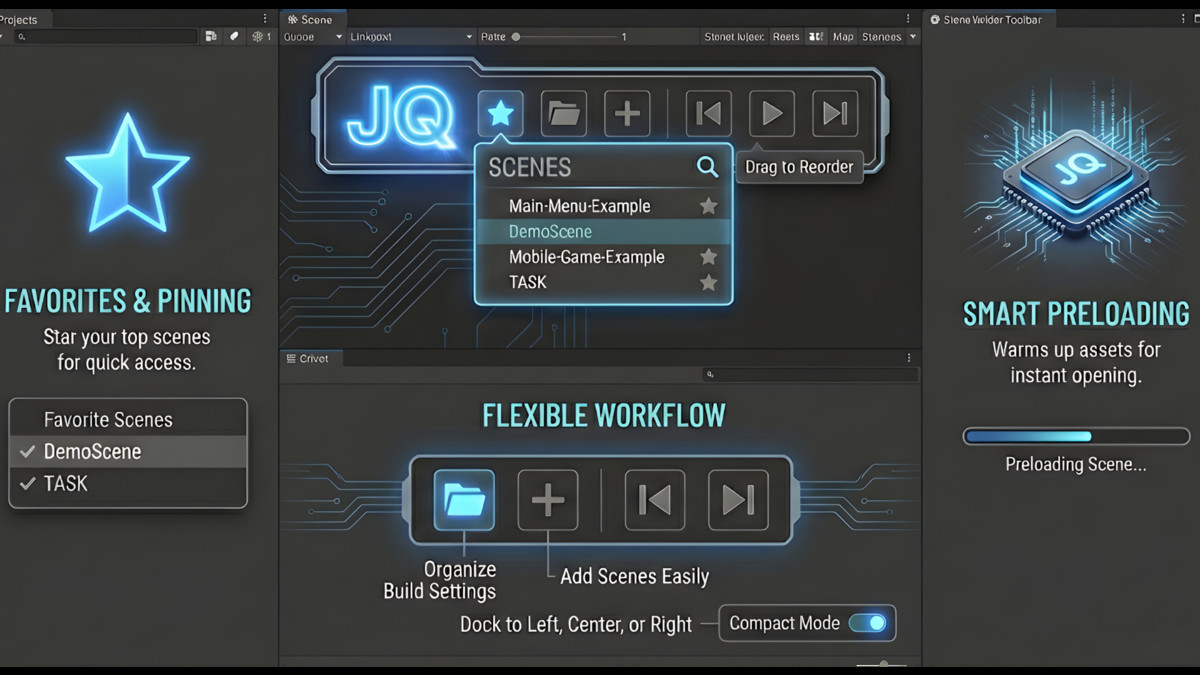
JQ Scene Toolbar is a powerful yet minimal Unity Editor extension that redefines how you manage scenes.
With one click, you can switch between scenes, mark your most-used ones as favorites, and monitor performance with a real-time cache system all from a polished, compact toolbar next to your Play buttons.
Whether you’re building prototypes, large projects, or multiplayer worlds, this tool keeps your workflow efficient and visually refined.
Highlights
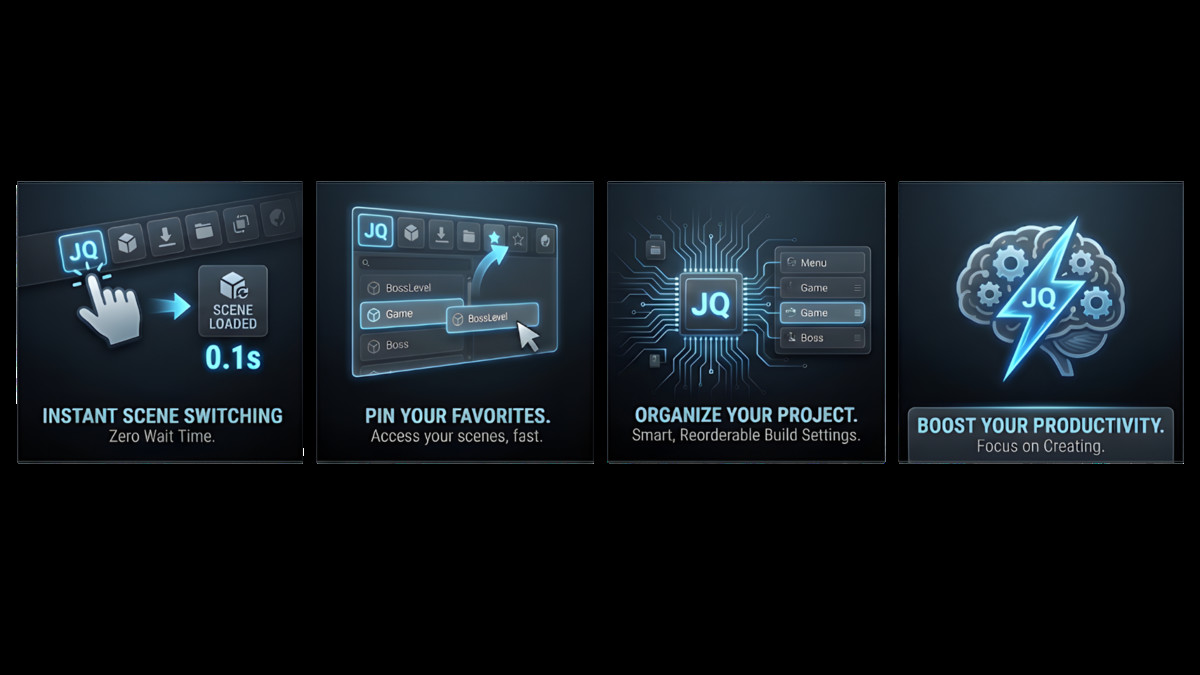
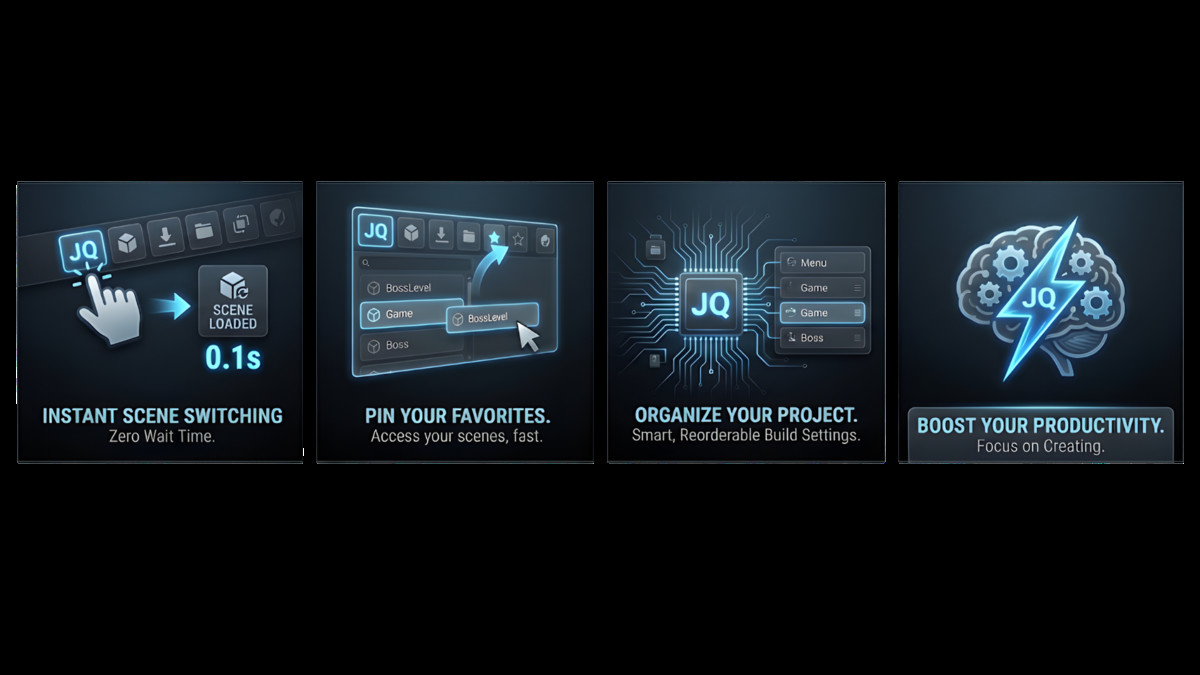
- Quick Scene Switching: Open scenes instantly from Build Settings.
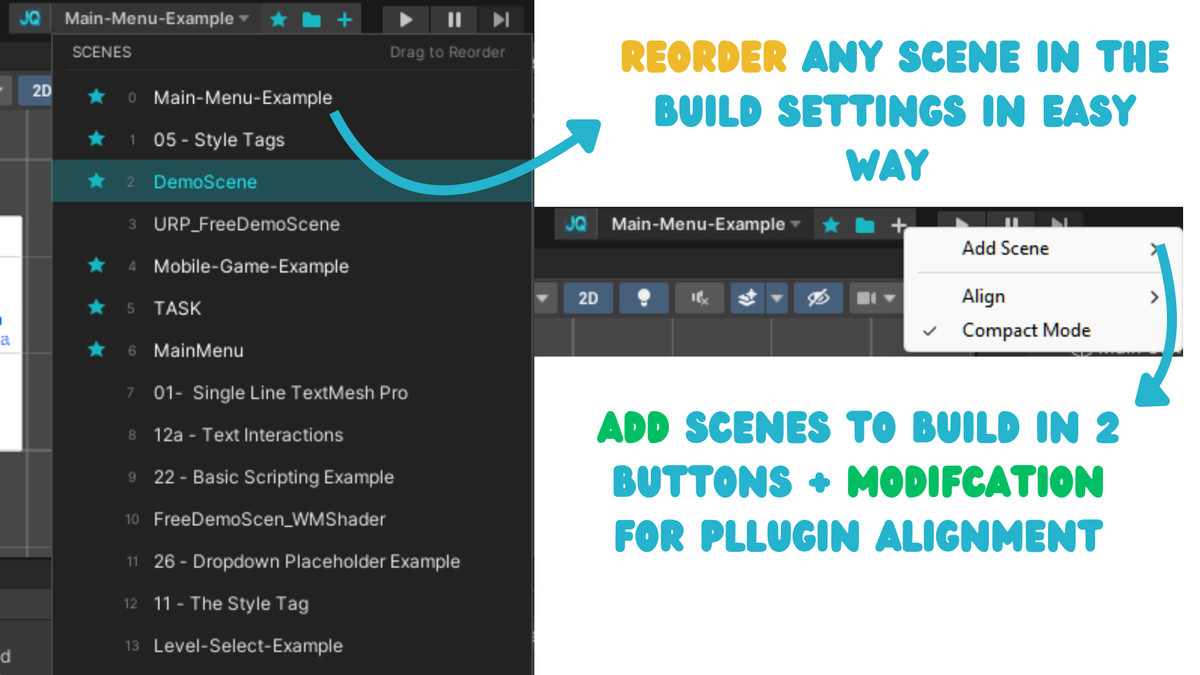
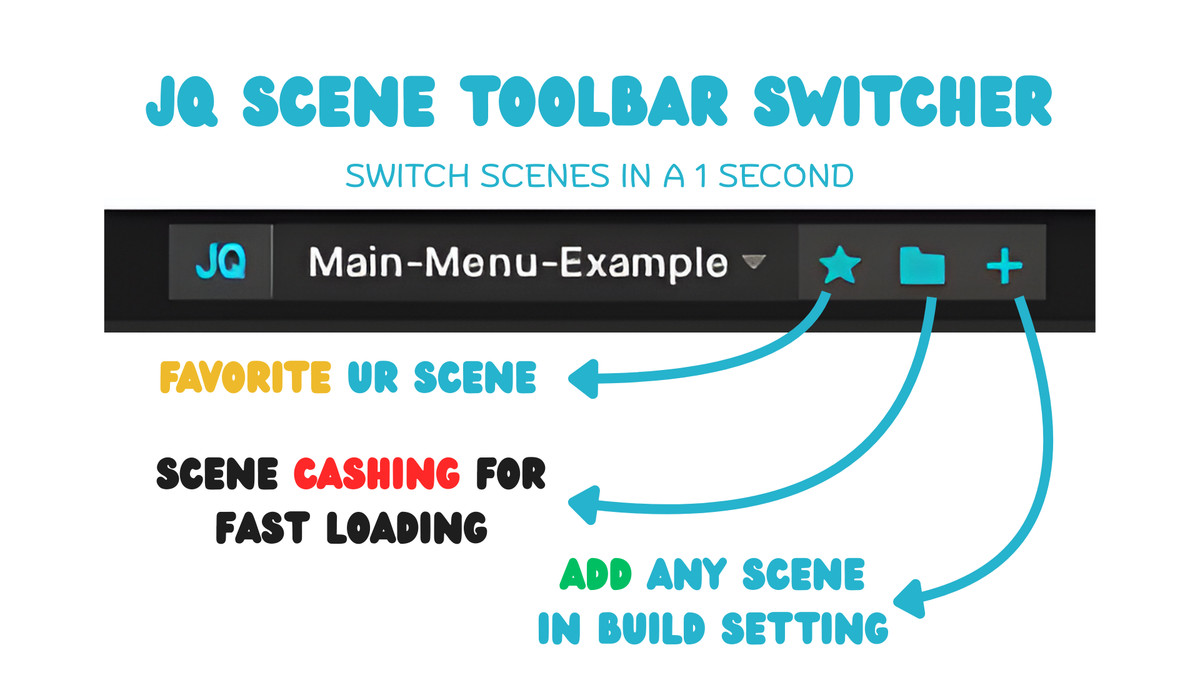
- Favorites System: Pin your most-used scenes for faster access.
- Scene Cache Manager: Tracks access counts and preloads frequently used scenes.
- Compact Mode: Save screen space with a minimal layout.
- Toolbar Pinning: Choose to place the toolbar on the left or right of Unity’s editor bar.
- Toast Notifications: Receive modern pop-ups when loading or favoriting scenes.
- Persistent Preferences: Keeps your layout and favorites saved automatically.
- One-Click Add to Build Settings: Add missing scenes right from the toolbar.
From the publisher's Asset Store listing.
Technical details
Category: Tools / Editor Extensions
Unity Version: 2022.3 or higher
Supported Editor Versions: 2022.3 LTS – 2025.x
Supported Platforms: Windows, macOS
Dependencies: None
Key Features
- One-click scene switching from the Unity toolbar
- Favorites system with persistent storage
- Build Settings integration (add, remove, reorder scenes)
- Drag-and-drop scene ordering
- Scene caching (file size, last access, access count)
- Automatic preloading for favorite scenes
- Compact Mode for small screens
- Toolbar alignment: Left, Center, or Right
- Modern, minimal UI styled for Unity Dark/Light themes
- Non-intrusive, zero-setup workflow
- Editor-only — does not affect builds
Included Contents
- ToolbarCallback.csC# Scripts (Editor Only):SceneToolbar.cs
SceneDropdownWindow.cs
SceneCacheManager.cs
SceneToolbarTheme.cs - README.md
- Documentation.pdf
- Replaceable toolbar logo (PNG)Branding Assets:
Performance
- Event-driven design with no per-frame overhead
- Lightweight reflection used only during toolbar injection
- Optimized IMGUI drawing
- Cache capped for predictable memory usage
Limitations
- Only scenes included in Build Settings are displayed
- Editor-only tool (not included in runtime builds)
Compatibility
| Unity version | Built-in | URP | HDRP |
|---|---|---|---|
| 2022.3.42f1 | Compatible | Compatible | Compatible |
As listed on the Asset Store.