
 View on Asset Store (opens in new tab)
Package details
- Latest version
- 1.0.0
- Last updated
- First released
- Unity version
- 6000.3.0 or later
- Package size
- 376 KB
- Files
- 182
- Favorites
- 2
- Views in the past week
- 15
Price tracking
- Last checked
- Tracked since
- Lowest recorded
- $9.99 on
Keywords

Save System, by DTWorldz
A modern Unity save system that just works. Modular subsaves, prefab respawn, async progress, and a ready-to-play demo. Drop in, hit save, done.
Affiliate link · Purchases support this site
Price history
Last 6 months
USDAsset preview
1 / 4
Save System, by DTWorldz screenshot 1

About this asset
DTWorldz.SaveSystem, Modern, Modular Saving That Just Works
Saving your game is not problem anymore.
DTWorldz.SaveSystem is a lightweight, safe and easy framework built on JsonUtility that gives your game rock-solid persistence, prefab respawn, and a modular subsave architecture. All with zero external dependencies and a polished demo scene you can run on day one.
Why developers love it
- IL2CPP/AOT safe: No reflection-heavy libs. Fast, tiny, console/mobile-ready.
- Zero dependencies: Pure Unity API. Drop it in, ship it.
- Modular “Subsave” design: Save Transform/Animator/Physics/Stats/Inventory (and more) per object, cleanly.
- Stable identity: SaveGuid ensures scene objects keep the same ID; prefabs get unique runtime IDs.
- Prefab respawn: Save a prefabId; on load it’s re-instantiated at the saved position/rotation and fully restored.
- Async progress: Non-blocking save/load with progress reporting and a ready-made UI.
- 2D & 3D friendly:Works with any render pipeline; examples included.
How it works (in 30 seconds)
- SaveGuid gives every save participant a stable ID.
- EntitySaver collects small ISubsave adapters (e.g., Transform, Rigidbody2D, Animator…) and stores their JSON payloads under unique keys.
- SaveManager writes/reads a JSON file. On load, it respawns missing prefabs by prefabId, reassigns their saved GUID, then restores all subsaves (with a prioritized order for deterministic results).
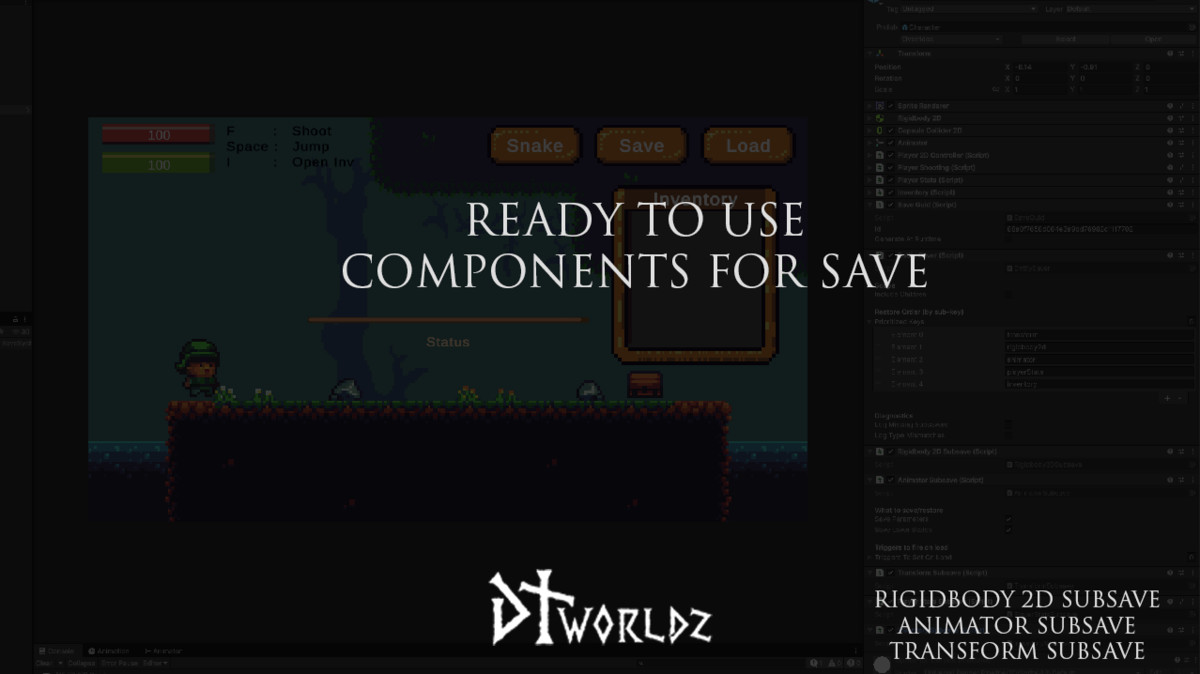
Prioritized restore order (default): transform → rigidbody2d → animator — so physics and animation land exactly where they should.
What you get out of the box;
Core
- SaveManager (async save/load + progress)
- SaveGuid (stable identity; handles scene vs prefab intelligently)
- EntitySaver (discovers and applies subsaves; includes diagnostics)
- PrefabCatalog + ISpawnRecipeProvider (respawn system)
Built-in subsavers
- TransformSubsave: position, euler rotation, local scale
- Rigidbody2DSubsave: body type, damping, constraints, linear/angular velocity, sleep
- AnimatorSubsave: float/int/bool parameters, per-layer state (hash + normalized time), optional triggers on load
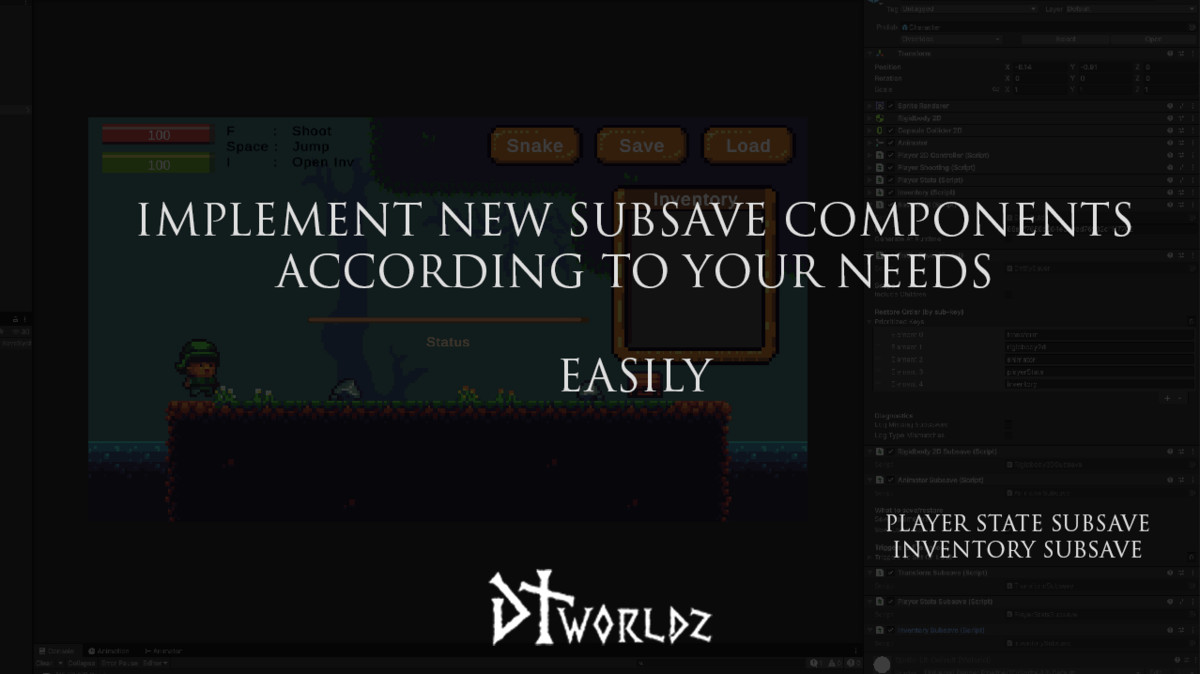
- HealthSubsave: max/current; optional deactivate/destroy if dead on load
- PlayerStatsSubsave: HP/MP/regen/level/XP (fires UI change events)
- InventorySubsave: item stacks (id+amount), resolved via ItemRegistry
Utilities
- JsonSerializer, SaveFile, SavePathResolver (atomic writes)
- Optional Compression (GZip) and Obfuscation (XOR)
- SaveSettings (pretty print, paths, compression/obfuscation, default catalog)
- ItemDefinition ScriptableObject + ItemRegistry (auto-loads from Resources/Items)
Demo scene you can learn from (and reuse)
A clean, ready-to-play scene shows everything working together:
- Player with movement, jumping, shooting, health/mana, and inventory
- Chest interactable (Animator bool/trigger modes)
- Snakes that roam, deal contact damage, drop loot, and respawn from saves
- UI with Save/Load/Quick buttons, progress bar, and status text
- Inventory toggles and health/mana bars wired to live events
Open, press Save, make a mess, press Load: watch the world snap back exactly.
Production-ready by design
- Deterministic restores via prioritized subsave order
- Editor guardrails in SaveGuid (no baked IDs in prefab assets; runtime IDs auto-generated)
- Diagnostics toggles for missing subsavers and type mismatches
- Renderer-agnostic (Built-in / URP / HDRP) and platform-ready (desktop, mobile, console)
Extend in minutes
Need to save your own component? Implement:
public interface ISubsave {
string Key { get; } // unique per GameObject, e.g. "myfeature"
string TypeId { get; } // human-friendly payload label
string CaptureJson();
void RestoreJson(string json);
}
Add it beside EntitySaver, done! No reflection, no codegen, no headaches.
Requirements
- TextMeshPro recommended for the sample UI
Perfect for
- Indie games that need a trustworthy, maintainable save system
- Teams shipping to IL2CPP/AOT targets (consoles/mobile)
- Projects that want clear separation of concerns and easy debugging
- Anyone who prefers simple JSON over opaque binary formats
Drop in. Press Save. It works.
With stable GUIDs, prefab respawn, modular subsaves, and a polished demo, DTWorldz.SaveSystem turns saving from a chore into a checkbox, so you can ship faster with confidence.
From the publisher's Asset Store listing.
Technical details
It requires to have Newtonsoft Json package installed. Should come with the package.
com.unity.nuget.newtonsoft-json
TextMeshPro is required for checking DemoScene. But not required to use the feature ofcourse.
Compatibility
| Unity version | Built-in | URP | HDRP | Custom |
|---|---|---|---|---|
| 6000.3.0f1 | Compatible | Compatible | Compatible | Compatible |
As listed on the Asset Store.