
 View on Asset Store (opens in new tab)
Package details
- Latest version
- 0.4.1-free.0
- Last updated
- First released
- Unity version
- 2022.3.62 or later
- Package size
- 100 KB
- Files
- 8
- Favorites
- 4
- Views in the past week
- 4
Price tracking
- Last checked
- Tracked since
- Lowest recorded
- Free on
Keywords
Previewer for Krita and OpenRaster images (.kra, .ora) + extract .png
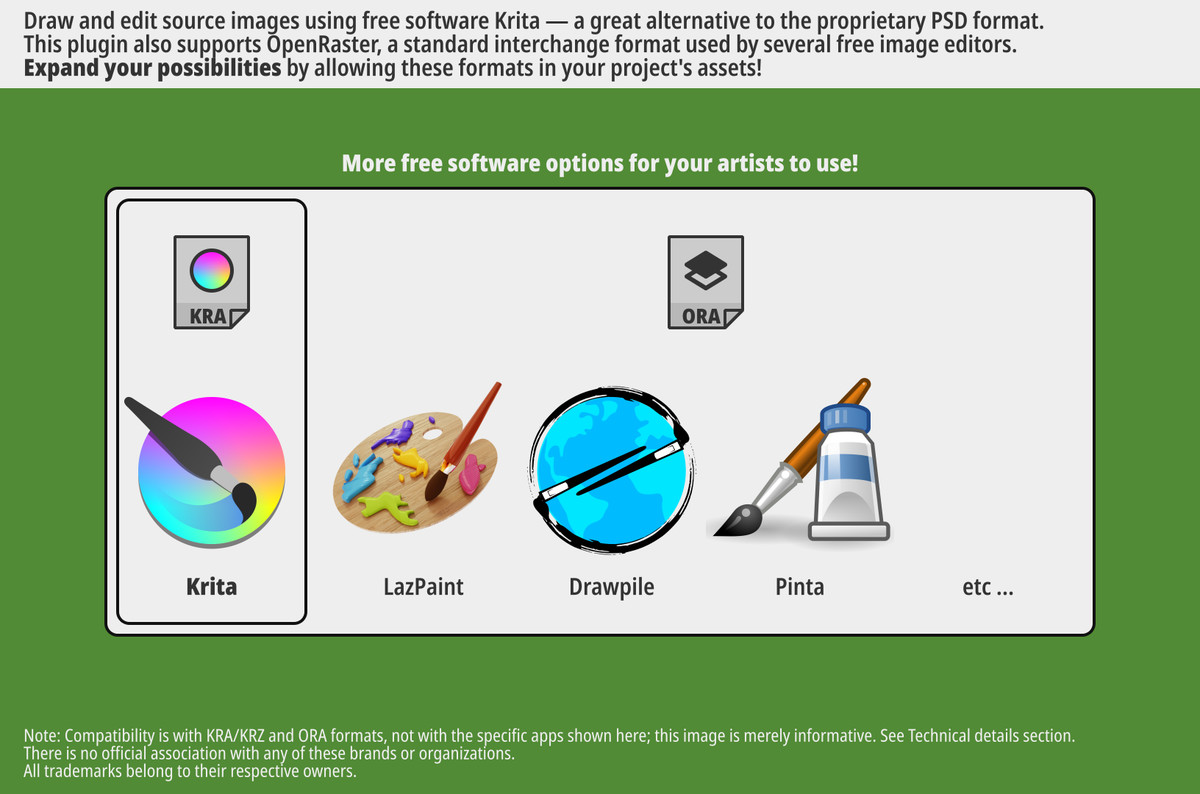
Preview Krita and OpenRaster files directly. Right-click assets and quickly generate a PNG for importation. KRA/ORA files are free alternatives to proprietary formats like PSD.
Affiliate link · Purchases support this site
Price history
Last 6 months
USDAsset preview
1 / 3
Previewer for Krita and OpenRaster images (.kra, .ora) + extract .png screenshot 1
About this asset
KRaster Previewer
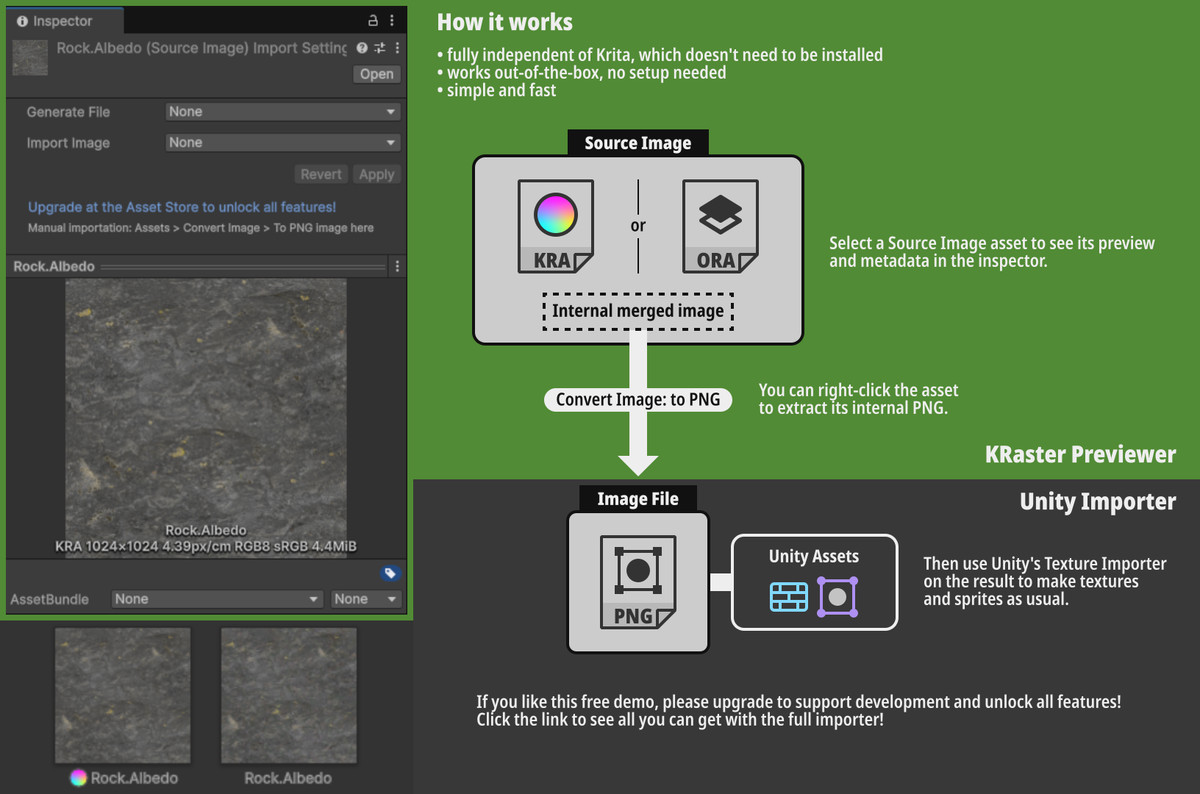
This plugin allows viewing Krita and OpenRaster images as assets in Unity.
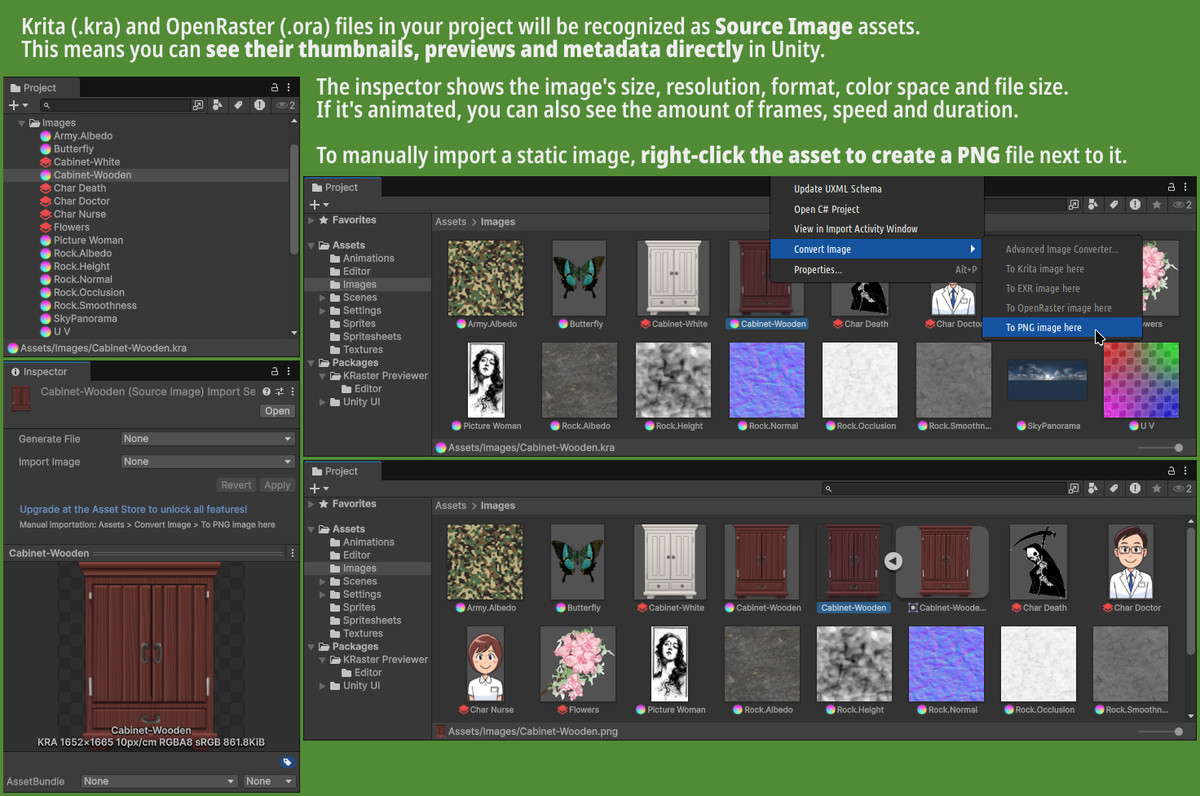
- See their thumbnails in your Project inside Unity.
- Select the asset to preview the merged image in the inspector.
- To import the image in Unity, you can manually extract its internal PNG by right-clicking the asset.
Upgrade
This is only a subset of the full version of the importer. If you like this, please consider upgrading to support the developer!
The full version has a lot more features like:
- Setting up automatic importation, which updates the output whenever the source image changes.
- Rendering animations into multiple frames directly from Unity.
- Converting between many image formats, like EXR, WebP, JPEG XL, etc. by right-clicking the asset.
- Importing textures and sprites directly as sub-assets.
It also includes all features from here, so this package will be replaced when upgrading.
From the publisher's Asset Store listing.
Technical details
Unlike the full version, this plugin only works by extracting the internal PNG data from the image. This means:
- Animations are not supported, as the format doesn't include an internal PNG for every frame.
- Only a PNG can be extracted, so HDR is not supported.
- Appropriate only for images on the sRGB color space (i.e., it needs both sRGB TRC and sRGB gamut), not for linear images or any other color spaces.
- Only the flattened image will be read, so this data has to be available inside the file as a PNG. KRZ[*] files never have it, so the thumbnail is used as a fallback.
This plugin is officially compatible[**] with at least:
- KRA, KRZ[*]: Krita v5.2.9+
- ORA: OpenRaster v0.0.2~v0.0.6, Baseline Intent
[*]. Note that .krz (Krita Archival Image) files are only partially supported. They use the thumbnail, as they don't have the merged image available as an internal PNG. The thumbnail is typically sized and cropped differently from the original image. This is fine for previewing, but it's not recommended to extract that PNG unless you know that it's identical for that image, or if this thumbnail is good enough for what you need.
[**]. Note that, although compatibility is expected to be good, no testing is done in any specific image editors, other than the specified version of Krita. Other versions or apps might not necessarily be supported. Same applies to any extra features/extensions that might be added by these apps to the formats.