
 View on Asset Store (opens in new tab)
Package details
- Latest version
- 1.0
- Last updated
- First released
- Unity version
- 6000.2.1 or later
- Package size
- 7.5 MB
- Files
- 23
- Views in the past week
- 8
Price tracking
- Last checked
- Tracked since
- Lowest recorded
- $4.99 on
Keywords
Plug-and-Play Triplanar Shader (URP)
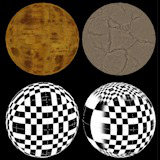
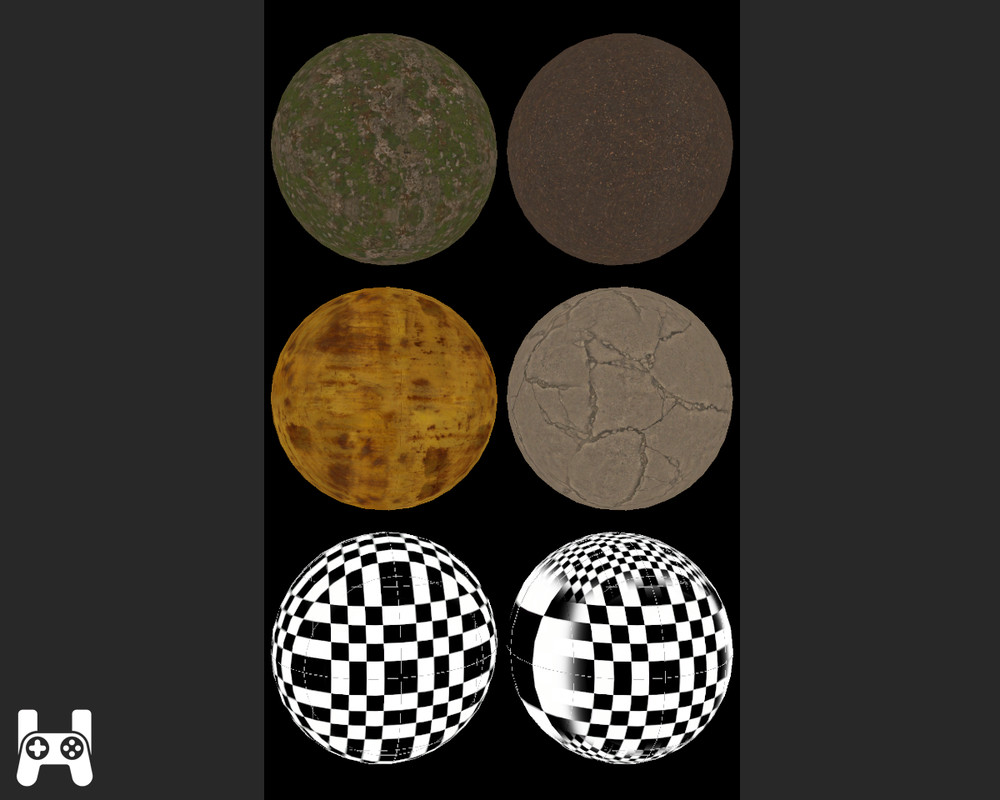
Plug-and-play triplanar shader for URP. Super simple: assign one texture, set per-axis tiling, done. Great for planets—drop a regular texture on a sphere with no UVs or prep.
Price $4.99
Buy on Asset Store (opens in new tab)
Affiliate link · Purchases support this site
Price history
Last 6 months
USDAsset preview
1 / 3
Plug-and-Play Triplanar Shader (URP) screenshot 1
About this asset
Perfect for planet textures: wrap a regular texture onto a sphere in seconds—no UVs, no prep.
Drop-in Triplanar (URP) samples one texture from three orthogonal projections (XY/YZ/XZ) and blends by surface normal. Make a material, assign a texture, tweak three tiling values and blend sharpness—done.
Why it’s easy
- No UV unwrapping; works on any mesh.
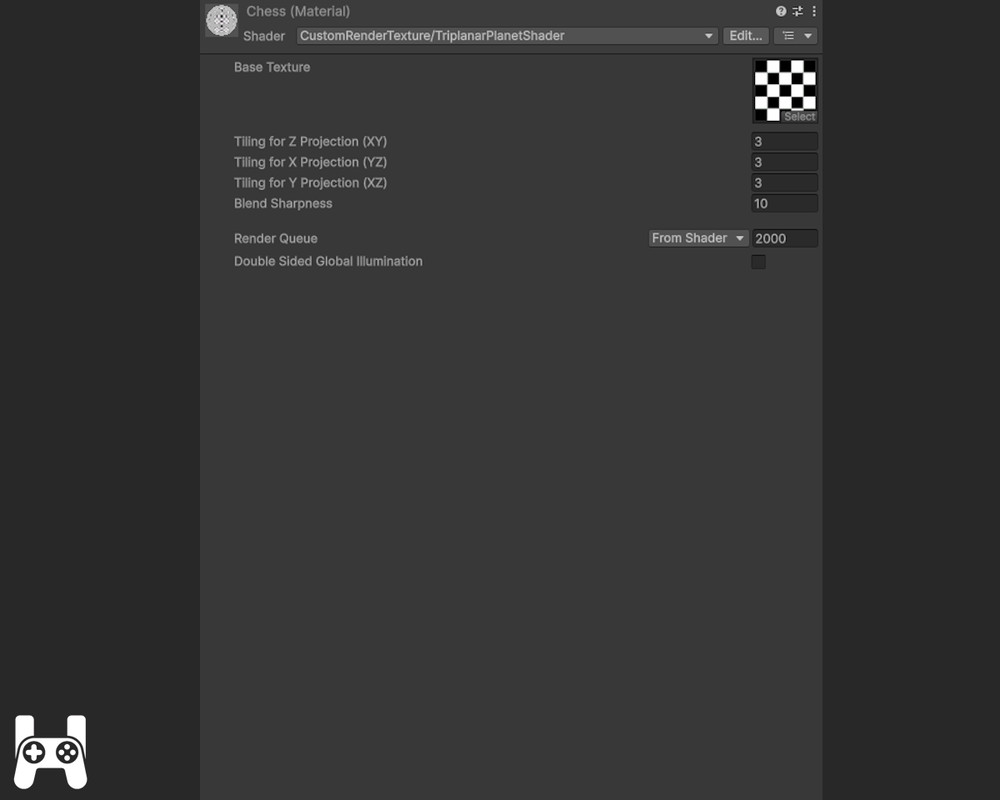
- Clear controls: XY (Z proj), YZ (X proj), XZ (Y proj) + Blend Sharpness.
- Clean inspector (Texture Tiling/Offset hidden; optional minimal custom inspector included).
- Mobile-friendly when using mipmaps.
Included
- Shader: Assets/TriplanarShader/Shader/TriplanarPlanetShader.shader
- Example materials: Assets/TriplanarShader/Example/Materials
- Example prefabs (ready spheres): Assets/TriplanarShader/Example/Prefabs
- PDF quick guide
Quick start
- Create a Material → CustomRenderTexture/TriplanarPlanetShader.
- Assign Base Texture.
- Set per-axis Tiling (XY/YZ/XZ) and Blend Sharpness.
- Apply to a mesh (e.g., the example spheres) or use in a CRT workflow.
Notes
- Mapping is object-space; avoid non-uniform scaling if you want an unskewed look.
- The pass is unlit (no lighting/shadows).
From the publisher's Asset Store listing.
Technical details
- Pipeline: Universal Render Pipeline (URP). Uses URP/Core.hlsl.
- Unity: Tested on 2021.3 LTS and 2022.3 LTS (URP).
- Parameters:Base Texture (single texture for all three projections)
Tiling for Z Projection (XY)
Tiling for X Projection (YZ)
Tiling for Y Projection (XZ)
Blend Sharpness (controls how hard the axis blend is) - Inspector: Texture Tiling/Offset is hidden for clarity; optional custom inspector removes extra clutter (Render Queue / Double-Sided GI).
- Performance: 3 texture lookups per pixel (one per axis) + ALU blend; suitable for mobile with mipmaps and sensible tiling.
- Use cases: planets, rocks, terrain chunks, anything where seams are ugly or UVs are messy.
- Contents: shader, example materials/prefabs, PDF guide.
- Dependencies: none beyond URP (no HDRP/BiRP support).
Compatibility
| Unity version | Built-in | URP | HDRP |
|---|---|---|---|
| 6000.2.1f1 | Not listed | Compatible | Not listed |
As listed on the Asset Store.