
 View on Asset Store (opens in new tab)
Package details
- Latest version
- 1.0
- Last updated
- First released
- Unity version
- 6000.2.6 or later
- Package size
- 1.3 MB
- Files
- 11
- Favorites
- 7
- Views in the past week
- 5
Price tracking
- Last checked
- Tracked since
- Lowest recorded
- Free on
Keywords
Frame Rate Controller
Centralized frame pacing for Unity. Control FPS with Unlimited, Limited, Native, or Synced modes. Includes optional in-game UI HUD with FPS, refresh rate, resolution, and screen mode.
Affiliate link · Purchases support this site
Price history
Last 6 months
USDAsset preview
1 / 2
Frame Rate Controller screenshot 1
About this asset
Tired of juggling VSync and FPS limits manually? Or maybe you’re setting up frame rate control in every new project?
With this Frame Rate Controller, all your frame pacing lives in one place—extremely lightweight, dependency-free (only TMP Essentials), and just two scripts (with the UI script fully optional).
✦ What It Does
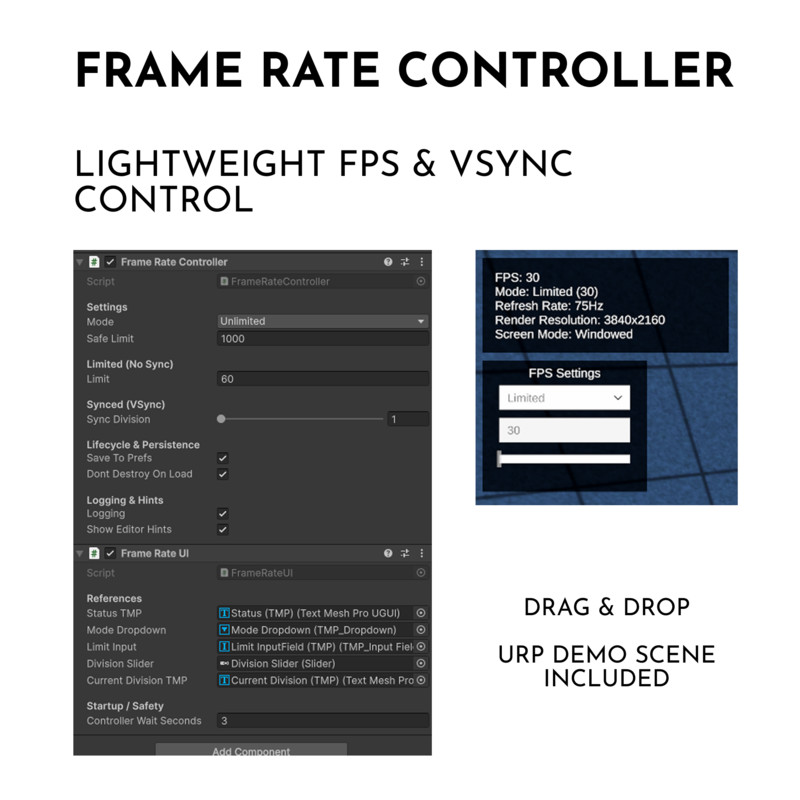
Centralizes frame pacing (FPS + VSync) with four clear modes:
• Unlimited – uncapped FPS (with optional safety ceiling)
• Limited – custom FPS cap
• Native – auto-match display refresh rate
• Synced – VSync with refresh ÷ division (1–4)
Also:
- Reacts automatically to resolution, refresh, and screen mode changes
- Saves & loads settings via PlayerPrefs (optional)
- Provides a global singleton instance (drop in once, works everywhere)
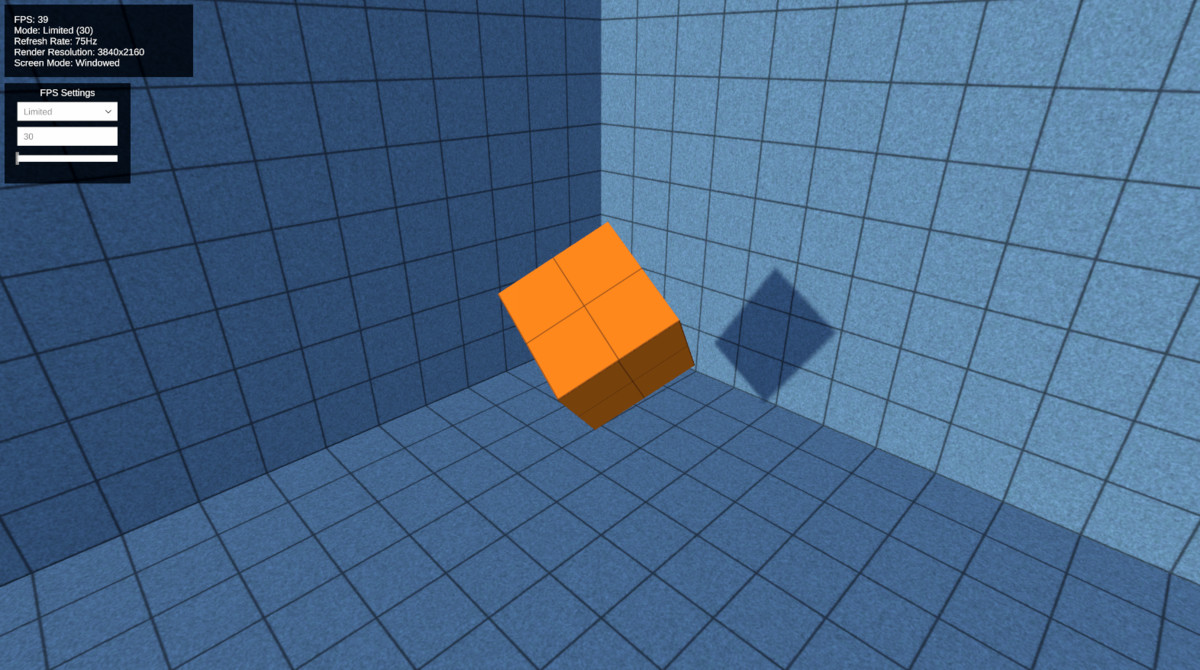
- Includes an optional runtime UI (HUD + live adjustments)
✦ Why You’ll Love It
- Extremely lightweight – zero overhead, clean and efficient
- No dependencies – works out of the box (UI only needs TMP Essentials)
- Only two scripts – FrameRateController (core) + FrameRateUI (optional)
- No more rewriting frame controllers from scratch
- Instant FPS settings menu
- Debug-friendly HUD: FPS, refresh, resolution, screen mode
- Works on PC, Console, Mobile – with URP, HDRP, or Built-in
- Production-ready, drop-in, and future-proof
✦ How To Use
- Drag & Drop the prefab into your bootstrap scene
- Or control it manually with a simple API:
FrameRateController.Instance.Set(FrameRateController.Mode.Limited, customLimit: 60);
FrameRateController.Instance.Set(FrameRateController.Mode.Synced, customSyncDivision: 2);
From the publisher's Asset Store listing.
Technical details
Unity Version Support
- Unity 2020.3 LTS or newer (tested with 2021, 2022, and Unity 6 / 6000.x)
- Compatible with URP, HDRP, and Built-in pipelines
Dependencies
- None – works out of the box
- Optional: TextMeshPro Essentials (for FrameRateUI HUD & controls)
Scripts Included
- FrameRateController.cs – Core script (required)
- FrameRateUI.cs – Optional runtime HUD & UI controller
Features
- Extremely lightweight (~2 scripts, zero overhead)
- No third-party dependencies
- Saves/loads settings via PlayerPrefs (optional)
- Reacts automatically to resolution, refresh, and screen mode changes
- Optional runtime UI shows FPS, Mode, Refresh Rate, Render Resolution, Screen Mode
Platforms
- PC, Mac, Linux
- Mobile (iOS, Android)
- Consoles
Other Notes
- Drop-in design: add once to bootstrap scene
- Global singleton access via FrameRateController.Instance
- Editor-friendly with one-time VSync hints and startup logs
Compatibility
| Unity version | Built-in | URP | HDRP | Custom |
|---|---|---|---|---|
| 6000.2.6f2 | Compatible | Compatible | Compatible | Compatible |
Demo scene set up for URP only.
As listed on the Asset Store.