
 View on Asset Store (opens in new tab)
Package details
- Latest version
- 1.1.1
- Last updated
- First released
- Unity version
- 2021.3.45 or later
- Package size
- 1.2 MB
- Files
- 56
- Favorites
- 4
- Views in the past week
- 18
Price tracking
- Last checked
- Tracked since
- Lowest recorded
- $19.80 on
Keywords

Solo Clicker - Idle Clicker Kit
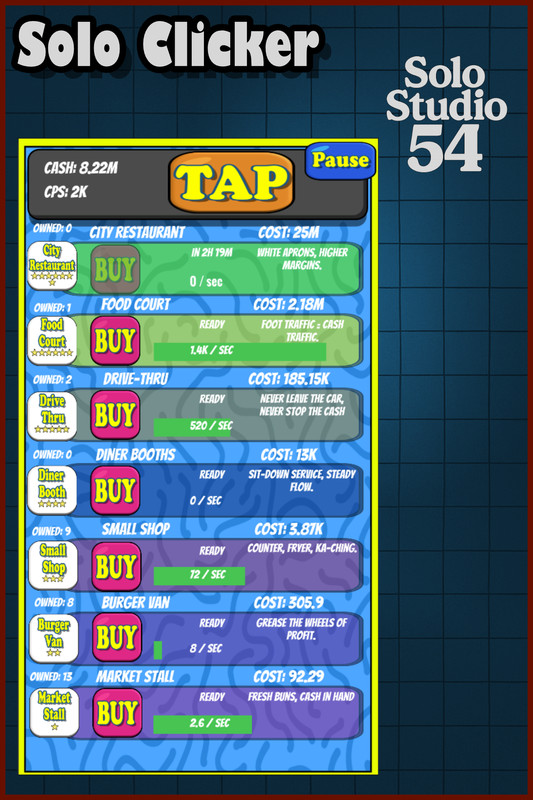
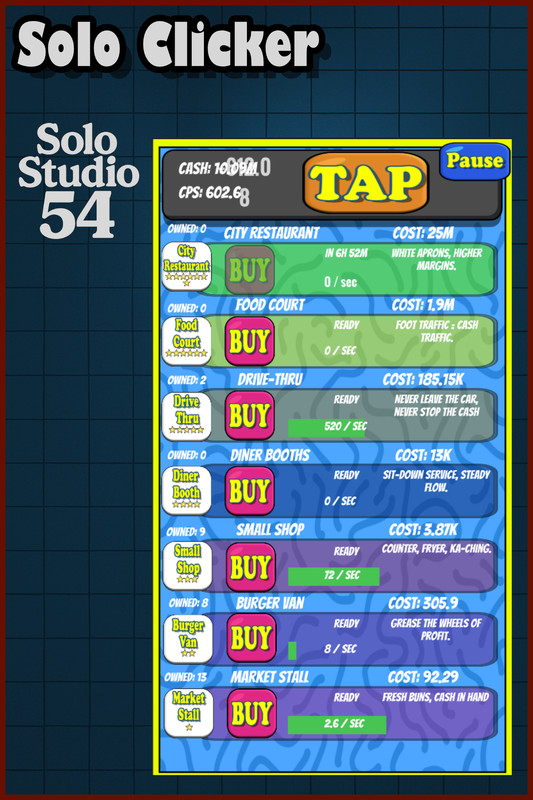
Idle Clicker template: AdCap-style shop rows, CPS + tap loop, milestones, prestige/franchise, time-to-afford ETA, autosave & offline earnings, pause overlay, clean C# + TMP. Ready to reskin.
Affiliate link · Purchases support this site
Price history
Last 6 months
USDAsset preview
1 / 6
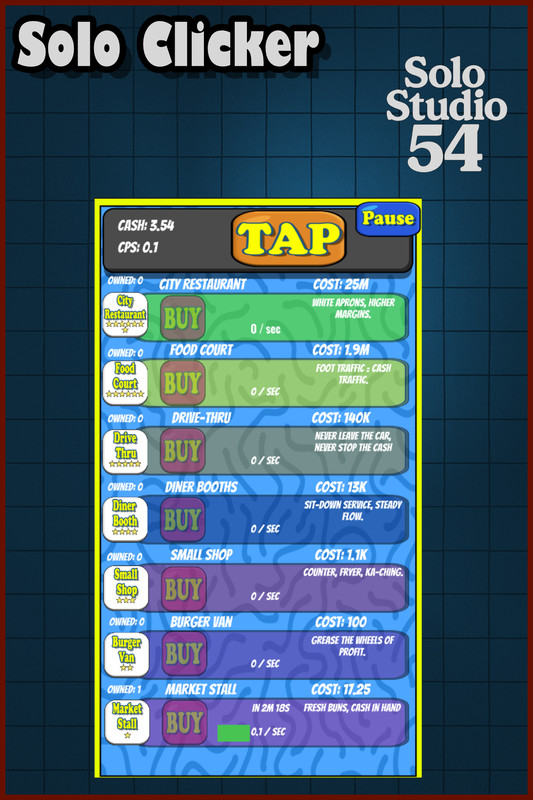
Solo Clicker - Idle Clicker Kit screenshot 1
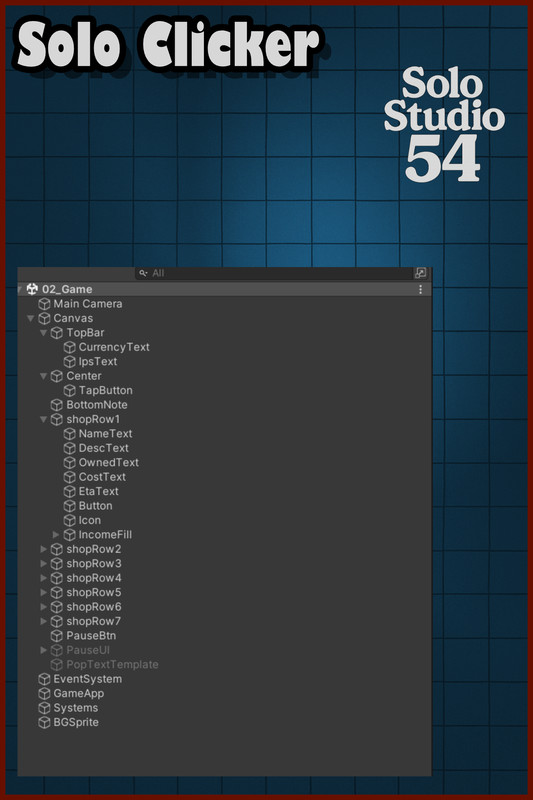
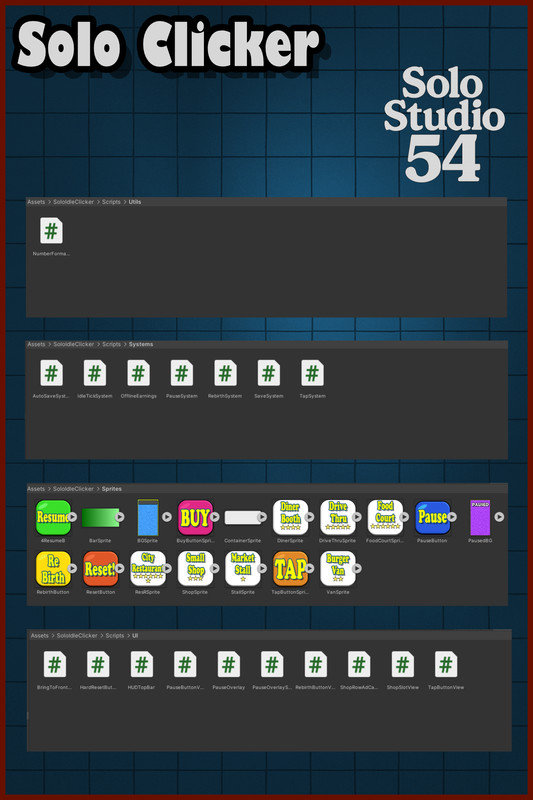
About this asset
Link to playable demo
https://ade2600.itch.io/solo-clicker-web-demo-idle-clicker-template
This asset is provided as a starter game template.
It includes core systems, example gameplay, and a clean project structure intended to help developers prototype faster and build their own games.
This package is not a finished or content-complete game.
Users are expected to:
- Modify visuals, gameplay rules, and balance
- Add additional features, polish, and content
- Adapt the template to their own design goals
If you are looking for a ready-to-publish game with final art, progression systems, monetization, or full content, this package may not be suitable.
If you want a clear, extendable starting point that saves development time and encourages customization, this template is built for that purpose.
Solo Idle Clicker Template (AdCap-style)
A production-ready idle/clicker foundation with a fast-food theme and Adventure-Capitalist-style shop rows. Clean C#, ScriptableObjects, tuned prestige, milestones, autosave, and offline earnings. Drop in your art, tweak a few ScriptableObjects, and ship.
Features
- Tap + CPS loop with clear UI and number formatting
- Shop rows with cost scaling, lifetime/dependency unlocks, and time-to-afford ETA
- Milestones at 10/25/50/100/200 (configurable), exact delta CPS math
- Prestige/Franchise with tuned curve and minimum lifetime gate
- Offline earnings with cap and multiplier (optional prestige scaling)
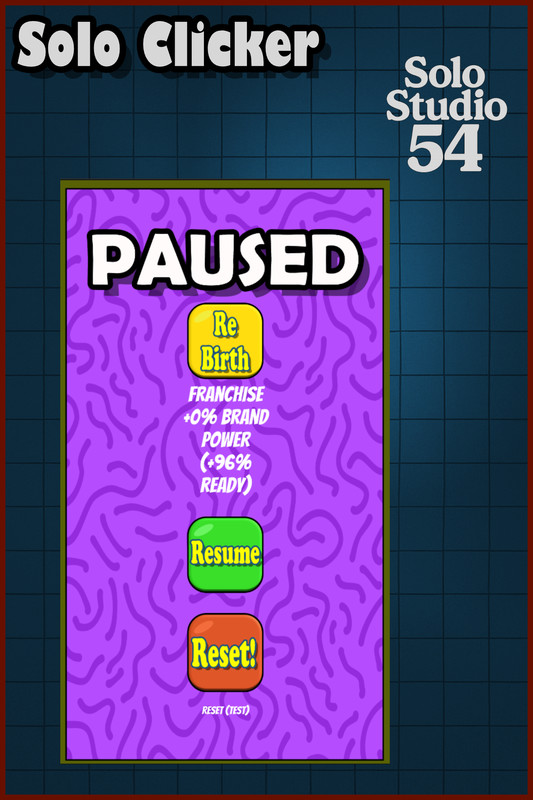
- Autosave on purchase, pause overlay, hard reset utility
- Modular C# components, data-driven items, TextMeshPro UI
Technical
- Unity 2021.3 LTS+; Built-in/URP/HDRP (Screen Space – Overlay UI)
- Desktop and mobile; no third-party packages beyond TextMeshPro
Notes
- Placeholder sprites included for demonstration. Replace with your art for release.
From the publisher's Asset Store listing.
Technical details
Unity Compatibility
- Editor: 2021.3.45f2
- Build: Mono & IL2CPP
- Platforms: Windows/Mac/Linux Standalone, iOS, Android
- Render Pipelines: RP-agnostic (UI only, Screen Space – Overlay)
- Input: Mouse & touch (Unity UI/EventSystem)
Dependencies
- TextMeshPro (built-in).
- No third-party packages. No services required.
Code & Architecture
- Namespace: SoloStudio54.SoloIdleClicker
- Modular components (no monolithic managers)
- Event-driven refresh (GameEvents.OnRebirth)
- ScriptableObjects for items (ShopItemDef)
- Clean C# with summary comments; plug-and-play components
Core Systems
- GameApp + GameState (currency, CPS, tap power, lifetime, prestige)
- IdleTickSystem (CPS ticks, pop aggregation)
- TapSystem / TapButtonView (serve button)
- ShopSlotView (cost scaling, unlocks, ETA, milestones, instant save)
- ShopRowAdCapSkin (AdCap-style icon/label/progress bar)
- RebirthSystem (Franchise; tuned curve + min gate; +8%/star)
- ProductionRecomputeOnBoot (authoritative CPS rebuild on boot/rebirth)
- UX: PopTextManager/PopText, ButtonPunch, pause overlay helpers
Prestige (Franchise)
- Defaults: Base 100,000, Power 0.55, Min Lifetime 50,000Points: floor((Lifetime / Base)^Power)
- Bonus: GlobalMultiplier = 1 + stars * 0.08
- Rebirth wipes owned levels; lifetime persists
Shop & Milestones
- Cost: geometric (baseCost * multiplier^level, default 1.15)
- Milestones: default levels 10/25/50/100/200, multiplier ×2 each
- Exact delta CPS applied on purchase (pre/post milestone aware)
- Unlocks: by lifetime and optional dependency
Save & Persistence
- PlayerPrefs JSON via JsonUtility
- Schema: currency, ips, tapPower, lifetimeEarned, prestigeBank, itemLevels[]
- itemLevels: list of { id, level } (dictionary-free)
- Autosave every few seconds + on buy/pause/quit
- Hard reset utility included
Offline Earnings
- Configurable cap (hours), multiplier, optional prestige scaling
- Grants on resume; ignores micro-absences
- Separate timestamp key; cleared by hard reset
Performance
- Idle tick accumulator (default 10 Hz)
- UI refresh cadence ~0.12s (low GC)
- No per-row coroutines; no reflection in tight loops
- Pop texts are lightweight instantiates (pooling not required; trivial to add)
UI/Art
- TMP UI; icon-ready item rows
- Works with 250×250 sprites; palette/theme easily swapped
- Safe for varied aspect ratios; screen-space overlay
Extensibility
- Bulk buy (×1/×10/×100/MAX) helpers included (optional)
- Easy to add items (duplicate ShopItemDef and a row)
- Hooks for SFX, achievements, ads/IAP, localization
- Serializer can be swapped (e.g., JSON .NET) if desired
Limitations
- No cloud save out of the box
- No localization framework bundled (strings are UI/TMP-driven)
- Single-player; no networking
Support
- Clear entry points: GameConfig, ShopItemDef, scene rows
- Commented scripts; minimal magic; ready to reskin and extend
Compatibility
| Unity version | Built-in | URP | HDRP |
|---|---|---|---|
| 2021.3.45f2 | Compatible | Not listed | Not listed |
SRP Compatibility (Built-in, URP, HDRP)
- RP-agnostic. UI is pure UGUI + TextMeshPro; no custom shaders. Works out-of-the-box in Built-in, URP, and HDRP.
- Best practice: keep Canvas as Screen Space – Overlay (no camera stacking needed; fastest and SRP-independent).
- URP (if you prefer camera UI): set main camera = Base, UI camera = Overlay, add to stack. Otherwise stick to Overlay Canvas.
As listed on the Asset Store.