
 View on Asset Store (opens in new tab)
Package details
- Latest version
- 1.0
- Last updated
- First released
- Unity version
- 2022.3.58 or later
- Package size
- 32 KB
- Files
- 19
- Favorites
- 4
- Views in the past week
- 3
Price tracking
- Last checked
- Tracked since
- Lowest recorded
- Free on
Keywords
- Search for Inspector Tools
- Search for Call Methods
- Search for Invoke Methods
- Search for Execute Function
- Search for Pokemon Animations
- Search for Animation
- Search for Rapid Prototy
- Search for reflection
- Search for Editor Scripting
- Search for Debug Tools
- Search for Unity Editor
- Search for Editor Extension

Function Player Lite
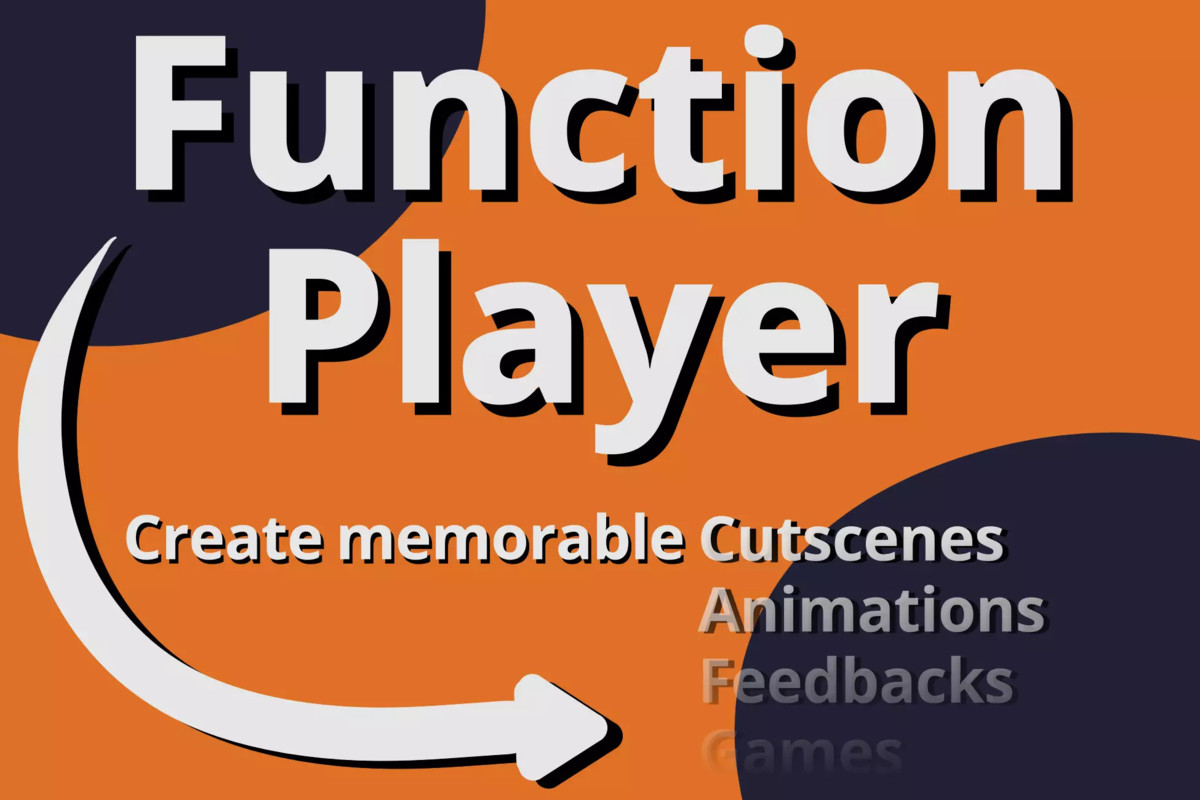
A powerful Unity Editor tool that lets you execute almost any method from any component. Supports parameters and coroutines unlocking new levels of flexibility for both developers and artists.
Affiliate link · Purchases support this site
Price history
Last 6 months
USDAsset preview
1 / 6
Function Player Lite screenshot 1


About this asset
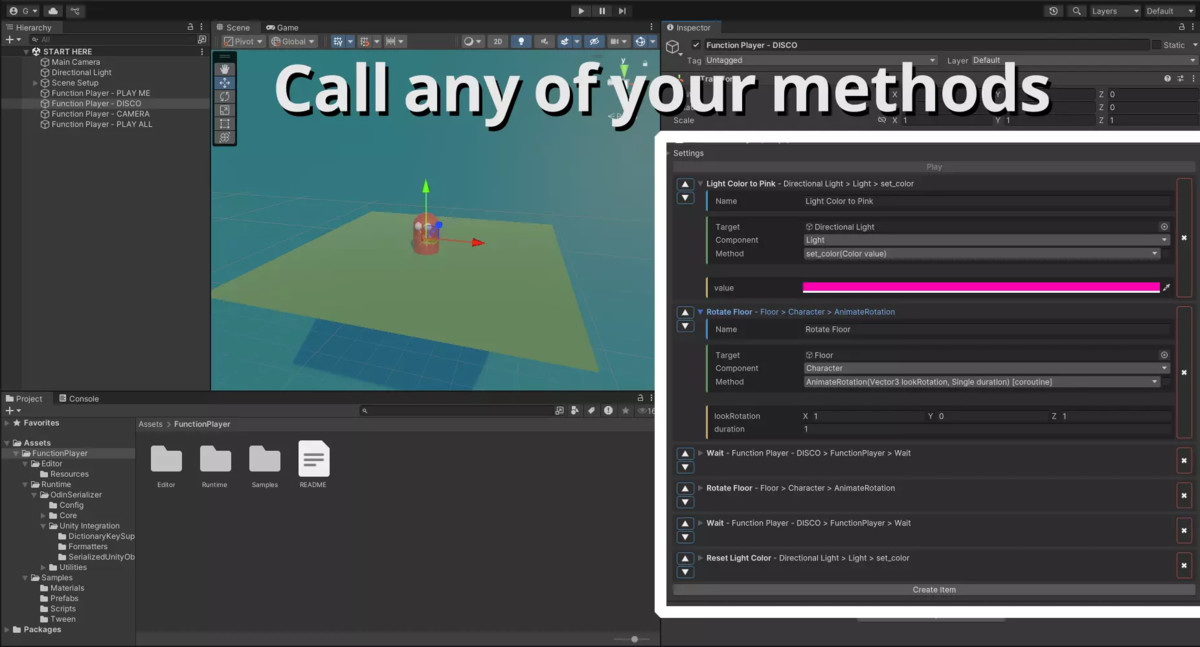
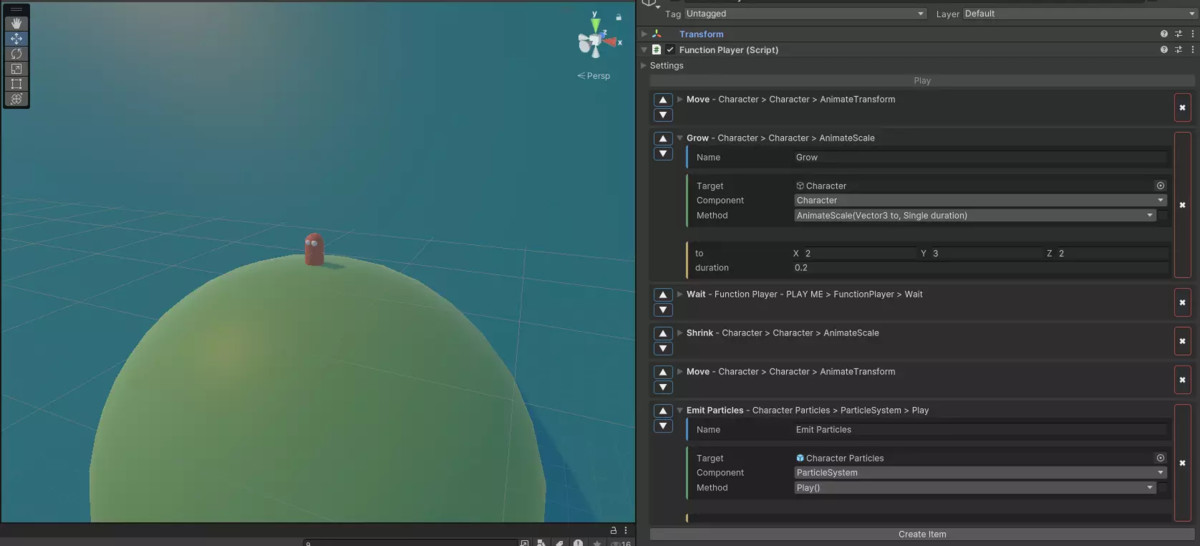
This Lite edition bridges the gap between code and editor by letting you instantly call component methods from the Unity Editor—without writing extra scripts.
Call methods that take primitive types as arguments, run coroutines, and quickly test or trigger functionality directly from the Inspector.
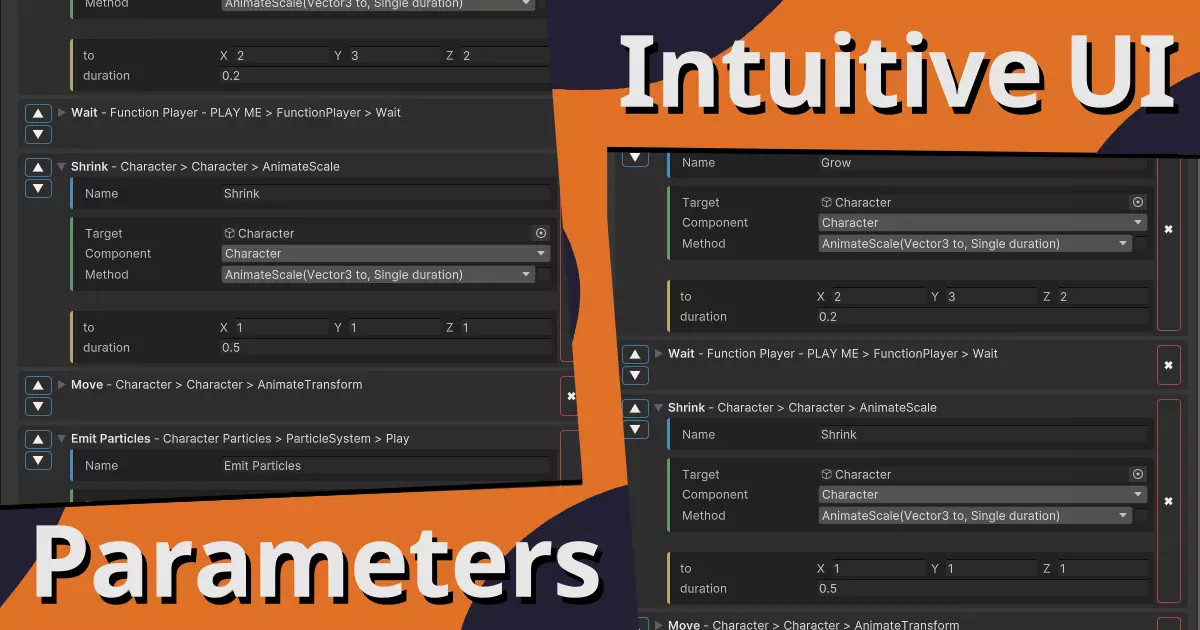
Instead of hardcoding sequences of events, you can interactively design and trigger them in real time—waiting for user input, a timed delay, or in-game events. Whether you’re a developer prototyping gameplay or an artist automating simple tasks, this streamlined version makes experimentation fast and easy.
✅ Call component methods directly from the Inspector
✅ Pass primitive type arguments (int, float, string, bool, etc.)
✅ Run and test coroutines on the fly
✅ Lightweight and easy to set up—no extra dependencies
Looking for more power?
Check out the Pro version for advanced features, including:
- Support for Unity object arguments such as Vector2, Vector3, Rect, AnimationCurve...
- Setter support for built-in Unity properties like Transform.position
- Advanced workflows for designers, developers, and technical artists
If you find this Lite tool helpful, please consider leaving a review—it supports development and helps guide future improvements. I’d also love to hear about how you’re using it in your projects!
From the publisher's Asset Store listing.
Technical details
Technical Details — Lite Version
- Parameter Support: Call methods with primitive types only (int, float, bool, string, Enum, etc.).
- Coroutine Support: Methods returning IEnumerator can run as coroutines, letting you sequence actions with delays, user prompts, or event waits.
- Use Cases: Rapid prototyping, lightweight editor automation, testing, and simple scene manipulations. Perfect for developers and artists looking for a fast, minimal setup.
- Execution Method: Uses C# reflection to dynamically locate and invoke methods on any component in your scene or prefab.
Documentation: Function Player Documentation
Compatibility
| Unity version | Built-in | URP | HDRP | Custom |
|---|---|---|---|---|
| 2022.3.58f1 | Compatible | Compatible | Compatible | Compatible |
As listed on the Asset Store.