
 View on Asset Store (opens in new tab)
Package details
- Latest version
- 1.2.0
- Last updated
- First released
- Unity version
- 6000.3.2 or later
- Package size
- 17.9 MB
- Files
- 8
- Favorites
- 4
- Views in the past week
- 3
Price tracking
- Last checked
- Tracked since
- Lowest recorded
- $7.50 on
Keywords

Audio Optimiser
- Price drop
Audio Optimiser lets you batch optimise SFX and BGM using built-in presets or custom settings, helping reduce build size and improve performance while saving hours of manual work.
Affiliate link · Purchases support this site
Price history
Last 6 months
USDAsset preview
1 / 4
Audio Optimiser screenshot 1


About this asset
Audio Optimiser is a Unity Editor extension designed to simplify audio management and help reduce build sizes.
With just a few clicks, you can scan your entire project or selected folders, review detailed audio file information, and apply optimised import settings in bulk.
The tool includes built-in presets tailored for Sound Effects (SFX) and Background Music (BGM), each offering Quality, Size, and Neutral modes.
For greater flexibility, you can create and reuse Custom Presets using ScriptableObject assets, allowing the tool to adapt to different project requirements and workflows.
Whether you’re targeting mobile, PC, or console, Audio Optimiser helps ensure your audio assets are configured for better performance and memory efficiency without modifying the original audio files.
Audio Optimiser is lightweight, non-destructive, and easy to use.
Note: Any included audio clips are provided solely for testing and demonstration purposes within the package.
From the publisher's Asset Store listing.
Technical details
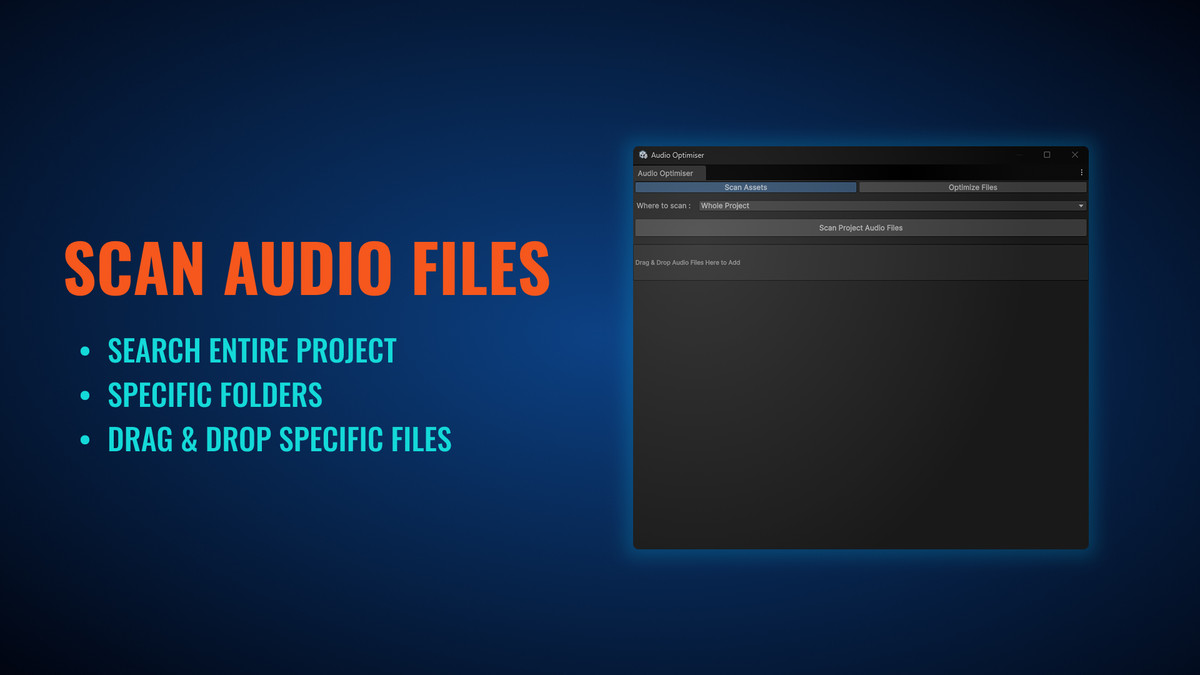
Scan Audio Files
Scan the entire project or selected folders for AudioClips
Displays Name, Path, File Size, and Clip Length
Drag & Drop Support
Drag audio files directly from the Project window
Optimise selected clips without running a full scan
Sortable Table View
Sort audio assets by Name, Path, or File Size
Checkbox selection for individual or all audio files
Batch Optimisation
Apply import settings to multiple audio clips at once
Supports selected files or all scanned files
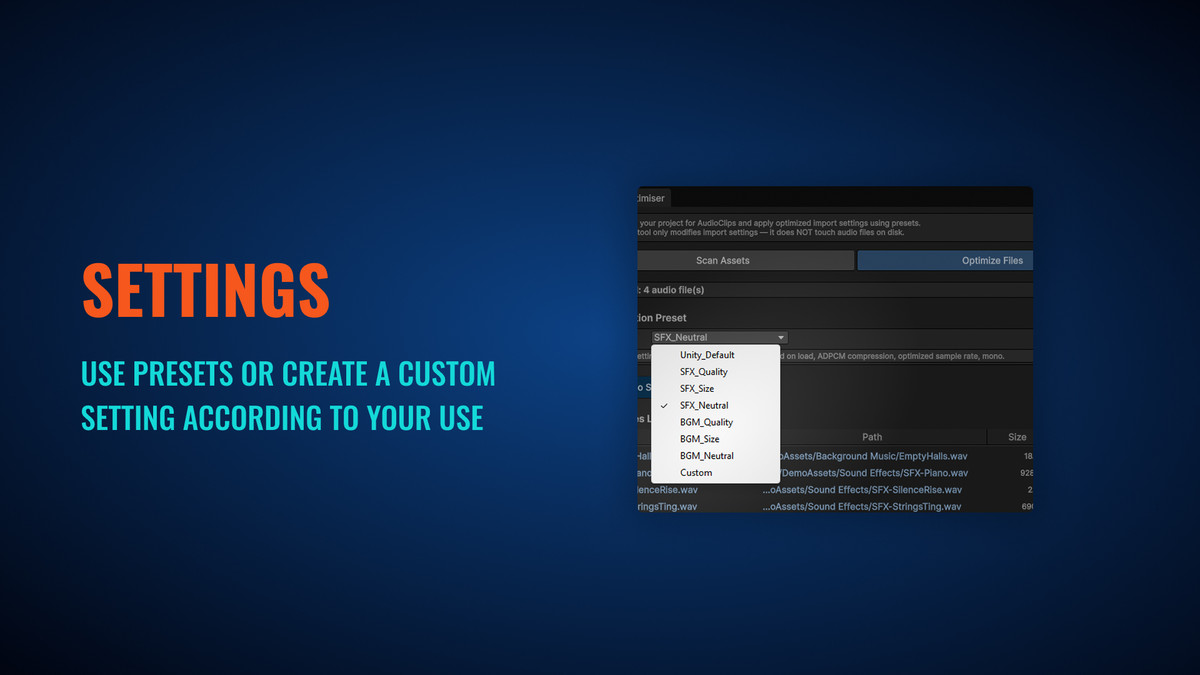
Built-in Presets for SFX & BGM
SFX presets: Quality, Neutral, Size
BGM presets: Quality, Neutral, Size
Unity Default Preset
Reset audio import settings back to Unity’s default values
Non-destructive — audio files remain unchanged
Custom Presets
Create and reuse custom optimisation settings
Stored as ScriptableObject assets
Compatibility
Audio Optimiser supports Unity 2021+ and is designed to work with modern Unity versions.
Tested Versions
- Unity 6000.3.6f2
- Unity 6000.2.6f2
- Unity 2022.3.62f2 (LTS)
- Unity 2021.3.45f2 (LTS)
Compatibility
| Unity version | Built-in | URP | HDRP |
|---|---|---|---|
| 6000.3.2f1 | Compatible | Compatible | Compatible |
As listed on the Asset Store.