
 View on Asset Store (opens in new tab)
Package details
- Latest version
- 1.0
- Last updated
- First released
- Unity version
- 6000.0.51 or later
- Package size
- 769 KB
- Files
- 10
- Favorites
- 10
- Views in the past week
- 14
Price tracking
- Last checked
- Tracked since
- Lowest recorded
- $7.50 on
Keywords

Smear | Motion blur Effect Material
- Price drop
This package contains a material and a shader that allow you to create a smear or motion blur effect on your objects based on their movement velocity. It also includes a sample scene.
Affiliate link · Purchases support this site
Price history
Last 6 months
USDAsset preview
1 / 5
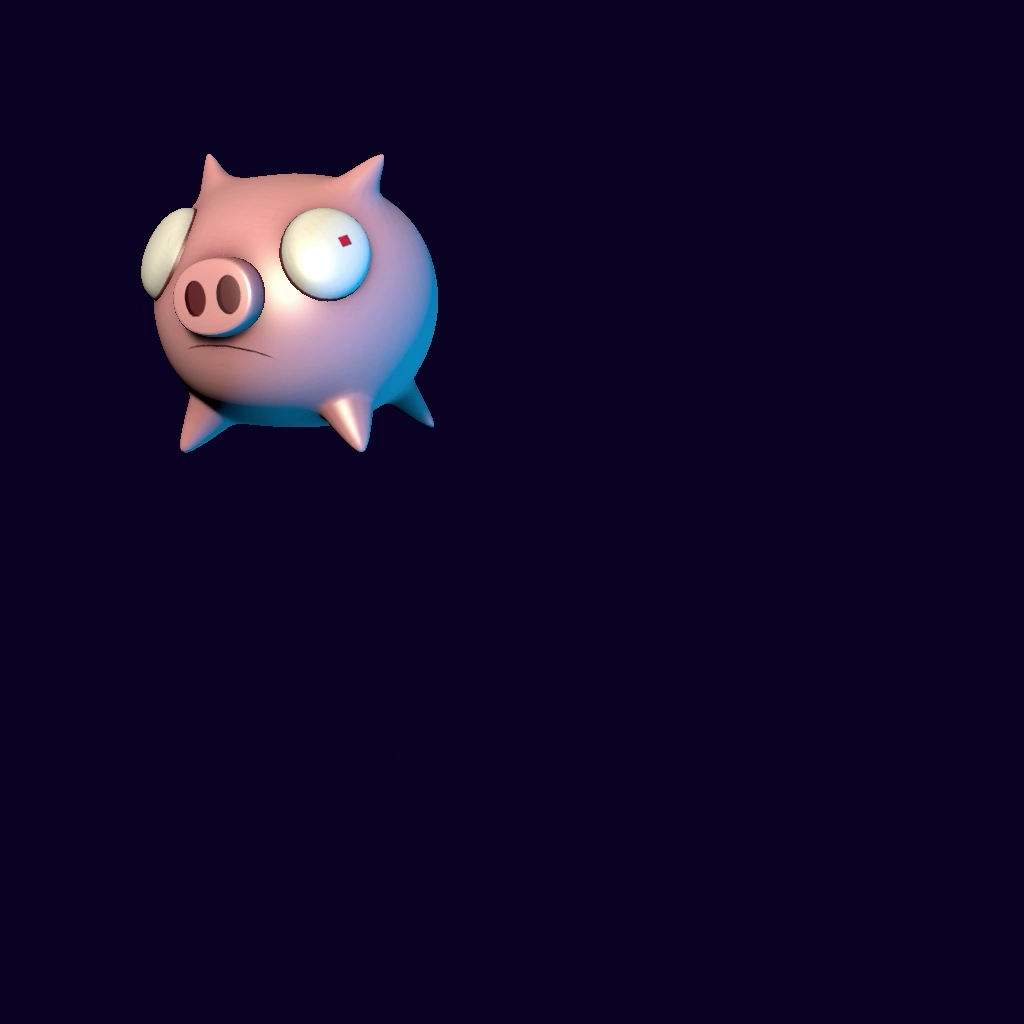
Smear | Motion blur Effect Material video 1 (plays on the Asset Store)
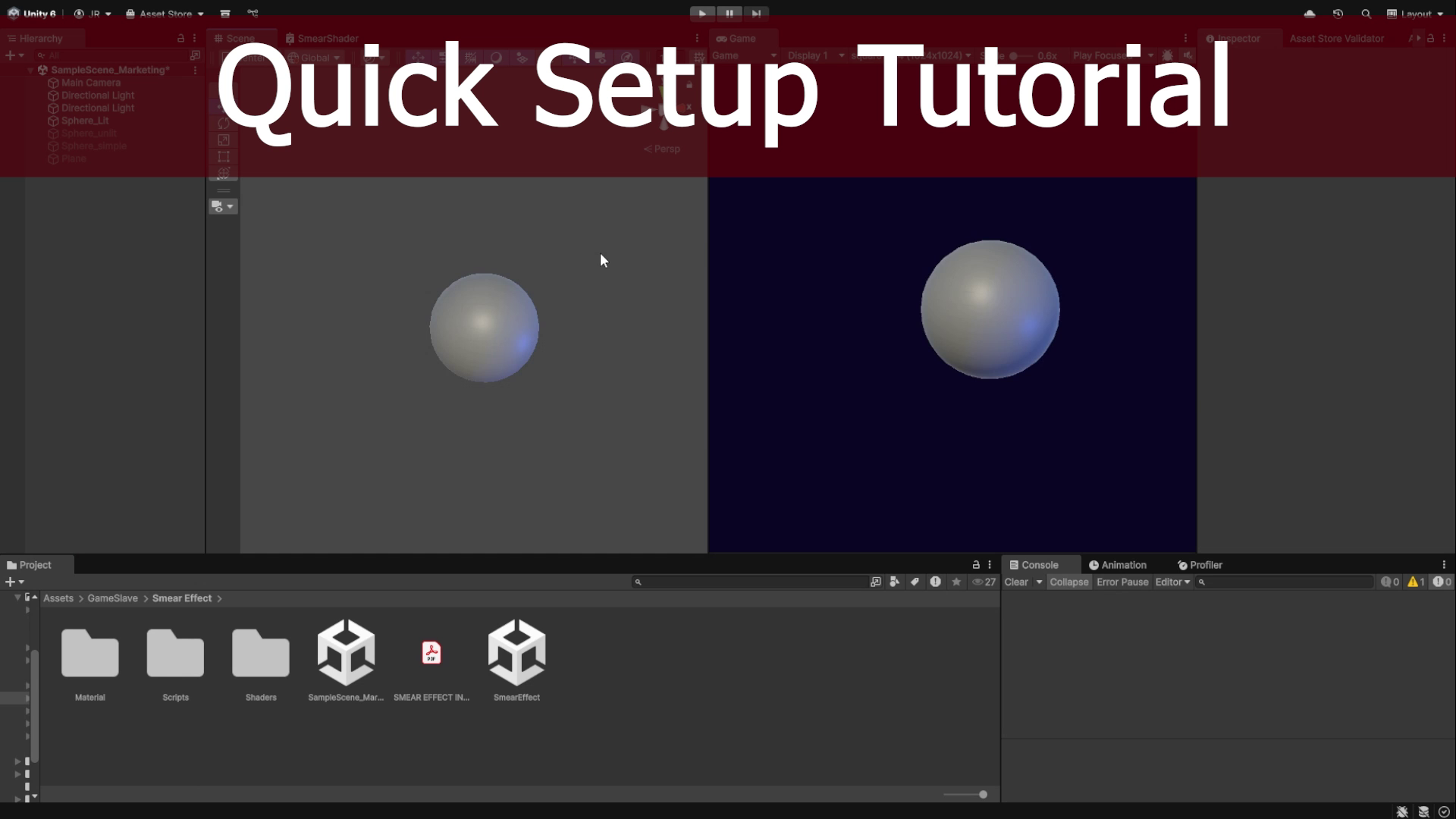
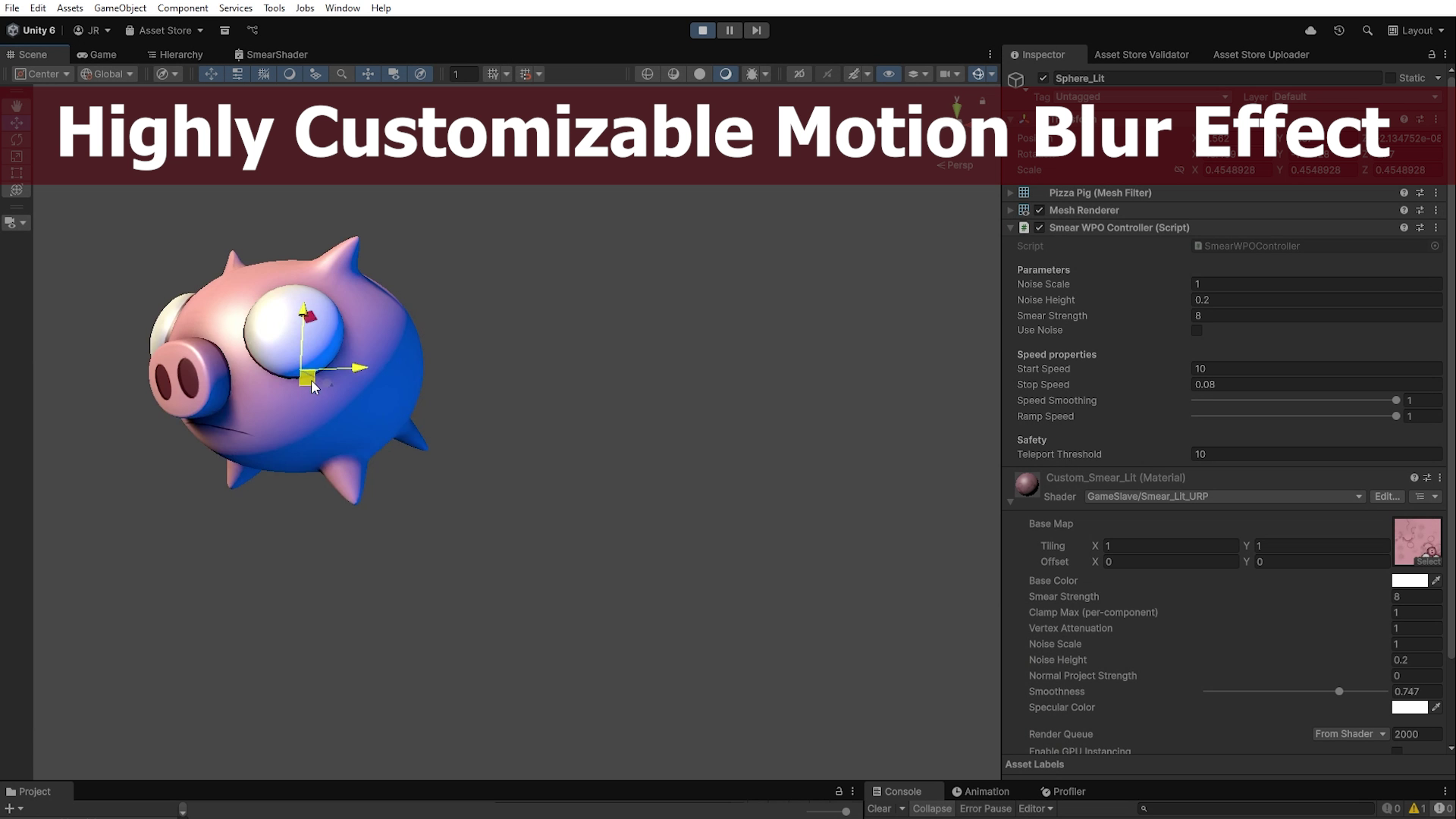
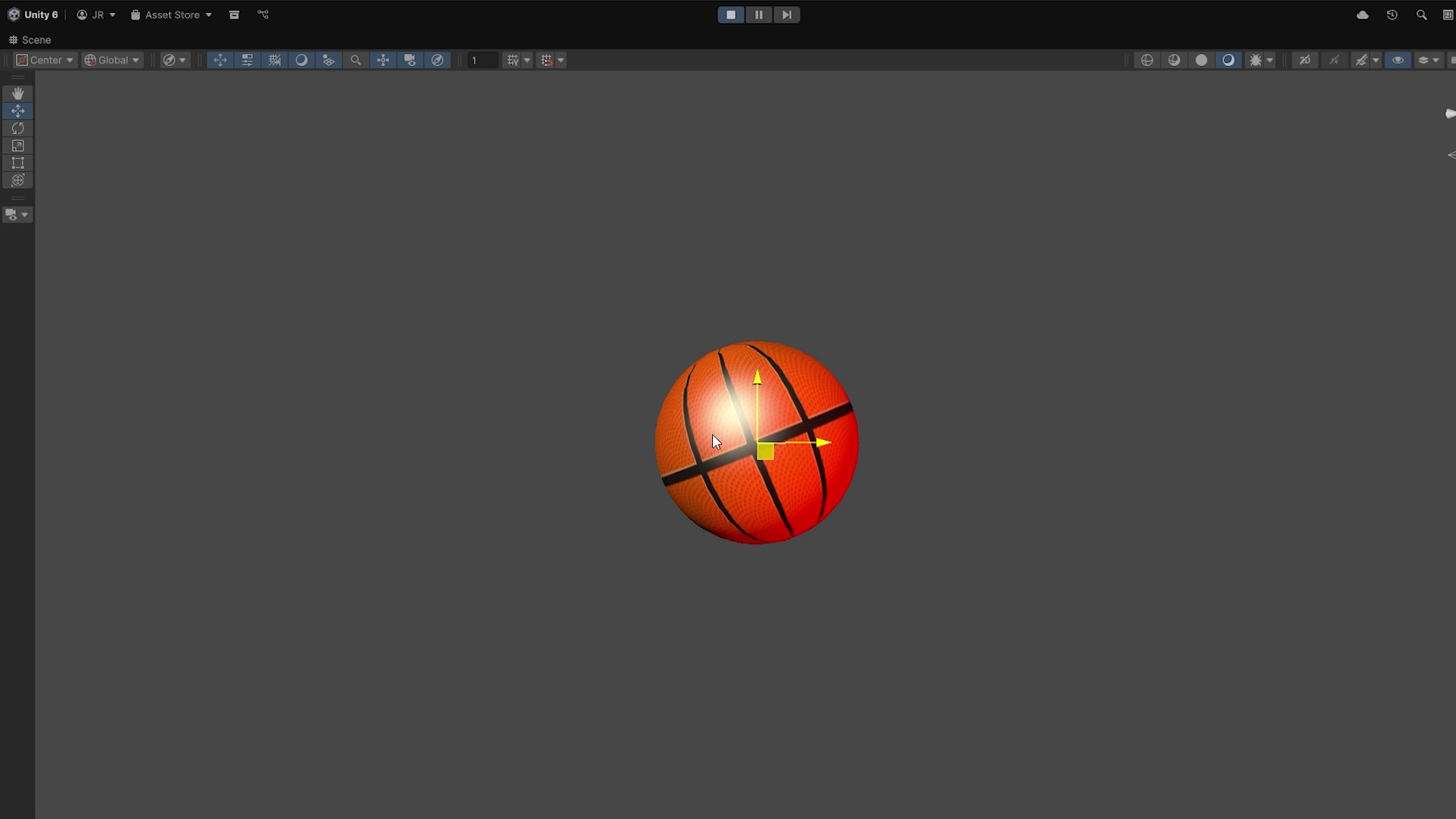
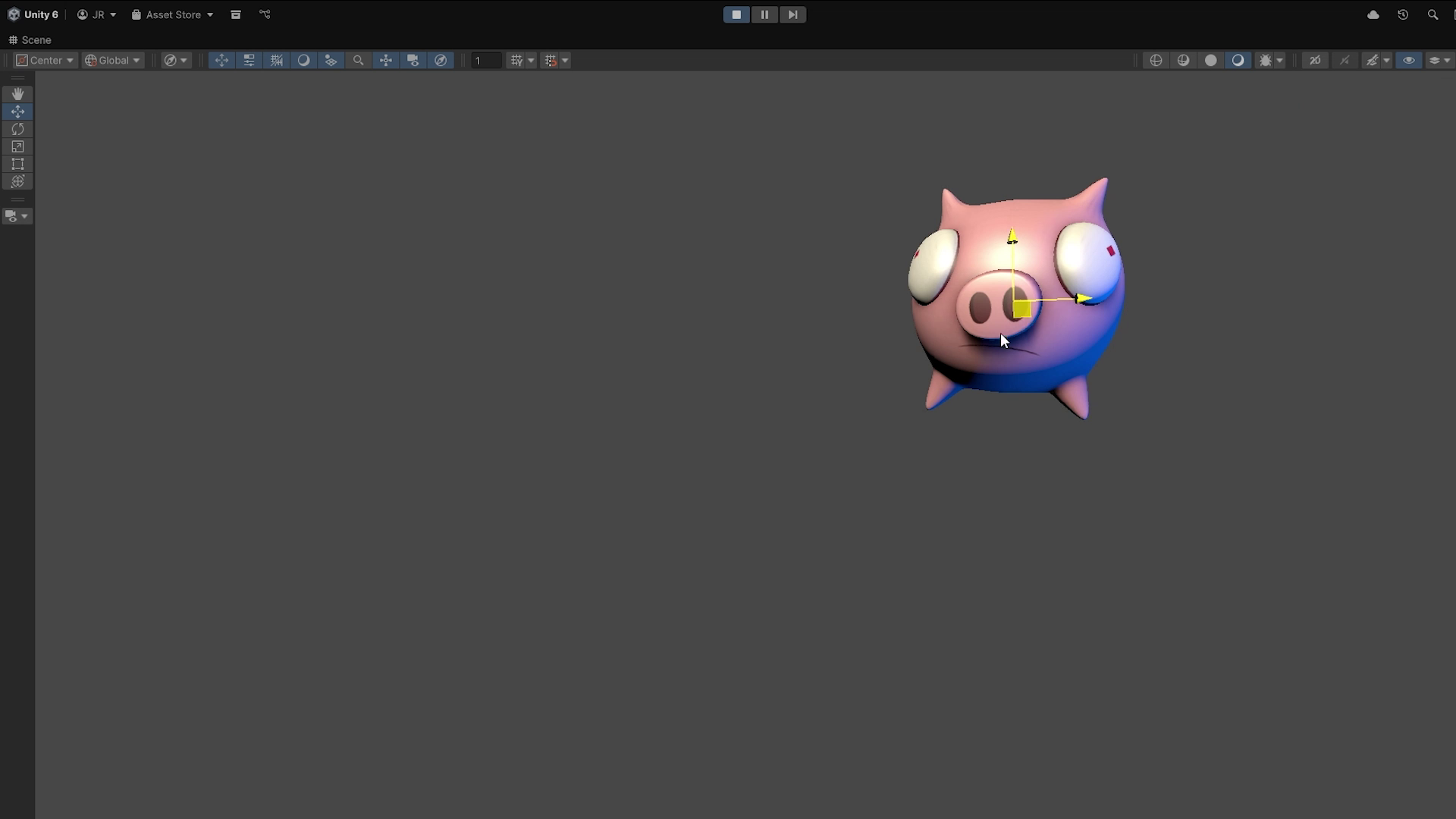
About this asset
A material/shader that allows you to create a smear / motion blur effect on your objects based on their movement velocity.
It’s highly customizable, allowing you to control the blur intensity and the velocity conditions that trigger it.
This package includes three variations of the same material:
- Unlit material with texture – flat colors optimized for performance.
- Textured material with basic shadows – adds simple shadowing for extra detail.
- Textured material with advanced lighting – includes advanced shadows and supports dynamic lights.
The three materials are provided to help you optimize performance choose the one that best fits your project’s needs.
From the publisher's Asset Store listing.
Technical details
This is a URP material built with HLSL code. It also includes a C# script required for the proper functionality of the effect.
With these materials, you can easily add a motion blur / smear effect to any object. The object must use one of the three available materials and the included C# script.
You’ll be able to see the effect in real time by moving the object either manually or with any kind of controller.
This tool is highly customizable and allows you to adjust:
- Start Speed – the minimum speed required to trigger the effect.
- Stop Speed – the speed at which the effect begins to fade.
- Ramp Speed – how quickly the effect fades out.
- Speed Smoothing – controls how smoothly speed changes affect the blur.
- Blur Noise Scale – controls how distorted the blur appears.
- Noise Height – defines the length of the blur trail.
- Smear Strength – controls the intensity of the smear effect.
- Use Noise Option – enables or disables distortion noise in the blur.
Keep in mind that this package does not include a PBR material.
The most complex material includes the following features:
- Texture
- Tiling and Offset properties for the texture
- Shadows (casting and receiving)
- Specular lighting
- Smoothness
This is done for performance reasons.
Compatibility
| Unity version | Built-in | URP | HDRP |
|---|---|---|---|
| 6000.0.51f1 | Not listed | Compatible | Not listed |
As listed on the Asset Store.