
 View on Asset Store (opens in new tab)
Package details
- Latest version
- 1.0.2
- Last updated
- First released
- Unity version
- 6000.0.28 or later
- Package size
- 247.3 MB
- Files
- 83
- Favorites
- 6
- Views in the past week
- 13
- Requires
Price tracking
- Last checked
- Tracked since
- Lowest recorded
- $13.30 on
Keywords
- Search for gesture input
- Search for AR UI control
- Search for interactive kiosk
- Search for Gesture Based Selection
- Search for touchless UI
- Search for 2D
- Search for UI
- Search for virtual interaction
- Search for cursor control
- Search for Gesture scrolling
- Search for gesture control
- Search for hand tracking

GestureBasedNavigation
GestureBasedNavigation lets users control UI with hand gestures — click, scroll, swipe, and navigate up to 15ft away. Supports both hands, runs at 60 FPS, and includes 5 demo scenes for quick setup.
Affiliate link · Purchases support this site
Price history
Last 6 months
USDAsset preview
1 / 15

GestureBasedNavigation screenshot 1


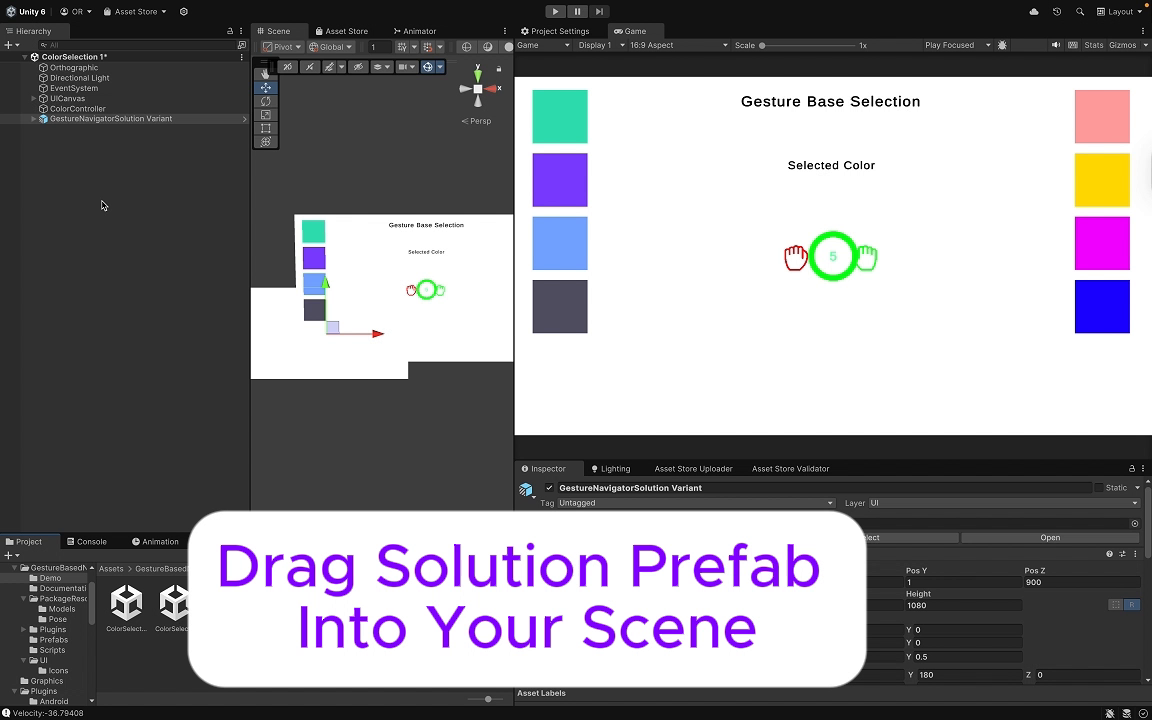




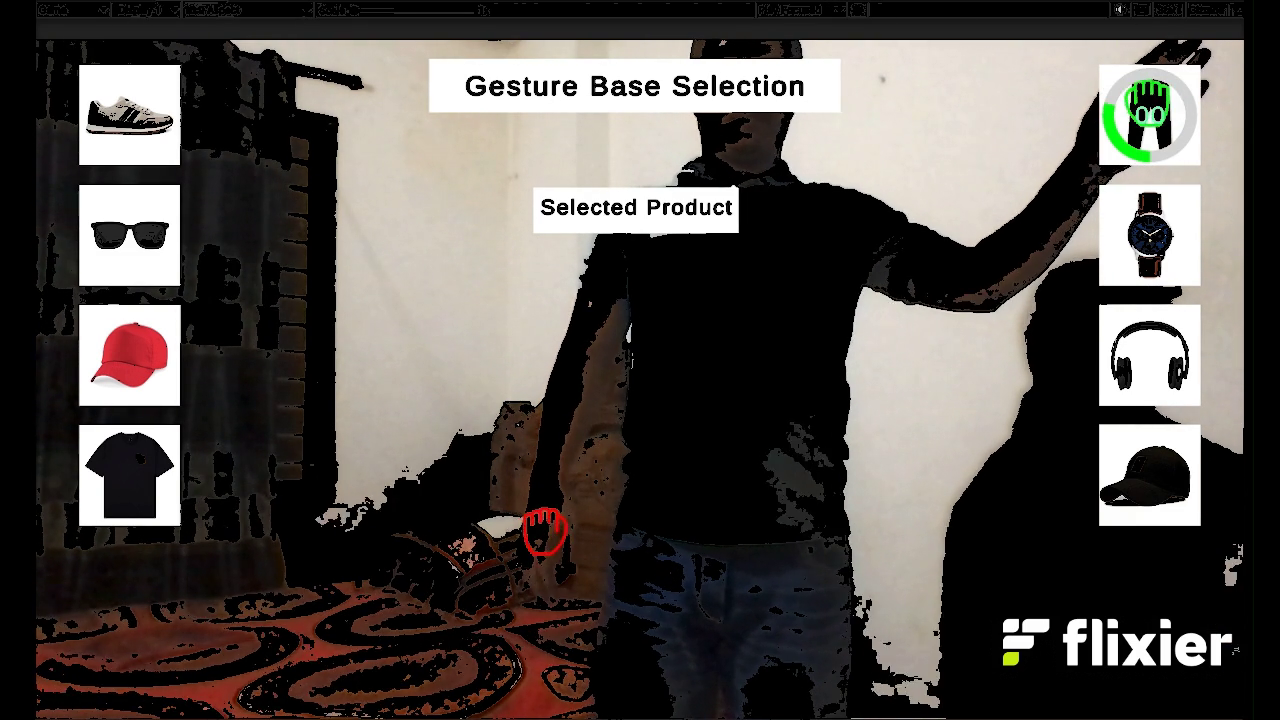


About this asset
GestureBasedNavigation – Intuitive Hand Gesture UI Control for Unity
GestureBasedNavigation enables natural, touch-free interaction in Unity applications. The system tracks the user’s index finger in real time and converts movements into screen input, allowing you to control UI elements through gestures such as clicking, swiping, scrolling, and page navigation. Ideal for AR/VR applications, kiosks, interactive installations, and gesture-controlled games.
The plugin supports operation up to 15 feet from the camera and works with either the left hand, right hand, or both. Vertical and horizontal scrolling gestures are smooth and responsive, and all settings can be configured directly from the Inspector — no coding required.
The package includes five demo scenes covering common UI use cases such as product selection, color selection, scroll snapping, and virtual button interaction, helping you integrate gesture-based navigation into your project quickly.
Key Features:
- Gesture-based UI interactions: clicking, swiping, scrolling, and navigation
- Supports left hand, right hand, or dual-hand usage
- Works with standard RGB cameras — no additional hardware needed
- Optimized performance (up to 60 FPS depending on device capability)
- Cross-platform support: Windows, macOS, Linux, Android, iOS
- Five demo scenes included for fast setup and integration
Empower your users with a hands-free, immersive, and accessible way to interact with your Unity UI.
From the publisher's Asset Store listing.
Technical details
Unity Version: 2020.3 LTS or higher
Platforms: Windows, macOS, Linux, Android, iOS (mobile requires Lite model & camera setup)
Architecture: ARMv7, ARM64, x86_64
Language: C# (Unity scripts)
Included Assets:
- GestureNavigatorSolution & GestureUtils prefabs
- Gesture handler scripts (GestureHoverHandler, GestureScrollHandler)
- Customizable cursor prefab
- 5 demo scenes: Color Selection, Product Selection, Page Navigation, Product Scroll, Scroll Snap
Customization:
- Configure hands (left/right/both), cursor speed, scroll sensitivity
- Works with standard RGB cameras (up to 15 ft range)
- No coding needed — inspector-based setup
Performance:
- Runs at 60 FPS on PC
- Lite model recommended for Android/iOS
Compatibility
| Unity version | Built-in | URP | HDRP | Custom |
|---|---|---|---|---|
| 6000.3.7f1 | Compatible | Compatible | Compatible | Compatible |
| 6000.0.28f1 | Compatible | Compatible | Compatible | Compatible |
As listed on the Asset Store.