
 View on Asset Store (opens in new tab)
Package details
- Latest version
- 1.1
- Last updated
- First released
- Unity version
- 6000.1.1 or later
- Package size
- 3.2 MB
- Files
- 71
- Favorites
- 9
- Views in the past week
- 14
Price tracking
- Last checked
- Tracked since
- Lowest recorded
- $4.99 on
Keywords
- Search for Cheap Unity destruction tool
- Search for Unity destruction system
- Search for Simple fracture
- Search for Unity demolition toolkit
- Search for Physics destruction Unity
- Search for mesh fracture unity
- Search for Procedural destruction Unity
- Search for procedural destruction
- Search for cheap destruction tool
- Search for destruction toolkit for unity
- Search for Unity fracture tool
- Search for demolition

Simple Fracture:The dollar-store mesh swapping demolition toolkit w/JSON support
Looking for the ultimate real-time dynamic destruction system for Unity? Too bad, this isn't it! Swap your meshes like the rest of us, because real-time mesh cutting is for people with actual budgets.
Affiliate link · Purchases support this site
Price history
Last 6 months
USDAsset preview
1 / 16
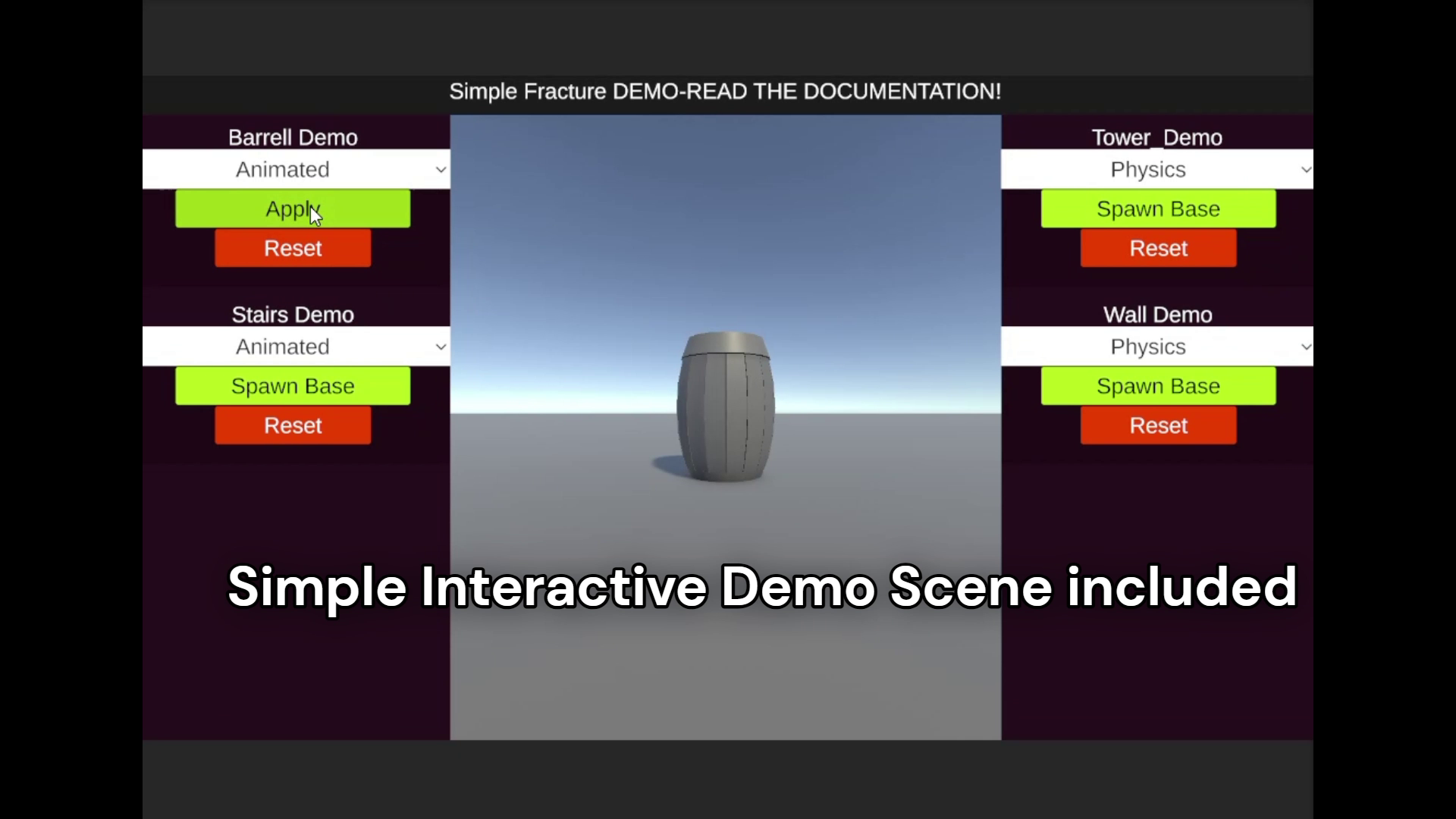
Simple Fracture:The dollar-store mesh swapping demolition toolkit w/JSON support video 1 (plays on the Asset Store)
About this asset
Simple Fracture - The dollar-store mesh swapping demolition toolkit for Unity
Make stuff break.
Make it look good.
Don't spend weeks coding it.
Simple Fracture swaps your intact mesh with a pre-fractured one(that you create yourself, of cours) when you want it to break.
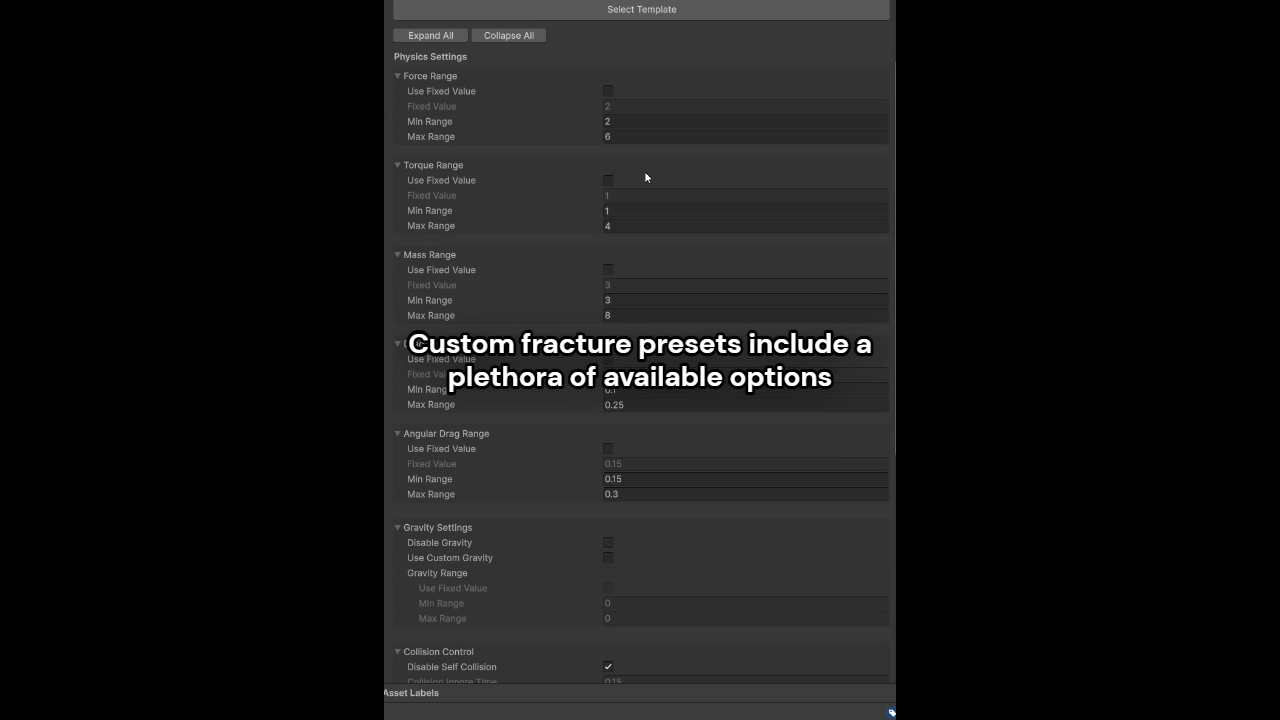
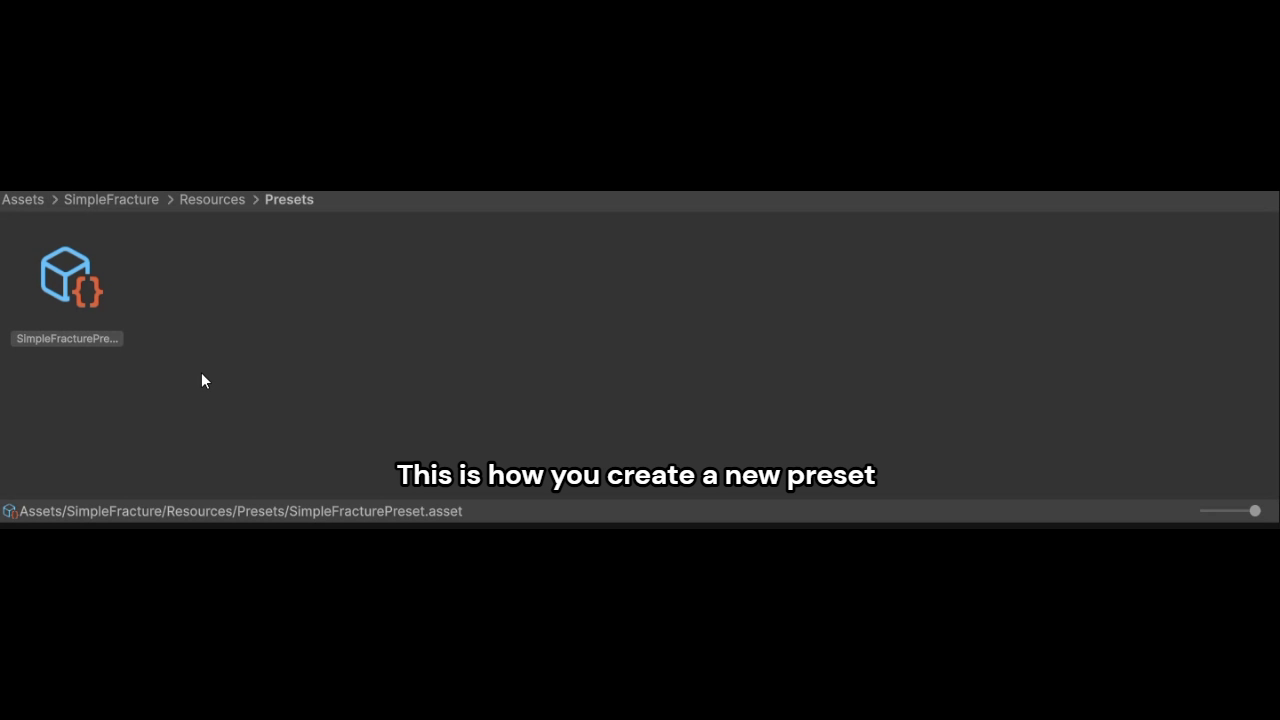
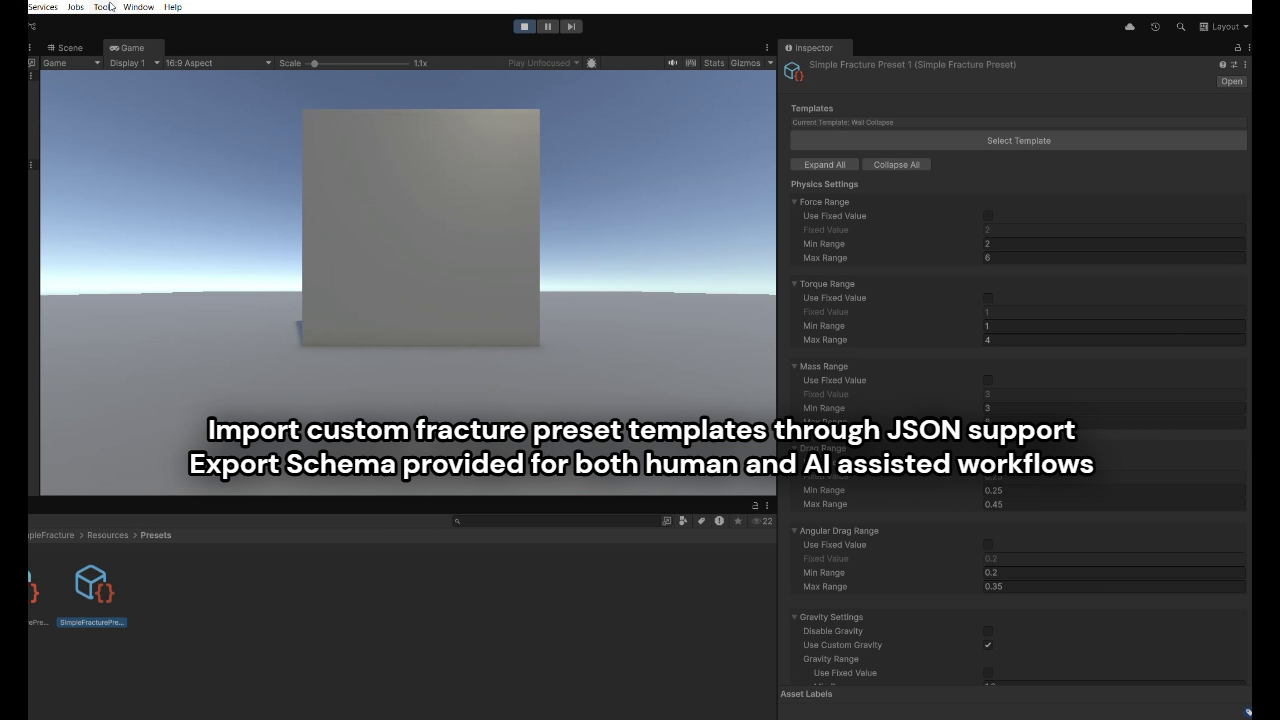
In tons of cool and different ways thanks to JSON supported preset configurations. That's right, you can import customized template presets based on an exportable JSON schema!
No complicated physics calculations, no unpredictable results, no performance nightmares.
It breaks how you want to break it.
Why This Instead of "Real" Destruction?
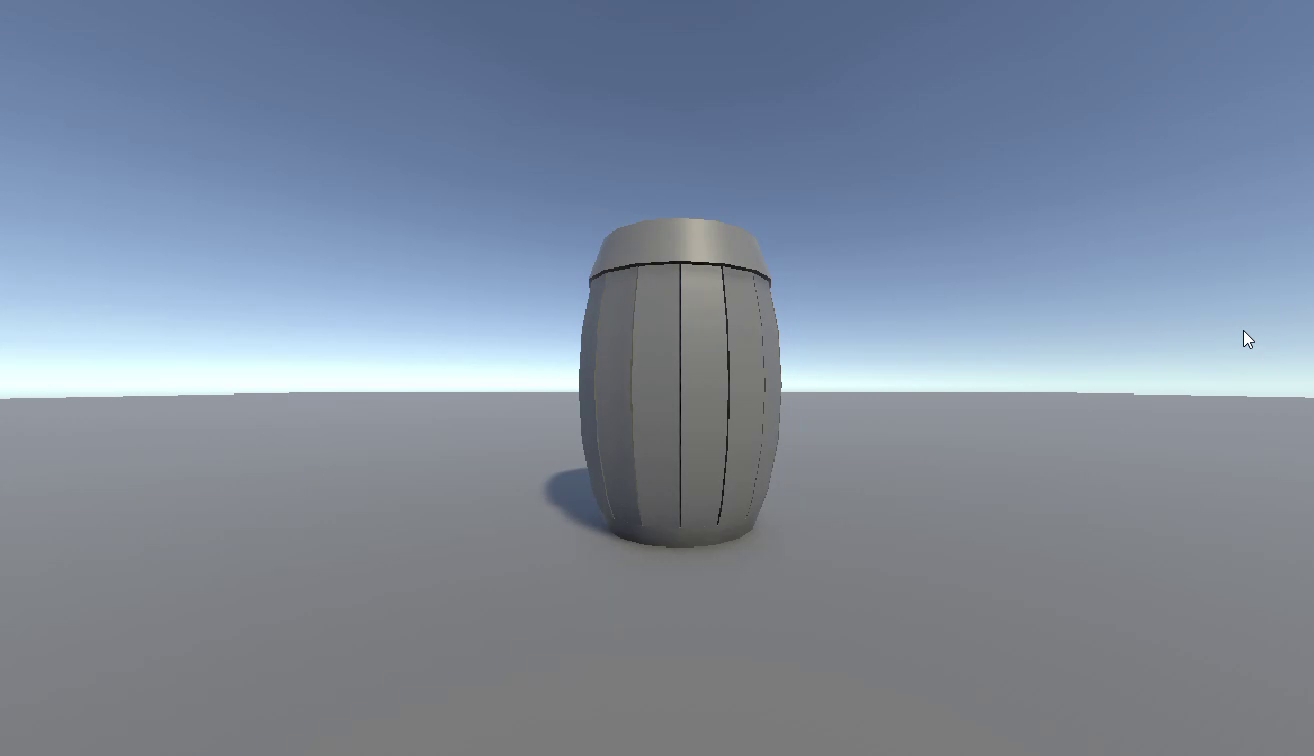
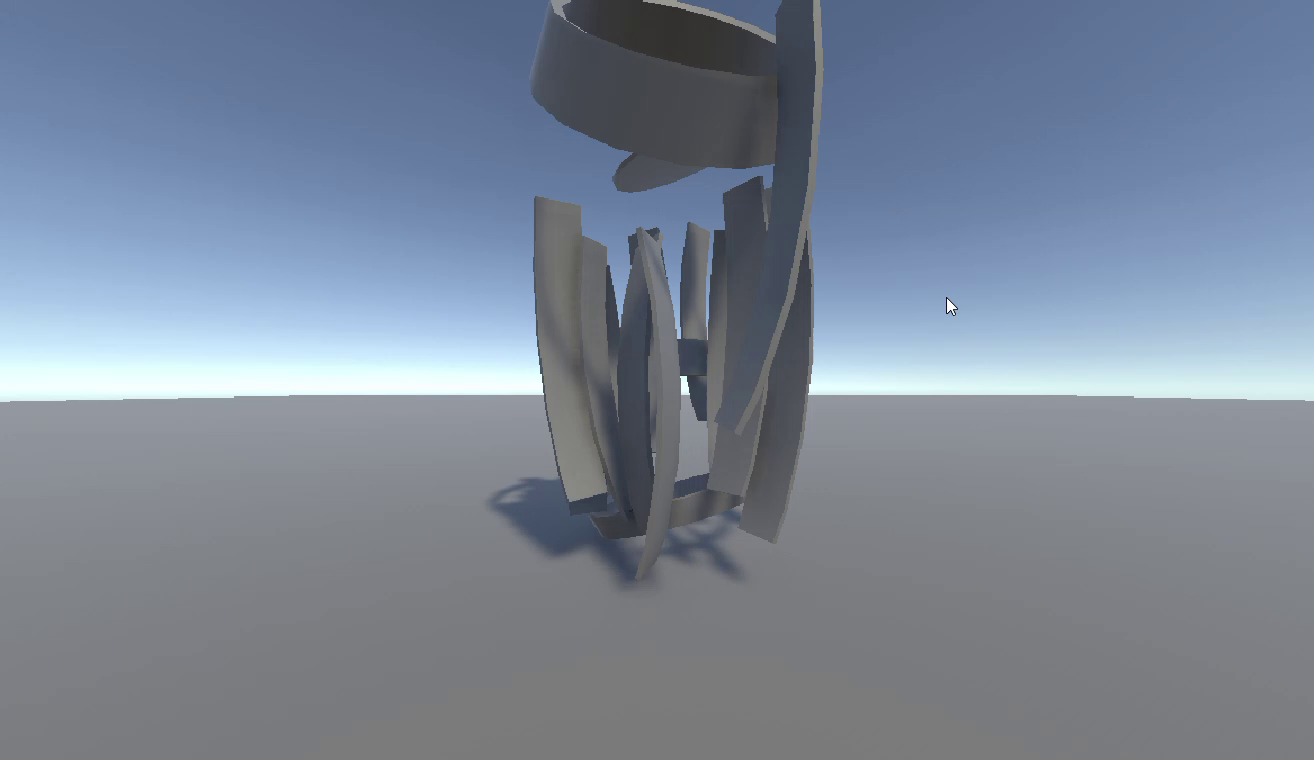
PREDICTABLE RESULTS! Your barrel will always break how you want it to.
Your wall will always crumble how you designed it.
No random failures, no weird physics glitches, no "why did it explode into space?" moments.
PERFORMANCE THAT ACTUALLY WORKS
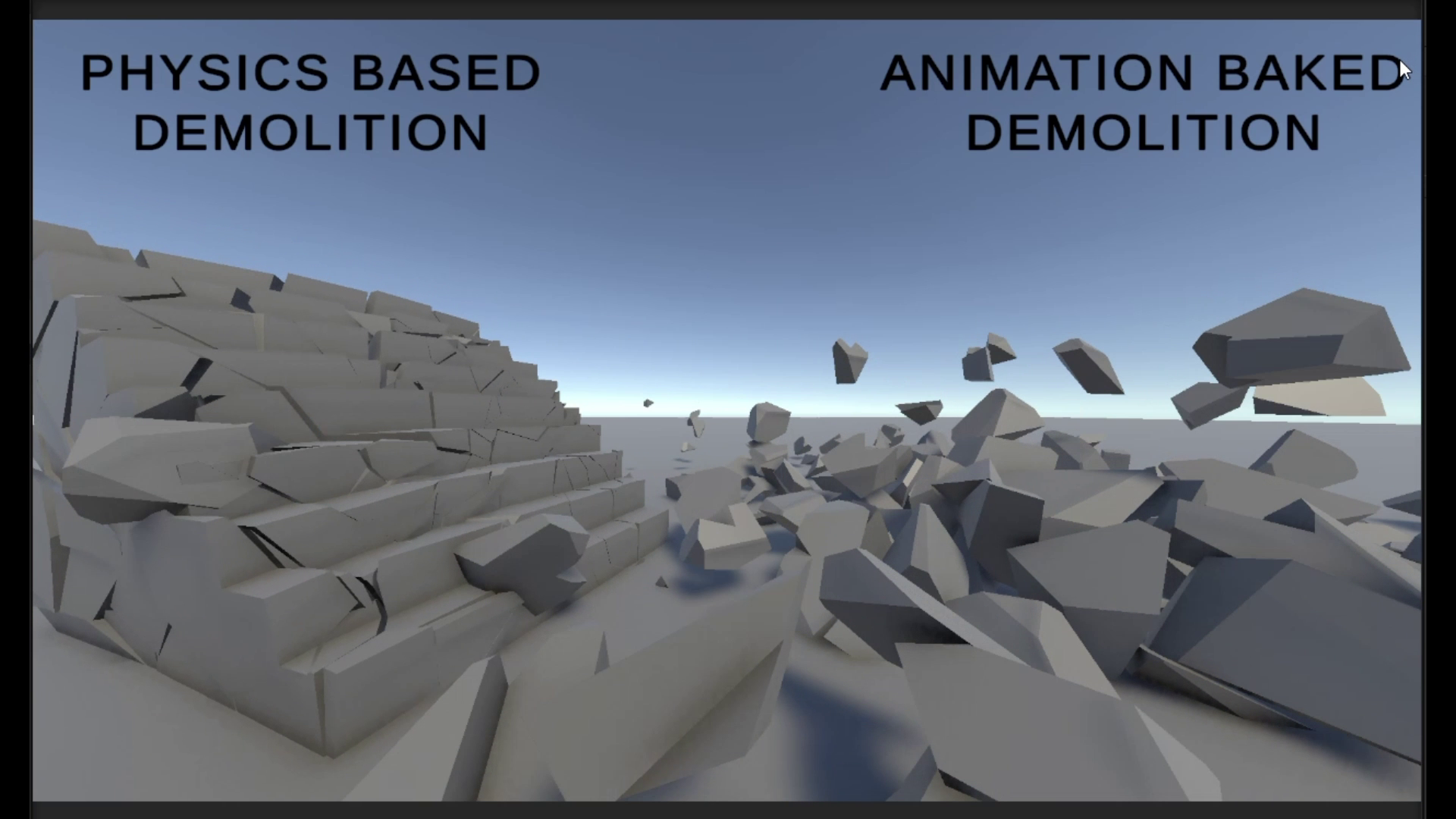
- Physics mode: Real rigidbody pieces for when you want proper simulation
- Animation mode: Baked animations for mobile/60fps/VR where physics would tank your framerate
- Use both in the same project - physics for cool moments, animations for background stuff
ACTUALLY USABLE TOOLS
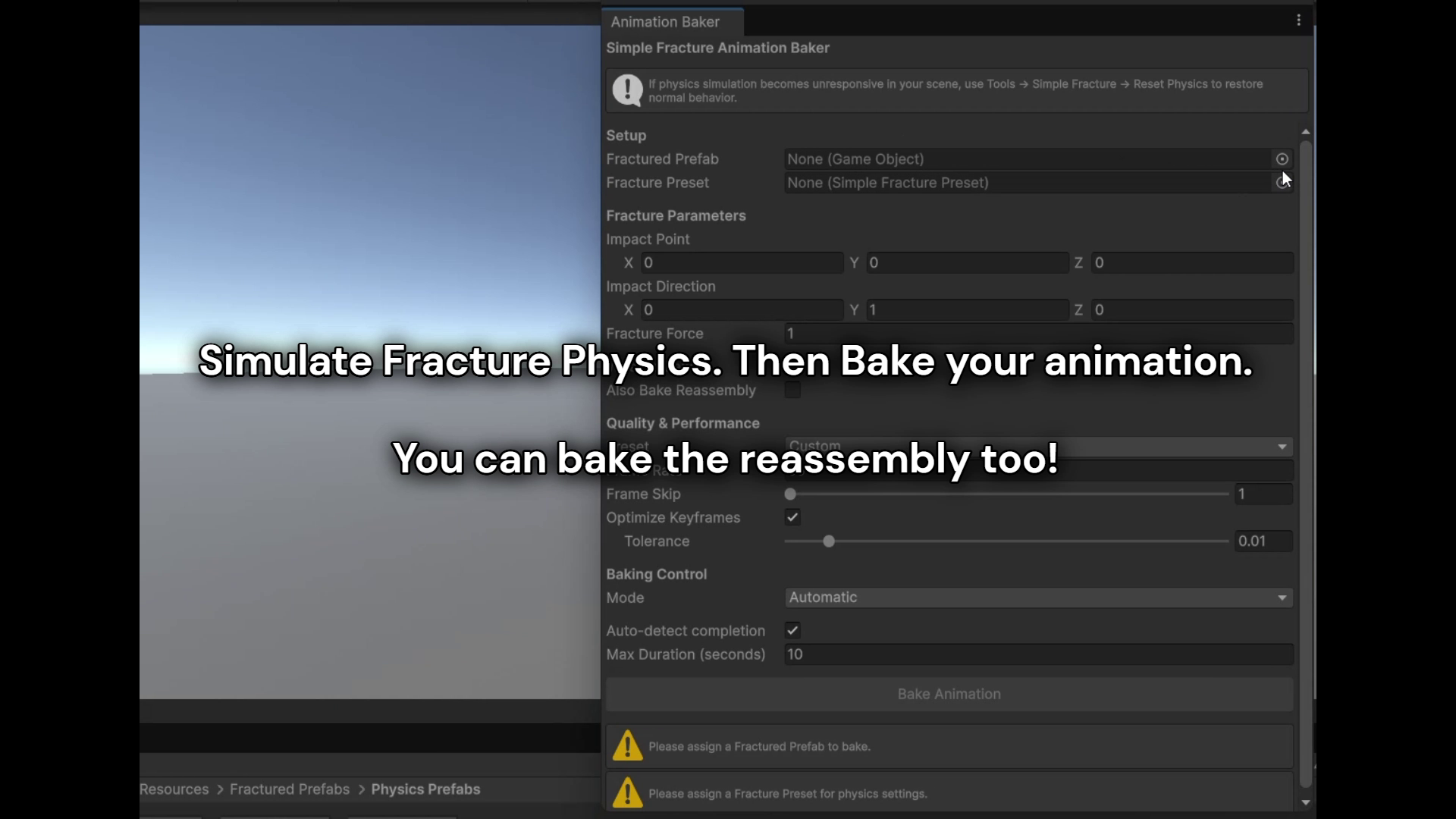
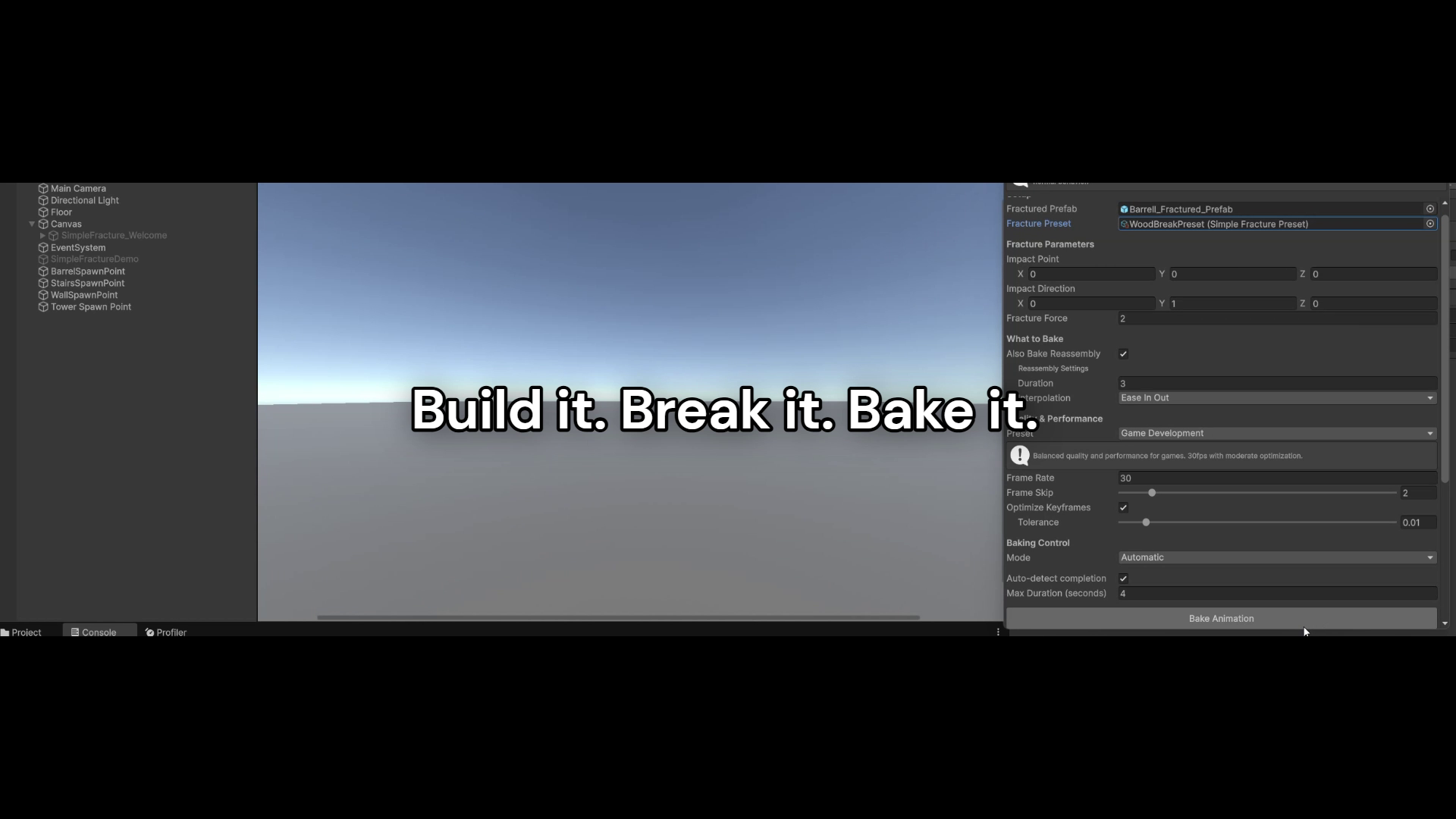
- Animation Baker: Turn your physics sim into a baked animation with one click
- Weight system: Make some fracture variations more likely than others
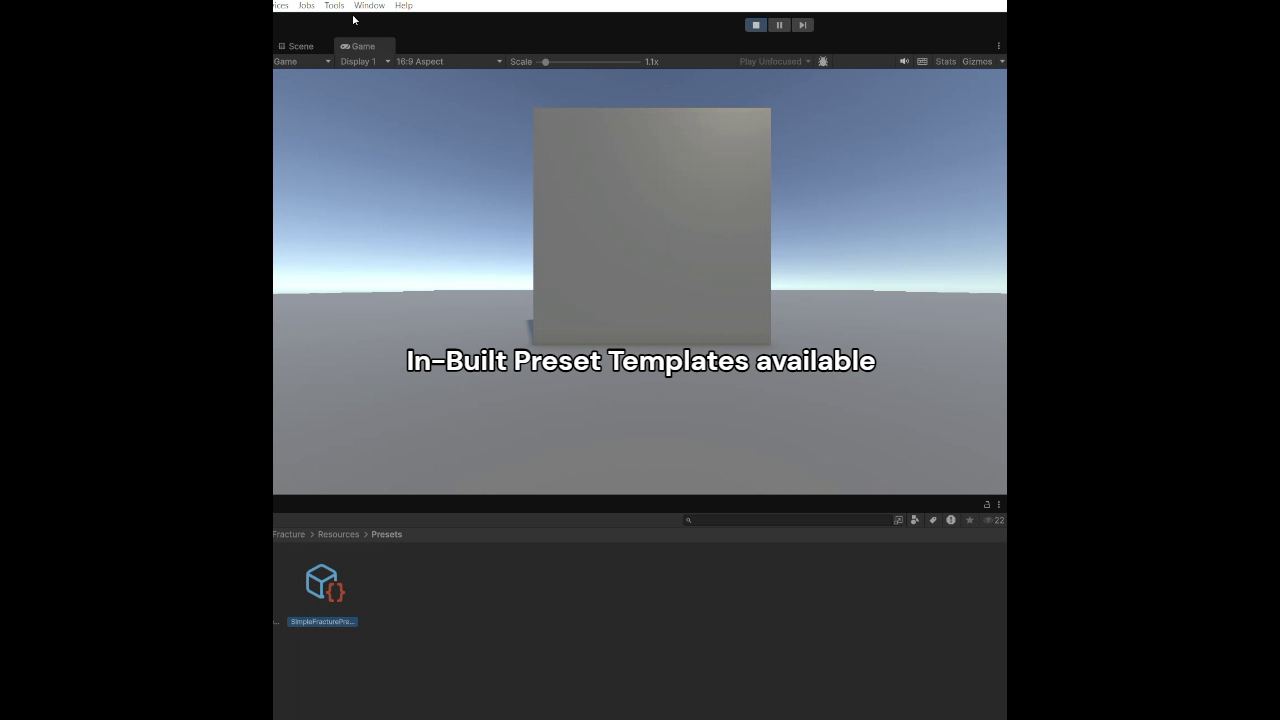
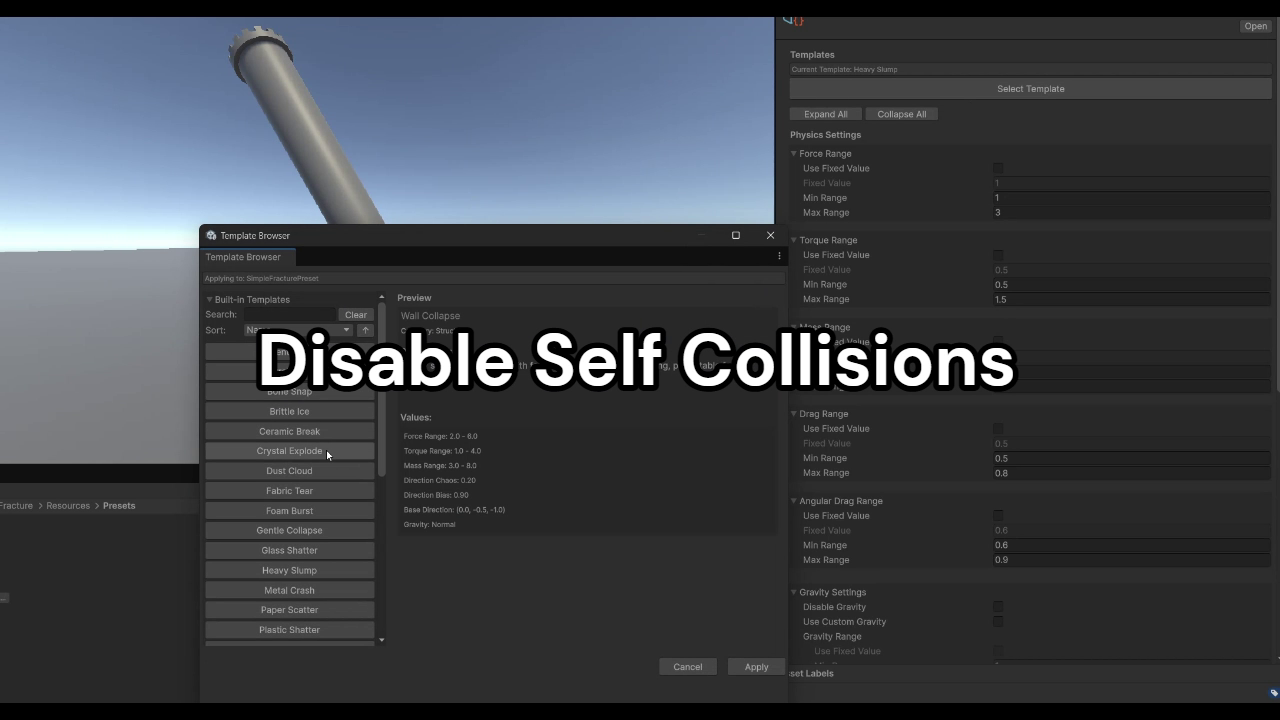
- 15 ready-made physics presets so you don't start from scratch
- Proper documentation that actually explains stuff
CORE STUFF
- Mesh swapping that just works
- Smart piece detection (finds your fractured bits automatically)
- Collision optimization so pieces don't fight each other
- Memory efficient - only loads what you need
VARIANT SYSTEM
- One ScriptableObject per thing you want to break
- Multiple fracture variations with different probabilities
- Name-based lookup when you want a specific break pattern
- Auto-detects animation clips from your Animator Controller
ANIMATION BAKING TOOLS
- Convert physics simulation into animation clips
- Manual recording for precise control
- Auto-stop when simulation settles
- Make "reassembly" animations (broken stuff rebuilding itself)
EDITOR HELPERS
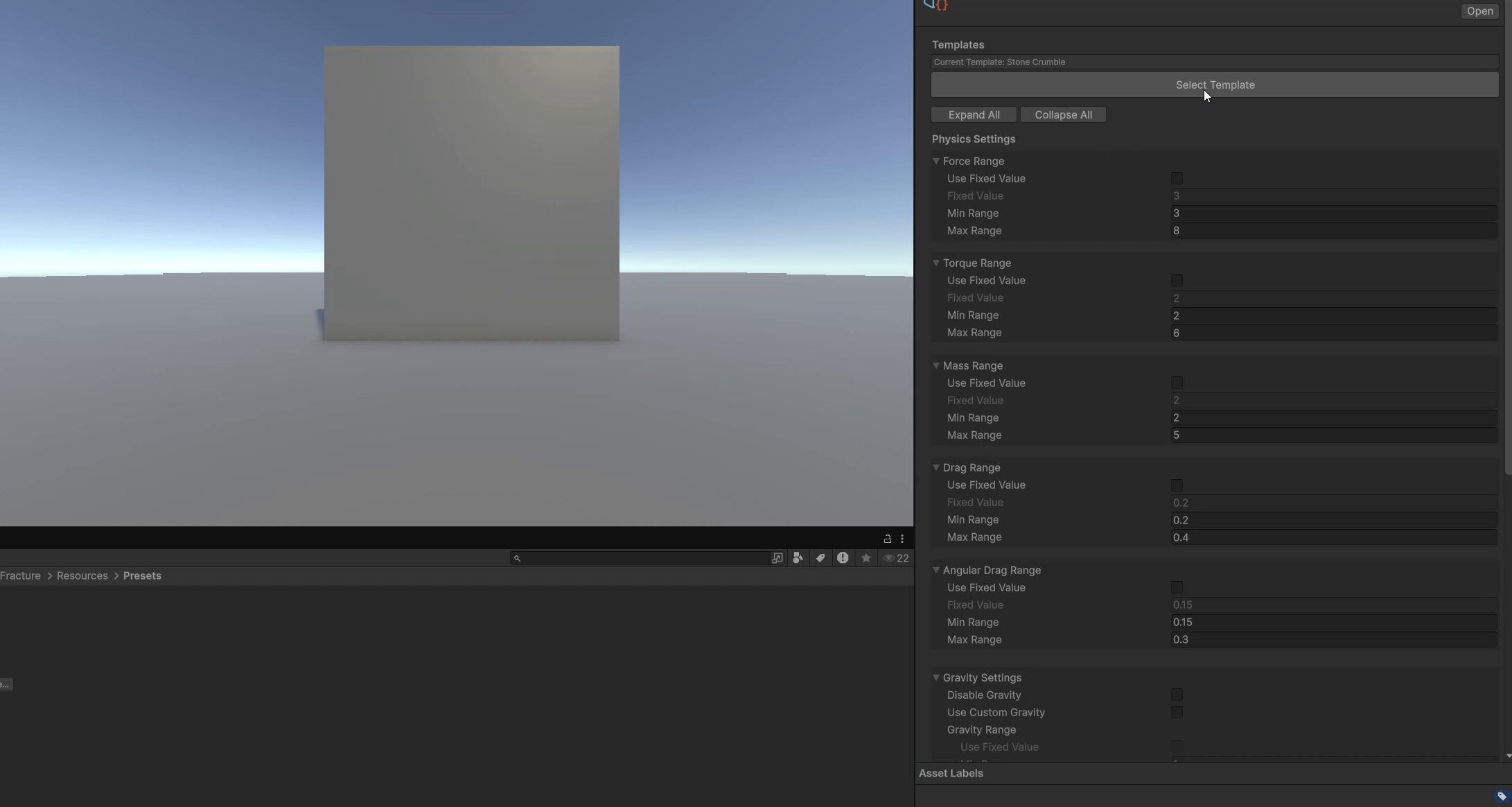
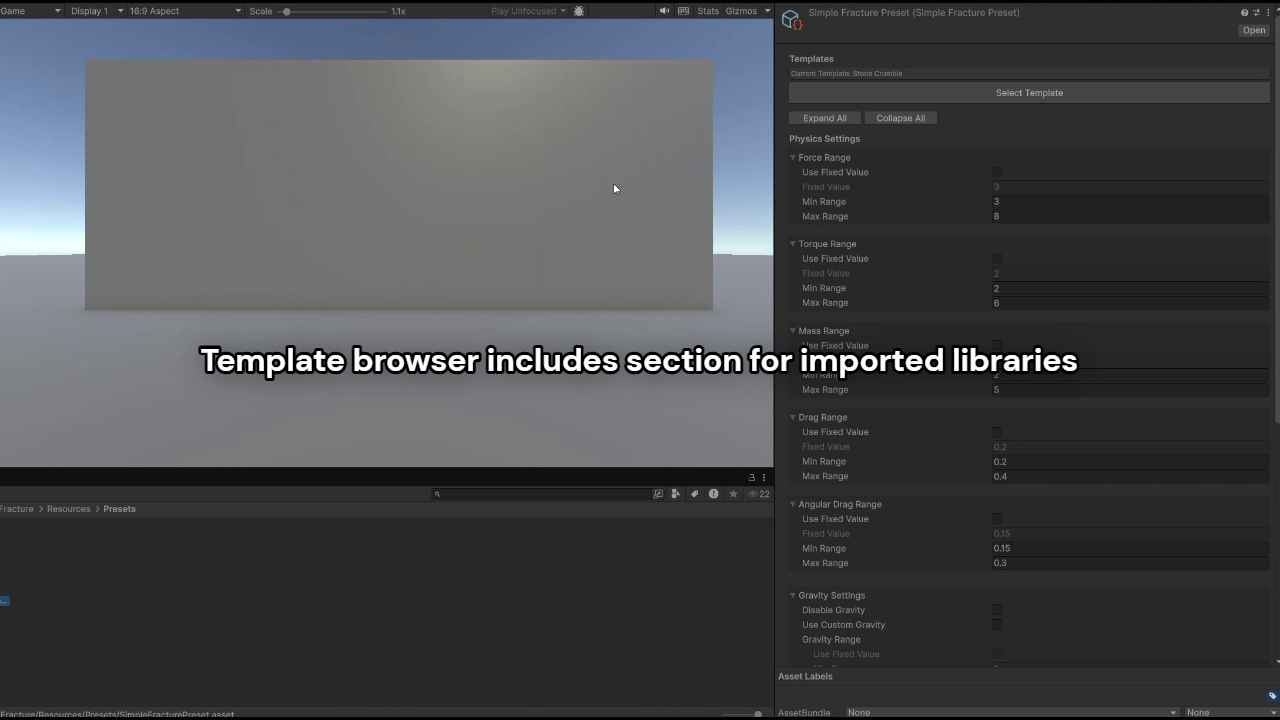
- Template browser with previews
- Import/export templates as JSON
- Validation that tells you when stuff is broken
- Randomize weights button because clicking sliders is boring
Who This Is For
INDIE DEVS
You don't have time or the money to invest in dynamic destruction systems. This saves you weeks of work for a modest price. Math checks out.
MOBILE DEVS
Animation mode gives you destruction that won't murder your framerate. Your players get satisfying breaks without their phone overheating.
VR DEVS
Predictable performance means no motion sickness from frame drops. Destruction that won't break immersion.
ANYONE WHO WANTS DESTRUCTION THAT WORKS
- Crate an object.
- Fracture that object in the 3D editing tool of your choice to create tons of new pieces.
- Import them into Unity.
- Add Rigidbody and necessary colliders.
- Just make stuff break and move on with your life.
Real Examples
- Building destruction that collapses properly instead of glitching through the floor
- Destructible cover in shooters that breaks consistently
- Puzzle game blocks that shatter satisfyingly without lag
- VR environments where you can smash stuff without performance anxiety
From the publisher's Asset Store listing.
Technical details
SimpleFracture - Technical Features
Core System
**Mesh Swapping Engine**: Instant replacement of intact meshes with pre-fractured prefabs
- **Static Utility API**: Framework-independent static methods for custom integration
- **Dual Mode Support**: Physics simulation and baked animation playback
- **ScriptableObject Architecture**: Data-driven configuration with reusable assets
Physics System
- **15 Built-in Presets**: Glass, stone, metal, wood, explosion, and specialty configurations
- **Force Application**: Directional impact with distance-based falloff curves
- **Collision Optimization**: Automatic layer management prevents piece interference
- **Custom Gravity Support**: Optional gravity manipulation for enhanced effects
- **Staggered Breaking**: Delayed physics application for cinematic sequences
Animation System
- **Animation Baker**: Convert physics simulations to optimized animation clips
- **8 Professional Presets**: Game Dev, Mobile, VFX, Cinematic, Quick Preview, Web/WebGL, VR, Custom
- **Reassembly Generator**: Mathematical interpolation creates reverse animations
- **Animator Integration**: Modern Animator Controller support with automatic state detection
- **Weight-Based Selection**: Configurable probability for animation variety
Variant Management
- **Multi-Variant Assets**: Single ScriptableObject manages multiple fracture options
- **Weight System**: Integer-based probability control for physics and animation variants
- **Named Lookup**: Runtime access to specific variants by string identifier
- **Auto-Population**: Animation clips automatically extracted from Animator Controllers
- **Validation System**: Real-time error checking with helpful guidance
Editor Tools
- **Template Browser**: Visual preset selection with search, filter, and sort
- **JSON Import/Export**: AI-compatible template sharing and backup
- **Custom Inspectors**: Enhanced UI with randomization tools and validation warnings
- **Documentation Menu**: Integrated help system accessible from Tools menu
- **Animation Baker GUI**: Professional interface for physics-to-animation conversion
Performance Features
- **Memory Efficient**: Only loads active variants, automatic cleanup
- **Layer Optimization**: O(n) collision detection vs O(n²) default behavior
- **Mobile Friendly**: Animation mode provides consistent 60fps performance
- **Batch Processing**: Multiple fractures without performance degradation
- **Zero Runtime Allocation**: Pre-allocated arrays prevent garbage collection
Integration Features
- **Callback System**: Events for VFX, audio, and gameplay integration
- **Component Detection**: Automatic piece discovery with explicit override option
- **Namespace Isolation**: No conflicts with existing project code
- **Unity Version Support**: Compatible with Unity 2021.3 LTS and newer
- **Platform Agnostic**: Works on all Unity-supported platforms
Technical Specifications
- **API Pattern**: Static utility methods, no singletons or managers required
- **Data Format**: ScriptableObjects for designer-friendly workflow
- **Physics Engine**: Standard Unity Rigidbody system with optimizations
- **Animation Engine**: Unity Animator with automatic clip management
- **File Structure**: Self-contained package with minimal dependencies
- **Documentation**: Complete HTML reference with examples and troubleshooting
Compatibility
| Unity version | Built-in | URP | HDRP | Custom |
|---|---|---|---|---|
| 6000.1.1f1 | Compatible | Compatible | Compatible | Compatible |
As listed on the Asset Store.