
 View on Asset Store (opens in new tab)
Package details
- Latest version
- 1.0
- Last updated
- First released
- Unity version
- 6000.2.6 or later
- Package size
- 51 KB
- Files
- 9
- Favorites
- 9
- Views in the past week
- 6
Price tracking
- Last checked
- Tracked since
- Lowest recorded
- Free on
Keywords

UI Aspect Ratio Controller
Professional Unity tool for maintaining consistent aspect ratios across all screen sizes with letterboxing and pillarboxing.
Price Free
Get it free on Asset Store (opens in new tab)
Affiliate link · Purchases support this site
Price history
Last 6 months
USDAsset preview
1 / 3
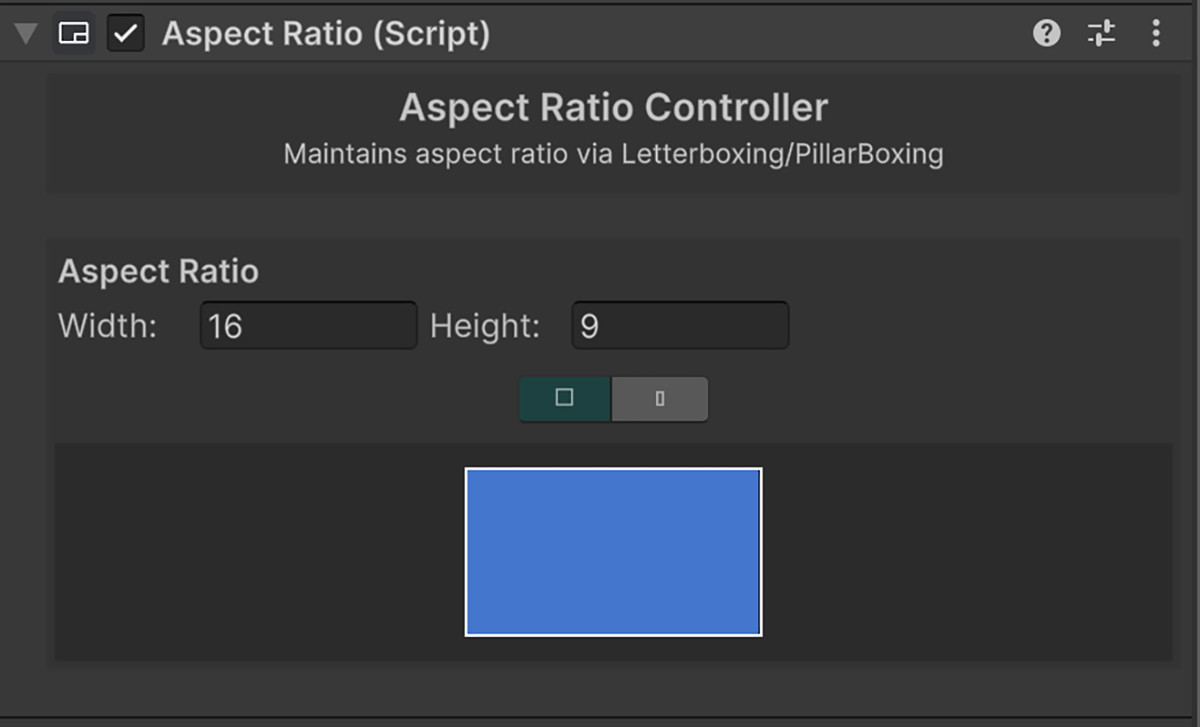
UI Aspect Ratio Controller screenshot 1
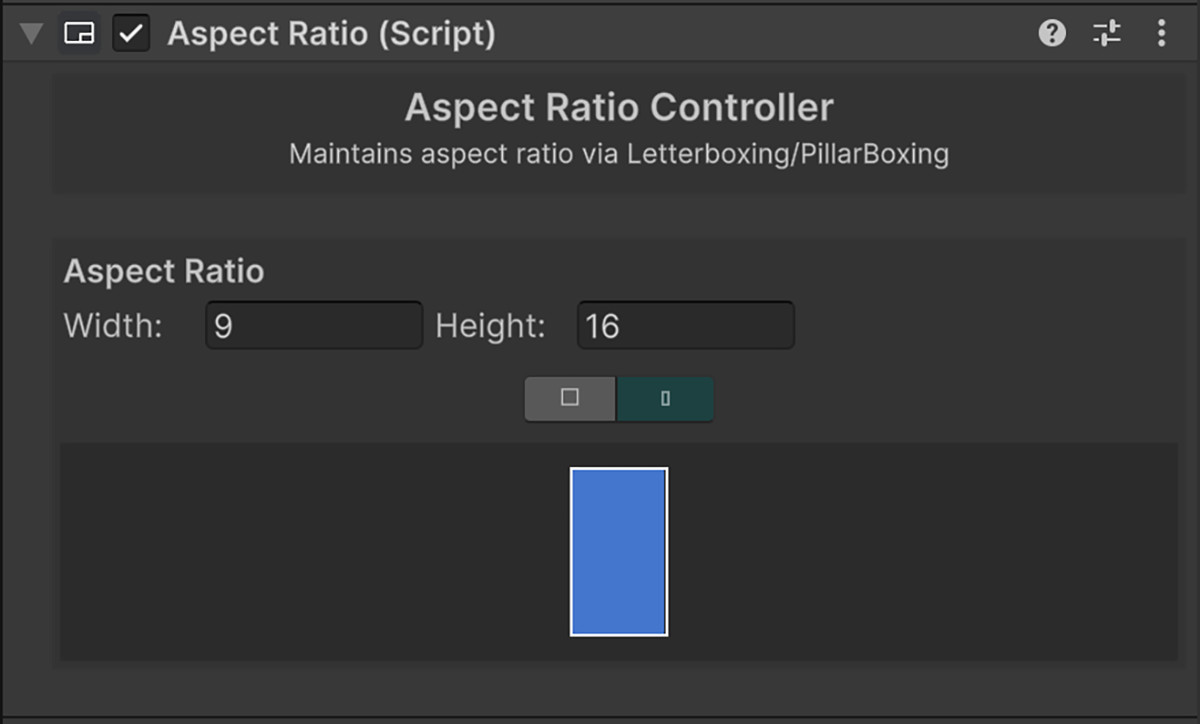
About this asset
🧩 Aspect Ratio Controller
Maintain perfect screen composition across all devices and aspect ratios.
A lightweight, editor-friendly tool that automatically manages camera aspect ratios through letterboxing and pillarboxing.
FEATURES
- Automatic aspect ratio correction
- One-click orientation switch (Portrait ↔ Landscape)
- Live visual preview inside the Inspector
- Simple numeric input for width and height
- Clean, native Unity-style UI
- Zero external dependencies
PERFECT FOR
- Mobile & multi-platform games
- UI/UX and cinematic projects
- Prototyping with different screen formats
From the publisher's Asset Store listing.
Technical details
TECHNICAL DETAILS
- Unity Versions: 2021.3 LTS or newer
- Render Pipelines: Built-in, URP, HDRP
- Supported Platforms: Mobile, Desktop, WebGL, Console
- Runtime Overhead: Minimal (<1KB per camera)
- Code: 100% C#, no third-party libraries
USAGE
- Add AspectRatioController to your Camera.
- Set target Width and Height.
- Toggle orientation with one click.
- Preview results instantly in the Inspector.
INCLUDES
- Demo scene
- Full source code
Compatibility
| Unity version | Built-in | URP | HDRP |
|---|---|---|---|
| 6000.2.6f2 | Compatible | Compatible | Compatible |
As listed on the Asset Store.