
 View on Asset Store (opens in new tab)
Package details
- Latest version
- 1.0
- Last updated
- First released
- Unity version
- 6000.0.62 or later
- Package size
- 1.1 MB
- Files
- 61
- Favorites
- 37
- Views in the past week
- 6
Price tracking
- Last checked
- Tracked since
- Lowest recorded
- $75.00 on
Keywords

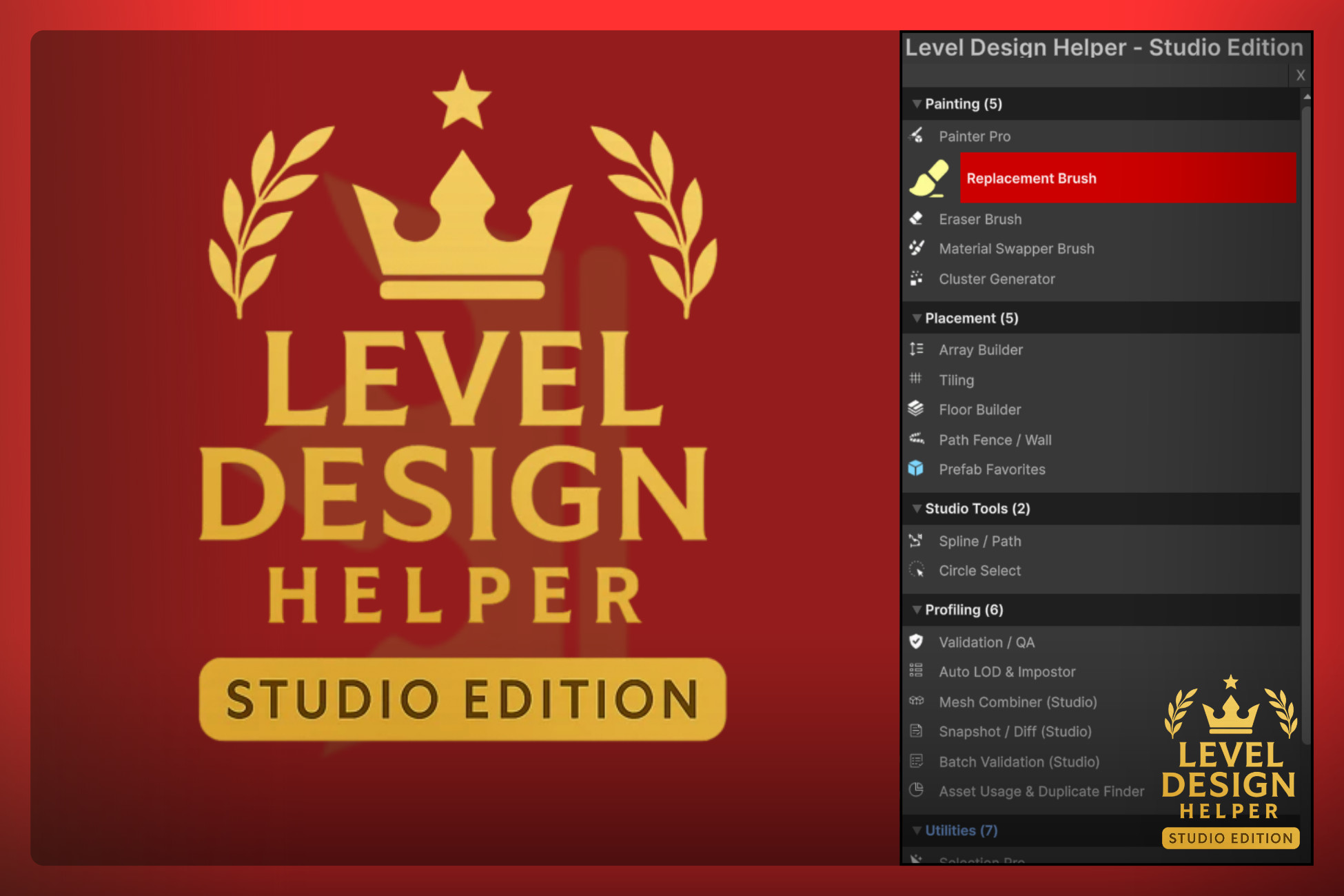
Level Design Helper — STUDIO EDITION
A complete level design toolkit that speeds up environment creation with smart placement tools, optimization modules, prefab automation, and world-building utilities for faster, cleaner development.
Affiliate link · Purchases support this site
Price history
Last 6 months
USDAsset preview
1 / 24
Level Design Helper — STUDIO EDITION screenshot 1
About this asset
The Ultimate Environment Creation Toolkit for Professionals & Teams
Level Design Helper Studio Edition is the highest tier of the LDH ecosystem — built for studios, large projects, and creators who need powerful automation, optimization, world-building tools, and advanced prefab/scene workflows.
It includes everything from the Base and Pro versions, plus a full suite of Studio-grade modules designed for speed, scale, and team collaboration.
Join the Community & Support -
Discord Support
Get help, ask questions, request features, or share your workflow with other LDH users.
🔗 Related Packages
Base Version (Starter Pack)
➡ Perfect for beginners or simple projects.
Pro Version (Advanced Creator Tools)
➡ Adds high-end brushes, scatter tools, replacements, selection tools & more.
Studio Edition (This Package)
➡ Complete feature set. Designed for professional workflows, large environments, and production teams.
What’s Included in Studio Edition
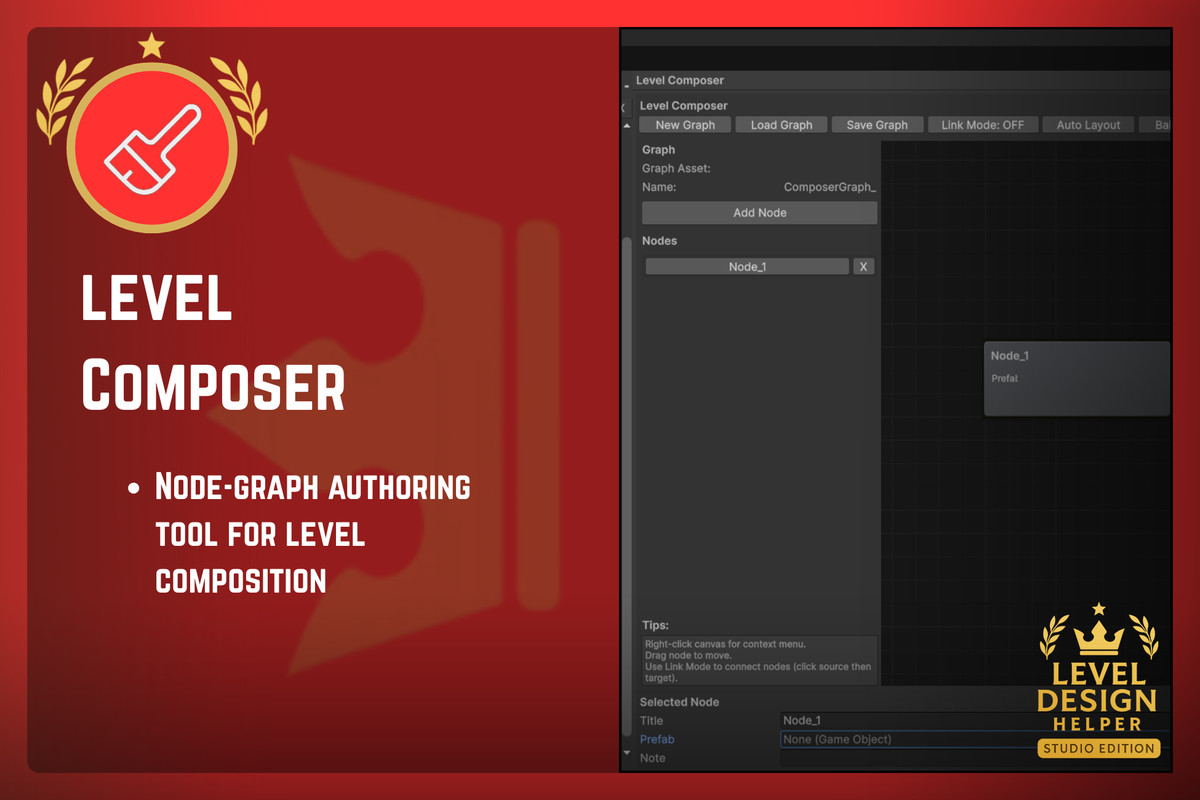
- Composer Module
A node-based graph system for procedural layouts, room flows, object linking, and structured level planning.
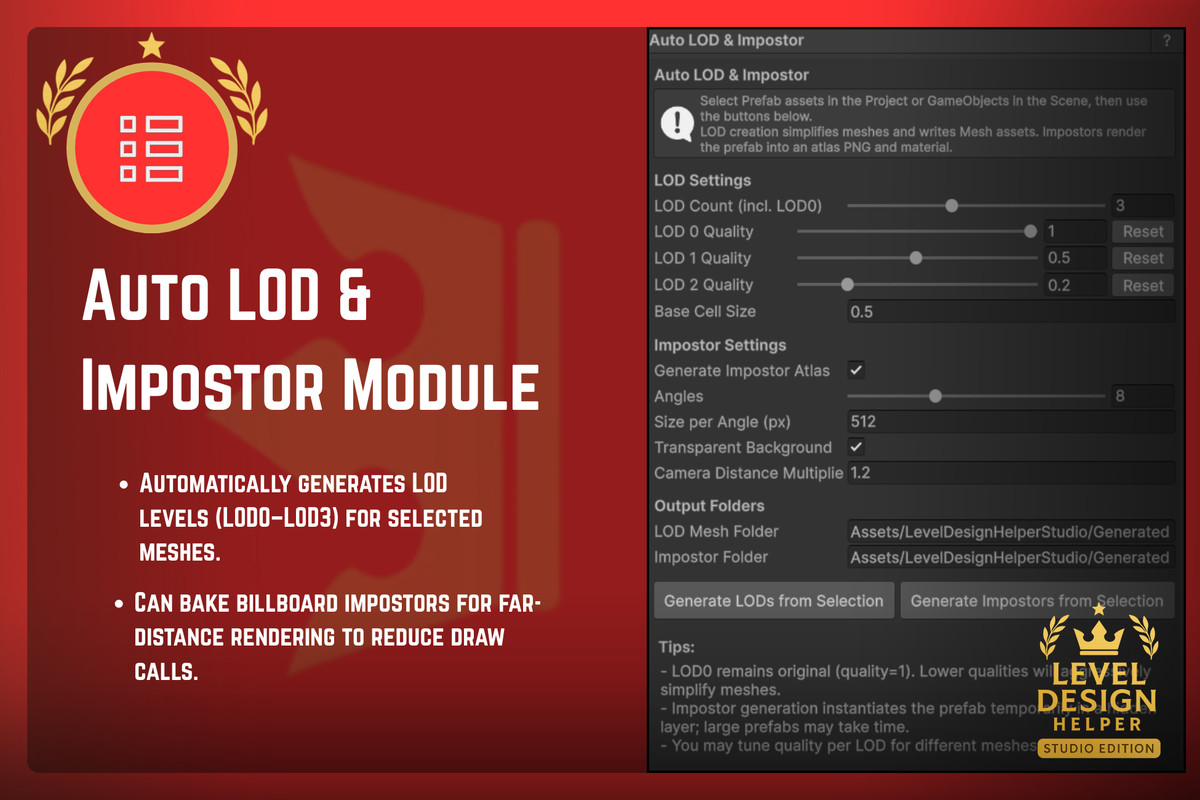
- Auto LOD & Impostor Generator
Automatically generates LOD groups & billboard impostors, drastically improving performance on large scenes.
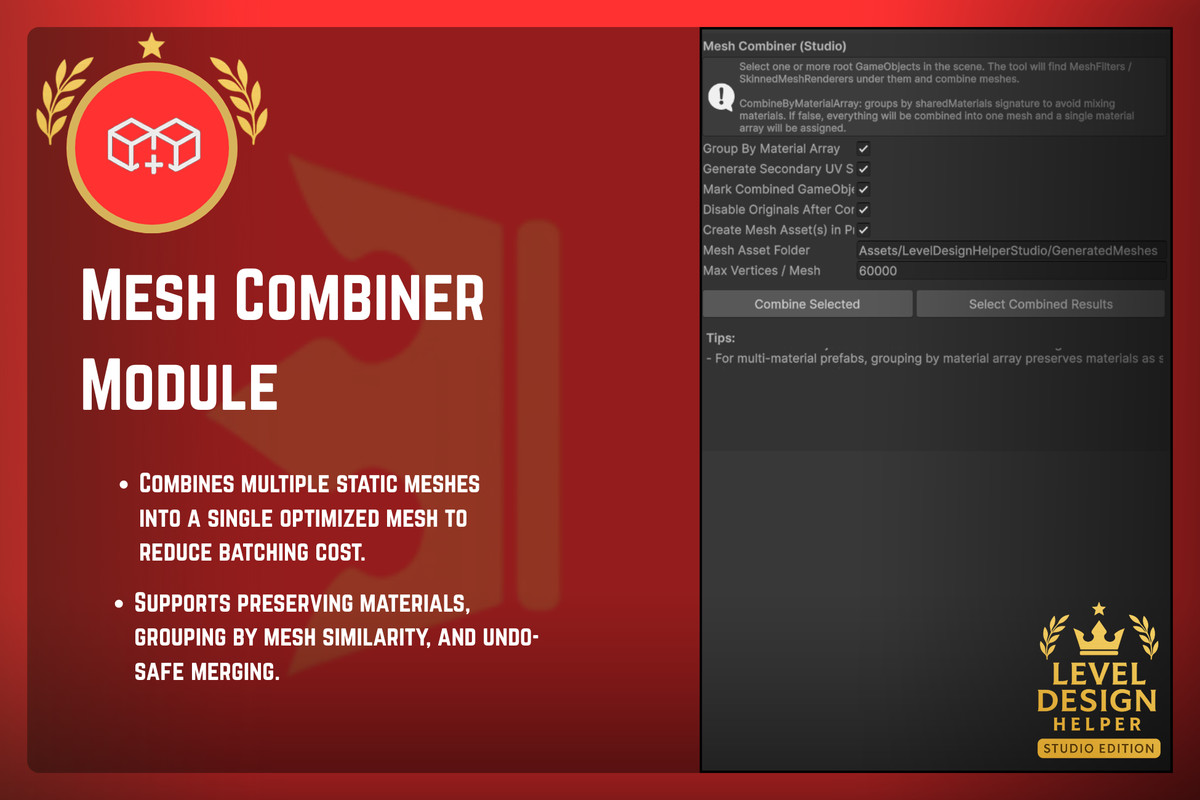
- Mesh Combiner
Merge meshes into optimized clusters to reduce batching and draw calls while preserving materials.
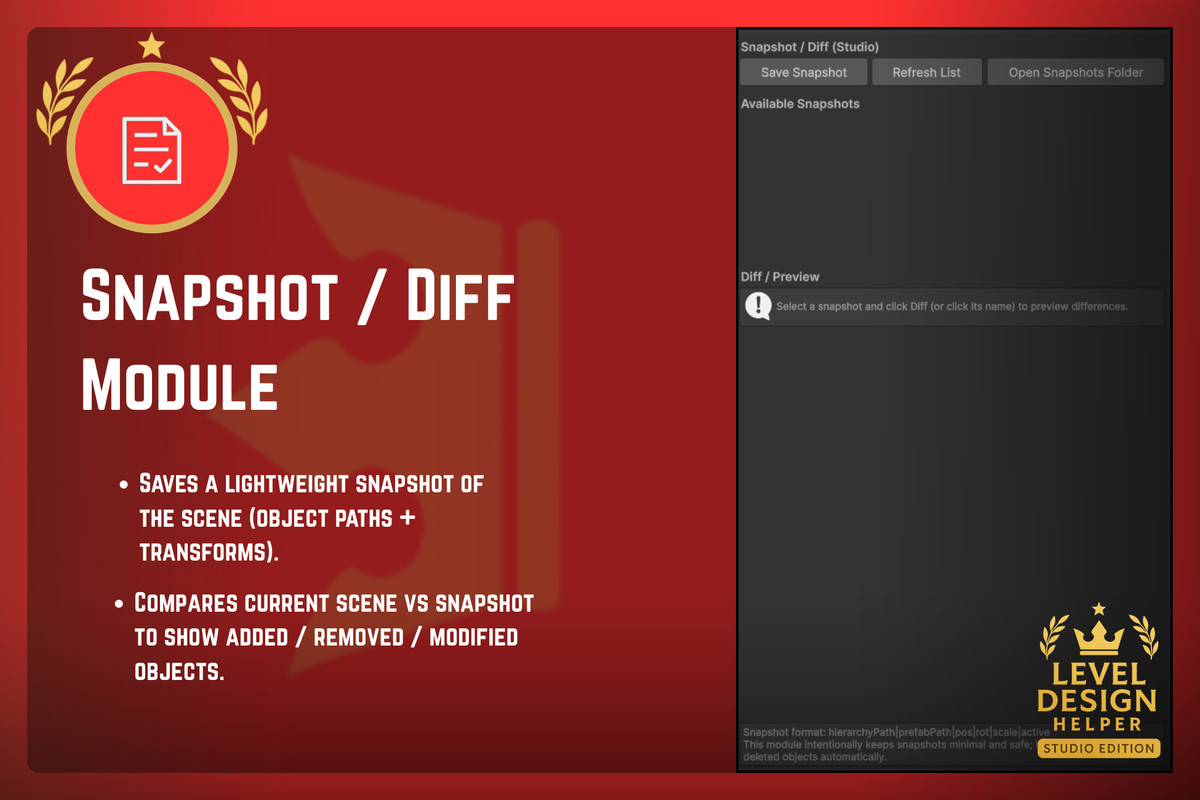
- Snapshot / Diff Tool
Save lightweight snapshots of your scenes and instantly compare differences — modified, added, or removed objects.
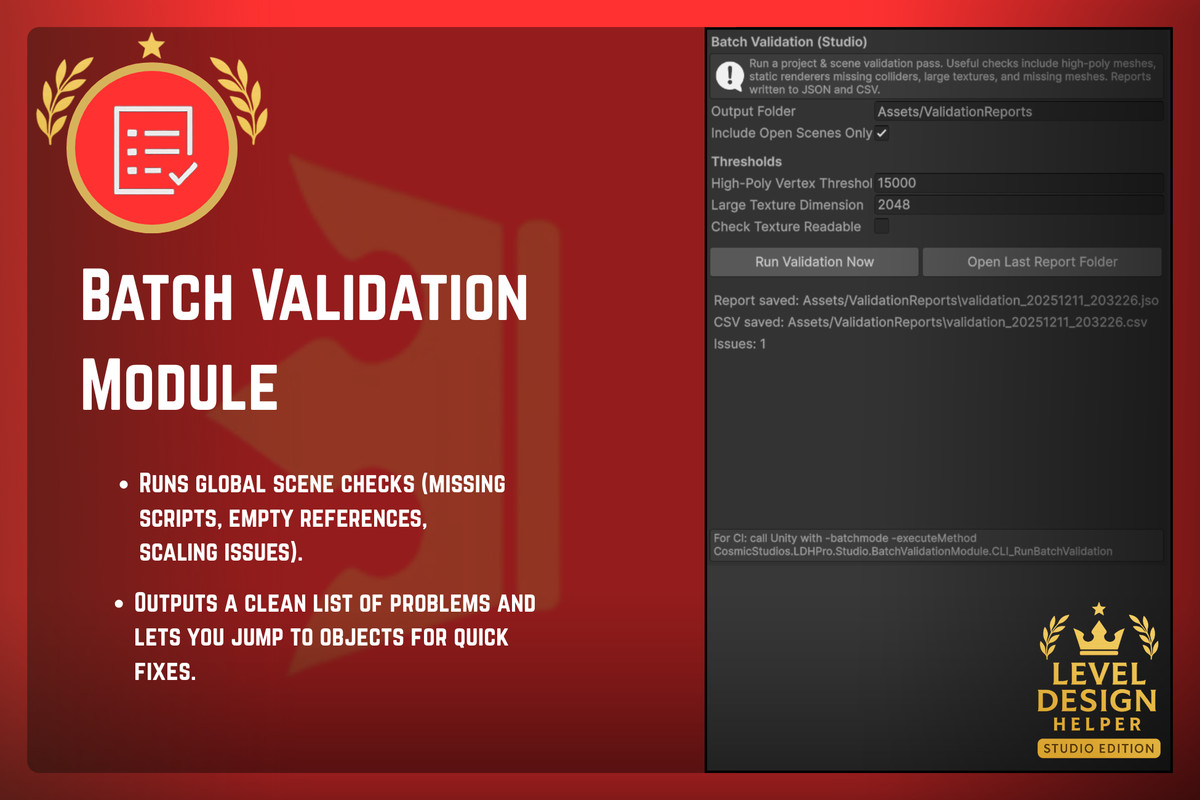
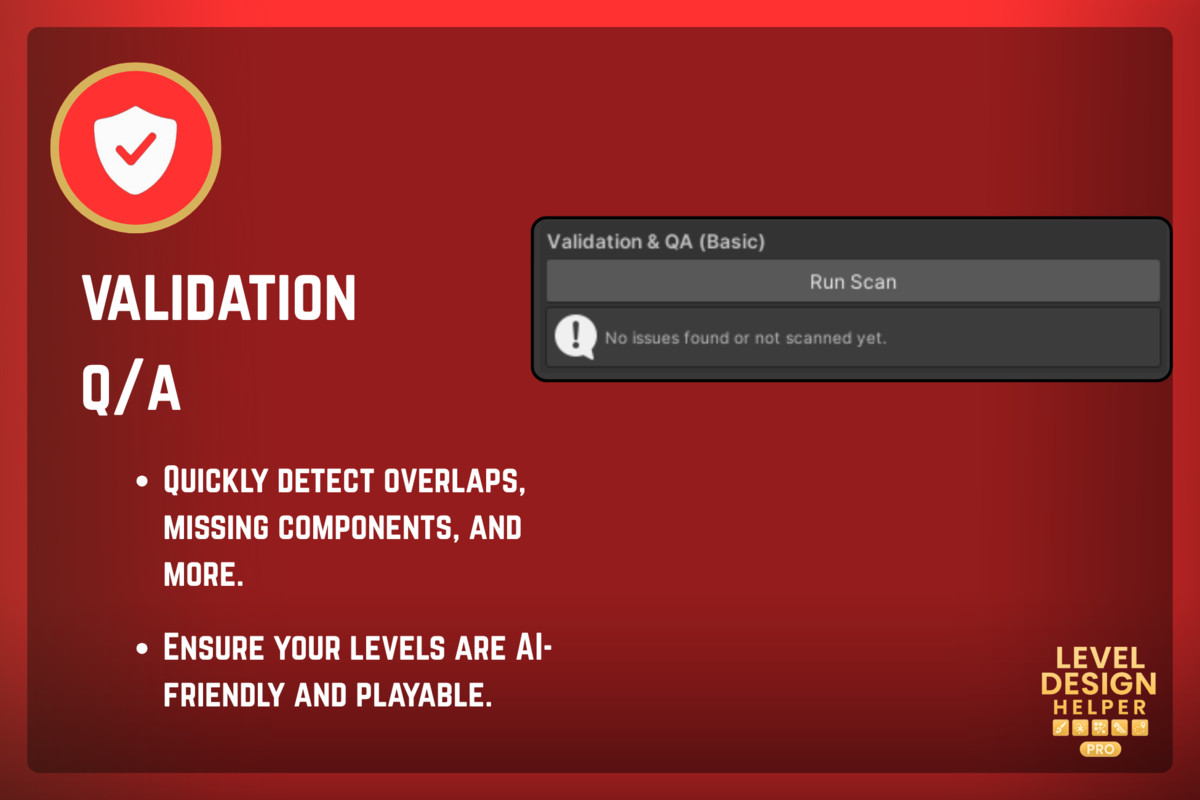
- Batch Validation Tool
Run large-scale scene checks: missing scripts, bad scaling, invalid references, unassigned materials, and more.
- Streaming Planner
Create world tiles, assign objects to streaming regions, and export data for async scene loading or open-world systems.
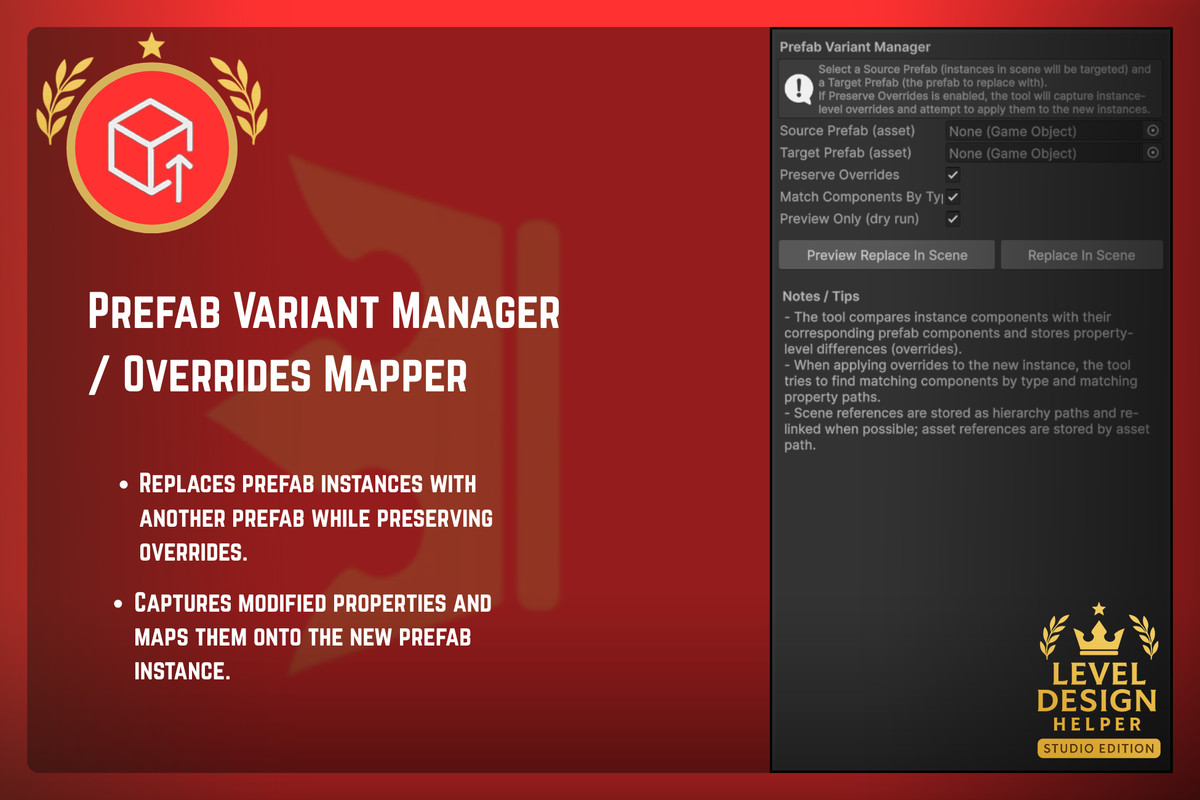
- Prefab Variant Manager / Overrides Mapper
Swap prefabs while preserving overrides — transforms, components, values, and custom serialized data.
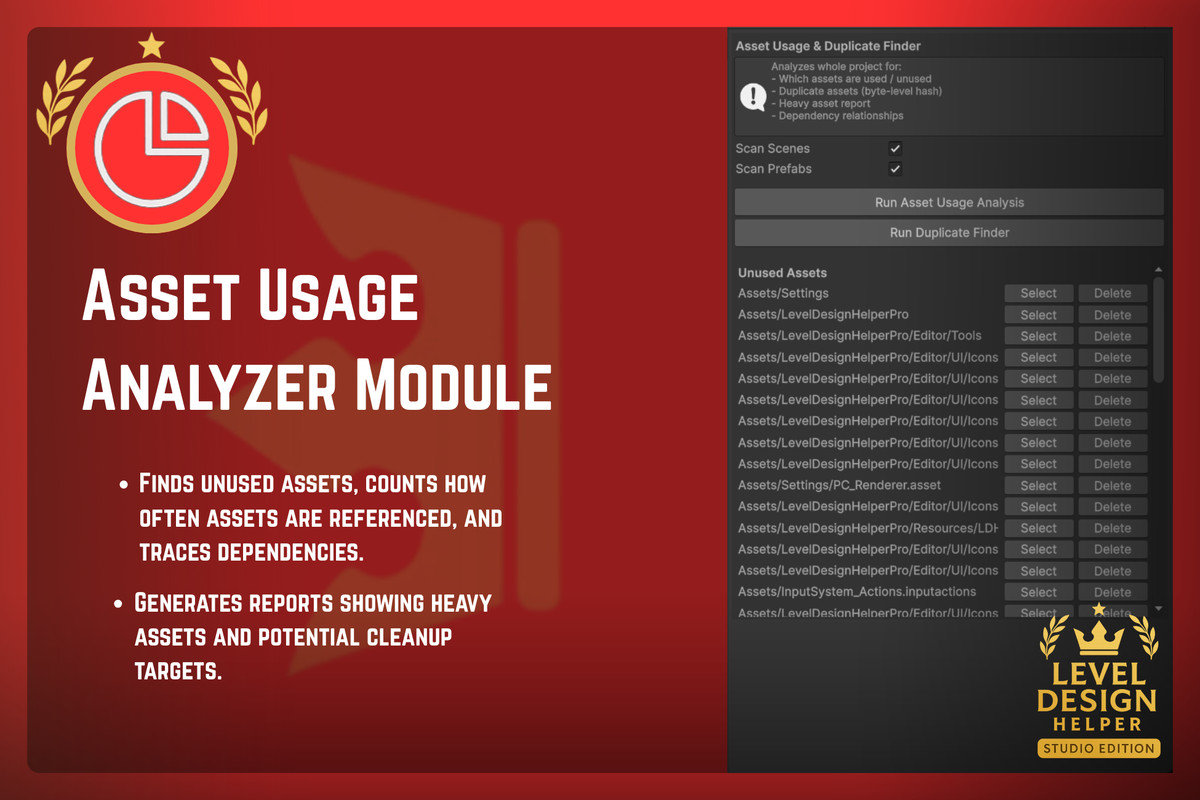
- Asset Usage Analyzer & Duplicate Finder
Detect unused assets, dependency chains, duplicate content, and heavy assets that bloat your project.
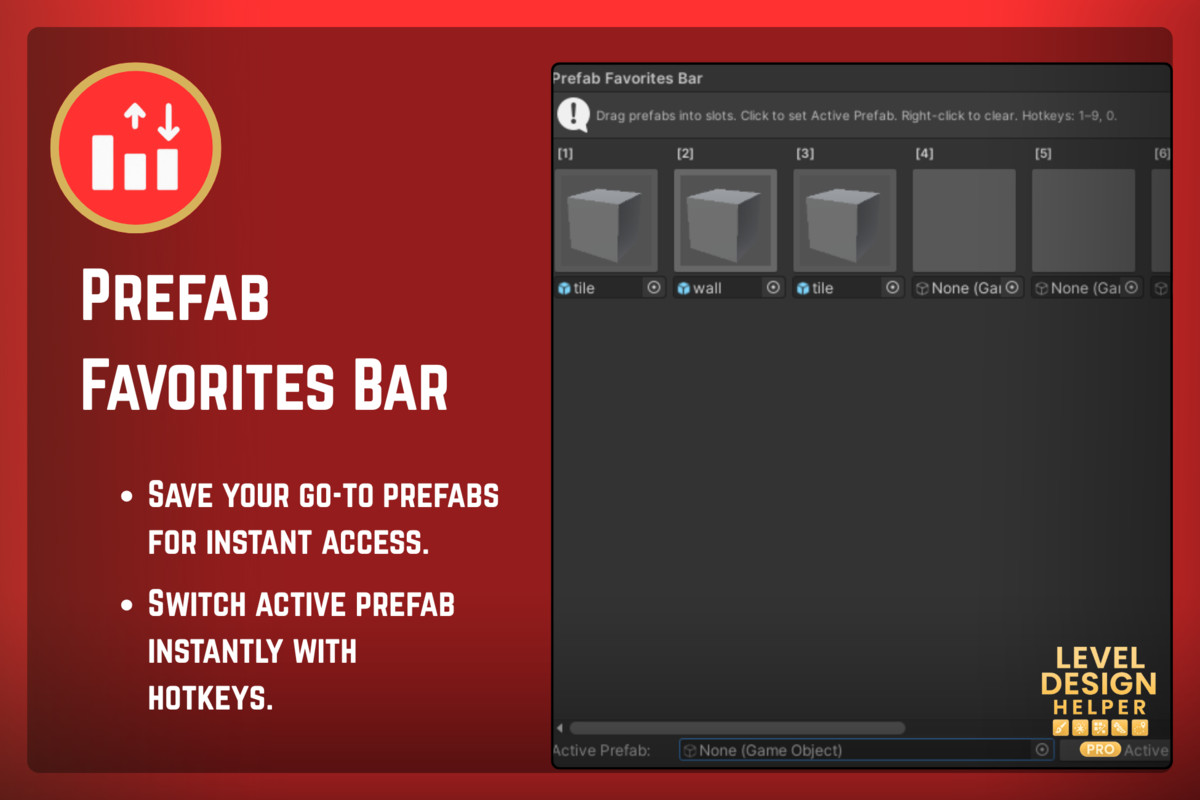
- Prefab Favorites Bar
Pin frequently used prefabs for instant one-click access during level design.
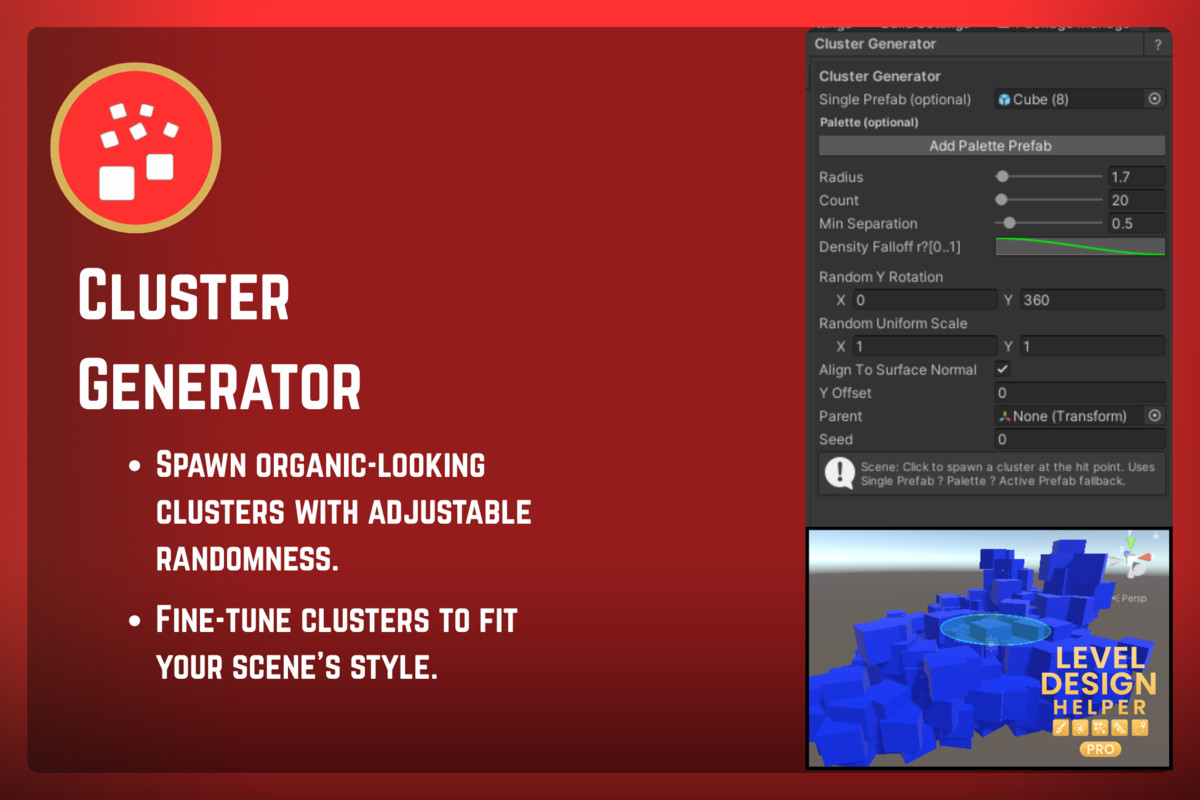
- Cluster Generator
Spawn natural clusters with density falloff — rocks, vegetation, debris, ground details, and more.
From the publisher's Asset Store listing.
Technical details
Key Features
- Complete suite of Studio-grade level design tools for professional workflows.
- Advanced procedural generation, LOD automation, mesh optimization, and scene diffing.
- Powerful world streaming, asset validation, and performance tools for large-scale environments.
- Cross-project prefab variant handling, override preservation, and replacement workflows.
- Asset usage analytics and duplicate detection for project cleanliness and build size optimization.
- Fully modular Tool Bus system — enable, disable, and extend tools easily.
- Designed for large Unity environments, open worlds, modular levels, and high-performance pipelines.
Included Tools
Level Design Tools (Studio Edition)
- Composer Module – Node-based procedural layout and level flow graph.
- Auto LOD & Impostor Generator – Automatic LOD creation + billboard impostors.
- Mesh Combiner Module – Combine meshes into optimized groups for performance.
- Snapshot / Diff Module – Save and compare minimal scene snapshots (added/removed/modified objects).
- Batch Validation Module – Scene-wide checks for missing scripts, scaling issues, references, and more.
- Streaming Planner Module – Create world tiles and export streaming metadata.
- Prefab Variant Manager / Overrides Mapper – Preserve overrides when replacing prefabs.
- Asset Usage Analyzer & Duplicate Finder – Detect unused, duplicate, or heavy assets.
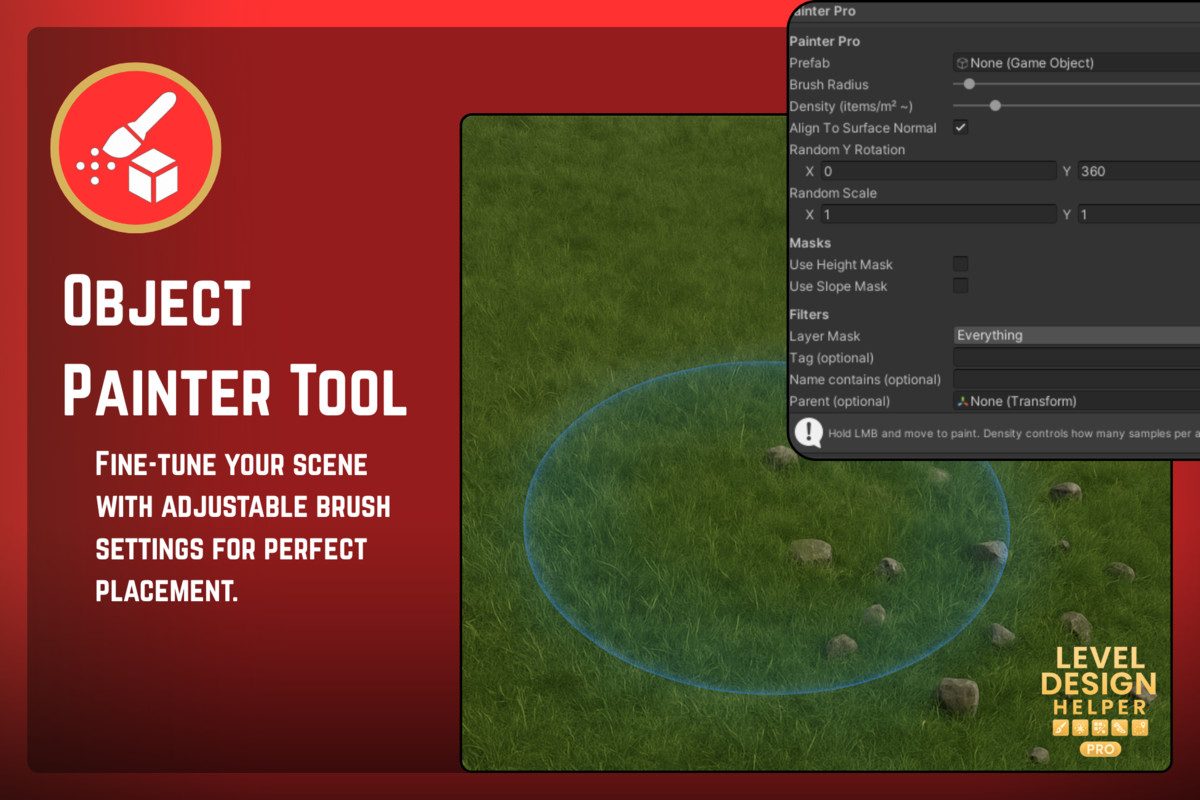
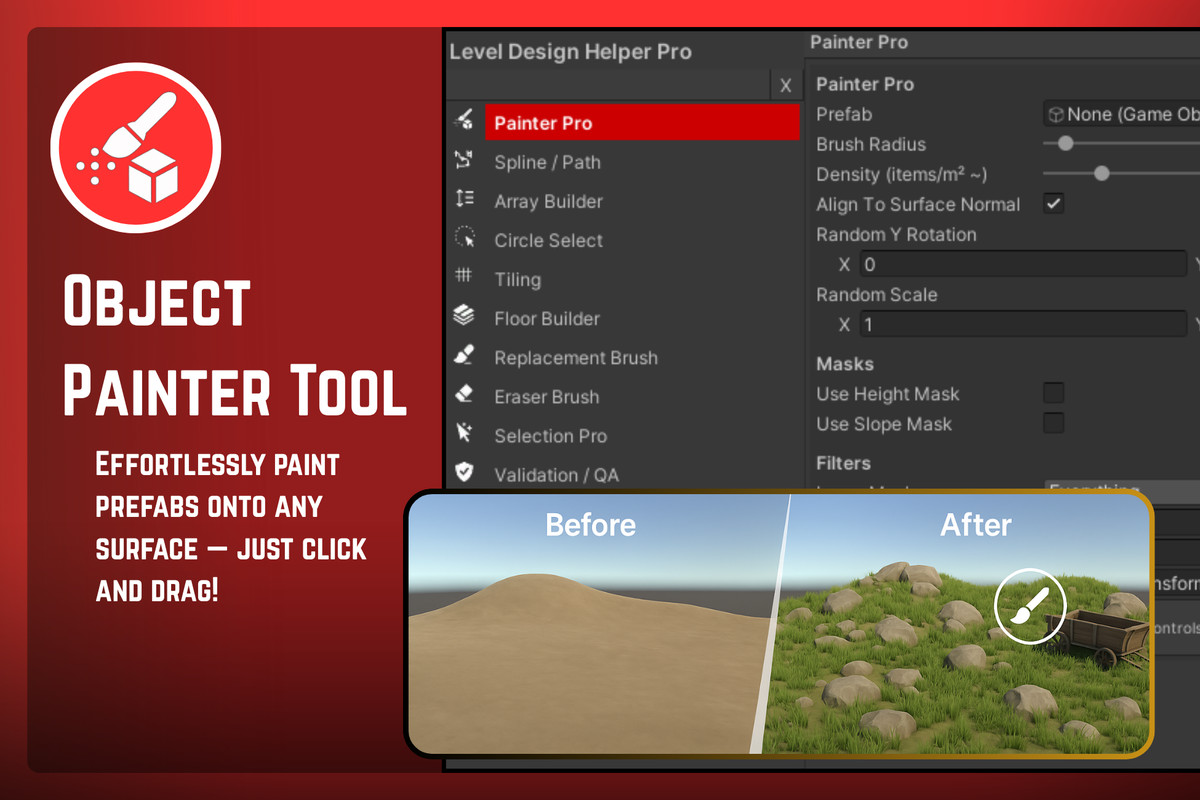
- Object Painter Pro
- Spline Pro Tool
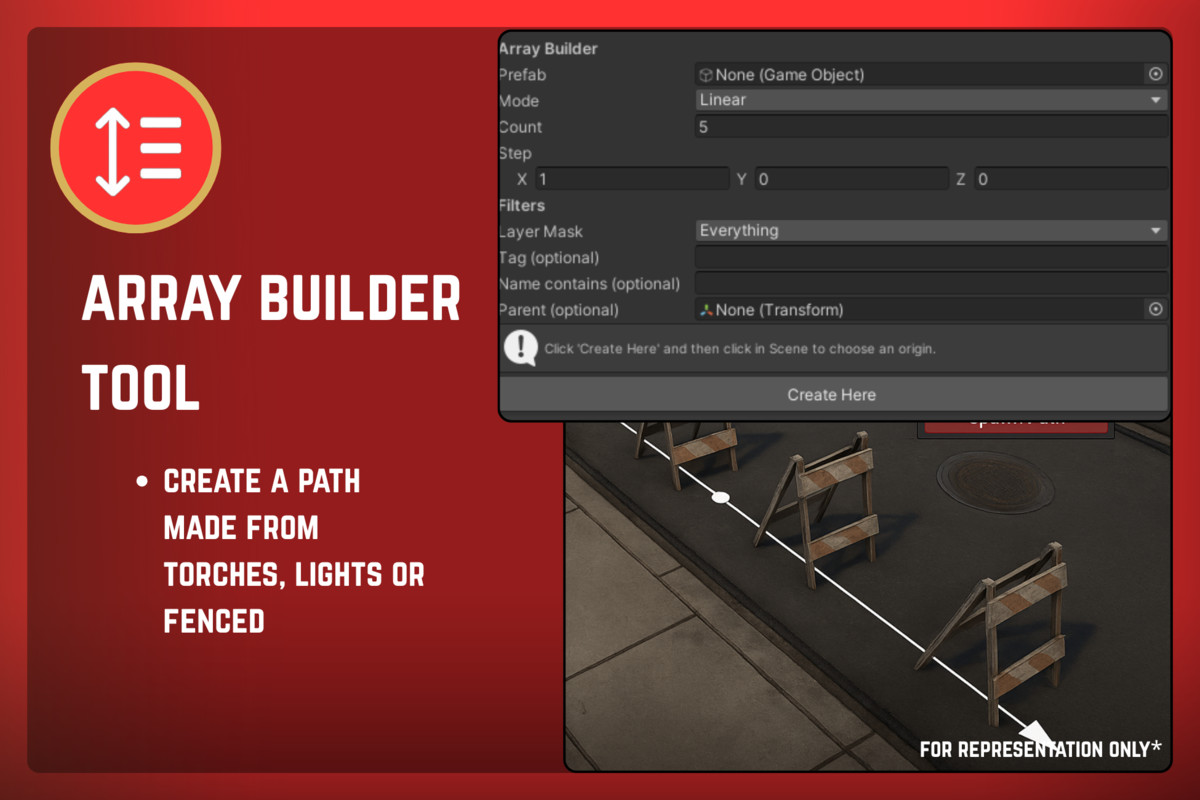
- Array Builder
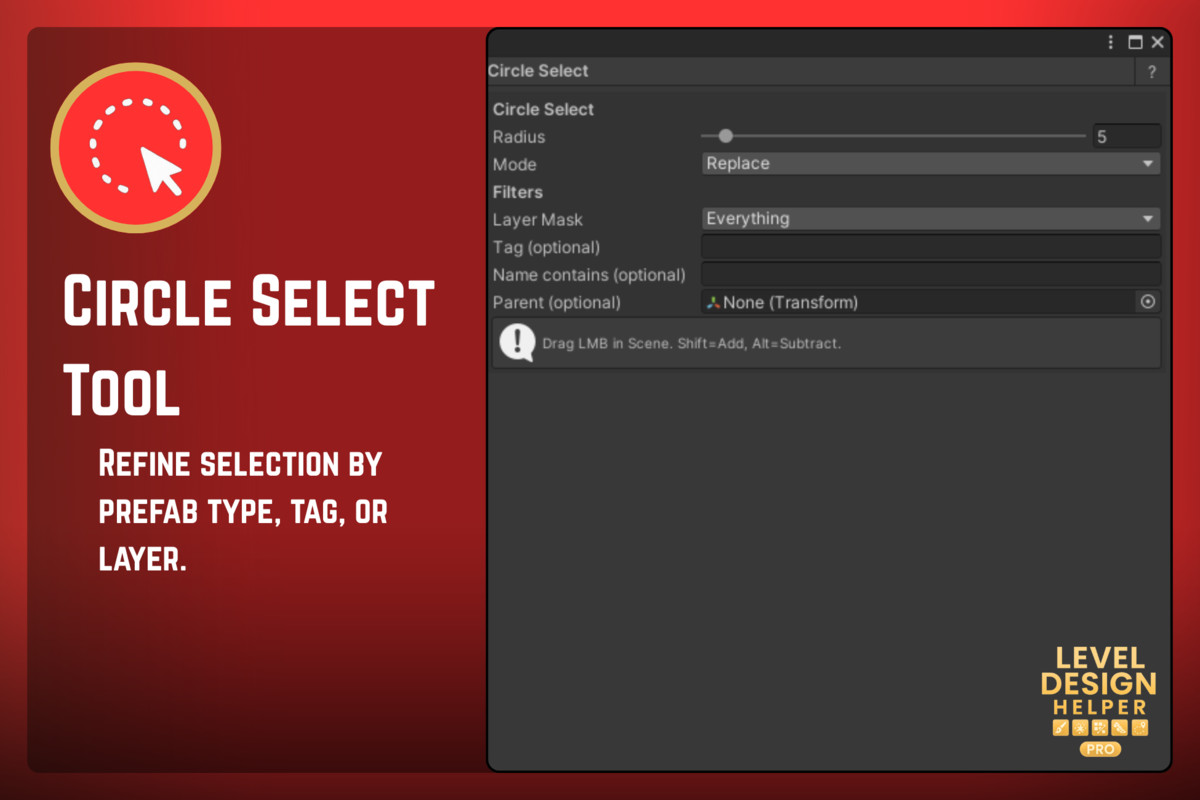
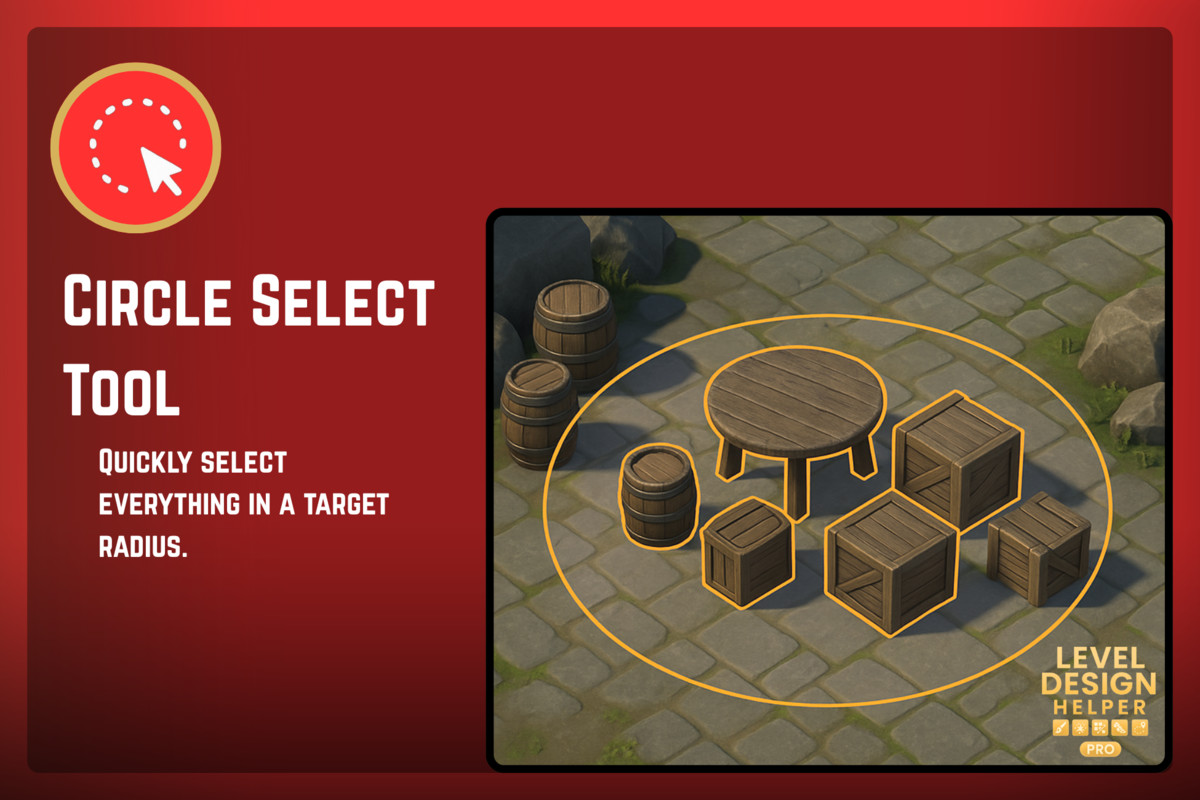
- Circle Select Tool
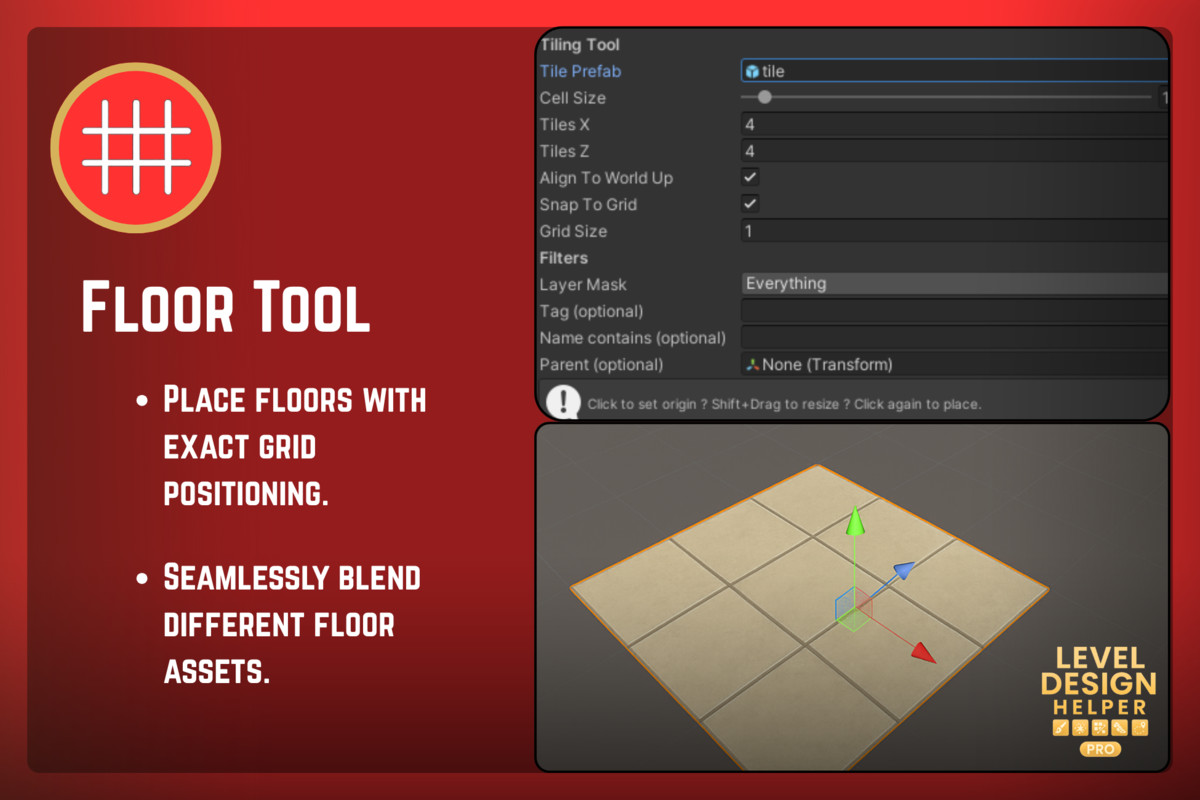
- Tiling Tool
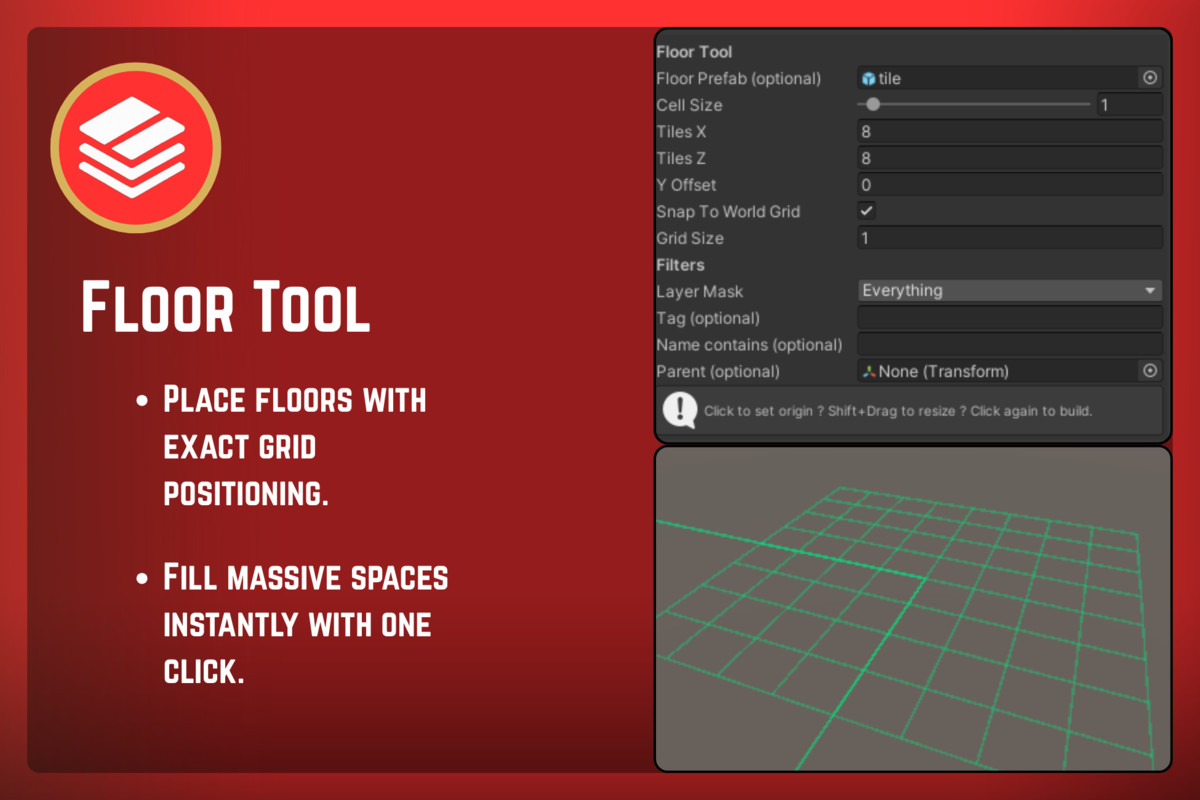
- Floor Builder
- Replacement Brush
- Eraser Brush
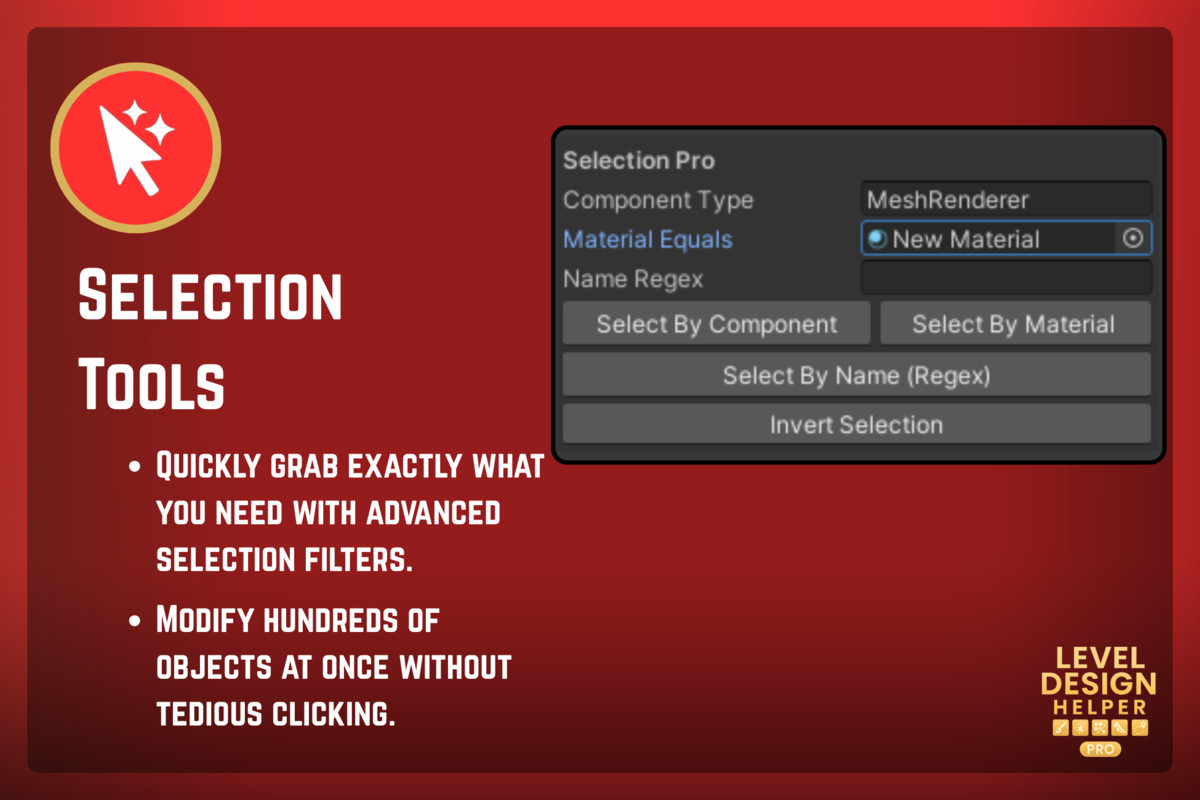
- Selection Pro
- Validation Tools
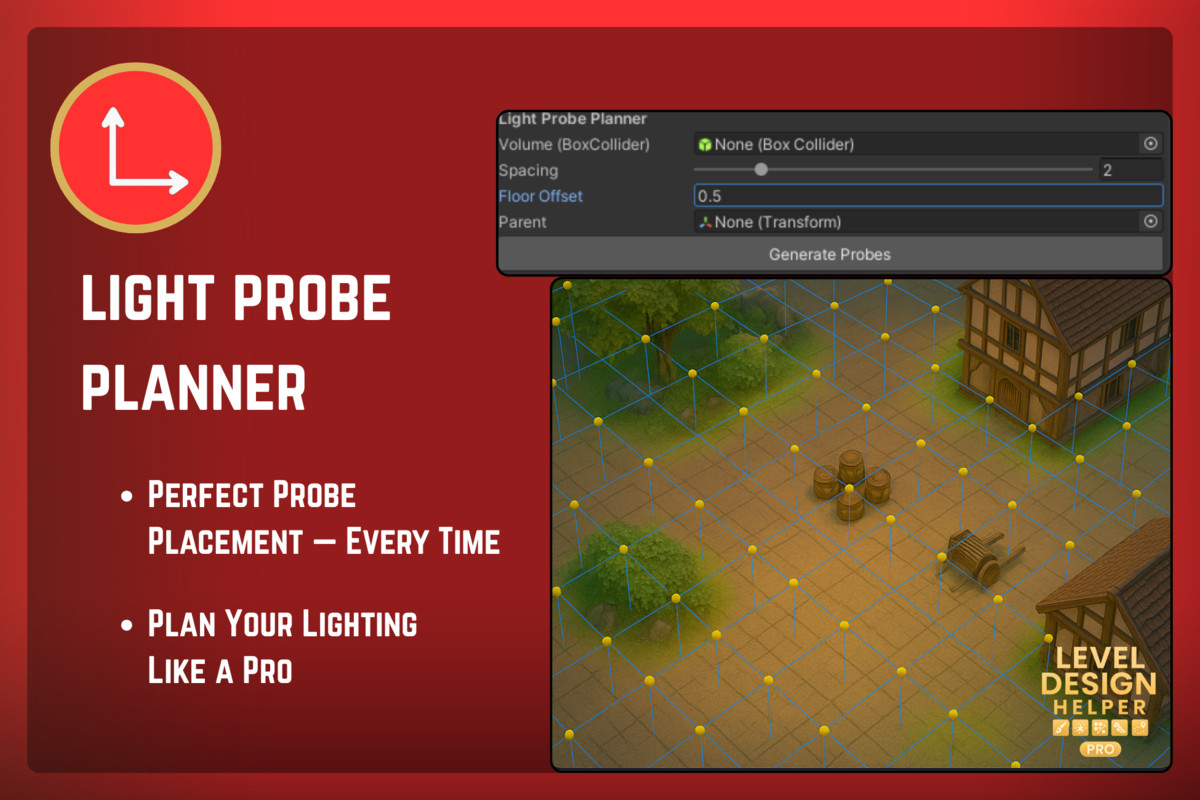
- Probe Planner
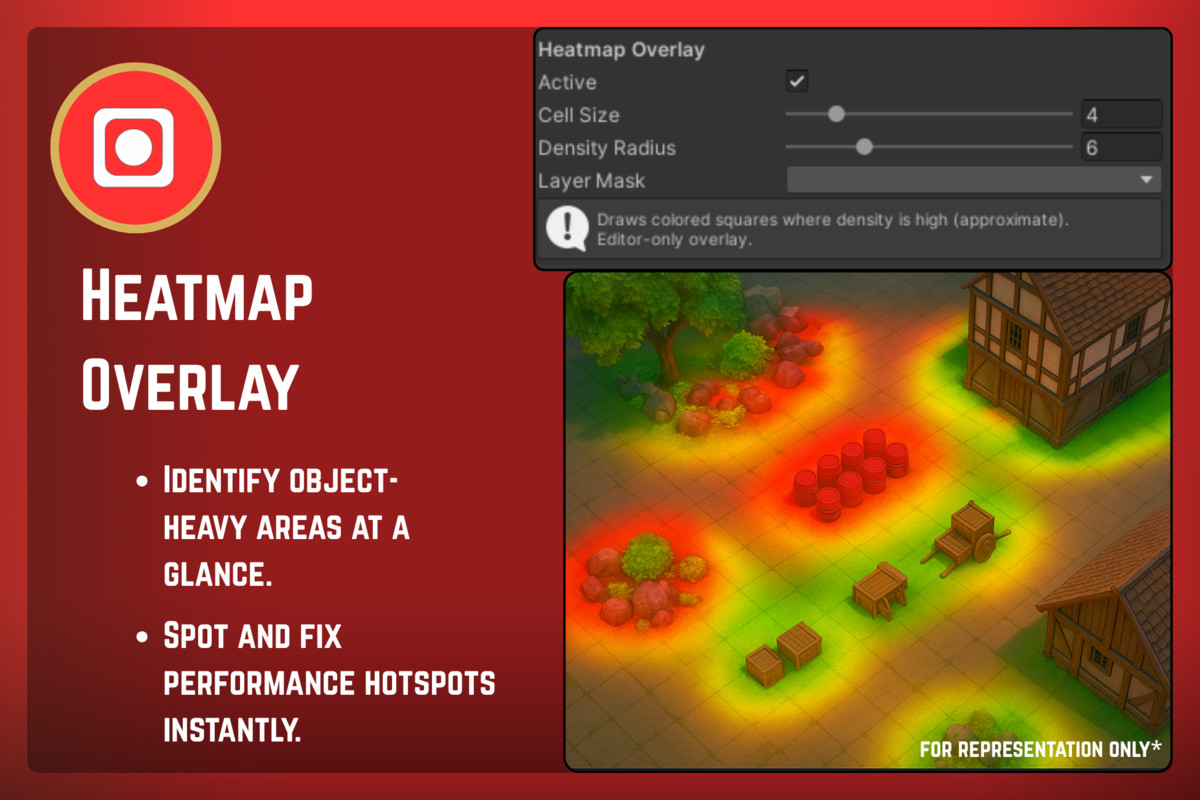
- Heatmap Overlay
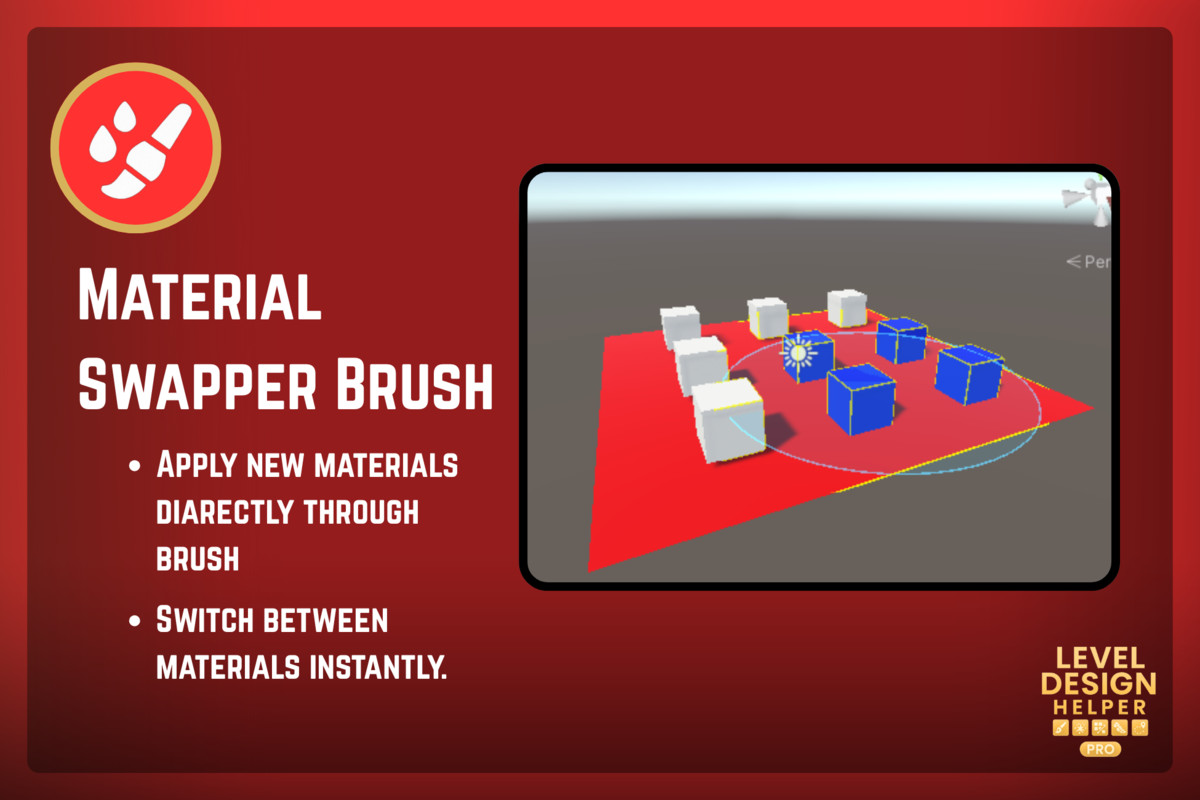
- Material Swapper Brush
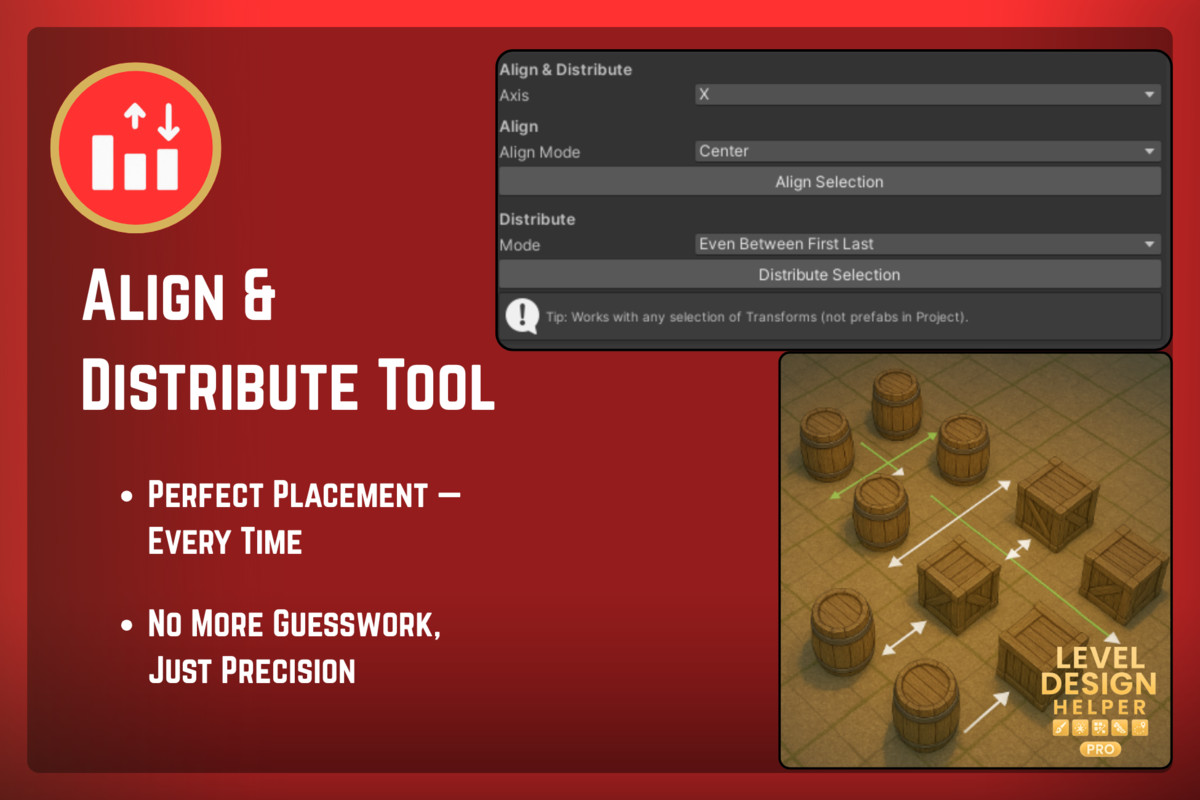
- Align & Distribute Tool
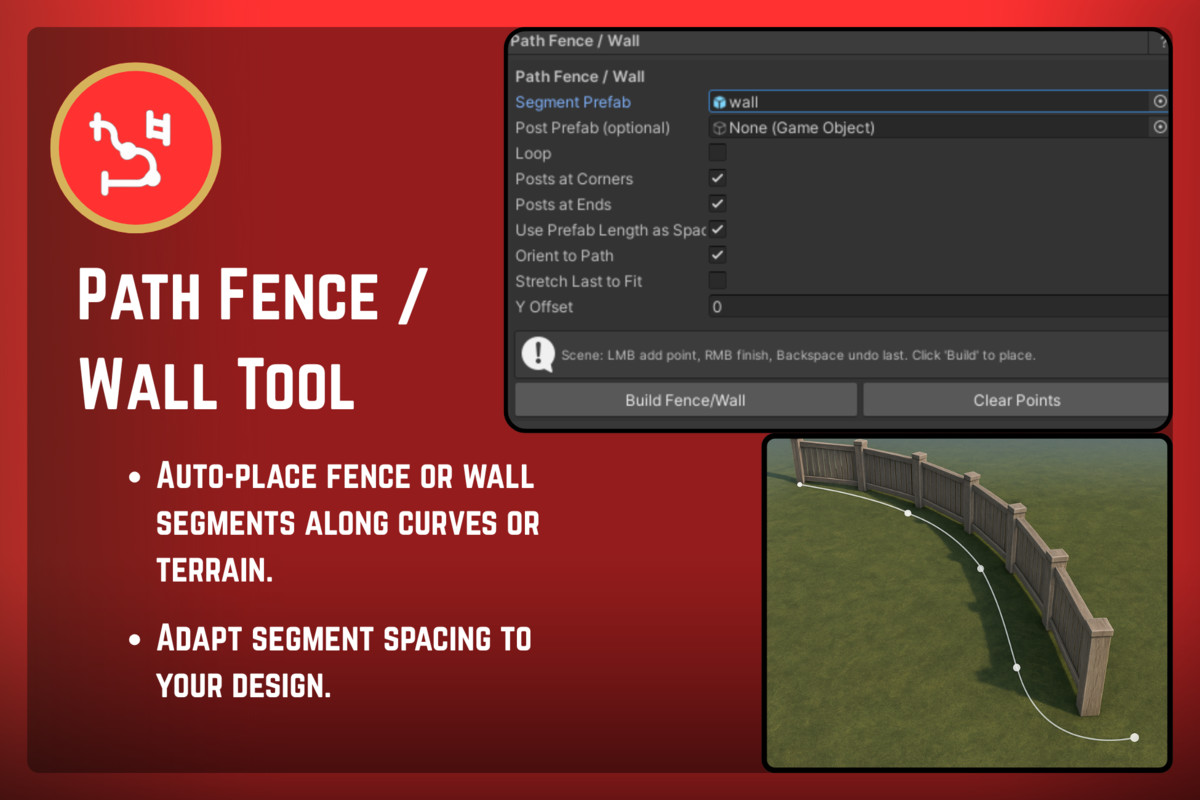
- Path Fence/Wall Tool
- Prefab Favorites Bar
- Cluster Generator
Core Features
- Dedicated Studio UI with collapsible categories, icon-tinted selection, and vertical navigation.
- Real-time handles in Scene View for interactive tools (painting, paths, clusters, floor systems).
- Tool Bus System for dynamic tool registration and modular extensibility.
- Full Undo/Redo support across all tools.
- High-performance grid & canvas rendering in the Composer graph editor.
- Searchable tool sidebar with category grouping and icon tinting.
- Automatic caching system for icons and tool metadata.
- Scene-safe operations using serialized data, editor-only APIs, and non-destructive workflows.
Supported OS & Requirements
- Unity Versions:Unity 2021.3 LTS or later
Full support for Unity 2022 / 2023 / 2024 / 6.x - Supported Operating Systems:
Windows
macOS (Intel + Apple Silicon)
Linux (Editor) - Supported Render Pipelines:Built-in RP
URP
HDRP
All tools operate editor-only and do not add runtime components unless you export data (e.g., Composer Graph, Streaming Planner).
📘 Documentation
Compatibility
| Unity version | Built-in | URP | HDRP |
|---|---|---|---|
| 6000.0.62f1 | Compatible | Compatible | Compatible |
As listed on the Asset Store.