
 View on Asset Store (opens in new tab)
Package details
- Latest version
- 1.0
- Last updated
- First released
- Unity version
- 2022.3.5 or later
- Package size
- 5.8 MB
- Files
- 16
- Views in the past week
- 5
Price tracking
- Last checked
- Tracked since
- Lowest recorded
- $4.99 on
Keywords
Screenshot Studio - The Screenshot Editor
- Price drop
Turn your screenshots into promotional material! Take photos in various aspect ratios and add text, filters, and logos to them!
Lowest recorded price
Get 67% off on Asset Store (opens in new tab)Affiliate link · Purchases support this site
Price history
Last 6 months
USDAsset preview
1 / 6
Screenshot Studio - The Screenshot Editor screenshot 1
About this asset
Screeshot Studio
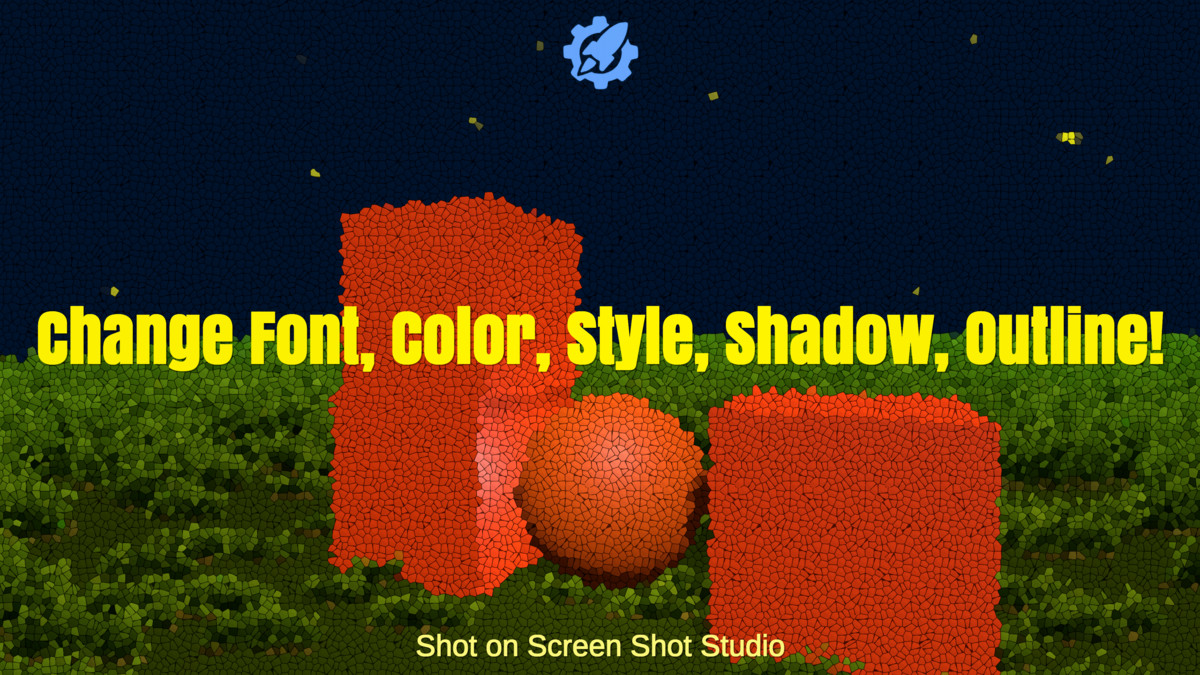
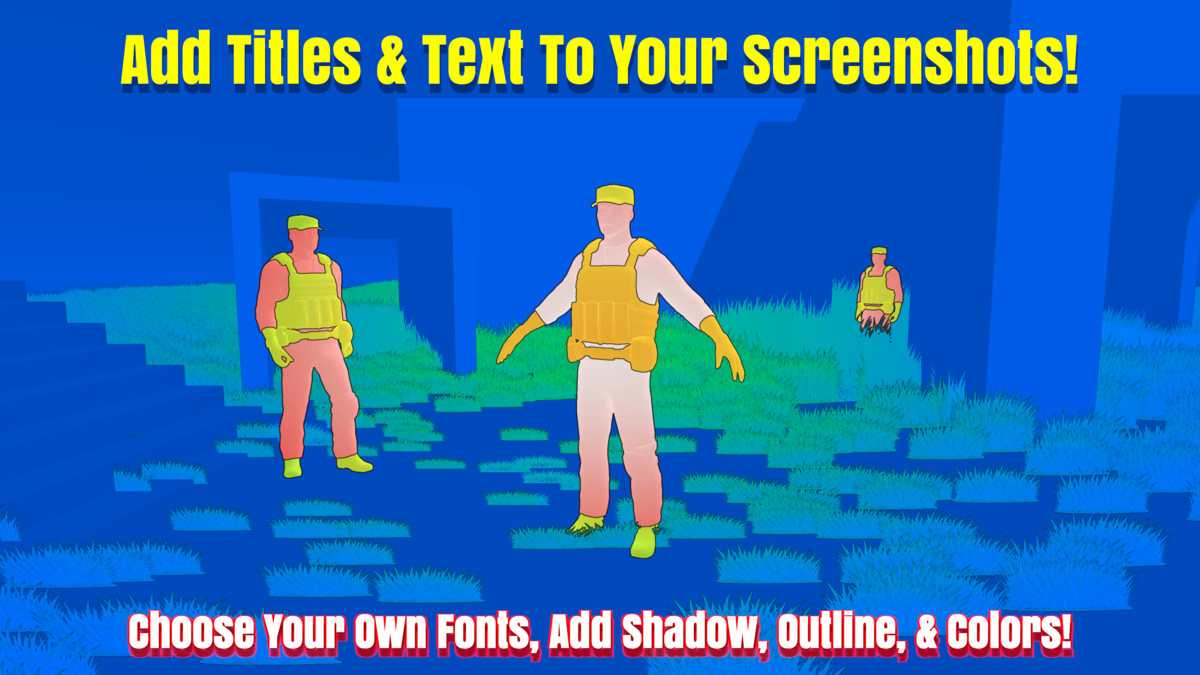
This is much more than just another screenshot tool. This editor allows you to add custom text to your screenshots to use as promotional content for your game! You can customize color, font, style, and more! (Fonts not inlcuded). *Currently does not come with its own fonts*
Edit Text
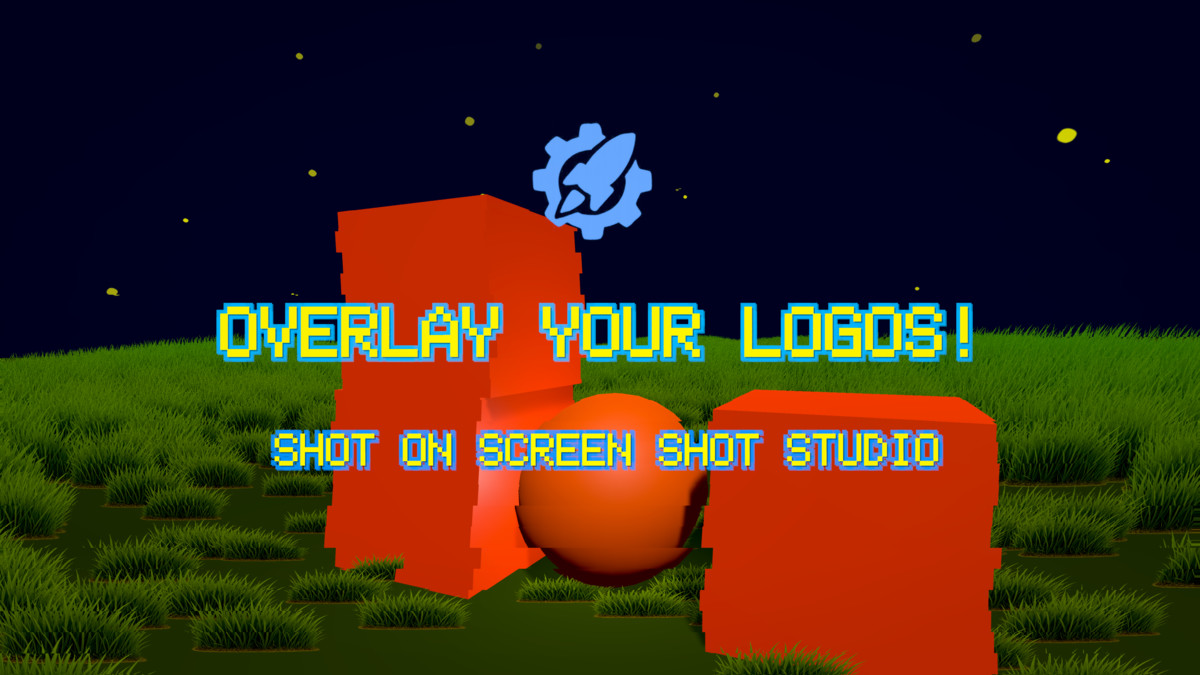
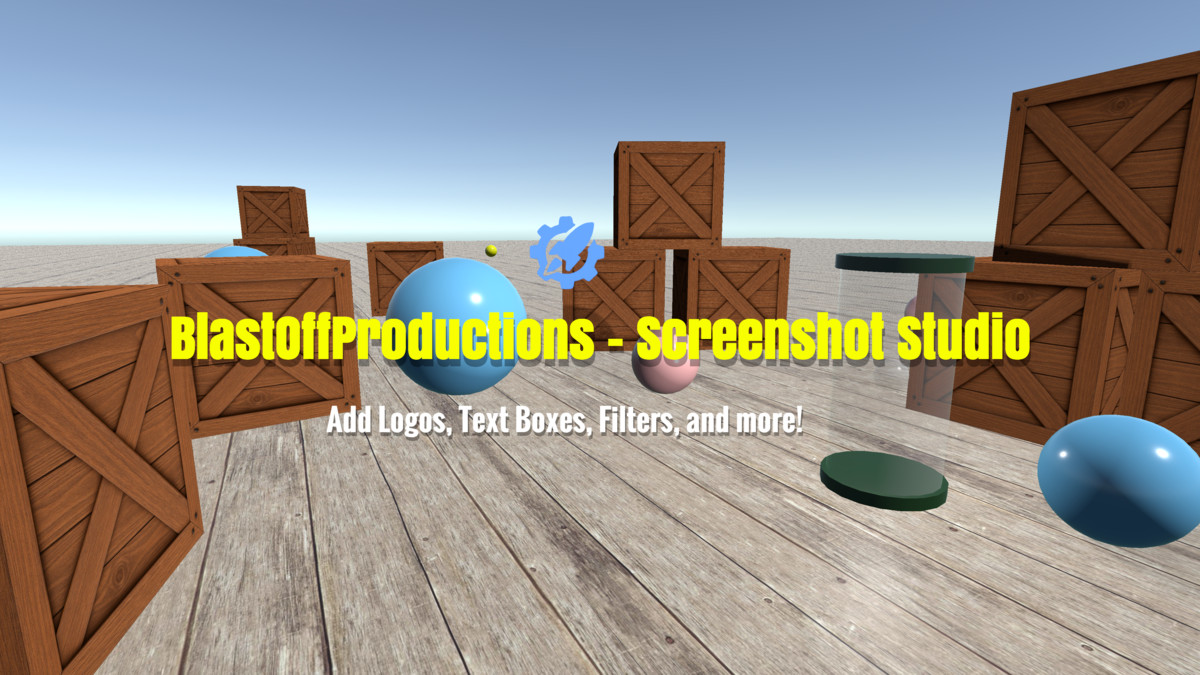
You can add multiple overlay logos, text boxes, change their color, font, style, add shadow, outline, and more!
Mid Game Screenshots
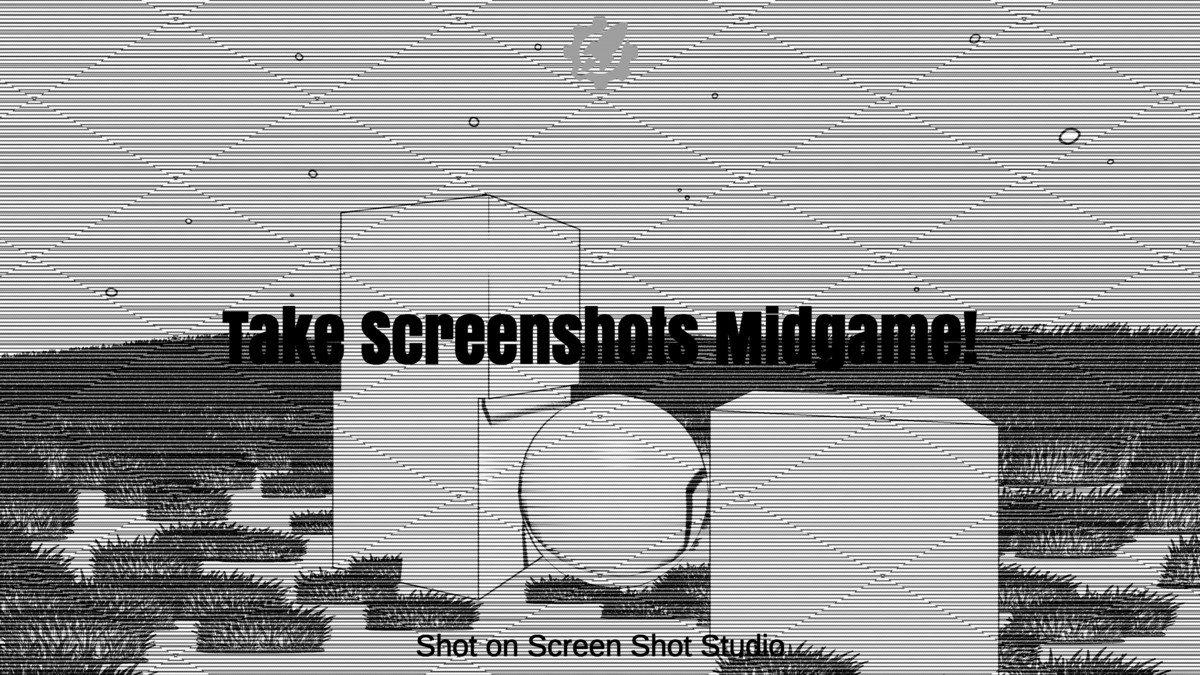
Take screenshots mid game with the screenshot GUI, which can be enabled and disabled as you like.
Filters
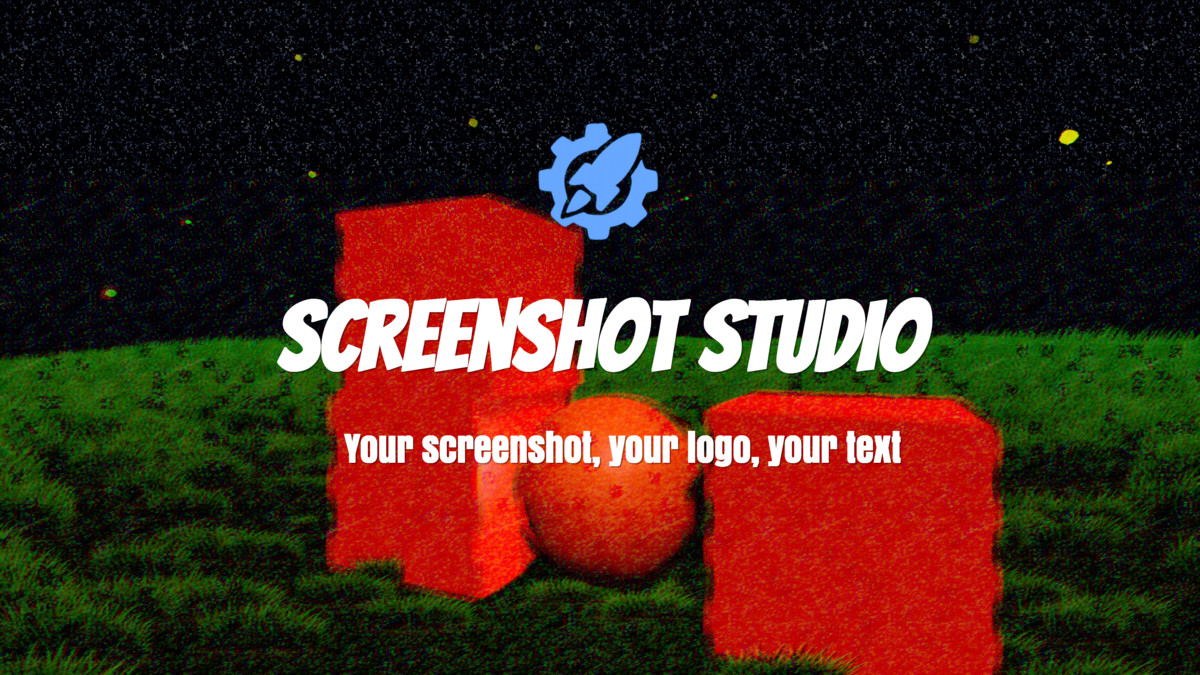
Add various filters like Sepia, Vignette, and adjust Temperature, B&W, Highlights, Saturation, Vibrancy, and Contrast!
Aspect Ratios
- 1920x1080
- 2560x1440
- 3840x2160
- 1280x720
- 1080x720
- 1080x1920 (Verticle)
- 720x1280 (Verticle)
- 1024x1024 (Square)
- 2048x2048 (Square)
- Custom
Camera Angles
Screenshot Studio lets you choose which camera you want to take a photo of, and from the scene view too.
From the publisher's Asset Store listing.
Technical details
Script made in C#
Captures Images in JPG & PNG (Transparency).
Does not come with its own fonts.
Screenshots taken in RGB Color Depth 8
Compatibility
| Unity version | Built-in | URP | HDRP | Custom |
|---|---|---|---|---|
| 2022.3.5f1 | Compatible | Compatible | Compatible | Compatible |
As listed on the Asset Store.