
 View on Asset Store (opens in new tab)
Package details
- Latest version
- 1.0.0
- Last updated
- First released
- Unity version
- 6000.2.6 or later
- Package size
- 31 KB
- Files
- 10
- Favorites
- 1
- Views in the past week
- 1
Price tracking
- Last checked
- Tracked since
- Lowest recorded
- $10.00 on
Keywords

DebugLogX
Tag-filtered logging with callsite info and a clean Unity editor window for faster debugging.
Affiliate link · Purchases support this site
Price history
Last 6 months
USDAsset preview
1 / 7

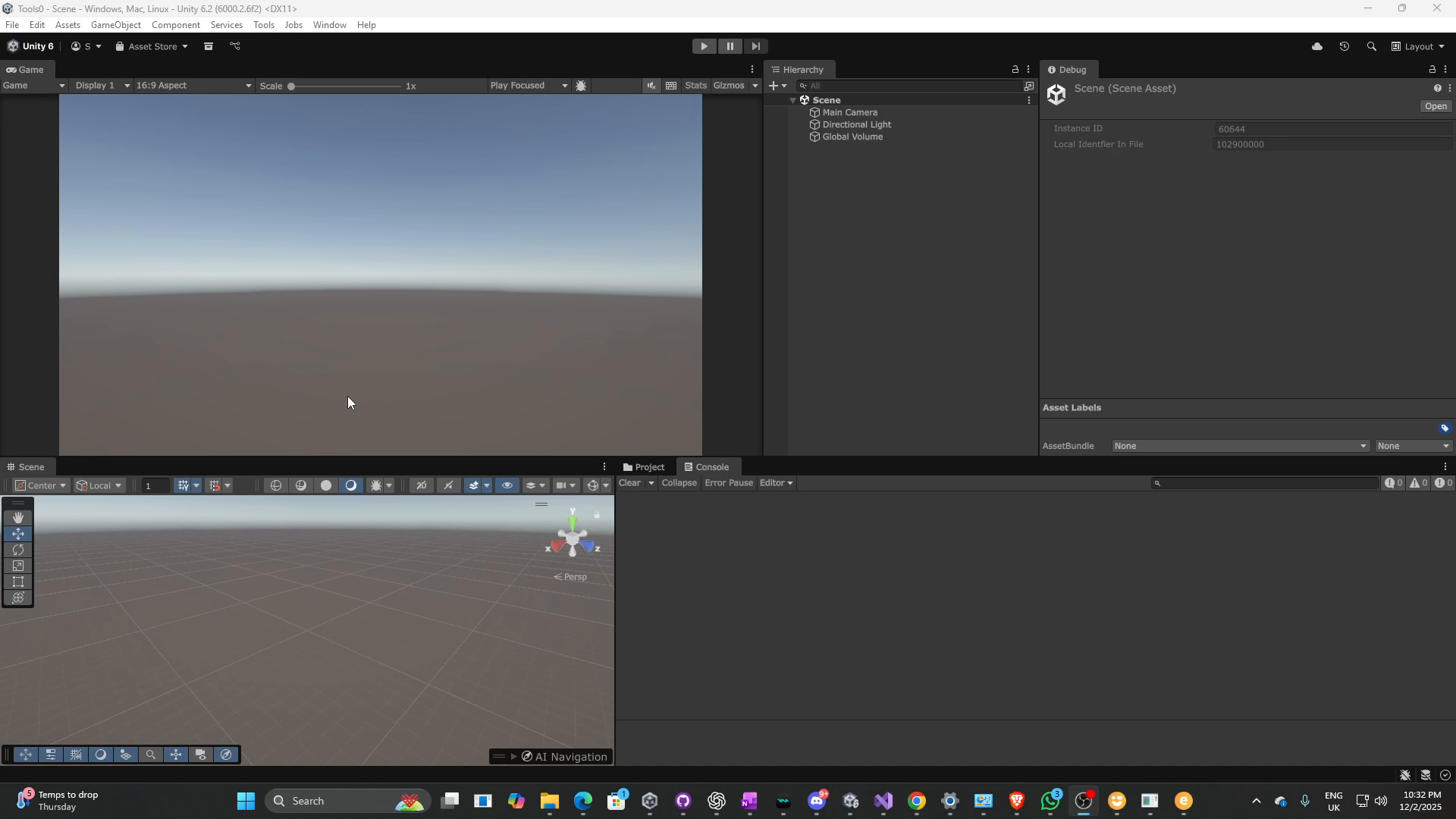
DebugLogX screenshot 1


About this asset
DebugLogX is a lightweight Unity tool that makes debugging smarter and faster.
Instead of drowning in console spam, you can tag your logs, filter them in a dedicated
editor window, and instantly see where they came from in your code.
Features include:
- Comma-separated tag filtering for full control over what shows in your console.
- Automatic callsite info: [File:Line - Method] on every log.
- Context-aware logs that pull names from GameObjects, Components, and ScriptableObjects.
- Simple extension methods so you can write this.Log("Spawned", "AI") from any MonoBehaviour.
- A dedicated Editor window (Window → Turbo Pig → Debug LogX) for toggling tags,
adjusting log levels, and managing visibility.
Whether you’re working solo or on a large team, DebugLogX helps keep your logs
organized and your debugging workflow efficient.
From the publisher's Asset Store listing.
Technical details
• Tested with Unity 2021.3 LTS and above
• Works in Editor and Development builds (logs are stripped in Release builds)
• Namespace: NotoriousPIG.DebugLogX
• Menu path: Window → Turbo Pig → Debug LogX (Filter)
• Keyboard shortcut: Ctrl/Cmd + Shift + D
• Extension methods for Component, GameObject, ScriptableObject
• Event hook: DebugLogX.OnLogEmitted
• No external dependencies
• Platform compatibility: All Unity-supported platforms
Compatibility
| Unity version | Built-in | URP | HDRP |
|---|---|---|---|
| 6000.2.6f2 | Not listed | Compatible | Not listed |
As listed on the Asset Store.