
 View on Asset Store (opens in new tab)
Package details
- Latest version
- 1.0
- Last updated
- First released
- Unity version
- 6000.2.1 or later
- Package size
- 130 KB
- Files
- 15
- Favorites
- 1
- Views in the past week
- 3
Price tracking
- Last checked
- Tracked since
- Lowest recorded
- $4.99 on
Keywords

Horizontal Scalable Scroll Snap
Horizontal UI snap carousel for ScrollRect. Distance-based scaling, swipe, event on select, ready prefabs, optional “Name” label animation.
Affiliate link · Purchases support this site
Price history
Last 6 months
USDAsset preview
1 / 3
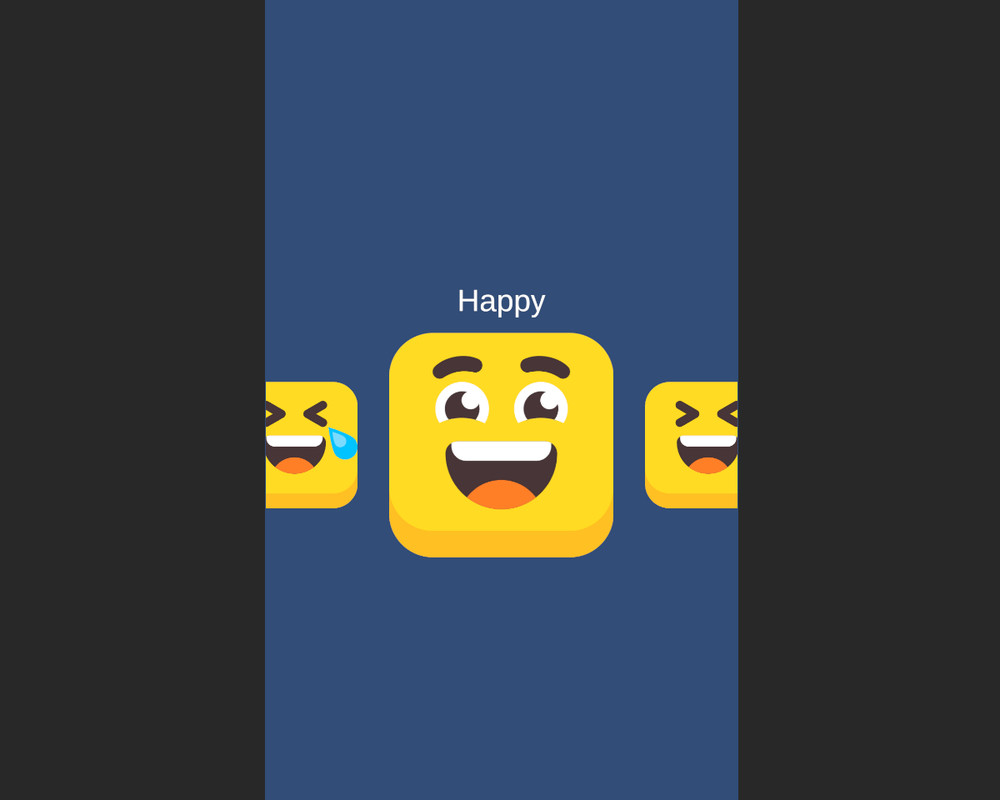
Horizontal Scalable Scroll Snap screenshot 1

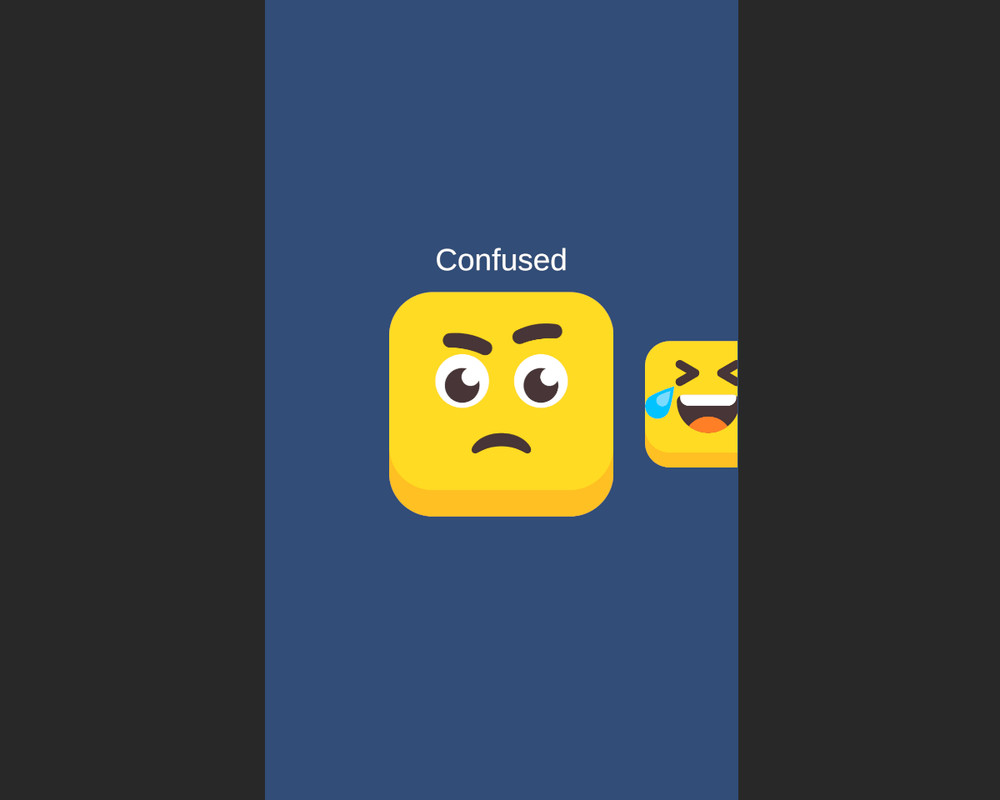
About this asset
HorizontalScalableScrollSnap is a drop-in, production-ready horizontal snap panel for Unity UI (UGUI).
It centers items, scales them by distance to the viewport center, supports swipe navigation, and exposes an event when selection changes. Comes with ready prefabs and an optional ScaleToggle label animation if your item contains a child named Name.
What’s included
- HorizontalScalableScrollSnap (component, requires ScrollRect)
- IHorizontalScalableScrollSnap (public API interface)
- ScaleToggle (bonus label scale animation)
- PanelInitializer (demo populator)
- Prefabs: HorizontalScrollPanel, PanelItem
- Demo scene + PDF manual
Quick setup
- Use the HorizontalScrollPanel prefab (ScrollRect + Viewport + Content).
- Ensure Content has HorizontalLayoutGroup.
- Add HorizontalScalableScrollSnap to the object with ScrollRect.
- Assign Content and Panel Item Prefab (use the provided PanelItem).
- Add items at runtime via AddItem(prefab) or the PanelInitializer.
- (Optional) In your item prefab, add a child Name with ScaleToggle to auto-show only on the selected item.
Why this asset
- Zero startup flicker: first frame is already centered, scaled, and clean.
- No deps (DOTween, etc.). Works with URP/HDRP/Built-in.
- Mobile-friendly: lightweight, no per-frame allocations after build.
From the publisher's Asset Store listing.
Technical details
Requirements
- Unity 2020.3+ (UGUI). Works with Built-in/URP/HDRP.
- ScrollRect + HorizontalLayoutGroup on Content.
Inspector parameters — HorizontalScalableScrollSnap
- Content — ScrollView content (must have HorizontalLayoutGroup).
- Panel Item Prefab — wrapper that contains a child named container (case-sensitive). Your item prefab is spawned under it.
- Snap Speed — Lerp speed to the target position while snapping (typ. 12–30).
- Swipe Threshold (px) — minimum horizontal drag to change item (raise on high-DPI to avoid accidental switches).
- Enable Scaling — turns on distance-based scaling.
- Min Scale — scale for farthest items (e.g., 0.6–0.9).
- Falloff — distance factor relative to viewport width. 1.0 ≈ one viewport; lower = faster shrink near edges.
- On Select (UnityEvent, no args) — fired when selection changes. Read the index via CurrentIndex.
Content (HorizontalLayoutGroup)
- Spacing — horizontal gap between items. Can be negative to get a tighter/overlapping carousel look.
- Padding — left/right auto-set to viewport width on Start for edge centering (you can tweak later).
- Child Alignment — Middle Center recommended.
API (core)
- void AddItem(GameObject prefab) — instantiates under PanelItem/container, sizes wrapper to the item.
- void ScrollToIndex(int index, bool instant = false) — programmatic navigation (use instant:true for no animation).
- int CurrentIndex { get; } — selected index.
- UnityEvent onSelect — selection changed (no args).
ScaleToggle (bonus)
- If an item contains Name with ScaleToggle, the label hides during drag/snap and appears for the selected item.
- Fields: Animation Duration, Target Scale, Hidden Scale, Animation Curve.
- Methods: Appear(), Disappear(), SetVisible(), IsShown.
Prefabs
- HorizontalScrollPanel — ready panel (use it, just size it for your UI).
- PanelItem — required wrapper with container; adjust RectTransform to your desired item size.
Performance
- Caches references and positions; no GC allocs per frame after initialization.
- Works well on mobile and desktop.
Event System
Ensure that your scene contains an EventSystem object in the hierarchy.
Without it, touch and click inputs will not work properly!
License / Rights
- © 2025. All rights reserved. Licensed for use in your projects.
Redistribution, repackaging, or resale of the source as a competing asset is not permitted.
Shipping in compiled builds is allowed.
Compatibility
| Unity version | Built-in | URP | HDRP |
|---|---|---|---|
| 6000.2.1f1 | Compatible | Not listed | Not listed |
As listed on the Asset Store.